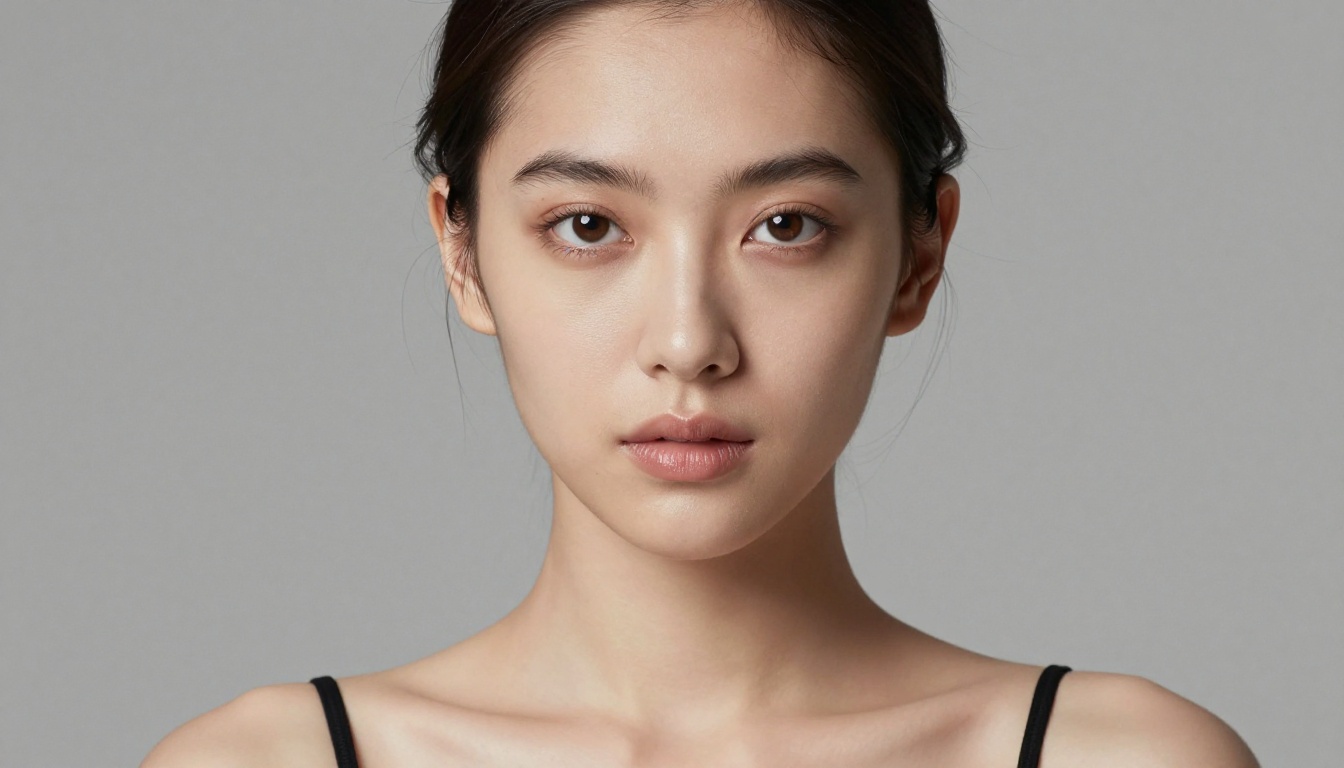
If you type something into an AI image generator, where does that input actually go? The answer varies wildly depending on the platform, and for anyone creating adult or NSFW content, the difference between a no-log generator and one that stores every prompt you type is significant. This article breaks down how prompt logging works, which models handle NSFW content well, and where you can generate adult AI art with the most creative freedom and the least data exposure.
The Privacy Problem Nobody Talks About
What logging actually means for AI platforms
When you submit a prompt to an AI image generator, the platform receives your text input before it ever reaches a model. That means the platform, not just the model, decides what happens to your words. Logging refers to storing a record of that input, often alongside your account ID, timestamp, IP address, and the resulting image.
Some platforms log prompts for safety moderation. Others do it for model training. A few are transparent about it. Most are not. The ones that say nothing about retention are often storing everything by default.
💡 The key question isn't whether a platform claims to be private. It's what their actual data retention policy says and whether their infrastructure stores inputs server-side at all.
Why stored prompts are a real risk
For most text-to-image requests, stored prompts are harmless. But for adult content, the risk profile changes. A retained prompt that describes explicit or suggestive content is:
- Potentially viewable by platform staff during content moderation
- Subject to data breach exposure if the platform is compromised
- Linkable to your account if you use a registered email or payment method
This doesn't mean the sky is falling. It means the choice of platform matters more when your prompts are private by nature.

The default is almost always: save everything
The AI image generation industry does not have a universal standard for prompt privacy. Large commercial platforms like DALL-E and Midjourney openly state they retain generations and prompts for safety and improvement purposes. These are not bad actors; they are operating within expected commercial norms.
The friction arises when users assume that because they created something through a web interface, the data stays with them. In most cases, it doesn't.
| Platform Type | Typical Logging Behavior |
|---|
| Large commercial platforms | Prompts and outputs retained for safety and training |
| Open-source self-hosted | No external logging by default |
| Third-party inference platforms | Varies; often tied to API provider terms |
| Specialized adult AI platforms | Varies widely; check the ToS carefully |
What to look for in privacy-first tools
If prompt privacy matters to you, these are the markers worth checking:
- Clear data retention policy: Does the platform specify how long prompts are stored? Is there an opt-out for training data use?
- Guest or anonymous generation: Can you generate without creating an account?
- Transparent infrastructure claims: Some platforms explicitly advertise no prompt storage. Verify independently where possible.
- Open-source model backbone: If the underlying model is open-source and the platform is well-known, there is more community scrutiny on data handling.
For NSFW-specific use cases, the most practical approach isn't finding a platform with a perfect no-log guarantee. It's using a platform with a strong track record for adult content, transparent terms, and models that don't censor your input before it reaches the generation pipeline.

Why Seedream 4.5 Wins for NSFW Art
Why Seedream 4.5 leads for adult content
Seedream 4.5 is the top pick for NSFW AI generation on PicassoIA. It handles suggestive and adult content without the aggressive content filters that block most commercial models, and its photorealistic output quality sits in a different category from older NSFW-focused models.
What makes it stand out:
- No hard-coded content blocks for suggestive or adult prompts
- Photorealistic skin rendering that rivals professional portrait photography
- Strong prompt adherence so what you describe is what you get, not a sanitized approximation
- Fast generation compared to heavier models in the same quality tier
One critical distinction: do not use Seedream 5 Lite for NSFW content. Seedream 5 Lite reintroduces content filtering that blocks adult prompts. Seedream 5 Pro is capable for NSFW work at high resolution, but for most workflows and rapid iteration, Seedream 4.5 remains the right starting point.
What it produces vs. censored models
The difference between a model that filters NSFW inputs and one that doesn't is not subtle. Censored models will either:
- Silently modify your prompt to remove adult elements
- Return a generic error or safe-mode output
- Generate the image but substitute non-adult content without any notice to you
Seedream 4.5 honors the prompt. The output reflects the intention, which is what creative freedom actually means in practice.

PicassoIA Image Editor Pro: Unlimited and Discreet
What sets it apart from everything else
PicassoIA Image Editor Pro is the platform's flagship image generation tool, and for NSFW workflows it has one capability that changes everything: unlimited generations.
Most AI image platforms cap how many images you can generate per day or per month. For adult content work, this creates a practical ceiling on how much you can iterate, experiment, or refine. Image Editor Pro removes that ceiling. You can run dozens of variations on a concept, refine your prompt across 50 attempts, and build toward a specific output without watching a generation counter tick down.
This makes it particularly valuable for:
- Character consistency work: running many iterations to find the exact look you want
- Prompt refinement: testing small prompt changes to see their effect without conserving credits
- Batch art creation: producing a set of related images for a project in a single session
💡 Image Editor Pro is the tool to reach for when you know you will be generating a lot. The unlimited model means your creative pace isn't throttled by platform economics.
Perfect for iterating NSFW concepts
Adult content creation often requires more iteration than safe-for-work prompts. Subtle changes in pose description, lighting language, or fabric detail can dramatically shift the result. With unlimited generations, that iteration is just part of the process rather than a cost calculation you have to make every time you click generate.

More NSFW Models Worth Using
Flux Dev and Flux Pro
Flux Dev and Flux Pro from Black Forest Labs are among the most capable general-purpose image models available. Both handle adult content reasonably well depending on prompt construction, though they are less permissive than Seedream 4.5 by default.
Where Flux models stand out:
- Composition and structure: complex scenes with multiple elements render with precision
- Stylistic variety: they take style cues from prompts exceptionally well
- High-fidelity detail: close-up skin texture, fabric, and lighting render very accurately
For NSFW work, Flux Dev is slightly more permissive than Flux Pro, and both benefit from carefully worded, descriptive prompts rather than blunt content requests.
Flux Schnell is worth noting for rapid drafts. It generates much faster at the cost of some quality, making it useful for rough composition testing before committing to a full Flux Pro or Seedream 4.5 run.
Stable Diffusion 3.5 Large
Stable Diffusion 3.5 Large from Stability AI brings the full weight of the open-source image generation tradition. Because the base model is publicly available and extensively fine-tuned by the community, it has a broader base of NSFW-capable configurations than newer proprietary models.
On PicassoIA, it performs well for:
- Artistic body work: figure studies, glamour, and fine art implied nudity
- Portrait realism: detailed facial and skin rendering
- Lighting specificity: responds well to precise lighting instructions embedded in prompts
Its output can occasionally trend slightly toward the rendered end of the realism spectrum compared to Seedream 4.5, depending on prompting style.
Dreamshaper XL Turbo and HiDream L1
Dreamshaper XL Turbo has a long history in the NSFW AI community. It was one of the first community fine-tunes to gain wide adoption specifically for adult content, and it still produces strong results for glamour, lingerie, and artistic work with proper prompting.
HiDream L1 Fast is a newer entrant worth noting for its speed-to-quality ratio. For users who want something between Flux Schnell (fast, lower quality) and Seedream 4.5 (slower, highest quality), HiDream L1 Fast sits in a useful middle position with solid NSFW permissiveness.

This is the distinction that most discussions of no-log NSFW AI get wrong.
The model processes your prompt
When you use any AI image model, your prompt passes through the model's inference process. Open-source models like Stable Diffusion run inference locally if you self-host them. When accessed through a platform, inference happens on the platform's servers.
The model itself doesn't store anything. It processes input and returns output. Privacy at the model layer is largely a non-issue because models don't have databases, retention policies, or logging infrastructure.
The platform controls the logs
The platform, not the model, is the privacy variable. When you use PicassoIA to access Seedream 4.5, Flux Dev, or Image Editor Pro, PicassoIA's infrastructure handles:
- Receiving your prompt
- Routing it to the model
- Receiving the output
- Logging what happened (or not logging it)
This is why the platform choice matters more than the model choice for privacy purposes. A censored model on a private platform is still censored. A good NSFW model on a platform that logs everything is still logging everything.
💡 Think of it this way: the model is the artist, the platform is the studio. The artist doesn't keep records. The studio does.
The practical takeaway: for NSFW AI generation with the least data exposure, choose a platform with transparent terms and a track record of treating adult content creation as legitimate use, not a compliance risk to be managed.

How to Use Seedream 4.5 on PicassoIA
Step-by-step setup
Getting started with Seedream 4.5 on PicassoIA takes less than two minutes:
- Go to the model page: Navigate to Seedream 4.5 in the PicassoIA text-to-image collection.
- Write a descriptive prompt: Be specific about subject, setting, lighting, and style. Vague prompts produce generic results.
- Set aspect ratio: 16:9 works well for full-scene compositions; 9:16 for portrait-oriented shots; 1:1 for close-up portraits.
- Run the generation: Results typically appear within 15 to 30 seconds.
- Iterate without hesitation: If the first result isn't right, adjust one element of the prompt and regenerate. Small changes to lighting or pose descriptors can shift the output significantly.
Prompt tips that get results
For NSFW and adult content, Seedream 4.5 responds exceptionally well to:
- Camera and lens specifics: "85mm f/1.4 shallow depth of field" signals photorealism to the model
- Lighting descriptors: "volumetric morning light," "Rembrandt lighting from upper-left," "soft north-facing window light"
- Film stock references: "Kodak Portra 400," "Fujifilm Velvia," "Ilford HP5" push output toward natural, analogue-feeling realism
- Texture language: describe fabric, skin, and surfaces specifically. "Silk with a subtle sheen" produces different results than "a silk dress"
- Negative style markers: always end prompts with "no CGI, no digital art, no illustration, no neon" to anchor the output in photorealism
A reliable prompt structure looks like this:
[Subject + clothing or pose] + [Setting + background detail] + [Lighting source and direction] + [Camera + lens type] + [Film stock or color profile] + [No CGI, no illustration, no digital art]
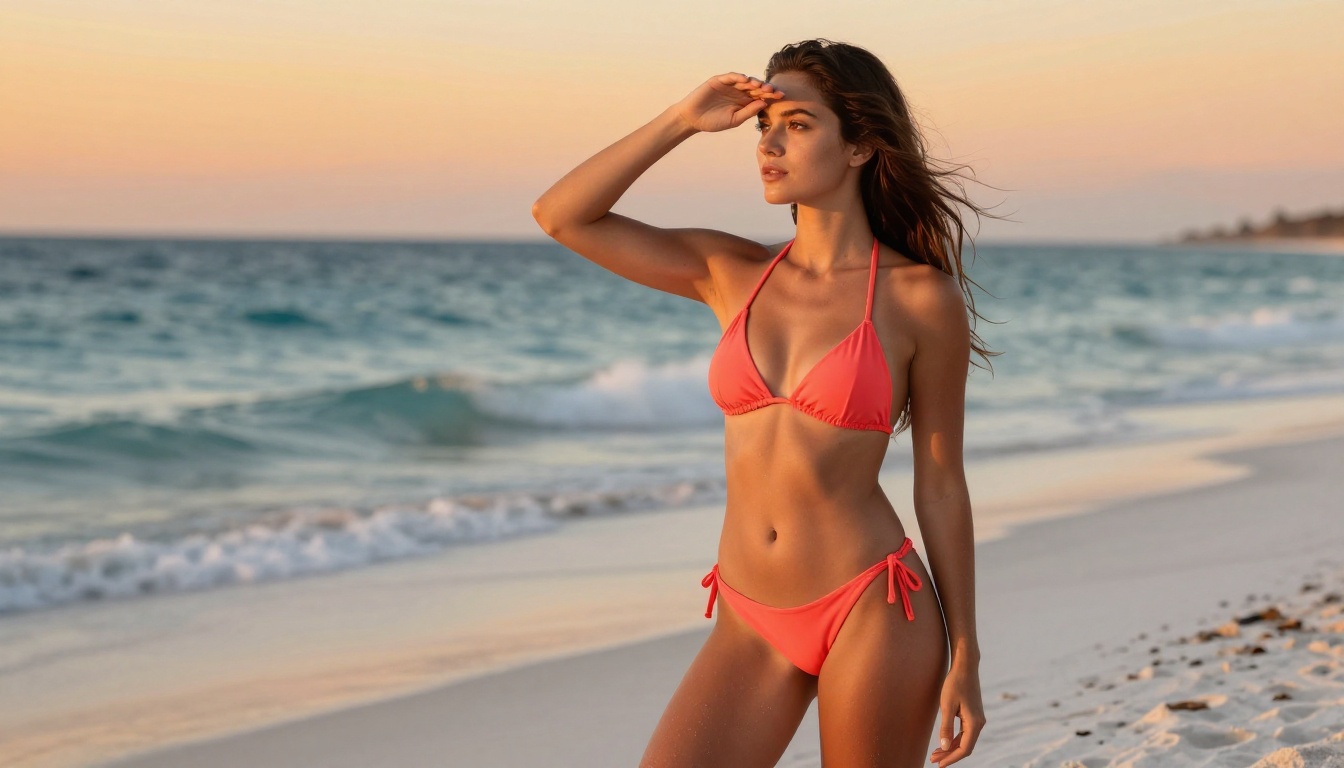

Create Yours on PicassoIA Now
Privacy in NSFW AI generation comes down to two decisions: which model you use and which platform handles your prompt. The best combination right now is Seedream 4.5 for quality and permissiveness, with PicassoIA Image Editor Pro for unlimited iteration without credit pressure.
When you want to go further, the full roster of capable models, including Flux Dev, Stable Diffusion 3.5 Large, Dreamshaper XL Turbo, and HiDream L1 Fast, is available at picassoia.com/en/all-models.
Pick your model, write a specific prompt, and see what Seedream 4.5 does with it. The output tends to speak for itself.