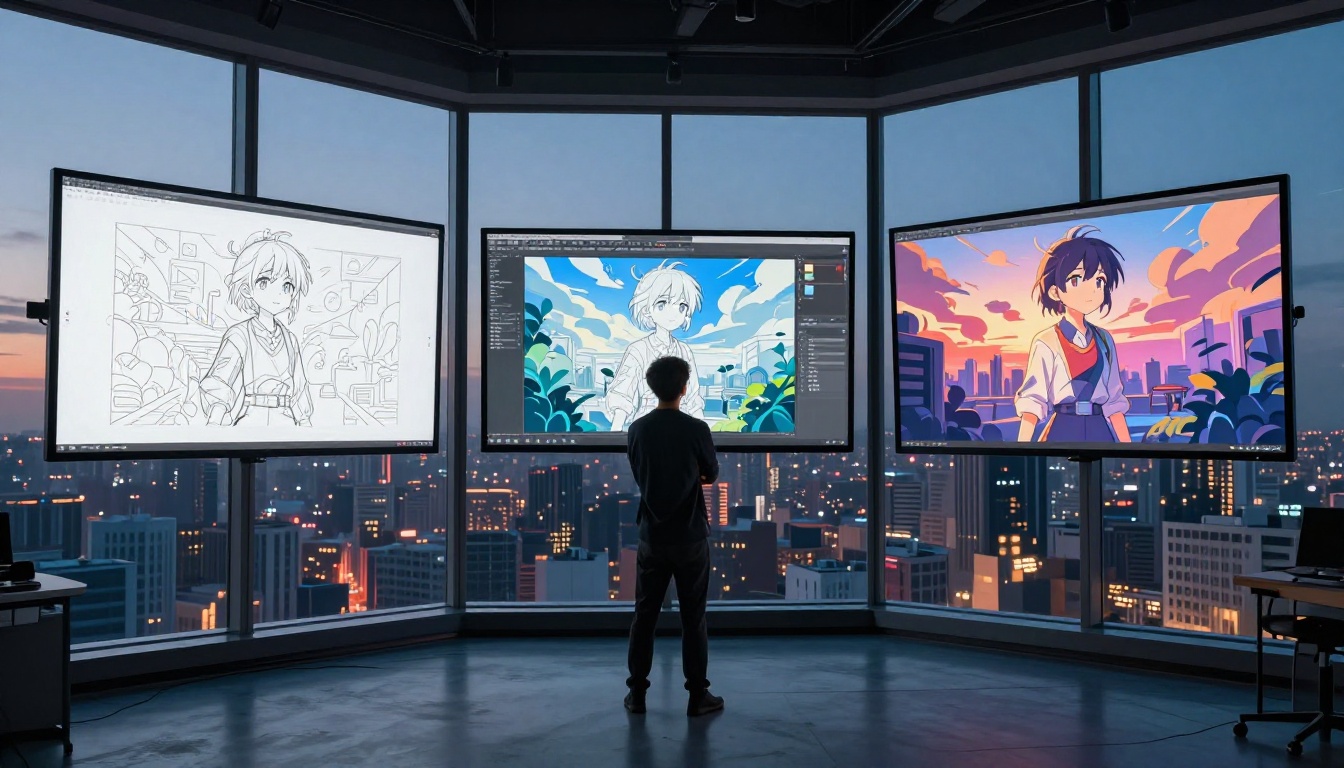
The first time most people see a 2.5D anime image, they stop scrolling. Something about it feels wrong in the right way: the character is obviously illustrated, drawn with that unmistakable anime line weight and color blocking, yet the space around them breathes. Light falls at an angle. The background has depth. Shadows have volume. It's not a photograph and it's not a cartoon. It lives in the uncomfortable middle ground between those two things, and that tension is precisely why it spreads.
What Actually Is 2.5D Anime Art?
The definition nobody agrees on
"2.5D" started as a gaming term describing side-scrolling games that used 3D geometry to simulate 2D movement. In visual art, it means something different: illustration that uses three-dimensional depth cues, volumetric lighting, and layered parallax composition while keeping the flat, stylized aesthetic of 2D anime character design.
The characters look drawn. The space they occupy looks real. That's the whole trick.
How it differs from flat 2D and full 3D
| Style | Character Rendering | Environment | Lighting |
|---|
| Flat 2D | Cel-shaded, no depth | Flat color planes | Ambient, uniform |
| 2.5D | Cel-shaded + rim light | Layered, volumetric | Directional, cinematic |
| Full 3D | Modeled, textured mesh | Real geometry | Ray-traced |
The practical difference matters when you're looking at AI outputs. A flat 2D piece asks you to accept its world entirely. A full 3D piece tries to convince you it's real and usually fails. A 2.5D piece plays both games at once: it commits to being illustrated, then cheats its way into feeling spatial. Your brain can't fully dismiss it as a cartoon, and can't fully accept it as real either. That cognitive friction is addictive.
Why It Spreads So Fast on AI Feeds
The psychology of depth illusion
Social media feeds are essentially attention auctions. Every image competes for a fraction of a second of recognition before a thumb decides to scroll past or slow down. The 2.5D anime style wins that auction consistently for one neurological reason: depth perception is hardwired and involuntary.
When your visual cortex processes parallax, shadow direction, and atmospheric perspective, it activates the same circuits involved in real spatial navigation. The brain briefly treats the image as an environment to orient within, not a flat pattern to categorize. That 200-millisecond interruption of normal scrolling rhythm is what creators describe as the "double-tap moment."
💡 Why it works: Anime character design creates instant emotional recognition (the large expressive eyes, the clean silhouette), while the 3D depth layer triggers spatial processing. You get emotional resonance and spatial engagement simultaneously, which is an unusually powerful combination.
Algorithm-friendly aesthetics
Beyond the human psychology, the 2.5D style has properties that AI-powered feed algorithms reward:
- High contrast edges: The clear anime linework creates hard-to-compress visual patterns that stop native image compression from softening the impact
- Warm, saturated palettes: These score well in image quality heuristics used by most platforms
- Recognizable subject: Face detection boosts discoverability in search and tagging
- Visual novelty: The style sits outside "standard photo" and "standard illustration" buckets, triggering novelty signals in recommendation systems
The result is that a 2.5D anime image doesn't just perform well because humans like it. It performs well because the platforms themselves are tuned to surface content with exactly these properties.

The Technology Behind the Style
How AI models generate 2.5D results
The 2.5D aesthetic isn't a single technique inside AI image generators. It emerges from the intersection of two things these models learn during training: the statistical patterns of anime character datasets, and the depth-cue conventions of photography and cinematography.
Modern diffusion models, particularly Flux and Stable Diffusion variants, are trained on enormous mixed datasets. Those datasets contain millions of anime artworks, manga panels, and digital illustrations, but they also contain photographic imagery with real depth, lighting, and spatial information. The 2.5D style lives in the learned overlap between those two domains.
When a prompt asks for "anime character, volumetric lighting, depth of field, cinematic," the model draws on patterns that satisfy all those requirements simultaneously: anime character proportions from the illustration training data, and lighting physics from the photographic training data.
Prompting for the 2.5D look
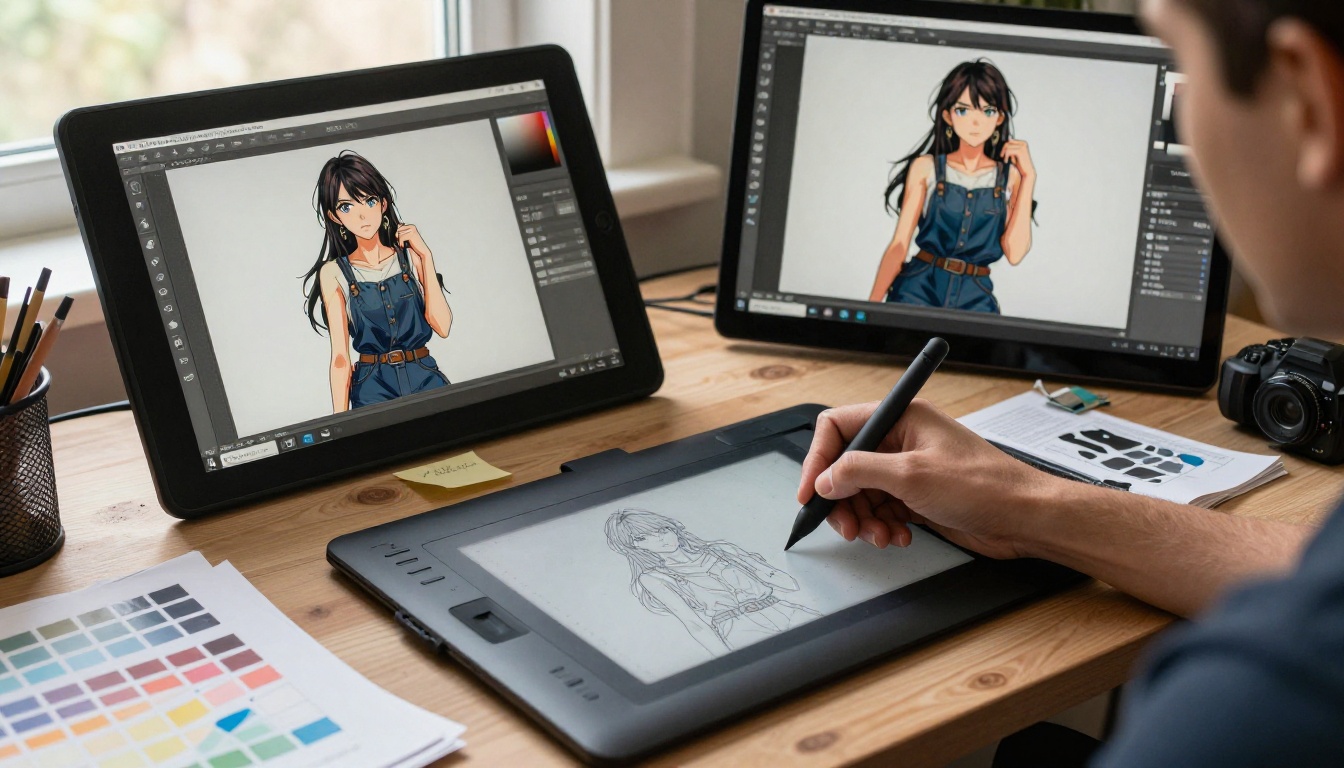
Most people who try to generate 2.5D anime art get either flat cel-shading or muddy 3D renders that don't feel anime enough. The gap between those failures and a genuinely strong result comes down to specific prompt architecture.
Core structural prompts that work:
2.5D anime style or semi-3D anime illustrationvolumetric lighting or cinematic lightingdepth of field, bokeh backgroundrim lighting, subsurface scatteringlayered background planes, atmospheric perspective
What kills the 2.5D look:
realistic or photorealistic alone (steers toward full photography)3D render or CGI (pulls toward CG model aesthetic)flat or cel shading without depth cues (collapses the dimensionality)
The working formula: lead with the character description, layer in specific lighting direction ("morning light from left," "golden hour backlight"), then close with depth cues ("shallow depth of field," "layered background planes"). This order mirrors how the model's training data is structured: photography-adjacent descriptions activate the depth-cue pattern recognition, and anime descriptors filter the output aesthetic.
Best AI Models for 2.5D Anime Visuals
Different models on PicassoIA handle the 2.5D anime style with different trade-offs. Here's where each one lands.
Flux 2 and its variants
The Flux 2 family from Black Forest Labs remains the reference point for detailed, prompt-faithful image generation. Flux 2 Max produces the highest fidelity output when you have detailed prompts, capturing fine linework detail and subtle lighting gradients that make 2.5D art convincing. Flux 2 Pro is the practical workhorse, balancing quality and speed for iterative generation sessions. Flux 2 Dev is best for experimental prompts where you're still discovering the exact description that gives you the depth layering you want. For rapid iteration, Flux Schnell generates in seconds at the cost of some fine detail.
💡 Tip: When using Flux for 2.5D anime, include extreme detail linework and anime shading alongside your lighting terms. Flux tends toward photorealism by default, so the anime descriptors need explicit weight in the prompt.
Seedream 4.5 for speed
Seedream 4.5 from ByteDance generates in under three seconds and handles the 2.5D anime aesthetic naturally without heavy prompt engineering. It's the best option when you're generating large volumes to find the right composition, or when you want to iterate quickly on character designs before committing to a high-quality run. The model responds particularly well to lighting-first prompts.
Stable Diffusion 3.5 for control
Stable Diffusion 3.5 Large Turbo and Stable Diffusion 3.5 Medium give you the most control over stylistic parameters. These models respond well to negative prompting and style keyword combinations that the Flux family sometimes overrides. For creators who want precise control over exactly how much depth versus flatness appears in the result, SD 3.5 is worth the longer generation time.
Other strong options
Sana by NVIDIA is specifically optimized for high-resolution artistic generation and handles complex lighting scenarios in 2.5D compositions with impressive accuracy. RealVisXL v3.0 Turbo and Proteus v0.2 are strong options when you want the depth cues of 2.5D with characters that lean slightly more toward realistic anatomy. Qwen Image 2512 excels at reproducing specific visual references and is useful when you have a source image and want to reinterpret it in the 2.5D anime style.
How to Create 2.5D Anime Art on PicassoIA
Step-by-step on the platform
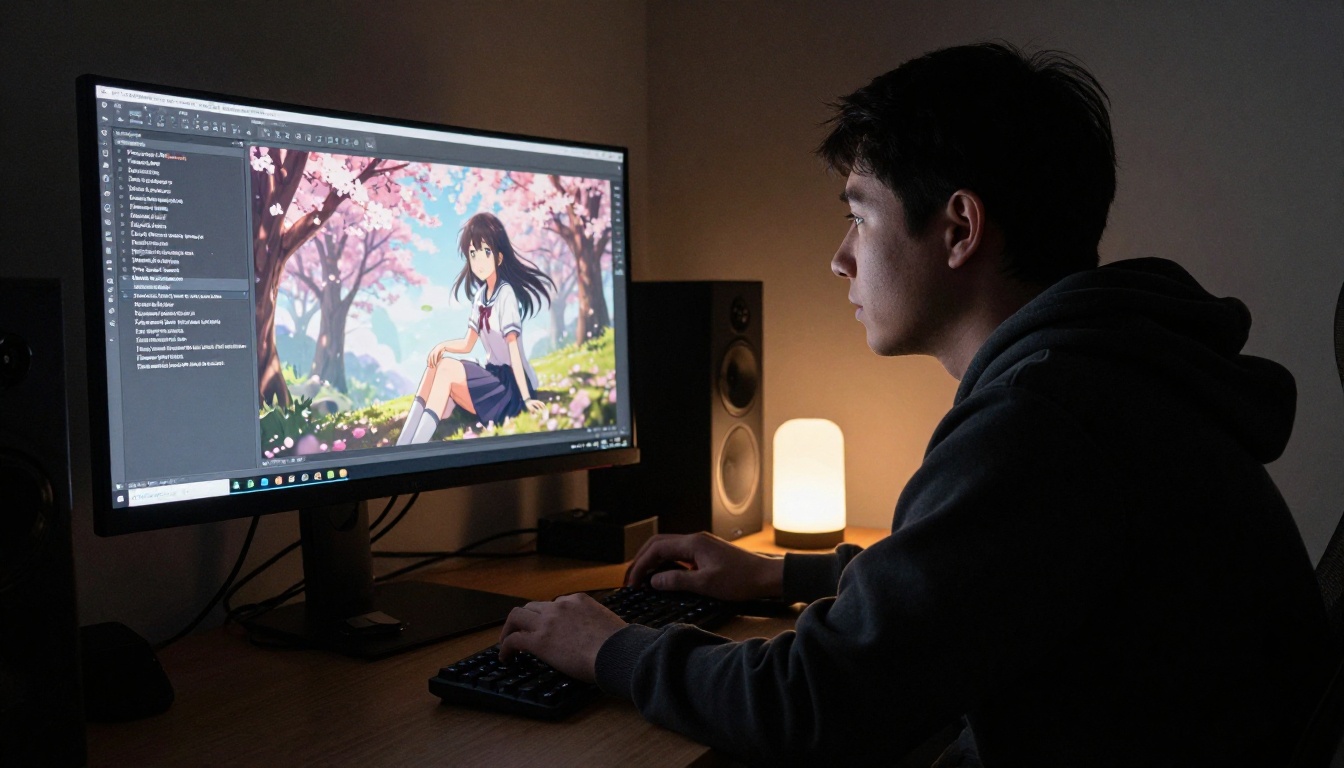
Creating 2.5D anime art on PicassoIA requires no local setup, no GPU, and no software installation. The platform runs entirely in your browser and gives you direct access to every model described above.
- Go to picassoia.com/en/all-models and choose a text-to-image model
- Open Flux 2 Max for your first high-quality attempt
- Set the aspect ratio to 16:9 for cinematic compositions, or 9:16 for portrait-focused character work
- Enter your character description first, then lighting direction, then environment
- Generate. If the depth isn't landing, add
parallax depth layers or foreground blur, sharp midground, soft background
- Use P-Image Edit for multi-image editing to refine specific elements without regenerating the entire composition
- Run through the Super Resolution models on the platform to upscale the final result to print quality
Prompt tips that actually work
The biggest mistake new users make is treating the prompt as a description of the result they want. Think of it instead as a description of a photograph being taken in an anime world.
Describe the scene first: where is the character, what time of day, what's the weather, what objects are in the frame. Then describe the character: their position, expression, clothing, and hair. Then describe the camera: angle, lens length, depth of field. Finally, add the style anchors: 2.5D anime, volumetric lighting, rim light.
This order mirrors how the model's training data is structured. Photography-adjacent descriptions activate the depth-cue pattern recognition. Anime descriptors filter the output aesthetic toward illustration rather than photography.
Who Is Actually Making This Content?
Hobbyists and indie creators
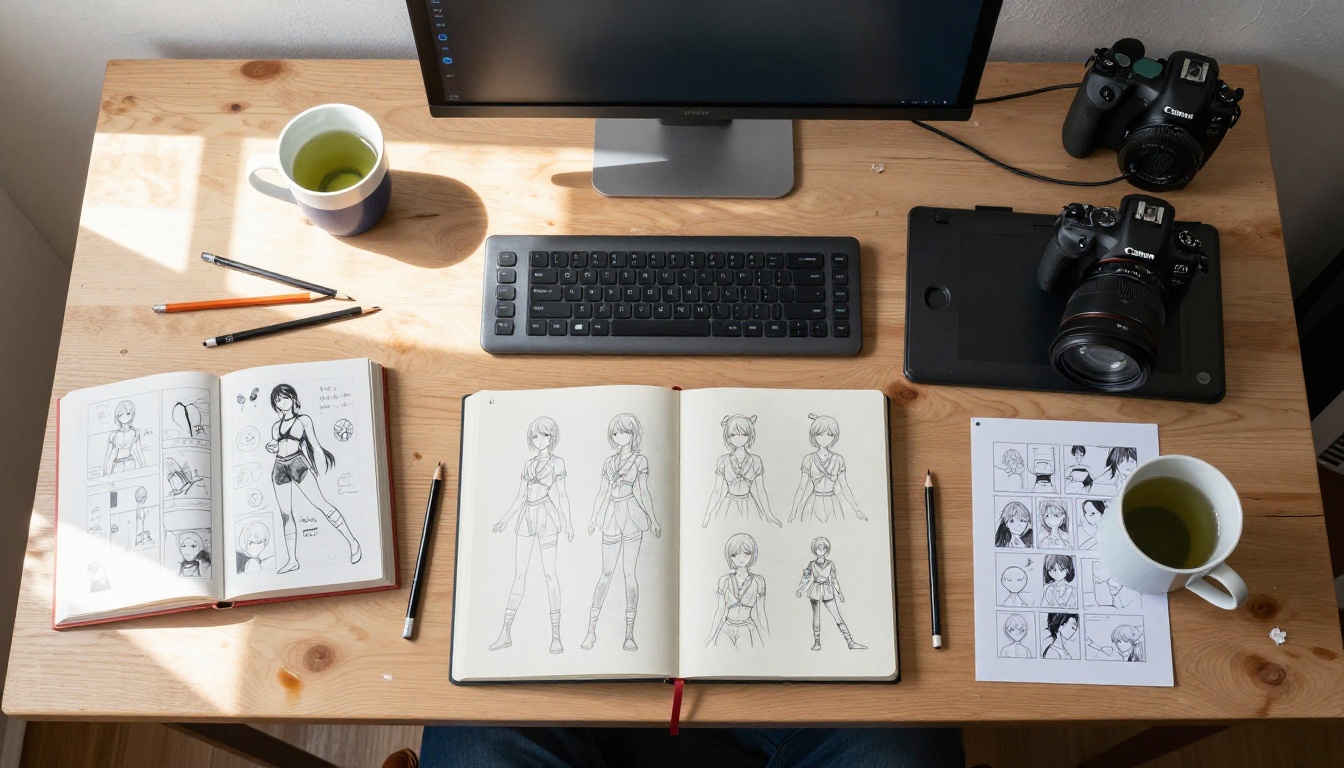
The majority of 2.5D anime content flooding AI feeds comes from hobbyists who discovered that this style generates well without years of artistic training. The visual payoff-to-effort ratio is unusually high: a well-constructed 30-word prompt can produce images that would take a trained illustrator hours of work.
This has created a new creative category: AI art directors who aren't traditional artists. They don't draw, but they understand composition, lighting, and narrative well enough to direct AI tools toward strong outputs. The 2.5D anime style is popular in this community because it rewards creative direction skills over technical execution skills. A person with a strong cinematic eye and good descriptive vocabulary will outperform a technical user who doesn't think visually.
Studios and commercial use
Independent animation studios and indie game developers have adopted 2.5D anime generation as a prototyping tool. Character designers use it to rapidly visualize dozens of design directions before committing to any one approach. Background artists use it to explore color palette and atmosphere concepts. The generated images aren't production assets, but they compress the early ideation phase significantly, which translates directly to reduced development time.
Some visual novel studios now use AI 2.5D generation for promotional art, marketing thumbnails, and social content while reserving hand-drawn work for actual in-game assets. The distinction between "generated for speed" and "drawn for permanence" has become a practical workflow, not just a philosophical debate.
What Makes a 2.5D Image Stand Out
Lighting and depth cues that separate good from great
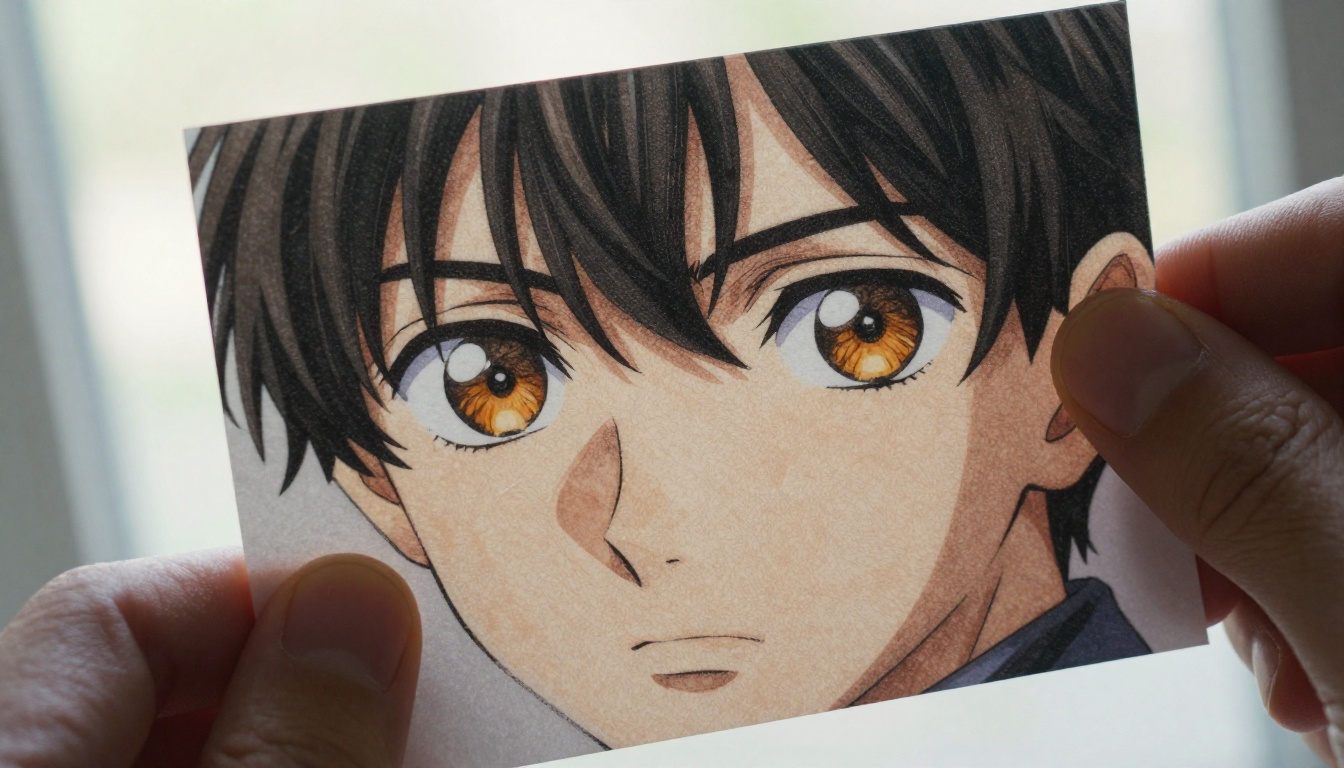
Not all 2.5D anime AI outputs are equal. The images that genuinely stop scrollers share a specific set of visual properties:
- Directional key light: A clear light source with a defined direction creates the shadow-and-highlight contrast that makes the character pop out of the background
- Rim lighting: A subtle highlight along the character's back or shoulders separates them from the background in a way that reads as three-dimensional
- Atmospheric perspective: The background is slightly desaturated and slightly blurred, creating a sense of distance
- Foreground plane: Something in front of the character that is partially out of focus anchors the composition in physical space
These four properties together create the depth hierarchy that makes 2.5D work. Models like Flux 2 Max and Qwen Image 2512 reproduce all four when prompted precisely.
Color grading and atmosphere
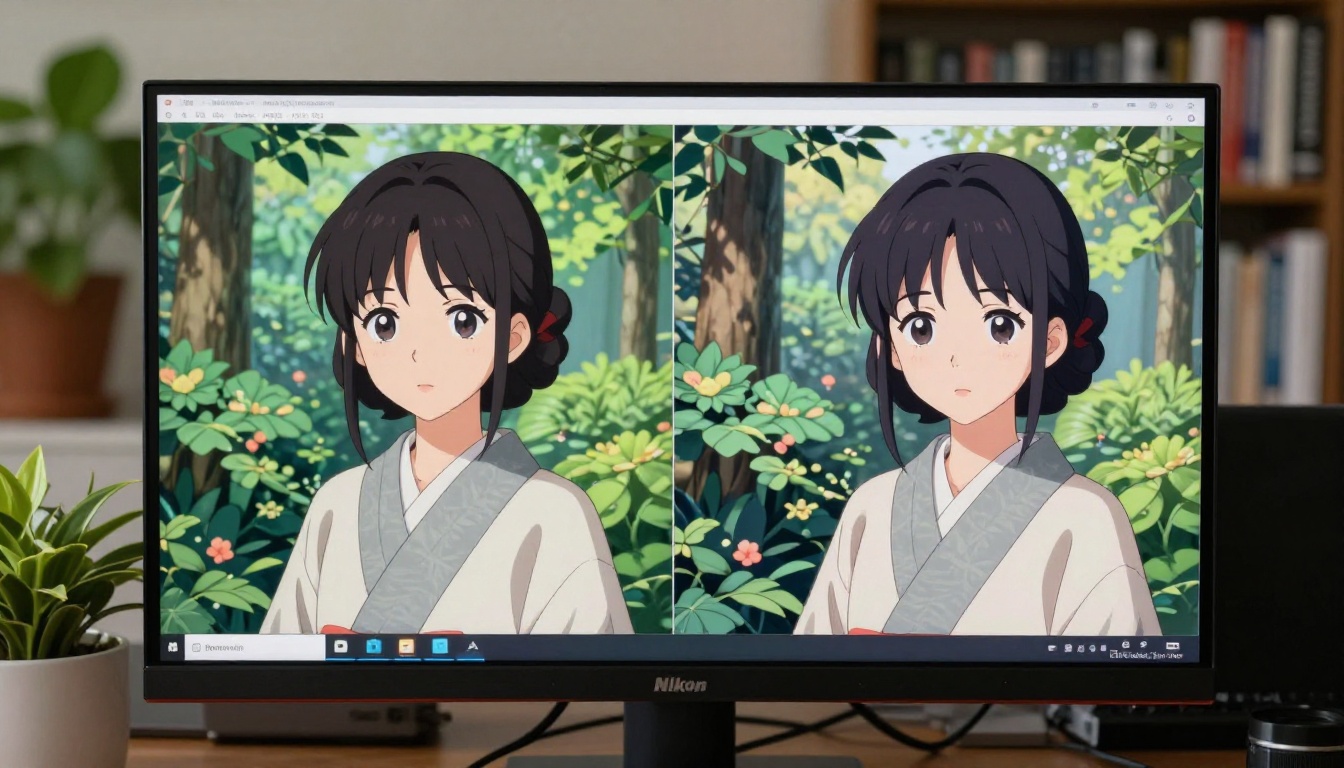
The color choices in 2.5D anime visuals follow a logic borrowed from cinematic color grading. High-performing images typically use:
- Warm character, cool background: Skin tones and clothing in warm amber or soft gold, environment in cool blue or desaturated green
- High saturation at the focal point, lower saturation at the periphery: Draws the eye to the character naturally
- Film grain: A subtle texture layer that makes the flatly rendered character feel more tactile and present in the frame
💡 Prompt addition: Adding golden hour warm light, cool desaturated background, subtle film grain to any 2.5D anime prompt immediately pushes the result toward the high-contrast atmospheric look that performs well on social feeds. Pair this with shallow depth of field and the output becomes significantly more shareable.
The Style Is Not Going Away
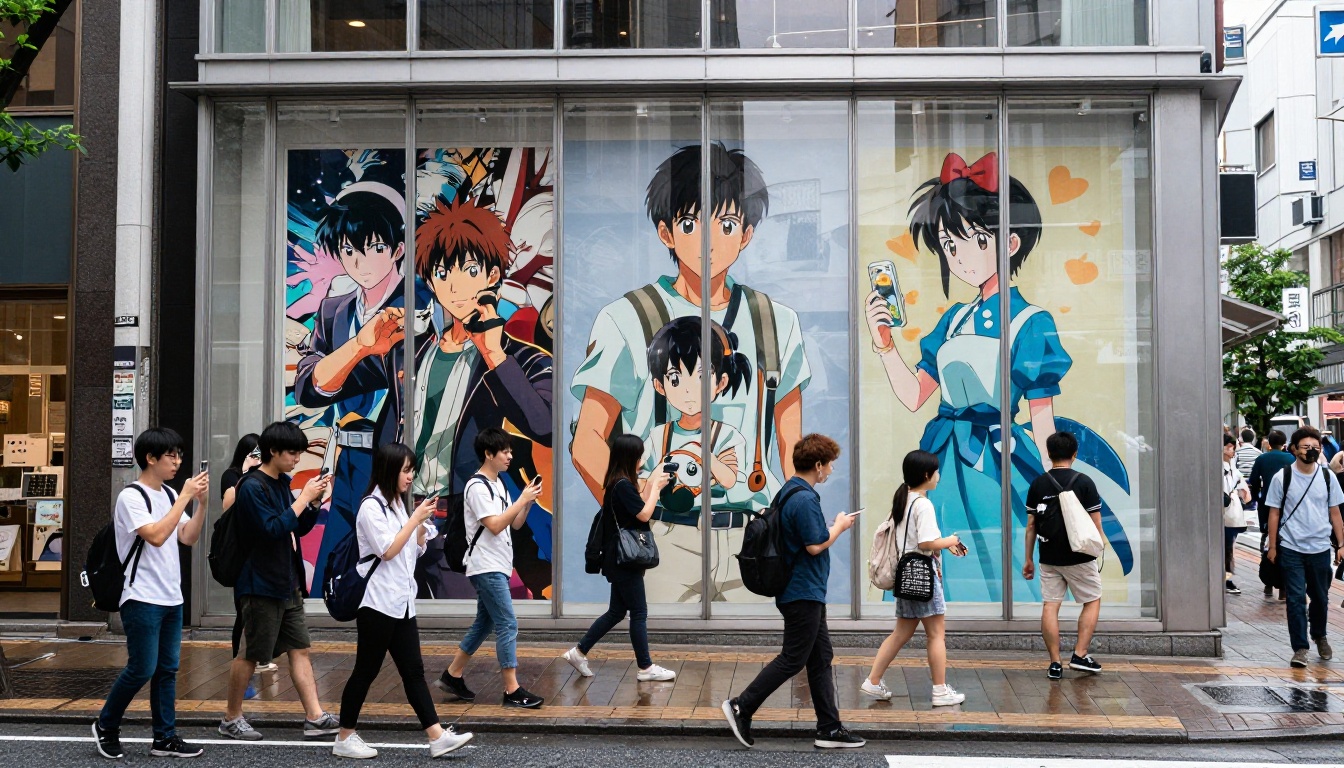
The dominance of 2.5D anime on AI feeds isn't a passing trend driven by novelty. It's a structural feature of how social media works combined with a genuinely powerful visual approach. The style satisfies the attention economy's core demand: stand out in a fraction of a second, then hold attention long enough to create an impression.
As generative AI models continue improving, the 2.5D anime style will only become more accessible and more refined. The depth cues will get more accurate. The lighting will become more convincing. The gap between a strong prompt and a weak prompt will narrow as models get better at inferring artistic intent from fewer words.
But the underlying reason for the style's popularity is not about generation quality. It's about the perceptual and emotional response that two-and-a-half dimensions reliably triggers in the human visual system. That doesn't change when the models get better. If anything, it gets stronger as more people experience the style and build an affinity for it.
The feeds will keep filling up with it. The question is whether you're consuming or creating.
Create Yours Right Now
You've been looking at other people's 2.5D anime art on your feed. PicassoIA gives you access to every model discussed in this article in one place, with no software installation and no local GPU required.
Start with Flux 2 Max for your first high-quality result. Use Seedream 4.5 to iterate quickly through compositions. Use P-Image for sub-second generation when you just want to test an idea. Run your best results through Super Resolution to upscale them to print quality.
The formula: describe the scene, describe the character, describe the camera, add the style anchors. Start with 30 words. Build from there.
Browse all 91 text-to-image models and start generating at picassoia.com/en/all-models.