Stock footage once solved a real problem. When you needed a wide shot of a city skyline or a close-up of hands typing, you paid a few dollars, downloaded a clip, and moved on. That worked. Until it didn't.
The cracks started showing the moment brands grew allergic to looking identical. When your ad campaign uses the same "professional handshake" clip that 3,000 other companies licensed last month, your brand equity takes a quiet, invisible hit. Audiences don't know why it feels fake. They just feel it.
AI video generation doesn't just fix this problem. It makes the old approach look like a fax machine next to email.
The stock footage industry built its model on scarcity. You needed footage, they had it, and the barrier was money. But scarcity has disappeared. Custom AI video clips now cost pennies per generation, not dollars per license. The power dynamic has flipped completely.
Licensing Is a Legal Minefield
Every stock clip comes with a licensing agreement that most people click through without reading. Extended commercial use, geographic restrictions, exclusivity clauses, talent releases for recognizable faces - these are not edge cases. They are regular trip wires that have cost companies real money in disputes.
AI-generated video sidesteps this entirely. When you generate a clip using a model like Seedance 2.0 or Kling v3 Video, there are no talent releases to chase, no footage libraries to audit, and no legal surprises three months after launch.
Generic Footage Hurts Your Brand
Stock libraries optimize for broad appeal. That means the footage is deliberately neutral, universally applicable, and visually bland. A food brand using stock kitchen footage looks exactly like every other food brand. A fitness app using stock workout clips looks exactly like every other fitness app.
The psychological effect on audiences compounds over time. Repeated exposure to generic visuals trains viewers to associate your brand with "corporate" and "forgettable." Custom AI video breaks that cycle because every frame is specific to your brief.
How AI Video Generation Actually Works
Modern AI video models operate on two main input modes: text-to-video and image-to-video. Both have distinct advantages depending on your workflow.
Text-to-Video vs. Image-to-Video
Text-to-video takes a written description and generates a clip from scratch. You describe the scene, camera angle, lighting, subject motion, and mood. Models like Veo 3 from Google and Wan 2.7 T2V can generate 1080p footage with native synchronized audio from a single prompt.
Image-to-video takes a still image as the first frame and animates it forward in time. This is powerful for brand shoots: photograph a product on your own set, then animate it with precise motion using Wan 2.7 I2V or Kling v2.6 Motion Control. Your brand visuals stay 100% yours.
What 5 Seconds Can Do Now
Five seconds sounds short. But in advertising, product showcases, and social media content, five seconds of custom cinematic footage is often exactly what you need for a loop, a transition, or a punch cut. The generation time on fast models like LTX 2 Fast is under 30 seconds per clip. That ratio, 5 seconds of footage generated in under 30 seconds, is the one that's killing the stock industry's business model.
The Best AI Video Models Right Now
The model landscape has matured fast. There are now purpose-built options for every use case, from quick social clips to broadcast-quality commercial footage.
Seedance 2.0 for Audio-Synced Clips
Seedance 2.0 from ByteDance includes native audio generation. You describe the scene and the sound, and both come back in a single output. For marketers building short-form content that needs to work with sound on, this removes an entire post-production step. The Seedance 2.0 Fast variant cuts generation time further without significant quality loss.
Kling v3 for Cinematic Motion
Kling v3 Video from Kwai sets a high bar for motion realism. Hair physics, cloth dynamics, and environmental movement like water, smoke, and fire look genuinely photographic. The Kling v3 Omni Video adds text-to-1080p capability in a single pipeline, making it a strong choice for brand campaigns that previously required a full production crew.
💡 Pro Tip: Kling's motion control mode lets you specify camera paths. Use it to recreate the exact dolly shot or crane move your campaign brief requires, without booking a camera operator.
Veo 3 for Realistic Scenes
Google's Veo 3 is the current standard for photorealistic outdoor and lifestyle scenes. Its understanding of light physics is exceptional: golden hour warmth, overcast diffusion, indoor practicals. The model produces clips that are genuinely difficult to distinguish from location-shot footage. Veo 3.1 extends this with 1080p output and faster turnaround.
Wan 2.7 for HD on Demand
The Wan family from wan-video is a production workhorse. Wan 2.7 T2V generates 1080p clips from text descriptions with strong prompt adherence. Wan 2.7 I2V handles image animation with detailed motion control. For teams that need consistent HD output across a large batch of clips, this model family delivers reliable results at scale.
Other Models Worth Knowing
AI Video in Real Production Workflows
The adoption of AI video isn't happening in theory. It's already embedded in real workflows across industries.
Social Media Content at Scale
A single social media manager handling three brand accounts once needed a stock subscription, a part-time videographer, or both. Today, the same manager can generate 20 to 30 unique short clips per week using AI video models. Each one is specific to the brand's color palette, visual style, and messaging.
The volume advantage is significant. Stock libraries offer depth but no specificity. AI generation offers both. A 15-second Instagram Reel for a coffee brand that shows steam rising from a cup in a specific morning light quality, with the exact table texture and mug style from the brand's identity, was previously achievable only with dedicated shoots. Now it's a prompt.
Ad Campaigns Without a Film Crew
The economics of video advertising shifted the moment AI-generated footage crossed the quality threshold for broadcast use. A 30-second spot built from six AI-generated clips at roughly 5 seconds each costs a fraction of a half-day location shoot. No location permits, no call sheets, no catering, no camera rental, no weather cancellations.

For A/B testing at scale, this matters even more. You can generate 10 variations of a product spot with different lighting moods, different talent descriptions, different settings, and test them all in a single week. With traditional production, you pick one version and commit.
The Cost Gap Nobody Talks About
The conversation about AI video replacing stock footage usually focuses on quality. The more decisive factor is economics.
Stock Subscription vs. AI Credits
A standard Getty Images or Shutterstock commercial subscription for video costs between $200 and $500 per month depending on usage tier and clip resolution. That buys you access to a library where every clip was created for someone else first.
AI video credits on platforms like PicassoIA are per-generation. A 5-second 1080p clip from Seedance 2.0 or Kling v3 Video costs a fraction of a stock license. But unlike a stock license, the result is unique. Nobody else has that clip. It can never show up in a competitor's ad.
The ROI comparison isn't close. Custom footage that costs less than stock footage isn't a disruption. It's a category replacement.
💡 Worth noting: AI video also removes the time cost of searching. Stock searches average 40 to 90 minutes per project as creators scroll through hundreds of mismatched clips hoping to find something close enough. AI generation takes a well-written prompt and a short wait.
What Stock Libraries Can't Match
There are four specific things AI video does that stock footage structurally cannot offer.
1. True Brand Specificity
A stock clip of a morning coffee scene looks like every other morning coffee scene. An AI-generated clip from a prompt that includes your brand's exact mug shape, table surface, steam behavior, and window light quality is yours. Permanently.
2. On-Demand Iteration
If a client changes the brief at 11pm the night before a campaign goes live, a stock library search is a panic. An AI video generation is a 2-minute revision.
3. No Repeat Exposure Risk
Stock clips get licensed repeatedly. There is documented history of competing brands running the same stock clip in the same ad break. AI video carries zero repeat risk because every output is generative and unique.
4. Resolvable to Any Style
Stock libraries are full of footage shot in the aesthetic of the year it was produced. Trends change. Footage doesn't. AI video generates in whatever visual style matches current creative direction.
How to Generate AI Video on PicassoIA
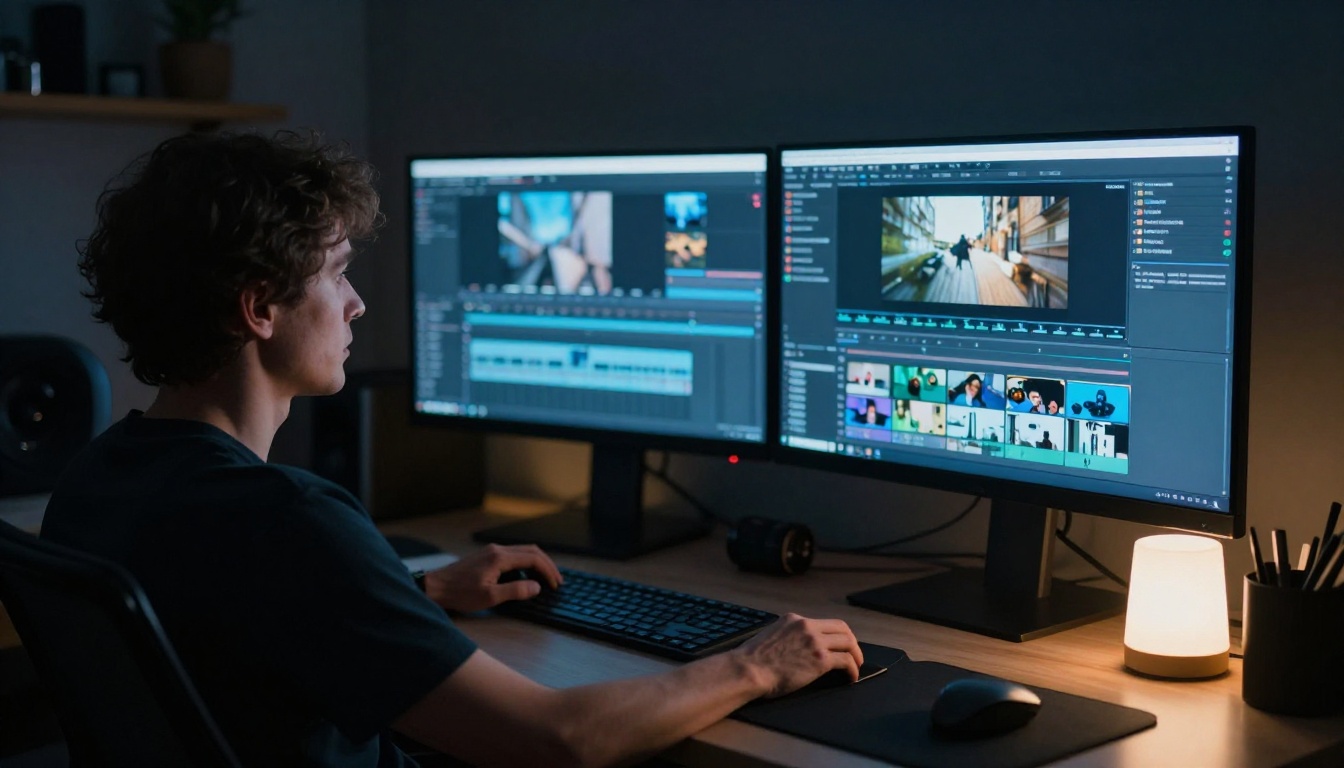
PicassoIA provides access to over 87 text-to-video models from a single platform. Here's how to go from a concept to a finished clip.
Step 1: Choose your model
Navigate to the text-to-video collection and select a model based on your needs. For audio-synced clips, start with Seedance 2.0. For cinematic motion, try Kling v3 Video. For fast 4K output, use LTX 2 Pro.
Step 2: Write a detailed prompt
Vague prompts produce generic output. Describe the subject, the action, the camera angle, the lighting quality, and the mood. A prompt like "a woman walks through a market" will produce something usable but forgettable. "A woman in her 30s moves slowly through a busy outdoor morning market, natural warm sunlight from the left, medium tracking shot, shallow depth of field, fresh produce in the foreground" produces something cinematic.
Step 3: Select resolution and aspect ratio
Most commercial applications need 1080p. Social formats often work better in 9:16. Set resolution based on where the clip will be used before you generate, not after.
Step 4: Refine with image-to-video if needed
If you have brand photography or a specific first frame in mind, upload it and use Wan 2.7 I2V to animate from that exact starting point. This is the fastest way to maintain visual brand consistency across an entire video series.
Step 5: Upscale for broadcast or large format
If output needs to be sharpened for broadcast or large format display, run the clip through Crystal Video Upscaler or Video Upscale by Topaz to push it to 4K with enhanced sharpness and detail.
Your Next Clip Starts With a Prompt
The shift from stock footage to AI video isn't coming. It's already here. The question is whether you're still paying a monthly subscription for clips that 10,000 other brands have already licensed, or whether you're generating footage that is specifically, permanently yours.
PicassoIA puts 87 text-to-video models and 500+ video effects on a single platform. You describe what you need, pick the model that fits, and your clip is ready in minutes. No search, no license audit, no repeat risk.
Start with Seedance 2.0 for audio-synced clips. Try Kling v3 Video for cinematic motion. Sharpen your clips to 4K with Crystal Video Upscaler. All of it in one place, accessible now at picassoia.com/en/all-models.
Your next campaign doesn't need a stock library. It needs a well-written prompt.


