Something shifted in the AI video community when Alibaba's Wan research team released version 2.7 of their video generation suite. Not because of a single headline number, but because the release represents a trifecta: text-to-video, image-to-video, and a completely new reference-to-video mode, all bundled into an open-weight package that rivals models available only through paid APIs. The noise around Wan 2.7 is earned.
What Wan 2.7 Actually Is
Three models, not one
The "2.7" is not a single model. It is three distinct capabilities shipped together under the same version banner:
- Wan 2.7 T2V: generates 1080p video directly from a text prompt, no source image required.
- Wan 2.7 I2V: takes a still image and animates it into a coherent video clip.
- Wan 2.7 R2V: animates a specific subject isolated from a reference photo, giving creators precise control over what moves and how.
Each mode targets a different workflow. T2V is for pure prompt-based creation. I2V is for animating existing visuals. R2V is the genuinely new one, and it is the piece that has filmmakers and product teams paying the most attention.
The 1080p baseline matters
Before Wan 2.7, getting 1080p output from an open-weight video model required significant post-processing or upscaling pipelines on top of the raw generation. Wan 2.7 T2V outputs at 1080p natively. That matters because native resolution preserves temporal consistency across frames in a way that post-generation upscaling cannot replicate. Motion blur, edge sharpness, and fine texture detail all degrade when frames are scaled after synthesis. When the model generates at full resolution from frame zero, those details remain coherent across the entire clip.
What Changed from 2.6 to 2.7
Motion quality took a real step forward
Wan 2.6 T2V and Wan 2.6 I2V were already strong performers, particularly for smooth camera motion and static scene reveals. Wan 2.7 closes the gap on subject motion, which was 2.6's weaker point. Characters and objects in Wan 2.7 clips hold their proportions across frames more consistently, and fast-moving elements show noticeably less temporal flickering than the prior version.
Wan 2.5 T2V required careful prompt engineering to avoid the characteristic edge-melting that appeared during complex subject motion. Version 2.7 handles this with substantially less manual intervention from the user.
R2V is a different category
Most video AI models give you two paths: describe something in text, or start from an image. Wan 2.7 R2V adds a third path: extract a specific subject from a reference photo and animate that subject in a new scene. You provide an image of a person or a product, the model isolates that subject, and generates motion while maintaining the subject's visual appearance throughout the clip.
Preserving identity, texture, and proportions across synthesized frames requires the model to hold a detailed internal representation of the reference subject. Wan 2.7 does this reliably for static subjects and subjects with simple motion.
💡 R2V is particularly useful for product teams. A single product photo becomes a rotating showcase clip without a physical studio shoot or turntable rig.
Speed and efficiency at 1080p
Higher resolution does not always mean proportionally slower generation. The Wan 2.7 architecture incorporates improvements to the diffusion transformer backbone that reduce the per-step computational cost at 1080p compared to running a naive upscaling pass on top of a 720p base generation. This keeps generation times practical for iterative workflows where creators run dozens of variations before settling on a final clip.
How Wan 2.7 Stacks Up Against Competitors
The AI video market has never had more options. Here is an honest assessment of where Wan 2.7 wins and where it still has ground to cover.
Wan 2.7 vs Veo 3
Google's Veo 3 and Veo 3.1 output native synchronized audio with video, which Wan 2.7 does not. Veo 3's cinematic quality is genuinely exceptional, particularly for outdoor scenes with complex natural lighting. But Veo 3 is a closed API with per-generation costs that add up fast at volume. Wan 2.7 is open weights, usable locally or through platforms like PicassoIA at significantly lower cost per clip. For creators running hundreds of iterations per project, that cost differential is often decisive.
Wan 2.7 vs Sora 2
Sora 2 excels at extended video lengths and complex multi-scene narratives. Wan 2.7's strength is short, precise clips with specific subject control. If you need a 30-second video with multiple scene transitions and synchronized speech, Sora 2 is the stronger tool. If you need a 5-to-10-second clip of a specific product or character with controllable motion, Wan 2.7 is more practical and substantially more affordable.
Wan 2.7 vs Kling v2.6
Kling v2.6 from Kwai is arguably the strongest commercial competitor in the same motion-quality bracket. Kling's character consistency is slightly ahead of Wan 2.7 for human subjects with complex facial expressions. Where Wan 2.7 gains ground is in open-source flexibility and the R2V mode, which Kling does not offer in equivalent form. Kling v3 with its motion control features is exceptional, but it remains a paid-only product.
Wan 2.7 in the Alibaba AI Timeline
From I2VGen to Wan
Alibaba has been in the video generation space longer than most people realize. I2VGen-XL, released through the ali-vilab research team, was one of the early serious open-source attempts at image-to-video generation with structural coherence. The Wan series picked up where I2VGen left off, adopting a diffusion transformer architecture that scales resolution without proportional compute blowout.
Wan 2.1 1.3B introduced the core framework. Wan 2.2 I2V Fast added speed-optimized variants and the Wan 2.2 S2V sound-driven mode. Wan 2.5 T2V improved temporal consistency markedly. Wan 2.6 T2V raised the resolution ceiling. Version 2.7 now makes R2V a first-class, production-ready capability alongside the quality improvements across the board.

Happyhorse vs Wan: different goals
Alibaba also maintains the Happyhorse 1.1 line, which generates up to 1080p video from text or image inputs. Where Happyhorse prioritizes cinematic motion smoothness and stylistic consistency across longer clips, Wan prioritizes subject fidelity and precise controllability. They are not competing inside the Alibaba ecosystem. Happyhorse is the studio-grade output tool for smooth cinematic results. Wan is the precision control tool for subject-specific animation. Happyhorse 1.0 remains available for faster generation at lower resolution targets.
How to Use Wan 2.7 on PicassoIA
PicassoIA hosts all three Wan 2.7 models directly. No local GPU, no API key management, no setup required. Here is how each mode works in practice.
Wan 2.7 T2V: text to 1080p
- Open Wan 2.7 T2V on PicassoIA.
- Write a detailed prompt describing the scene, subject, lighting, and camera movement.
- Set your desired clip length. Five to ten seconds delivers the best temporal coherence.
- Submit and receive the 1080p output.
💡 Include camera direction in your prompt. "Slow dolly in from medium shot to close-up" produces substantially better motion than a prompt that only describes the static scene content.
Wan 2.7 I2V: animate any photo
- Open Wan 2.7 I2V on PicassoIA.
- Upload your source image.
- Describe the motion: what moves, in which direction, at what speed.
- The model generates a clip that begins from your image and creates coherent motion from there.
Best inputs for I2V: High-contrast photos with a clear subject against a defined background. Images with ambiguous edges require more detailed motion prompts to avoid temporal artifacts near subject boundaries.
Wan 2.7 R2V: subject-specific animation
- Open Wan 2.7 R2V on PicassoIA.
- Upload a reference image of the subject you want to animate.
- Describe the desired motion and scene context in detail.
- The model isolates the subject, preserves its appearance, and synthesizes motion around it.
What works well in R2V: Products, single characters, vehicles, and animals with distinct silhouettes. What needs careful prompting: Groups of overlapping subjects, or highly textured backgrounds that compete visually with the main subject for model attention.
Real-World Uses That Actually Work
Social media clips from still photos
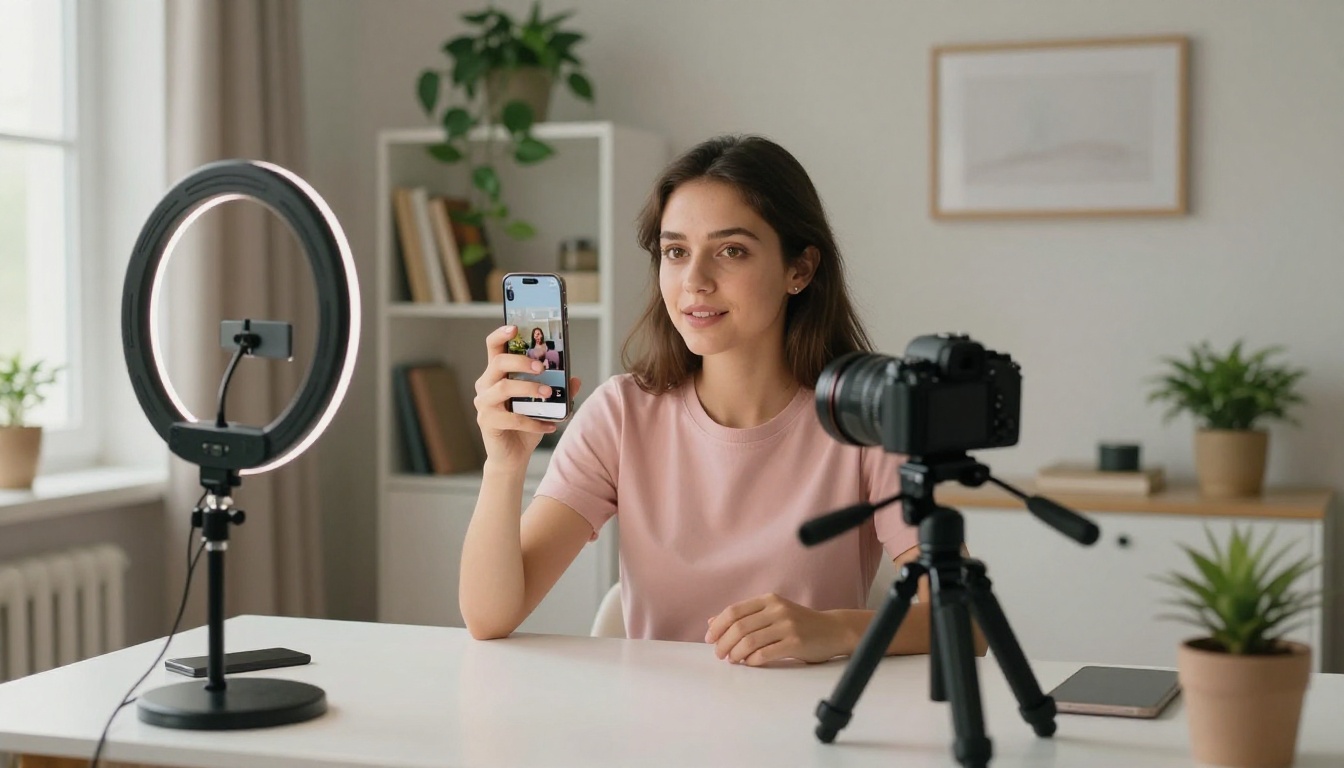
The most immediate use for Wan 2.7 I2V is converting a brand's existing photo library into short video content. A food photo becomes a slow cinematic reveal. A fashion shot gains subtle fabric-movement animation. A travel photo gets a gentle parallax drift that reads as native video on any social feed. The barrier to short-form video content drops significantly when the stills are already in hand.
Film and commercial prototyping
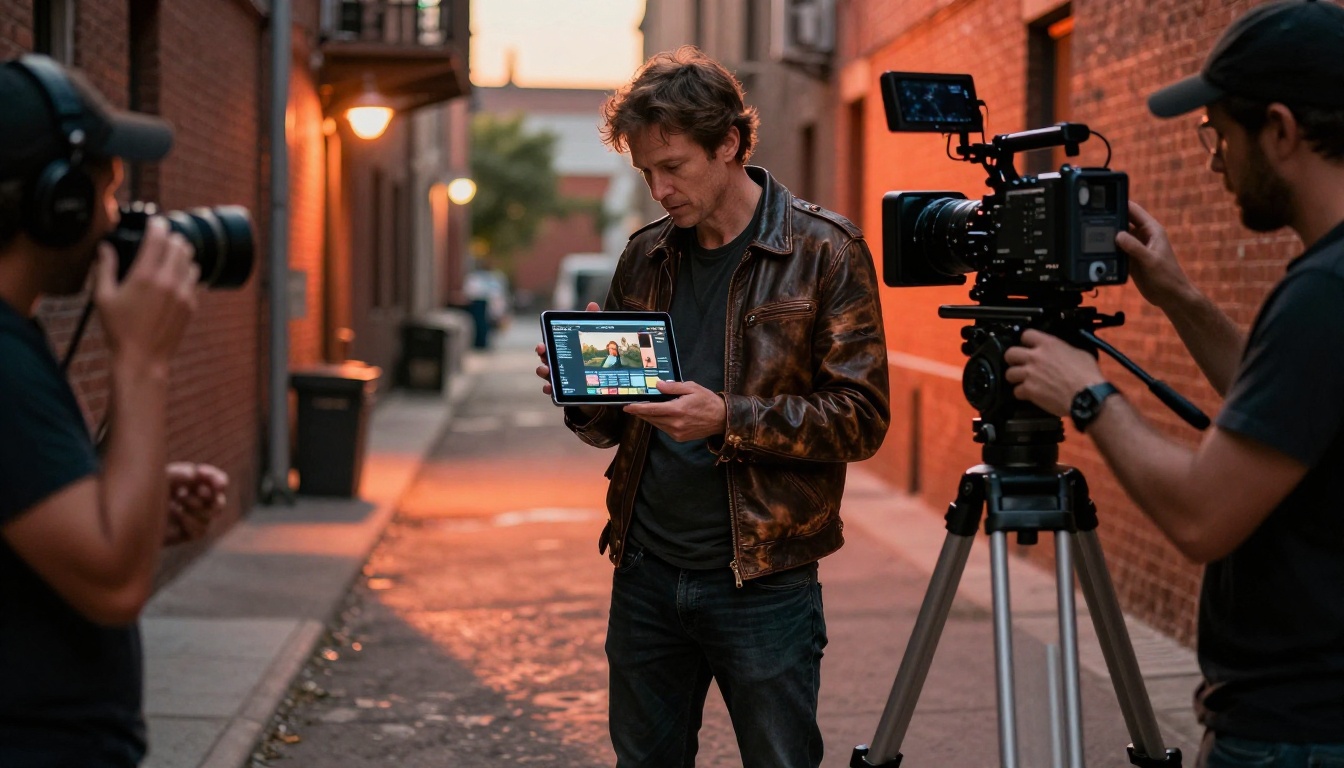
Directors use Wan 2.7 T2V for pre-visualization. A complex camera move that would take a half-day to set up on location can be tested as a 5-second clip in under a minute. If the framing works, the physical shoot is more efficient. If it does not, nothing was wasted except a minute of compute time. The Wan 2.2 S2V model also handles sound-driven animation for rough audio-sync previsualization.
Product visualization without a studio
Wan 2.7 R2V is already in active use by e-commerce teams generating rotating product views from a single studio photograph. A watch, a sneaker, a skincare bottle: upload the reference, describe the rotation, and the model produces a motion clip that would otherwise require a dedicated turntable rig and a videographer. The cost and time savings at scale are not marginal.

Why the Open Source Angle Is Central
The cost and control argument
Closed-source video APIs bill per second of generated content. At any meaningful production volume, that cost compounds quickly. An open-weight model like Wan 2.7 can run on a GPU cloud instance at a fixed monthly cost, or through platforms like PicassoIA that distribute the infrastructure expense across many users. For studios generating hundreds of clips per week, the arithmetic is straightforward: open-weight access is often an order of magnitude cheaper per clip than closed-API alternatives.
Beyond cost, open weights mean the broader community can fine-tune, extend, and adapt the model for specific use cases. Closed models improve only when their developers choose to invest in an update cycle. Open models improve continuously because research groups, independent developers, and commercial teams all contribute back to the shared base.

Fine-tuning for brand consistency
Because Wan 2.7 weights are public, fine-tuning on specific visual styles is feasible for any team with modest GPU resources. A production company could train a LoRA adapter on their house style and get visually consistent clips across every AI-generated asset in their pipeline. That level of brand control is not possible with any currently available closed-source video model, regardless of budget.
💡 Open weights also enable on-premises inference. Studios with strict IP confidentiality requirements can run Wan 2.7 locally without any content leaving their network. That is a hard requirement in legal, medical, and financial content categories where cloud API use is restricted.
The Wan Series at a Glance
For context on the series progression, here are the key Wan versions accessible on PicassoIA:
Try Wan 2.7 Right Now
The conversation around Wan 2.7 is happening because open-weight 1080p video generation with a dedicated reference-to-video mode is a real, practical capability today. Not a research preview. Not a waitlist. The models are live, the results are reproducible, and you can start generating clips without leaving your browser.
PicassoIA gives you direct access to all three modes:
- Wan 2.7 T2V: type a prompt, get a 1080p clip.
- Wan 2.7 I2V: upload a photo, describe the motion, watch it come alive.
- Wan 2.7 R2V: use a reference image to animate a specific subject with preserved appearance and identity.
If you want to go beyond video generation, PicassoIA also hosts a full suite of text-to-image models, super-resolution upscaling, AI video enhancement, lipsync, and audio generation tools. Everything is accessible from a single platform at picassoia.com/en/all-models. The only question is which project you want to bring to life first.


