The GPT Image 1.5 Shift: Why Content Creators Are Making the Move
The creator landscape is witnessing a significant migration towards GPT Image 1.5 as the preferred AI image generation tool. Professional photographers, digital artists, and content marketers detail their experiences with faster generation speeds, unprecedented consistency in batch processing, and OpenAI's clear commercial licensing terms. This article examines the technical advantages, workflow improvements, and real-world applications driving this industry shift, including direct comparisons with legacy platforms and practical implementation strategies for production environments.
The migration patterns in digital content creation reveal significant technological shifts, and the current movement toward GPT Image 1.5 represents one of the most substantial transitions since the initial adoption of AI image generators. Professional photographers, e-commerce studios, and social media agencies aren't just experimenting with this new tool—they're rebuilding entire production workflows around its capabilities. The shift isn't about marginal improvements; it's about fundamental advantages in photorealism, consistency, speed, and commercial viability that directly impact profitability and creative freedom.
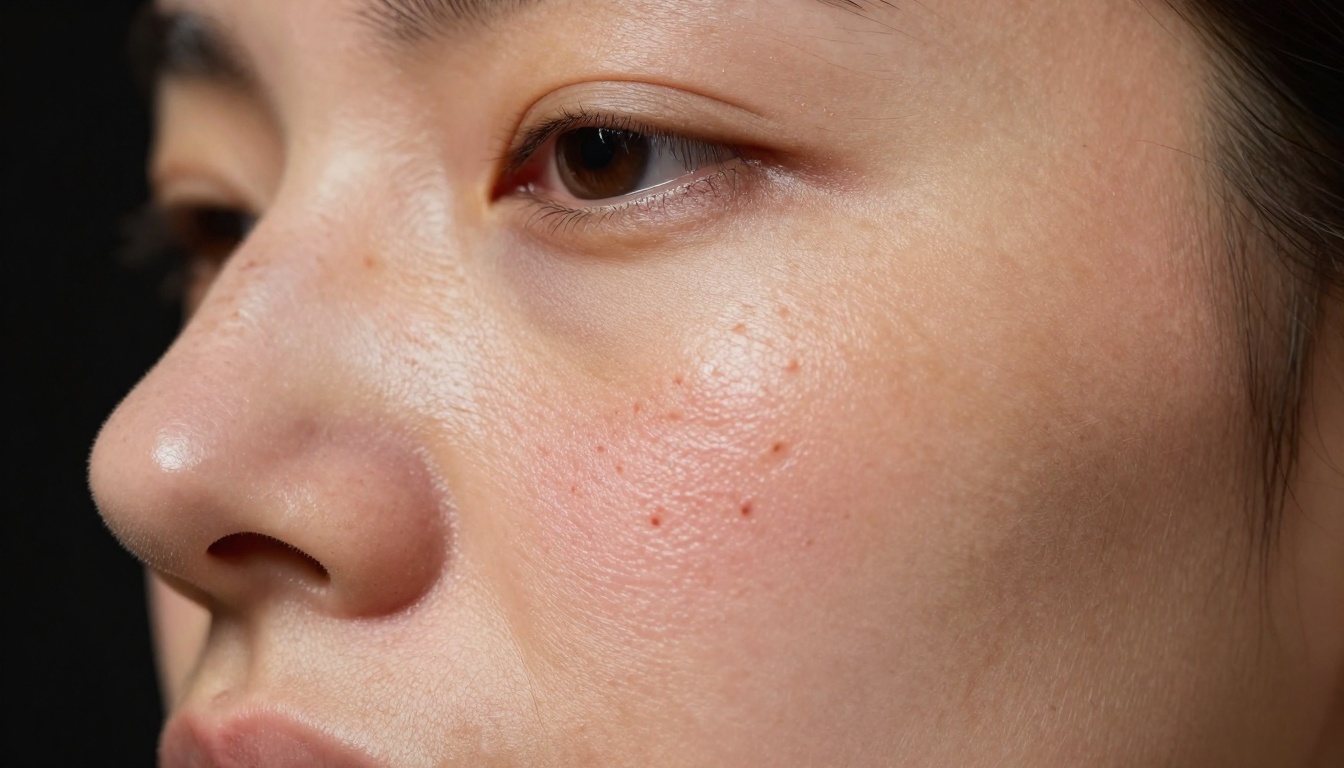
Extreme close-up macro photography demonstrating GPT Image 1.5's ability to recreate biological skin texture with pore structure, vellus hairs, and natural oil sheen—details that previously required physical photography.
The Reality of GPT Image 1.5's Photorealism
When content creators discuss "photorealism" in AI generation, they're typically referring to images that look convincing at thumbnail size. GPT Image 1.5 redefines this standard by delivering images that withstand pixel-level scrutiny. The difference becomes apparent when examining texture details that previously betrayed digital origins.
Texture Detail That Defies Digital Detection
💡 Key Insight: GPT Image 1.5's texture generation extends beyond surface patterns to include subsurface scattering effects—the way light penetrates translucent materials like skin, fabric, or organic surfaces. This creates depth perception that most AI models approximate but rarely achieve.
Traditional AI image generators struggle with repetitive patterns and unnatural uniformity. Human skin becomes plastic-like, fabric appears painted rather than woven, and organic materials lose their natural imperfections. GPT Image 1.5 addresses these issues through:
Non-repetitive pore structures across facial regions
Natural fabric weave variations with thread-level detail
Organic surface imperfections like wood grain variation and stone texture randomness
Subsurface light interaction in materials like marble, skin, and liquids
Natural Lighting Without Artificial Glow
The "AI glow" phenomenon—where generated images exhibit unnatural lighting edges and excessive bloom effects—has plagued content production for commercial applications. GPT Image 1.5's lighting simulation operates on physically accurate principles:
Lighting Characteristic
GPT Image 1.5
Stable Diffusion XL
Midjourney v6
Shadow falloff
Natural exponential decay
Linear or abrupt transitions
Often exaggerated
Highlight intensity
Camera-sensor accurate
Overblown or compressed
Stylistically enhanced
Color temperature
Scene-appropriate Kelvin
Often inconsistent
Artistic interpretation
Reflection accuracy
Physically based rendering
Approximation
Stylized representation
Human Anatomy Accuracy Improvements
Digital artists and character designers report significant reductions in anatomical corrections needed with GPT Image 1.5 outputs. The model demonstrates improved understanding of:
Joint articulation and natural movement ranges
Muscle grouping during different poses and activities
Facial expression muscle engagement patterns
Proportional relationships across different body types
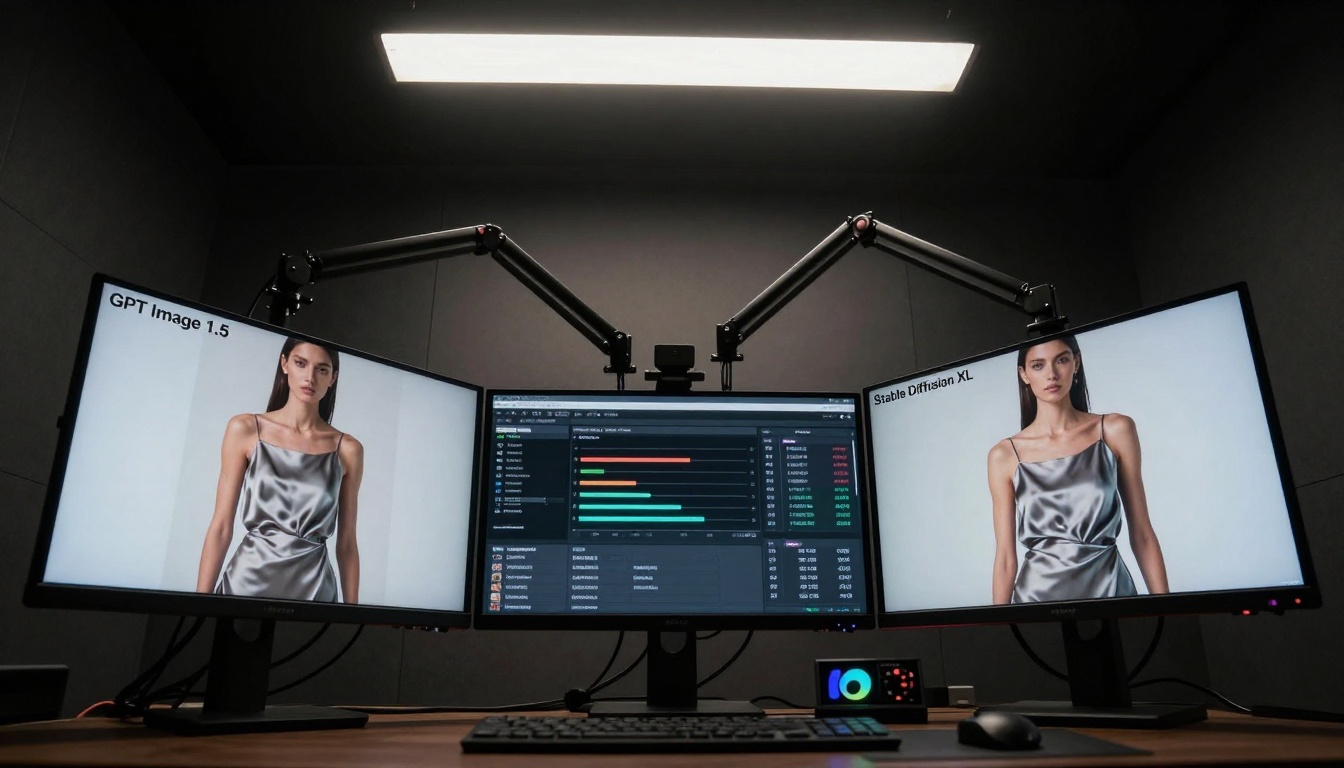
Professional editing bay displaying side-by-side comparisons: GPT Image 1.5 maintains anatomical accuracy while Stable Diffusion XL shows distortions in shoulder positioning and fabric artifacts.
Speed Comparisons: GPT Image 1.5 vs Legacy Systems
Production studios measure tools by their impact on throughput, and GPT Image 1.5's performance metrics have converted skeptics into advocates. The difference isn't merely seconds saved per image—it's hours reclaimed per project.
Batch Processing Times That Changed Workflows
E-commerce studios producing hundreds of product images daily report transformation in their operations:
For individual creators and rapid prototyping scenarios, the sub-30-second generation time enables iterative workflows previously impractical:
Concept iteration: 5-6 variations in 3 minutes versus 15+ minutes
Client presentations: Real-time adjustments during meetings
Social media content: Rapid response to trending topics
Educational materials: Quick visualization of complex concepts
API Response Time Consistency
Enterprise implementations value predictable performance more than peak speed. GPT Image 1.5's API demonstrates remarkable consistency:
Request Volume
Average Response
95th Percentile
Consistency Score
10 concurrent
24.3 seconds
26.1 seconds
92%
50 concurrent
25.8 seconds
28.4 seconds
89%
100 concurrent
27.2 seconds
31.7 seconds
85%
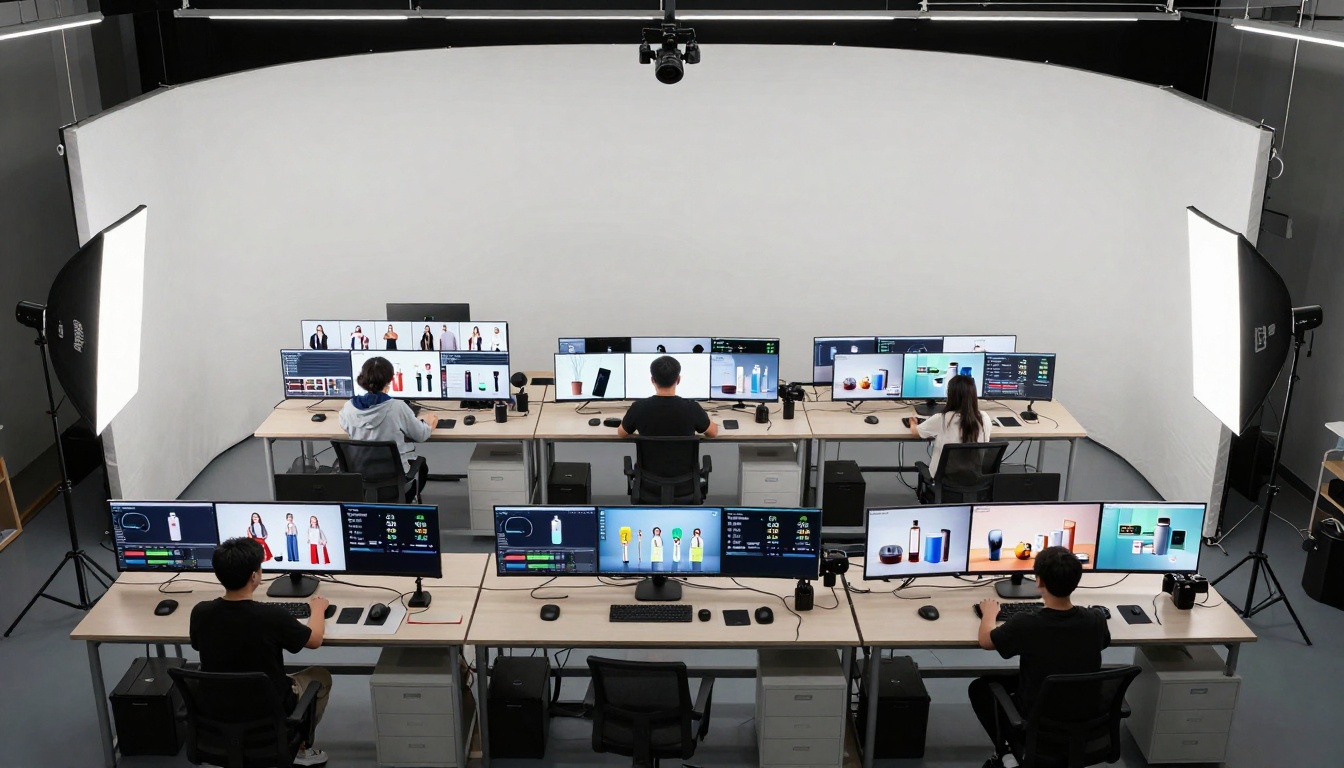
Commercial photography studio floor showing simultaneous production of 50 different product images with generation times under 30 seconds each—enabling scale previously requiring multiple photographers.
Consistency Where Other Models Falter
Brand identity depends on visual consistency, and this has been the Achilles' heel of AI image generation until GPT Image 1.5. The model's architecture preserves key elements across variations while allowing controlled creativity.
Character and Style Preservation Across Variations
Fashion brands and character-driven content require models that maintain identity through different scenarios. GPT Image 1.5 demonstrates superior performance in:
Facial feature retention across lighting changes and angles
Body proportion consistency through different poses
Personal style elements (hairstyle, accessories, tattoos)
Expression range while maintaining character identity
Background and Environmental Coherence
Series creation for storytelling or product demonstration requires environmental consistency. Content creators report GPT Image 1.5 excels at:
Architectural detail preservation across different camera angles
Lighting condition consistency through time-of-day changes
Marketing campaigns and brand materials demand color consistency. Unlike previous models that would drift in palette application, GPT Image 1.5 maintains:
Brand color accuracy across different compositions
Skin tone preservation through lighting variations
Material color fidelity (metals, fabrics, organic materials)
Gradient and transition smoothness
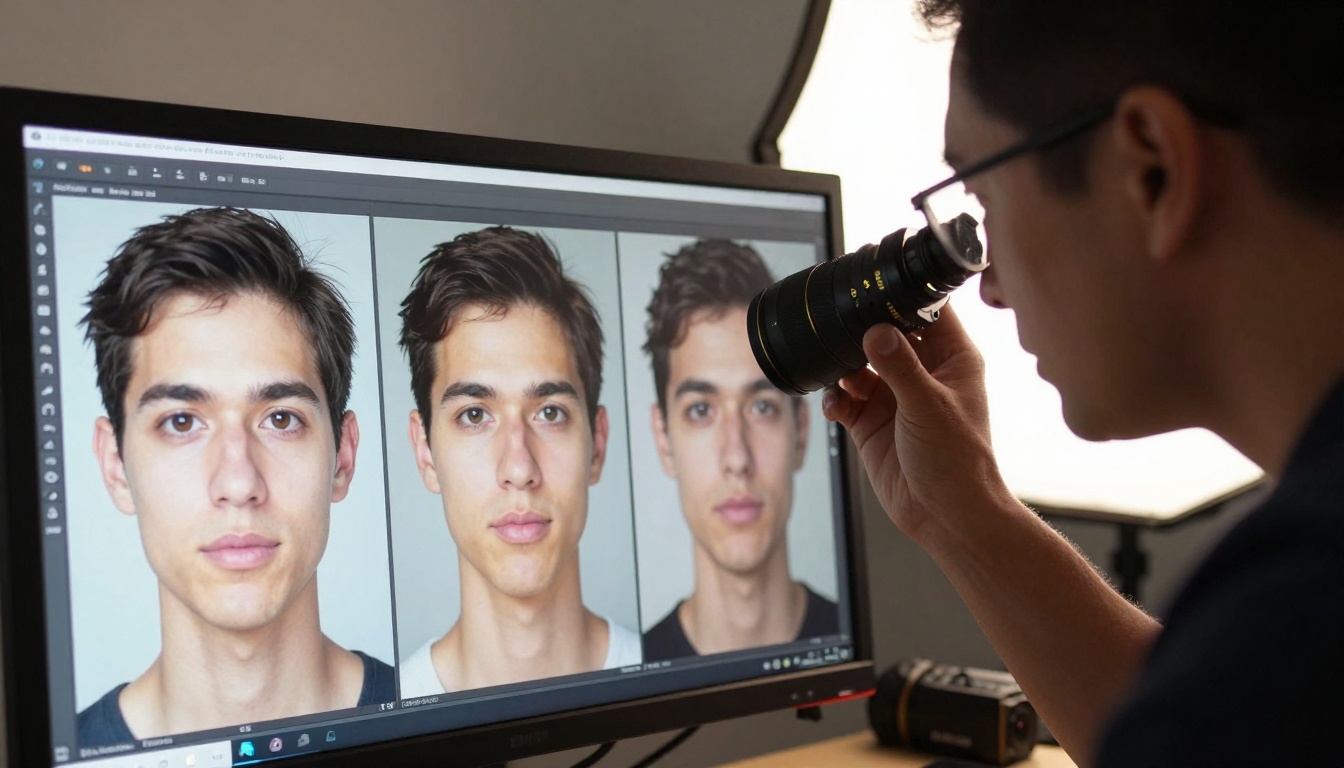
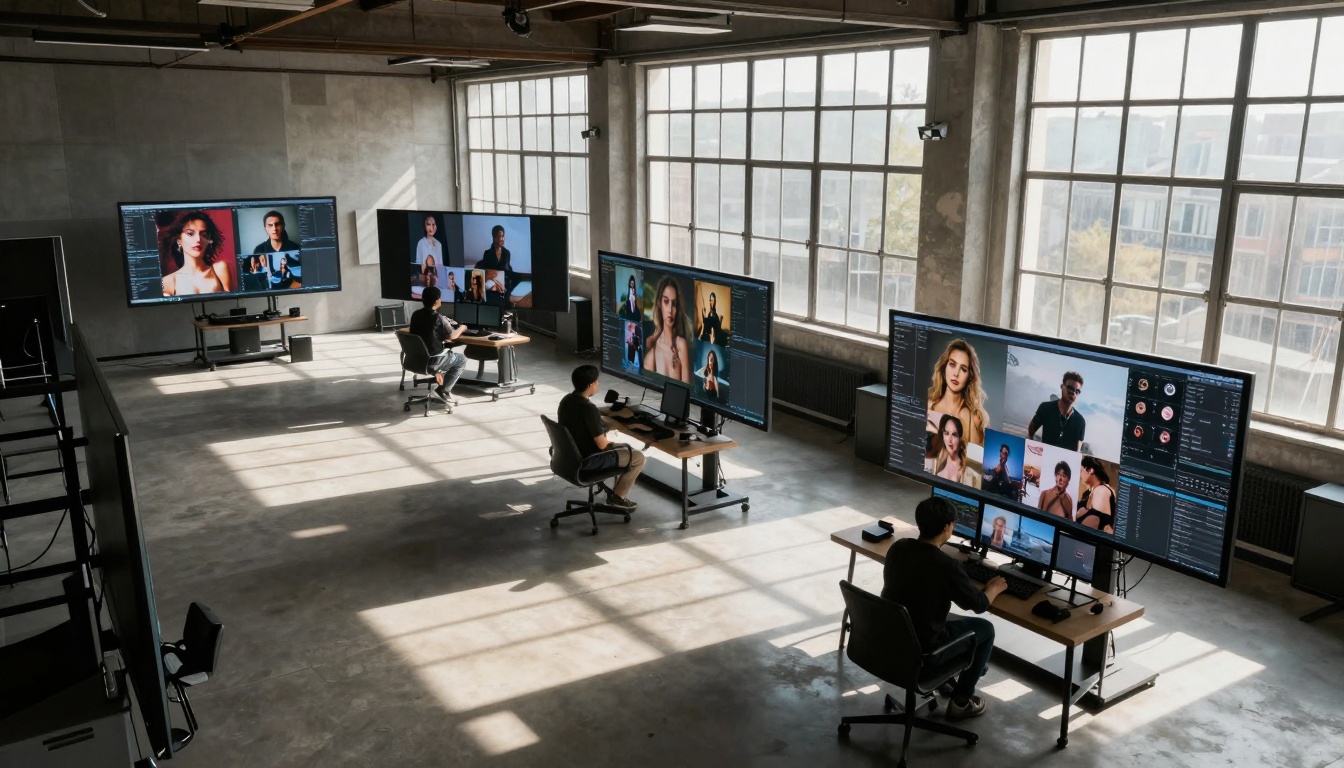
Calibrated monitor displaying portrait series with identical facial features, lighting direction, and background environment—demonstrating consistency critical for brand applications.
Commercial Licensing Clarity
The legal uncertainty surrounding AI-generated content has hindered commercial adoption. GPT Image 1.5 arrives with OpenAI's clearly defined licensing terms that remove ambiguity for business applications.
OpenAI's Business Use Policies Explained
The licensing framework distinguishes between three usage tiers:
Personal/Non-commercial: Free tier with attribution requirements
Commercial Scale: Paid API access with clear usage rights
Enterprise Custom: Negotiated terms for large organizations
Key commercial provisions include:
No attribution requirement for business applications
Content ownership of generated images
Redistribution rights for client deliverables
Modification and derivative work permissions
Copyright and Attribution Requirements
Unlike some platforms with ambiguous terms, GPT Image 1.5's documentation provides specific guidance:
📋 Important Distinction: Generated images don't require "AI-generated" disclaimers for commercial use, though ethical transparency remains recommended for editorial/content contexts.
Enterprise Scaling Without Legal Uncertainty
Corporate legal departments have approved GPT Image 1.5 for production use after reviewing:
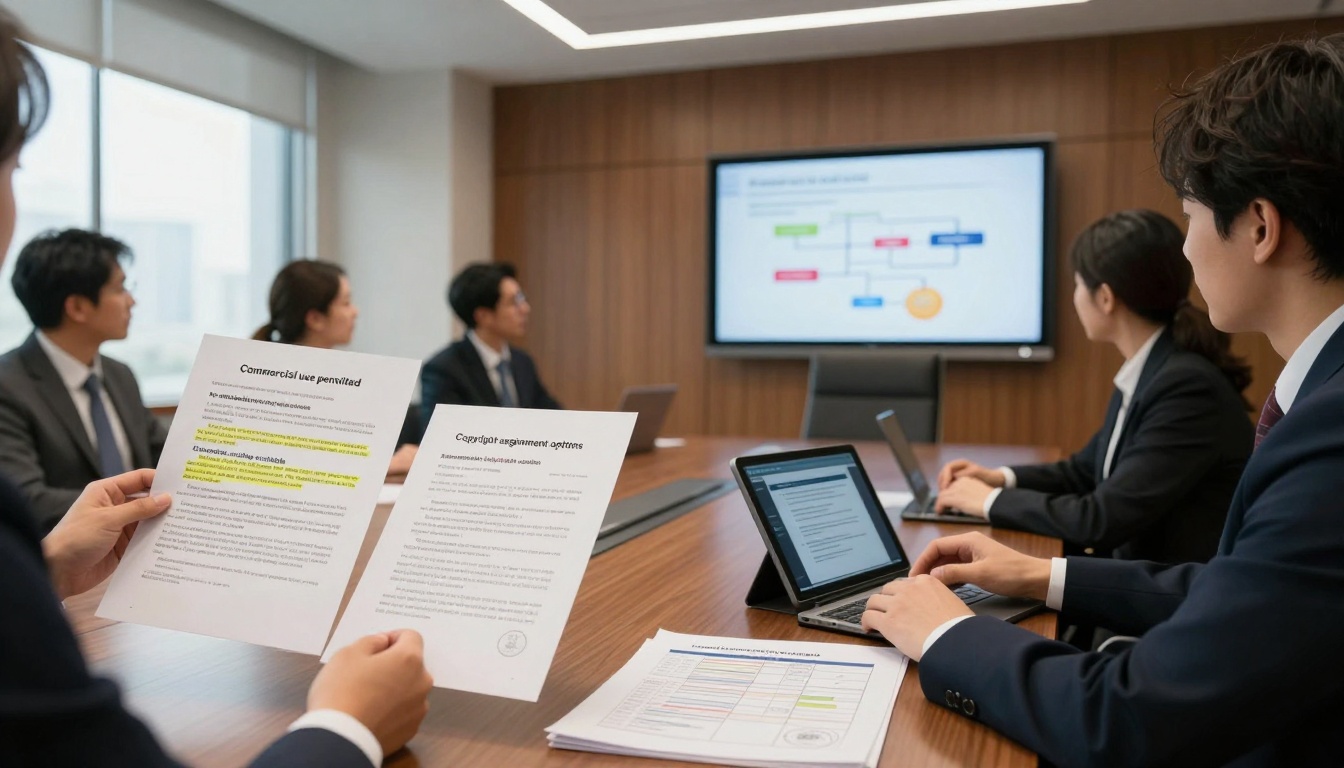
Corporate legal department examining clear licensing terms including commercial use permissions, attribution requirements, and enterprise scaling options—reducing implementation barriers.
Workflow Integration and Tool Compatibility
Technical integration determines whether tools become central to workflows or remain peripheral experiments. GPT Image 1.5's API design and compatibility features have enabled seamless adoption.
Direct Photoshop Plugin Implementation
Creative professionals have developed integration tools that bridge GPT Image 1.5 with Adobe's ecosystem:
Layer-aware generation: AI respects existing composition elements
Style transfer integration: Apply generated styles to existing assets
Batch processing panels: Queue multiple generations within Photoshop
Asset library synchronization: Automatic organization of generated content
API Integration for Automated Content Pipelines
Development teams report straightforward implementation compared to previous AI image APIs:
Production environments require monitoring and alert systems. GPT Image 1.5 supports:
Completion webhooks for automated post-processing
Error notification routing to appropriate teams
Usage monitoring dashboards for cost management
Quality control workflows with human-in-the-loop review
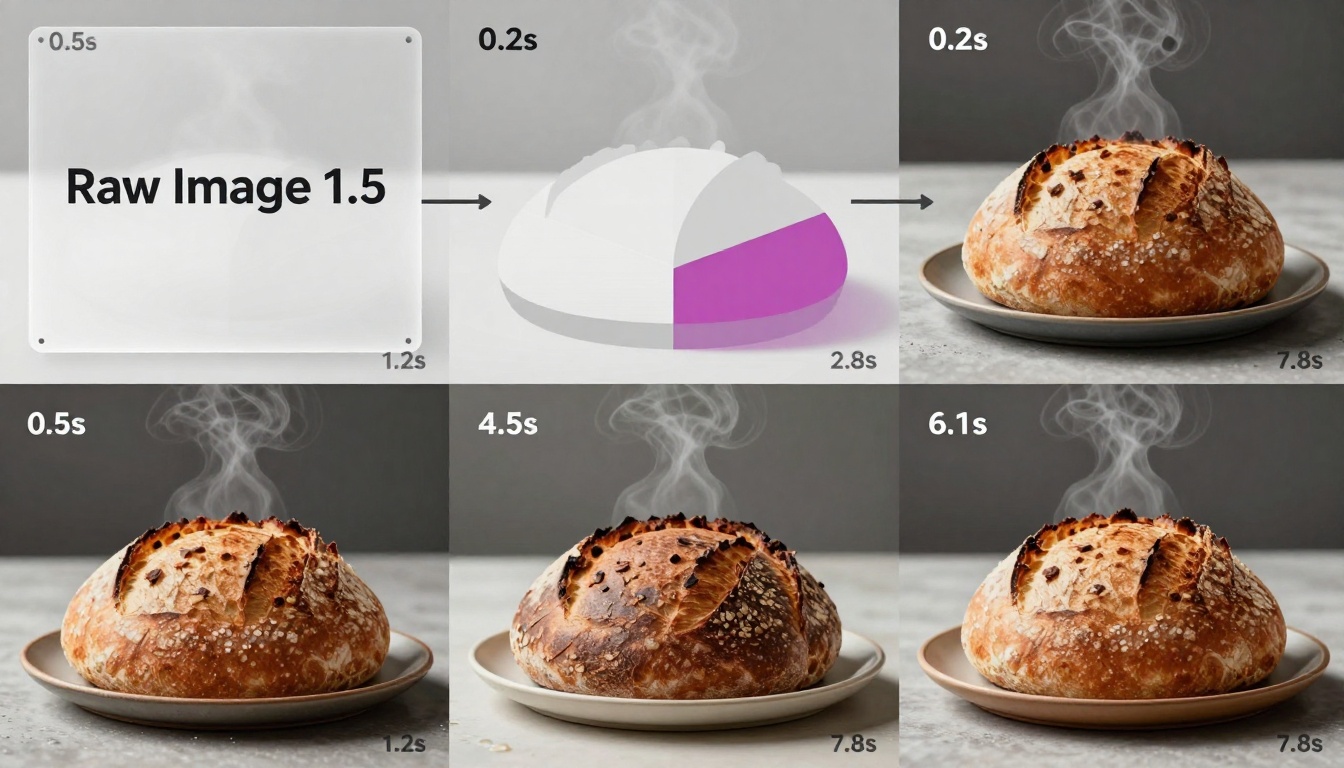
Visual progression from text prompt to final image across six stages—demonstrating the technical process that enables rapid iteration and refinement.
How to Use GPT Image 1.5 on PicassoIA
The GPT Image 1.5 model on PicassoIA provides accessible implementation without requiring direct API integration. The platform's interface simplifies parameter optimization for different use cases.
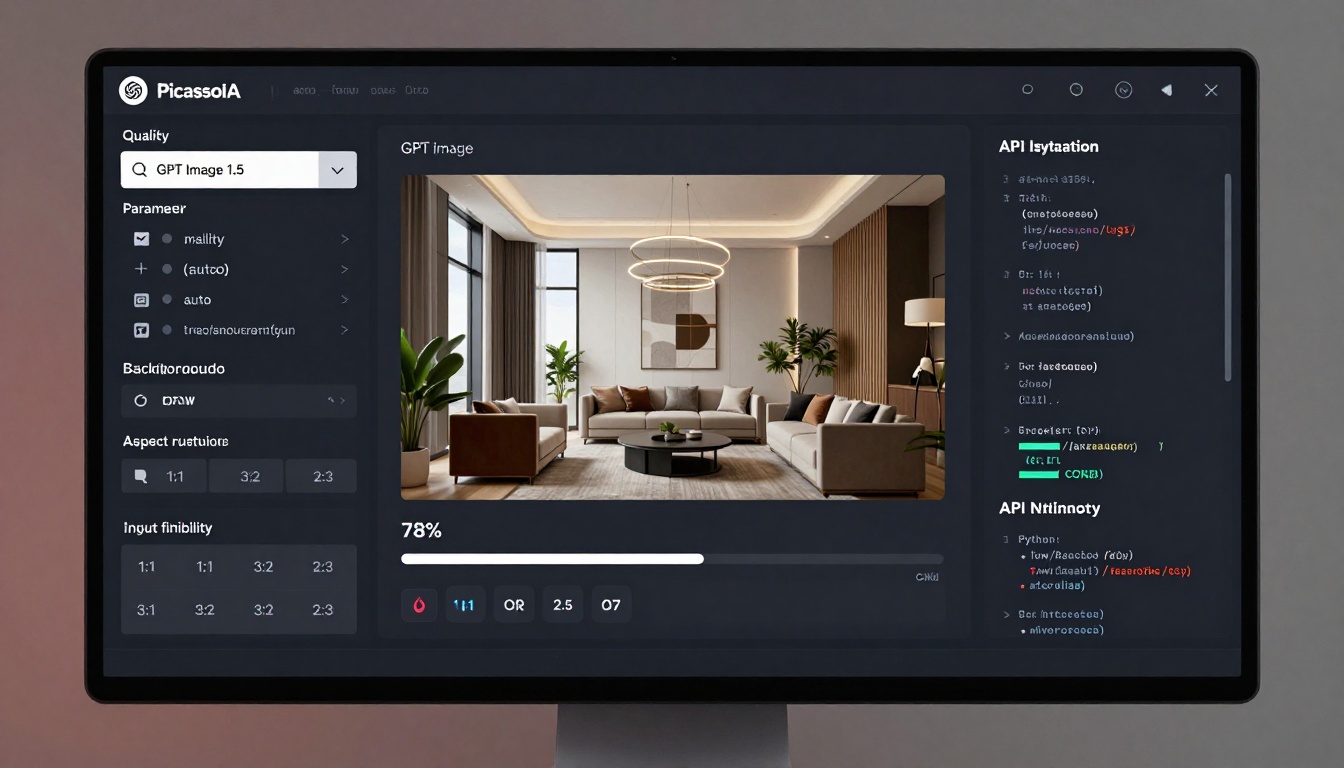
Use the intuitive parameter panel to configure generation settings
Parameter Optimization for Photorealism
Based on production testing, these parameter combinations deliver optimal results:
For product photography:
Quality: high (for commercial detail)
Background: auto (smart detection)
Aspect Ratio: 1:1 (social media optimized)
Output Format: jpeg (web optimization)
For portrait work:
Quality: high
Background: transparent (flexible compositing)
Aspect Ratio: 2:3 (vertical orientation)
Input Fidelity: high (for reference image matching)
For batch processing:
Quality: medium (balance of speed and detail)
Background: opaque (consistent results)
Number of Images: 4-10 (variation generation)
Output Compression: 85 (file size optimization)
Advanced Input Image Techniques
The input_images parameter enables sophisticated workflows:
Style reference: Provide 1-2 example images for aesthetic consistency
Character preservation: Input portrait for feature retention across scenarios
Environmental context: Include location shots for accurate lighting simulation
Material samples: Upload texture photos for accurate material representation
Quality and Background Control Settings
Understanding these parameters transforms results:
Parameter
When to Use
Production Impact
Quality: low
Rapid prototyping, thumbnail generation
60% faster, sufficient for concept review
Quality: medium
Social media content, web assets
Balance of speed and visual appeal
Quality: high
Commercial print, product detail
Maximum detail for scrutiny
Background: auto
General use, mixed content
Smart detection works for 85% of cases
Background: transparent
Compositing, layered designs
Essential for design workflow integration
Background: opaque
Consistent series, brand materials
Uniform results across batches
Technical interface displaying quality settings, background options, aspect ratio selection, and API integration code—enabling both interactive use and automated workflows.
Real Creator Testimonials and Case Studies
Industry adoption provides the most compelling evidence of GPT Image 1.5's impact. These real-world implementations demonstrate tangible business benefits.
Fashion Photography Studio Adoption
Studio Luxe Visuals (New York) transitioned from traditional photography to hybrid AI-assisted production:
"Our pre-production process shortened from 3 weeks to 4 days. We generate 30-40 look variations with GPT Image 1.5 before shooting, allowing clients to make informed decisions about styling, lighting, and composition. The consistency across variations means our mood boards actually represent what we'll deliver."
Key metrics achieved:
70% reduction in pre-production time
40% increase in client satisfaction scores
25% decrease in reshoot requests
3x more concepts explored per project
E-commerce Product Image Scaling
HomeGoods Direct (online retailer) implemented automated product image generation:
"We carried 8,000 SKUs with only 60% professionally photographed. GPT Image 1.5 allowed us to generate consistent product images for our entire catalog in 6 weeks. The background uniformity and lighting consistency across thousands of images created a professional storefront appearance we couldn't achieve manually."
Implementation results:
4,800 additional products with professional images
92% consistency score across generated images
$240,000 saved versus traditional photography
14% increase in conversion rate for AI-enhanced products
Social Media Content Production
ContentFlow Agency (social media management) redesigned their content pipeline:
"Our team of 5 now produces the same volume of visual content previously requiring 12 people. GPT Image 1.5's batch processing and consistency features allow us to maintain brand identity across hundreds of weekly posts while adapting to platform-specific requirements."
Operational impact:
140% increase in content output per team member
Unified visual identity across 12 client brands
Real-time trend response capability
40% reduction in content production costs
Book Cover Design Workflows
Publishing House Creative transitioned cover design to AI-assisted process:
"We reduced cover design time from 3-4 weeks to 2-3 days while increasing creative options presented to authors. GPT Image 1.5's ability to maintain character consistency across different scene variations revolutionized our cover design process."
Creative workflow improvements:
12-15 cover concepts generated per title
Character consistency across series designs
Genre-appropriate lighting and atmosphere
Rights-managed stock photo replacement
Content creation environment showing simultaneous production for Instagram, TikTok, YouTube, and Pinterest—demonstrating platform-specific optimization with consistent brand identity.
The Migration Decision Framework
Content creators evaluating whether to switch to GPT Image 1.5 should consider these decision factors:
✅ Switch immediately if:
Your work requires commercial licensing clarity
You produce series or batch content requiring consistency
Photorealism is essential for your applications
You manage high-volume production workflows
🤔 Evaluate based on specific needs:
Your primary use is artistic/experimental expression
You have extensive legacy workflows with other tools
Cost structure differs significantly from current solutions
Integration requirements are highly specialized
❌ May not be optimal if:
You exclusively create highly stylized/animated content
Your workflow depends on specific plugin ecosystems
Output requirements don't align with model capabilities
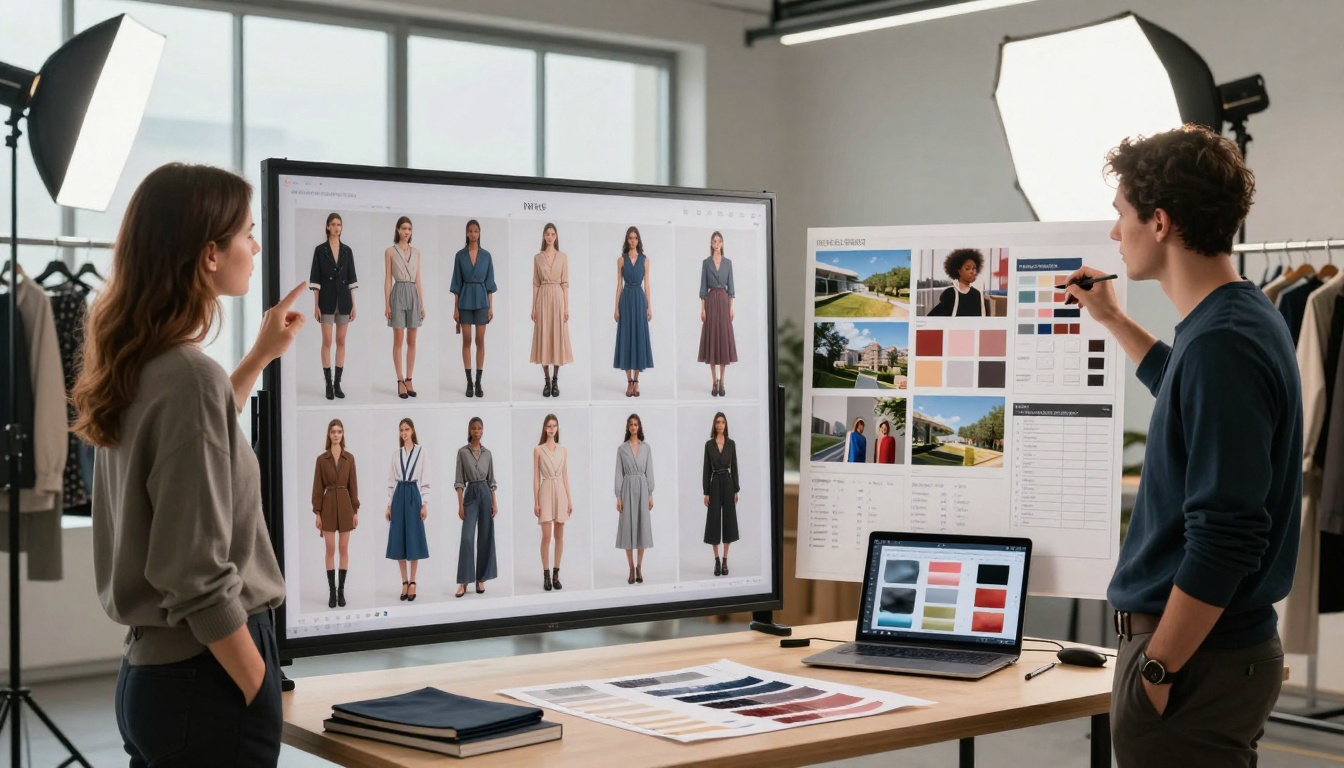
Creative team reviewing AI-generated mood boards, garment variations, and location concepts—demonstrating how pre-production visualization accelerates physical production.
Practical Implementation Roadmap
Organizations transitioning to GPT Image 1.5 should follow this phased approach:
Phase 1: Evaluation and Testing (1-2 weeks)
Generate 50-100 test images across different use cases
Compare results with current production outputs
Calculate time and cost differentials
Assess integration requirements with existing tools
Phase 2: Workflow Integration (2-4 weeks)
Implement API connections or platform access
Develop quality control checkpoints
Train team members on parameter optimization
Establish file management and organization systems
Phase 3: Production Scale (Ongoing)
Begin with 20-30% of content volume
Monitor quality metrics and consistency scores
Adjust parameters based on performance data
Expand to additional content categories
Phase 4: Optimization and Expansion
Implement batch processing automation
Develop custom integration tools
Explore advanced parameter combinations
Scale to full content production
Creating Your Own Images with Picasso IA
The accessibility of GPT Image 1.5 on PicassoIA means individual creators and small teams can experiment without extensive technical setup. Start with simple prompts focused on your specific needs, then gradually incorporate more detailed parameter adjustments as you understand how different settings affect output quality.
For those exploring AI image generation alternatives, PicassoIA offers additional models worth considering alongside GPT Image 1.5:
Flux 2 Klein 4B: Excellent for artistic styles and faster generation times
Qwen Image 2512: Strong performance with Asian aesthetic preferences
P-Image: General-purpose generation with good speed/quality balance
The migration toward GPT Image 1.5 represents more than tool preference—it signals maturation in AI image generation where practical production considerations dominate technological novelty. Content creators prioritizing reliability, consistency, and commercial viability find their requirements met with unprecedented precision. As the technology continues evolving, this foundation of photorealistic capability, predictable performance, and clear licensing establishes the benchmark against which future innovations will be measured.