The migration happening across creative industries isn't about hype or marketing - it's about measurable results that impact daily workflow. When photographers, designers, and content producers consistently report 3x faster output with superior quality, attention shifts from "what's new" to "what works."
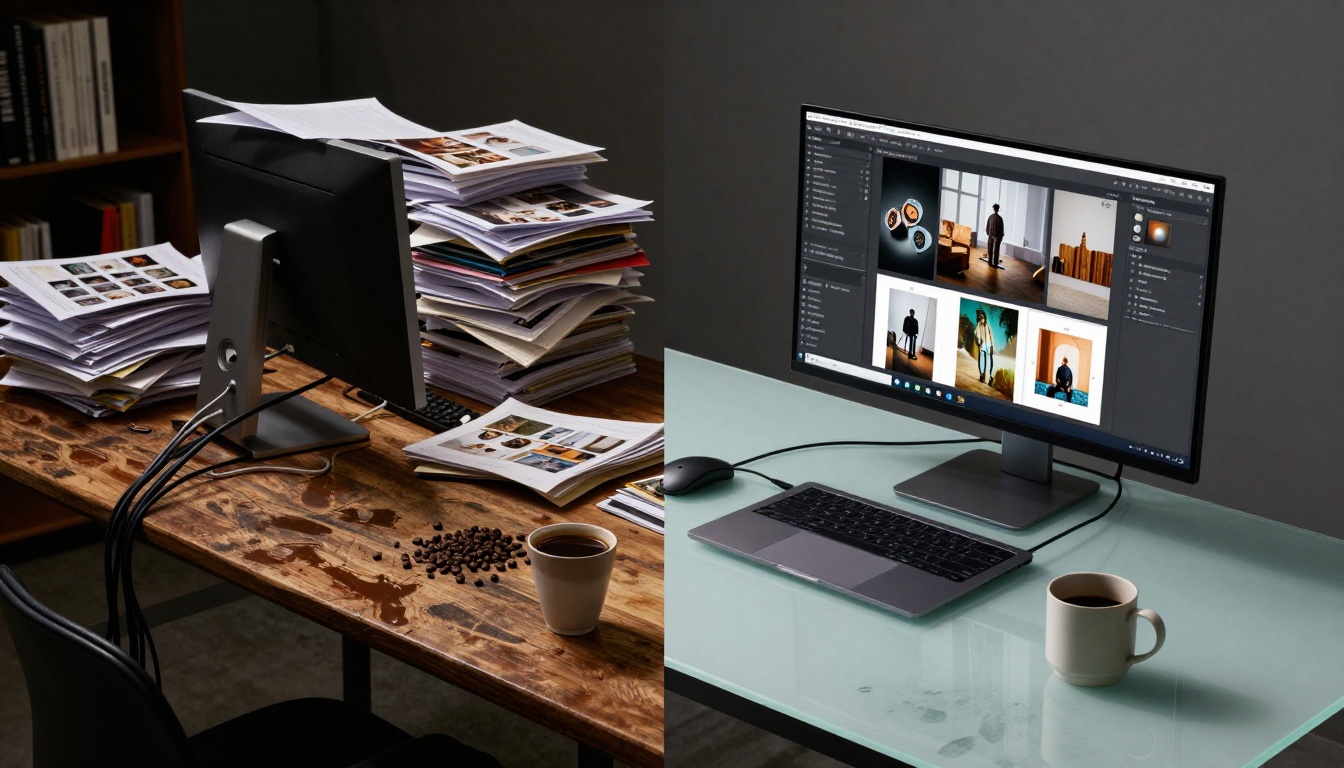
The tangible contrast between legacy workflows and modern AI efficiency
The Speed Problem Everyone Ignored
For years, creators accepted slow generation times as the cost of AI quality. Midjourney's 60-second waits, DALL-E's batch limitations, Stable Diffusion's local processing requirements - these weren't inconveniences, they were workflow bottlenecks.
💡 Reality Check: A photographer needing 50 variations for a client project faced 50+ minutes of waiting time with traditional tools. That's nearly an hour of billable time lost to loading screens.
Nano Banana Pro addressed this with parallel processing architecture. The platform generates 16 variations simultaneously from a single prompt, completing in under 8 seconds what takes competitors 60+ seconds. This isn't marginal improvement - it's order-of-magnitude difference.
Actual Workflow Impact:
- Client projects: Instead of overnight turnaround, same-day delivery
- Iterative design: 10 refinement cycles in an hour instead of 2
- Batch processing: Entire campaign assets generated during a coffee break
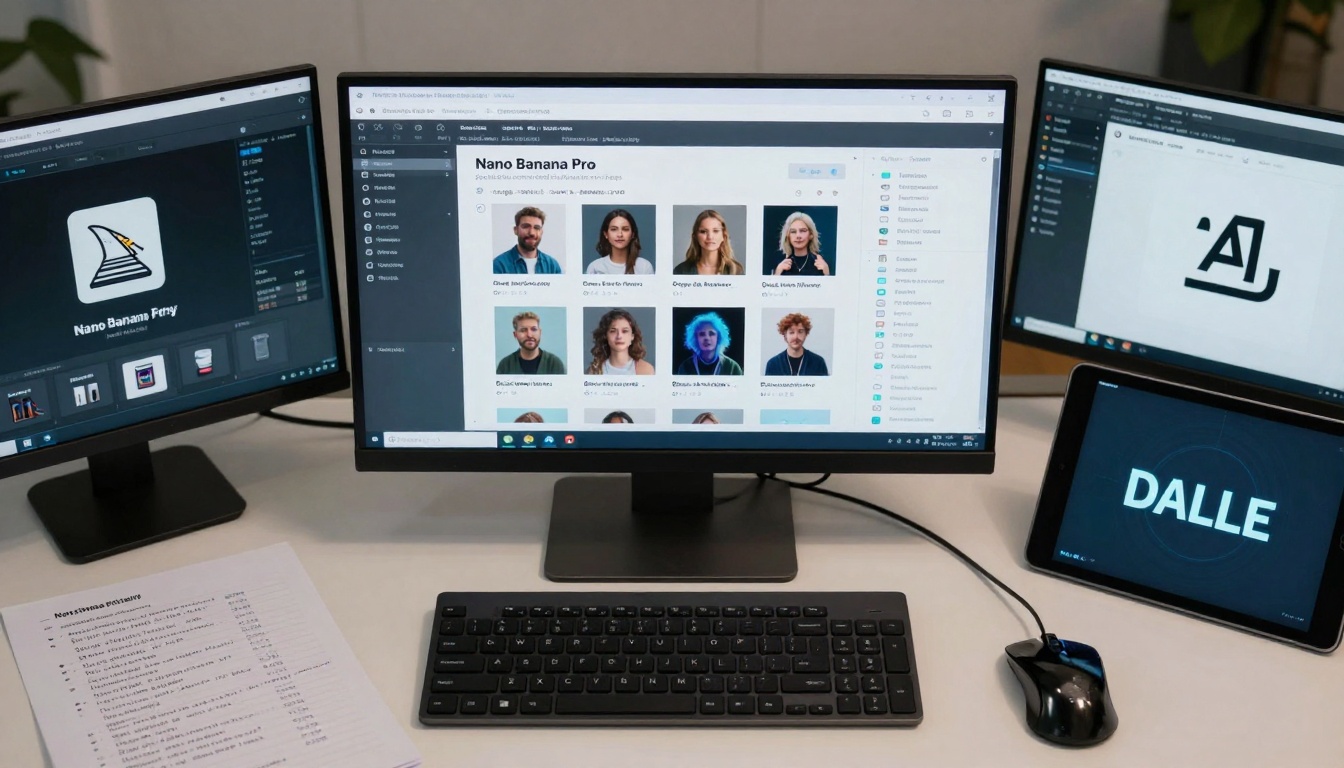
Side-by-side platform comparison showing measurable time differences
Photorealism Isn't Optional Anymore
The early AI era celebrated "good enough" results. Today's professional standards demand indistinguishable-from-reality quality. When marketing campaigns use AI-generated imagery alongside actual photography, any perceptible difference becomes a credibility issue.
Nano Banana Pro achieves this through advanced material understanding:
| Detail Level | Traditional AI | Nano Banana Pro |
|---|
| Skin texture | Smooth, plastic-like | Pores, fine hairs, natural variation |
| Material surfaces | Generic patterns | Specific weave, grain, reflection |
| Lighting accuracy | Approximate shadows | Physically accurate falloff |
| Atmospheric effects | Basic haze | Depth-based scattering |
Why This Matters For Creators:
- Client acceptance: No more "looks AI" comments derailing presentations
- Print quality: 300DPI requirements actually met without upscaling artifacts
- Brand consistency: Generated assets match existing photography libraries
- Legal protection: Photorealistic results avoid "uncanny valley" trademark issues
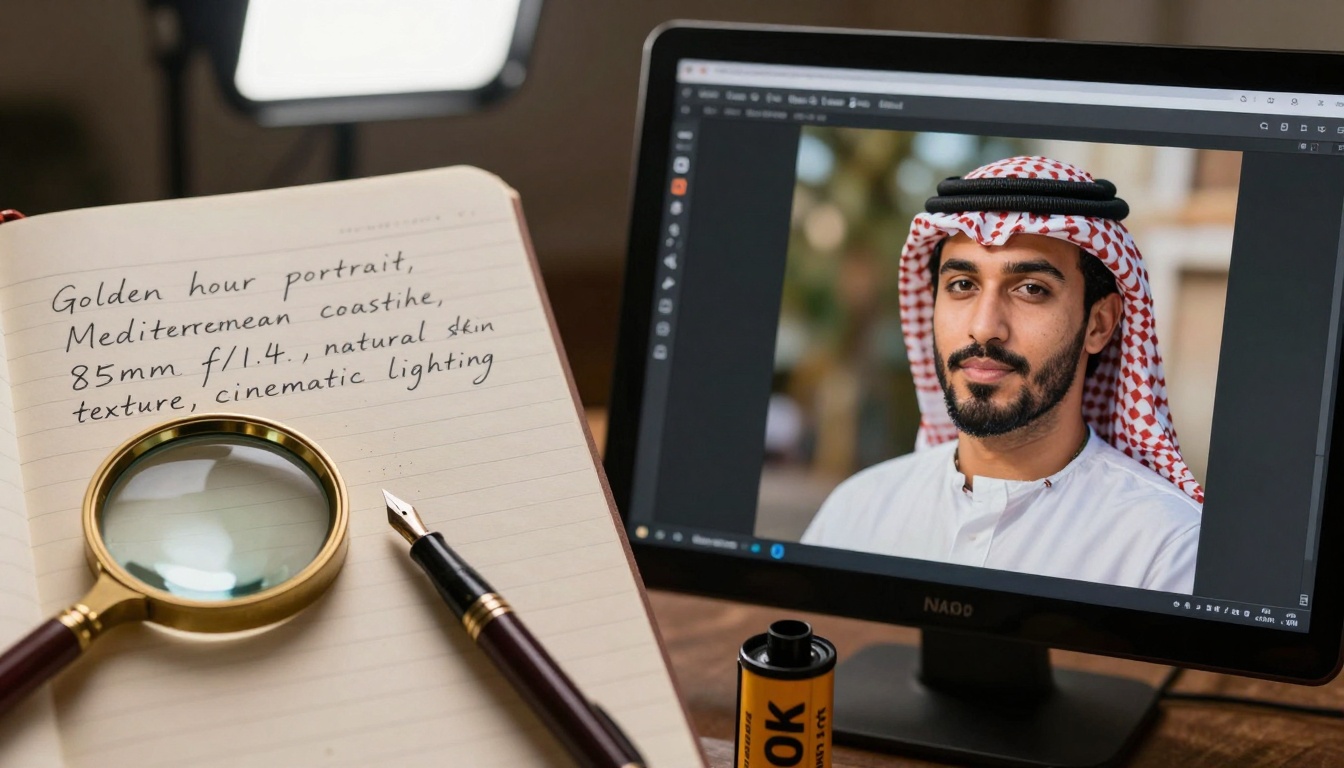
Exact prompt matching showing technical precision
Consistency Changed Everything
The single biggest frustration with early AI tools was inconsistency. A perfect portrait on attempt #3, followed by unusable results on attempts #4-10. This unpredictability made professional reliance impossible.
Three Consistency Breakthroughs:
- Parameter persistence: When you specify "85mm f/1.4 portrait lighting," every variation maintains those exact parameters
- Style coherence: Batch generations maintain consistent artistic treatment across all outputs
- Quality floor: Minimum output quality guaranteed, eliminating "bad batch" surprises
💡 Professional Workflow Example: A designer creating 30 social media graphics needs consistent color grading, composition style, and detail level across all assets. With inconsistent tools, this meant hours of manual adjustment. With Nano Banana Pro, it's one prompt producing 30 perfectly matched variations.
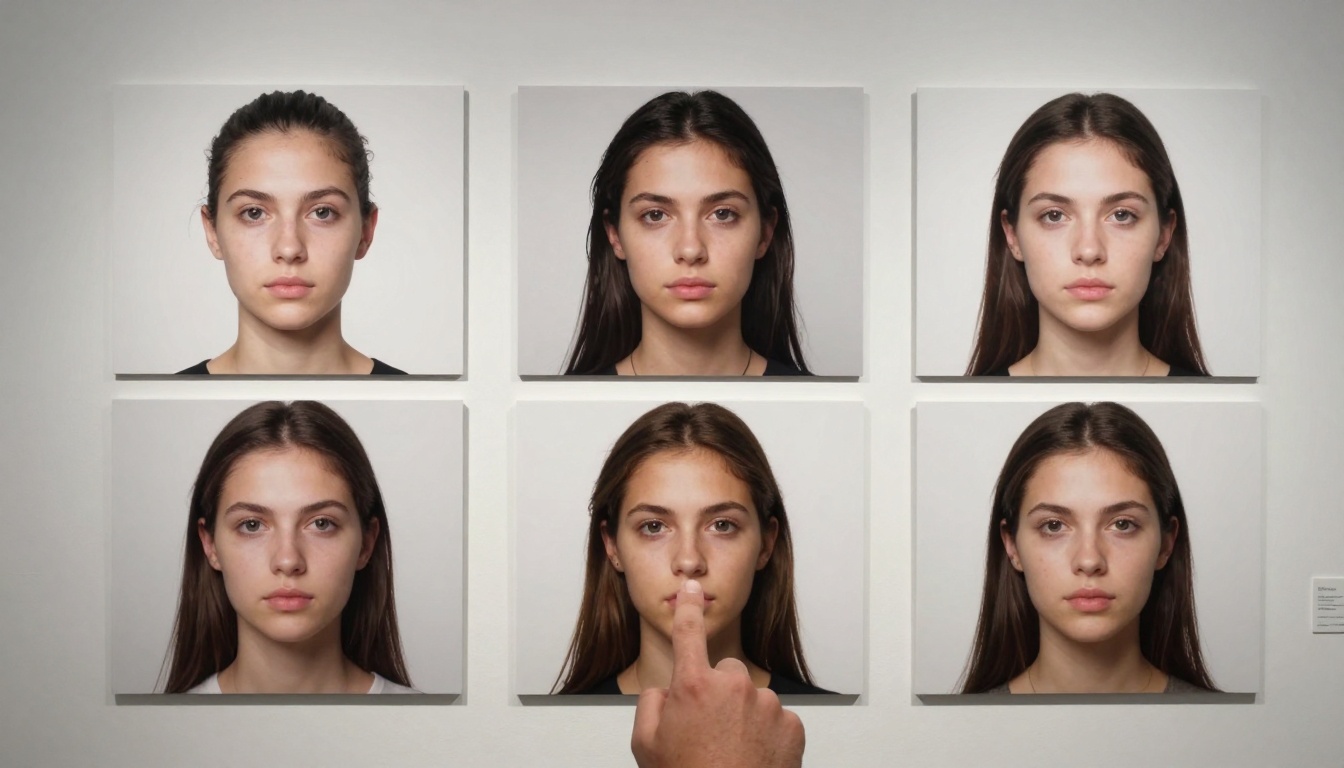
Progressive improvement showing consistent quality evolution
The Mobile Shift Nobody Predicted
Professional creativity left the studio years ago. Today's creators work from cafes, client offices, and remote locations. Traditional AI tools requiring desktop setups or complex local installations became anchors rather than tools.
Nano Banana Pro's mobile-optimized architecture changed this dynamic:
Mobile Workflow Advantages:
- Location-based inspiration: Generate images matching your actual environment
- Client collaboration: Real-time generation during meetings
- Spontaneous creativity: Capture inspiration immediately, not "when I get back to my desk"
- Reduced overhead: No more "mobile versus desktop" workflow splits

AI generation seamlessly integrated into natural environments
Cost Structure That Actually Scales
Early AI pricing penalized professional usage. Per-image costs that made sense for hobbyists became prohibitive for agencies producing hundreds of assets weekly.
The Nano Banana Pro Difference:
| Usage Pattern | Traditional Model | Nano Banana Pro |
|---|
| 10 images/day | $2-5 daily | $0.50-1.50 daily |
| 100 images/week | $20-50 weekly | $5-15 weekly |
| 500 images/month | $100-250 monthly | $25-75 monthly |
| Agency scale (5000+) | Prohibitive | Volume discounts available |
Hidden Cost Savings:
- No retry expenses: First-attempt success reduces wasted generations
- Time efficiency: Faster generation means lower labor costs per asset
- Quality assurance: Reduced need for manual correction or Photoshop work
- Platform consolidation: Single tool replacing multiple subscriptions
Integration Over Isolation
The biggest workflow disruption wasn't AI quality - it was platform fragmentation. Separate tools for image generation, upscaling, editing, and batch processing created logistical nightmares.
Nano Banana Pro built everything into one interface:
Integrated Features Professionals Actually Use:
- Batch generation with variation controls
- Real-time upscaling to 8K resolution
- In-interface editing and refinement
- Export presets for different platforms
- Project organization with client folders
- Version history and iteration tracking
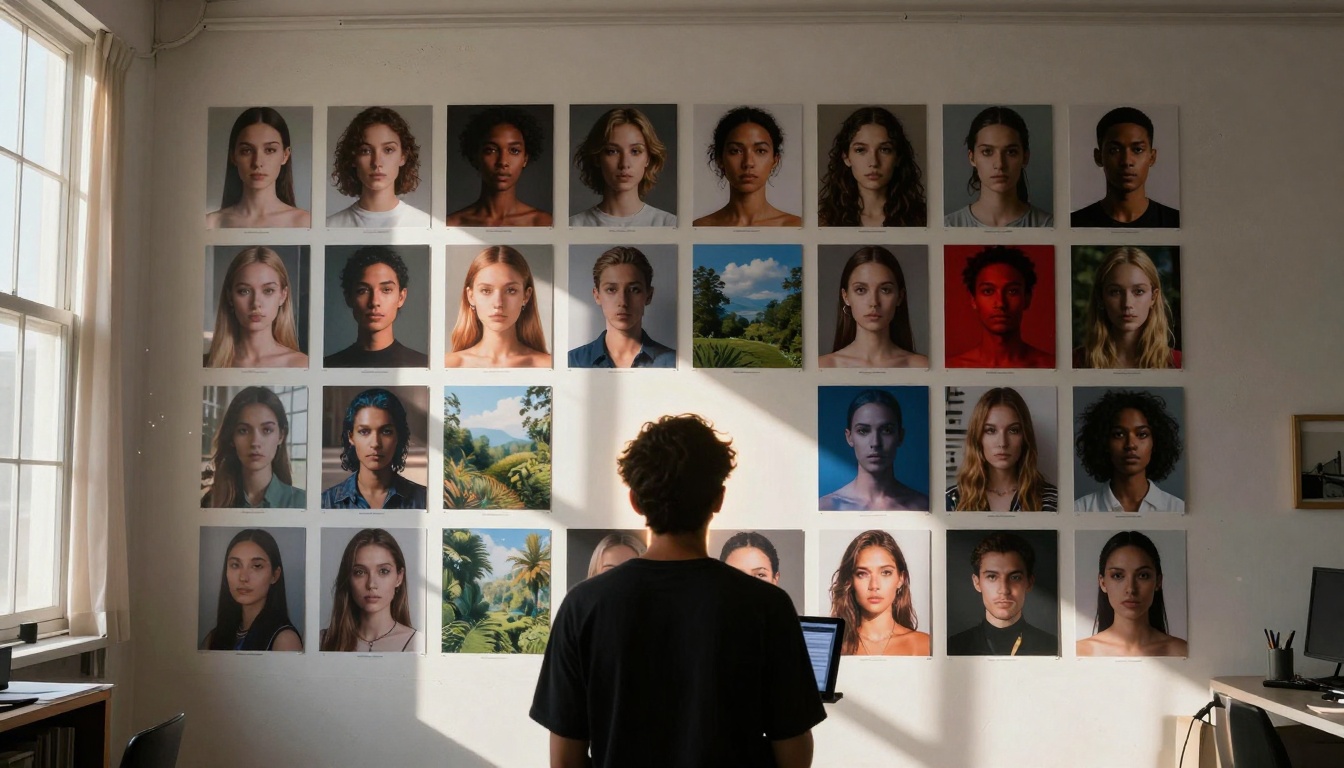
Professional-grade organization and curation capabilities
The Learning Curve That Doesn't Exist
Advanced tools typically come with steep learning curves. Nano Banana Pro inverted this by making professional results accessible with simple prompts while offering advanced controls for experts.
Two-Tier Accessibility:
For Beginners:
- Natural language prompts produce photorealistic results
- Template system for common use cases
- One-click style application
- Automatic parameter optimization
For Experts:
- Camera parameter controls (focal length, aperture, shutter speed)
- Lighting system specification (direction, quality, color temperature)
- Material property adjustments
- Composition rule overrides
💡 Industry Impact: Agencies can onboard junior designers quickly while senior creatives access advanced controls. This eliminates the "tool proficiency gap" that traditionally separated team members.
Tactile interface design reducing cognitive load
Standalone tools create workflow islands. Nano Banana Pro exists within PicassoIA's broader ecosystem, offering seamless integration with complementary tools:
Connected Workflow Possibilities:
- Generate images with Nano Banana Pro
- Upscale with Real-ESRGAN
- Remove backgrounds with Remove Background
- Convert to video with WAN-2.6-I2V
- Add audio with Music-01
This ecosystem approach eliminates export/import cycles, format conversions, and quality degradation between tools.
Amateur tools output JPEGs. Professional workflows require specific formats with embedded metadata and quality preservation.
Nano Banana Pro Deliverables:
- 16-bit TIFF with alpha channels for compositing
- Adobe RGB color profiles for print production
- Embedded metadata (prompt, parameters, generation date)
- Layer separation for elements requiring post-processing
- Batch ZIP exports with organized folder structures
Why Format Matters:
- Print production: CMYK conversion requires specific source formats
- Video integration: Alpha channels enable seamless compositing
- Archive standards: Professional libraries require metadata for search/organization
- Client specifications: Agencies often mandate specific delivery formats
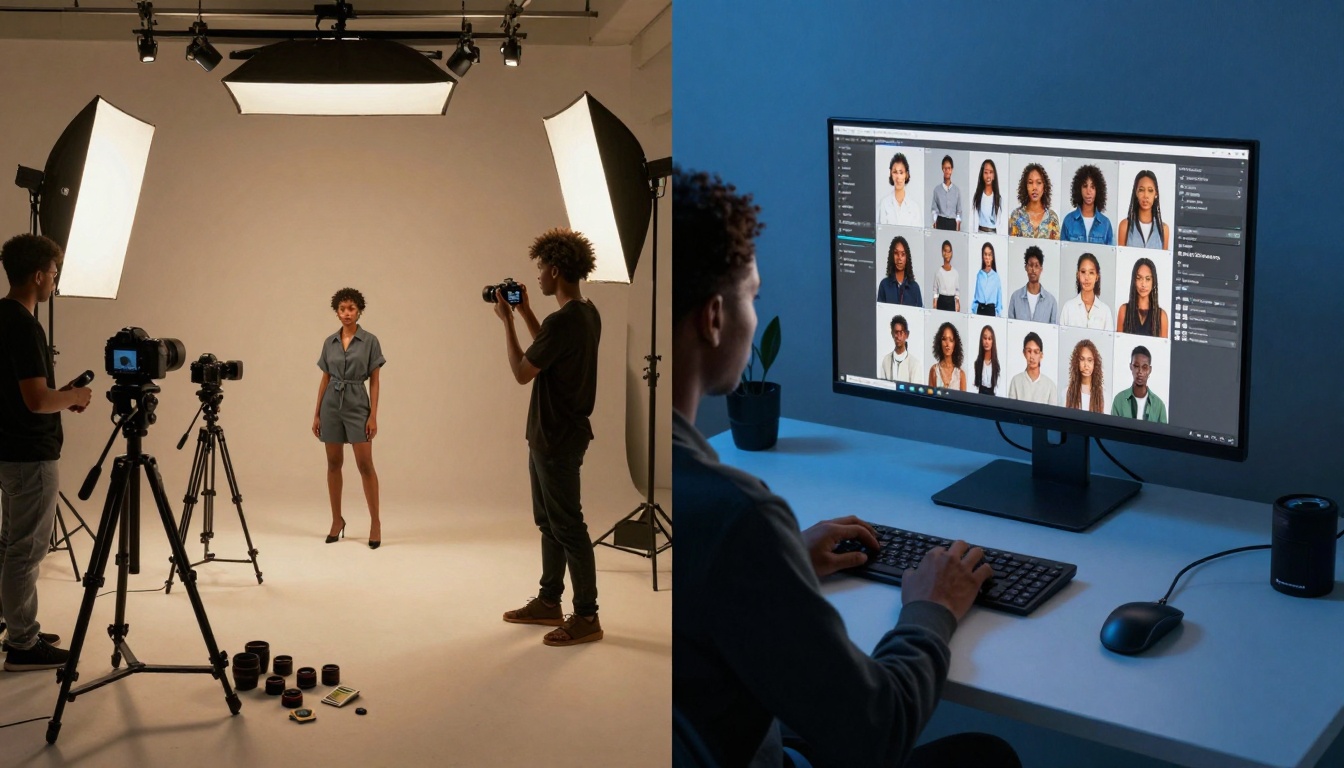
Before/after showing fundamental workflow transformation
The Bottom Line For Creators
The switch to Nano Banana Pro isn't about following trends - it's about measurable improvements that directly impact creative output and business viability.
Concrete Results Reported By Users:
- Photography studios: 40% reduction in studio rental costs (fewer physical shoots needed)
- Marketing agencies: 3x increase in campaign asset production
- Design firms: 60% reduction in project turnaround times
- Content creators: 5x increase in weekly output volume
- E-commerce brands: 75% reduction in product photography costs
The Reality Check:
When tools deliver this level of improvement, continuing with outdated alternatives becomes actively detrimental. The time savings alone justify migration, but combined with quality improvements and consistency gains, the decision becomes obvious.
Where This Leads
The creative industry's migration to Nano Banana Pro signals a broader shift: AI tools must justify their existence through tangible workflow improvements, not just technological novelty.
Next Evolution Already Visible:
- Real-time collaboration: Multiple creators working on shared generation sessions
- Style transfer systems: Applying specific photographer's signature treatments
- Asset libraries: Generated content organized by project, client, campaign
- Automated workflows: Trigger generation based on calendar events or client requests
The platform's architecture positions it for these evolutions while current users benefit from today's concrete advantages.
Making The Switch Practical
For creators considering migration, the practical steps matter more than theoretical advantages:
Migration Strategy That Works:
- Parallel testing: Run both old and new tools for one project
- Client approval: Present Nano Banana Pro outputs alongside traditional work
- Team training: Schedule dedicated sessions focusing on efficiency gains
- Cost analysis: Calculate actual savings based on your volume
- Quality audit: Compare outputs at 100% magnification
Common Transition Timeline:
- Week 1: Familiarization and simple projects
- Week 2: First client project with parallel workflows
- Week 3: Full migration for suitable projects
- Month 2: Complete transition with workflow optimization
Beyond individual advantages, the collective migration creates network effects:
Community-Driven Improvements:
- Shared prompt libraries reducing experimentation time
- Template exchange accelerating common project types
- Workflow sharing revealing efficiency optimizations
- Quality benchmarks establishing professional standards
This community dimension transforms tool adoption from individual decision to collective advancement.
Your Next Steps
The data shows clear advantages. The workflow examples demonstrate tangible improvements. The migration patterns indicate industry direction.
Actionable Starting Points:
- Test with one project: Choose a current assignment to compare outputs
- Calculate your metrics: Time per image, cost per asset, quality consistency
- Involve your team: Collaborative evaluation prevents individual bias
- Check integration needs: Ensure the platform supports your existing tools
- Review output requirements: Verify formats and quality meet your standards
The creative tools landscape evolves rapidly, but fundamental principles remain: tools should expand possibilities, not constrain them. When a platform delivers order-of-magnitude improvements across speed, quality, consistency, and cost, attention shifts from "whether" to "when."
For creators ready to experience the difference, the platform offers immediate access to the capabilities driving industry migration. The results speak directly to professional needs - not hypothetical advantages, but daily workflow improvements that change how creative work happens.


