The creator economy is undergoing a seismic shift, and at the center of this transformation sits Google's Nano Banana Pro - an AI image generation model that's rewriting the rules of visual content creation. What started as a trickle of early adopters has become a flood of professional creators abandoning traditional tools for this advanced solution. The migration isn't just about chasing the latest technology; it's about tangible improvements in workflow efficiency, output quality, and creative possibilities that directly impact the bottom line.
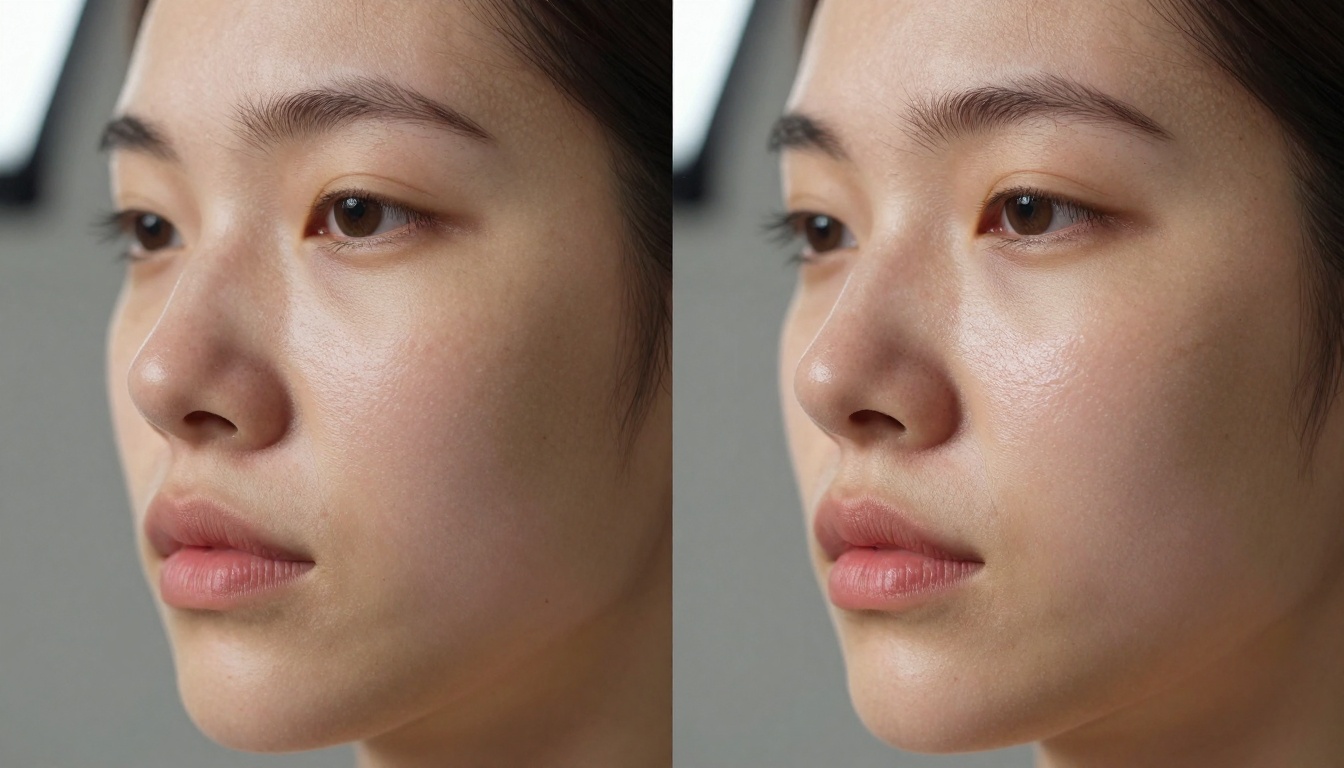
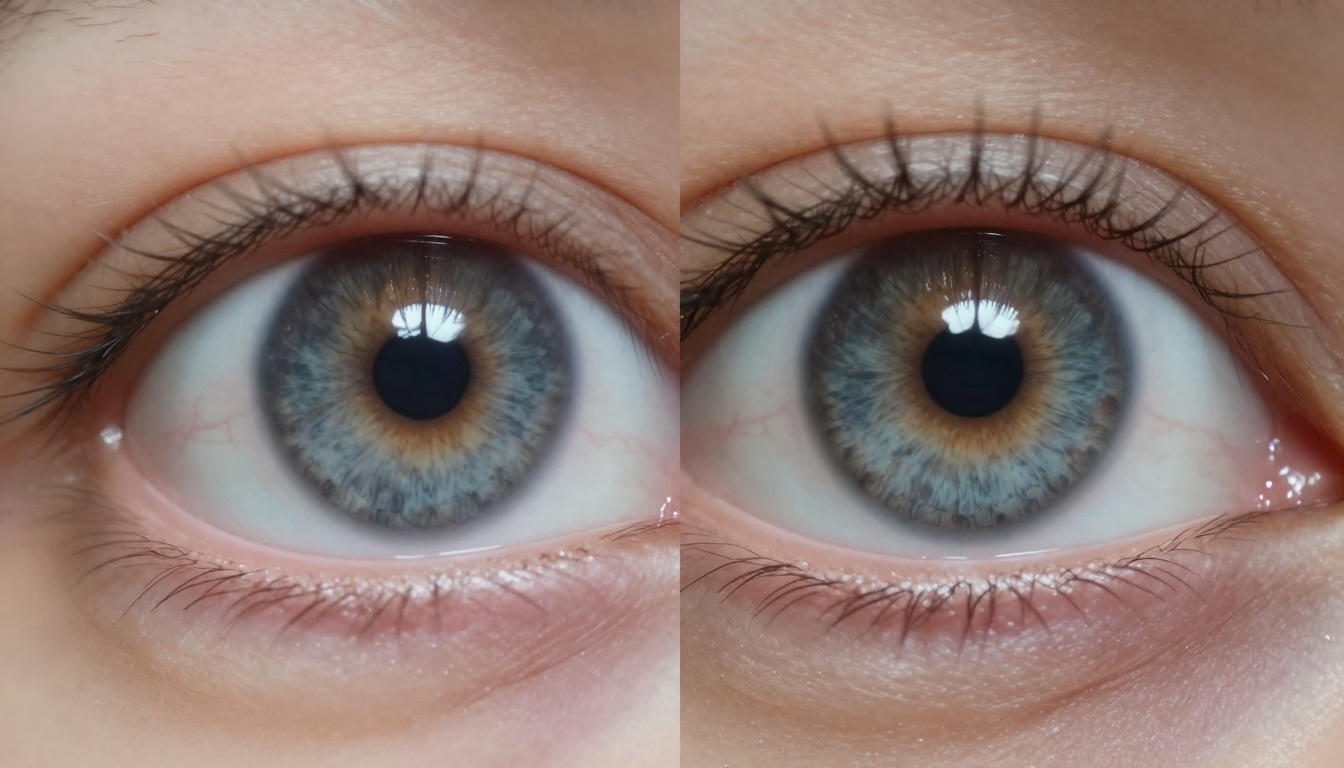
💡 The texture revolution is real: Traditional AI models produce uniform, plastic-like surfaces, while Nano Banana Pro captures microscopic details like pores, fabric weave variations, and natural imperfections that make images feel authentically human.
The Speed Revolution in AI Image Generation
For professional creators, time isn't just money - it's creative momentum, client satisfaction, and competitive advantage. The switch to Nano Banana Pro represents a fundamental change in how quickly ideas become visual realities.
Traditional workflow bottlenecks:
- 2-3 minute generation times for complex prompts
- Multiple iterations needed to achieve desired quality
- Separate upscaling steps for final resolution
- Manual post-processing in external software
Nano Banana Pro acceleration:
- 30-45 second generation for most prompts
- Higher first-pass success rate reduces iterations
- Built-in 4K resolution options
- Integrated editing capabilities within PicassoIA
What Makes Nano Banana Pro Different
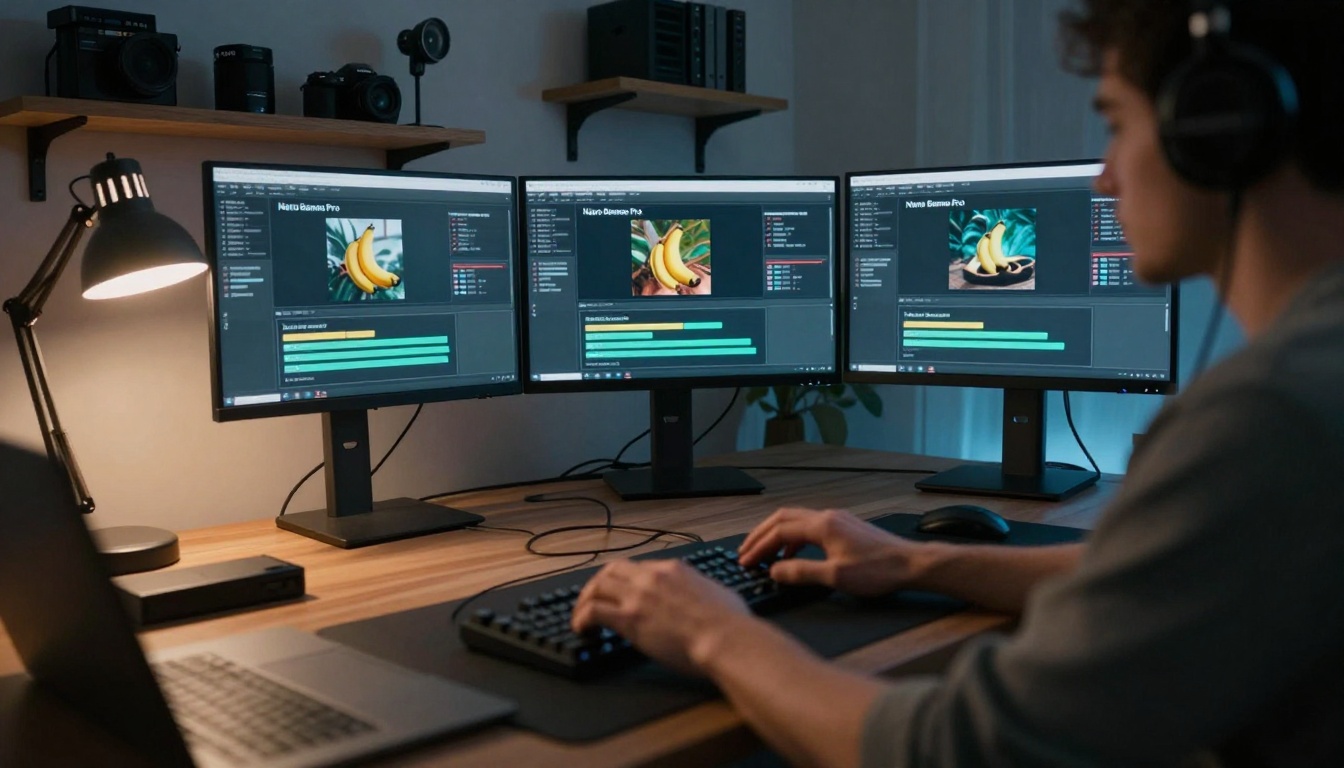
The technical architecture behind Nano Banana Pro explains why creators are seeing such dramatic improvements. Unlike traditional diffusion models that process images through sequential noise reduction, Google's approach incorporates:
- Parallel processing architecture that handles texture, lighting, and composition simultaneously
- Advanced material understanding trained on microscopic surface scans
- Real-world lighting simulation based on physics-based rendering principles
- Biological accuracy models for skin, hair, and organic materials
💡 Production math: A social media manager generating 20 daily posts previously spent 60-90 minutes on image creation. With Nano Banana Pro's speed advantage, that same workload now takes 20-30 minutes, reclaiming an hour of productive time every day.
Photorealistic Results That Actually Look Real
The single most compelling reason for the migration is quality. Not just "good enough" quality, but photorealistic output that stands up to professional scrutiny.
| Traditional AI Models | Nano Banana Pro |
|---|
| Uniform skin texture | Natural pore variation |
| Perfect symmetry | Authentic asymmetry |
| Flat lighting | Complex light interaction |
| Repetitive patterns | Organic variation |
| Plastic-like materials | Realistic material properties |
The Texture and Lighting Breakthrough
What separates Nano Banana Pro from previous generations is its understanding of real-world physics. Traditional models approximate; this model simulates.
Texture accuracy includes:
- Subsurface scattering in skin (light penetration depth)
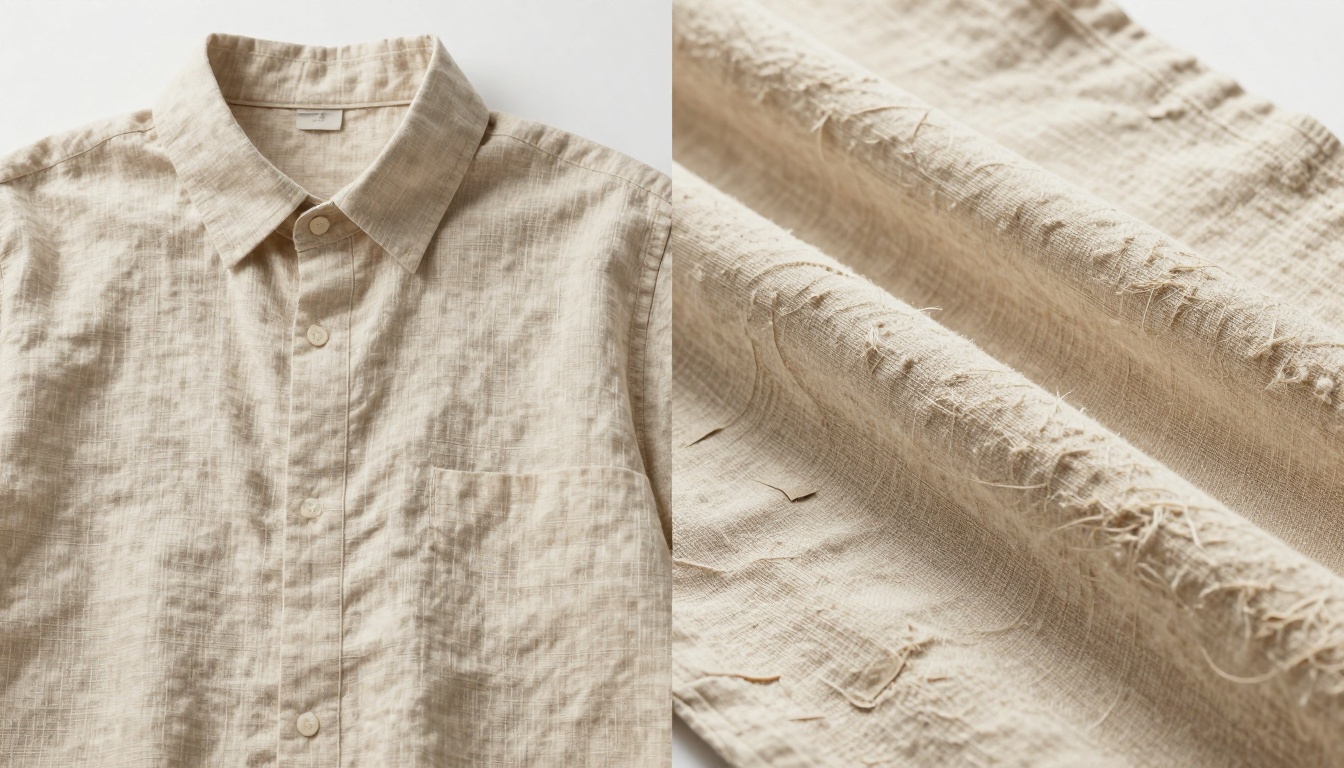
- Fiber-level detail in fabrics and hair
- Micro-imperfections that add authenticity
- Material-specific light absorption properties
Lighting simulation advancements:
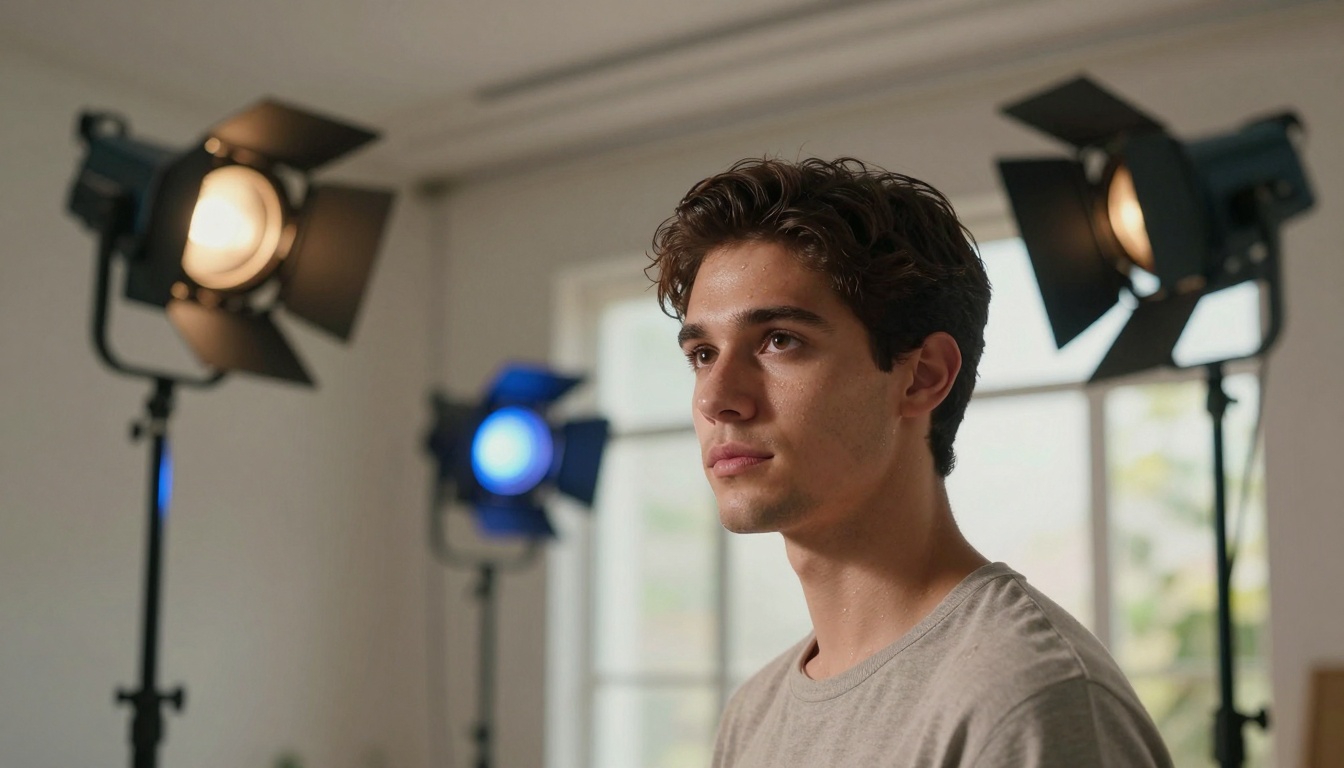
- Accurate color temperature blending
- Realistic shadow falloff gradients
- Environment reflection accuracy
- Mixed lighting scenario handling
Cost vs Quality: The New Math for Creators
The financial implications of the switch are transforming creator business models. What initially seems like a premium tool actually creates cost savings through efficiency.
Direct cost comparison:
| Expense Category | Traditional Tools | Nano Banana Pro |
|---|
| Generation time cost | $0.10-0.25 per image | $0.03-0.08 per image |
| Editing time | 5-10 minutes per image | 1-2 minutes per image |
| Software subscriptions | Multiple tools ($50-200/month) | Integrated platform |
| Quality control | Manual review needed | Higher first-pass quality |
How Much Faster Is It Really?
Benchmark testing reveals the performance gap isn't incremental - it's transformative:
- Simple prompts: 3-4x faster generation
- Complex scenes: 5-8x faster with better quality
- Batch processing: Parallel generation reduces total time by 70%
- Resolution scaling: Native 4K output eliminates separate upscaling steps
💡 Client impact: Agencies reporting 40% faster project turnaround and 30% reduction in revision cycles directly attribute these improvements to Nano Banana Pro's accuracy and speed.
Integration With Existing Creator Workflows
The practical reality for creators isn't just about raw performance - it's about how tools fit into established workflows. Nano Banana Pro's integration within PicassoIA provides seamless adoption paths.
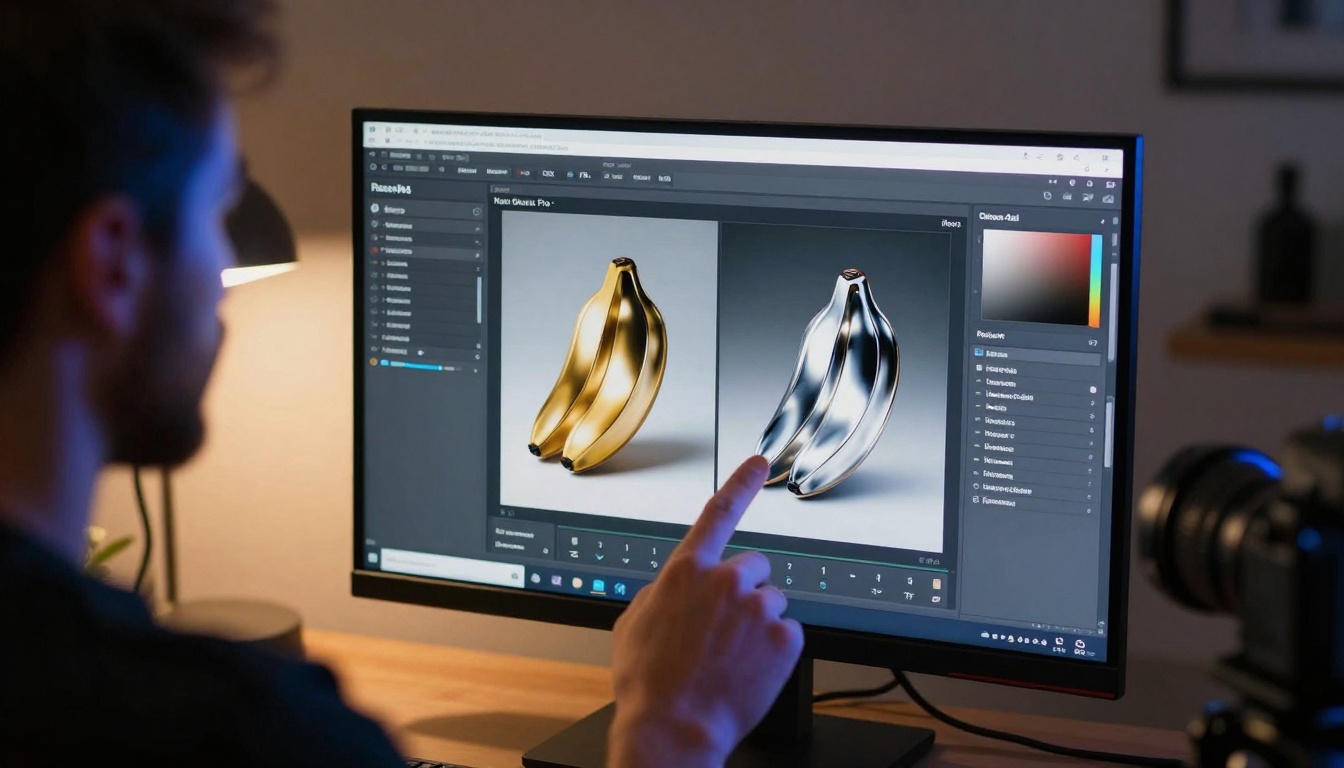
Workflow integration points:
- Direct API access for custom automation
- Batch processing for high-volume needs
- Format compatibility with existing asset pipelines
- Metadata preservation for organization systems
- Version control integrated with creative workflows
Compatibility With Other AI Tools
Rather than replacing entire toolkits, Nano Banana Pro enhances them:
- Complementary use with Flux models for different artistic styles
- Integration with GPT Image for combined text-to-image workflows
- Export compatibility with Adobe Creative Cloud
- Webhook support for automated publishing systems
How to Use Nano Banana Pro on PicassoIA
Getting started requires minimal setup but delivers maximum impact. The integration within PicassoIA provides both simplicity for beginners and depth for professionals.
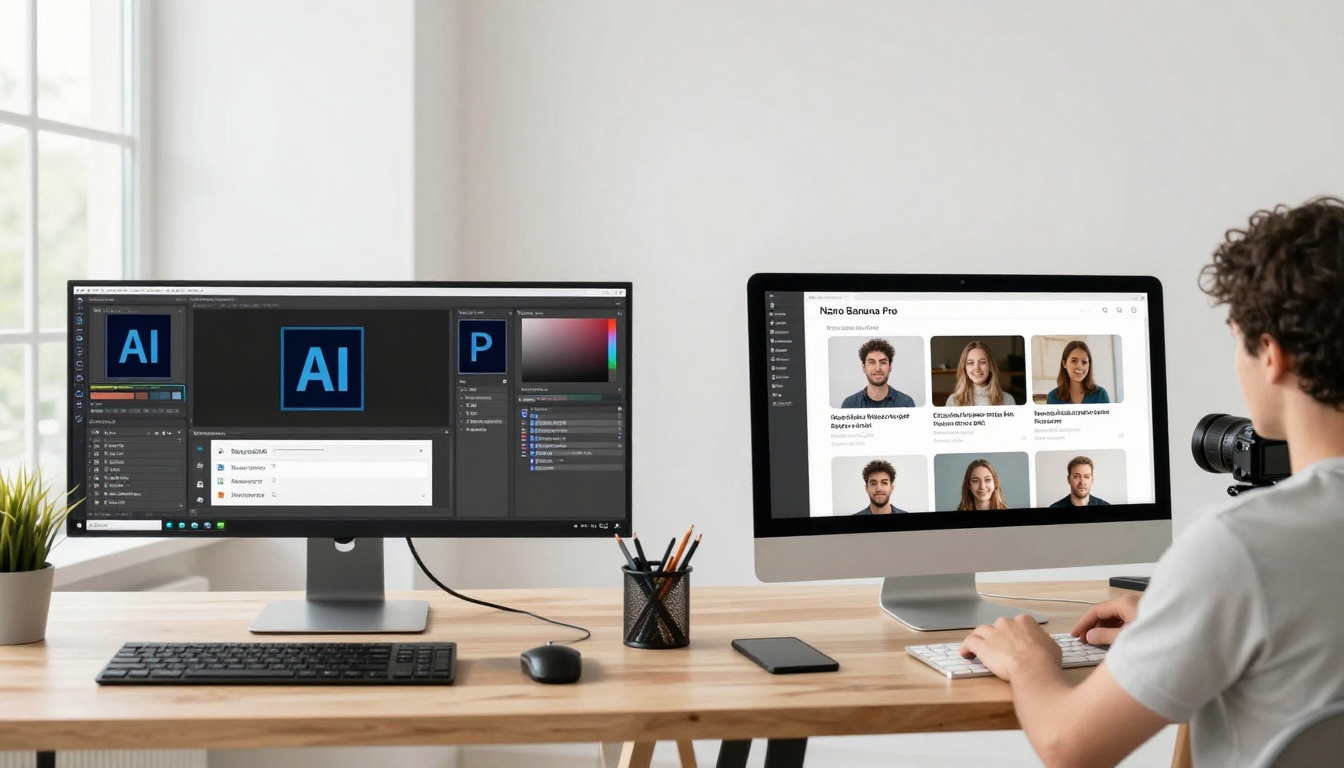
Access path:
- Visit PicassoIA's Nano Banana Pro page
- Create account or use existing credentials
- Navigate to the model interface
- Begin with sample prompts or upload reference images
Step-by-Step Guide for First-Time Users
Optimal parameter settings for creators:
| Parameter | Recommended Setting | Why It Matters |
|---|
| Resolution | 4K | Professional quality for all uses |
| Aspect Ratio | Match project requirements | Reduces cropping and reformatting |
| Safety Filter | Block medium and above | Balances creativity with appropriateness |
| Reference Images | 3-5 for consistency | Maintains brand/style coherence |
| Output Format | PNG for editing, JPG for distribution | Preserves quality through workflow |
Prompt optimization tips:
- Be specific about materials: "matte black marble with visible grain" not just "dark surface"
- Describe lighting direction: "morning light from left at 45 degrees" not just "bright"
- Include texture details: "visible pores with natural oil sheen" not just "realistic skin"
- Specify camera details: "85mm lens at f/1.8 shallow depth" for photographic control
💡 Pro tip: Start with 2-3 reference images showing your desired style, then use detailed prompts to refine. The combination yields consistently better results than prompts alone.
Common Creator Use Cases
The migration spans multiple creator categories, each finding unique advantages in Nano Banana Pro's capabilities.
Social Media Content Creation
For influencers, brands, and social managers, the impact is measured in engagement metrics and production efficiency.
Before Nano Banana Pro:
- 60-90 minutes daily for visual content
- Mixed quality across platforms
- Limited A/B testing due to time constraints
- Heavy reliance on stock imagery
After switching:
- 20-30 minutes for superior content
- Consistent quality across all channels
- Rapid iteration for optimization
- Unique, brand-specific imagery

Product Photography Replacement
E-commerce businesses and DTC brands are finding Nano Banana Pro transforms their visual asset creation.
Traditional product photography challenges:
- $500-2000 per product shoot
- 2-4 week production timelines
- Limited variation shots
- High costs for product updates
AI-generated solution advantages:
- $5-20 per product visualization
- Same-day turnaround
- Unlimited variations (colors, contexts, styles)
- Instant updates for product changes
Key applications:
- Lifestyle context shots showing products in use
- Color variant exploration without physical samples
- Seasonal campaign adaptation with changed environments
- A/B testing imagery for conversion optimization
What Creators Are Saying About the Switch
The migration isn't driven by marketing hype but by practical results reported across creative communities.
Social media agency owner (35 team members):
"We've reduced our content production costs by 40% while improving quality. The texture accuracy means less client feedback about 'AI-looking' images. Our designers now focus on strategy rather than production."
E-commerce brand creative director:
"Product visualization used to bottleneck our launches. Now we generate 50+ variations in the time it took to photograph one. The quality stands up to professional photography at 10% of the cost."
Independent content creator (250K followers):
"My engagement increased 30% when I switched. Followers noticed the improved quality immediately. The time savings let me focus on community interaction rather than content production."
Try Creating Your Own Images Today
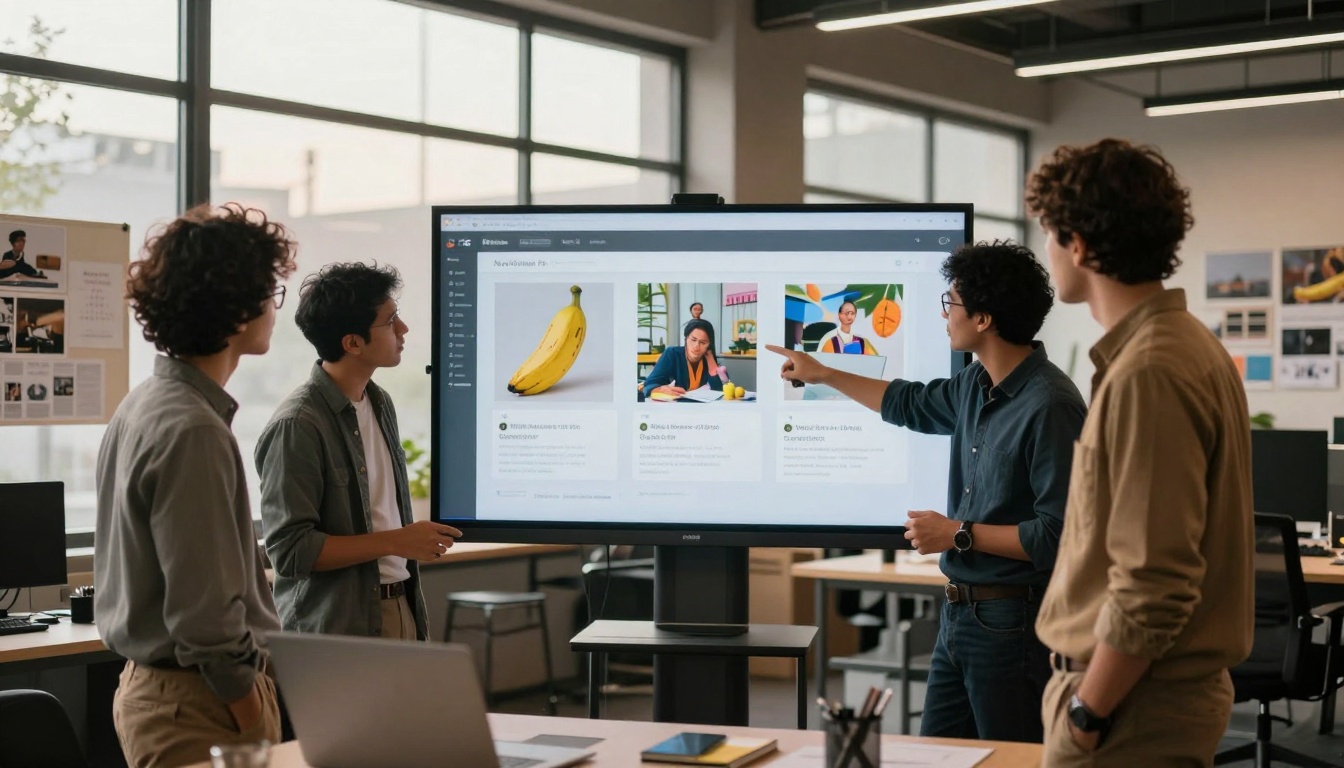
The proof isn't in analysis but in creation. The migration to Nano Banana Pro represents more than tool adoption - it's a fundamental shift in what's possible for creators at every scale.
Start with these practical steps:
- Visit Nano Banana Pro on PicassoIA and create a free account
- Upload 2-3 reference images showing your desired style or subject
- Experiment with detailed prompts focusing on texture and lighting specifics
- Compare outputs with your current tools using the same prompts
- Calculate time savings for your specific workflow needs
For maximum impact:
- Batch test 5-10 images you currently create manually
- Measure quality improvement through peer feedback
- Track time reduction across a week of normal production
- Explore cost implications for your business model
The creator migration to Nano Banana Pro isn't slowing down - it's accelerating as more professionals experience the tangible improvements in their daily work. The combination of speed, quality, and integration creates advantages that compound over time, transforming not just individual images but entire creative workflows and business models.


