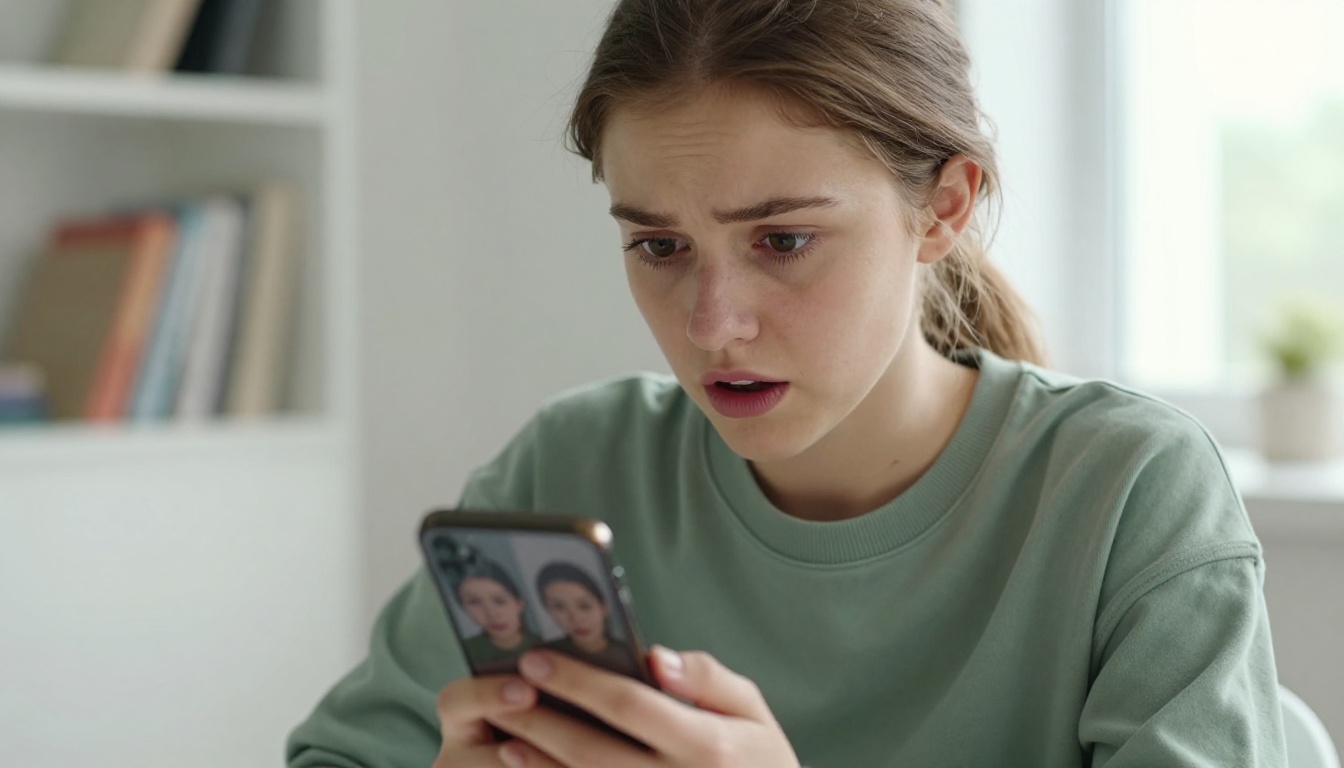
Something strange is happening on your social feed. You scroll past a photo of someone you know, then pause, because something is slightly off. The lighting is too perfect. The skin is impossibly smooth. It's them, but not quite. You've just seen someone's AI twin, and if you haven't made one yourself yet, you're in the minority.
The Trend That Snuck Up on Everyone
From Novelty to Normal in 18 Months
Eighteen months ago, generating a photorealistic portrait of yourself with AI was the kind of thing that required technical knowledge, a powerful GPU, and a lot of patience. Today you can do it in three minutes on your phone, often for free. The gap between "this is a research demo" and "this is in everyone's camera roll" collapsed faster than anyone predicted.
The shift wasn't gradual. It happened in waves. First came AI headshot generators targeting LinkedIn users who wanted professional photos without the hassle of a studio session. Then came the style-swap apps that let you see yourself as a Renaissance painting or a Hollywood still. Then someone figured out that the same models powering those tools could produce something far more unsettling: a version of you that looks entirely real but was never photographed.
That's when the cultural moment arrived.
The Numbers Don't Lie
The data tracks with the vibe. AI avatar and portrait apps saw explosive install growth across all major markets in 2024. Apps in the "AI photo" category jumped from niche to top-chart territory, with some tools reporting tens of millions of users within weeks of launch. Instagram, TikTok, and LinkedIn are now saturated with AI-generated headshots, many of which their owners don't disclose as AI at all.
| Year | AI Photo App Downloads (Est.) | Top Use Case |
|---|
| 2022 | ~8 million | Artistic style filters |
| 2023 | ~120 million | AI headshots for LinkedIn |
| 2024 | ~600 million | Photorealistic AI twins |
| 2025 | 1B+ projected | Animated AI avatars |
The trend isn't slowing. It's accelerating, and the technology powering it is getting cheaper and more accessible every quarter.
What Is an AI Twin, Exactly?
More Than Just a Filter
A filter adjusts what's already there. A Snapchat dog filter overlays cartoon ears on your actual face. An AI twin is different: it's a new image, generated from scratch, that depicts you in a way that was never photographed. The model learns what you look like from a set of reference photos and then creates new ones, placing you in different lighting, environments, poses, and styles.
The output isn't a crop or a color grade. It's a synthetic photograph.
Worth noting: The best AI twins are indistinguishable from real photos at a glance. This isn't a bug, it's the whole point. The goal is photorealism, not stylization.
Digital Clone vs. AI Avatar
People use these terms interchangeably, but there's a useful distinction:
- AI Twin / Digital Clone: A photorealistic, near-identical generated replica. Designed to look like a real photograph of you.
- AI Avatar: A stylized representation, often cartoon, 3D, or fantasy-themed. Still based on your likeness but clearly not a photo.
- AI Persona: A character built around your aesthetic choices. May or may not resemble you.
Most of the viral content flooding feeds right now falls into the first category. People want the twin, not the avatar. They want to look at the result and feel a small shock of recognition.
The Tech Behind Your Digital Double
How Text-to-Image Models Work
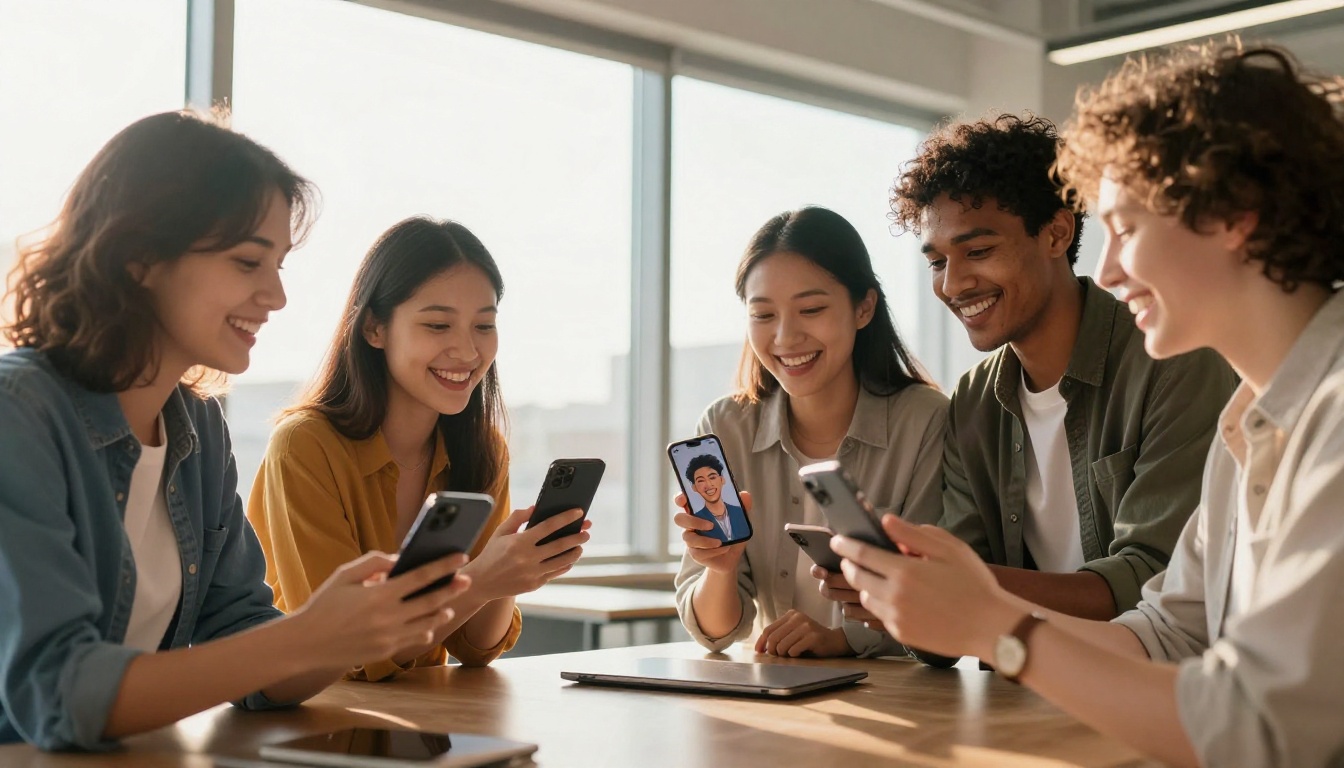
The AI twins you see online are almost all produced by a class of models called diffusion models. These models are trained on billions of image-text pairs and learn to associate visual patterns with language descriptions. When you prompt one with "a woman with auburn hair in natural studio lighting," it doesn't search a database. It generates pixels, guided by what it learned during training.
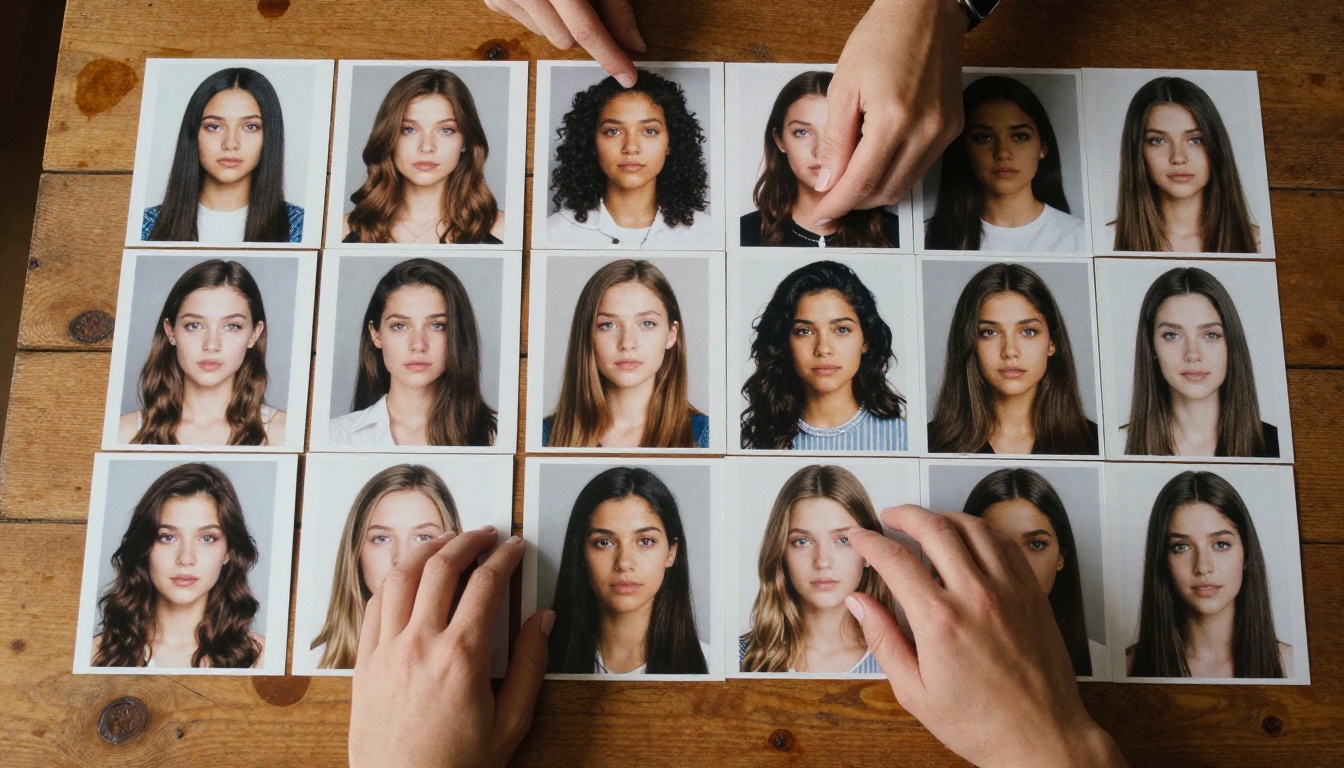
The reason your face can appear in those generated images comes down to a process called fine-tuning, often implemented through LoRA training (Low-Rank Adaptation). You upload 10-20 photos of yourself, the model runs a short training session on your specific face, and from that point forward it can insert your likeness into any scene it generates. The training used to take hours and cost money. Now it takes minutes on cloud infrastructure and is often included in the app's free tier.
This is why AI twins scaled so fast. The compute cost dropped below the threshold of user friction.
Why Faces Got So Good So Fast
Human faces are unusually well-represented in AI training data. The internet is full of photographs of people, professionally lit and candid alike, tagged and described in text. This abundance of training signal means face generation converged faster than any other subject category.
By 2024, the best text-to-image models could generate faces with:
- Accurate skin texture at 8K resolution, including pores, fine lines, and subsurface scattering
- Consistent lighting from any specified direction
- Recognizable likeness preservation after fine-tuning
- Natural asymmetry (real faces aren't symmetrical, and the models learned that)
The uncanny valley, that uncomfortable space where AI faces look almost-but-not-quite real, has largely been cleared for frontal portraits under controlled lighting. Profile shots, unusual angles, and complex expressions still trip models up occasionally, but the average front-facing portrait is now convincingly photographic.
Why People Actually Do It
Self-Expression at Zero Cost
Photography is expensive. A good portrait session with a professional photographer costs anywhere from $200 to $2,000. Studio time, wardrobe, editing: it adds up. AI twins let anyone access the visual output of a professional shoot without any of the cost or logistics.
This democratization is real and meaningful. People who've never had a professional photo of themselves, because geography, cost, or social anxiety made a real shoot impossible, can now have dozens.
The result is a kind of visual self-expression that was previously gated by budget and access. That's worth acknowledging beyond the trend-piece framing.
Professional Use Cases Exploding
The LinkedIn headshot use case got the most press, but it's actually the least interesting application. Here's where AI twins are showing up professionally:
- Speakers and authors generating book cover portraits and event graphics without hiring a photographer
- Models and content creators producing variety without scheduling shoots
- Small business owners creating consistent brand photography across social platforms
- Remote workers getting professional-grade profile images for global video calls
The quality bar has risen to where many companies can't tell the difference during hiring. This is both a remarkable technology outcome and a policy question that HR departments are actively wrestling with.
The Glamour Factor
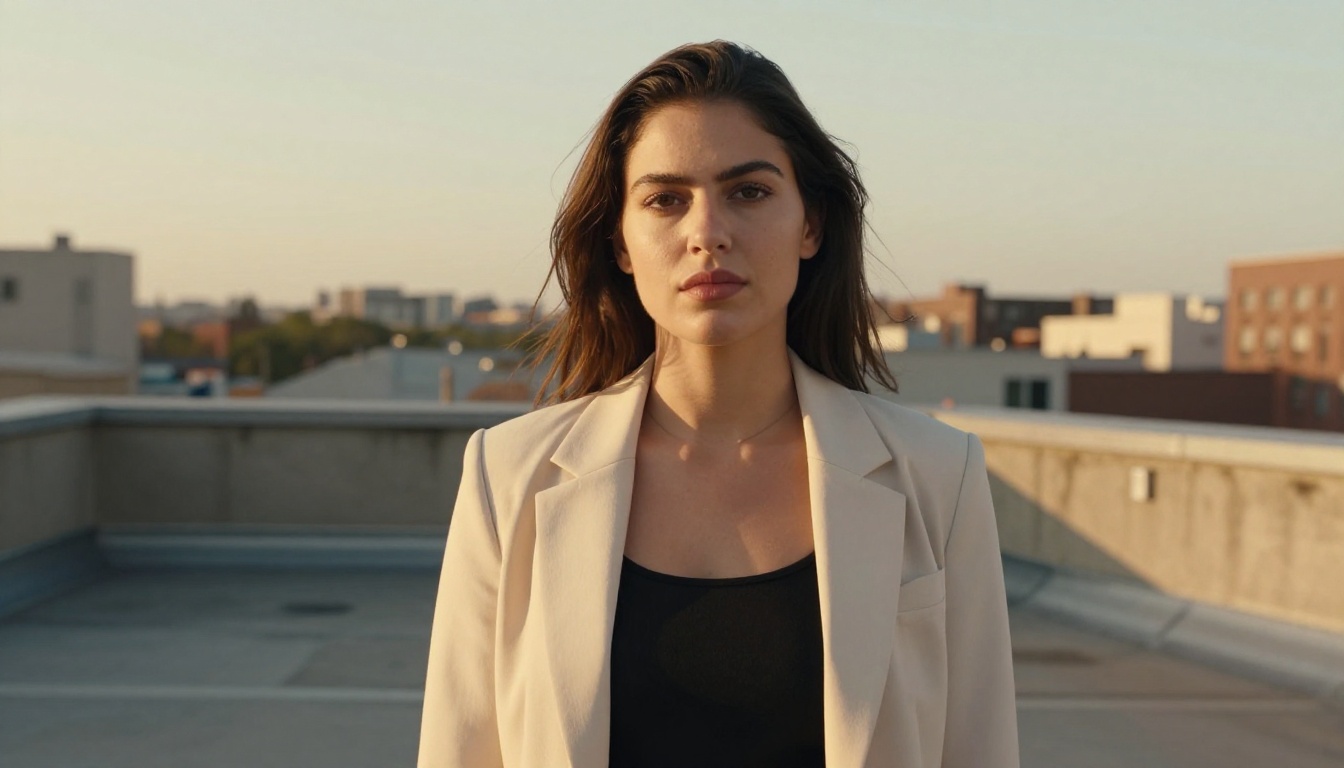
And then there's the simpler, more honest reason: people want to see themselves looking spectacular. An AI twin can place you in golden hour light on a Sicilian coast, or in a perfectly appointed studio with lighting that would take a professional gaffer an hour to set up.
It's not deceptive, when disclosed. It's fantasy portraiture, made accessible.
Your AI Twin Can Now Talk
Lipsync Makes It Eerily Real
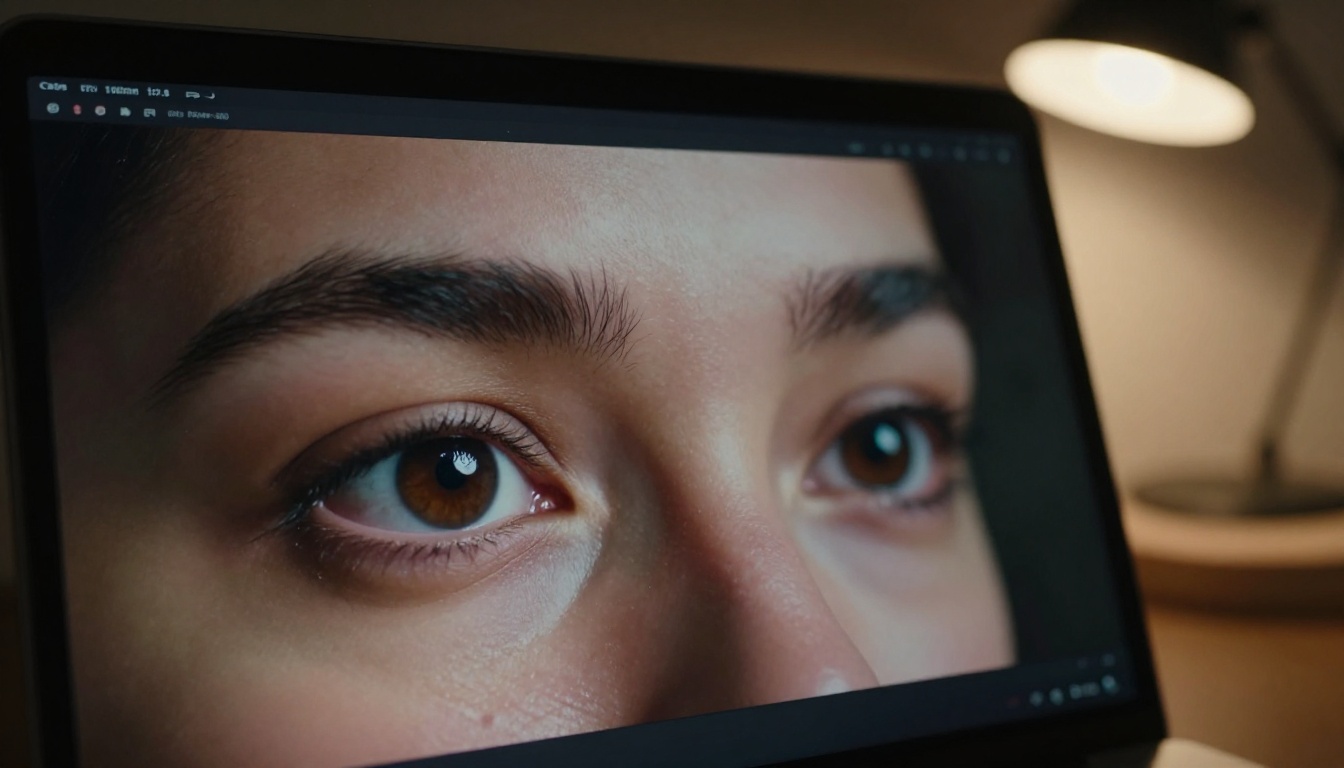
Static AI portraits were just the beginning. The next layer of the AI twin stack is animation, specifically lipsync technology that can take a still image of your face and make it speak, laugh, or lip-sync to any audio.
Tools like Omni Human 1.5 by ByteDance can animate a single reference photo into a fully realistic talking video. Fabric 1.0 by VEED makes any portrait speak, with natural mouth movements and head motion. Lipsync Precision by HeyGen handles multi-language dubbing, so your AI twin can speak in languages you don't.
The combination of photorealistic AI portrait plus animated lipsync is what pushes the AI twin concept into something genuinely new. You're no longer generating a photo. You're generating a presence.
The Privacy Conversation Nobody's Having
Who Owns Your Digital Face?
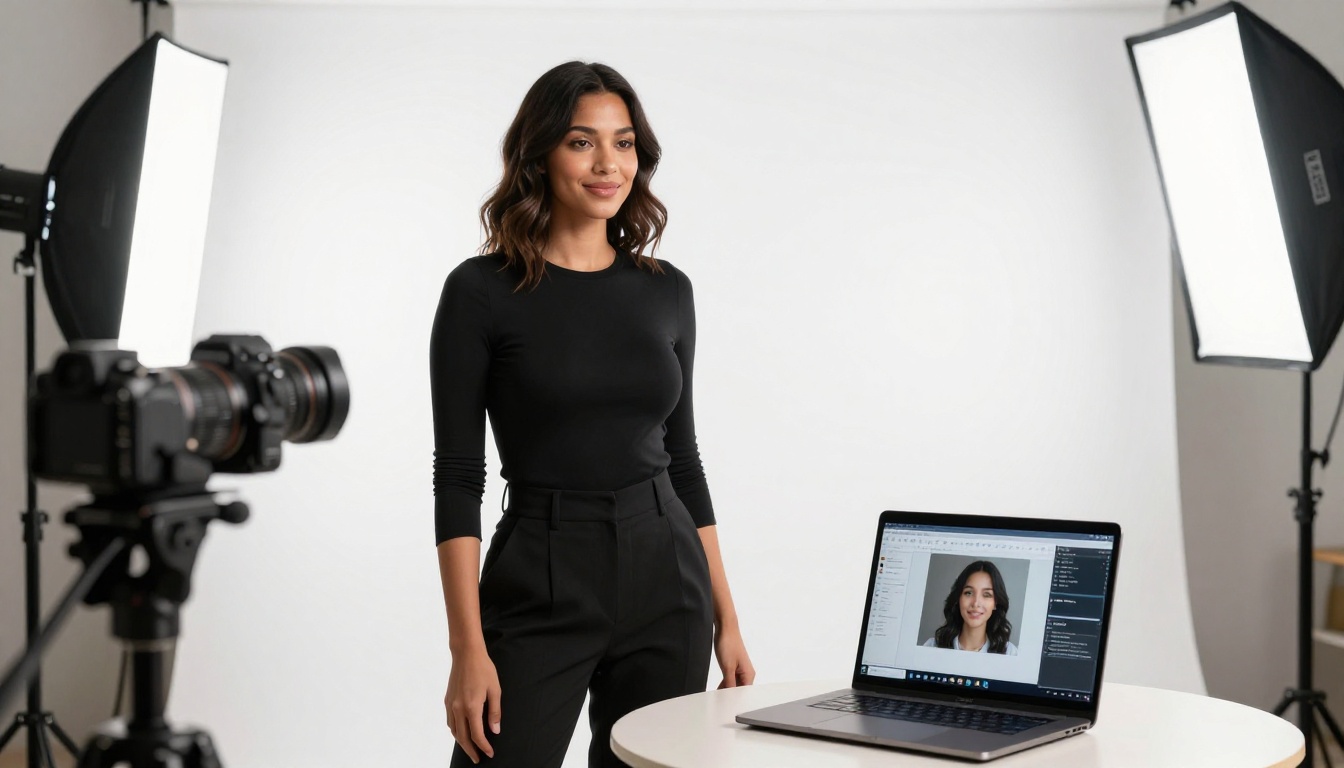
When you upload 20 photos of yourself to an AI twin app, several things happen that the terms of service rarely explain clearly:
- Your photos are processed on the company's servers
- The fine-tuned model weights encoding your face may be stored
- The generated images may be used for training next-generation models
- Your likeness, encoded in weights, might outlast the app itself
None of this is necessarily malicious. But it's worth being clear-eyed about it. Your face is biometric data. Once it's been encoded into an AI model's weights, revoking that is technically complex, often impossible, and rarely guaranteed by app terms.
3 Questions to Ask Before You Upload
Before you generate your AI twin with any platform, these three questions matter:
- Do they store my photos after processing? Reputable platforms delete training images after the fine-tuning run. Some don't.
- Do they use my generated images for training? Opt-out isn't the same as opt-in. Read the data clause.
- Can I delete my fine-tuned model? Some platforms let you delete your LoRA model weights. Others don't offer this at all.
Practical rule: Use platforms that are explicit about data handling, not ones that rely on vague "we take your privacy seriously" language. Check the privacy policy, not the marketing copy.
How to Create Your AI Twin on PicassoIA
PicassoIA gives you direct access to the best text-to-image models available, letting you generate photorealistic portraits with professional-grade quality, without any monthly subscription or complicated setup.
What You Actually Need
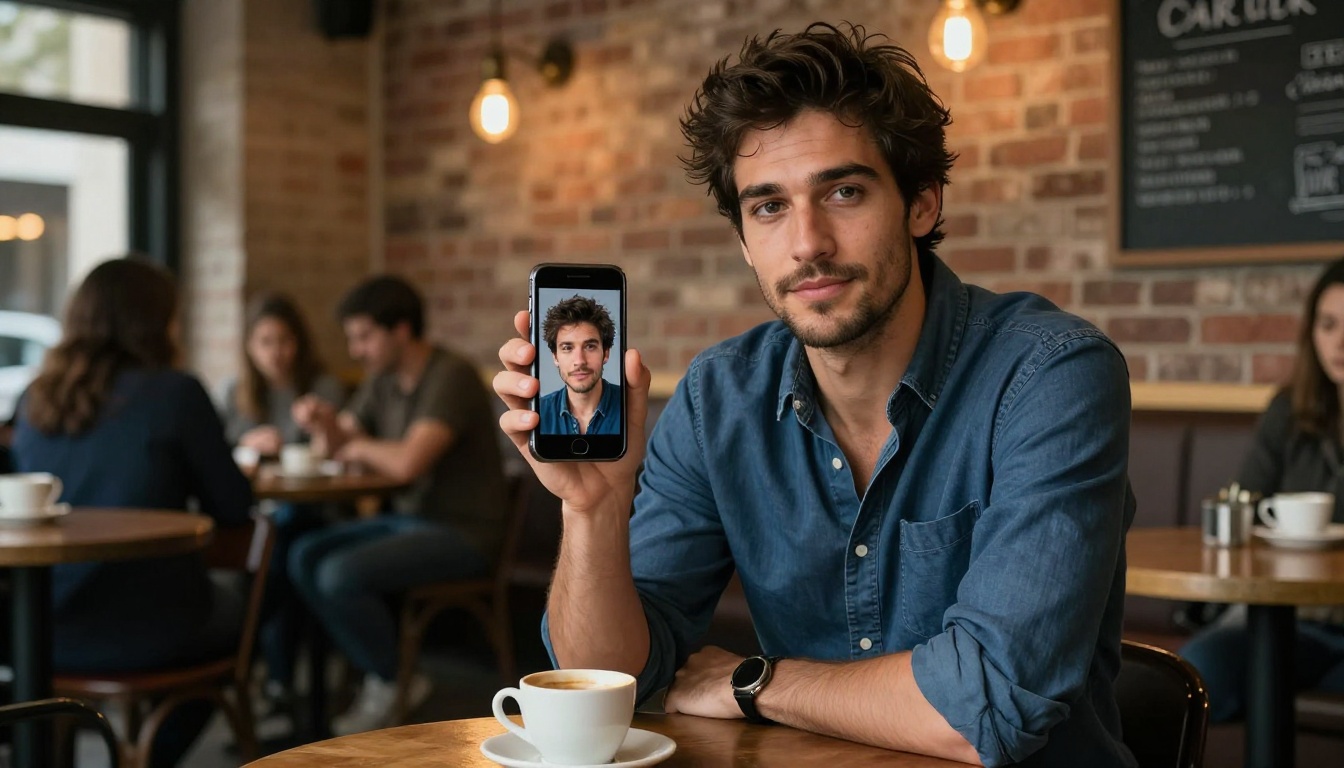
You don't need a collection of studio photos. Candid shots work perfectly well if they're:
- Well-lit: Natural daylight or indoor light with no harsh shadows
- Varied: Different angles, not 20 identical selfies from the same spot
- Clear: No motion blur, hats blocking your face, or heavy glasses obscuring key features
- High resolution: Nothing under 1 megapixel
Aim for 15-20 photos. More variety in angle and lighting produces better results than more quantity from the same setup.
Getting the Best Results
Once you have your reference photos ready, PicassoIA's text-to-image models can generate portraits across an enormous range of styles and scenarios. For photorealistic results:
- Describe the scene precisely: "Soft natural window light from the left, white studio background, neutral expression, 85mm portrait lens" produces better results than "nice photo of me"
- Specify lighting direction: "Volumetric golden hour light from the right" or "flat studio lighting" dramatically changes the result
- Include technical descriptors: "Kodak Portra film grain, f/1.8 depth of field, 8K resolution" pulls the model toward photographic realism
After generating your AI twin portrait, you can sharpen and scale it using Crystal Upscaler, which specializes in upscaling portrait images to 4x without artifact damage. For backgrounds, Bria Remove Background cleanly extracts your AI self from any generated backdrop so you can composite it anywhere. To push detail further, Topaz Image Upscale can take your portrait up to 6x resolution with impressive detail retention.
What Comes After the AI Twin
The Next Two Years
The AI twin is already becoming less a novelty and more an expectation. Several trajectories are developing simultaneously:
Animated twins: Static AI portraits are table stakes. The real momentum is in animated personas, twins that move, speak, and react. Models like Omni Human 1.5 make a single photo into a speaking presence in minutes.
Persistent AI personas: Companies are building infrastructure for AI twins that persist across platforms, the same face and voice showing up on your LinkedIn, your YouTube, your customer service bot. This is already live at the enterprise level.
Real-time twins: Video call deepfake detection is still imperfect. Real-time AI twin overlays that run on your webcam are available to anyone who wants them. This is the technology that makes video authentication as a trust signal increasingly fragile.
Creative self-expression: Beyond professional utility, AI twins are becoming a medium for identity exploration, seeing yourself in different eras, aesthetics, or physical presentations. This use case is quieter but arguably more personally significant.
The Real Question
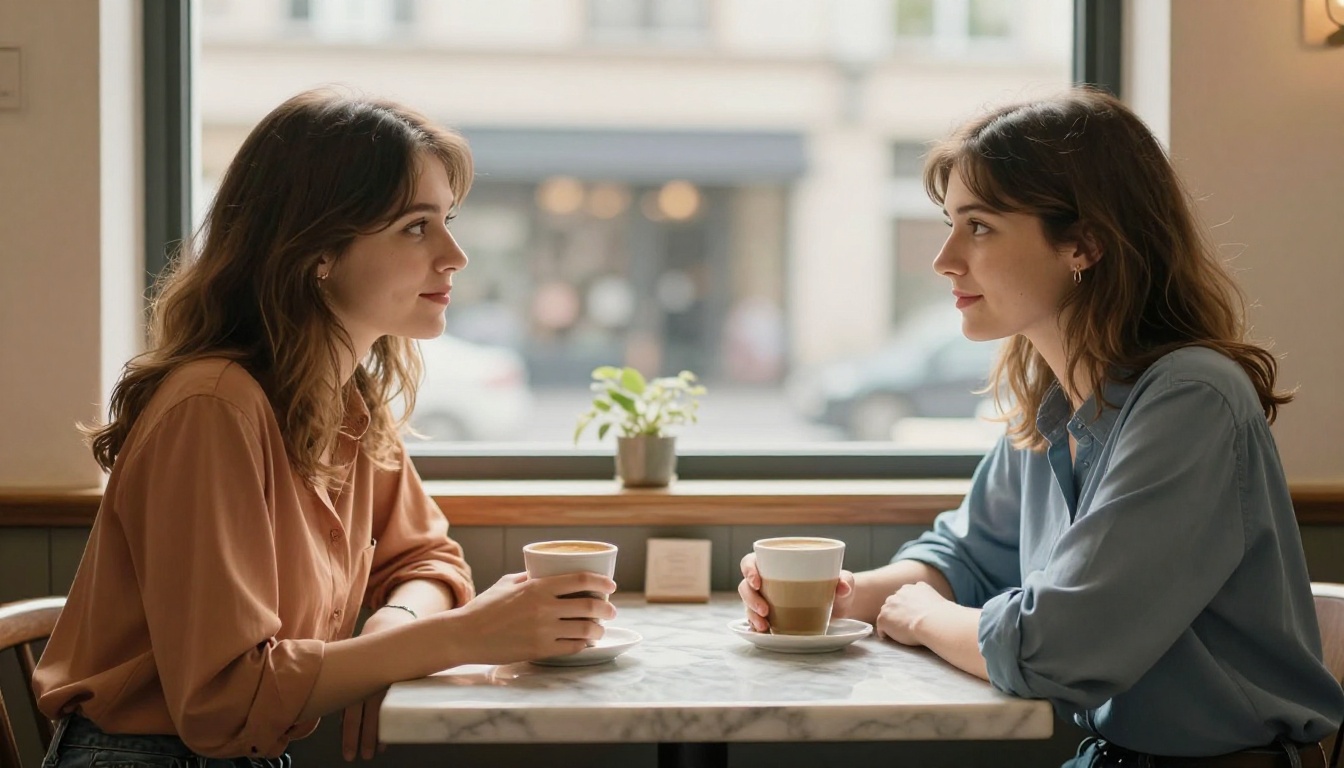
The proliferation of AI twins raises a genuinely interesting cultural question, one that goes beyond the usual AI discourse about jobs and misinformation. When anyone can generate a photorealistic image of anyone, including themselves, looking however they want, the relationship between appearance and identity gets complicated.
For most people, most of the time, this is a feature. The ability to control how you're seen, to craft a version of yourself for different contexts, has always been a human desire. AI just makes it cheaper and faster.
The complication arrives when the gap between the AI version and the real one starts to feel too wide. When the AI twin is a projection of who you want to be, rather than who you are, the question becomes less about the technology and more about the person using it. That's not a new question. It's the oldest one.
The AI twin trend is accelerating. The tools are better than they were six months ago. They'll be better again in six months. The only question is what you do with them.
Start with Your Own AI Portrait
The fastest way to actually understand AI twins isn't reading about them. It's making one.
PicassoIA gives you access to the full stack: photorealistic text-to-image generation, portrait upscaling with Real ESRGAN and Crystal Upscaler, background removal with Bria Remove Background, and animated lipsync with Omni Human 1.5. All in one place, no technical setup required.
Upload a few photos. Write a prompt. See what the model makes of you. The result might surprise you, or unsettle you, or both. That reaction, that moment of recognition crossed with strangeness, is exactly what makes this technology worth paying attention to.
Your AI twin is already possible. The only thing left is to make it.


