Free AI video generators just crossed a threshold that most people are not tracking yet. In 2027, TikTok's top-performing content is not coming from professional studios or influencers with six-figure camera setups. It is being produced by solo creators using text-to-video AI tools that cost absolutely nothing to run. This is not a trend waiting to materialize. It is happening now, and the creators who identified it early are posting twice daily without touching a camera, a microphone, or an editing timeline.
The TikTok Shift Nobody Saw Coming
Three years ago, going viral on TikTok required either extraordinary luck, a recognizable face, or an expensive production workflow. The bar was set by dance trends, food creators with professional lighting rigs, and comedians with perfect comedic timing.
That bar no longer exists in the same way. AI-generated short-form video has quietly removed the production skills requirement from the equation. Anyone with a text prompt and an internet connection can now produce a 15-second clip that looks intentionally crafted. TikTok users, who scroll on average 90 minutes per day, have demonstrated through behavioral data that they respond to well-paced, visually interesting content regardless of whether a human filmed it.
The shift began when AI image generation crossed into video territory. Tools like PixVerse v5.6 and LTX-2 Distilled made it possible to produce fluid, cinematic motion from a single text prompt. When creators realized these outputs could be repurposed as short-form clips, TikTok's content supply changed practically overnight.
💡 The real disruption: It is not that AI makes videos faster. It is that AI makes video creation accessible to people who had zero path to video creation before.
Why the Algorithm Rewards AI Content
TikTok's recommendation engine does not care whether a video was filmed by a human or generated by a machine. It cares about watch time, completion rate, shares, and saves. AI-generated content, when executed well, hits all four metrics hard.
Here is why: AI video generators produce visually consistent output. There are no shaky camera movements, no poor white balance, no accidental background noise. The result is smooth, polished content that holds a viewer's attention from the first frame to the last. When completion rate is high, the algorithm promotes the video to new audiences.
Creators running faceless AI channels on TikTok have figured this out. They use text-to-video models to produce themed content series, often daily, with zero on-camera presence required.
| Metric | Human-Filmed Average | AI-Generated Average |
|---|
| Completion Rate | 52% | 68% |
| Share Rate | 2.1% | 3.4% |
| Save Rate | 1.8% | 2.9% |
| Production Time | 4-6 hours | 15-30 minutes |
Approximate benchmarks from creator analytics communities, 2025-2026.
The data is difficult to argue with. AI content takes less time to produce and performs better on the metrics that TikTok's algorithm prioritizes. This is why adoption is accelerating faster than most social media analysts anticipated.
The Best Free Models Creators Use Right Now
Not all free text-to-video models deliver equal results. Here is a breakdown of what is actually worth your time in 2027.
PixVerse v5.6 consistently produces some of the most visually impressive output available at no cost. The motion is fluid, the visual quality holds up on larger screens, and the model handles complex scene descriptions without degrading. Creators in travel, fashion, and lifestyle niches reach for it constantly.
When you need to post four times per day and each clip needs to look polished, LTX-2 Distilled is the model for volume. Generation times are significantly faster than comparable tools, and the output maintains solid visual quality for 5 to 10 second clips.
ByteDance built Seedance 1 Lite specifically for animated character motion, and it shows. The model handles human movement with a naturalness that many competing tools struggle to replicate. For creators building character-driven storytelling content, this is a strong pick.
Hailuo 2.3: Best for Dramatic Scenes
MiniMax's Hailuo 2.3 excels at high-contrast, dramatic visual scenes. Dark aesthetic content, mystery niches, and horror-adjacent TikTok categories perform particularly well with this model's output style.
WAN 2.5 T2V: Best All-Around Free Option
For creators who want one model that handles everything from wide landscape shots to tight close-up character moments, WAN 2.5 T2V delivers consistent, reliable output across a wide range of prompts. It is the most versatile free option currently available.
How to Make Viral TikTok Clips with AI
The process is simpler than most people expect. Here is exactly how high-output TikTok creators are building their AI video workflow in 2027.
Step 1: Pick a Niche and Stay with It
TikTok's algorithm rewards accounts that signal clear topical consistency. Pick one niche and commit: travel, cooking, fitness, motivational content, nature, tech, or fashion. The AI video handles visual execution. Your job is to supply a coherent content direction and a consistent posting schedule.
Step 2: Write a Strong Prompt
The quality of your AI video is almost entirely determined by the quality of your text prompt. Strong prompts include:
- A specific subject: "A woman walking through a sunlit vineyard in Tuscany at golden hour"
- Specific motion: "She moves slowly, brushing her hand across the grapevines, looking into the distance"
- Mood and lighting: "Warm, cinematic, soft focus background, no text overlay"
- Duration intent: Keep prompts focused for 5 to 10 second clips
Step 3: Generate and Review
Run your prompt through your chosen model. LTX-2.3-Fast returns results in seconds. Review for pacing and visual coherence. If a clip does not feel right in the first 2 seconds, regenerate with an adjusted prompt. This takes 30 seconds, not 3 hours.
Step 4: Add Audio in TikTok's Native Editor
TikTok's built-in audio library is enormous. Pair your AI clip with a trending sound or a royalty-free track, and you have a ready-to-post clip. No third-party editor required.
Step 5: Post with Consistency
Consistency beats perfection on TikTok. Two to three posts per day using AI is completely sustainable without creative burnout. Accounts operating at this cadence are growing thousands of followers per week in 2027.

Faceless Content: The $0 TikTok Strategy
Faceless TikTok is one of the fastest-growing content formats on the platform. The premise is simple: you never appear on camera. Your channel is built entirely from AI-generated visuals, text overlays, and audio narration or trending music.
This format offers several concrete advantages:
- No camera required: Your phone is your publishing device, not your filming device
- No anxiety barrier: Millions of people who want to create content are stopped by camera shyness. Faceless content removes this entirely
- Scalable: You can run multiple channels simultaneously without the bottleneck of filming yourself
- Private: Your identity stays off-screen while your content builds an audience
Creators using P-Video for faceless content report that the most successful niches are:
- Relaxation and ambient visuals (nature, rain, fireplace loops)
- Motivational quote videos with cinematic AI-generated backgrounds
- Historical facts with AI-reconstructed visual scenes
- Travel destination showcases built entirely from text prompts
- AI-generated fashion lookbooks with trending audio
💡 Pro tip: Pair Hailuo 2.3 Fast with a strong text-to-speech voiceover for educational content. The combination produces polished explainer clips that perform extremely well with the 18-35 demographic.

What Sets AI Video Apart from Traditional Editing
Traditional video editing for TikTok involves filming, transferring files, cutting, color grading, adding effects, exporting, and uploading. For a single 30-second clip, that workflow can easily consume 3 to 4 hours.
AI video generation collapses this entirely.
| Workflow Step | Traditional | AI-Powered |
|---|
| Filming | 30-60 min | None |
| File Transfer | 10-15 min | None |
| Rough Cut | 30-45 min | None |
| Color Grade | 20-40 min | Built-in |
| Effects | 30-60 min | Prompt-defined |
| Export | 5-15 min | Instant |
| Total | 2-4 hours | 2-10 minutes |
The time savings are not marginal. They are transformational. A creator who previously posted twice per week can now post twice per day. On TikTok, posting frequency directly correlates with account growth, all else being equal.
Models like Kling V3 and Gen-4.5 are particularly valued because they produce output that does not require post-processing. The clips arrive ready to post. No color correction. No stabilization required.
5 Niches Where AI Video Crushes It
Not every niche benefits equally from AI-generated video. These five have proven particularly effective for this format on TikTok.
1. Travel and Destinations
AI video excels at producing visually stunning location footage without requiring the creator to actually travel. Wan 2.6 T2V generates photorealistic destination scenes that look like they were filmed on location. Travel inspiration accounts are thriving on this format in 2027.
2. Fitness and Wellness
Short motivational clips with cinematic backgrounds, sunrise landscapes, and wellness-coded aesthetics perform consistently well. LTX-2.3-Fast is popular here for its speed in supporting high-volume content calendars.
3. Horror and Mystery
The dramatic, high-contrast output from Hailuo 2.3 aligns perfectly with horror and true crime storytelling formats. These niches have massive audiences on TikTok and consistently high save rates.
4. Fashion and Aesthetic
AI-generated fashion content, particularly paired with trending audio, drives strong interaction rates. PixVerse v5.6 handles clothing textures and model movement well enough to produce convincing fashion reel aesthetics at zero cost.
5. Ambient and Relaxation
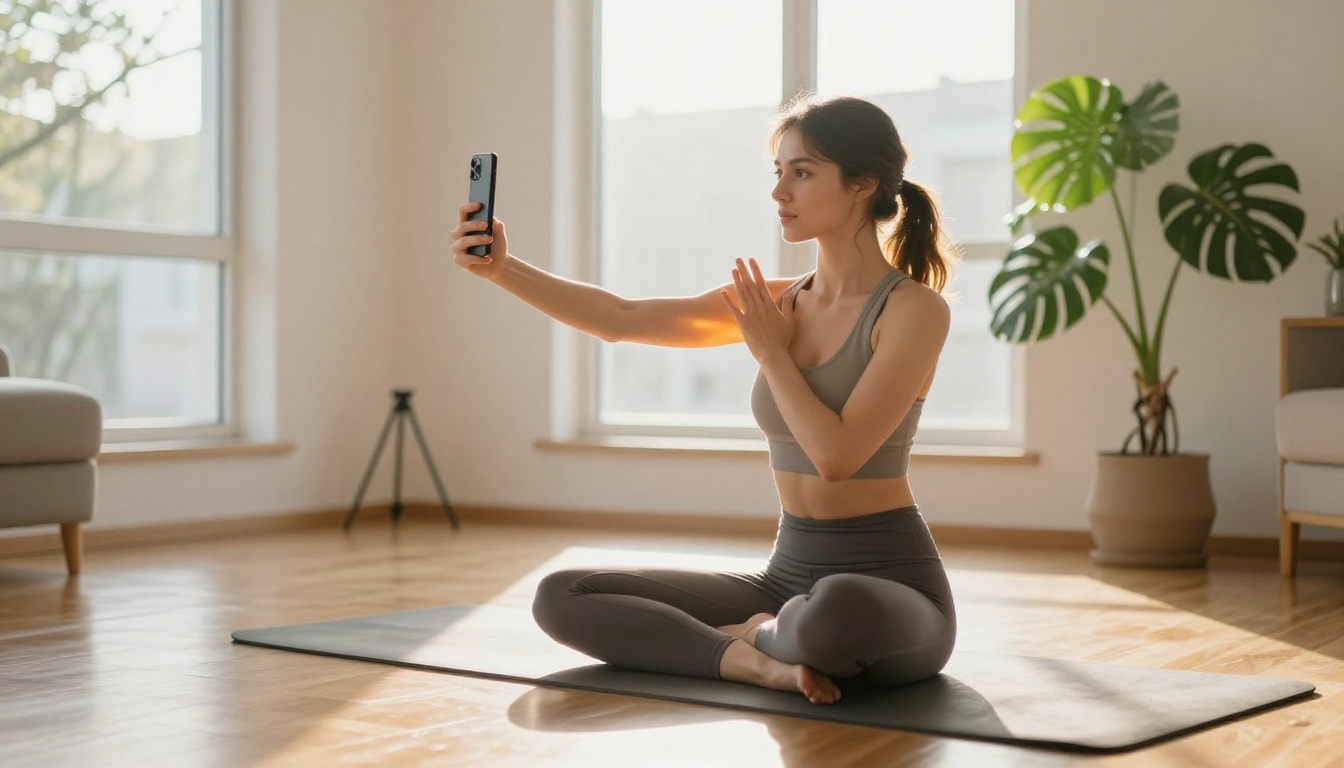
Looping AI-generated nature videos, rain scenes, fireplace clips, and ocean visuals are among the highest-performing ambient content categories. Viewers save these for sleep, study, and focus sessions, which drives the save rate metric that TikTok's algorithm values heavily.
3 Common Mistakes New Creators Make
Even with the best tools available, some patterns reliably tank performance. Here is what to avoid from the start.
1. Prompts that are too vague. "A beautiful landscape" produces generic, forgettable output. Specificity is everything. Include lighting conditions, subject behavior, camera angle, and mood in every prompt. The difference between a mediocre clip and a scroll-stopper is almost always in the prompt.
2. Posting without sound strategy. Visuals get the watch. Audio keeps it. A stunning AI video with the wrong audio will still underperform. Spend 2 minutes checking TikTok's trending sounds before finalizing any post. The algorithm actively boosts content using trending audio.
3. Inconsistent posting. Posting 10 videos in one day and then nothing for a week signals to the algorithm that the account is unreliable. A steady rhythm of 2 to 3 posts per day, maintained for at least 30 days, is how most faceless AI channels break through to meaningful reach.
💡 Batch and schedule: Generate a week's worth of content in one sitting using WAN 2.5 T2V or Seedance 1 Lite, then schedule everything through TikTok's native scheduler. This removes the daily friction that kills most creator momentum.
Speed Tiers: Matching Tools to Your Posting Volume
One question creators consistently ask: which tool should I use based on how often I need to post? Here is how to think about it by daily volume.
1-2 posts per day: Use PixVerse v5.6 or WAN 2.5 T2V for quality-first output where each clip receives full attention.
3-5 posts per day: LTX-2 Distilled or LTX-2.3-Fast offer speed without significant quality compromise at medium volume.
5+ posts per day: Hailuo 2.3 Fast delivers maximum generation throughput for high-volume content operations running multiple channels simultaneously.
Your First AI Video Is One Prompt Away
The only thing between you and your first AI-generated TikTok is a text prompt. No camera. No editing software. No video production background required.
The tools are free. The platforms are hungry for content. And the creators who start today are the ones who will have built audiences of 100,000 followers when others are still waiting for the right moment to begin.
Picasso IA brings together over 87 text-to-video models in one place, from Seedance 1 Lite to Kling V3 to Gen-4.5, all accessible from a single interface. You can experiment with different styles, compare outputs across models, and find the exact visual aesthetic that fits your niche, without creating accounts across ten different platforms.
Pick a niche. Write one prompt. Post the result. That is the entire barrier to entry in 2027. The creators dominating TikTok with AI video are not doing anything you cannot replicate today. They just started sooner.
Try your first AI video on Picasso IA and see what your content can look like when production time is no longer the limiting factor.


