Something big is happening in AI image generation, and it has a name: Grok Imagine. Powered by xAI's Aurora model, this tool has moved from a curiosity to a genuinely competitive image generator in record time — and the creative community is paying close attention.
Whether you've already played with it or only seen the outputs flooding your social feed, there are real reasons why Grok Imagine is generating this much buzz. This article gets into what the tool actually does, where it shines, where it's still catching up, and how you can start generating your own images with it today.
What Grok Imagine Actually Is
Grok Imagine is xAI's text-to-image system, built into the Grok AI assistant platform. It runs on Aurora, xAI's proprietary image generation model developed alongside Grok 2. Unlike many AI image tools that license third-party models or fine-tune open-source architectures, Aurora was built internally at xAI — which gives it a distinctly different look and feel compared to Flux Dev or Stable Diffusion 3.5 Large.

The model was first released as part of Grok 2 in August 2024 and has been steadily improving since. What makes it unusual is the context awareness it inherits from being embedded inside a large language model — Grok can use the surrounding conversation to refine and interpret image prompts in ways that standalone generators can't.
How Aurora Differs from Other Models
Most AI image generators work by processing your prompt through a text encoder, then generating an image through a diffusion or flow-matching process entirely independent of any conversational context. Aurora works differently:
- Contextual Prompt Interpretation: Aurora reads your full conversation history, not just the last prompt
- Iterative Refinement: You can ask Grok to adjust an image through natural language follow-ups
- Style Consistency: Aurora tends to maintain visual coherence across generations in the same session
This makes Aurora feel less like a separate image tool you're prompting cold and more like a collaborator that actually remembers what you were trying to create.
Why People Are Switching Right Now
The Realism Factor
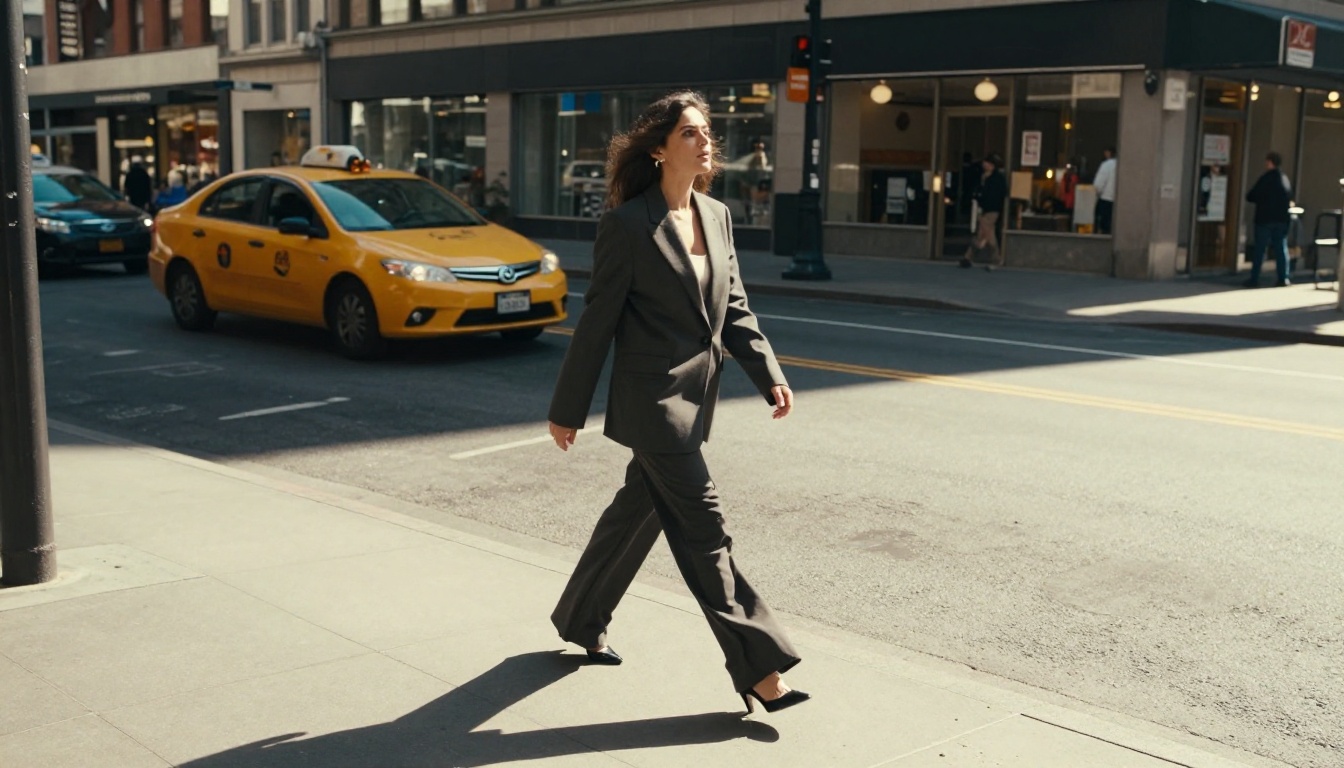
The output quality from Grok Imagine has surprised a lot of people. Photorealistic portraits, landscapes, and fashion photography consistently come out looking genuinely polished. The skin texture rendering is particularly strong — something that tools like early SDXL famously struggled with.

💡 The big shift: Grok Imagine doesn't just make "good" AI images. It's producing outputs that can fool the eye — and that's a new bar for consumer-accessible tools.
Access and Pricing
One of the biggest drivers of Grok Imagine's popularity is simple: access. X Premium subscribers get a generous number of generations per day built in, and xAI has made the model available through their API at competitive pricing. For creators who've been paying $30+/month for other premium image tools, this matters.
Compare that to premium tiers for tools like GPT Image 1.5 or Ideogram v2 — both excellent, but with higher cost-per-image rates at scale.
Speed That Changes How You Work
Grok Imagine generates images fast. Most 1024×1024 outputs come back in 3–7 seconds on the standard tier, which is faster than many premium models. For iterative creative work — where you're adjusting and regenerating dozens of times — speed compounds into a massive quality-of-life advantage.

Grok Imagine vs. The Competition
Here's an honest look at how Grok Imagine stacks up against the tools most creators are currently using:
Ratings based on community testing, benchmark comparisons, and direct output evaluation. Scores are subjective and context-dependent.
Where Grok Still Has Room to Grow
It would be dishonest to call Grok Imagine perfect. There are areas where competing tools — especially Flux 2 Pro and Flux Schnell — still deliver better results:
- Fine-grained style control: Flux's LoRA ecosystem gives power users more control over artistic style
- Aspect ratio flexibility: Grok Imagine's native aspect ratio options are more limited
- Batch generation: Generating multiple variations simultaneously is easier in dedicated tools
- API depth: The Flux and SDXL ecosystems have more mature API tooling for developers
What Makes the Aurora Model Special
Aurora's architecture hasn't been fully disclosed by xAI, but from what's been shared and observed through extensive testing, several characteristics stand out.
Human Figure Rendering
This has historically been one of the hardest problems in AI image generation. Midjourney took years to stop producing six-fingered hands. Aurora arrived with this substantially solved. Hands, eyes, and faces all render with high consistency even without elaborate negative prompting.

Lighting Coherence
Grok Imagine handles complex lighting scenarios — mixed sources, golden hour, practical lights in low-light scenes — with a naturalness that takes other models explicit prompt engineering to achieve. You can write "a woman in a café at dusk, window light behind her, warm overhead pendant lights" and Grok Imagine tends to interpret this correctly on the first try.
Text Inside Images
A long-standing weakness of diffusion models. Aurora isn't perfect at text rendering, but it's meaningfully better than most. Short words, signs, and labels often appear legible, which opens up use cases around social graphics and product mockups that were previously painful.
The xAI Advantage: Real-Time Data
One factor people consistently overlook: Grok has access to real-time data through X (formerly Twitter). This means it can generate images based on current events, trending aesthetics, and live cultural references without the knowledge cutoff limitations that affect other AI tools.
Ask Grok to "generate an image in the visual style trending on X this week" and it can actually do that. That kind of cultural awareness is genuinely hard to replicate in tools trained on static datasets.
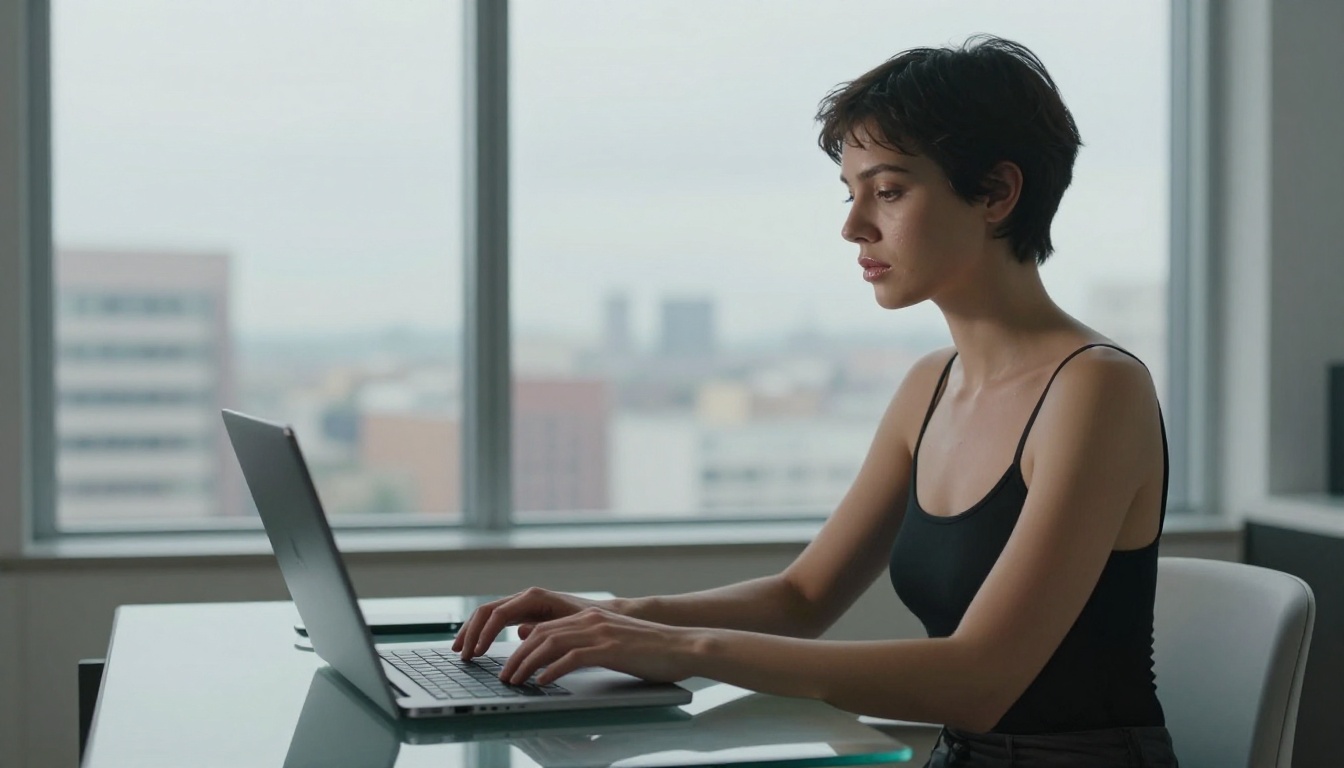
💡 Practical use case: Social media teams are using Grok Imagine to rapidly produce on-trend visual content that matches the aesthetics of what's performing well on X right now — no style research needed.
How to Use Grok Imagine on PicassoIA
Since Grok Imagine runs on the Grok Imagine Image model, you can access it directly through PicassoIA without needing an X Premium subscription. Here's exactly how to get the best results.
Step 1: Access the Model
Go to the Grok Imagine Image page on PicassoIA and open the generator interface.
Step 2: Write a Specific Prompt
Aurora rewards specificity. Vague prompts produce vague results. Structure your prompts like this:
[Subject] + [Action/Pose] + [Environment] + [Lighting] + [Camera details] + [Mood/Atmosphere]
Example prompt:
"A young woman in a beige linen blazer sitting in a sunlit courtyard, reading a book, dappled light through olive tree leaves casting shadows across her face, 85mm lens, shallow depth of field, warm afternoon light, photorealistic"

Step 3: Iterate with Follow-up Prompts
If the output is close but not quite right, try these refinement prompts:
- "Make the lighting warmer and more golden"
- "Change the background to a coastal setting"
- "Adjust her expression to look more confident, less serious"
- "Add more depth of field blur to the background"
Step 4: Quality Parameters to Watch
| Parameter | Recommendation |
|---|
| Aspect Ratio | 16:9 for editorial, 1:1 for social |
| Style Words | "photorealistic, 8K, RAW, Kodak Portra 400" |
| Negative Prompt | "blur, distortion, deformed hands, CGI, plastic" |
| Lighting Descriptor | Always specify — "golden hour", "overcast diffused", "studio soft box" |
Step 5: Download and Publish
Generated images are available for immediate download at full resolution. PicassoIA also integrates with R2 storage, so you can push directly to your content pipeline.
💡 Pro tip: If your first generation misses the mark, add "photorealistic, cinematic, shot on 35mm film" to any prompt. Aurora responds strongly to photography-adjacent descriptors.

Who's Actually Using It
The user breakdown tells its own story about why this tool is growing so fast.
Content Creators and Social Teams
Fast generation + trend awareness + photorealistic output = a powerful combination for social media content production. Teams that used to spend hours sourcing stock photography or prompting Seedream 4 and Flux Dev across multiple tabs are consolidating workflows around Grok Imagine.
E-Commerce and Product Photography
Retailers are using Grok Imagine for lifestyle photography mockups — placing products in realistic environments without hiring photographers or renting locations. The human figure rendering makes it particularly useful for fashion and apparel.
Writers and Game Developers
The conversational interface means writers can describe a scene in natural language and get visual reference material almost immediately. Game developers use it for rapid concept art iteration before moving to specialized tools like Recraft V4 or Ideogram v3 Quality.

The Honest Verdict
After extensive testing across portrait photography, architecture, product imagery, and editorial styles, the conclusion is clear: Grok Imagine is the best general-purpose AI image tool for most everyday creative tasks right now, when you factor in quality, speed, access, and cost together.
For maximum creative control with fine-tuned styles, Flux 2 Pro or Flux Kontext Max may still be better fits. But for the creator who wants consistently stunning results without deep prompt engineering knowledge, Grok Imagine's learning curve is remarkably shallow — and the speed at which xAI is iterating on Aurora should make every competitor nervous.
This is not a tool that has peaked.
Start Creating on PicassoIA
You don't need an X subscription to start using Grok Imagine on PicassoIA. The platform gives you direct access to Aurora alongside dozens of other top-tier image models — Flux Kontext Pro, GPT Image 1.5, Imagen 4, Recraft V4 Pro, and more — all in one place.
Write a prompt. See what Aurora makes of it. Then try the same prompt through a different model and compare the outputs side by side. That's where real intuition about AI image generation gets built — not in reading about it, but in making things.
The best creators using AI tools right now aren't waiting to fully understand the technology. They're writing prompts, iterating fast, and letting the output quality speak for itself. Now you can do the same.


