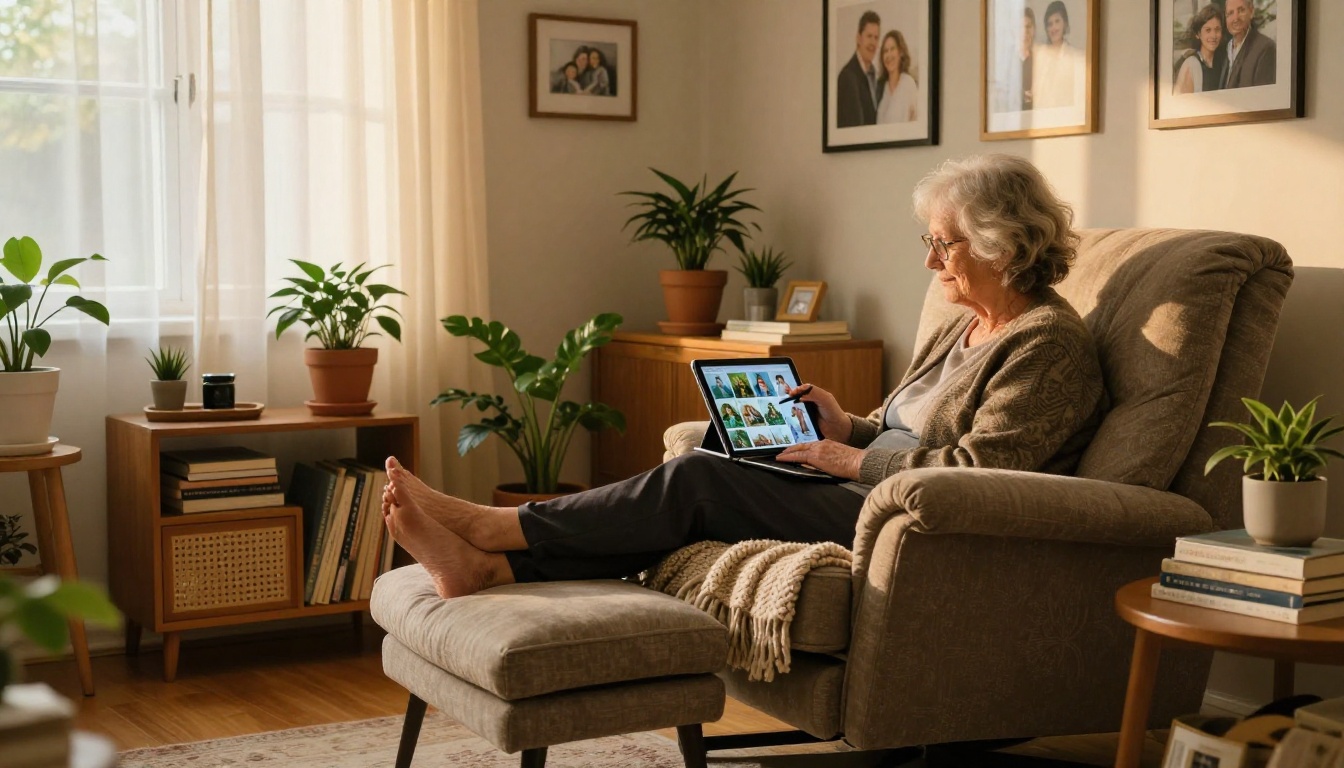
My grandmother called me on a Tuesday afternoon, voice slightly breathless, with a very specific request: "Can you show me that banana thing again?" She had seen me use Nano Banana on PicassoIA two weeks earlier, and now she wanted her own account. She is 74 years old, has never owned a laptop, and still asks me to help her change her phone's font size. And yet, three days after I sat down with her and walked through the basics, she was generating photorealistic images of herself as a young woman, walking through 1970s Paris, wearing a red coat. Her sister called it witchcraft. I called it a viral moment waiting to happen.
This is not an isolated story. Across social media platforms, threads are filling up with nearly identical experiences: someone's grandparent, aunt, or retired neighbor discovering Nano Banana and immediately producing images so detailed, so personal, and so beautiful that the whole family loses their minds. The tool has become one of the most talked-about models in the beginner AI space, and the reason is surprisingly simple.
What Is Nano Banana, Exactly
Nano Banana is a text-to-image AI model available on PicassoIA that sits in a very specific sweet spot: it produces high-quality, photorealistic results with minimal technical input from the user. You do not need to know what a CFG scale is. You do not need to write negative prompts. You write what you want to see, and the model figures out the rest.
The "nano" part refers to its lightweight architecture. It generates images faster than many heavier models like SDXL or Juggernaut XL, without sacrificing the natural, warm aesthetic that makes its outputs immediately shareable. The "banana" part? That is just a name. But it is a name that sticks.
A Model Built for Everyone
Most AI image models are designed with power users in mind. They come loaded with sliders, sampling methods, and configuration panels that intimidate anyone who has not spent time in creative tech spaces. Nano Banana strips all of that away. The interface on PicassoIA presents you with a single text box and a button. That is the entire experience for first-time users.
💡 Tip: You do not need to write a perfect prompt. Start with something simple, like "my grandmother as a young woman in Paris in the 1970s," and the model will build from there.
Why the Name Went Viral
There is a psychological effect at play here. The name "Nano Banana" is genuinely funny to say out loud, especially to someone over 65 who has spent zero time in AI circles. It does not sound threatening. It does not sound technical. It sounds like something a child made up. And that low-threat energy is exactly what makes first-time users feel comfortable enough to try it.
The name also travels well in voice messages and family group chats, which is the primary vector through which most senior users are discovering it right now.
The Day Grandma Typed Her First Prompt
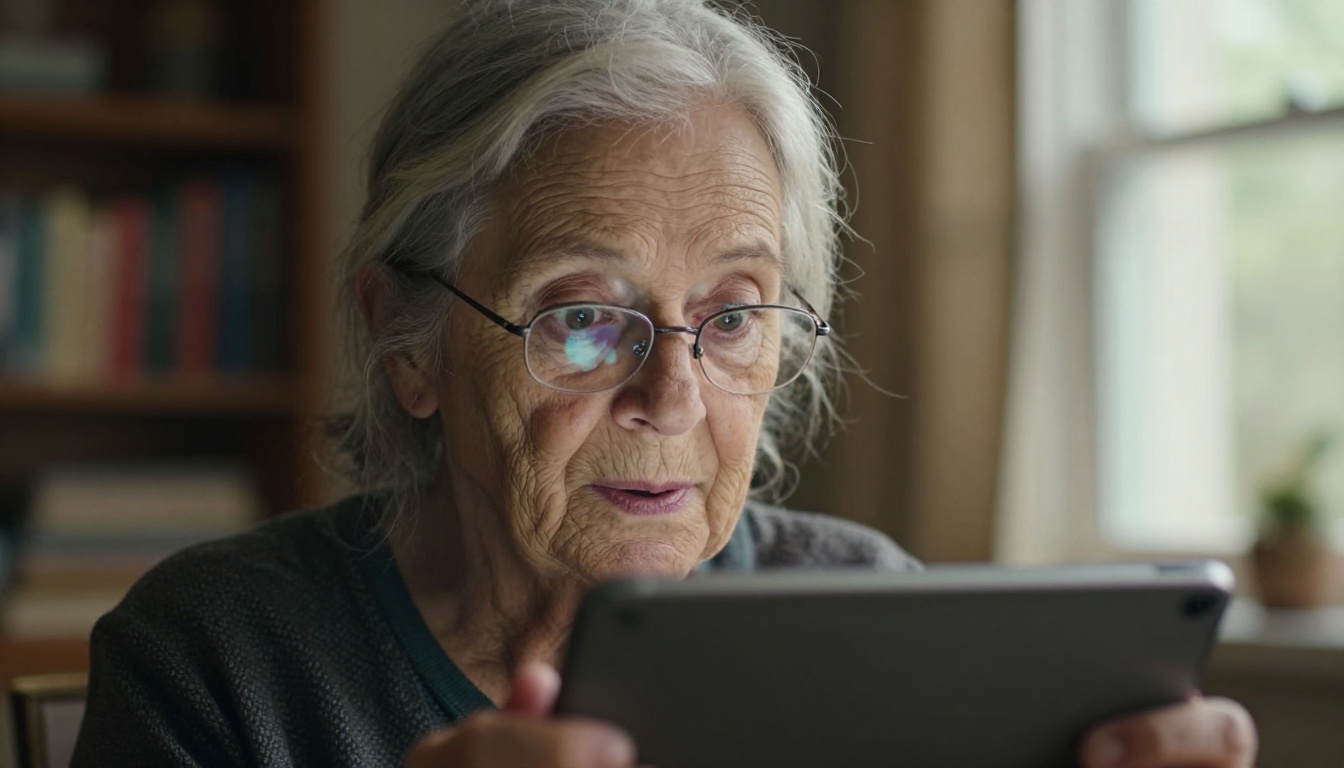
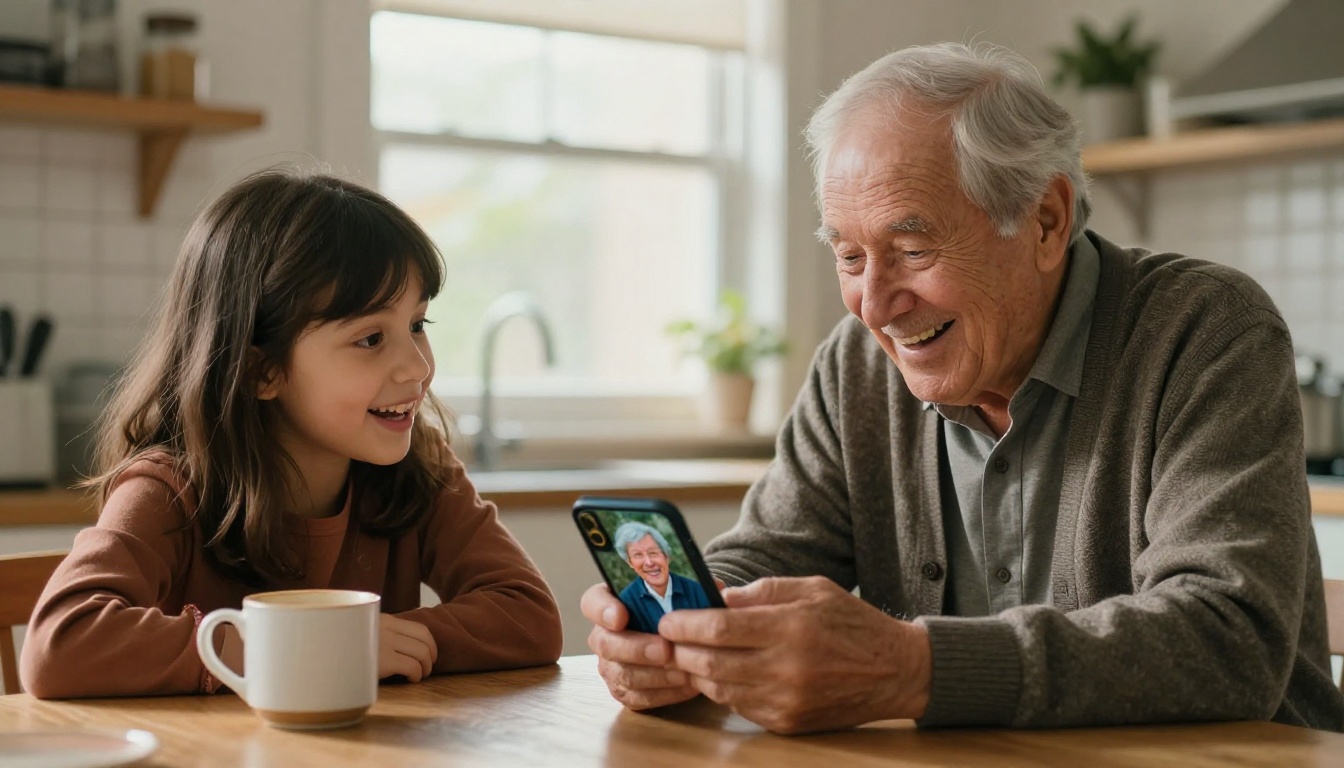
My grandmother sat down with a cup of chamomile tea, her reading glasses sliding down her nose, and typed: "a lady who looks like me when I was thirty, standing in a flower market in France." She hit the button. The image took about twelve seconds to appear.
She stared at it for a long time. Then she said, quietly: "That is exactly what I looked like."
Her First Image Blew Everyone Away
The output was a photorealistic portrait of a woman in her thirties, dark hair pinned loosely, standing among buckets of wildflowers in a sunlit market. The colors were warm and slightly filmic. The expression on the woman's face was peaceful, contemplative. It looked like a photograph pulled from a box of old slides.
She printed it. She framed it. It is now hanging in her hallway.
The Reaction on the Family Group Chat
When she posted it to the family chat with the caption "me in Paris, 1968 (but with AI)", the responses came in within minutes. Her daughter thought it was a real photograph that had been colorized. Her son-in-law asked how she did it. Three family members asked for their own accounts within 24 hours.
That is the Nano Banana effect. The output quality is high enough to genuinely surprise people who are not expecting anything impressive from a free, beginner-friendly tool.
Why Seniors Are Flocking to AI Art
The adoption pattern for Nano Banana among older adults follows a clear logic. The barriers that normally stop seniors from engaging with new software are simply not present here. There is no complex installation, no account setup requiring a credit card, and no jargon to decode. Most importantly, the payoff is immediate and deeply personal.
No Drawing Skills Needed
Traditional creative tools have always had a gate in front of them: skill. To paint, you need to have learned to paint. To use professional editing software, you need to understand layers, masks, and selection tools. AI image generation removes that gate entirely. The creativity lives in the prompt, and writing a sentence is something everyone already knows how to do.
💡 Insight: Older adults engage more deeply with creative tools when the learning curve is low and the output feels personally meaningful. Nano Banana delivers both in under 15 seconds.
It Sparks Real Creativity
What is striking about the senior user base for tools like Nano Banana is how creative their prompts actually are. They are not typing generic requests. They are writing about specific memories, places they have been, people they have loved. They are recreating the house they grew up in. They are generating images of their late spouses as young adults. The emotional investment is remarkable.
Social Connection Through Sharing
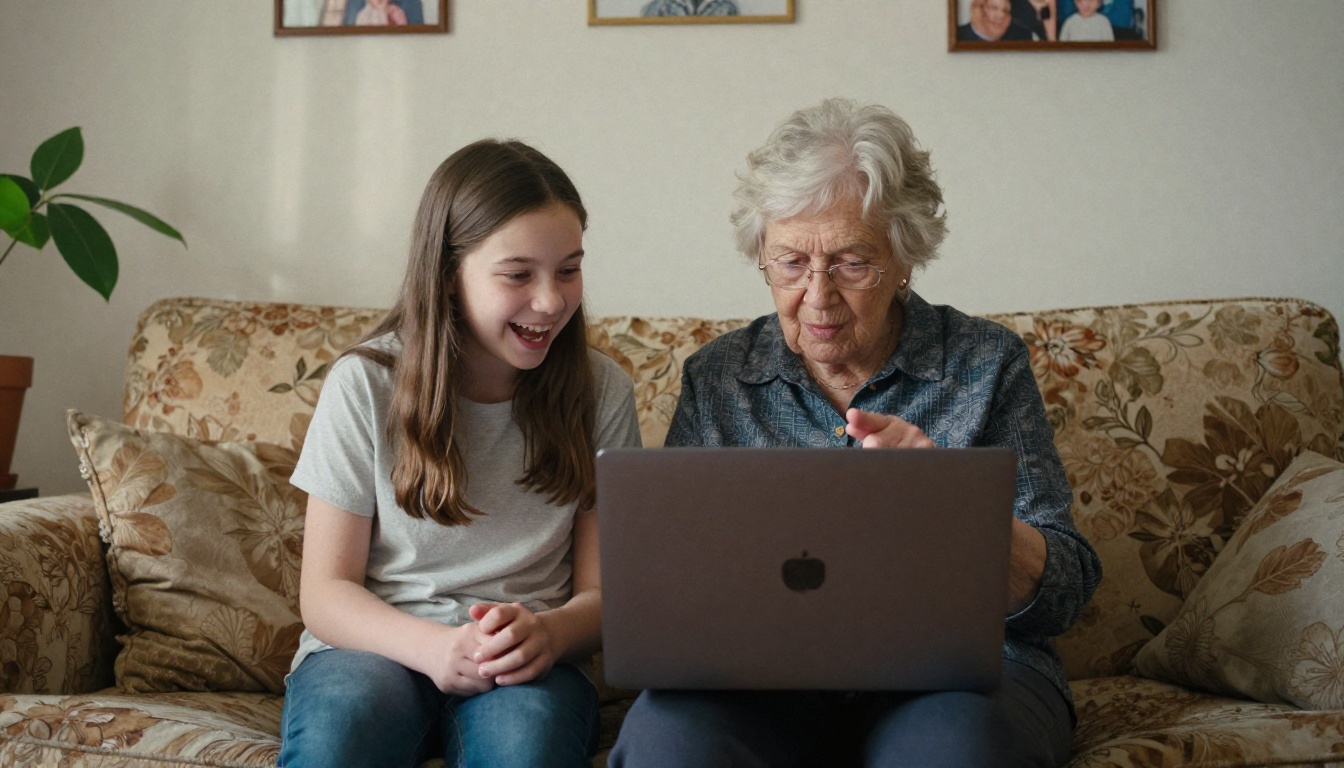
For many older adults, the most valuable part of using Nano Banana is the social layer it creates. Sharing an AI-generated image with family members starts conversations. It creates something to show grandchildren. It gives a retired person a new creative practice that connects them to people who are decades younger. The images become conversation starters, gifts, and heirlooms all at once.
How to Use Nano Banana on PicassoIA
If you want to introduce a family member to Nano Banana, here is the exact process to walk them through. It takes under five minutes from zero to first image.
Step 1: Open the Model
Go to PicassoIA and navigate to the Nano Banana model page in the text-to-image collection. No account is required to try it the first time, though saving and downloading images at full resolution requires a free registration.
Step 2: Write Your Prompt
In the text box, write a description of the image you want. Be specific about these four things:
- The subject: Who or what is in the image?
- The setting: Where are they? What time period?
- The mood: Is it warm and nostalgic? Bright and cheerful?
- Small details: These make the output personal. Mention clothing, flowers, light conditions.
Example prompts that work well for first-time users:
| Prompt | What It Produces |
|---|
| "My grandmother as a young woman in a 1960s kitchen, warm light" | Nostalgic, filmic portrait |
| "A family picnic in a sunny meadow, children running, photorealistic" | Vibrant outdoor family scene |
| "An old farmhouse at sunset, golden hour, realistic photography" | Rich landscape with warm tones |
| "A woman holding flowers at a market in Italy, natural light" | Editorial travel photography feel |
| "Two elderly sisters sitting on a porch in summer, candid photo style" | Warm generational portrait |
Step 3: Adjust the Settings
For beginners, the default settings work perfectly. If you want to experiment, there is one setting worth knowing: the image style selector. Choosing "photorealistic" or "natural" will give you the most convincing, shareable results. Avoid "illustration" or "cartoon" styles if the goal is something that looks like a real photograph.
Step 4: Download and Share
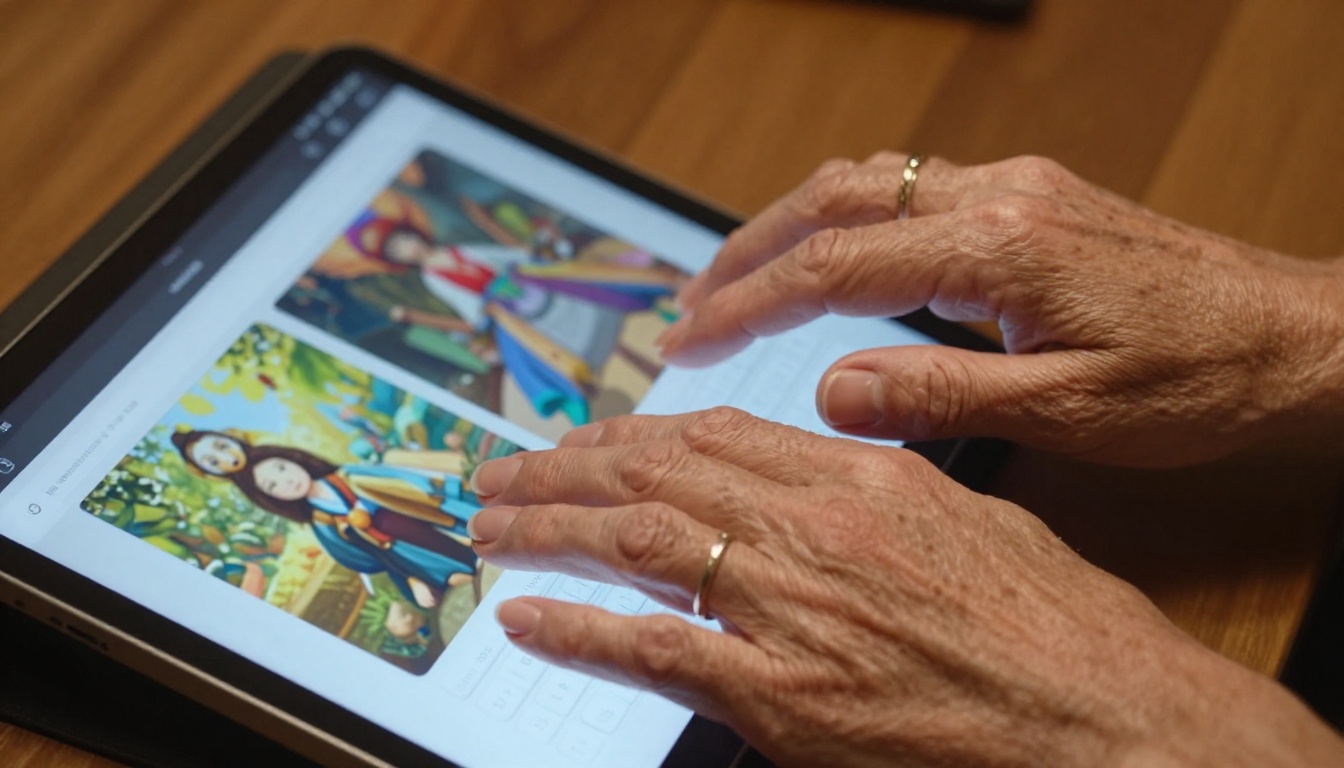
Once the image generates, click the download button. The file is a high-resolution JPEG, ready for printing, framing, or sharing directly to any messaging app or social media platform. The whole process, from empty text box to finished image in your camera roll, takes under 30 seconds.
What Makes Nano Banana Different
There are dozens of text-to-image models available on PicassoIA, ranging from hyper-detailed professional tools to niche stylized models. Nano Banana's position in that ecosystem is specific and intentional.
Compared to Other Models
| Model | Best For | Complexity | Output Style |
|---|
| Nano Banana | Beginners, personal images | Very Low | Warm, filmic, photorealistic |
| SDXL | Detailed scenes, versatility | Medium | Sharp, high-contrast |
| Juggernaut XL | Portrait realism | Medium-High | Hyperrealistic faces |
| Realistic Vision | Photography simulation | Medium | Natural, documentary |
| Flux | Complex multi-subject scenes | Medium | Precise, high-fidelity |
For a first-time user with no background in AI tools, Nano Banana wins on every axis that matters: speed, simplicity, and the emotional warmth of its output.
Speed and Simplicity Win
In testing with first-time users, generation times for Nano Banana average under 15 seconds. For someone who has never used an AI tool before, waiting longer than 30 seconds creates uncertainty and doubt. The fast turnaround keeps the experience feeling playful rather than technical. That playfulness is not a minor detail. It is the entire reason the tool has gone viral in communities that have historically avoided AI products.
Real Results That Are Going Viral
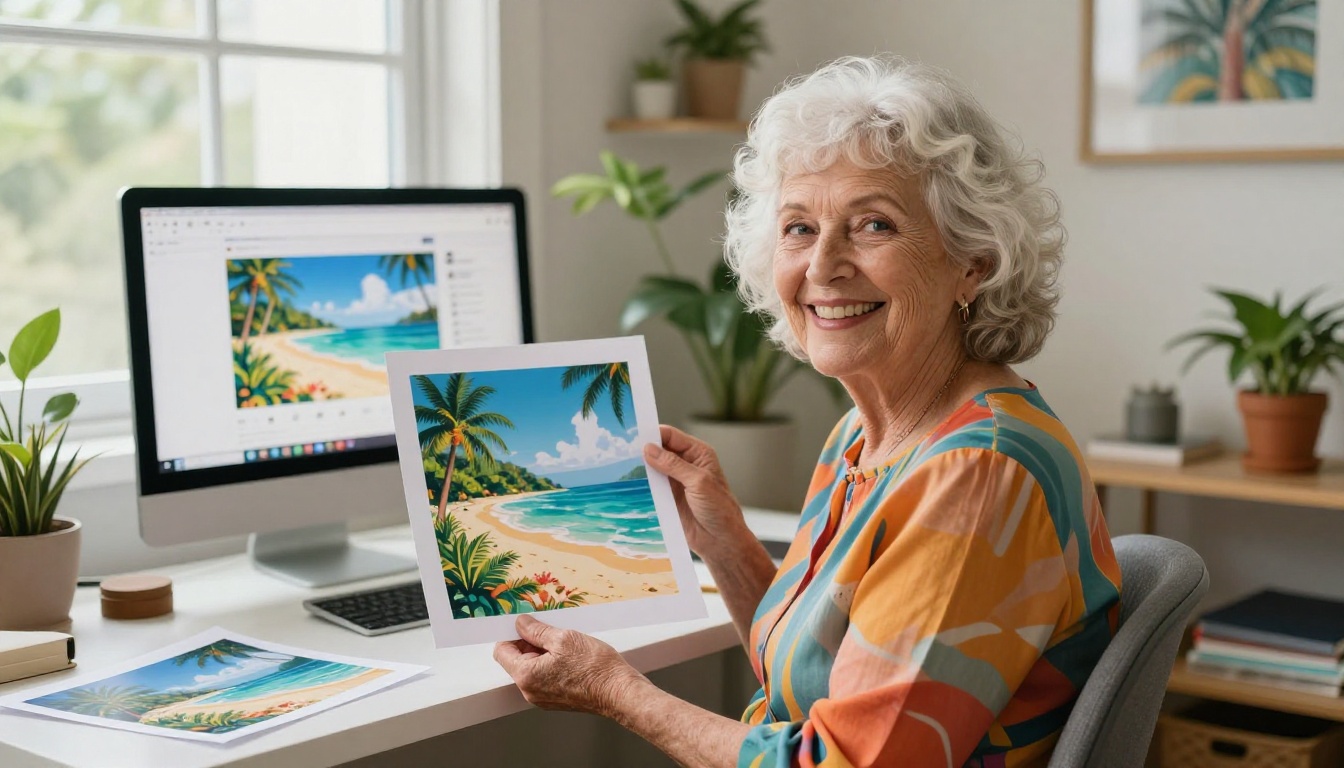
The social media footprint of Nano Banana in the senior community has grown steadily through 2025. The pattern is almost always the same: a younger family member introduces the tool, a grandparent produces something unexpectedly beautiful, and someone posts it online with an affectionate caption. The comments section fills up with people saying "my grandma did the exact same thing."
Grandma Portraits in the Wild
The most shared category of outputs from senior users is portrait work: grandmothers and grandfathers as young people, in the settings of their youth. These images resonate because they are visually stunning and emotionally loaded at the same time. They are not just pretty pictures. They are acts of memory, made visual in seconds.
💡 Did you know? Several users have reported that showing an elderly relative their AI-generated "young portrait" has been more emotionally meaningful than looking through old photo albums, because the AI fills in details that photographs never captured.
Family Reunion Photos Reimagined
Another popular use case: taking a description of a family gathering and generating an idealized version of it. "All my grandchildren together in a garden on a sunny afternoon, laughing" produces something genuinely touching, even if it is entirely fictional. These images are showing up in family newsletters, holiday cards, and printed calendars. One user's grandmother created a full year's worth of AI-generated "family photos" for a personalized wall calendar.
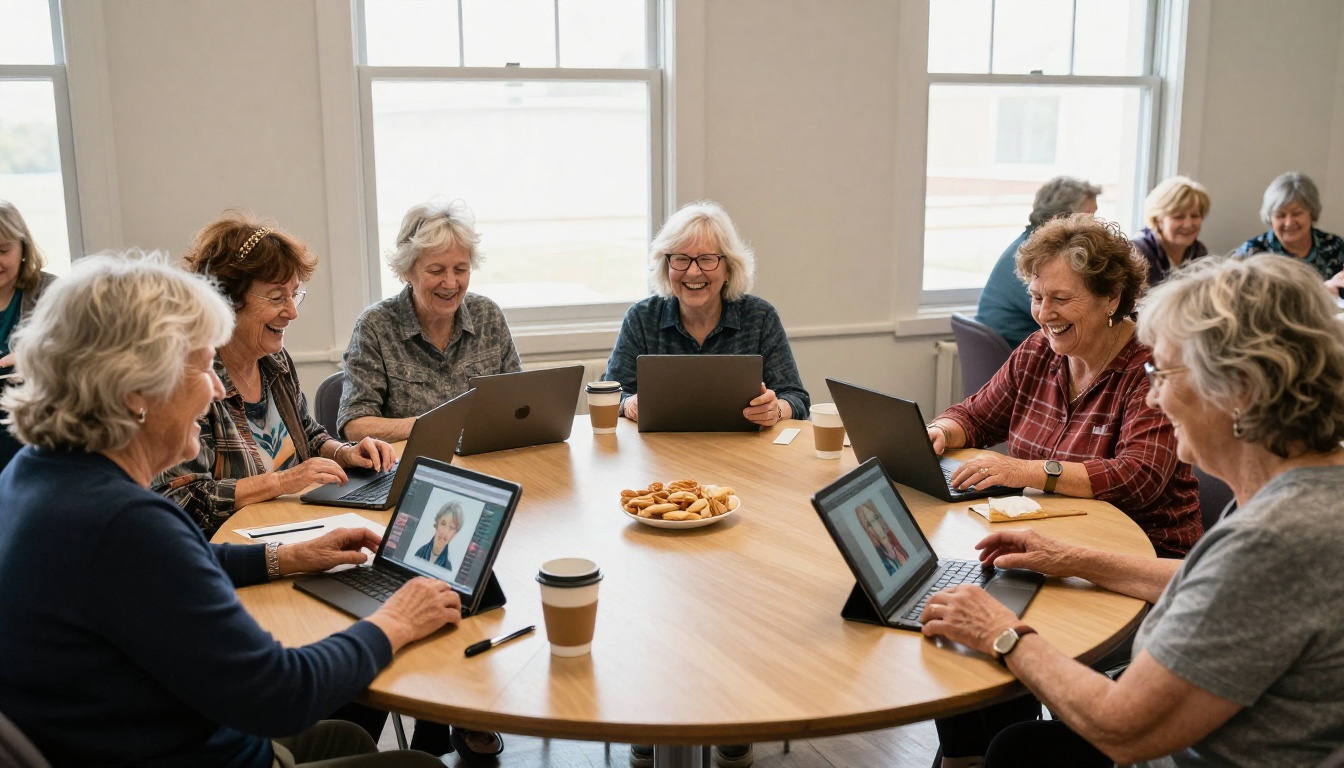
Once a first-time user gets comfortable with Nano Banana, there are several other capabilities on the platform that pair naturally with the kinds of images seniors tend to create.
Super Resolution for Crisp Old Photos
PicassoIA's Super Resolution models can take a low-resolution scan of an old photograph and upscale it to 4x clarity, recovering detail that was lost to age, scratches, or poor scanning quality. This is an incredibly powerful complement to the portrait work that Nano Banana enables. Generate a new image, then upscale it to maximum quality for printing and framing.
Background Removal for Portraits
The Background Removal tool lets you isolate a subject from any generated image and place them on a new background. For a senior user who has generated a portrait of themselves as a young person, this means taking that figure and placing them in any setting, from a vintage postcard background to a family photo scene. The creative combinations are endless.
Flux for More Detailed Scenes
When users are ready to move beyond the basics, Flux is the natural next step. It handles complex multi-subject scenes with more precision, and its prompt interpretation is more nuanced. Think of it as the progression from Nano Banana for users who have developed a feel for prompt writing and want more control over the results.
The Bigger Picture Here
My grandmother now uses Nano Banana three or four times a week. She has a folder on her tablet labeled "My Art" that currently holds 47 images. She shows them to visitors. She has printed six of them. She is thinking about making a photobook for the family reunion.
She did not suddenly become a tech person. She did not need to. The tool met her exactly where she was, and it gave her something genuinely valuable in return: a creative practice, a source of joy, and a new language for sharing pieces of herself with the people she loves.
Why This Matters Beyond Grandma
The adoption of AI image tools by older adults is not a curiosity. It is a signal. It tells us something important about what these tools can become when the friction is low enough and the reward is personal enough. Nano Banana is not just a model. It is proof that AI creativity does not belong exclusively to the young, the technical, or the professional.
The best technology does not ask you to change. It changes to meet you. That is what happened when my grandmother typed "a lady who looks like me, in Paris, 1968." The machine listened. And what came back made her cry.
Create Your Own Story with PicassoIA
If this story made you want to open a new tab and type something into a prompt box, that instinct is correct. Start with Nano Banana on PicassoIA and write the first real memory that comes to mind. A place you loved. A person you miss. A moment you wish you had photographed.
The tool does not judge the prompt. It does not require expertise. It just builds.
When you are ready to go further, check out the full range of text-to-image models on the platform, try Super Resolution to sharpen your best outputs, and experiment with Background Removal to create composite scenes. There is no curriculum. There is no right order. Pick something that sounds interesting and press the button.
That is what my grandmother did. And she has not stopped since.