Something big is happening in the creative software world, and it has been building for years. Every month, thousands of designers, photographers, and content creators are doing something unthinkable just five years ago: dragging Adobe Photoshop to the trash. Not because Photoshop stopped working. Not because it lacks features. But because the world around it changed faster than Adobe did, and a wave of AI-powered photo editing tools arrived that make certain tasks feel almost embarrassingly simple by comparison.
The Subscription Bill That Finally Snapped It
What Adobe Charges Now
The math is straightforward, and that is exactly why it stings. Adobe Creative Cloud's Photography plan now runs around $19.99 per month for Photoshop and Lightroom. The full Creative Cloud suite pushes past $54.99 per month, or $659.88 per year if you commit annually. For individual freelancers, bloggers, or small businesses that use Photoshop for maybe five percent of their workflow, that number stopped making sense a long time ago.
Adobe raised its prices in 2023 and then again in 2024. Each increase arrived with minimal new features that justified the cost, and the backlash each time was loud but largely ignored. Subscription fatigue is real, and Adobe's pricing structure has become one of the most-cited reasons behind the mass departure.
The Creative Cloud Trap Is Real
There is a particular cruelty in how Adobe structured its ecosystem. Everything saves in proprietary formats. Your PSDs, your libraries, your fonts from Adobe Fonts: they all exist inside a walled garden that disappears the moment you cancel. Try to open a PSD in another program and you will often get a degraded result. Try to access your synced Adobe Fonts project after cancelling, and those fonts simply stop working.
This lock-in kept people paying for years past the point they wanted to leave. But at a certain subscription price, the cost of staying exceeds the cost of migrating. That tipping point arrived for millions of users, and they made the jump.
| Issue | Impact |
|---|
| Annual price increases | Full suite at $54.99/mo |
| Proprietary file formats | Hard vendor lock-in |
| Cancellation fees | Early exit penalties up to $74.99 |
| Font library dependency | Projects break post-cancellation |
The Learning Curve Nobody Has Time For Anymore
Too Much Software for Simple Tasks
Photoshop was designed in an era when creative professionals had weeks to absorb new tools. It still operates on that assumption. To remove a background, you need to work with selection tools, refine edge dialogs, layer masks, and feathering controls. To upscale a photo, you are navigating Image Size dialogs, resampling algorithms, and smart object workflows.
This complexity is genuinely useful when you need it. For complex compositing, retouching, or print-ready design work, Photoshop's depth is irreplaceable. But the reality is that most people who paid for Creative Cloud were using a fraction of its capabilities, and the learning investment required to get results never paid off.
New Creatives Are Skipping Photoshop Entirely
The generation of creators currently building audiences on social media, launching e-commerce stores, and producing content professionally never picked up Photoshop. They started with tools that had intuitive interfaces, browser-based access, and results in seconds. When these creators eventually need professional-quality edits, they reach for the same category of tools they already know: fast, browser-based, AI-assisted.
Photoshop is losing the next generation before it even has a chance to recruit them.
AI Does in Seconds What Took Hours Before
Background Removal Without Layers
Background removal was one of Photoshop's most common professional use cases, and also one of its most tedious. Before AI tools, removing a background from a photo of a person with flyaway hair could consume thirty minutes of careful masking work. Today, that same result takes under five seconds with an AI-powered tool.
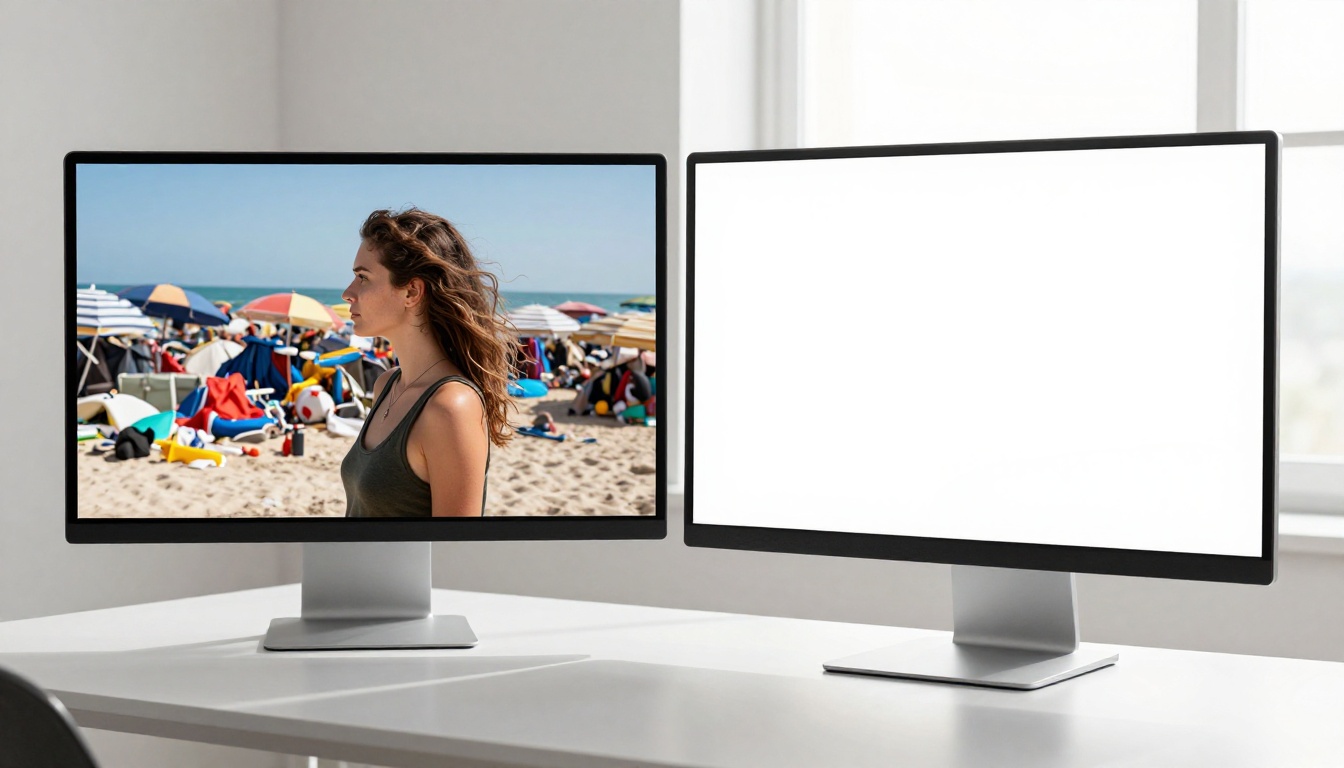
The technology behind modern AI background removers uses semantic segmentation: the model identifies objects at a pixel level and understands the difference between hair, fabric, and sky without a human drawing a single selection. The output often matches or exceeds what an experienced Photoshop user can produce manually, at a fraction of the time.
💡 AI background removal has become so accurate that e-commerce platforms like Amazon and Shopify now use it automatically for product listings. No Photoshop skill required.
Photo Upscaling That Actually Works
For years, enlarging a photograph meant accepting blur. Photoshop's bicubic upscaling algorithm adds pixels by averaging surrounding colors, producing soft, degraded results at significant enlargements. Super-resolution AI changes this entirely.
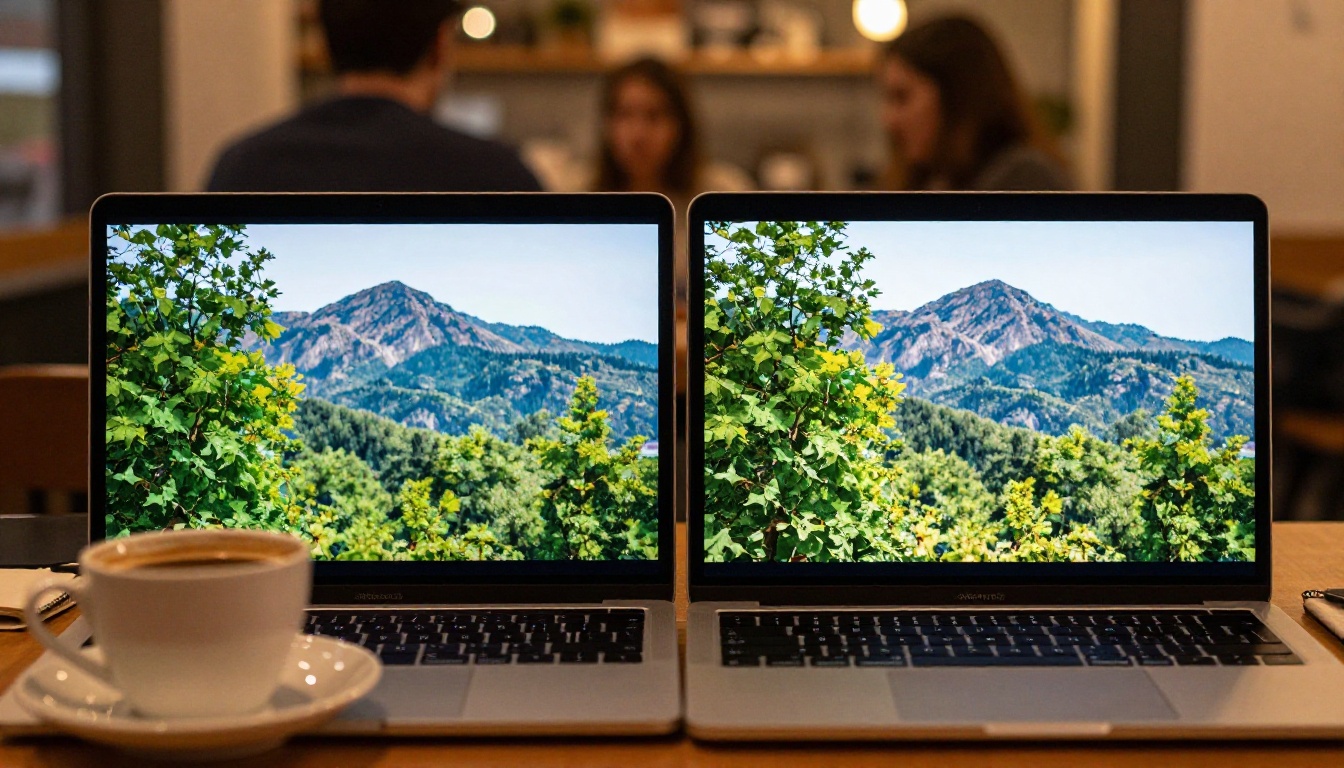
Modern AI upscaling models are trained on millions of image pairs, reproducing fine detail rather than averaging it away. The difference is visible at a glance: real texture in fabric, sharp edges in architecture, recovered hair detail in portraits. Where Photoshop's native upscaling produces mush, AI upscaling produces sharper results than the original photo.
Batch Editing Without Scripting
Photoshop offers batch processing, but using it requires Actions, Droplets, or scripting knowledge. This creates a significant barrier for anyone who is not already a power user. AI editing tools increasingly handle batch jobs through simple drag-and-drop workflows, or automatically process uploads in the background while you move on to other tasks.
For product photographers processing hundreds of images per day, this shift in workflow speed is worth more than any single feature Photoshop could add.
What People Are Actually Switching To
The Rise of AI Image Platforms
The biggest beneficiary of Photoshop's exodus is not another traditional photo editor. It is a new category of AI image platform that combines generation, editing, restoration, and photo quality enhancement in a single interface. These platforms are browser-based, require no installation, and operate on credits or affordable monthly subscriptions that do not require annual commitments.
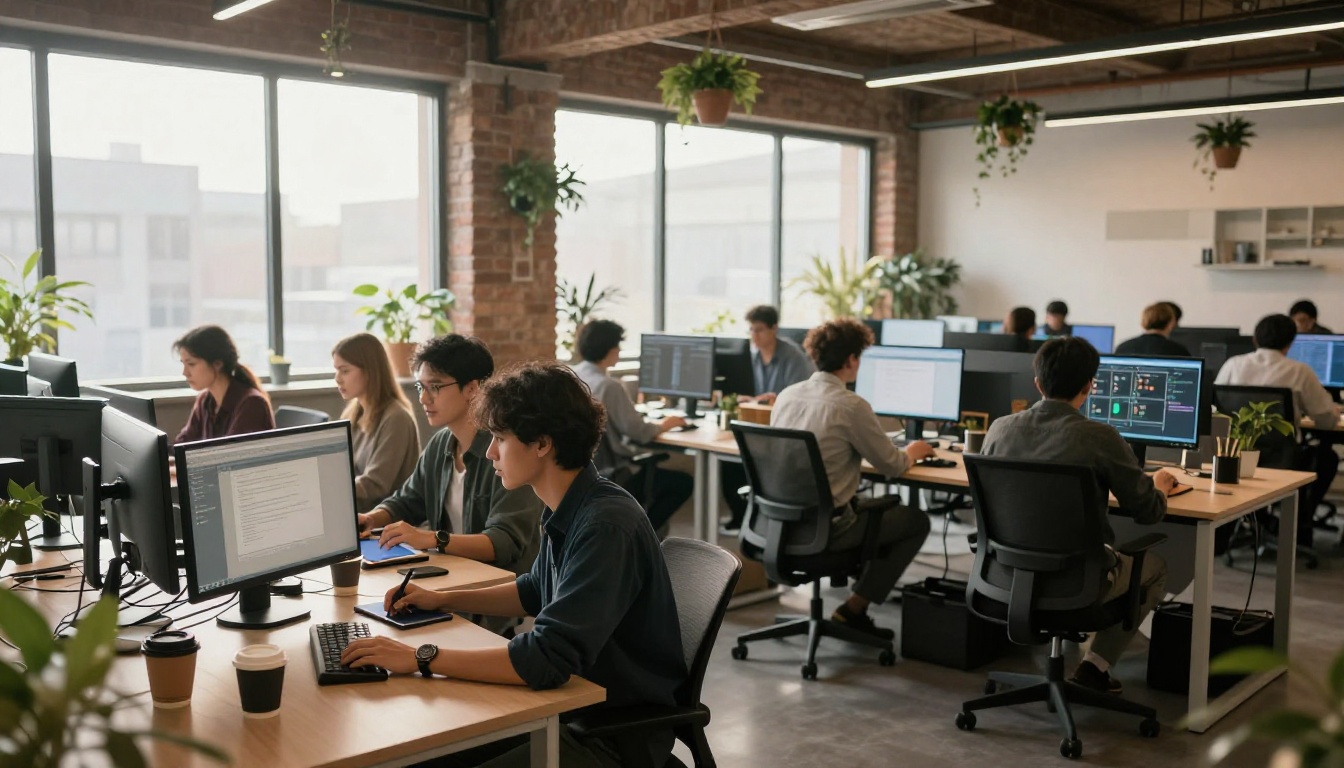
The appeal is obvious: instead of paying $659 per year for software that requires weeks of study, you pay $10 to $20 per month for a tool that works immediately. The ROI calculus shifted, and users noticed.
What the New Tools Offer
Here is a snapshot of what modern AI image platforms deliver that Photoshop does not natively offer without plugins:
- Text-to-image generation: Create a photograph from a written description
- AI background removal: One-click, pixel-perfect results
- Photo super-resolution: Upscale images 2x to 6x without losing detail
- AI image restoration: Repair old, damaged, or noisy photos automatically
- Face correction: Fix blurry portraits and correct exposure on faces
- Object removal: Delete unwanted elements without leaving artifacts
- Canvas expansion: Extend any image beyond its original borders
Most of these workflows exist inside a single platform, accessible from a browser, with no installation required and no proprietary file format to worry about.
Tasks Photoshop Cannot Match Anymore
Text-to-Image Is a Different Category Entirely
Photoshop does not generate images from text prompts. Adobe added Firefly as an add-on, but it is positioned as a supplemental feature rather than the core workflow. AI image generation platforms built their entire product around this capability, which means the models are more powerful, the controls are more refined, and the output quality is generally better for generative tasks.
When a content creator needs a product background, a social media visual, or a custom illustration, they no longer reach for Photoshop at all. They reach for a generation platform, and often never open a traditional editor.
AI Photo Restoration Without Plugins
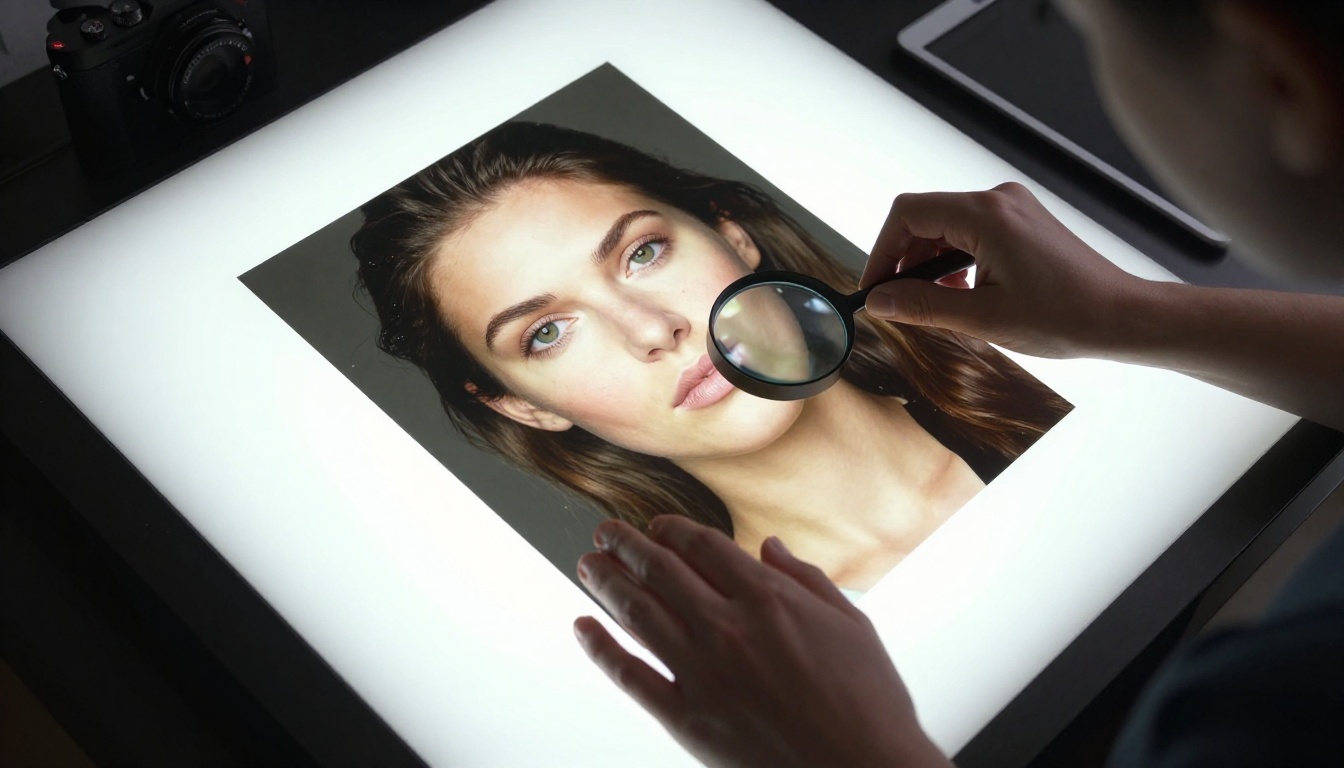
Photo restoration in Photoshop is manual, time-consuming work. Fixing grain, removing scratches from scanned prints, or restoring color to faded photographs requires layered corrections, clone stamp work, and hours of careful attention. AI restoration tools analyze the entire image simultaneously and apply corrections that would take a skilled retoucher hours to produce manually.
For photographers working with archival content, genealogy projects, or vintage brand assets, this category of AI restoration effectively replaces an entire Photoshop workflow.
How to Remove a Background on PicassoIA
PicassoIA's Bria Remove Background model handles background removal with a single upload, no selection tools, no masking steps, no Photoshop skills required. Here is exactly how to use it:
Step 1: Open the Model
Go to Bria Remove Background on PicassoIA. No download, no installation, it works entirely in the browser on any device.
Step 2: Upload Your Photo
Click the upload area and select your image. JPG, PNG, and WebP formats are all supported. The model works best on photos with clear subjects: portraits, product shots, animals, and objects with defined edges.
Step 3: Run the Removal
Click the generate button. The AI analyzes your image, identifies the subject using semantic segmentation, and removes the background in seconds. Hair edges, transparent fabrics, and complex outlines are handled automatically without any manual selection.
Step 4: Download and Use
Download the result as a PNG with a transparent background. Drop it into any design, presentation, or e-commerce listing. No post-processing needed.
💡 Pro tip: For product photography with reflective surfaces, run the output through Bria Increase Resolution after background removal to sharpen edges at larger display sizes.

The Honest Case for Photo Upscaling Without Photoshop
For photographers specifically, the Photoshop replacement argument often centers on upscaling. Photoshop's native enlargement is genuinely inferior to modern AI upscaling, and the models available on PicassoIA cover every quality level:
Each of these models produces results that Photoshop's native bicubic interpolation cannot match. For photographers who specifically kept their Creative Cloud subscription to upscale images for large print output, these tools provide a credible reason to cancel.
The Print Quality Argument
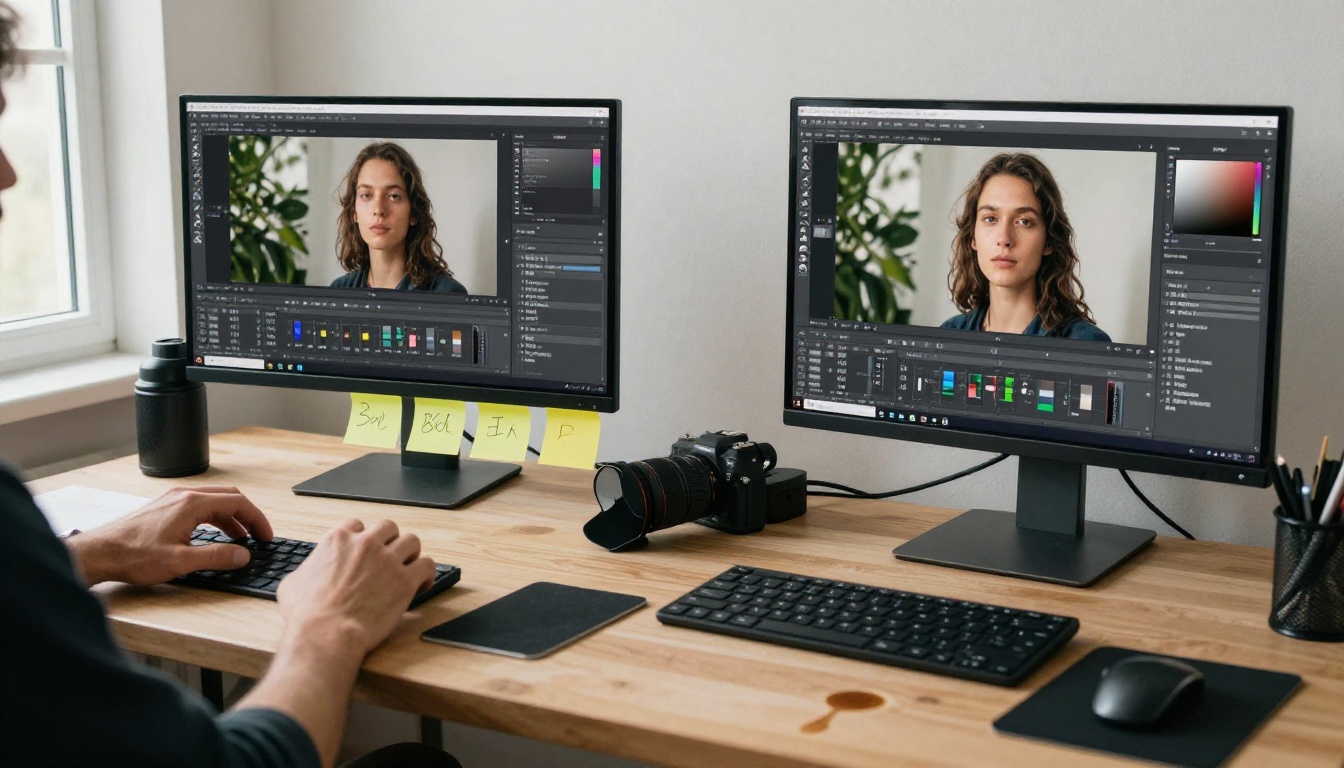
Professional photographers preparing images for billboard, canvas, or large-format print have historically needed Photoshop for the upscaling step. Topaz Image Upscale on PicassoIA handles enlargement up to 6x while preserving micro-detail in hair, fabric, and foliage that bicubic resampling destroys. For this specific use case, the AI approach is now objectively better, and costs a fraction of an annual Adobe subscription.
What You Actually Lose by Deleting Photoshop
It is worth being honest here. Photoshop still does things that no AI platform fully replicates.
The Features Worth Missing
- Advanced compositing: Multi-layer, mask-based compositing for complex photo manipulations
- CMYK and print workflows: Professional press preparation, spot colors, and soft proofing
- Precise selection control: When you need pixel-perfect accuracy on a specific edge, manual tools still offer more granularity than AI auto-selection on complex subjects
- Smart Object workflows: Non-destructive editing pipelines for professional retouching
- Plugin ecosystem: Decades of third-party tools integrated into one application
For professional retouchers, print designers, and VFX artists, these features are non-negotiable. Photoshop is not going anywhere for that audience.
The Ones That Were Always Overrated
- Background removal: AI has surpassed Photoshop's manual tools entirely
- Basic retouching: Skin smoothing and frequency separation are now handled faster by AI
- Noise reduction: AI denoisers consistently outperform Photoshop's native filters
- Photo upscaling: Every AI upscaler in the table above produces sharper results than Photoshop's native interpolation
- Web-ready export: Modern export workflows outside Photoshop are faster and often produce smaller file sizes
The honest answer is that Photoshop still wins on depth and precision for complex professional work. It loses on speed, accessibility, cost, and nearly every AI-specific capability for the 80 percent of tasks most users actually perform daily.
See for Yourself in the Next Ten Minutes
The most convincing argument is not a comparison chart. It is spending ten minutes on PicassoIA and running a few tasks you would normally reach for Photoshop to handle.
Remove a background from a product photo with Bria Remove Background. Upscale an old photograph until it is sharp enough for large print with Topaz Image Upscale or Recraft Crisp Upscale. Compare how long each step took and what quality you got at the end.
The question is not whether AI tools are better than Photoshop across the board: they are not. The question is whether Photoshop is worth its annual price for the specific tasks you actually do. For more and more people every month, the answer keeps coming back the same way: it is not.


