Thousands of creators who built their visual workflows around Midjourney have quietly changed course over the past year. Not because the output quality collapsed. Not because there was a major controversy. The reason is more practical: they started counting what they were actually getting for their money, compared that to what else was available, and made a rational decision.
This is what drove the shift, what they found, and whether the move holds up over time.
The Turning Point Nobody Saw Coming
A Price Hike That Hit Hard
Midjourney's decision to remove its free tier sent a clear message: the platform was moving upmarket. The cheapest entry point became $10/month for 200 fast image generations. The $30/month standard plan added unlimited relaxed generations, with fast generations capped by GPU hours. The pro plan runs $60/month.
For casual users, this felt steep for something that used to be free. For professionals, it revealed a more structural problem: the generation limits did not scale well with real production workloads. A freelancer producing 50 or more images per project is not well served by a 200/month fast cap without paying significantly more. A $60/month subscription that still does not include video, audio, or advanced editing tools starts to look like a premium price for a partial solution.
When creators started comparing line items, the math pointed elsewhere.
Discord Was Never the Right Home
💡 The Discord model made sense in 2022. In 2025, it is a workflow tax on anyone running a professional operation.
Midjourney runs inside Discord. In its early days, that created a sense of community that was genuinely valuable: watching other users' generations appear in real time, drawing inspiration from the shared environment, learning prompting techniques from those around you.
For production use, those same features become liabilities. Your generations are visible to others in public channels unless you pay for a higher subscription. There are no proper folders for organizing output. Image history requires scrolling through chat logs. The interface is a chat bot, not a creative tool. Every workflow has to be contorted around a messaging application that was built for something else entirely.
Dedicated web platforms delivered something simple: a browser interface with organized galleries, generation history searchable by prompt, proper download management, and no bot syntax to memorize. The workflow friction that Discord introduced went largely unnoticed until a better alternative existed. Once creators saw it, going back felt backwards.

What Creators Actually Found
91 Models in One Place
The single biggest discovery for most Midjourney users making the switch: the breadth of available models.
Midjourney is a single model with periodic version updates. That consistency produces reliable quality but zero flexibility. Every image you generate carries a version of Midjourney's aesthetic embedded in it, whether you want it there or not. The stylistic fingerprint is strong enough that experienced eyes can identify the source platform at a glance, which creates a real problem for commercial work where originality and brand consistency matter.
Multi-model platforms remove that constraint entirely. You select the model that fits the work, not the one that fits the platform's identity.
For photorealistic commercial images, Flux 2 Pro produces results that pass visual inspection at a level Midjourney struggles to reach in the same category. For fast iteration and concept exploration, Flux Schnell generates at speeds that compress the ideation loop considerably. For prompts where instruction-following matters more than aesthetic freedom, GPT Image 1.5 consistently executes on complex, multi-element descriptions with precision that single-model platforms rarely achieve.
The full range includes:
- Flux 2 Pro: Maximum photorealism, preferred for commercial portraits and product imagery
- Flux 2 Max: Highest output quality for large-format and print-ready work
- Flux 2 Dev: High quality with faster iteration time for experimentation
- Flux Schnell: Ultra-fast, ideal for high-volume and rapid-fire concept work
- GPT Image 1.5: Precise instruction-following with strong compositional control
- Stable Diffusion 3.5 Large Turbo: Speed-quality balance built for production pipelines
- Stable Diffusion 3.5 Medium: Efficient and reliable for standard workflows
- Seedream 4.5: Distinctive cinematic quality with strong lighting rendering
- Recraft V3: Design-oriented outputs with strong graphic aesthetics
- Sana: NVIDIA's high-resolution model for detail-intensive artistic work
- p-image: Fast generation with consistent realism for portrait and lifestyle content
- z-image-turbo: Ultra-fast turbo model for volume generation without sacrificing output quality
That is not a list of alternatives. That is a toolkit. The creators who switched stopped asking "how do I make Midjourney do this?" and started asking "which model is right for this?" That is a fundamentally different creative posture.
No Queue. No Discord. No Workarounds.
Production speed is measurable. When a photographer needs 30 variations of a concept image before a client call, the difference between waiting 90 seconds in a Discord queue and getting results in 10 seconds in a browser tab represents time that accumulates across every project.
Web-first platforms don't treat the interface as an afterthought. Generation history is searchable. Downloads are organized. Prompt history is persistent. The workflow is built for repeat use by someone who cares about efficiency, not for a first-time demo of what AI can do.
What a proper web interface delivers:
- Organized image galleries with prompt history
- One-click download and batch export
- No bot commands or Discord server required
- Full-screen preview and comparison tools
- Prompt templates and reuse for consistent workflows
- API access for teams building automated pipelines
The Quality Question
Flux 2 Pro vs. Midjourney: What the Outputs Show
Midjourney has a signature look. It is polished, compositionally strong, and leans toward a hyper-real aesthetic that photographs well at small sizes. That look is immediately recognizable to anyone who spends time in AI art communities, which is both an advantage and a complication for commercial work.
Flux 2 Pro does not have a signature look. It responds to the prompt rather than imposing its own visual identity. Ask for raw documentary photography and you get grain, compressed highlights, and authentic spatial depth. Ask for clean lifestyle imagery and you get clean lifestyle imagery, not a Midjourney interpretation of it.
For brand work, advertising, editorial, and product photography, that responsiveness is the deciding factor. Clients who need specific visual consistency can describe exactly what they want without fighting the platform's default aesthetic.
Realistic Portraits That Actually Look Real
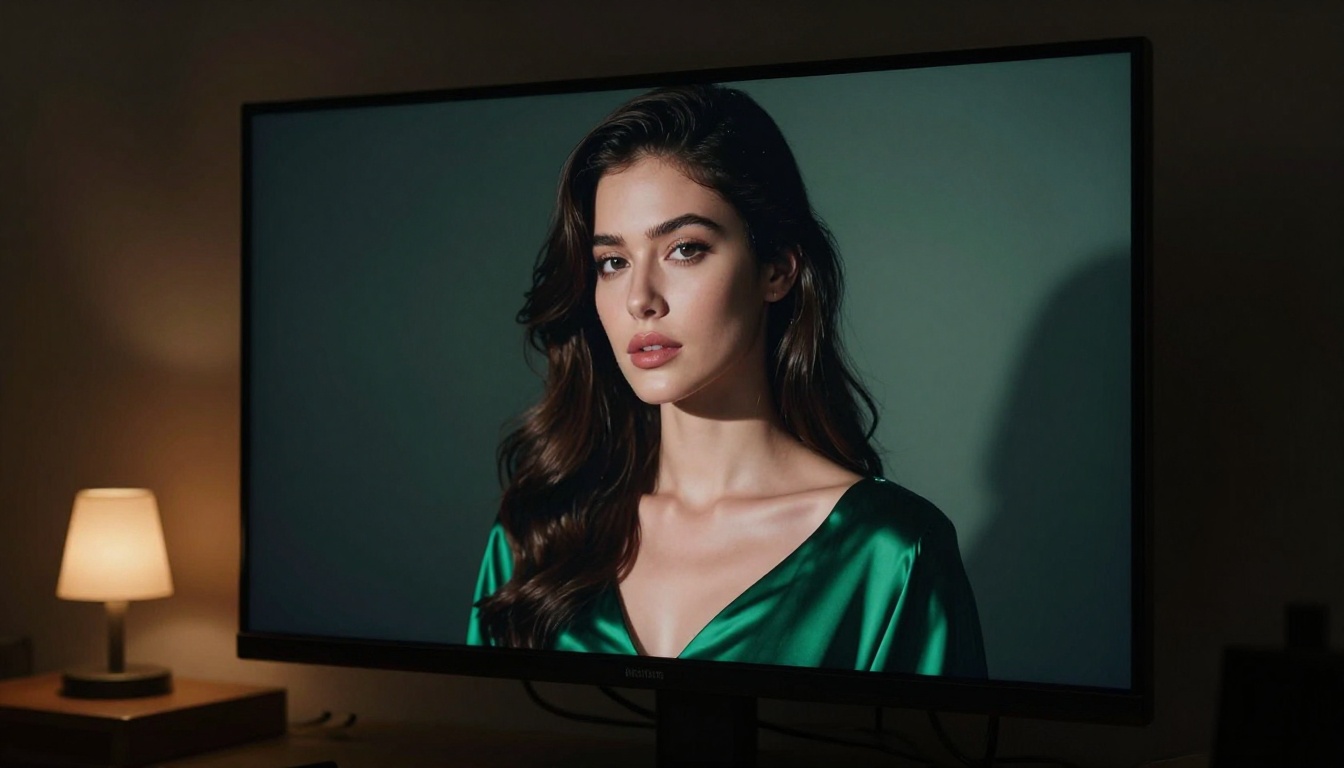
Portrait generation is where the technical gap between models shows most clearly. Midjourney's portraits have improved significantly across versions, but they still tend toward smoothed skin, slightly over-saturated eyes, and a compositing quality that experienced eyes catch after brief examination.
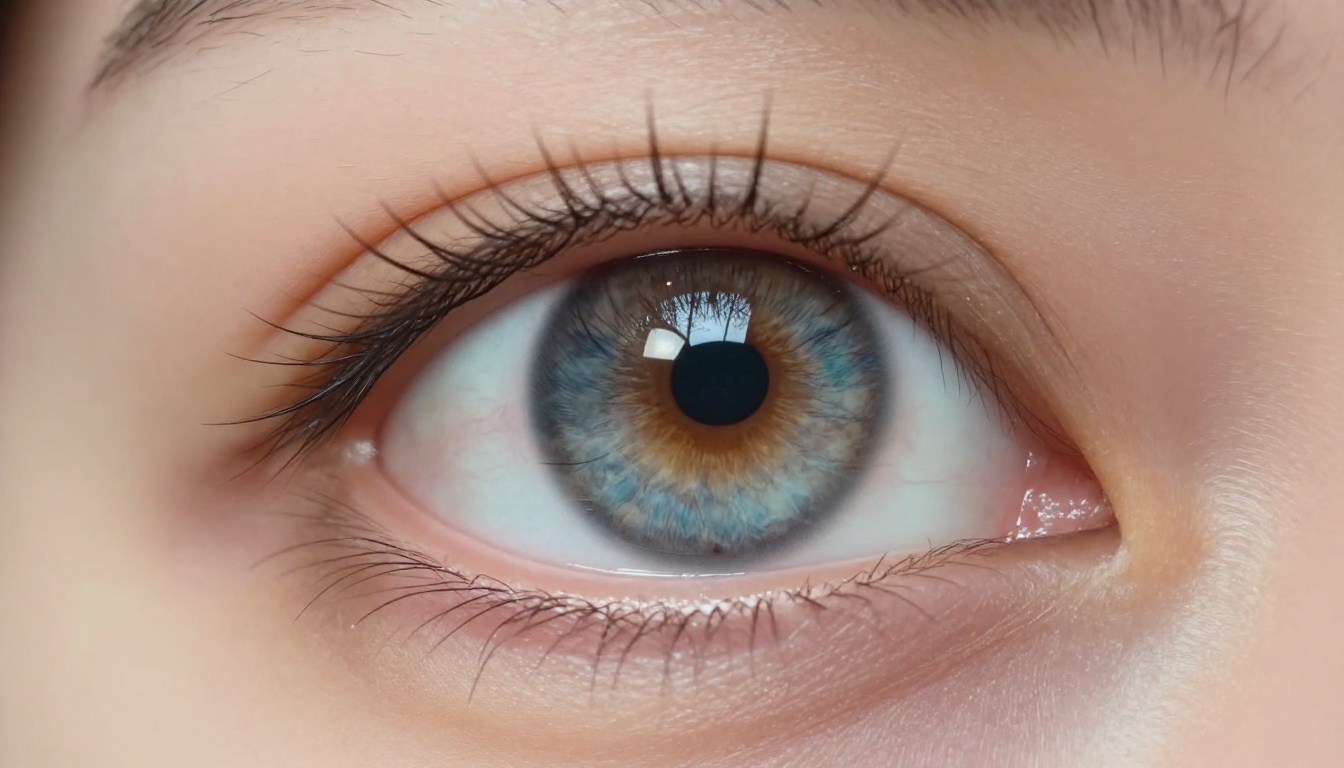
Models like Flux 2 Dev and p-image generate subsurface scattering in skin that responds correctly to lighting direction. Hair strand separation behaves according to weight and texture. Catchlights in eyes appear where the physics of the described scene put them, not where an aesthetic algorithm decided they look good.
💡 Specify lighting direction, camera distance, lens focal length, and surface texture in your prompt. The more physical detail you provide, the more physically accurate the output.
This matters for use cases where the image needs to stand up to close inspection: print advertising, packaging, editorial photography, and any context where a client zooms in on a proof.
Video, Audio, and 500+ Effects
Midjourney generates images. This is a deliberate product decision that has produced excellent image quality by maintaining focus. But content pipelines in 2027 require more than static images.
Creators producing for social media, advertising, or branded content routinely need capabilities that extend well past image generation:
- Text to Video: Original video clips generated directly from text prompts
- Image to Video: Animate any existing image into motion
- Lipsync: Sync realistic mouth movement to any recorded or generated audio track
- AI Music Generation: Original music tracks created from a text description alone
- Text to Speech: Natural-sounding voiceover in multiple languages and styles
- Video Enhancement: Upscale, stabilize, and restore video footage to higher resolutions
- Video Effects: Over 500 stylistic and technical effects for creative post-processing
Each of these requires a separate subscription if Midjourney is your image tool. A platform that integrates the full pipeline cuts that stack to one login, one price, and one workflow.
Image Editing Without Leaving the Tab
Generation is only part of the creative workflow. After an image exists, it typically needs refinement: extending the canvas for a different crop ratio, replacing an element that didn't land, restoring a reference photo to use as a base, or upscaling for print output.
Built-in editing capabilities eliminate the round-trip to other software for most tasks:
- Outpainting: Extend any image beyond its original borders in any direction
- Inpainting: Redraw specific areas while preserving the surrounding composition
- Object Replacement: Swap individual elements with precision, without touching the rest of the frame
- Face Swap: Instant realistic face replacement using AI-driven blending and lighting match
- Super Resolution: 2x to 4x upscaling that adds genuine detail rather than scaling pixels
- AI Image Restoration: Repair compression artifacts, grain, blur, and damage in source material
z-image-turbo handles fast iteration when prototyping at volume. p-image-edit covers multi-image editing workflows where visual consistency across a set matters. The gap between "generated" and "production-ready" gets shorter with each tool that doesn't require opening another application.
The Real Cost of Staying
Monthly subscription prices are the visible cost. The invisible cost is every tool that Midjourney does not replace.
| Workflow Capability | Midjourney | Integrated Platform |
|---|
| Text to Image | Yes | Yes |
| Text to Video | No | Yes |
| Image to Video | No | Yes |
| Face Swap | No | Yes |
| Super Resolution | Limited | Yes |
| Lipsync | No | Yes |
| AI Music Generation | No | Yes |
| Background Removal | No | Yes |
| Image Editing | Limited | Yes |
| API Access | Limited | Yes |
| Web Interface | No (Discord only) | Yes |
A creator who pays $30/month for Midjourney and separately subscribes to a video tool, an upscaler, and a background removal service is maintaining four separate invoices to accomplish what one integrated platform covers. That arithmetic, not any single missing feature, is what's driving the migration at scale.
The full-stack cost adds up fast:
- Midjourney Standard: $30/month
- Dedicated video generation tool: $15-40/month
- Upscaling service: $10-20/month
- Background removal: $10-15/month
- Audio generation: $10-25/month
That is a combined spend of $75-130/month for a partial solution with five different logins and five different interfaces.
Who's Actually Making the Switch
Freelancers Tired of Generation Limits
Freelance work does not run on a fixed monthly rhythm. Project volume fluctuates, client needs vary, and a generation cap that seems adequate in a slow month creates pressure in a busy one.
The freelancers who moved earliest were those already running the mental math on their AI tool stack every month. They noticed the Midjourney invoice alongside the upscaling tool invoice alongside the video tool invoice, and started treating it like any other business expense to optimize.
Pay-per-credit models or broader-capability subscriptions at similar price points made the direction obvious. The switch was less about frustration with Midjourney and more about recognizing that the alternative offered a better return on the same spend.
Content Creators Who Need Volume
A creator producing three videos per week needs thumbnails, B-roll imagery, motion graphics, music, and voiceover. Midjourney can cover one of those requirements. Platforms that integrate the full pipeline cover most of them without switching tabs.
Volume also creates a different relationship with prompting. Creators who generate hundreds of images per week develop prompt systems, reusable templates, and workflows that only function in environments built for that kind of use. A chat interface in Discord does not support systematic creative production. A web platform with persistent history, prompt reuse, and organized output does.
The pattern in this segment is consistent: first the switch for images, then the discovery of video, then audio, then editing. Each tool that gets consolidated reinforces the decision to stay.
Brands With Production Pipelines
Enterprise and agency users rarely announce which tools they use, but API access is consistently the deciding factor at scale. When a brand's content operation runs at thousands of images per month, it needs integration into existing production systems, not manual generation in a chat application.
Platforms with documented APIs and programmatic access let development teams build generation into content pipelines. Brand guidelines get encoded in prompts. Consistency becomes systematic. Volume becomes manageable.
The creators who built integrations for client work were often the first to recommend the switch to their clients. Once a production pipeline runs on a platform, the switching cost rises on both sides, which is exactly the kind of lock-in that matters.
Start Creating
You do not have to cancel anything to find out whether this is worth it.
The most practical approach is to take a project you are already working on, one where you have felt friction with your current tool, and run it with Flux 2 Pro. Use the same prompts you have been using. Compare the output side by side. Then try a generation workflow that requires video or audio attached, and see what it would have taken to produce the same result in your current stack.
The creators who switched did not do it because they were looking for a reason to leave. They did it because they ran a test, looked at the results, and the results were better. Some needed the model variety. Some needed the editing tools. Some needed the video pipeline. Most found that the combination of features at the price point simply made more sense for how they actually work.
Flux Schnell when you need speed. GPT Image 1.5 when precision matters. Flux 2 Pro when the output has to be indistinguishable from a photograph. Seedream 4.5 when the mood calls for something cinematic.
The models are running. The tools are there. The only generation that has not happened yet is yours.