Something shifted in the AI art community around late 2024. Quietly at first, then loudly. Creators who had been on Midjourney since version 3 started posting screenshots of work done on other platforms. Comment sections filled with "wait, where did you make this?" The answer, more and more often, was Picasso AI.
This is not a platform-war piece. It is a look at what is actually driving the migration, what people found when they arrived, and why many say they have not touched Midjourney since.
The Real Cost of Staying on Midjourney
Midjourney does not publish a free tier anymore. If you want to generate images, you pay. The basic plan starts at $10 per month and gives you around 200 image generations with limited fast GPU time. The standard plan is $30. The Pro plan, which most serious creators end up needing, is $60 a month.
That math adds up fast for someone who generates images professionally or even semi-regularly.
| Plan | Monthly Cost | Fast GPU Hours | Commercial Rights |
|---|
| Basic | $10 | ~3.3 hrs | Yes |
| Standard | $30 | 15 hrs | Yes |
| Pro | $60 | 30 hrs | Yes |
| Mega | $120 | 60 hrs | Yes |
For freelancers, social media managers, or indie game developers, $60 to $120 per month for a single image tool is a hard sell, especially when other platforms offer access to dozens of models at different price points.
💡 Worth knowing: Many creators report hitting their fast GPU limits within the first two weeks of a billing cycle, which forces either slow-mode queuing or upgrading to a higher tier.
The Discord Problem Nobody Warned You About
Midjourney runs entirely through Discord. That is not a minor quirk. It is a fundamental design choice that shapes everything about the experience.
When you generate images in a public channel, other users see your prompts. Your creative process is visible to strangers. Your experimental, half-formed ideas are mixed into a public feed alongside thousands of other people doing the same thing.
Even in private servers, the Discord interface was built for chat, not creative work. Threads fragment. Images scroll off the screen. Finding something you made three days ago requires digging through message history.
The frustration is not abstract. Designers working on client projects found themselves needing to set up private Discord servers just to maintain basic confidentiality. That adds friction to a workflow that should feel seamless.
Picasso AI runs in a standard web browser. You log in, pick a model, write a prompt, and generate. There is no Discord account required, no server to join, no public feed to accidentally post into.
What People Found on the Other Side
The first thing most switchers mention is the model variety. Midjourney gives you Midjourney. It is one model, one aesthetic direction, one output style, no matter how much you tweak the parameters.
Picasso AI gives you access to over 91 text-to-image models from different developers. That means you can use GPT Image 2 from OpenAI for crisp, instruction-following photorealistic outputs. You can switch to Flux Redux Dev from Black Forest Labs for image variations and style consistency. You can try Seedream 4.5 from ByteDance for stunning 4K image quality that would be difficult to achieve anywhere else.
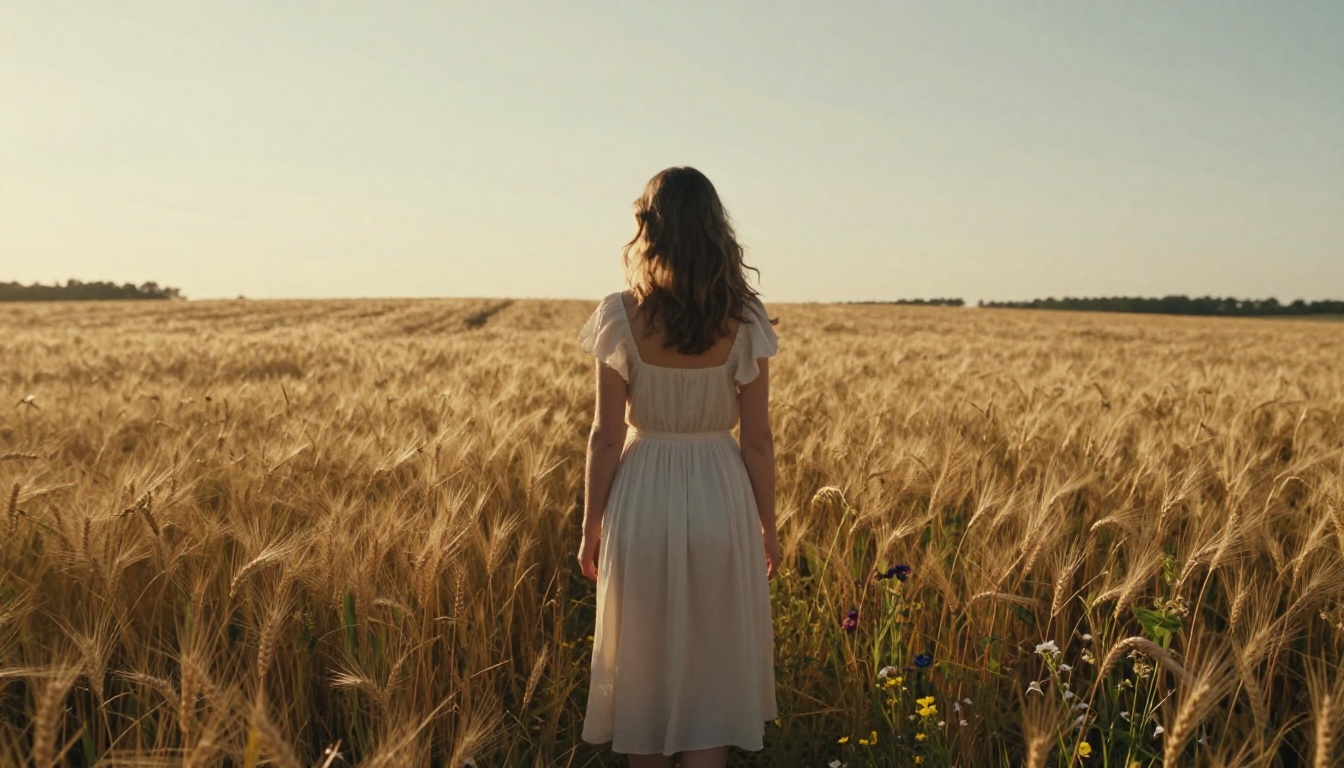
Each model brings its own strengths. The ability to switch between them, without leaving the platform or paying extra, is what most users call the single biggest quality-of-life improvement over Midjourney.
Image Quality Side by Side
This is where conversations get heated. Midjourney has a genuinely beautiful, distinctive aesthetic. Its images often look like paintings or high-concept illustrations. That is intentional, and for certain use cases, it is perfect.
But photorealism has never been Midjourney's main strength. When you need an image that looks like it came from a camera, not a brush, the output can feel slightly off. Skin tones drift. Textures go soft in the wrong places. Lighting has a characteristic "AI glow" that trained eyes can spot immediately.
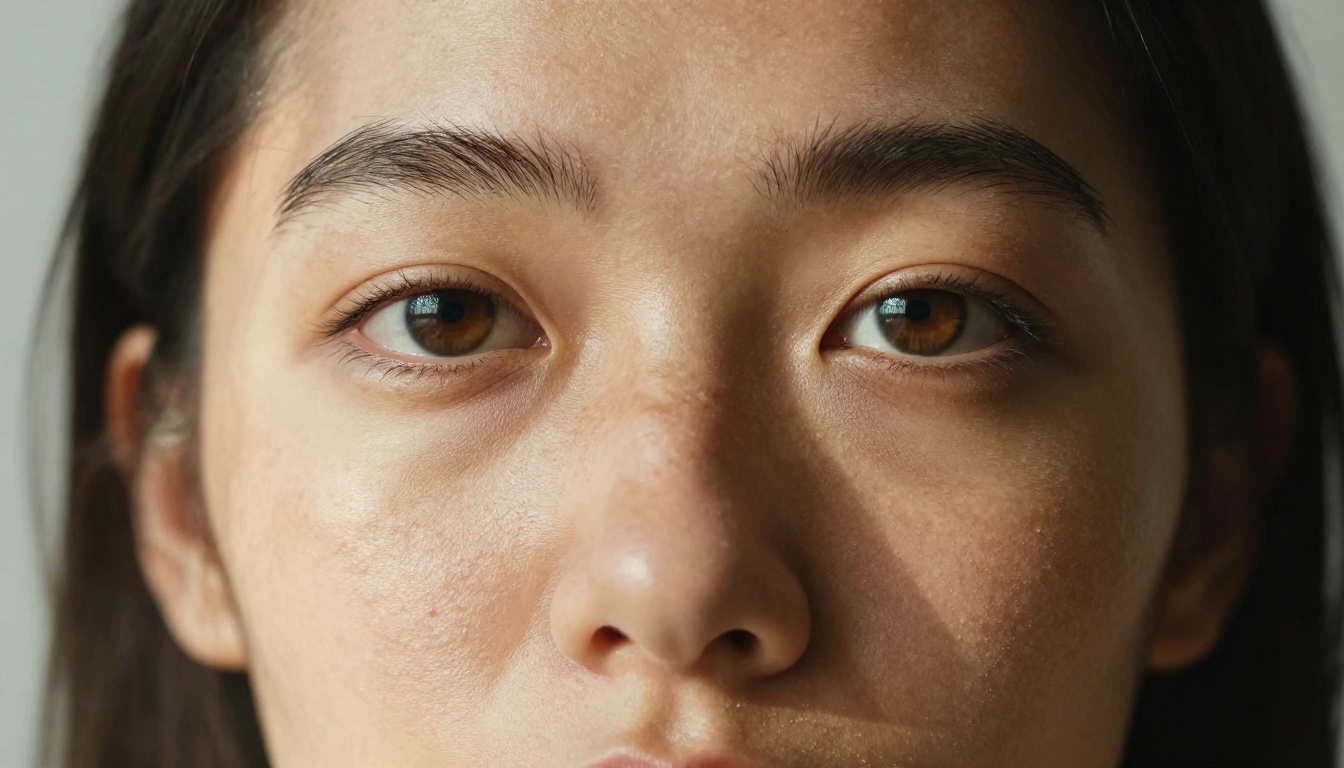
GPT Image 2 on Picasso AI solves this for many creators. The model follows complex multi-part prompts reliably and renders photographic textures, including skin, fabric, and environmental surfaces, with a level of accuracy that feels genuinely different.
💡 Prompt tip: When using GPT Image 2, be specific about lighting direction ("volumetric morning light from upper left"), lens type ("85mm f/1.8 shallow depth of field"), and surface texture ("natural skin pores visible"). The model responds to camera-style descriptions better than abstract artistic directions.
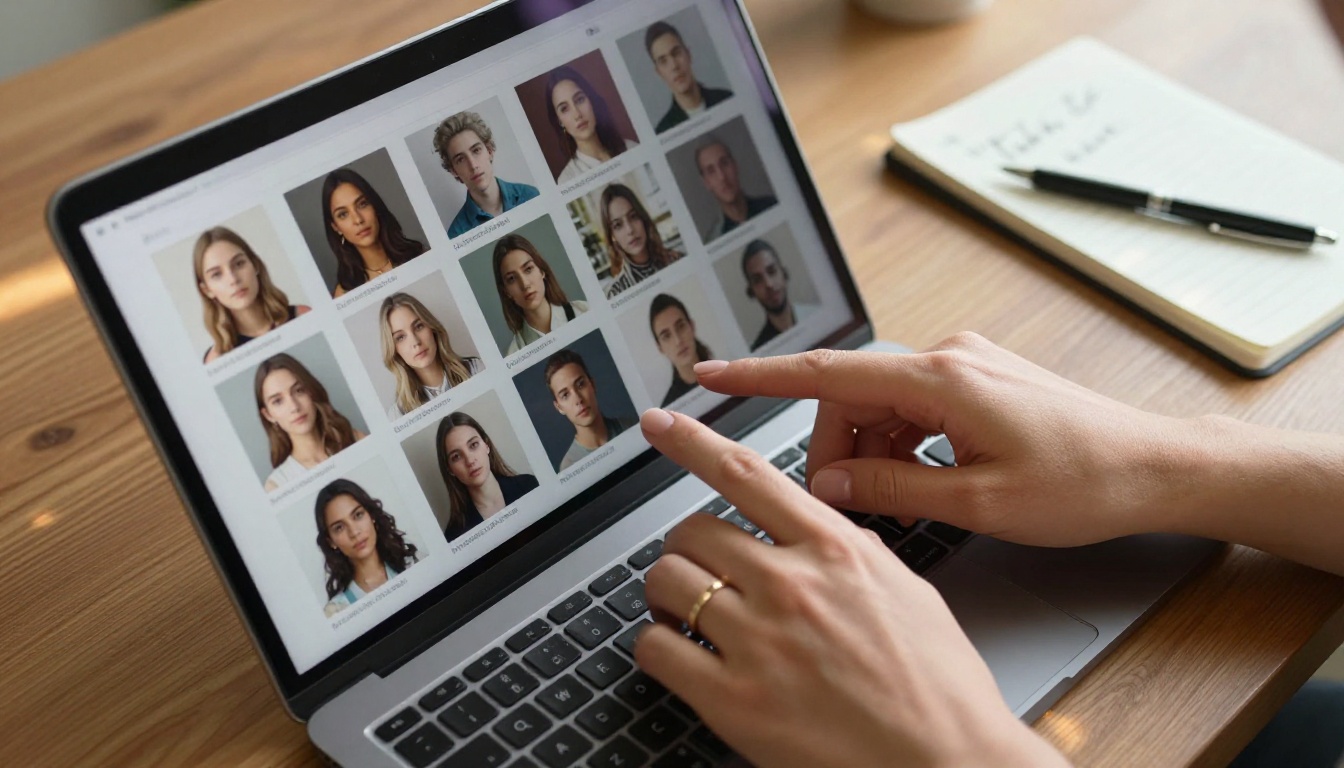
For creators who need artistic, stylized output, the Flux Redux Dev model offers a different kind of consistency. It is particularly good at taking an existing image and generating coherent variations that preserve the composition and mood while changing specific elements.
The Model Library Nobody Talks About
Most articles comparing AI image platforms focus only on the headline models. The real story is the depth of what is available when you start working regularly on a platform with true model variety.
For image editing, Qwen Image Edit Plus lets you make targeted text-based edits to existing photos. Need to change the color of a jacket in a product shot? Swap the background? Adjust lighting on a portrait? You describe the change in plain language and the model executes it.
For custom style training, P Image Trainer lets you train a custom LoRA on your own images. This means brand consistency becomes achievable at a level that was previously only available to teams with dedicated AI infrastructure. Upload 10 to 20 reference images of your product, character, or visual style, and the model learns to generate new images that match it reliably.
For upscaling, Clarity Pro Upscaler takes your generated images and scales them to print-ready resolution with photorealistic detail enhancement. The output is genuinely sharper than simple bicubic upscaling, adding texture detail rather than just interpolating pixels.
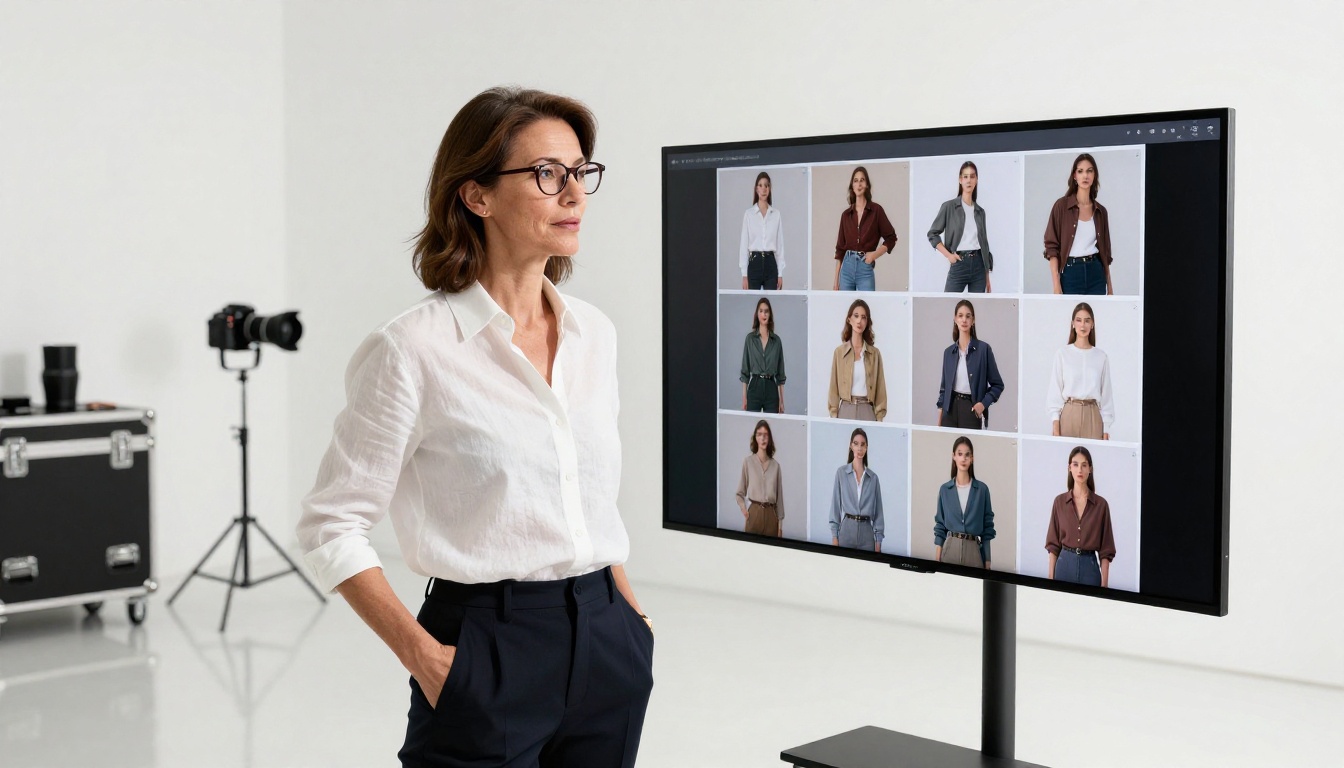
How to Use GPT Image 2 on Picasso AI
Since GPT Image 2 is one of the most-requested models and one of the primary reasons creators switch platforms, here is exactly how to use it:
Step 1: Open the model page
Go to GPT Image 2 on Picasso AI. You will see the prompt input field and generation options on the left, with the output panel on the right.
Step 2: Write a camera-style prompt
GPT Image 2 responds best to prompts that describe a scene the way a photographer would set it up. Include:
- Subject: who or what is in the image, with specific physical details
- Environment: where the scene takes place, with texture and depth descriptions
- Lighting: direction, quality, and color temperature of the light source
- Camera details: lens focal length and aperture for depth of field control
- Atmosphere: mood, time of day, and overall feeling
Example prompt: "Portrait of a woman in her late 20s standing in a sun-filled coffee shop, warm morning light from the left window catching her dark hair and creating natural shadow on the right side of her face, shot with 85mm f/1.8 lens, shallow depth of field, Kodak Portra 400 film grain, natural skin texture visible, background patrons softly blurred"
Step 3: Set your aspect ratio
For social media content, 1:1 works well. For banner images or blog headers, use 16:9. For portraits and mobile-first content, 9:16 gives you clean vertical framing.
Step 4: Review and iterate
GPT Image 2 generates quickly. If the first output does not match your vision, do not restart from scratch. Adjust one element of your prompt, whether lighting direction, subject positioning, or background detail, and regenerate. Small, targeted changes produce better iteration results than complete rewrites.
Step 5: Upscale for print or high-res digital use
Once you have an output you are happy with, run it through Clarity Pro Upscaler to get a version suitable for large-format printing or high-resolution digital applications.
Beyond Images: The Full Creative Suite
One reason creators stay once they switch is that the platform does not stop at images. The same account that gives you access to GPT Image 2 and Seedream 4.5 also opens up a full creative stack:
Video generation: Seedance 2.0 from ByteDance converts text prompts or still images into high-quality video with built-in audio generation. For social media creators, this means going from a photorealistic image to a motion clip within the same workflow.
Face and body work: Face swap tools let you apply a reference face to generated portraits, which is valuable for brand campaigns where consistency of talent across multiple assets matters.
Audio and voice: Text-to-speech models give you professional-grade voiceovers from a script. AI music generation lets you create background tracks from a simple style prompt.
The breadth matters because it means one platform subscription replaces what would otherwise be three, four, or five separate tools, each with their own pricing and learning curve.
Who Is Actually Making the Switch
The migration is not uniform. Different types of creators are leaving Midjourney for different reasons.
Social media content creators cite the Discord friction most often. Managing a content calendar through a chat interface is not sustainable at scale. A proper web app with an organized gallery and prompt history makes a measurable difference in production efficiency.
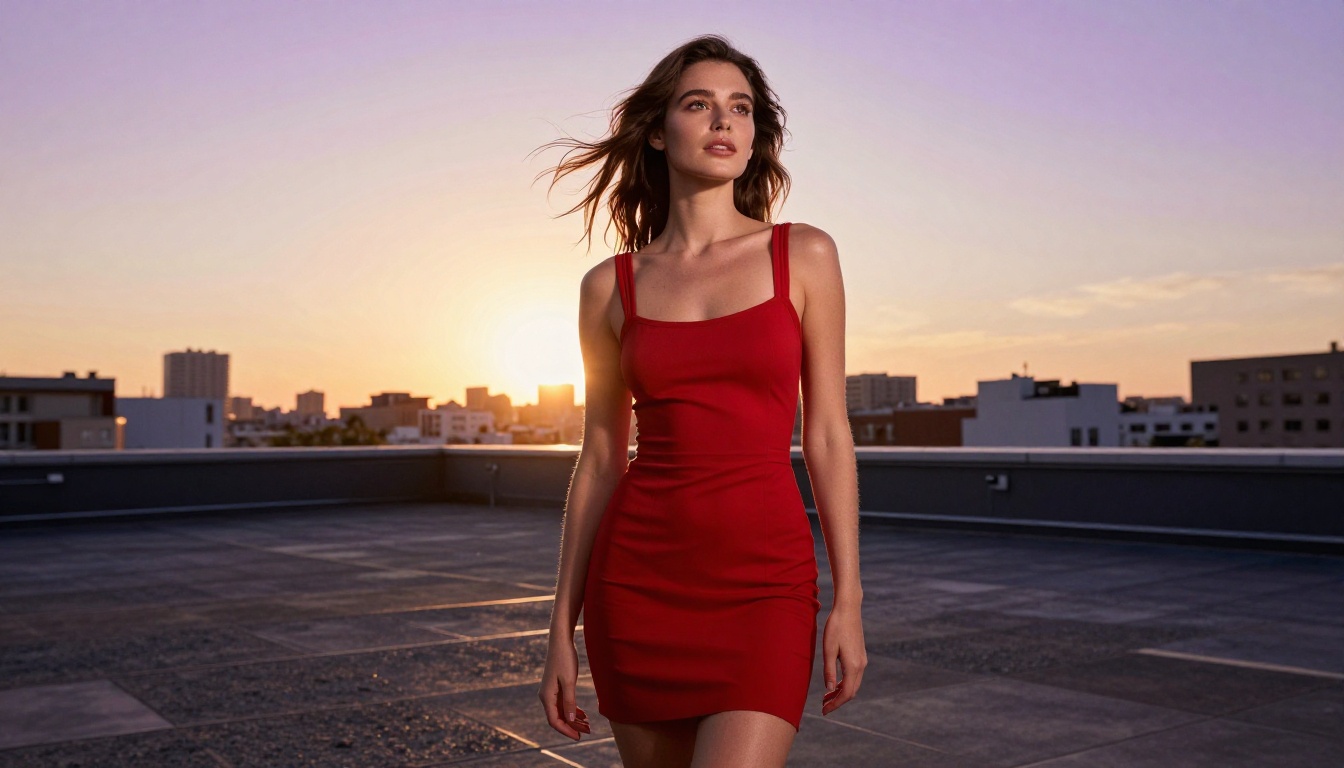
Photographers and retouchers are drawn by the photorealism ceiling. Midjourney's aesthetic works against them. They need images that pass for photographs, and GPT Image 2 or Seedream 4.5 deliver that in ways Midjourney cannot consistently match.
Indie game developers and concept artists value the model variety. Different stages of concept development call for different visual languages. Having 91 text-to-image models on one platform, rather than being locked into a single aesthetic, means the tool adapts to the project rather than the reverse.
Small marketing agencies are motivated by cost. Replacing a $60 Midjourney Pro subscription plus separate tools for video, upscaling, and background removal with a single platform that covers all of those use cases changes the unit economics of creative production significantly.
The Honest Trade-Offs
Midjourney is not without its strengths, and a fair comparison acknowledges them.
Midjourney's community and prompt documentation are exceptional. Years of public Discord conversations have created an enormous body of prompt engineering knowledge that is easy to find and apply. If you are just starting with AI image generation and want a supportive community with shared knowledge, Midjourney's Discord, for all its friction, delivers that.
Midjourney's stylistic consistency is also genuinely useful for certain creative briefs. If a client wants images that feel like premium concept art or high-end editorial illustration, Midjourney reliably delivers that look. It has a signature.
The question is whether that signature, and that community, are worth the cost and constraints for your specific workflow. For a growing number of creators, the answer has shifted to no.
Start Creating Your Own Images
If you have been on Midjourney for a while and found yourself hitting the same walls, whether pricing, Discord friction, or photorealism limits, the gap between what you have been using and what is available now is wider than you might expect.
The best way to form your own opinion is to run the same prompt through both platforms and compare the results directly. Use a prompt you know well, something you have refined over months, and see what GPT Image 2 or Seedream 4.5 does with it. The output will tell you more than any article can.
For portrait photography, product shots, editorial images, or any work where photorealism matters more than painterly stylization, the results tend to be decisive.
The tools that built the AI art category are not automatically the tools that will carry you through the next stage of your creative work. The people leaving Midjourney are not abandoning AI image generation. They are investing more seriously in it, and looking for a platform that matches that investment with real capability, real variety, and a workflow that does not get in the way.
Whether the move makes sense for you depends on what you are making and what is holding you back. But if the answer to either of those involves photorealism, model flexibility, or a web-native workflow, the conversation is worth having now rather than six months from now.


