The AI art landscape is undergoing a dramatic transformation, and at the center of this shift is GPT Image 1.5. What started as curiosity has turned into a mass migration of artists, designers, and creative professionals switching from established models like Flux 2 Pro and Qwen Image 2512 to OpenAI's latest image generation model. This isn't just about trying something new—it's about measurable improvements in photorealistic quality that directly impact professional workflows.
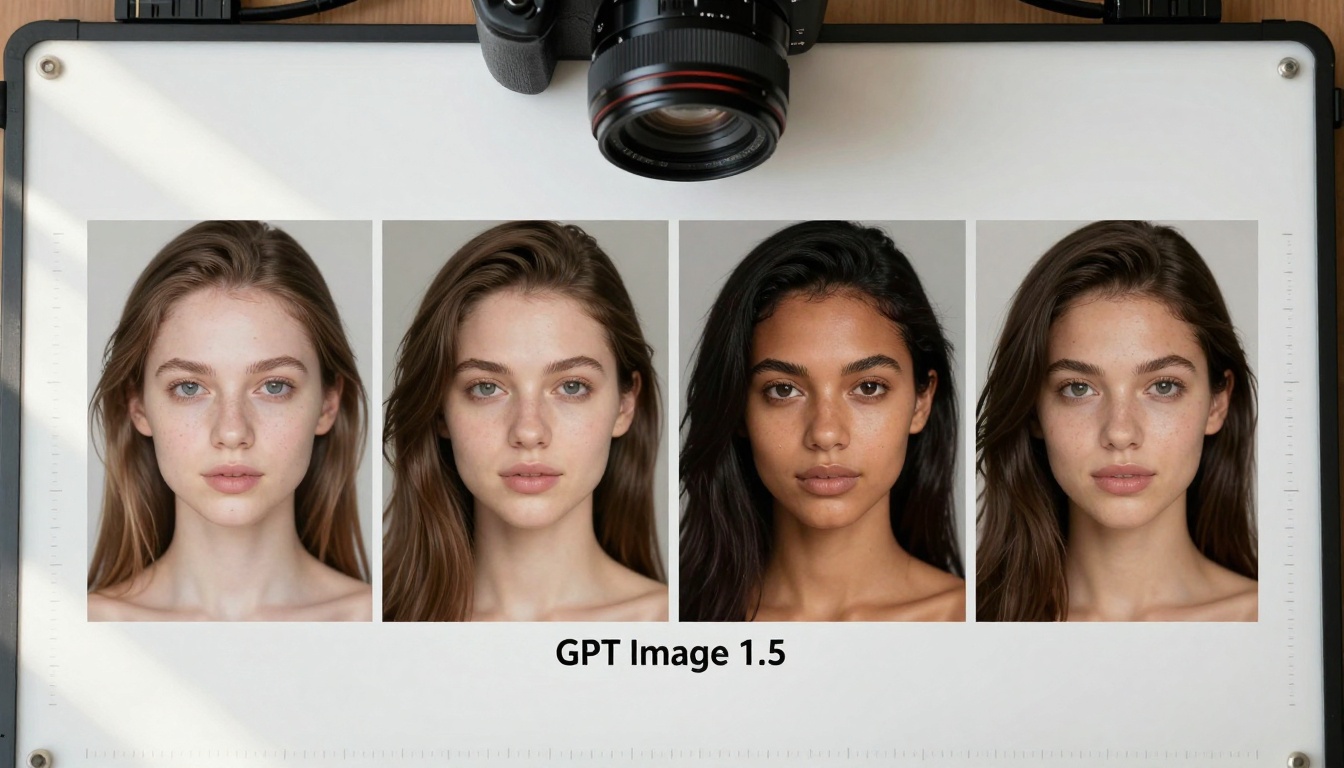
Aerial comparison showing GPT Image 1.5 against other AI models under identical conditions
The Texture Revolution
Photorealism in AI art has always been the holy grail, but most models struggled with consistent skin texture reproduction. GPT Image 1.5 changes this equation completely. When you examine the micro-details, the difference becomes immediately apparent:
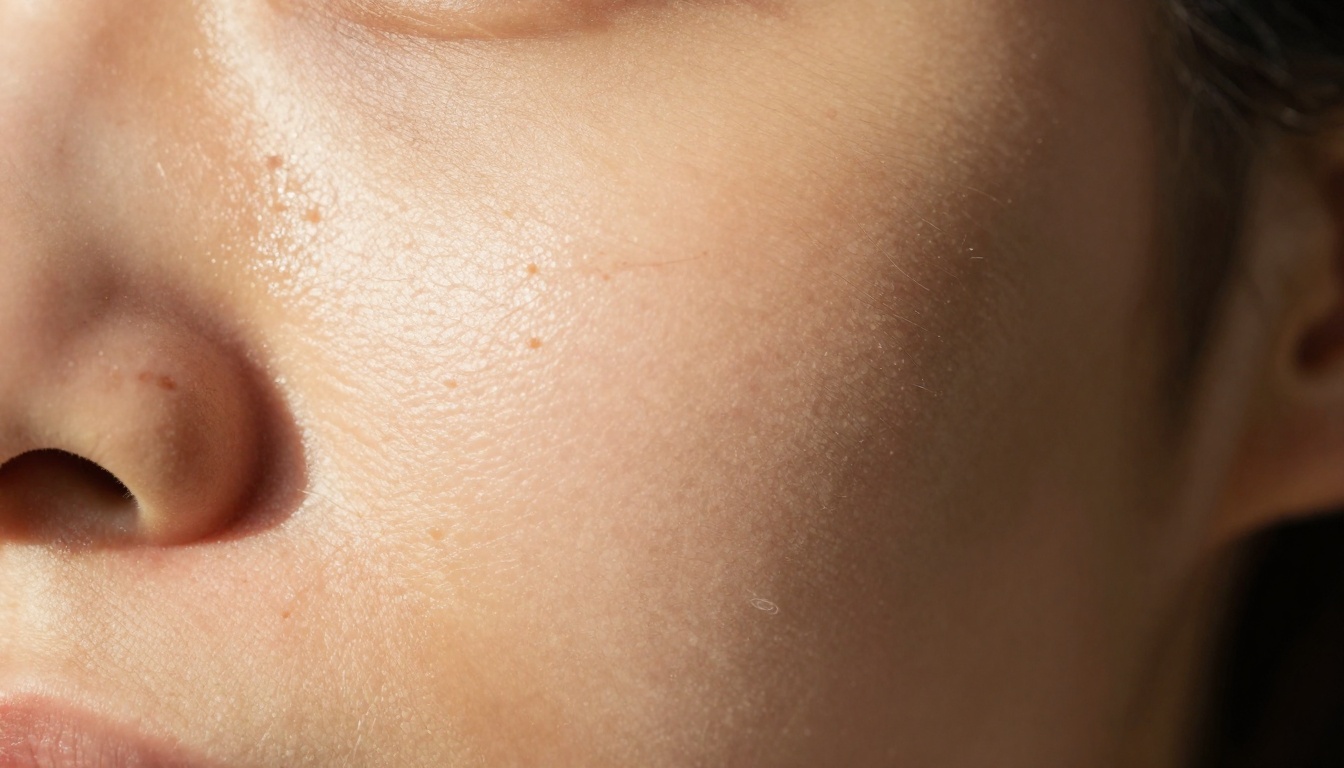
Extreme close-up reveals individual pores and natural skin imperfections
💡 Technical Insight: GPT Image 1.5 doesn't just render skin—it understands skin optics. The model replicates subsurface scattering, oil sheen variations, and even capillary patterns that most AI image generators treat as uniform textures.
What Creators Are Saying About Texture Quality
Professional photographers who've tested GPT Image 1.5 report three consistent observations:
- Pore consistency - Natural variation across different facial zones
- Hair strand separation - Individual hairs with proper thickness gradation
- Lighting accuracy - Shadows and highlights that follow real-world physics
Lighting: The Game Changer Nobody Expected
Where GPT Image 1.5 truly separates itself is in lighting comprehension. Traditional AI models like Flux 2 Flex and Seedream 4.5 often produce images with "correct" lighting, but GPT Image 1.5 produces lighting that feels photographed.
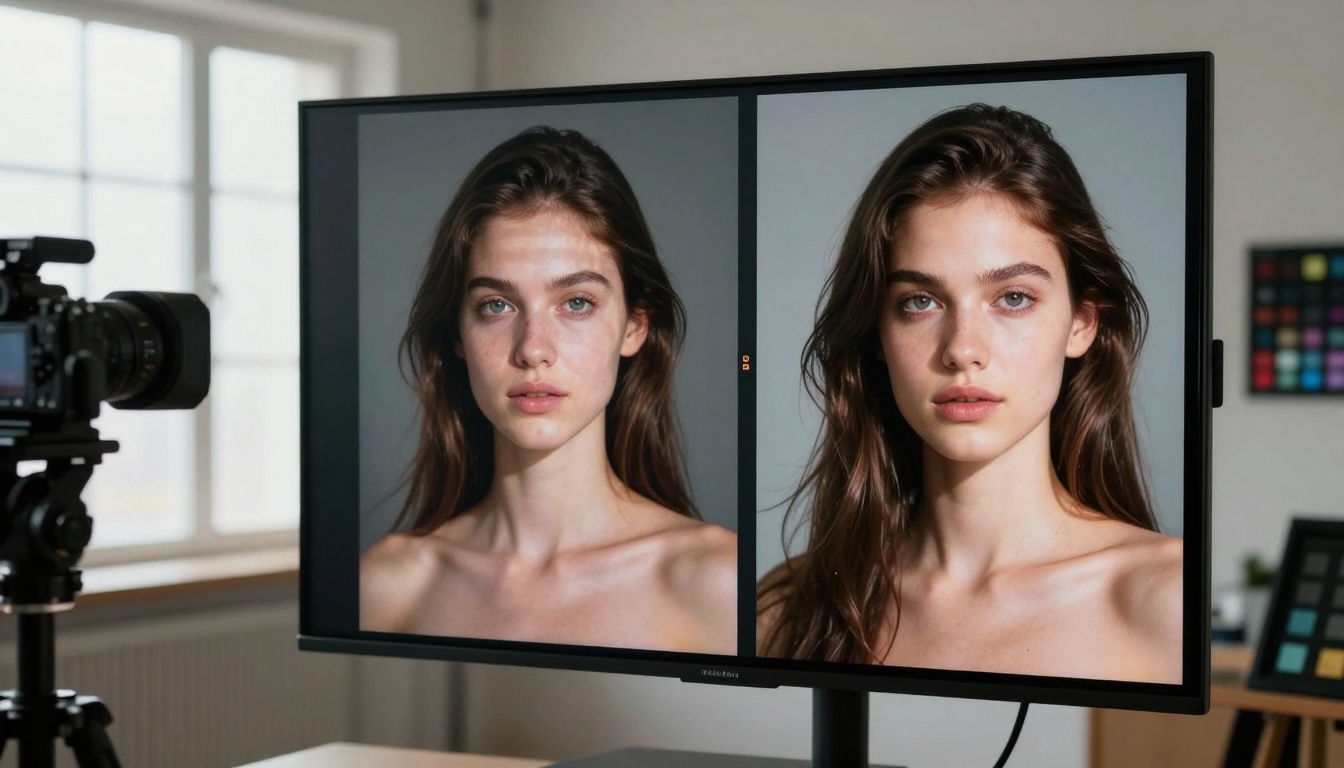
Side-by-side comparison shows identical shadow patterns between real and AI-generated subjects
The lighting advantage manifests in specific areas:
- Directional consistency - Light sources maintain logical positions throughout compositions
- Shadow softness - Proper falloff based on light source size and distance
- Reflection accuracy - Eye highlights, skin specularity, and material reflections that match real photography
Color Reproduction: From Approximation to Accuracy
Color has been the Achilles' heel of AI image generation. Most models produce "pleasing" colors rather than accurate ones. GPT Image 1.5 introduces a different approach:
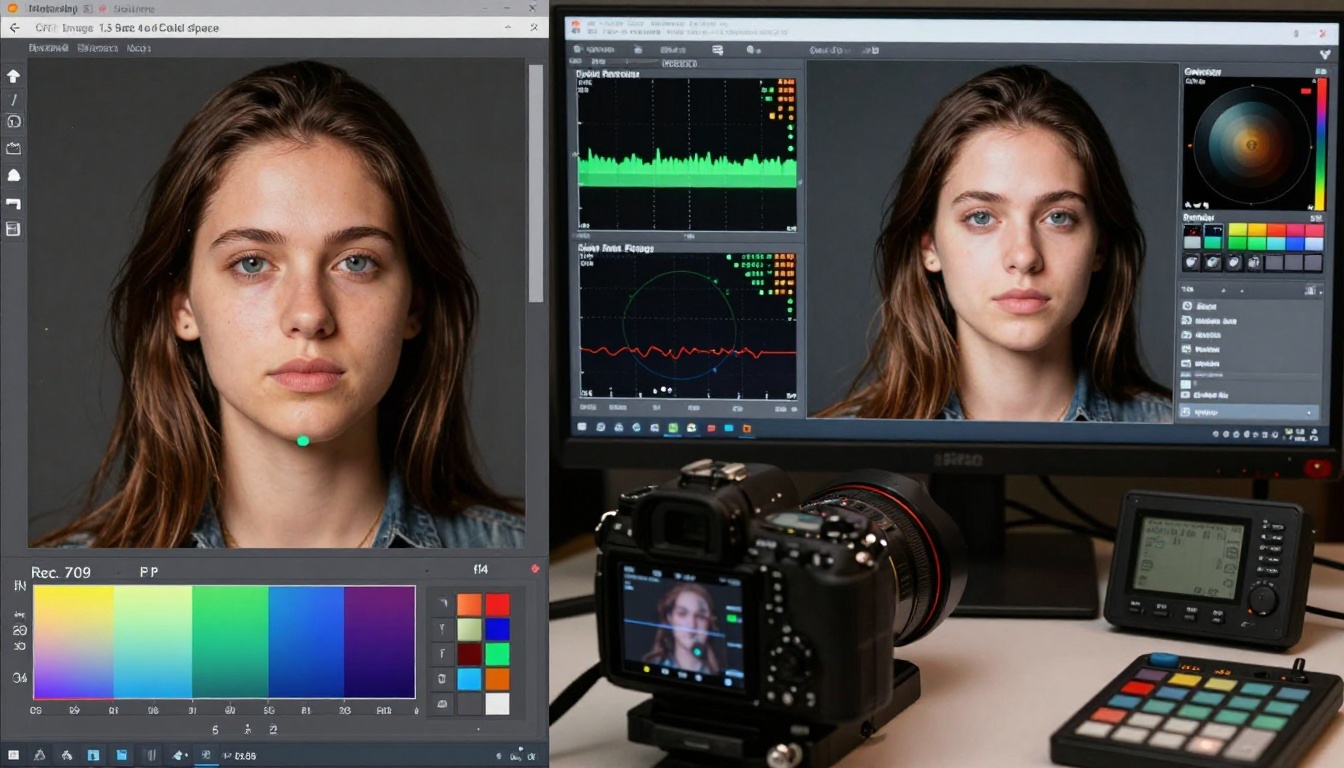
Technical color analysis shows Rec.709 compliance and skin tone accuracy
Key color improvements include:
| Color Aspect | Previous Models | GPT Image 1.5 |
|---|
| Skin Tones | Often oversaturated or shifted | Accurate within professional color spaces |
| Memory Colors | Inconsistent (sky, grass, etc.) | Natural and predictable |
| Gradation | Banding or abrupt transitions | Smooth, photographic transitions |
| Black Level | Crushed or lifted shadows | Proper shadow detail retention |
The Professional Workflow Impact
Creative professionals aren't just testing GPT Image 1.5—they're integrating it into production pipelines. The difference becomes most apparent in collaborative environments:

Creative teams discussing GPT Image 1.5 outputs in professional settings
How Workflows Are Changing
- Reduced Revision Cycles - Clients approve AI concepts faster due to photorealism
- Consistent Style Across Projects - The model maintains quality regardless of subject matter
- Integration with Existing Tools - Outputs work seamlessly with Photoshop, Lightroom, and grading software
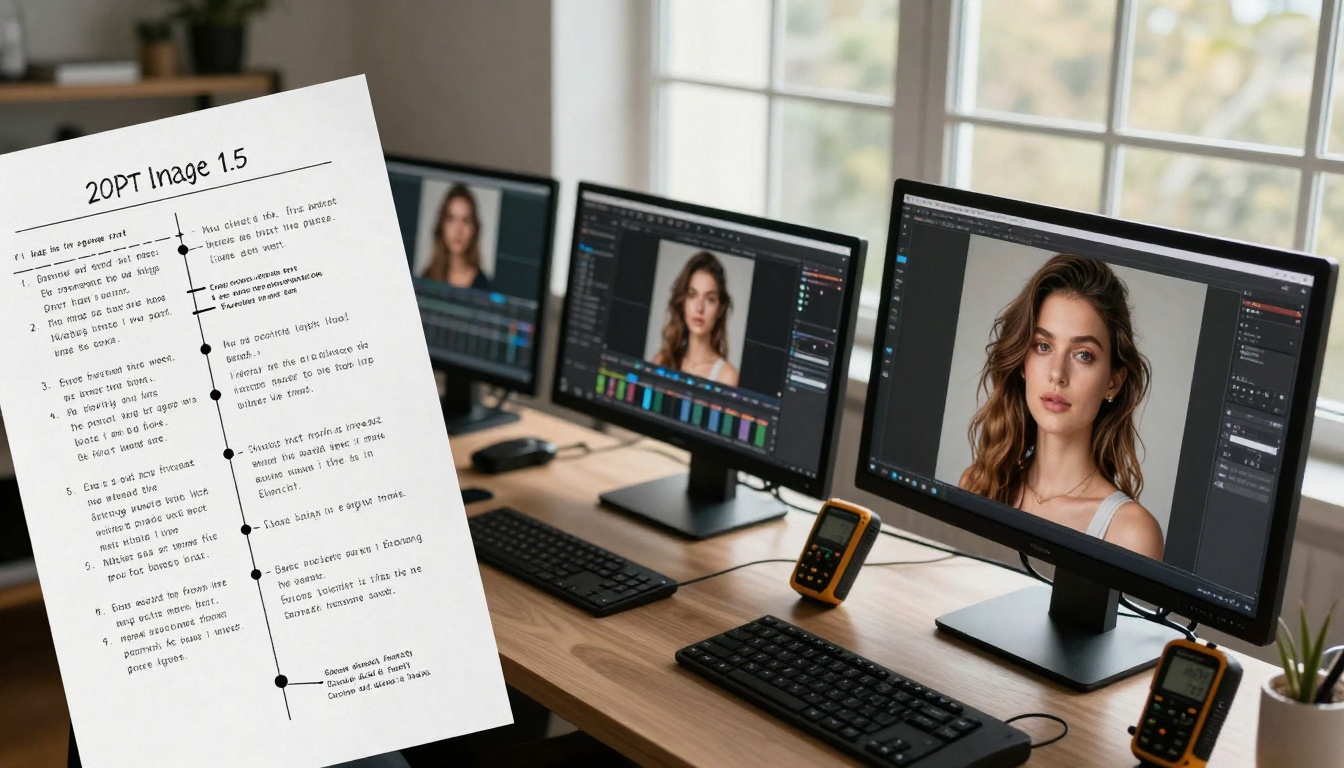
Visual workflow showing prompt refinement to final output
The Technical Comparison: GPT vs Established Models
When you put GPT Image 1.5 side-by-side with other leading models, the differences become quantifiable:
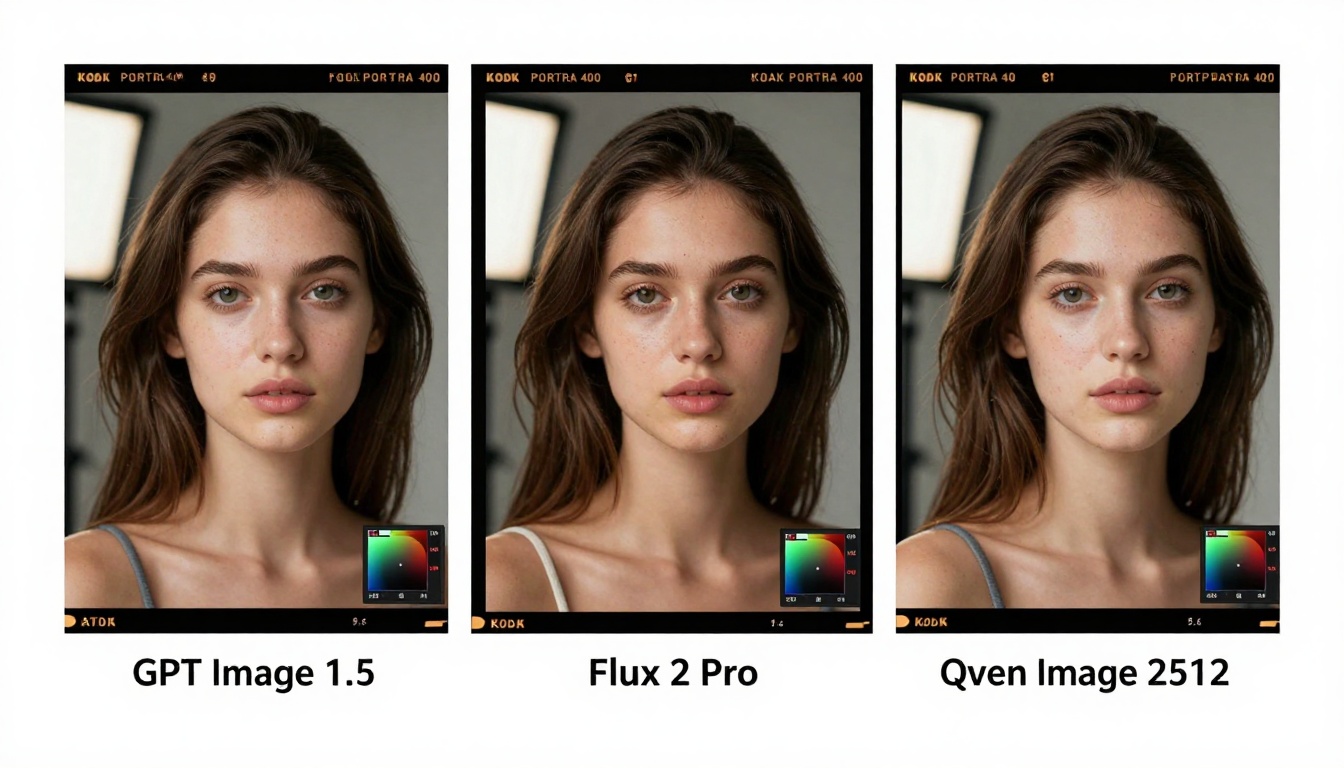
Three identical prompts rendered by different AI image generators
Specific Areas Where GPT Image 1.5 Excels
Against Flux 2 Max:
- Better handling of complex lighting scenarios
- More natural skin texture variation
- Superior color accuracy in mixed lighting
Against Qwen Image Edit Plus LoRA:
- Consistent quality across different prompt styles
- Better understanding of photographic composition
- More reliable output for professional applications
Against Nano Banana Pro:
- Superior detail retention at smaller sizes
- More natural hair and fabric rendering
- Better shadow and highlight detail
Hair and Detail Rendering: The Micro-Quality Difference
One of the most telling quality indicators is how AI models handle hair. Most produce "hair masses" rather than individual strands:
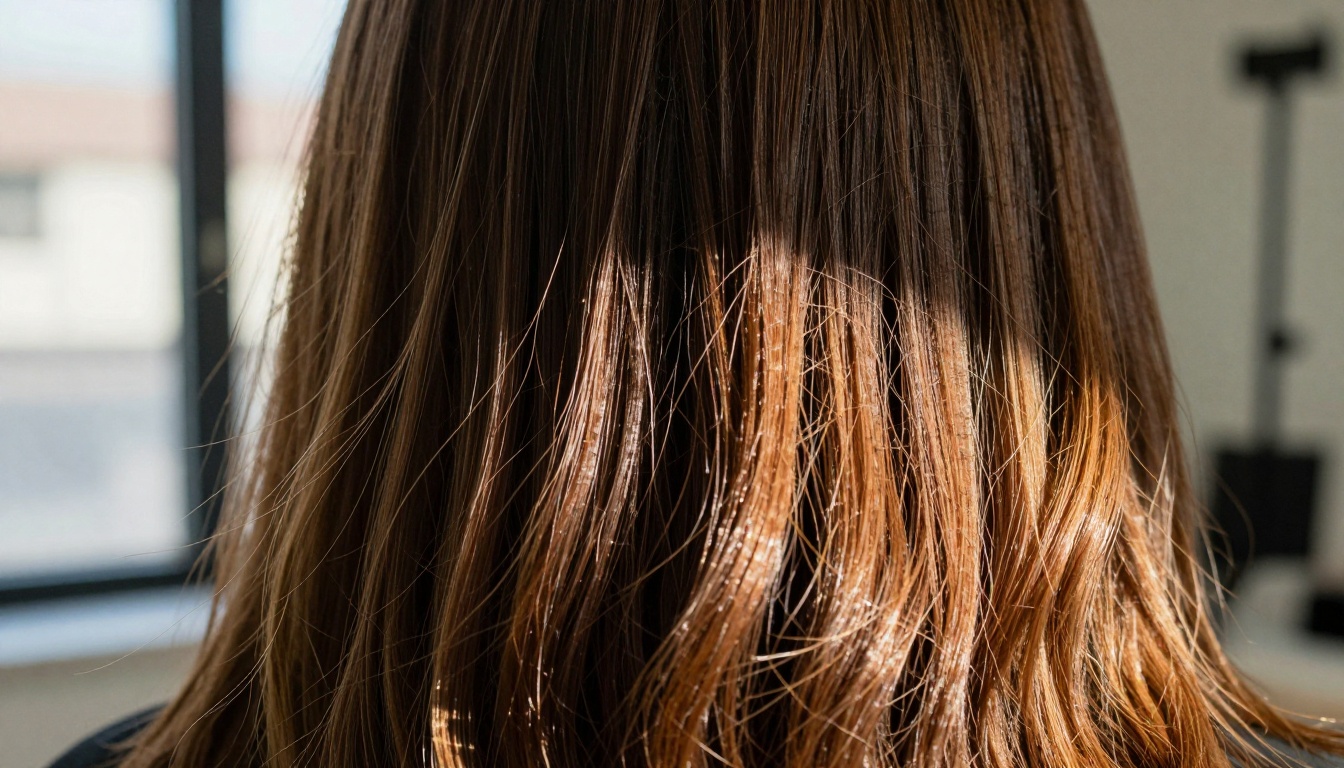
Macro view shows individual hair strands with natural variation
What makes GPT Image 1.5 hair rendering different:
- Strand separation - Individual hairs rather than clumped masses
- Thickness variation - Natural differences from root to tip
- Flyaways - Realistic stray hairs that break perfect patterns
- Highlight accuracy - Proper specular highlights based on hair type and lighting
Why This Shift Matters for Creative Industries
The move to GPT Image 1.5 isn't about abandoning other models—it's about having the right tool for specific jobs. For applications where photorealism matters:
Advertising and Marketing:
- Product visualization that matches photography standards
- Consistent brand imagery across campaigns
- Reduced photography costs for concept testing
Entertainment and Media:
- Character concept art that translates to production
- Environmental design with photographic consistency
- Pre-visualization that clients can approve with confidence
E-commerce and Retail:
- Product displays that maintain color accuracy
- Model photography for clothing and accessories
- Lifestyle imagery that feels authentic
Practical Implementation: Getting Started with GPT Image 1.5
For those ready to test the differences firsthand, the implementation is straightforward:
Professional evaluation of GPT Image 1.5 outputs in studio conditions
Testing Methodology for Serious Creators
- Start with identical prompts across different models
- Use reference photography for lighting and color comparison
- Test specific challenging scenarios (backlighting, mixed lighting, textured surfaces)
- Evaluate consistency across multiple generations of the same prompt
Prompt Optimization for GPT Image 1.5
The model responds particularly well to:
- Photographic terminology (aperture, focal length, lighting terms)
- Specific texture descriptions (porcelain skin, weathered wood, silk fabric)
- Lighting scenarios (golden hour, studio softbox, window light)
- Composition references (medium close-up, Dutch angle, low-angle shot)
The Real Test: Client and Audience Response
Ultimately, the shift to GPT Image 1.5 is driven by end-user perception. When audiences can't distinguish AI-generated content from photography, the technology has crossed a critical threshold.
Early adoption patterns show:
- Higher engagement rates with GPT Image 1.5 content
- Reduced "uncanny valley" responses from viewers
- Increased trust in AI-generated marketing materials
- Better conversion metrics for e-commerce applications
Moving Forward with AI Image Generation
The emergence of GPT Image 1.5 represents a maturation point for AI art generation. It's no longer about whether AI can create images, but about which images meet professional standards. For creators who've been waiting for AI to match photography quality, the wait appears to be over.
The best way to understand why people are trying GPT Image 1.5 is to test it against your current workflow. Compare outputs, examine details, and evaluate how the photorealistic quality impacts your specific applications. The differences you'll discover explain exactly why this model is changing how professionals approach AI image generation.


