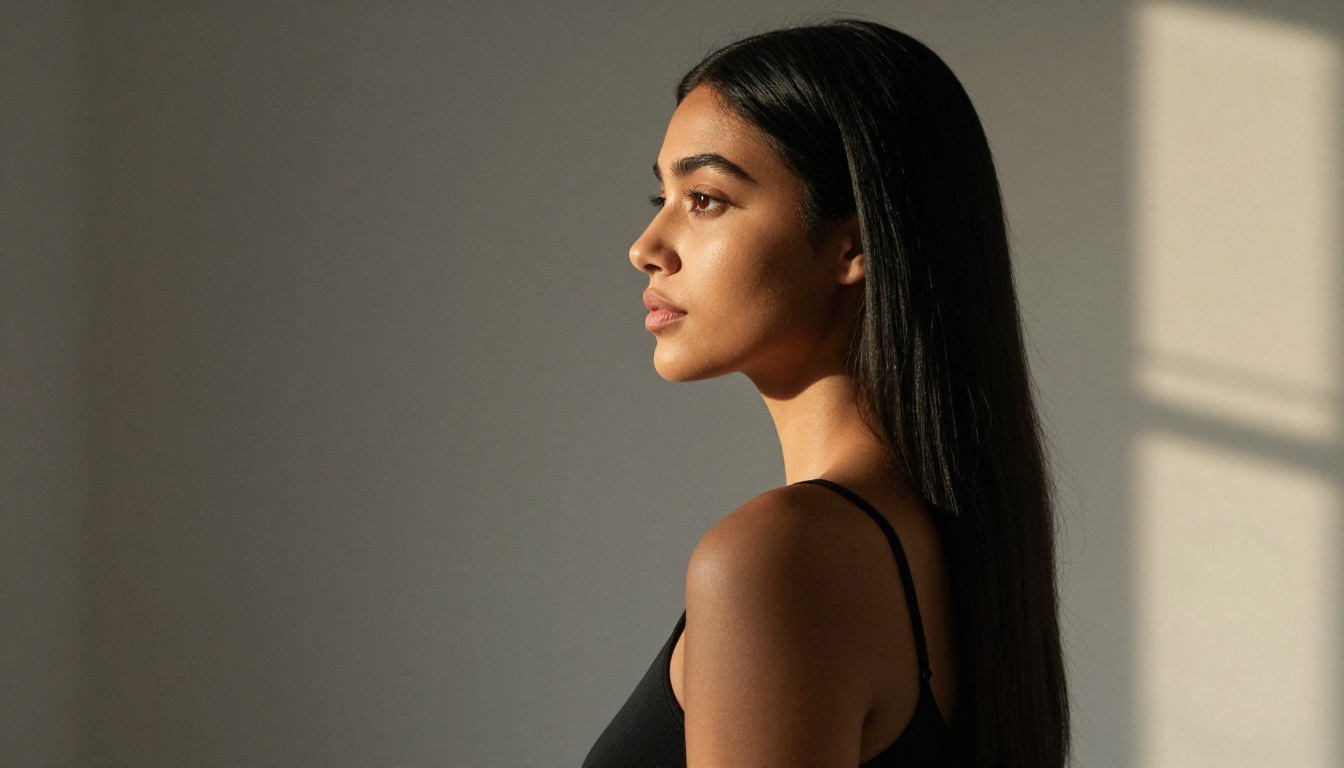
If you started using AI image generators two years ago, DALL-E was an obvious first stop. It was OpenAI's flagship, it was widely covered, and it worked. But "worked" is a low bar in 2025. The platform that built the category is no longer setting the pace, and the gap between what DALL-E produces and what the best models can do has grown wide enough to matter for anyone who takes AI image creation seriously.
This isn't about brand loyalty. It's about output quality, model access, and what you actually get when you type a prompt and hit generate. On those three fronts, Picasso AI beats DALL-E in ways that are worth spelling out clearly.
DALL-E's Biggest Problems Right Now
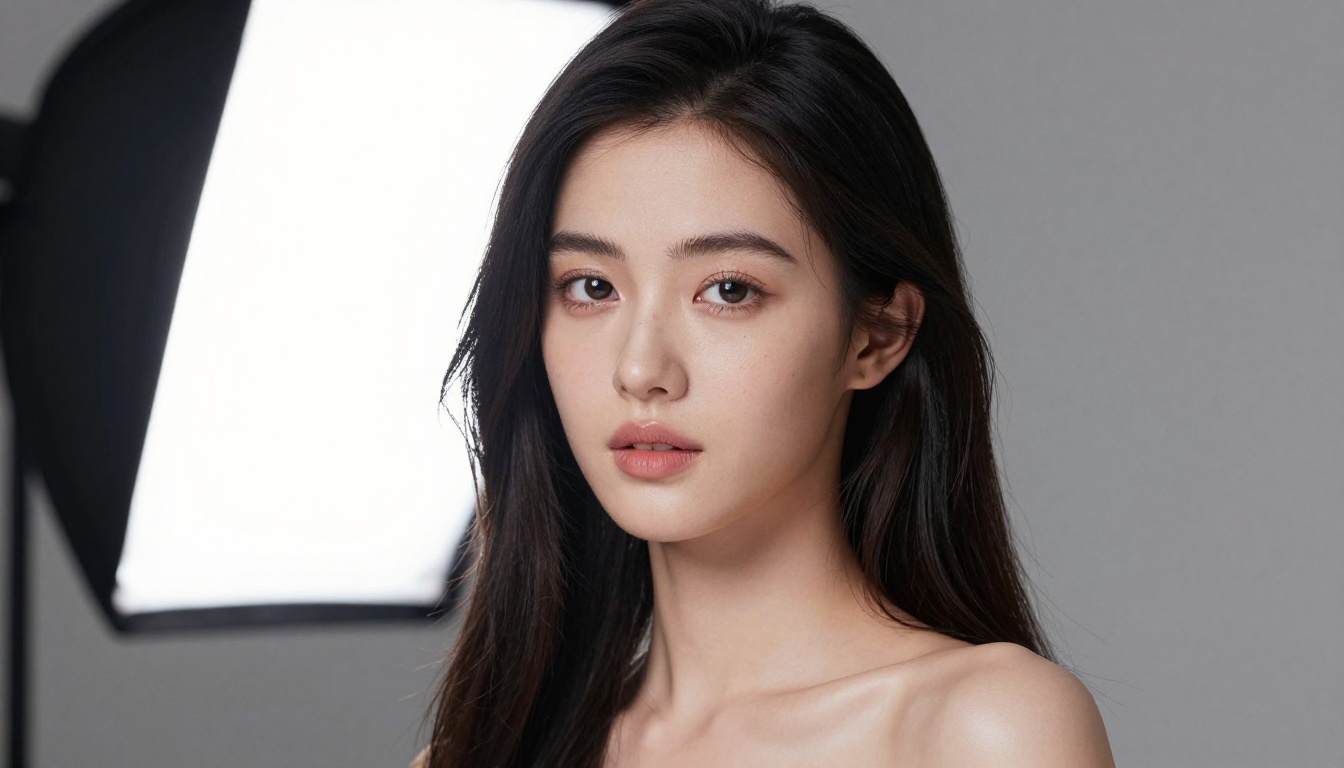
DALL-E 3 is a capable model with solid prompt adherence. You describe a scene, and what comes back usually resembles your description. But "resembles" is the operative word. The output has a visual signature that most users can identify at a glance: a certain softness in skin rendering, a tendency toward slightly artificial color grading, and a texture quality that reads as AI-generated rather than photographed.
The Photorealism Ceiling
When you push DALL-E toward photorealistic output, particularly for portraits and human subjects, the results run into a consistent wall. Skin tones are smoother than real skin. Lighting behaves correctly in theory but lacks the micro-variations that make a photograph convincing. Hair strands, eye detail, fabric texture, these are areas where DALL-E's outputs consistently reveal their synthetic origin.
That matters for creators in commercial photography, social media content, product visualization, and anything where the end goal is an image that holds up to visual scrutiny. At that point, DALL-E's ceiling becomes a practical limitation, not a minor complaint.
One Tool, One Style
The deeper issue is structural. DALL-E gives you access to one model. Whatever its strengths, you are working within a single output signature. There's no way to switch architectures when a different project demands a different visual approach. If the model doesn't fit your use case, you're stuck, because there's nothing else to choose from.
This is where the comparison becomes lopsided. Picasso AI doesn't operate on a single-model philosophy. It functions as a multi-model workspace where you can route different types of creative work to the model best suited for it.

90 Models vs One
The text-to-image category on Picasso AI currently hosts over 90 models. That number shifts what's possible. You're not choosing between "use the AI" or "don't use the AI." You're choosing which AI architecture, trained on which dataset, optimized for which output style, fits what you're trying to build.
Flux Takes Photorealism Seriously
Flux Kontext Dev by Black Forest Labs is the clearest example of the quality gap between what's available on Picasso AI and what DALL-E offers. Flux Kontext is designed from the ground up for instruction-following precision and photorealistic output. It handles complex compositional requests without drifting, and the level of photorealism it produces makes DALL-E's results look over-processed by comparison.
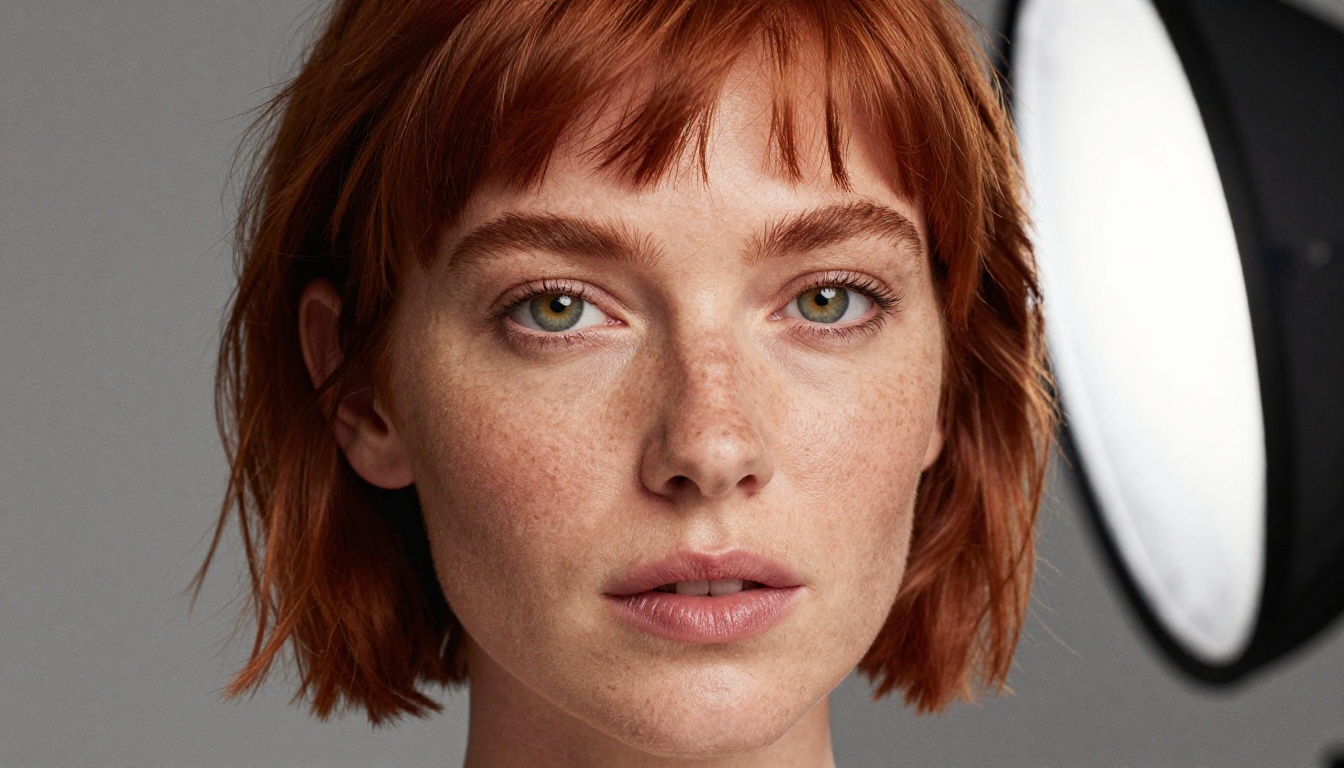
Skin rendering in Flux outputs shows actual texture, not smoothed approximations. Lighting directions hold across the frame instead of becoming inconsistent at the edges. Backgrounds maintain depth and realistic spatial behavior. If DALL-E is giving you something that looks like a high-quality illustration of a photograph, Flux Kontext Dev gives you something that passes for the real thing.
For situations where speed matters without sacrificing quality, Flux Kontext Fast handles the same task at significantly higher generation speed. Ideal for iteration workflows where you're testing prompt directions before committing to a final render.
Real Variety, Real Results
Beyond Flux, the range of available models means you can match architecture to output type. Seedream 4.5 by ByteDance handles 4K image output with strong compositional control. Dreamina 3.1 produces cinematic 4-megapixel photographs with detailed scene rendering. Imagen 4 Ultra from Google brings high-detail output with strong color calibration across complex scenes.
💡 Worth noting: DALL-E 3 and DALL-E 2 are also available as models on Picasso AI. So if a specific use case calls for DALL-E's output style, you can run it alongside everything else. That's the difference: choice vs obligation.
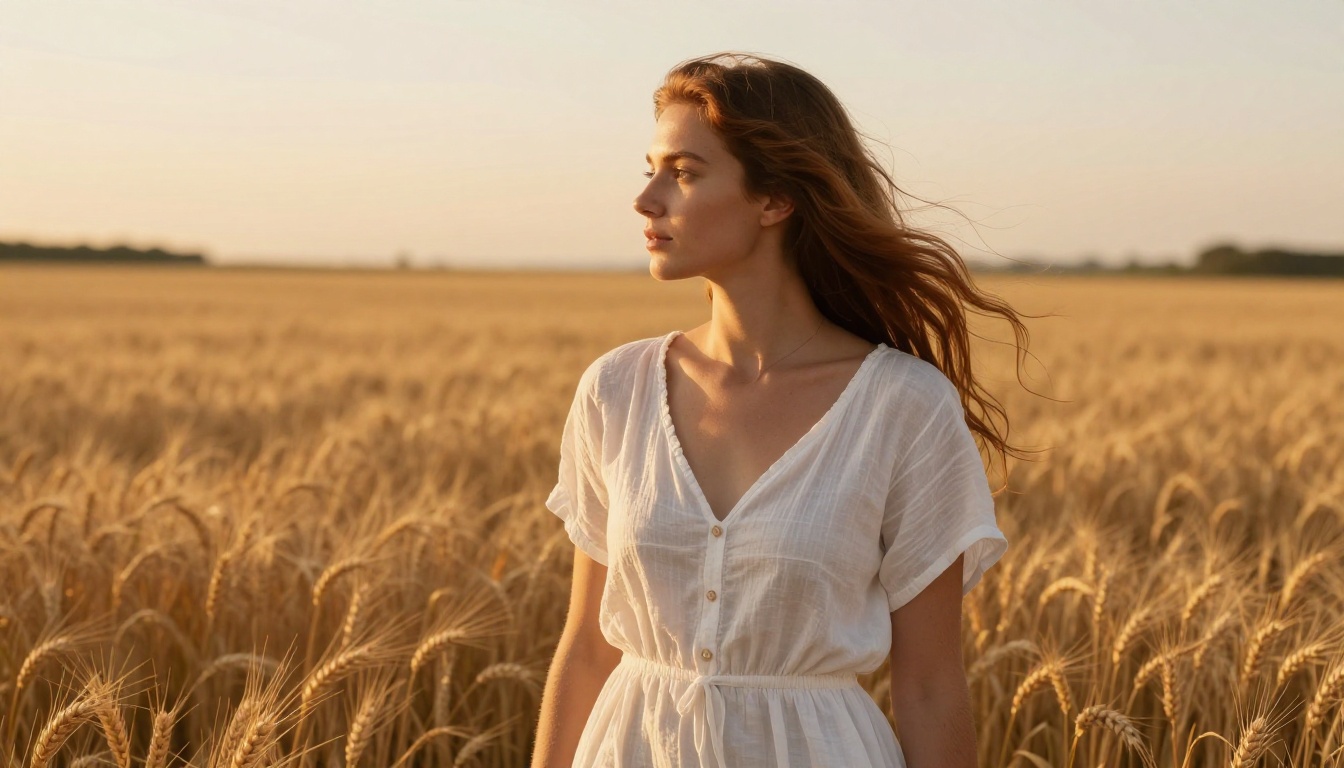
Image Quality Put to the Test
The abstract argument about model variety only matters if the quality difference is real in practice. It is.
Skin, Light, and Texture
Portrait work is the most demanding test for any AI image model because human perception is extremely sensitive to when faces and skin don't look right. The photorealism ceiling that affects DALL-E shows up clearly when you compare portrait outputs side by side.
Flux 1.1 Pro Ultra Finetuned renders skin with the kind of micro-texture detail that separates photographs from illustrations. Individual pores, faint surface hair, subtle facial asymmetry, these are the signals that tell human perception "this is real." DALL-E's outputs smooth these details in ways that feel polished in the wrong direction.
Lighting behavior is another area where the gap shows. When you specify a direction and quality of light in a prompt, Flux models maintain that direction consistently across the entire frame. Shadow falls where it should. Specular highlights appear on surfaces that would actually catch them. DALL-E frequently gives you lighting that feels described rather than accurately implemented.
Prompt Accuracy Under Pressure
Complex prompts are where single-model systems tend to show their limits. The more specific the instruction, the more likely a constrained model is to interpret it loosely or drop elements entirely.
Flux 2 Klein 9B handles multi-element prompts with strong adherence. Specify a particular camera angle, a type of lens blur, a specific clothing detail, and a background environment, and the output reflects those constraints rather than averaging them together. That's the kind of precision that commercial creative workflows require.
For editing existing images with text-instruction accuracy, Flux Fill Pro offers inpainting control that DALL-E's interface doesn't come close to matching. You can fill, replace, or extend specific image regions with instruction-following that maintains the visual context of everything surrounding the edited area.
Speed and Pricing That Work
AI image quality is one side of the equation. The other side is how much it costs to get there and how long you wait for each output.
| Feature | DALL-E | Picasso AI |
|---|
| Model access | 1 model | 90+ models |
| Generation speed | 10-30 seconds | 2-20 seconds (model dependent) |
| Free tier | Very limited | Available |
| ControlNet / pose control | No | Yes |
| Inpainting and outpainting | Basic | Full control |
| Custom LoRA training | No | Yes |
| Image upscaling | No | Yes (Super Resolution) |
P Image generates results in under one second. For rapid concept testing, that changes the workflow entirely. You stop waiting and start iterating. Flux Fast delivers similar generation speeds while maintaining Flux-level visual quality for sessions where you're cycling through prompt variations.
DALL-E's pricing is tied to a ChatGPT subscription or API usage. The free tier is restrictive, and generation limits kick in fast during creative sessions where iteration is the point. Picasso AI's free tier is genuinely usable, and the range of models accessible without a premium subscription is broader than what DALL-E offers at any subscription level.
💡 If you generate more than a few images per day for creative work, the per-image economics on Picasso AI favor the platform significantly over DALL-E's ChatGPT-integrated pricing model.
Using Flux Kontext Dev Step by Step
Since Flux Kontext Dev is the model that most directly demonstrates the quality gap over DALL-E, here's how to start using it effectively on Picasso AI.
Step 1: Open the Model
Navigate to Flux Kontext Dev on Picasso AI. No configuration or API setup required. The model runs directly in the browser interface without any installation.
Step 2: Write Your Prompt
Flux Kontext Dev responds well to specific, structured prompts. Describe the subject, the environment, the light source and its direction, and any camera or lens characteristics you want the output to simulate. The more concrete your instructions, the closer the output will be to your intention.
Example: "A young woman with auburn hair sitting at a wooden desk, photographed from the left at a 45-degree angle. Morning light from a frosted window to her right. 85mm f/1.8, shallow depth of field. Photorealistic, no retouching."
Step 3: Set Your Parameters
The interface lets you configure aspect ratio, output resolution, and inference step count. For photorealistic portrait work, higher step counts produce more refined surface detail. Set aspect ratio to 16:9 for editorial use or 1:1 for square social formats.
Step 4: Generate and Iterate
Run the generation. If specific elements need adjustment, edit those sections of your prompt and regenerate. Alternatively, use Flux Fill Pro to inpaint the regions that aren't quite right without touching the rest of the image. For style variations on a base image, Flux Redux Dev generates multiple interpretations that maintain compositional coherence with the original result.
Models Worth Using Instead of DALL-E
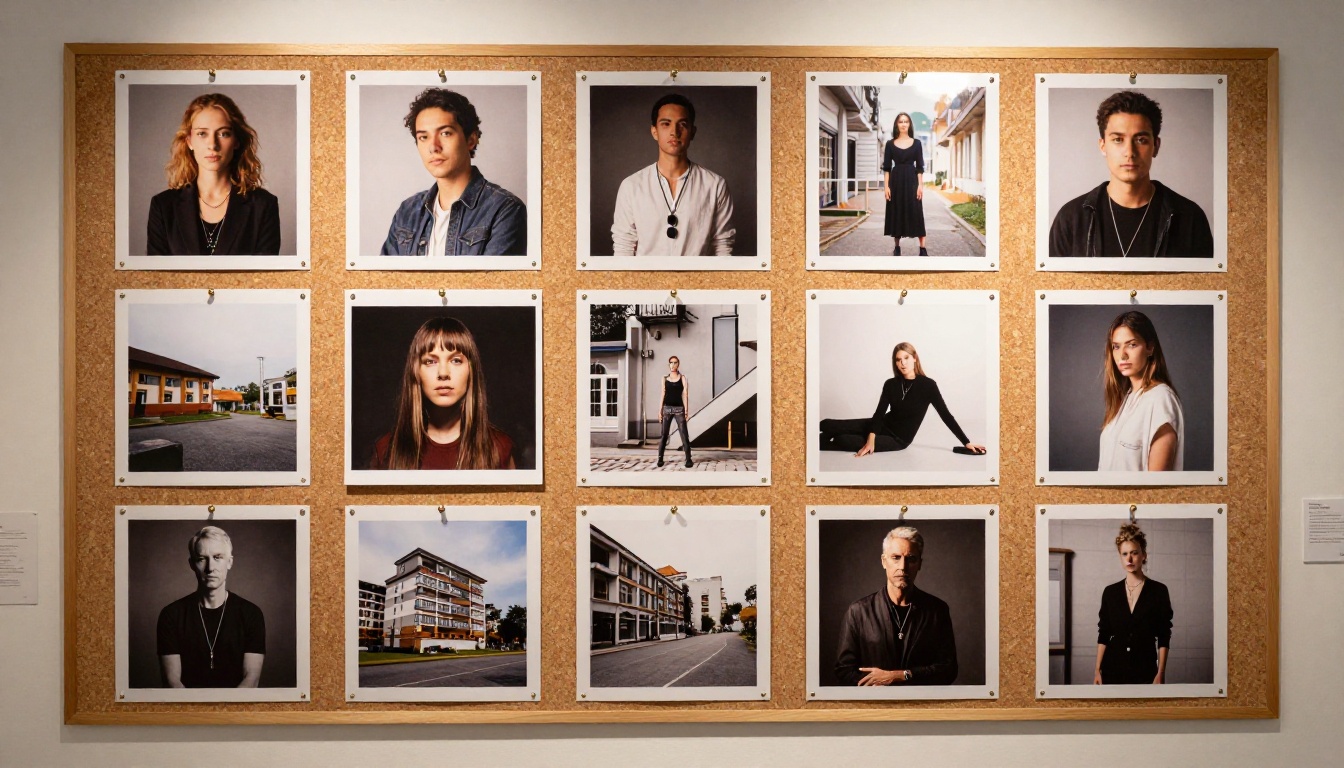
The platform's depth means there are strong options for every type of creative work. Here's how to think about which models suit which output goals.
For Portraits and People
Flux Kontext Dev sits at the top for photorealistic human subjects. The skin rendering, lighting behavior, and instruction-following make it the strongest option for portrait, fashion, and lifestyle photography simulation.
Dreamina 3.1 from ByteDance works well when you want cinematic framing and a film-like output signature with high-resolution detail and atmospheric depth across the full frame.
Ideogram v2 Turbo handles cases where the image includes readable text elements. Something DALL-E manages inconsistently, and most Flux variants don't prioritize by design.
For Creative Scenes
Hunyuan Image 2.1 by Tencent handles complex compositional scenes with 2K output resolution. Particularly strong on environment and architectural subject matter where spatial logic needs to hold accurately.
Gemini 2.5 Flash Image from Google handles multi-concept scenes with strong spatial coherence. Useful when the prompt describes a specific relationship between objects, people, or environments.
Flux Krea Dev is specifically tuned to reduce the "AI look" in output. Images appear more like they were captured rather than generated. Ideal for editorial work where the synthetic origin of the image should not be apparent.
For Fast Drafts
P Image generates results in under one second. Practical for concept testing before committing to a higher-quality render on a more computationally demanding model.
Flux Fast balances Flux-level quality with generation speed optimized for iteration. When you're cycling through prompt variations quickly, this is the model to run first.
GPT Image 2 is available on Picasso AI for cases where GPT-based generation fits the creative context. Having it as one option among many is a different situation than being locked into it as your only option.

Beyond Image Generation
The comparison with DALL-E covers text-to-image output, but Picasso AI's model library extends well beyond that category. Background removal, image upscaling through Super Resolution, face swapping, video generation, AI music, and text-to-speech are all available within the same platform.
For image editing specifically, Qwen Image Edit Plus handles instruction-driven editing of existing photos, including object replacement, relighting, and upscaling within a single editing session. Flux Fill Dev handles canvas extension through outpainting with strong context preservation around every extended edge.
DALL-E has no equivalent workflow for these editing tasks. You generate an image, and if something needs to change, you re-prompt and regenerate from scratch. The editing infrastructure on Picasso AI treats the generated image as a starting point, not an endpoint.
| Capability | DALL-E | Picasso AI |
|---|
| Text to image | Yes | Yes (90+ models) |
| Inpainting | Basic | Full (Flux Fill Pro, Flux Fill Dev) |
| Outpainting | No | Yes (Expand Image) |
| Object replacement | No | Yes (Genfill) |
| Style variation | No | Yes (Flux Redux Dev) |
| Image upscaling | No | Yes (Super Resolution) |
| LoRA custom training | No | Yes |
Start Creating Your Own Images
If DALL-E has been your default for AI image creation, the case for switching isn't complicated. The output quality from Flux-family models is measurably better for photorealistic work. The model variety means you're not forced into a single output signature for every project. The editing tools extend what's possible well past the generate-and-done workflow that DALL-E offers. And the pricing makes sustained creative use more viable across all usage levels.
The best way to see the difference isn't to take it on faith. Open Flux Kontext Dev on Picasso AI, type the same prompt you'd send to DALL-E, and put the results side by side. The comparison does most of the arguing for itself.
For portrait work, start with Flux 1.1 Pro Ultra Finetuned. For rapid concept drafts, try P Image. For editing an existing image with surgical precision, open Flux Fill Pro.
The platform is built to let each creative task find the model that fits it rather than forcing every task through the same single option. That's the real difference.