Artlist built something real. For years it was the go-to subscription for royalty-free music, sound effects, and stock footage, and millions of creators relied on it to stay licensed and productive. But the creative world has shifted underneath it. AI platforms now generate custom images, video clips, voiceovers, and full music tracks from a single text prompt, on demand, without a monthly ceiling or a library someone else curated. If you are still paying for a fixed catalog, it is worth asking whether you are paying for what you actually use.
What Artlist Actually Gives You
Artlist's core product is access to pre-existing content. You browse a catalog, you download, you stay licensed. That model works if the catalog matches your project. Often, it doesn't.
The subscription model, explained
Artlist offers plans starting around $199/year for music and sound effects, with higher tiers bundling stock footage and photos through their Motion Array integration. The catalog is well-organized and the licensing is genuinely clean, which matters. You won't get a copyright strike for using an Artlist track in a YouTube video.
But the math only works if you are constantly pulling from the library. Pay $199/year, download twenty tracks and a handful of clips, and you have broken even at best. Pay that same amount while also needing multiple additional platforms because Artlist doesn't generate images, produce voiceovers, or create something that doesn't already exist in its database, and the cost-per-asset climbs fast.
Where the catalog falls short
Artlist curates. It doesn't create. That distinction becomes a hard wall when your project needs:
- A specific location that doesn't appear in any stock library
- A character or face that isn't available for commercial use in their catalog
- Music written to a specific BPM or emotional arc for a particular scene
- A voiceover in a specific accent, age, or tone
- Images upscaled from low-resolution originals
- Videos of products or scenarios that have never been professionally shot
These gaps push creators toward multiple platforms, multiple subscriptions, and multiple licensing agreements. The single-platform promise breaks almost immediately for anyone producing varied content.
The Case for On-Demand AI Asset Creation
The fundamental difference between a stock library and an AI generation platform isn't feature count. It's the direction of creativity. Stock libraries give you what already exists. AI platforms give you what you describe.
Generating exactly what you picture
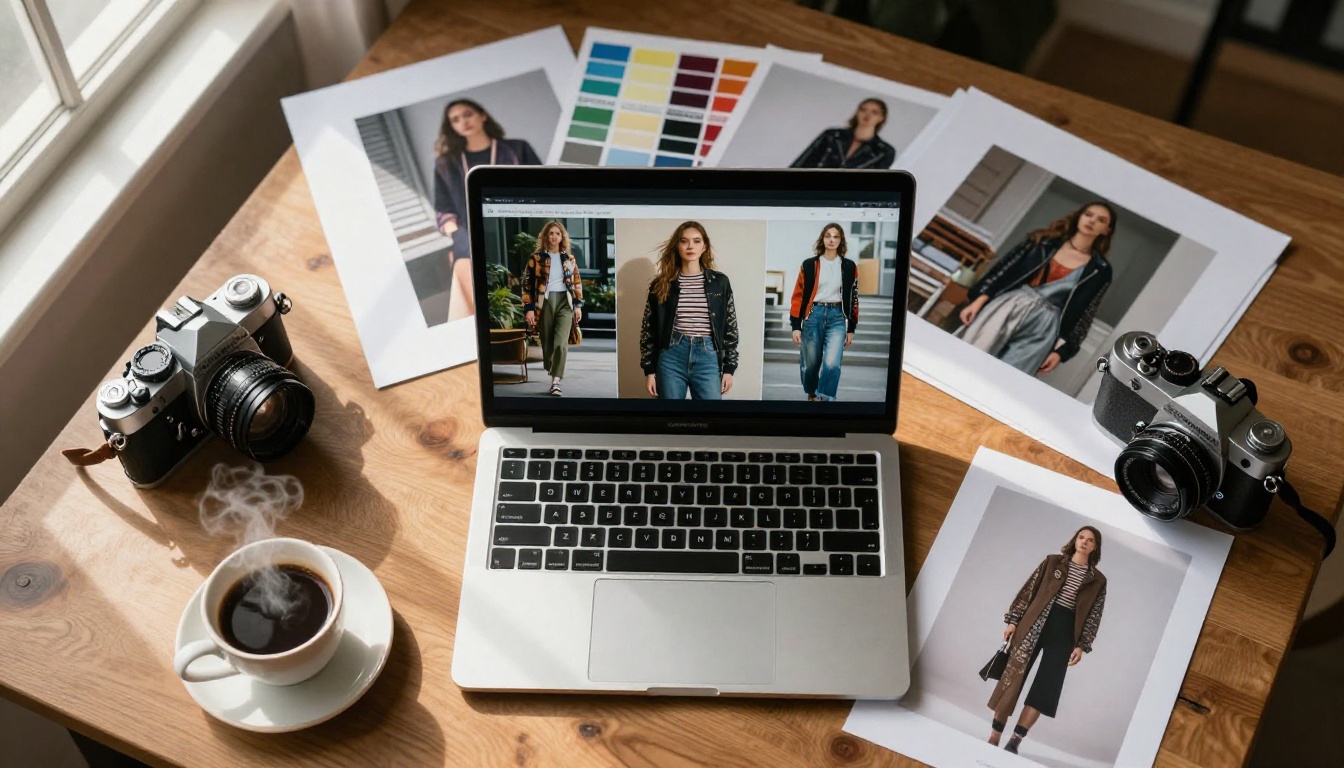
Type a prompt, receive an image. Describe a scene with specific lighting and camera movement, receive a video clip. Write the character's voice and script, receive an audio file. Every asset is specific to your project, not pulled from another creator's shoot.
This specificity matters enormously for brand consistency. If you need twelve images that all share the same visual tone, lighting style, color temperature, and compositional feel, a consistent prompt structure achieves that. A stock library requires luck, and even then you are using images that other brands have already licensed.
No licensing ambiguity
Every asset generated on an AI platform is produced for your project at that moment. There is no model release concern, no exclusivity conflict, no situation where the exact track you chose also plays in a competitor's ad that launched last week.
💡 One of the most underrated advantages of AI generation: the asset never existed before you created it, so it can never show up somewhere else first.
The absence of that stress has real value, particularly for agencies managing multiple clients in the same industry.
Stock video is expensive to license because it is expensive to produce. Videographers, location fees, talent, equipment, post-production, and then a licensing structure on top. AI video generation removes that entire cost chain, and quality has crossed a threshold where it is genuinely usable for professional content production.
Text-to-video models worth knowing
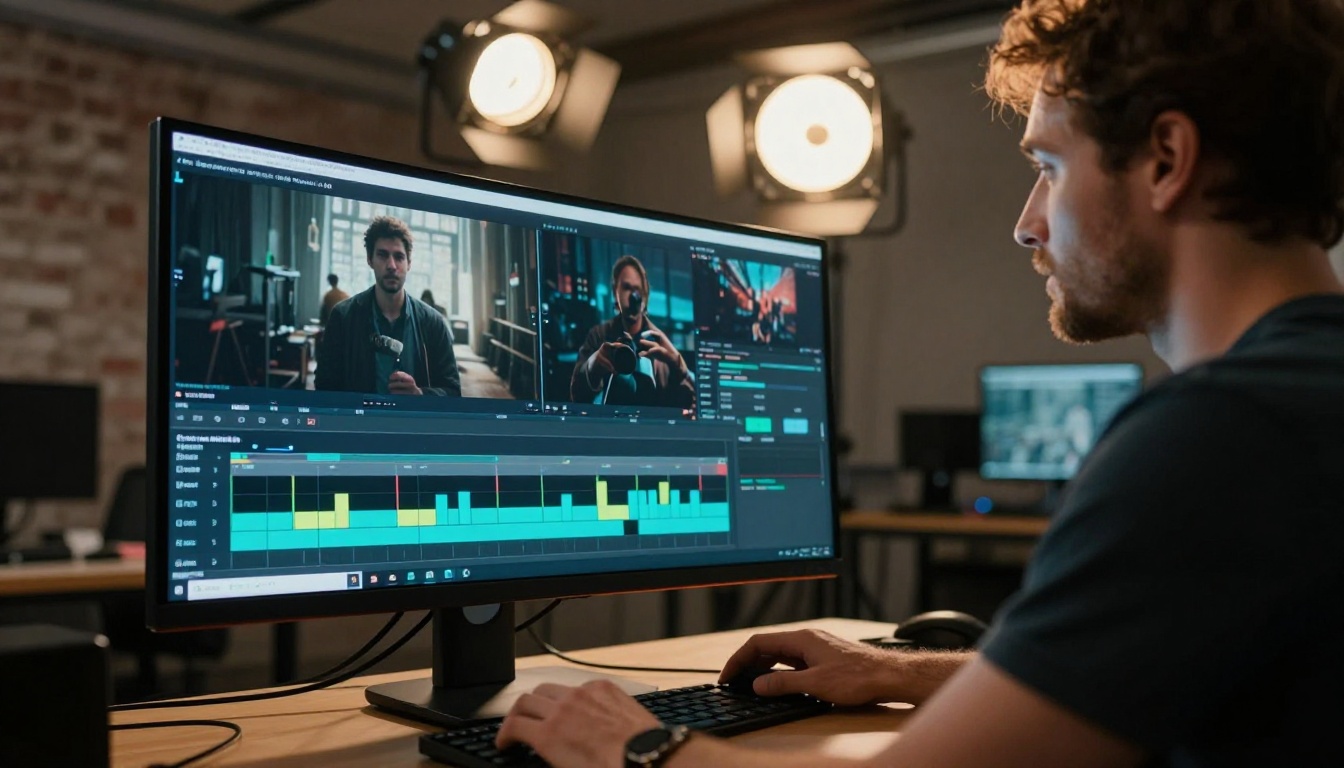
On an AI platform, you don't scroll a catalog. You write a description and choose your model based on what the scene demands. Models like Kling v2.6, Veo 3, and Sora 2 now produce cinematic footage from text descriptions, with motion that reads as intentional, not artificial.
Each model has its own visual signature. Some favor cinematic realism. Others prioritize speed. Switching between them costs nothing, and it is the equivalent of having eight professional cinematographers on call, each with a different shooting style.
Image-to-video for product shots
Already have a product photo or reference image? Models like Hailuo 02 and Pixverse v5.6 animate static images into short video clips. That is a product demo, a social media clip, and a website hero section generated in minutes, without booking a videographer or renting a location.
For e-commerce brands, this is a direct replacement for product video shoots. For content creators, it means every still image they generate can immediately become a motion asset.
AI Images vs Stock Photo Libraries
Stock photo libraries are large and well-indexed. They are also sampled by millions of other brands before you get there. The same visuals appear in competing ads, websites, and social feeds. AI-generated images have never appeared anywhere before you created them.
91 models, one platform
The text-to-image category alone offers over 91 models. Each has different strengths: photorealism, specific aesthetic styles, subject-matter specialization, speed. You are not locked into a single aesthetic engine. You switch models the way you would switch a camera lens for a different effect.
The practical impact is significant. A fashion shoot prompt, an architectural exterior, a product close-up, and a lifestyle scene can each be generated with the model best suited for that type of image. The quality ceiling is determined by the model, not by what happened to exist in the library on the day you searched.
Editing what you generate
Generated an image that is nearly right but the background needs replacing? Inpainting fills or replaces specific regions without regenerating the whole composition. Want to extend a shot wider for a banner format? Outpainting adds canvas intelligently. Need to swap the product in a scene without reshooting the entire setup? Object replacement handles that specific region.
These tools make the first generation a starting point, not a final deliverable. The iteration happens in the same environment, without exporting to another application or starting over.
💡 Inpainting and outpainting turn AI image generation into a collaborative editing process, not a single-shot result. You get close, then you get precise.
The Pricing Math Doesn't Lie
Here is what the direct comparison looks like when you list every capability side by side:
| Feature | Artlist | AI Platform |
|---|
| Licensed music tracks | ✓ Catalog | ✓ Generated per prompt |
| Stock footage | ✓ Catalog | ✓ AI-generated |
| Stock photos | ✓ Limited | ✓ Unlimited AI generation |
| Custom image generation | ✗ | ✓ |
| Voiceover / Text-to-speech | ✗ | ✓ |
| AI music from prompt | ✗ | ✓ |
| Image upscaling (2x-4x) | ✗ | ✓ |
| Background removal | ✗ | ✓ |
| Face swap | ✗ | ✓ |
| AI video restoration | ✗ | ✓ |
| Lipsync | ✗ | ✓ |
| Pricing model | Fixed annual | Pay per generation |
| Asset exclusivity | Shared catalog | Generated for your project |
The subscription math works in Artlist's favor when you need high volumes of pre-existing, professionally recorded music tracks and nothing else. It breaks apart the moment you also need images, video, voiceover, or assets that simply don't exist in any catalog yet.
A pay-per-generation model means you spend exactly as much as you create. A solo creator producing bi-weekly content pays very differently than a full agency running daily production, and both access the same quality ceiling.
Audio, Voiceover, and Music on Demand
This is Artlist's strongest ground. It is also where AI platforms are closing the distance fastest.
Text-to-speech that reads as human
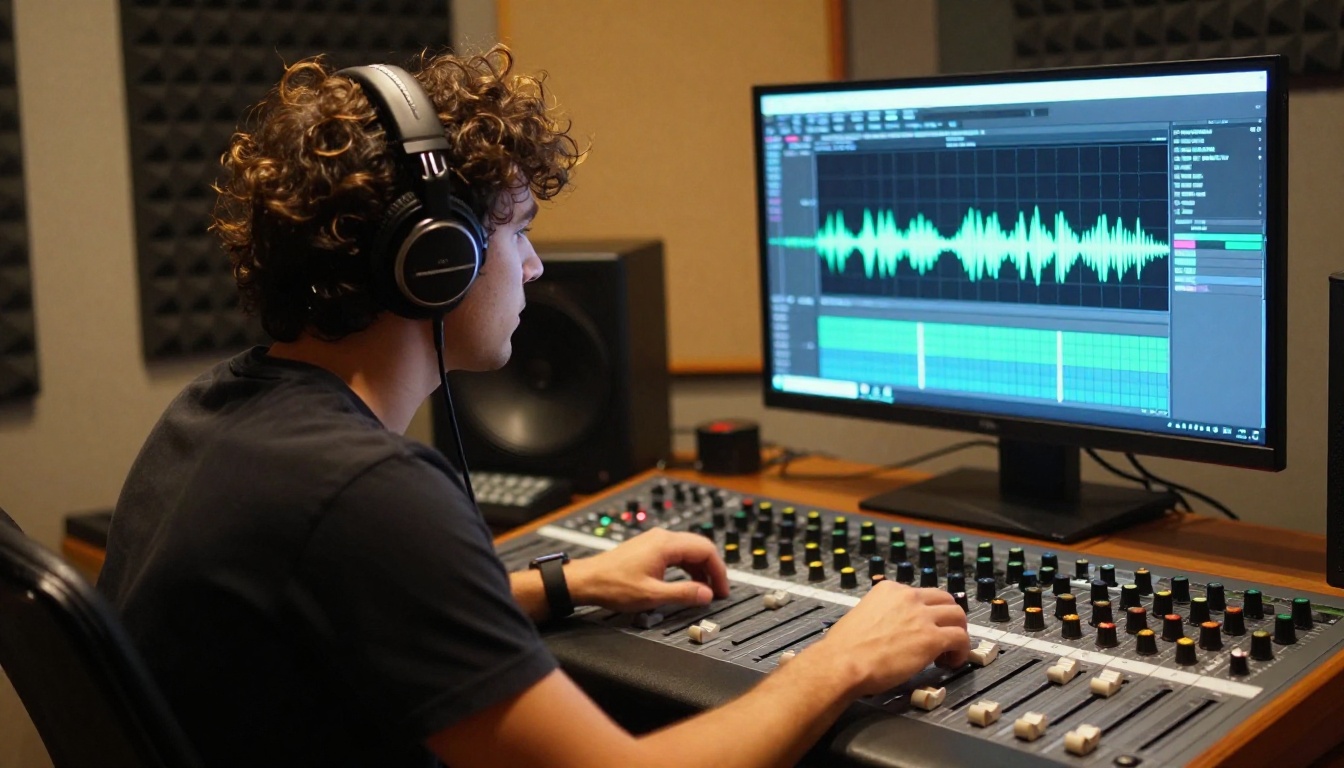
Current text-to-speech models pass the production-quality test for most content contexts. Write the script, select a voice profile that fits the tone and demographic of your target audience, and receive a clean audio file. No recording session, no retakes, no background noise cleanup, no waiting on a voice actor's availability.
For creators producing tutorials, product walkthroughs, explainer videos, or social ads at scale, this replaces a recurring expense that previously required either a studio budget or a compromise on audio quality. For international teams producing content across multiple languages, it removes the bottleneck of sourcing native speakers for each market.
AI music that belongs to your project
AI music generation produces original tracks from text descriptions. Describe the tempo, the genre, the instrumentation, the emotional tone, the intended duration, and the model composes something built specifically for your scene. The result is a track that didn't exist in any library before you prompted it.
Artlist's music library is large and genuinely well-curated. But it is shared. Popular tracks appear in multiple creators' content simultaneously. Generated music is produced for your project at the moment you need it, and it carries no risk of appearing in a competitor's ad the same week yours goes live.
Super Resolution Instead of Reshooting
Old photos, low-resolution brand assets, images captured on phones, archival content that needs to perform at modern screen sizes and print dimensions. None of these have to stay at their original quality.
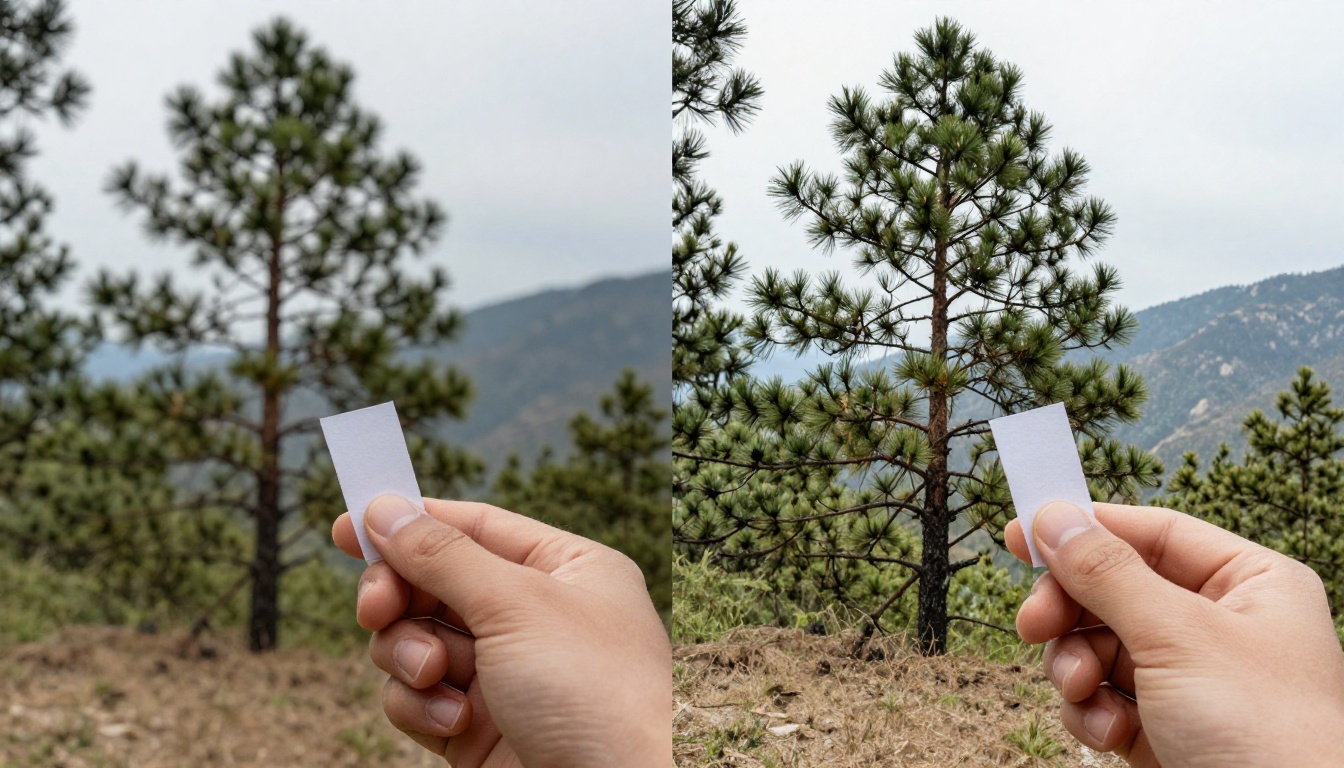
Models like Clarity Pro Upscaler and Real ESRGAN upscale images 2x to 4x while reconstructing realistic detail, not simply interpolating pixels. P Image Upscale handles the process in under a second. A client's low-resolution logo becomes print-ready. A phone photo of a product shot in poor conditions becomes a viable hero image. An archival photograph becomes usable in a modern campaign.
Artlist has no equivalent capability. It curates what exists in its database. It doesn't improve what you already own.
💡 Super resolution is one of the highest-ROI tools in a creative workflow: it converts existing unusable assets into production-ready ones without any additional shooting or resourcing.
How to Generate Your First Image
The process is faster than most first-time users expect. Here is a practical workflow that produces usable results from the first session:

Step 1: Write a specific prompt
Vague prompts produce generic results. Specific prompts produce usable ones. Include lighting direction ("soft morning light from the left window"), camera angle ("85mm portrait lens, shallow depth of field"), subject specifics ("woman in cream linen blazer, mid-thirties, natural expression"), and background context ("minimal white studio with natural wood texture floor"). The more detail in the prompt, the more control over the output.
Step 2: Set the aspect ratio before generating
16:9 for website banners and video thumbnails. 9:16 for vertical social content. 1:1 for profile visuals and grid posts. Setting this before generation produces a correctly composed image. Cropping after generation loses detail and composition intent.
Step 3: Iterate with inpainting rather than regenerating
If the first result is close but not perfect, identify the specific region that needs fixing and use inpainting to address just that area. This preserves everything working in the image while correcting what isn't. Regenerating the entire image to fix one element wastes both time and budget.
Step 4: Run through a super-resolution model for final output
Before using an image at large formats, in print, or anywhere that requires maximum sharpness, run it through Clarity Pro Upscaler or Real ESRGAN. The quality difference at large display sizes is significant and the process takes seconds.
Step 5: Apply the same prompt logic to video
Once you are comfortable with image prompting, the same specificity transfers directly to video. Add camera movement descriptions (slow push-in, tracking shot, static wide), subject motion, lighting behavior, and duration. Models like Kling v2.6 and Veo 3 respond to the same level of detail that image prompts use.
Start Generating and See the Difference
Artlist is a solid product for what it is. If you produce content where pre-cleared, professionally recorded music is the primary bottleneck and the catalog consistently matches your projects, it earns its subscription cost.
But for creative teams that need assets the catalog doesn't have, the comparison shifts decisively. An AI platform generates what you describe, at the moment you need it, across images, video, audio, voiceovers, and upscaled versions of assets you already own. It doesn't ask you to browse a library and settle for close enough.
The most honest test: take your next creative brief. List every asset it requires. Check how many of those assets exist in Artlist's catalog with the exact specificity your project demands, the right lighting, the right composition, the right tone, the right character, the right location. Then write those same descriptions as AI prompts and see what generates in under sixty seconds.
Most creative professionals who run that test don't go back to the catalog.
Open Picasso IA, write your first prompt, and generate the image your next project actually needs. The platform handles everything from text-to-image and text-to-video to AI music, voiceovers, background removal, and super resolution, all in one place, all on demand.


