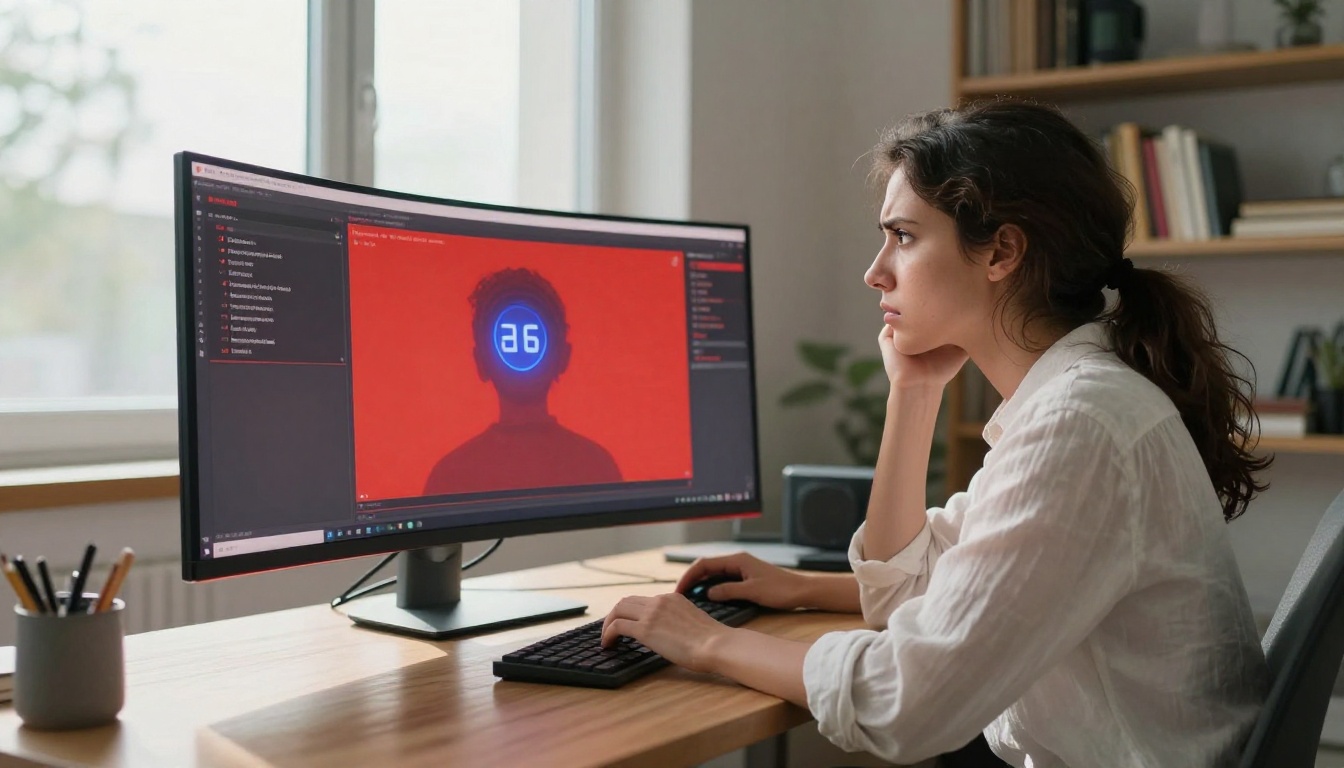
If you've ever tried to generate adult content with Seedream 5 Lite and hit a wall, you're not alone. The model actively refuses a wide range of prompts that Seedream 5 Pro handles without hesitation. This isn't a bug or a configuration error. It's a deliberate design split that ByteDance made when releasing the two models, and once you understand the reasoning, the difference makes sense from a business standpoint, even if it's frustrating for creators who need full output control.
The Real Difference Between Lite and Pro
The Seedream 5 series sits at the top of ByteDance's image generation lineup. Both models produce stunning photorealistic results with natural skin tones, accurate anatomy, and a level of detail that rivals traditional photography. But the two versions serve fundamentally different audiences, and that audience difference is exactly what drives the content policy split.
It's Not About Image Quality
The filtering in Seedream 5 Lite has nothing to do with the model's technical capability. It can generate NSFW content from a raw generation standpoint. The filter is a deliberate software layer added on top of the base model to restrict what prompts it will actually process. Seedream 5 Pro skips that layer entirely.
Think of it like two restaurants using the same kitchen but serving different menus in different dining rooms. Lite gets the family-friendly menu. Pro gets the full one.
The Content Policy Split
ByteDance built Seedream 5 Lite as a broadly deployable model. "Lite" here refers not to image quality but to the deployment footprint. It's the version that gets embedded in consumer apps, third-party integrations, and platforms that need to comply with app store policies, advertising regulations, and general audience terms of service. That's why the safety layer exists: it makes the model safe to plug into products without worrying about platform liability.
Seedream 5 Pro, on the other hand, is positioned as a professional research and creative tool. The assumption is that whoever accesses it has agreed to terms that place responsibility on the user, not the platform. This is a common pattern in the AI industry: the same underlying model ships in two forms, one locked down for mass distribution and one open for verified professionals accessing it through direct API or specialized platforms.

How Seedream 5 Lite's Filter Works
The filtering mechanism in Seedream 5 Lite operates at two points: prompt analysis and output screening. The vast majority of refusals happen at the prompt stage, before any image is even generated, which means you often can't even attempt a generation.
What Gets Blocked
Seedream 5 Lite uses a combination of keyword detection and semantic classification to catch NSFW prompts. Explicit terms are caught immediately. But the filter is aggressive enough to also catch:
- Suggestive language about body parts, even in non-sexual contexts
- Words associated with underwear, swimwear, or partial nudity in specific prompt combinations
- Artist styles historically associated with adult or mature content
- Anatomical terms used in ways the classifier reads as intentional framing
- Prompts structurally similar to ones the system has flagged before, regardless of actual intent
💡 This is why perfectly innocent prompts sometimes get blocked. A request for a figure drawing reference or a beach photo with specific clothing descriptions can trigger the filter even when the intent is clearly artistic or commercial. The classifier doesn't read intent, it reads pattern.
Why ByteDance Built It This Way
The reasoning is commercial and regulatory. Seedream 5 Lite is designed to operate at massive scale across diverse platforms and geographies. When you're running a model that millions of people interact with through consumer apps, you can't review every image manually. The safety filter makes that scale manageable and keeps ByteDance insulated from liability in markets with strict content regulations, especially in regions where AI-generated adult content faces legal scrutiny.
Pro trades that broad deployability for flexibility. It's not distributed through consumer app stores. It reaches users through direct API access or specialized platforms like PicassoIA that have their own terms of service, age verification, and user responsibility frameworks in place.
The Model Progression
Looking at the Seedream family as a whole shows how the policy tightened with the consumer-facing version:
| Model | NSFW Support | Notes |
|---|
| Seedream 3 | Permissive | Earlier generation, relatively open defaults |
| Seedream 4 | Permissive | Strong quality jump, still open for most content types |
| Seedream 4.5 | ✅ Full support | Top NSFW recommendation, under 3 seconds |
| Seedream 5 Lite | Blocked | Hard filter applied, unreliable for suggestive work |
| Seedream 5 Pro | ✅ Full support | Latest architecture, open policy for professional use |
The pattern is clear: every consumer-facing release in this series carries restrictions. Every Pro version or earlier generation that predates the policy change remains open.
Seedream 5 Pro's Open Policy
Seedream 5 Pro doesn't apply a content filter overlay on the base model's default behavior. That means the model responds to what you actually ask for, with the same photorealism and detail it applies to everything else.
Who Pro Was Designed For
The Pro tier exists for creators, researchers, and platforms that need full output control. Fashion photographers using AI for reference imagery, adult content platforms with their own moderation workflows, visual novelists who need specific creative freedom, and brand studios working with bold imagery all fall into this category. These users have real professional needs that Lite was never designed to serve.
What Pro Actually Allows
Pro will generate suggestive and adult content when prompted directly. This includes:
- Swimwear and lingerie photography at a commercial and editorial level
- Glamour and boudoir styles with highly realistic skin and lighting rendering
- Artistic nudity in studio or fine-art photography contexts
- Explicit adult content when the platform deploying Pro permits it at the access level
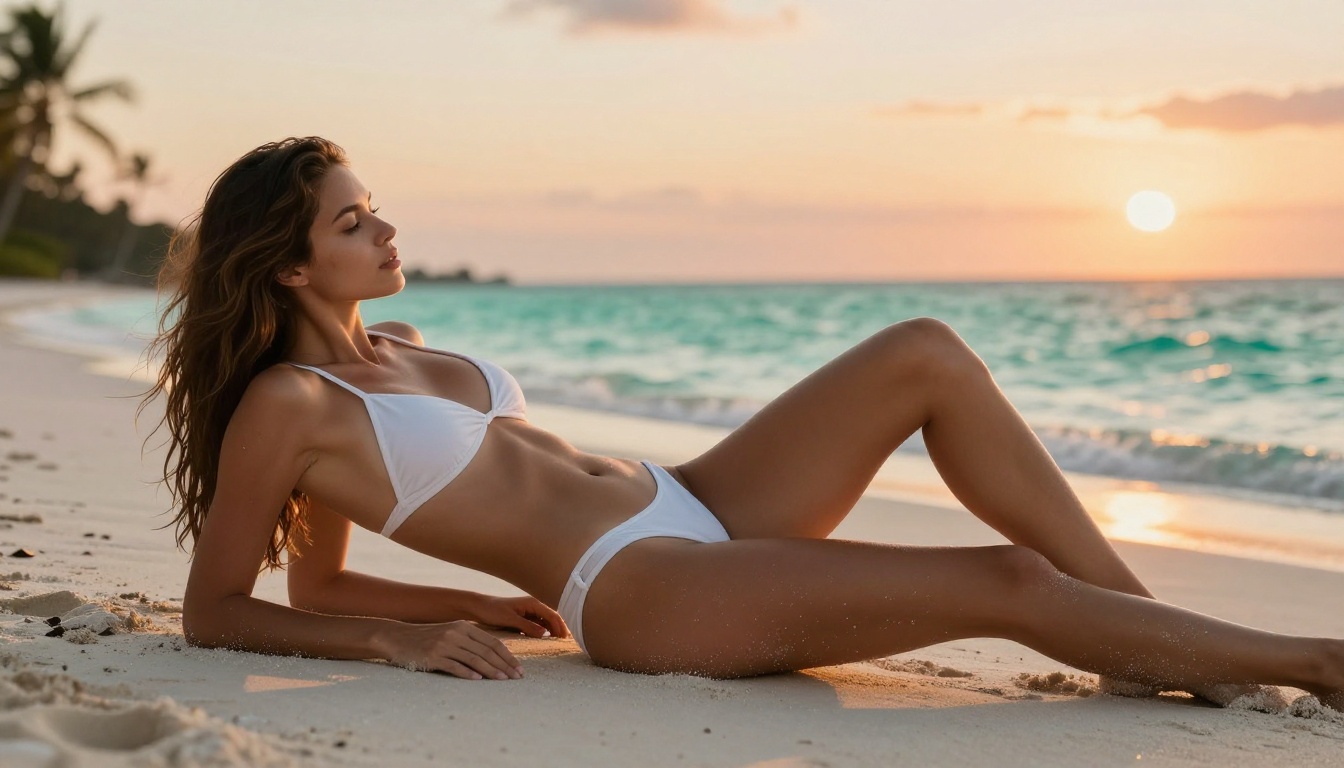
The output quality matches what you'd expect from the top tier of the model series: sharp fine detail, accurate proportions, natural lighting physics, and a photorealistic finish that rivals what photographers achieve with physical equipment.
Real Impact for Creators
The policy gap between Lite and Pro creates real friction for anyone who adopted Lite expecting the same openness as the previous Seedream generation.
When the Filter Breaks Your Workflow
Seedream 4.5 and Seedream 4 had more permissive defaults. Creators who built production workflows around those models and then upgraded to 5 Lite hit an immediate wall. Prompts that worked perfectly before started returning errors or heavily sanitized outputs. That's not a minor inconvenience when you're running high-volume generation.
The filter also creates workflow inconsistency. Some borderline prompts get through on one attempt and fail on the next. The semantic classifier isn't fully deterministic, so the same prompt can produce different moderation outcomes depending on how the model interprets the context in that specific generation pass. That unpredictability is arguably worse than a hard block: you can't reliably know whether your prompt will succeed until you actually run it.
Practical Scenarios Where Lite Fails
Here's where the policy gap causes real damage in actual creative work:
- Swimwear and fashion shoots: A campaign concept involving bikinis and beach settings can fail at the prompt stage even for entirely commercial-grade work, like sunscreen or travel brand imagery.
- Figure references for artists: Illustrators and concept artists who use AI for anatomy and pose references find the filter blocking legitimate artistic research.
- Adult content platforms: Any platform serving adult content cannot use Lite. The model refuses before generation even attempts.
- Character consistency across a scene set: If you're building a character set that includes intimate scenes, Lite will break your workflow partway through and force a model switch, introducing style inconsistencies that require additional correction work.
- Photography pre-visualization: Photographers who use AI to pre-visualize shoots involving minimal clothing hit a wall even when the concept is entirely legal and commercially standard.
- Creative writing illustration: Authors and game developers who need character art for mature fiction find the filter blocks essential visual development work.
Seedream 5 Lite vs. Pro: Side-by-Side
| Feature | Seedream 5 Lite | Seedream 5 Pro |
|---|
| Image quality | Exceptional | Exceptional |
| Generation speed | Fast | Fast |
| NSFW support | Blocked | Allowed |
| Safety filter | Hard filter applied | No filter overlay |
| Deployment target | Consumer apps, broad platforms | API, professional platforms |
| Swimwear prompts | Often blocked | Allowed |
| Artistic nudity | Blocked | Allowed |
| Explicit adult content | Blocked | Platform-dependent |
| Available on PicassoIA | Yes | Yes |
| Recommended for adult workflows | No | Yes |
💡 If your workflow involves any suggestive or adult content, skip Lite entirely. Even for borderline cases, the filter inconsistency alone makes it unreliable for production use.
Best NSFW Models on PicassoIA
If Seedream 5 Lite is off the table and you need unrestricted generation, PicassoIA runs a full roster of models with open content policies. Here's the ranked list, ordered by performance and value for adult content creation.
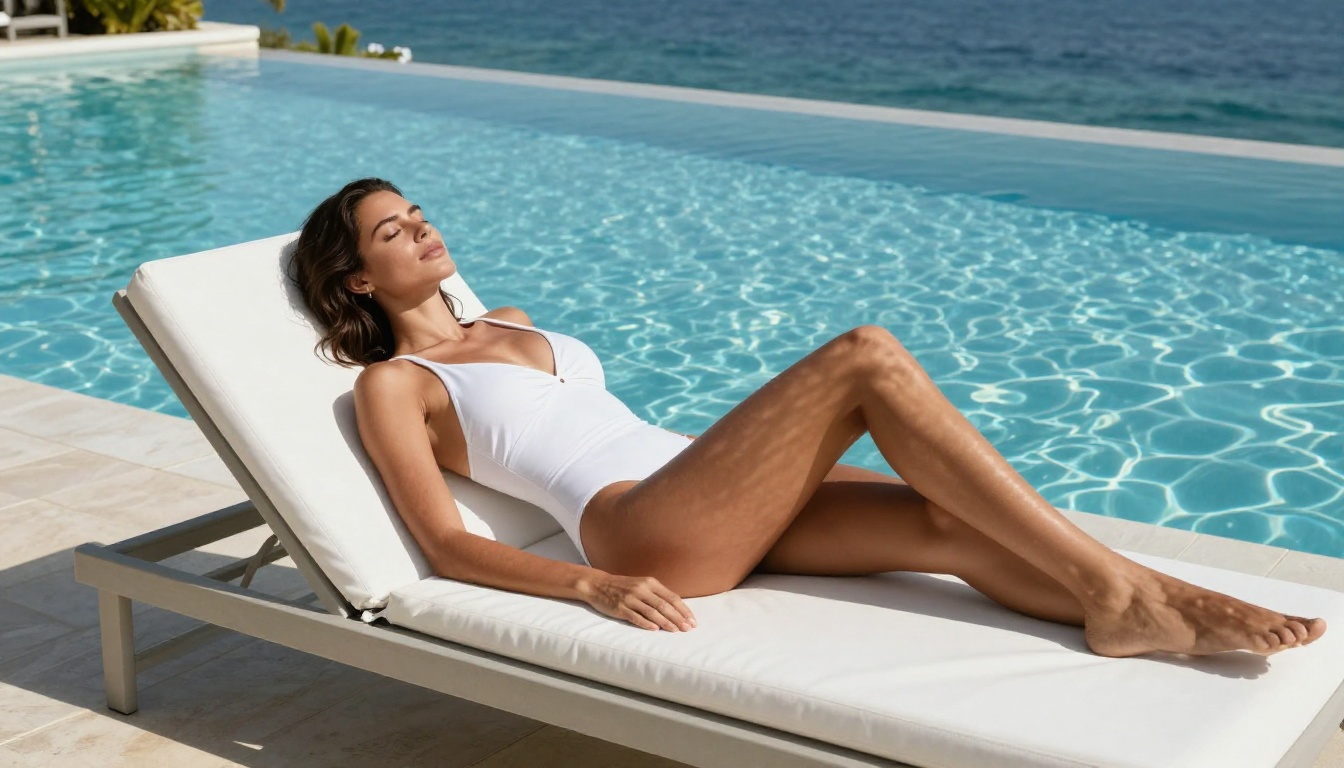
Seedream 4.5 is Still the Top Pick
Seedream 4.5 ⭐ remains the strongest all-around NSFW model on PicassoIA. It accepts adult content prompts directly, supports image editing, and delivers ultra-realistic results in under 3 seconds. The skin rendering, hair detail, and lighting physics are on par with what the latest Seedream generation offers, at a generation speed that makes fast iteration practical.
This is the model you reach for when you want the full Seedream quality standard without the content restrictions that 5 Lite introduced. Note: the newer Seedream 5 Lite does NOT support NSFW. Always use 4.5 for adult content workflows.
Unlimited Generations Without Limits
For creators running high generation volume, PicassoIA Image Editor Pro is the most cost-effective option on the platform. It's an img2img model with no per-generation credit burn for Elite and Infinite subscribers. You can generate 1,000 images for the same subscription cost as generating 10. On models billed per generation, like Nano Banana 2, that same volume would cost close to $100. Here it's included in your plan.
It accepts NSFW content, returns results in under 1 second, and includes a 3-generation free trial with no credit card required so you can test it against your actual prompts before committing.
Speed-First Alternatives
When generation speed is the priority alongside full content freedom:
- Qwen Image 2 Open-source, accepts adult content, produces highly detailed realistic results in seconds with both text-to-image and image editing support.
- Grok Imagine Image Specializes in realistic image-to-image transformations, including converting reference photos to bikini or nude formats realistically.
- Recraft V4 Text-to-image with very realistic output and no content filtering applied.
- P-Image Text-to-image generation results in under 1 second with NSFW fully supported, no waiting.
For video alongside your NSFW image workflow:
- PicassoIA Video Unlimited video generation from text prompts at up to 720p, 5 seconds per clip, no per-generation limits.
- P-Video Text, image, or audio to video at up to 1080p, safety filter off by default, with a draft mode for instant low-res previews.
- Grok Imagine Video Clips up to 15 seconds from text, an image, or an existing video, no watermarks.
- LTX 2.3 Pro Up to 4K at 50fps with retake and extend editing for precise professional control.
💡 None of these models have NSFW blocked by default. PicassoIA gives creators the creative access they need without the content restrictions that consumer-facing deployments impose.

How to Use Seedream 4.5 on PicassoIA
Seedream 4.5 is available directly on PicassoIA and takes about two minutes to set up from scratch.
Step 1: Open the model page
Go to picassoia.com/en/collection/text-to-image/bytedance-seedream-45. If you don't have an account yet, click Sign Up. The free tier includes test credits so you can generate your first images without any upfront payment.
Step 2: Write your prompt
Seedream 4.5 responds well to natural language. You don't need rigid prompt formulas or special syntax. Describe the subject, setting, lighting, and style in plain terms. For photorealistic results, include details like "natural lighting, 85mm f/1.4, Kodak Portra 400, film grain." For NSFW work, describe the content directly. The model processes it.
Step 3: Set your aspect ratio
Choose 16:9 for landscape and scene compositions, 9:16 for portrait and vertical work, or 1:1 for square outputs. Most adult photography works best at 9:16 for full-body portrait framing with natural proportions.
Step 4: Generate
Click Generate. Results arrive in under 3 seconds. If the composition or content isn't right, adjust the prompt and run again. Unlike Lite, there's no content wall interrupting your session mid-workflow.
Step 5: Refine with image editing
Use the integrated editing feature to refine specific areas of the output: change backgrounds, adjust lighting zones, or modify particular parts of the image without regenerating the whole thing. This is where Seedream 4.5 separates itself from pure text-to-image models. The in-image editing lets you push results further without discarding a generation you're mostly happy with.
Step 6: Download or share
Once you're satisfied with the output, download directly or copy the image URL for use in your project. PicassoIA stores your generations in your account history so you can retrieve them later without regenerating.
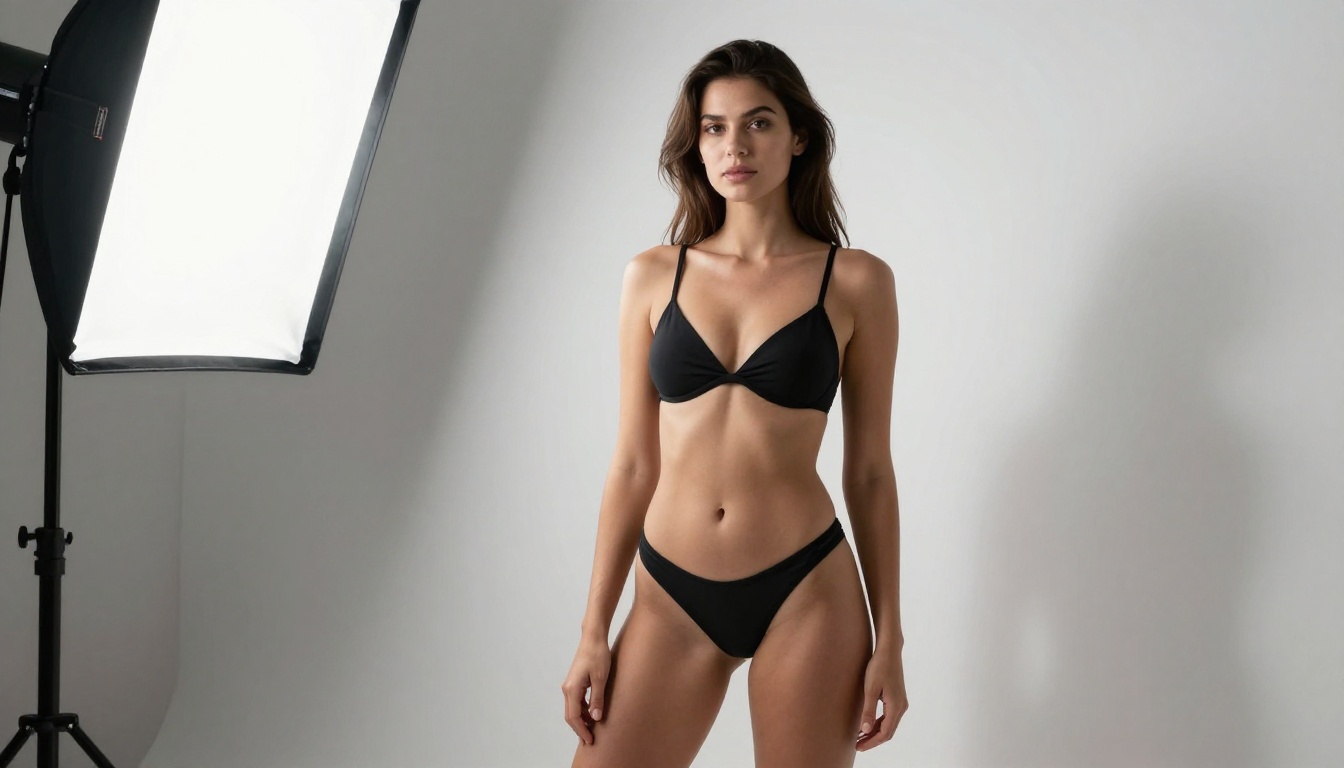
The Practical Takeaway
The Seedream 5 Lite vs. Pro policy split is a structural decision that reflects how ByteDance distributes the same base model across different markets and regulatory environments. Lite gets broad consumer-facing distribution with a hard content filter. Pro stays in the hands of platforms and creators who accept responsibility for their outputs through their own terms of service frameworks.
For the creator who just wants realistic generation without content walls, the answer is straightforward: don't use Lite for adult or suggestive work. Seedream 4.5 delivers the same quality-tier output with full content support and generates in under 3 seconds. Seedream 5 Pro is the right pick when you need the latest architecture with no restrictions. And PicassoIA Image Editor Pro is the most cost-efficient option when you need high-volume output without per-generation billing.
The full catalog of NSFW-capable models, including all the ones covered above, is available at picassoia.com/en/all-models. Start with the free trial, test your actual prompts against the models that matter to your workflow, and pick the one that doesn't stop you mid-project.