Seedream 5 Pro is not just another model sitting in a long list of options. Over the past several months, it has quietly become the default choice for a growing number of creators who use PicassoIA daily, and the reasons are surprisingly practical. This is not about hype. It is about a model that does what it says on the label, consistently, without requiring you to be a prompt engineer to get good results.
If you have been watching the text-to-image space, you know how fast things move. Models come and go. What worked well six months ago might feel dated today. Seedream 5 Pro landed differently. It filled gaps that other popular models left open, specifically around resolution, prompt fidelity, and the kind of photorealistic detail that makes an image actually usable in the real world.
What Seedream 5 Pro Does Better
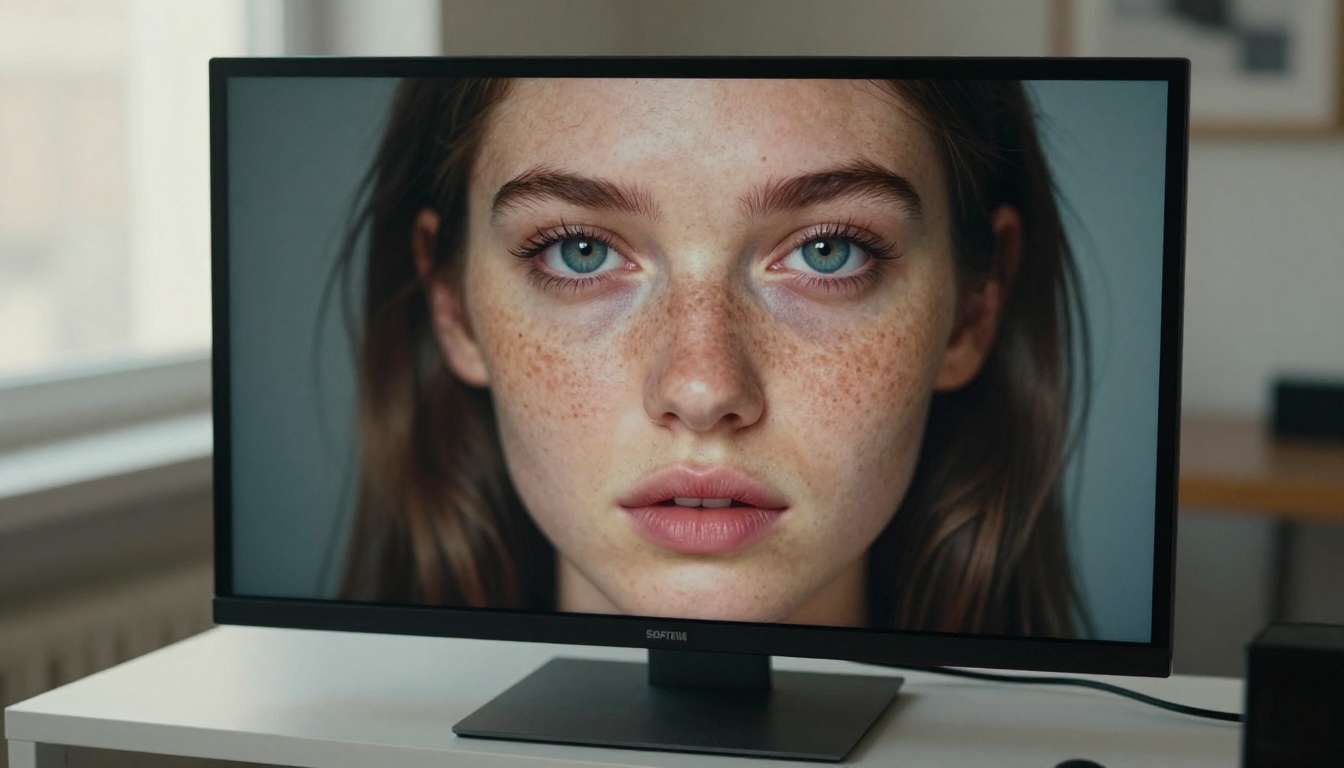
The first thing you notice with Seedream 5 Pro is that it takes your prompt seriously. Not just the nouns, but the adjectives, the spatial relationships, the lighting conditions, the material textures. Most models get the gist. Seedream 5 Pro gets the specifics.
That might sound like a small distinction. In practice, it changes everything about your workflow.
Prompt Accuracy at the Word Level
With many models, you write "a woman in a red coat standing on a rainy street at dusk" and you get something close. The coat might be orange-ish, the street might look more like midday, and the rain is barely implied. You learn to over-describe and compensate with workarounds.
With Seedream 5 Pro, the red coat is genuinely red. The dusk lighting is amber and directional. The rain shows as wet reflections on the pavement. You get what you asked for without padding your prompt with technical overrides.
This matters enormously for professional workflows. When you are generating images for a client, for a campaign, or for a product, you cannot spend six iterations trying to get the model to understand basic color and lighting instructions. Time is not free, and neither are generation credits.
Resolution Without the Trade-off
Seedream 5 Pro generates at up to 2K resolution natively. That is not a post-processed upscale. The detail is baked in at generation time, which means fine textures in fabric, hair, and surfaces are genuinely present rather than interpolated after the fact.
💡 Why it matters: A 2K native output means you can crop, zoom, or use the image for print without hitting the soft pixel ceiling that plagues lower-resolution models.
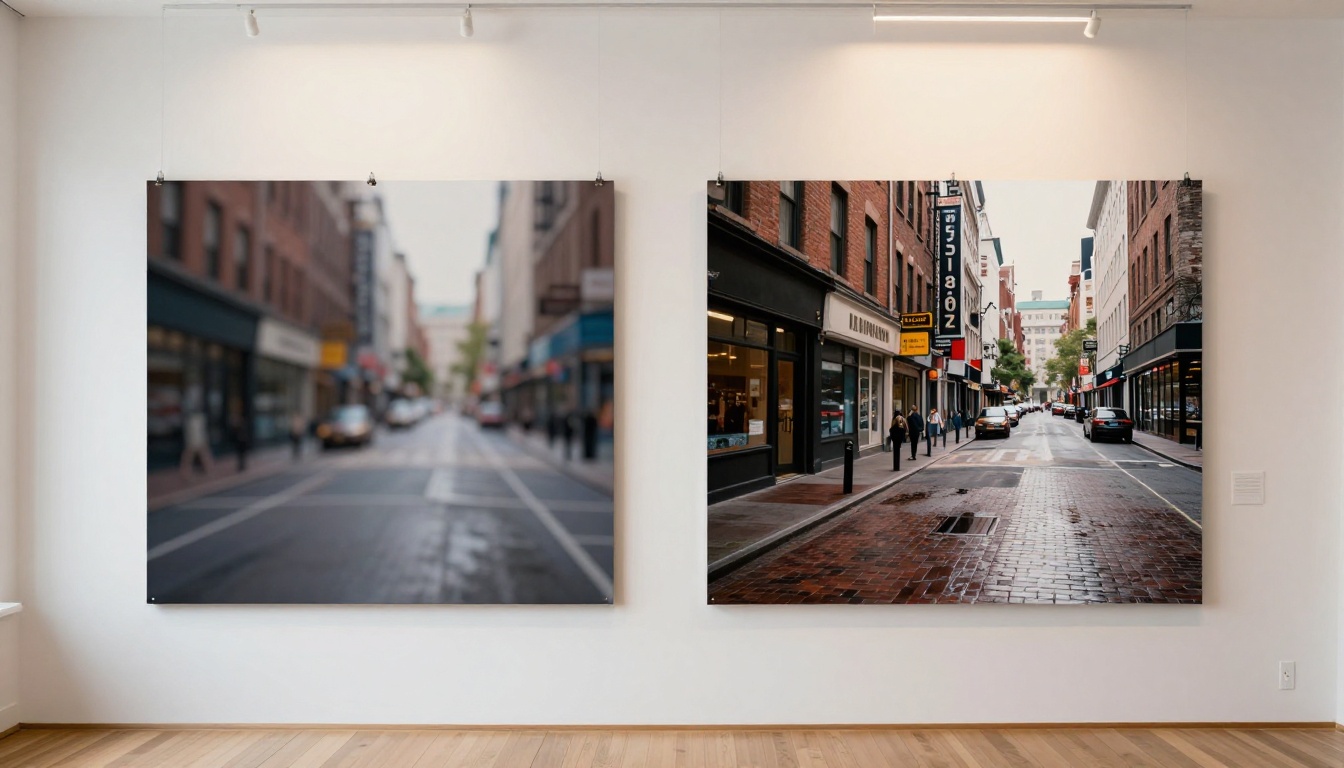
Compare this to models that generate at 1024px and optionally upscale afterward. The difference is most visible in mid-tones and in fine structures: individual eyelashes, wood grain, foliage micro-detail. Seedream 5 Pro renders these with a clarity that feels closer to photographed than generated.
Seedream 5 Pro vs. the Competition
Comparison is unavoidable when you are choosing where to spend your generation credits. Here is how Seedream 5 Pro positions against the most commonly used alternatives on PicassoIA.
Seedream 5 Pro vs. Flux Dev
Flux Dev is an excellent model, widely used for its creative range and its ability to handle stylized prompts well. It excels at variety and at pushing artistic interpretations. Where it sometimes loses ground is in strict photorealism and literal prompt adherence when prompts get very specific.
Seedream 5 Pro is more disciplined. If you need the image to look like it was photographed, not illustrated or rendered, Seedream 5 Pro is the more reliable choice. For creative concepts and stylized work, Flux Dev or Flux Pro still have strong arguments.
Seedream 5 Pro vs. Stable Diffusion 3
Stable Diffusion 3 is a solid general-purpose model with a well-established community and a wide range of fine-tuned versions. It handles many scenarios competently. However, its native output quality at high resolutions tends to require more prompt engineering to hit consistent results.
Seedream 5 Pro is less dependent on prompt structure tricks. You can write in plain language and get a high-fidelity output without needing to know which negative prompts to use or which style triggers to include.
When to Use Each One

Why Creators Choose It on PicassoIA
The practical value of any model lives in the workflow it supports. On PicassoIA, Seedream 5 Pro fits into how most creators actually work: describe what you want, generate, evaluate, refine. There are no hidden rituals.
Real Results in Minutes
There is no special setup needed to get strong results from Seedream 5 Pro. You do not need to add style tokens or memorize trigger words. The model responds well to descriptive prose that most people write naturally.
For creators producing high volumes of content, this is a significant time saver. Every iteration that does not require a complete prompt rewrite adds up over a long session. Less debugging means more actual creating. When a model works with you rather than against you, the pace of production accelerates noticeably.
This also matters for teams. When a whole group needs consistent results across multiple sessions, a model that behaves predictably without per-person prompt tuning is a production asset, not just a novelty.
No Setup, No Friction
PicassoIA hosts Seedream 5 Pro without requiring any local installation, GPU setup, or dependency management. You open the model page, type your prompt, and generate. The infrastructure handling the 2K output, the model weights, the sampling process, all of it runs on PicassoIA's servers.
This is the version of AI image generation that removes the barrier. You do not need a $3000 workstation or a Linux server to run Seedream 5 Pro at full capacity. A browser and an idea are enough.

Where Seedream 5 Pro Shines Most
Not every model is equally strong across all subject categories. Seedream 5 Pro has specific strengths that make it the clear choice for certain types of images. Understanding these strengths helps you route your projects to the right tool.
Portraits That Feel Real
Portrait generation is where the quality gap between good models and great models is most visible. Human faces are processed differently by our visual system. We notice the uncanny valley immediately. A face that is 90% right still feels wrong.
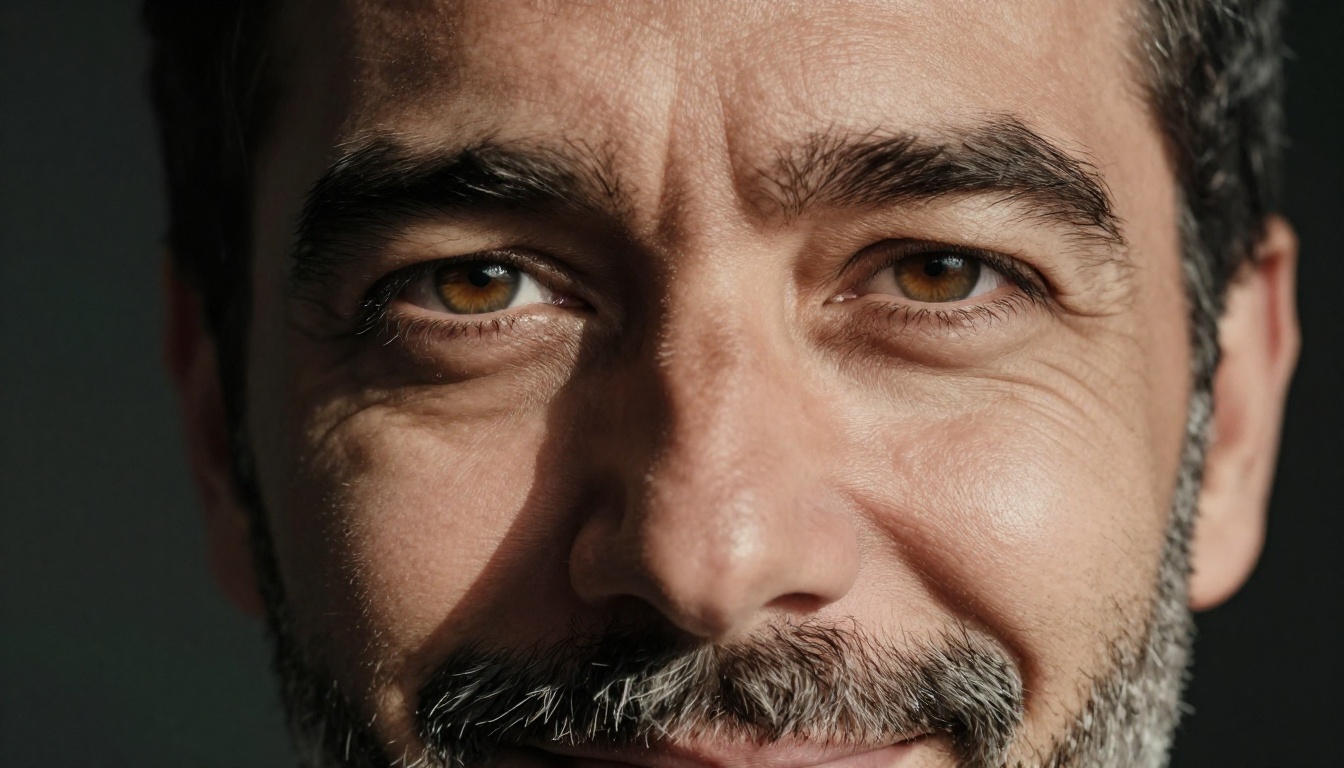
Seedream 5 Pro handles facial anatomy with a consistency that very few models match. The skin has actual texture, not the airbrushed plastic look that plagued earlier AI generations. Eyes have catchlights and depth. Hair shows individual strand variation. The result passes a casual inspection at full resolution without triggering the "something is off" response.
💡 Portrait tip: Include lighting direction in your prompt. "Soft window light from the left" or "golden hour backlight" will push Seedream 5 Pro toward genuinely cinematic portrait results.
Landscapes With Depth
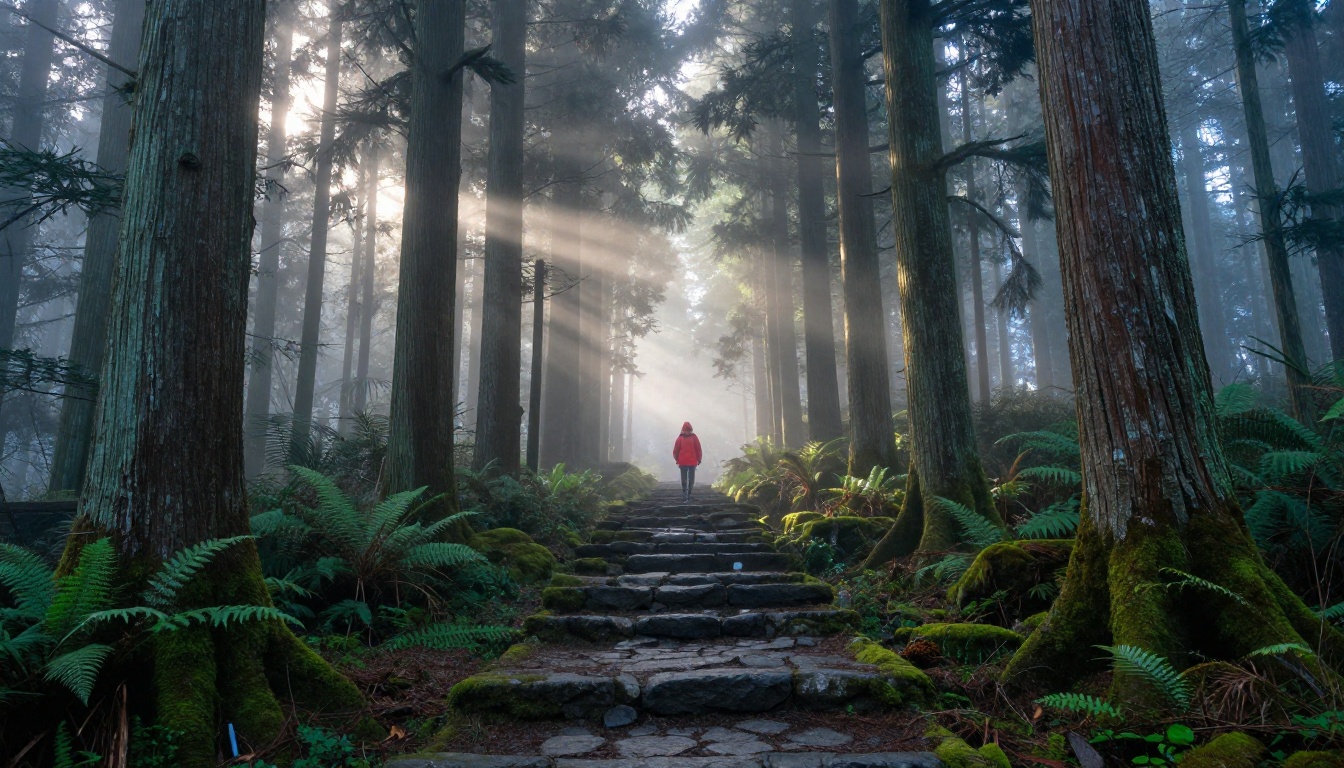
Landscape images live or die by atmospheric depth. Near objects should have crisp detail; distant objects should fade into haze or softness. Getting this atmospheric perspective right requires the model to understand depth in a way that goes beyond rendering a foreground and background separately.
Seedream 5 Pro handles this naturally. A forest scene will show individual bark textures on near trees while mid-distance foliage softens correctly. A mountain vista will carry the right amount of atmospheric blue haze. The result looks like a photograph taken with proper depth of field rather than a flat composite assembled from stock layers.
This quality shows up whether the landscape is dramatic, a storm rolling over a canyon, or quiet, a fog-covered field at dawn. The model handles both without defaulting to generic postcard compositions.
Product and Commercial Work
Commercial photography has specific requirements: accurate color reproduction, consistent lighting, and the kind of clean detail that holds up in print or at large display sizes. Seedream 5 Pro is increasingly used for commercial mockups, lifestyle photography concepts, and product context shots precisely because it meets these requirements without extensive post-processing.
The model's ability to accurately render material textures, glass, fabric, metal, leather, makes it particularly strong for product-adjacent work where the visual credibility of surfaces is critical. An image intended to make someone want to buy something has to look believable at a glance. Seedream 5 Pro consistently clears that bar.

Prompts That Get the Most Out of It
You do not need to overthink prompts with Seedream 5 Pro, but a few structural habits will push your outputs from good to exceptional. The model rewards specificity, and specificity is easier when you have a reliable structure to follow.
The Prompt Formula That Delivers
A simple structure that works consistently with Seedream 5 Pro:
[Subject + action or pose] + [Environment or setting] + [Lighting conditions] + [Camera or perspective] + [Texture or atmosphere]
For example:
"A woman in her 30s sitting at a café table reading a book, outdoor terrace in a southern European city, warm afternoon sun from the left casting soft long shadows, photographed from across the table at eye level with a 50mm lens, cobblestone street visible in the blurred background, film grain, natural skin texture."
This gives Seedream 5 Pro everything it needs to make intentional decisions rather than filling gaps with generic choices. Every blank you leave, the model fills with an average. Every blank you fill, the model fills with your intention.
Common Mistakes to Avoid
- Vague adjectives: "Beautiful" and "amazing" mean nothing to a model. "Warm amber light" and "shallow depth of field" are specific and actionable.
- Stacking too many subjects: One primary subject per image. If you include five focal points, the model will average them into none of them.
- Ignoring lighting: Lighting is half of what makes an image feel photographic. Always describe the source, direction, and quality of light in your prompt.
- Skipping scale references: For landscapes, include a human figure, a vehicle, or a known object for scale. It forces proper proportion across the scene.
- Over-relying on style words: Words like "photorealistic" or "8K" help but they do not replace scene description. Describe the scene first; let quality modifiers support it.

Using Seedream 5 Pro on PicassoIA
Getting started with Seedream 5 Pro on PicassoIA takes less than two minutes from scratch. There is no account configuration required beyond signing in.
Step by Step
Step 1: Open the model page
Go directly to Seedream 5 Pro on PicassoIA. The interface loads immediately with a prompt field and generation controls.
Step 2: Write your prompt
Describe the image using the formula above. Subject, environment, lighting, camera angle, texture. Be specific rather than vague. The model rewards clarity with accuracy.
Step 3: Set your resolution
Seedream 5 Pro supports up to 2K native output. Select the highest resolution available, especially if the image will be used in print, large-format display, or anywhere it will be zoomed.
Step 4: Generate and evaluate
Run the generation. If the result is close but needs adjustment, refine one element at a time. Change the lighting description, adjust the subject position, or add a material detail. Avoid rewriting the entire prompt between iterations as this loses whatever was working.
Step 5: Push further if needed
Download your image. Seedream 5 Pro outputs are typically ready to use without additional processing. If you want to go further, PicassoIA also offers super resolution tools for upscaling and Reve 2.1 for editing, remixing, and iterating on your generated images. The Seedream 4.5 model is also available if you want to compare outputs across the Seedream generation lineup.

What This Tells Us About AI Image Generation Right Now
Seedream 5 Pro becoming the go-to model on PicassoIA is not an accident. It reflects a broader shift in what creators actually need from AI image tools. The novelty phase is behind us. People are no longer generating images because it is impressive that AI can do it. They are generating images because they need them, for websites, content, products, campaigns, and client deliverables.
That practical pressure demands a different kind of model quality. Not the most creative, not the most stylized, but the most reliable. The one that gets it right without requiring you to fight it every session.
💡 The models that win in professional use are the ones that disappear. You should be thinking about your image, not about the model's quirks.
PicassoIA's catalog includes over 91 text-to-image models, from Flux 1.1 Pro Ultra to Stable Diffusion 3 to Reve 2.1. Each has its role. But Seedream 5 Pro has earned its position at the front of that list by consistently producing results that hold up when it matters.
The next image you need, whether it is a portrait that has to look real, a landscape that needs atmospheric depth, or a product shot that has to be print-ready, Seedream 5 Pro is ready for it. Give it a try at picassoia.com and see what a well-calibrated model feels like when your prompt is actually taken at face value. The difference will be obvious from the first generation.


