Some AI models show you a red error screen the moment your prompt turns remotely suggestive. Others generate exactly what you describe, no warnings, no blocked output, no workarounds required. That gap is not a coincidence or a technical limitation. It is a deliberate decision baked into every layer of how these tools are built, deployed, and sold.
This article cuts through the corporate messaging. You get the actual reasons behind NSFW bans: business liability, training data choices, infrastructure costs, and who the model was built to serve. By the end, you will know which tools respect your creative vision and how to use them immediately.

The Business Model Decides Everything
Before a single line of code gets written about safety filters, the business decision has already been made. The people running the company looked at their target customer base and made a call.
Corporate Risk vs. Creative Freedom
Commercial AI products serving enterprise clients, schools, government agencies, or major brands cannot afford a single viral story about their tool generating inappropriate content. The reputational risk is immediate and severe. Platforms targeting professional markets with corporate procurement cycles face a calculation where one content policy violation could cost them a deal worth millions.
The calculus for an open-source project or a platform serving adult creators is entirely different. Their users want exactly what is being blocked elsewhere. For them, restrictions are not a safety feature. They are a product failure.
💡 What this means for you: The content policy of any AI image generator reflects who the company is trying to sell to, not what the technology is actually capable of.
When Legal Liability Drives Features
There is a specific legal risk that forces the hand of any well-funded company: CSAM (Child Sexual Abuse Material). Any platform that could theoretically be used to generate such content faces criminal exposure, not just civil liability. This single risk alone explains why fully commercial platforms apply the strictest possible filters across every category.
Beyond that, copyright law remains unsettled in most jurisdictions. A model trained on licensed content that then generates something closely resembling a real person or copyrighted artwork creates legal exposure. At large companies, legal teams vote for maximum restriction every time.
| Platform Type | Primary Customer | Legal Exposure | Default Policy |
|---|
| Commercial API | Enterprise / Brands | High | Strict block |
| Open source model | Developers / Creators | Low | Configurable |
| NSFW platform | Adult creators | Managed | Permissive |
| Consumer app | General public | Medium | Conservative |

What "NSFW" Means to an AI
Here is something most people do not think about: an AI model has no concept of "appropriate" or "inappropriate." It has no moral judgment. What it has is a trained classifier sitting on top of the generation pipeline that flags certain outputs based on patterns in its training data.
The Training Data Problem
Every model is shaped by what it was trained on. A model trained exclusively on stock photography websites and filtered public datasets will naturally produce conservative outputs because that is all it knows. A model trained on broader archives that include figure studies, glamour photography, and uncurated creative work will have a very different latent space, one capable of a much wider range of outputs.
The training data question also determines raw capability. A model that never encountered a certain category of image during training cannot generate it well, even if you strip out all the safety filters. The distinction between "blocked" and "incapable" matters enormously when choosing a tool.
Classifiers That See Too Much
Most restrictions in commercial models are not baked into the generative model itself. They are applied by a separate classifier that sits either in front of (prompt filtering) or behind (output filtering) the image generator.
These classifiers are blunt instruments. They operate on probability thresholds and regularly get things wrong in both directions: blocking a medical illustration that happens to show skin, while letting something inappropriate slip through a gap in the training data.
The false positive rate is especially painful for artists working in figurative drawing, fashion photography, sculpture reference, or any domain where the human body is a legitimate subject. A classical nude sculpture prompt gets blocked on the same basis as explicit content because the classifier sees "skin" and nothing else.

Why Open Source Changed the Rules
The release of Stable Diffusion in 2022 broke the commercial model's monopoly on image generation quality. For the first time, a model capable of generating photorealistic images from text could run on consumer hardware without any mandatory filters. Anyone could download the weights and run it with whatever settings they chose.
That moment changed the conversation permanently. Content restrictions stopped being a technical limitation and became an obvious policy choice, one that individual operators could now make for themselves.
Flux Dev: The Optional Safety Layer
Flux Dev from Black Forest Labs is a 12-billion parameter model that shows how serious open models handle this question. It includes a disable_safety_checker parameter that is exactly what it sounds like. The safety classifier is there by default, but it is an optional layer, not a hardcoded restriction.
This design philosophy matters. The model is built to be deployed in contexts where the operator decides the appropriate content policy. On a platform serving professional photographers, the checker stays on. On a platform for adult content creators, it can be turned off. The decision sits with whoever controls the deployment, not with the model's original developer.
💡 Technical note: Most open-source models separate the generative model from the content classifier. Removing the classifier does not change how the model generates images. It only removes the post-generation gate that decides whether to return the image to you.
Running Models Locally vs. Cloud APIs
When you run a model locally, no company can remotely apply content filters to your inference. The weights are on your hardware, the compute is yours, and the outputs go directly to you. This is why local installations of open models remain popular among creators who want full control.
Cloud APIs always have the company in the loop. Even if the underlying model is open source, the company applies additional filtering at the API level. You are running your inference on their servers, under their terms.
| Factor | Local Model | Cloud API |
|---|
| Content control | Full | Platform controlled |
| Compute cost | Your hardware | Usage pricing |
| Setup complexity | High | Zero |
| Model updates | Manual | Automatic |
| Privacy | Complete | Data policy applies |

How Safety Filters Actually Work
There are two places a content restriction can live: before the model generates anything (prompt filtering) or after it generates the image (output scanning). Serious commercial platforms use both simultaneously.
Prompt-Level Filtering
The first gate is the text prompt itself. Commercial platforms run your prompt through a text classifier that checks for terms associated with adult content, violence, specific real people, or other restricted categories. If the prompt trips the filter, the model never starts generating at all.
This is why people developed prompt rephrasing strategies on certain platforms, describing the same subject with different words. Text classifiers work on pattern matching, and pattern matching can be defeated by paraphrase. Platforms respond by updating their blocklists, creating an ongoing back-and-forth cycle.
Output Scanners and False Positives
The second gate is the image itself. After generation, the output goes through a vision classifier that assigns probability scores to content categories: nudity, violence, graphic content, and others. If any score exceeds the platform's threshold, the image is withheld and you see an error instead.
The problem is calibration. A threshold set aggressively low catches everything sensitive but also catches a large number of legitimate images. A threshold set too high misses content the platform wants to block.
Platforms serving general audiences typically err on the side of over-blocking. Platforms serving professional creators often tune their thresholds more carefully or give users control over what gets scanned.
💡 Real case: Figurative artists have reported fully clothed portrait references being blocked by commercial generators because the pose matched patterns in the nudity classifier's training data. The block was technically incorrect, but the classifier had no way to distinguish pose from content type.
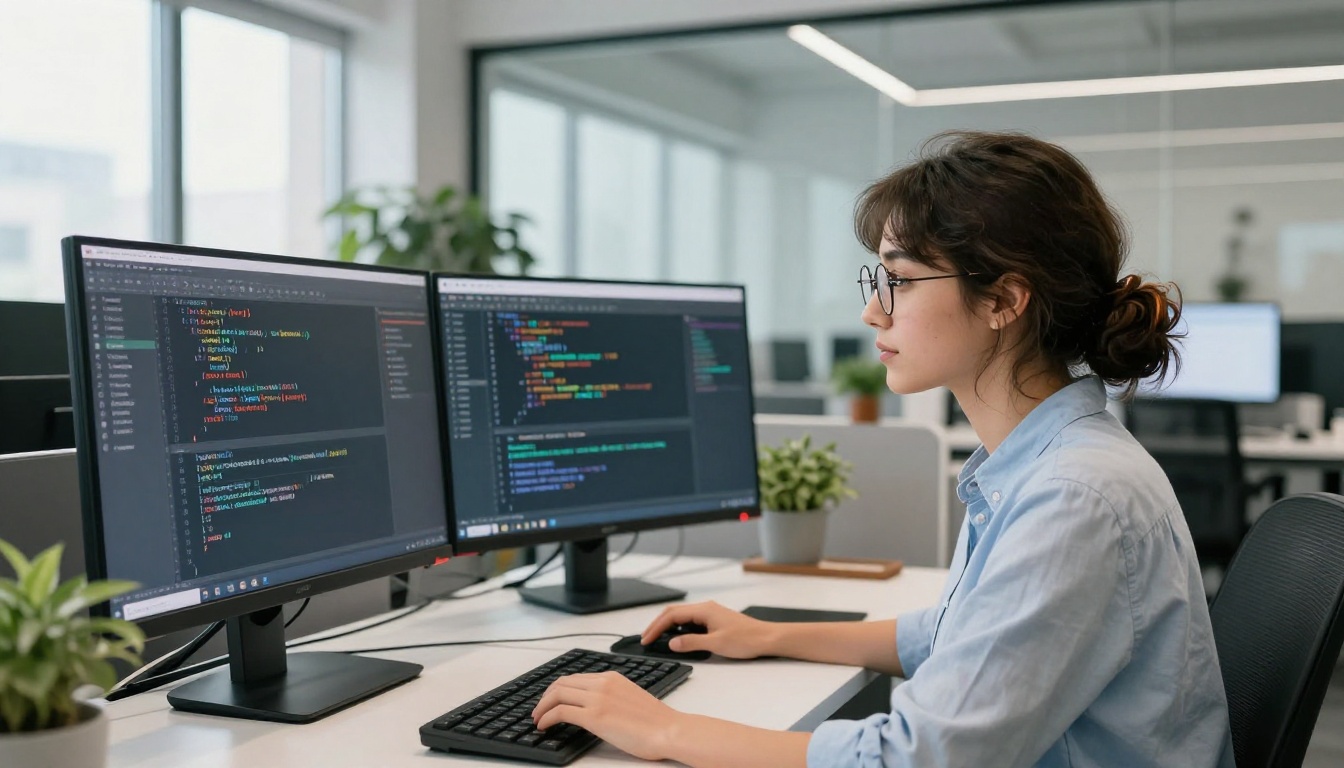
Platforms That Allow Adult Content
A growing category of platforms has built specifically around serving creators who need adult content capabilities. They operate legally in their jurisdictions, implement age verification where required, and take on the compliance overhead that makes larger companies unwilling to serve this market.
What Sets Them Apart
The differences between a restrictive platform and a permissive one go well beyond which filters are on. They reflect an entirely different product design philosophy:
- Age verification for adult-specific content categories
- Jurisdiction compliance so operations are legal where they run
- Transparent terms with usage rights and restrictions clearly stated
- Model selection tuned for adult and figurative content generation
- No watermarks on professional output
- Privacy commitments so generated content is not reviewed or retained by the platform
Speed and Privacy Matter
For creators working on commercial adult content, generation speed and output privacy are not secondary concerns. Slow generation breaks workflows at production volume. A platform that logs and reviews outputs creates a practical privacy problem for anyone working with clients.
Platforms built for this audience prioritize fast inference and clear data policies. They also tend to offer subscription models that give creators predictable costs rather than per-generation fees that inflate with volume.

Using Seedream 4 on PicassoIA
Seedream 4 is the strongest starting point for anyone working with adult or suggestive creative content on PicassoIA. It produces images at up to 4K resolution with no watermarks, supports reference image input for maintaining consistency across a series, and includes single-sentence editing for fast refinement after generation.
Why Seedream 4 Leads This Category
A few things separate Seedream 4 from the alternatives in this space:
- 4K resolution output with no upscaling step required after generation
- Single-sentence editing to modify an existing image with one plain-language instruction
- Reference image input to lock a character, style, or composition across multiple shots
- Nine flexible aspect ratios including 1:1, 16:9, 9:16, 4:3, and 21:9
- No watermarks on downloaded files, ready for any publication or client delivery
- Sequential generation of up to 15 related images in a single session for character series or product variations
The model handles figurative photography prompts accurately, responds well to lighting and composition descriptions, and produces consistent skin textures across multiple generations from the same reference image.
Step-by-Step on PicassoIA
- Open Seedream 4 on PicassoIA
- Set your resolution. Choose 2K for quick iteration, 4K for final deliverables
- Select your aspect ratio. 16:9 for editorial and cinematic output, 9:16 for portrait and mobile formats
- Write a detailed prompt with lighting direction, camera angle, fabric texture, skin detail, and the specific mood you want
- Upload a reference image if you need to maintain a character or visual style across multiple outputs
- Generate and review the result
- If close but not exact, use the single-sentence editing feature to adjust specific elements without starting over
💡 Prompt tip: Describe lighting the way a photographer would. "Soft natural light from the left, golden hour, rim highlight on the shoulder" produces dramatically better results than "nice lighting." The model responds directly to specificity at every level of detail.
PicassoIA Image Editor Pro for Refinement
Once you have a strong base image from Seedream 4, PicassoIA Image Editor Pro is the tool for targeted refinement. It accepts up to three reference images and processes edits in plain language with no daily generation limits and no per-edit cap.
The unlimited edits structure is particularly valuable when you are iterating on a final deliverable. Adjust clothing, swap backgrounds, correct lighting issues, or produce multiple aspect-ratio versions of the same image without hitting a quota wall. Most edits complete in a few seconds.
Use Image Editor Pro when you need to:
- Refine a Seedream 4 output with targeted corrections to specific elements
- Swap backgrounds or scene elements while keeping the subject identical
- Generate multiple versions of the same image for different platforms in one session
- Combine elements from two or more reference images into a single output
Flux Dev for Fine-Grained Control
If you want explicit control over the content scanning layer, Flux Dev gives you that through its disable_safety_checker parameter. Its 12-billion parameter architecture handles photorealistic output at 1 megapixel across 11 aspect ratios, with img2img editing from a reference photograph and seed locking for consistent series work.
The full model catalog, with over 90 text-to-image models and tools for every part of the creative process, is at picassoia.com/en/all-models.

The Real Divide Is Not About Safety
Here is the honest summary: models that ban NSFW content are not doing it because the technology is dangerous or because adult content is inherently harmful. They are doing it because their business model requires it.
A company selling API access to enterprise clients, a platform integrated into school software, or a service that processes payments through major card networks all face real practical constraints that force them toward restrictive content policies. The technology itself has no opinion.
Who Benefits from Each Policy
The clearest way to read any content policy is to ask who benefits from it:
- Strict restrictions protect the platform's enterprise relationships and payment processor agreements
- Configurable filters protect the developer deploying the model in their specific context
- Permissive platforms protect the creator's ability to produce what their audience wants
None of these is inherently more or less legitimate. They are different risk profiles serving different stakeholders with different needs.

Choosing the Right Tool for Your Work
If you are a professional creator working on commercial photography, fashion, glamour, or adult content, choosing the wrong platform wastes time on workarounds and blocked outputs. The right platform is one that was built for your use case from the beginning.
Ask these questions before committing to any tool:
- Does it explicitly support your content category, or are you working around restrictions?
- Does output quality hold at production resolution without additional post-processing?
- What are the stated privacy terms for generated images?
- Is pricing predictable at your generation volume?
- Can you use reference images to maintain character consistency across a series?
PicassoIA answers yes to all five for the creator use case, with Seedream 4, PicassoIA Image Editor Pro, and Flux Dev as the core models for high-quality photorealistic output at every stage of the workflow.
Start Creating Without Restrictions
You now know why NSFW restrictions exist, who they protect, and which tools give you full creative control without workarounds. The next step is straightforward.
Open Seedream 4 on PicassoIA, write a detailed prompt with specific lighting, angle, and texture descriptions, and generate your first image at 4K resolution. No watermarks. No blocked outputs. No restrictions imposed on your creative vision.
When you want to refine the result, PicassoIA Image Editor Pro handles targeted edits in plain language with unlimited iterations. When you want to see every available model and find the one that fits your specific workflow, the full catalog is at picassoia.com/en/all-models.