The AI video space has been loud for two years straight. Every month brings a new model claiming to be the best. But something shifted when Sora 2 arrived. Not because of hype. Because of what it actually produces. Filmmakers who dismissed AI video as a gimmick started paying attention. Creators who had built workflows around other tools quietly started switching. The results speak for themselves: Sora 2 generates video that looks, moves, and behaves differently from anything else available right now. If you have been wondering what all the conversation is about, this is the honest breakdown.
What Sora 2 Actually Does Differently
Physics That Actually Makes Sense
The single biggest complaint about AI video has always been the physics. Water that flows wrong. Cloth that clips through surfaces. People whose limbs do impossible things between frames. Sora 2 addresses this at the model architecture level, not as a surface-level patch.
When you prompt Sora 2 with a scene involving water, fire, or fabric, it simulates the interaction correctly. A wave that crashes against rocks produces realistic spray dynamics. A candle flame reacts to wind direction with believable behavior. This is not just visual texture added in post. It is behavioral accuracy baked into the generation process. The model has been trained on an enormous volume of real-world footage, and that training shows in ways that are immediately visible.
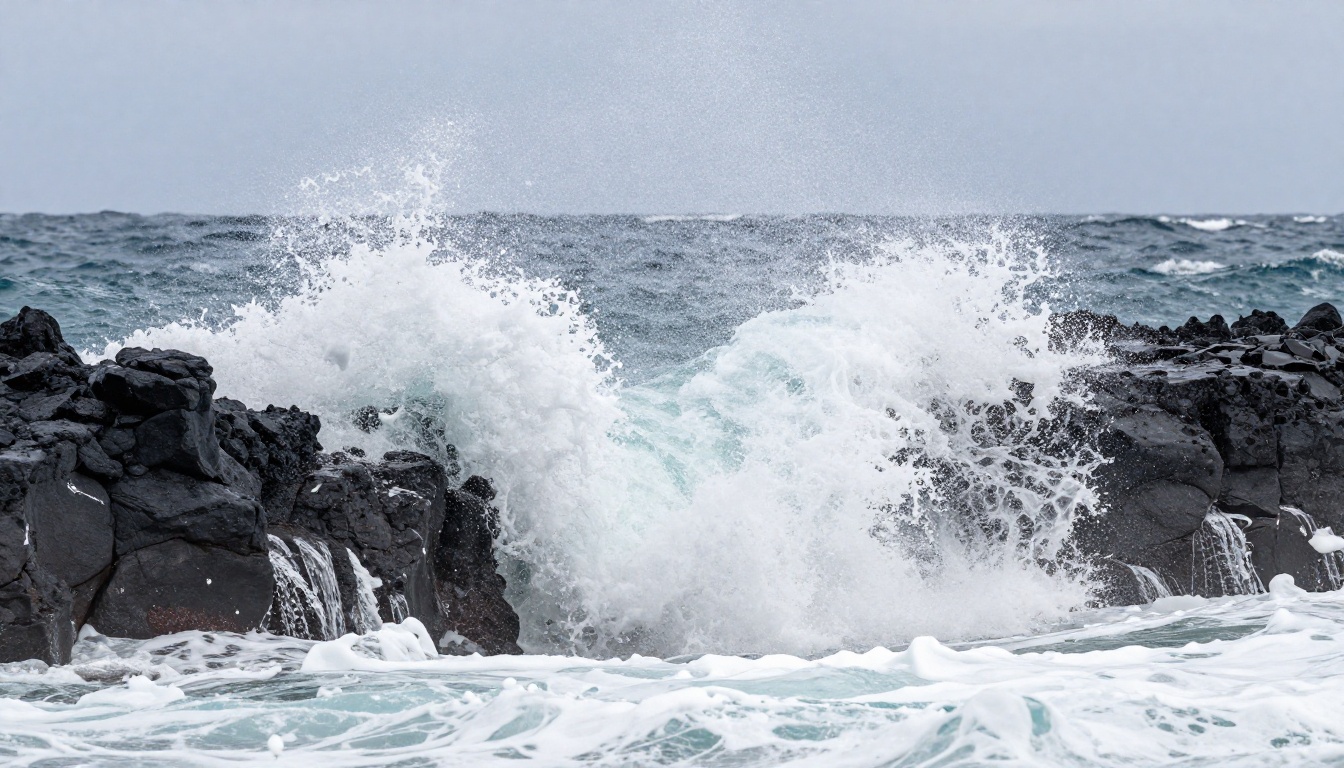
The improvement in physical simulation matters for two distinct groups. The first is content creators who need footage that does not immediately read as artificial to viewers. The second is anyone building post-production workflows where AI-generated clips need to integrate with real camera footage without looking out of place. Sora 2 passes both tests more reliably than the alternatives.
Temporal Consistency No One Else Has
Temporal consistency is the problem that breaks most AI video models. It means: does the subject look the same from frame to frame? Does the environment stay coherent as the camera moves? Does the lighting hold across the duration of the clip?
Most models fail here in obvious ways. A character's shirt changes color mid-clip. A building in the background shifts shape during a pan. The camera drifts in ways that feel physically wrong to the human eye. These artifacts are not minor polish issues. They make footage unusable.
Sora 2 handles this significantly better than its predecessors and most of its current competition. Subjects remain stable. Environments stay coherent. Lighting holds its direction and quality. This required architectural changes at a fundamental level, not just additional training data, and the result is video you can actually cut into a timeline without constant manual fixes.

Sora 2 vs. the Competition
The AI video market in 2027 is more competitive than it has ever been. Several strong models are fighting for the same creators. Here is how the real matchups break down, based on what the outputs actually look like rather than marketing language.
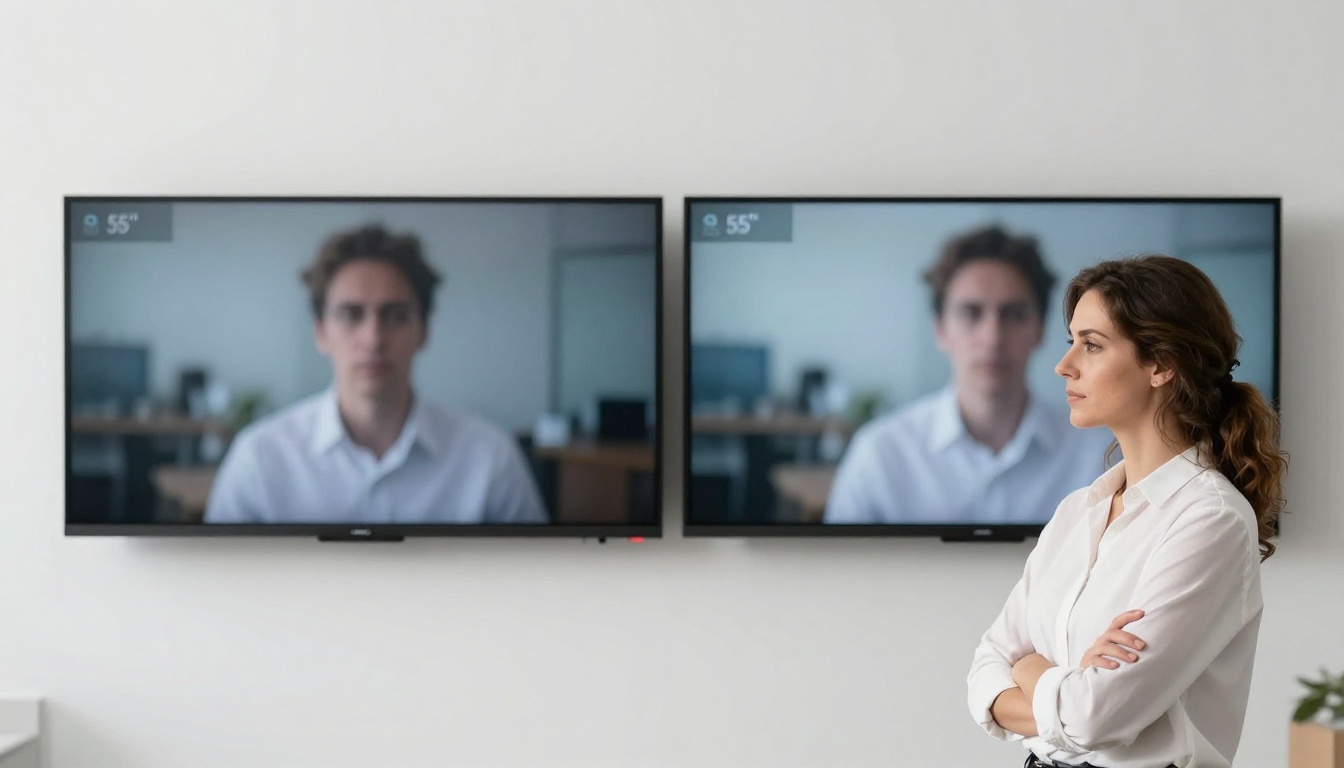
Sora 2 vs. Veo 3
Veo 3 and its faster variant Veo 3.1 Fast are Google's strongest entries in this space. Veo 3 is genuinely impressive, particularly in native audio generation. For social content where synchronized ambient sound or dialogue matters, Veo 3 has a legitimate advantage that Sora 2 does not currently match.
But in raw visual quality and physical accuracy, Sora 2 pulls ahead. Veo 3 generates audio natively, which is a real feature difference for specific use cases. What Veo 3 does not match is Sora 2's temporal stability across longer clips or its handling of complex multi-element motion scenes.
| Capability | Sora 2 | Veo 3 |
|---|
| Native audio | No | Yes |
| Temporal consistency | Excellent | Good |
| Physics simulation | Excellent | Very good |
| Prompt adherence | Very high | High |
| Max resolution | 1080p | 1080p |
| Clip length | Up to 20s | Up to 8s |
💡 If you need audio synced to your clip without post-production, Veo 3 is worth testing. For longer, more complex cinematic sequences where visual coherence is the priority, Sora 2 holds up better across the full duration.
Sora 2 vs. Kling v3
Kling v3 Video from Kwai is one of the closest competitors to Sora 2 in terms of visual output. Kling has always been strong on human subjects, producing realistic faces and natural body movement with fewer artifacts than most models in its class.
The comparison becomes nuanced in actual practice:
- Human subjects: Kling v3 is competitive, sometimes better on tight close-up shots of faces with minimal background complexity
- Environmental scenes: Sora 2 is clearly stronger on large-scale environments, weather phenomena, and scenes with multiple interacting elements
- Speed: Kling v2.6 with its turbo variants generates faster, which matters for iterative prompt testing
- Camera control: Kling's motion control models like Kling v2.6 Motion Control allow explicit camera path specification that Sora 2 does not offer in the same direct way
For creators who primarily work with talking-head or single-subject compositions, Kling v3 is worth serious consideration. For anything that requires convincing world simulation, Sora 2 is the current standard.
Sora 2 vs. Wan 2.7
Wan 2.7 T2V is an open-weight model, and the comparison is different in character. Wan 2.7 runs locally for those with sufficient hardware, costs nothing per generation at the inference level, and produces results that are surprisingly strong for a model of its accessible nature.
Sora 2 beats it in almost every quality metric when you measure resolution, temporal stability, and physical accuracy side by side. But Wan 2.7 offers something Sora 2 does not: ownership of the inference process. For studios with specific privacy requirements, or those generating thousands of clips without API cost structure, that matters enormously.
The honest framing: they are not competing for the same user. Wan 2.7 is built for power users with infrastructure. Sora 2 is for creators who want the best output right now with minimal friction.
Where Sora 2 Falls Short
No model is without real limitations, and glossing over them wastes your time.
Prompt complexity ceiling: Sora 2's prompt adherence is excellent overall, but on very detailed multi-element prompts, it still simplifies. If you need precise simultaneous control over every element in a complex scene, you may find it drops specific details in favor of visual coherence.
No native audio: Unlike Veo 3 or Seedance 2.0, Sora 2 does not generate audio alongside the video clip. You will need a separate audio track, voiceover, or use a dedicated lipsync model in post-production.
Cost at volume: Sora 2 is not economical at scale. If you are generating dozens of clips per day in a production workflow, costs accumulate quickly. Models like LTX 2 Pro or Hailuo 02 may serve high-volume workflows more efficiently.
Camera path control: Kling's motion control variants allow you to draw explicit camera trajectories. With Sora 2, you describe camera movement in natural language and the model interprets. That interpretation is usually good, but it is not deterministic.

How to Use Sora 2 on PicassoIA
Step-by-Step on the Platform
You do not need an OpenAI subscription or direct API access to use Sora 2. PicassoIA provides direct access alongside dozens of other top-tier text-to-video models in a single interface. Here is how to start:
- Go to Sora 2 on PicassoIA
- Write your text prompt in the input field. Be specific: describe the subject, the environment, the lighting conditions, and the camera angle
- Select your desired resolution and clip duration
- Click generate and wait for the output to render
- For longer clips and higher fidelity, Sora 2 Pro is available on the same platform
The platform also lets you run multiple models on the same prompt without switching accounts, which is the most efficient way to compare Sora 2 against Kling v3 or Pixverse v5 on your specific content type.
Prompt Tips That Work
Sora 2 responds very well to cinematographic language. These are specific patterns that produce consistently better outputs:
For physical realism: Describe the physics explicitly. Instead of "water flowing," write "turbulent water rushing over smooth river stones, white spray catching afternoon light from the left." The model needs behavioral context, not just visual description.
For camera movement: Name the shot type directly. "Slow dolly push-in on a woman's face, shallow depth of field, golden hour light from frame left" produces more consistent results than vague descriptors like "cinematic shot."
For environments: Anchor the lighting. Every environment prompt should include where the light is coming from, what quality it has (diffuse, harsh, directional, bounced), and what time of day or artificial source it represents.
For subjects: Give the model texture and material detail on clothing. "Wearing a worn brown leather jacket with visible grain on the lapels and a slightly stretched collar" gives the model enough to generate a stable, consistent garment across the full clip duration.
💡 Short prompts produce generic results. Write 3 to 5 sentences that each add distinct information about subject, environment, motion, and lighting. The model rewards specificity.
What the Benchmarks Say

Benchmark methodology in AI video is still maturing as a field. There is no single standard evaluation that all models run on. What has emerged from independent evaluations by researchers and creators is consistent with what you observe in direct side-by-side testing:
- Sora 2 scores highest on temporal coherence metrics in multi-subject and multi-element scenes
- Prompt faithfulness is rated above most competitors on average, particularly for complex compositional descriptions with multiple simultaneous constraints
- Visual quality scores, measured by human raters across resolution, realism, and artifact frequency, place Sora 2 consistently at or near the top of commercial models
- Motion naturalness is where the most significant gap exists between Sora 2 and second-tier models in the current market
The important caveat is that benchmarks reflect averages across diverse test sets. For specific use cases, another model might outperform Sora 2. That is precisely why having access to a platform with multiple models available in one place matters for real workflows.
Which Creators Are Switching to Sora 2
The adoption pattern tells you a lot. The creators moving toward Sora 2 are not chasing the latest release for novelty. They are the ones who tried it for a specific output and found it did something a previous tool could not reliably do.

Commercial directors are using Sora 2 for product visualization and pre-visualization of scenes before full production commits. The physical accuracy makes it viable for showing how a product exists in an environment with convincing realism. A luxury item on a marble surface with natural morning light from a specific direction is the kind of shot Sora 2 produces reliably.
Social content creators who produce cinematic travel or lifestyle content are using it to fill gaps in their footage libraries. A shot they missed on location, a destination they could not reach on the shoot budget, a weather condition that never appeared. Sora 2's footage integrates cleanly enough with real camera footage to hold up in the final edit when graded consistently.
Game studios are using it for pitch material and concept cinematics. The temporal consistency at 24fps produces video that sits comfortably next to real cinematic references without the uncanny valley effect that earlier AI video carried.
Indie filmmakers are using Sora 2 for establishing shots, background elements, and scene-setting footage that would otherwise require significant production budget. A wide shot of a specific city at a specific time of day, a particular landscape, a crowd scene with natural movement. These shots are expensive to produce practically and relatively cheap to generate with Sora 2.
Models Worth Running Alongside Sora 2
No single model wins everything across every use case. Depending on what you are building, these are worth running in parallel to find the best result for your specific content:
- Sora 2 Pro for extended, higher-fidelity clips from the same model family
- Kling v3 Video for close-up human subjects and portrait-style video where face detail matters most
- Veo 3 Fast when you need audio included natively in the output without post-production
- Seedance 2.0 for cinematic video with built-in audio at production volume
- LTX 2 Pro for 4K output on cinematic scenes where resolution is the constraint
- Hailuo 02 when generation speed is the priority and 1080p is the target resolution
- Wan 2.7 T2V if you run local inference or need very high generation volume at low marginal cost
- Kling v2.6 Motion Control when you need explicit, deterministic camera path control
💡 Running two or three models on the same prompt and selecting the best output is not a workaround. It is standard practice in professional AI video workflows. PicassoIA makes this straightforward without managing separate accounts or API keys.
Start Creating with Sora 2 Right Now

The gap Sora 2 has opened in the AI video space is real, but it is not permanent. The field moves fast, and competitors are not standing still. Veo 3.1 is pushing hard on audio-native video. Kling v3 is closing the quality gap on human subjects. Wan 2.7 is proving that open-weight models can compete on visual quality at a fraction of the API cost. What matters is that all of this capability is available right now, through PicassoIA, without technical setup or subscription management complexity.
If you have been watching AI video from the sidelines, this is the moment to test it directly. Write a specific scene. Give it real lighting conditions, a real subject, a real camera angle. See what Sora 2 returns. Then try the same prompt in Kling v3 or Veo 3. The comparison will tell you more than any written breakdown can.
The best way to see why Sora 2 is beating everyone right now is to generate something with it that surprises you. That moment is one prompt away. Open PicassoIA, pick your scene, and see what the current state of AI video actually looks like when it is running at full capacity.