Most AI video models get the visuals right but stumble on the audio. You've seen it: breathtaking footage of a waterfall with a flat, generic rushing-water sound that doesn't match the angle, the distance, or the speed of the water on screen. Sora 2 Pro is different. Its native audio system doesn't just add sound to a video. It reasons about what a scene should sound like, then synthesizes that audio from scratch, frame by frame. The result is something that genuinely stops you: sound that belongs to the image.
This piece breaks down exactly why that is, what technical decisions make Sora 2 Pro's audio so convincing, and how it stacks up against the best audio-capable models on the market. It also walks you through how to use it on PicassoIA to get the most out of both the visuals and the sound.
What Native Audio Actually Means
Before comparing models, it helps to be precise about what "native audio" means and why it's harder than it sounds.
It's Not a Post-Processing Layer
Most early audio-capable video models worked by generating video first, then running a separate audio model that analyzed the frames and added sound. The problem is obvious in practice: the audio system doesn't know what the video model intended. It sees a man's lips moving and adds speech, but the timing is off by half a second, and the room tone doesn't match the visual environment of the scene.
Native audio means the sound is generated as part of the same forward pass as the video. The model has access to temporal and spatial context about what's happening visually while it decides what the audio should be. In Sora 2 Pro, this isn't a tagged-on feature. It's baked into the architecture from the ground up.
Beyond Lip-Sync
When people hear "audio in AI video," they usually think about lip-sync: does the mouth match the words? That's the easiest bar to clear, and most current models clear it adequately. The harder problem is everything else.
Think about a scene in a tiled bathroom: there's reverb, the slight echo of hard surfaces, the way every footstep has a specific acoustic signature. Or a forest scene: the way birdsong comes from a direction consistent with where birds are visible in the frame, the low-frequency rumble of wind through tree branches. Sora 2 Pro handles these environmental audio cues with a coherence that earlier models simply don't attempt.
Note: This is what separates good audio from great audio in AI video. Not the lip-sync, but the spatial and environmental reasoning behind every sound layer.
Ambient Sound That Breathes
One of the most noticeable things about Sora 2 Pro's output is that the ambient audio layer has dynamic behavior. A crowd scene doesn't have a flat looping crowd noise. The audio volume and density shift with camera distance and crowd density in the frame. A fire crackles with variations that sync to the visual intensity of the flames. Rain sounds heavier when the visual frame shows heavier rainfall.
This isn't magic. It's the result of training on enormous amounts of paired video and audio data where the model had to learn the visual-to-audio mapping across thousands of real-world scenarios.
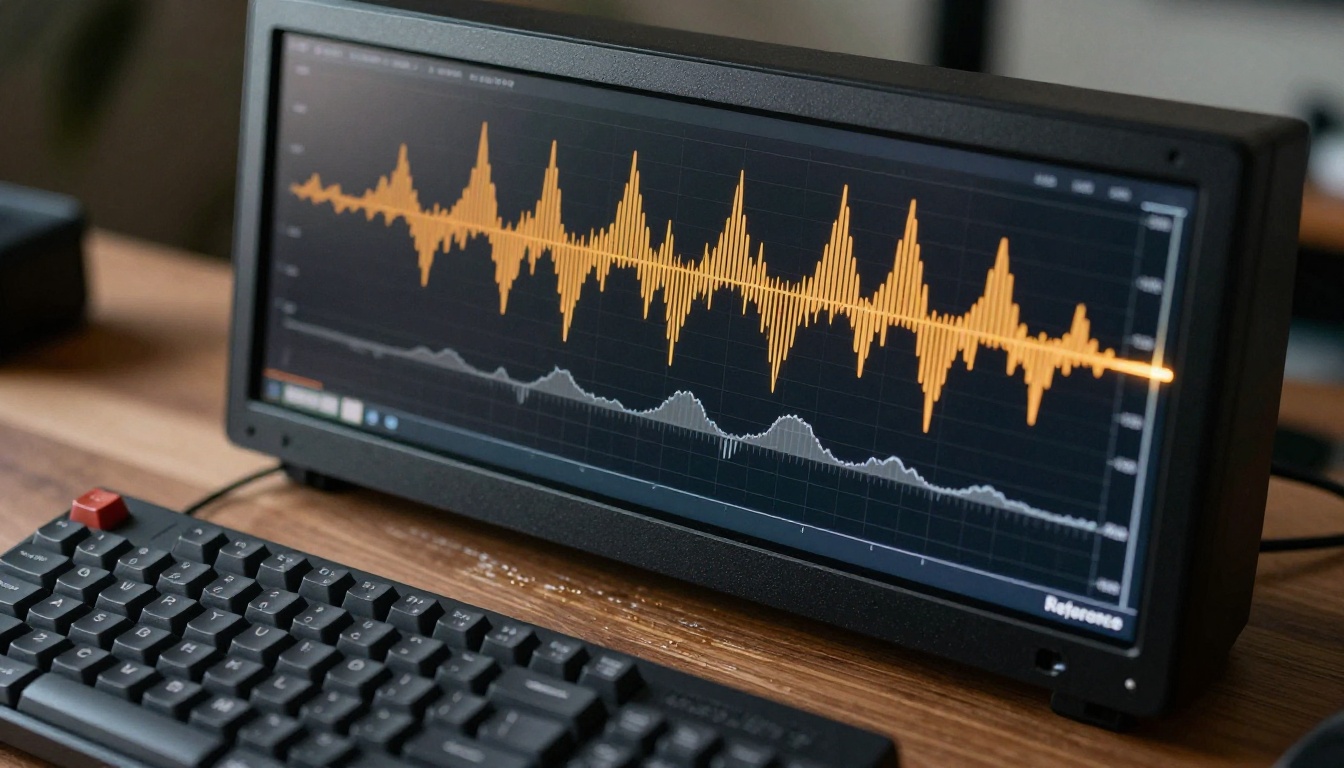
The Technical Edge Behind Sora 2 Pro's Audio
Joint Training on Visual and Audio Data
The single most important architectural decision in Sora 2 Pro's audio system is that visual and audio tokens are trained jointly, not sequentially. The model doesn't learn to generate video, stop, and then learn to generate audio. It learns the relationship between them simultaneously.
This matters because audio coherence in the real world is deeply tied to visual context. The sound of footsteps changes based on the floor material visible in the frame. The acoustic character of a space changes based on the geometry and materials visible in the scene. A jointly-trained model can learn these relationships from direct observation. A sequentially-trained one has to guess them from second-hand inference.
Real-Time Foley Simulation
Foley is the art of creating specific sound effects for specific actions: the creak of a leather jacket, the click of a heel on marble, the paper rustle of a letter being opened. In traditional film, foley artists spend hours performing these sounds in sync with picture. Sora 2 Pro simulates foley synthesis procedurally.
This means when you prompt it to generate a scene of someone typing on a keyboard, you don't just get a generic typing sound. The typing sound has the character of the specific keyboard type visible in the frame (mechanical vs. membrane), the room's acoustic character affects the typing sound's reverb tail, and the speed and rhythm of the typing audio matches the visual rhythm of the finger movements.
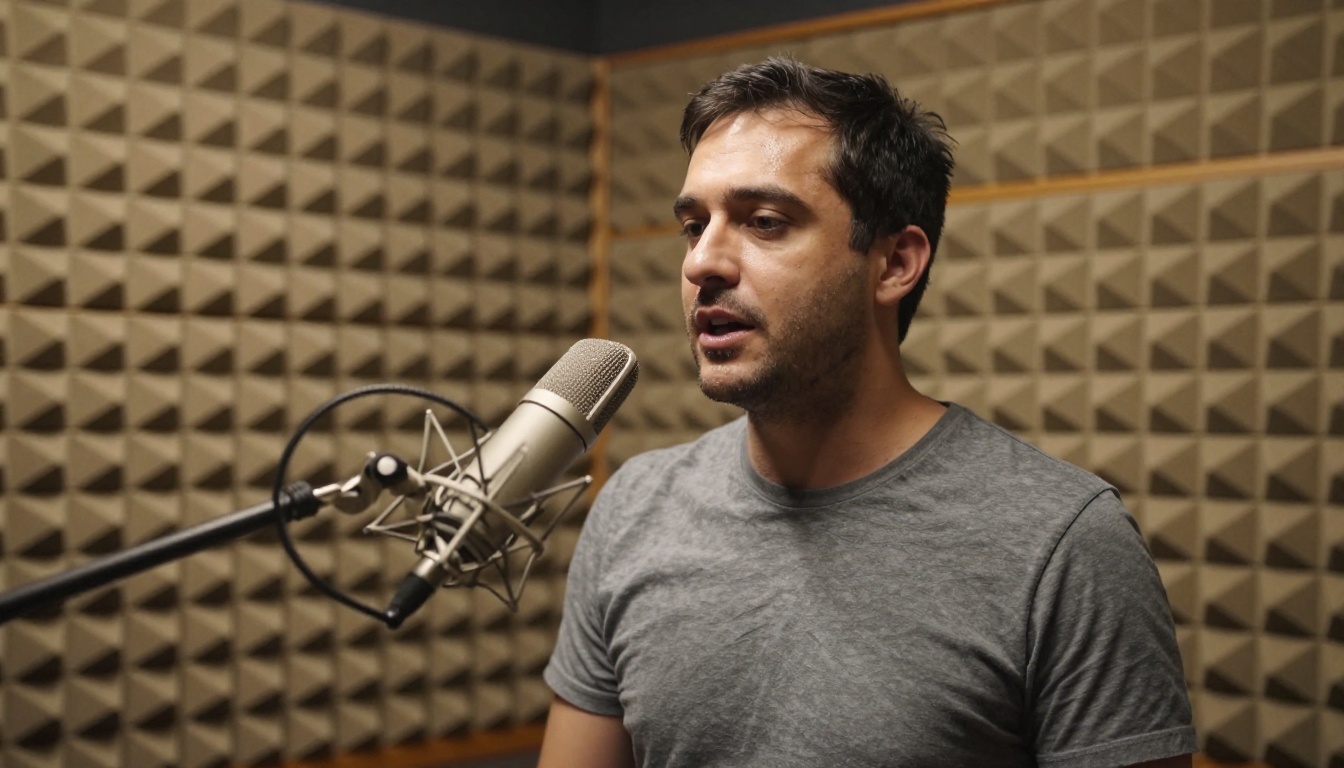
Spatial Audio and Depth Perception
Sora 2 Pro outputs stereo audio with spatial information encoded into it. Objects on the left of the frame produce sound predominantly in the left channel. Objects moving toward or away from the camera shift in volume in a way that simulates acoustic distance. This gives the output a three-dimensional quality that flat mono audio generation completely lacks.
This is particularly noticeable in scenes with multiple sound sources: a conversation between two people produces voices that are spatially separated in the audio field, matching their visual positions in the frame. It's a subtle effect, but it's the difference between audio that feels placed and audio that feels dropped on top of a scene from a library.
Speech Quality and Naturalness
When Sora 2 Pro generates speech, it goes beyond intelligibility. The model synthesizes speech that includes the natural disfluencies and acoustic artifacts of real human speech: subtle breath sounds between phrases, the slight change in voice quality when a speaker turns away from the camera, the compression of voice quality in a phone call when the scene shows someone on a phone.
These are details that human viewers register subconsciously. When they're absent, the audio feels artificial. When they're present, the scene simply feels real.
Comparing the Field
Several models now offer native audio generation. Here's how they stack up against Sora 2 Pro across the categories that matter most for professional output.
Veo 3 vs. Sora 2 Pro Audio
Google's Veo 3 was one of the first models to genuinely challenge the field on native audio, and it remains the closest competitor to Sora 2 Pro. Veo 3 handles ambient and environmental audio exceptionally well, particularly in natural scenes. Where Sora 2 Pro tends to edge it out is in dialogue-heavy scenarios: Sora 2 Pro's speech synthesis is slightly more natural and its lip-sync accuracy is marginally higher in close-up and portrait framings.
Veo 3.1 and Veo 3 Fast narrow the gap further. The Fast variant trades some audio resolution for much faster generation, which is worth considering when speed matters more than acoustic precision.
Seedance vs. Sora: Side-by-Side
| Feature | Sora 2 Pro | Seedance 2.0 | Seedance 2.5 |
|---|
| Native audio | Yes | Yes | Yes |
| Spatial audio | Yes | Partial | Partial |
| Foley accuracy | High | Medium | Medium-High |
| Speech naturalness | Very High | High | High |
| Environmental coherence | Very High | Medium | Medium-High |
| Max video length | Varies by prompt | 30 seconds | 30 seconds |
| Resolution | Up to HD | Up to 1080p | Up to 1080p |
Seedance 2.5 is the strongest of the Bytedance lineup for audio and offers a 30-second maximum duration, a significant advantage for longer-form content where Sora 2 Pro's shorter clips fall short. But in raw audio quality for standard-length clips, Sora 2 Pro remains the benchmark.
Kling v3 in the Mix
Kling v3 Video surprised people on audio quality when it launched. It handles impact sounds and motion-synchronized audio well: action sequences where objects collide or people move quickly tend to sound sharp and correctly timed. Where it falls behind Sora 2 Pro is in subtler ambient layers. Kling v3's background audio is convincing but less dynamically responsive to what's actually happening in the frame on a moment-to-moment basis.
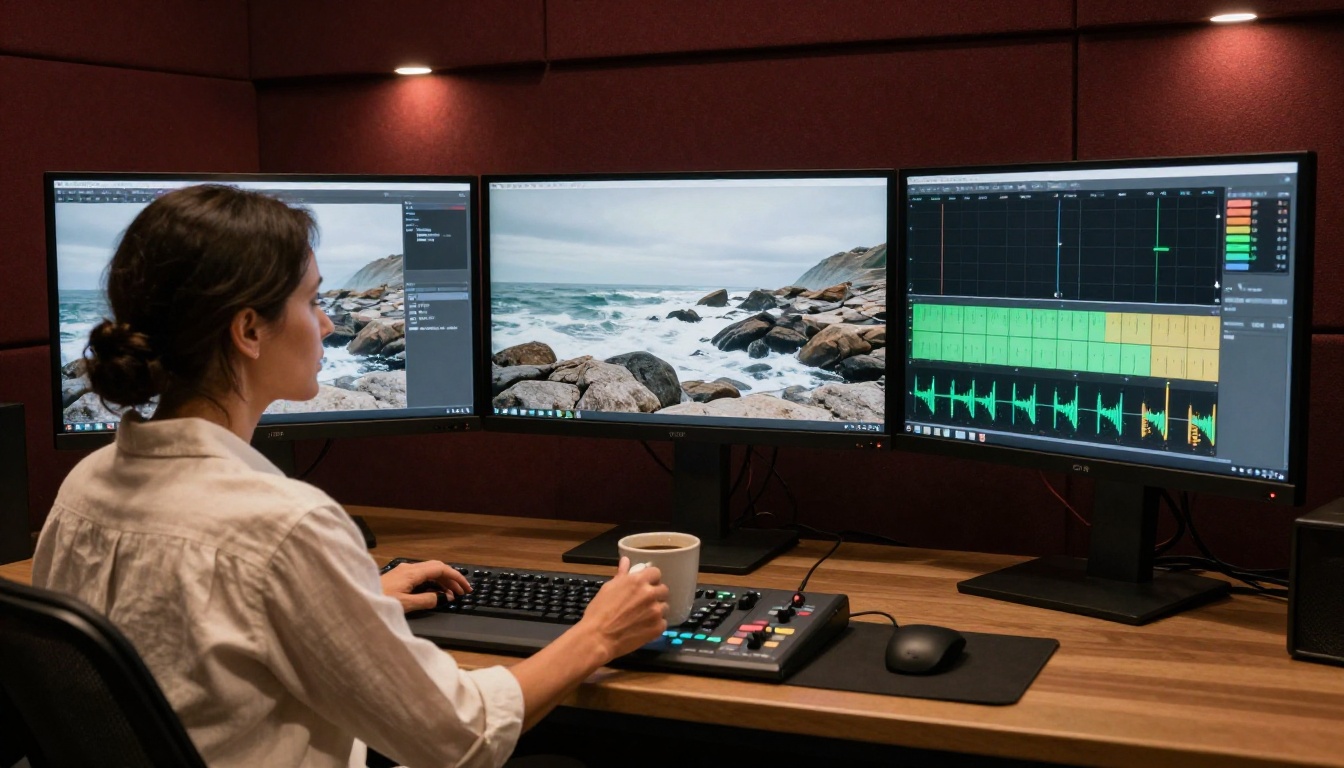
Other Models Worth Knowing
- Flux 3: Synced audio generation with strong visual coherence. Better for music-forward content than speech-heavy dialogue scenes.
- Wan 2.2 S2V: An audio-synced specialist, useful when you want to drive video animation from an existing audio track rather than generating audio from a visual prompt.
- Pixverse v6: Good AI audio for cinematic scenes. Less precise on speech but strong on score-style ambient audio and action sound design.
- Hailuo 02: Solid 1080p visual output with competent audio. A better fit for pure visual storytelling than for complex acoustic environments.
- Ray 3.2: Outstanding HDR visual output. Audio is adequate but not a primary strength of this model's design.
Where Sora 2 Pro Audio Shines Most
Not every use case benefits equally from Sora 2 Pro's audio capabilities. Here's where it consistently performs at its highest level.
Nature Scenes and Ambience

Nature content is where the environmental audio reasoning becomes most visible. A coastal cliff scene produces wind that shifts in intensity as the camera angle changes relative to the cliff face. A rainforest scene layers the water sounds of individual raindrops on large leaves with the deeper bass of water on soil and the mid-range patter on stone surfaces. This level of acoustic texture detail was simply unavailable in AI video before Sora 2 Pro made it standard.
For creators making travel content, nature documentaries, or ambient video content, this is the single most compelling reason to choose Sora 2 Pro over its competitors. The audio isn't just present. It's believably there.
Human Speech and Dialogue

For any scene involving human speech, Sora 2 Pro's synthesis produces naturally cadenced dialogue. The model generates what sounds like real conversation rather than synthesized speech: appropriate pacing, natural breathing patterns, the slight acoustic variation when speakers are emotionally engaged versus delivering neutral exposition.
This makes it particularly strong for narrative content, branded video, educational explainers, and social content where dialogue is the primary vehicle of communication. The lip-sync accuracy in portrait-mode and close-up framings is consistently among the highest of any model currently available.
Action and Impact Sounds
When objects collide, break, fall, or strike each other in a Sora 2 Pro generation, the impact sounds match the visual weight of the objects involved. A ceramic cup falling has a different sound character than a metal pan hitting the same floor. A wooden door slamming in a concrete hallway has a different reverb than the same door in a wood-floored room. These distinctions are what give action sequences physical credibility, and Sora 2 Pro handles them with a specificity that feels intentional rather than incidental.
Tip: For best results in action-sound scenes, be specific in your prompt about the materials involved. "A ceramic mug falls from a marble countertop" will produce more acoustically specific results than "a mug falls off a table."
How to Use Sora 2 Pro on PicassoIA
PicassoIA hosts Sora 2 Pro directly alongside Sora 2, the standard version of the model. The standard version is a good starting point for testing prompts and verifying audio behavior before committing to Pro-level outputs.
Writing Prompts That Trigger Great Audio
The most important thing to know: Sora 2 Pro generates audio based on what you describe. If your prompt says nothing about the acoustic environment, the model makes its best inference from the visual context, and it's usually good. But when you include acoustic detail explicitly in your prompt, the results are consistently stronger.
Effective audio-forward prompts include:
- Acoustic environment details: "in a large stone cathedral with high ceilings," "in a small carpeted office," "outdoors on a windy coastal cliff"
- Specific sound sources: "the sound of rain on a metal roof," "footsteps on loose gravel," "a crowd murmuring in the distance behind the subject"
- Emotional acoustic tone: "quiet and contemplative with only ambient room tone," "tense silence broken by a low structural hum," "energetic with crowd noise and traffic layers"
Avoid vague modifiers like "with great audio" or "realistic sound." The model handles realism by default. What it benefits from is specific context about the space, the materials, and the acoustic story of the scene.
Tips for Getting the Best Sound
1. Frame your material surfaces explicitly. If the scene involves footsteps, specify the floor material. If it involves voices, specify the size and character of the space. The model uses these cues to infer correct acoustic physics for the scene.
2. Use LTX 2 Pro for 4K visuals when audio is secondary. LTX 2 Pro produces outstanding 4K video at high speed but its audio layer is lighter than Sora 2 Pro's. For pure visual content where you'll add your own audio in post-production, it's the better choice on the cost-to-quality curve.
3. Consider Audio to Video for music-driven content. When you want the video to animate in response to an existing audio track, the dedicated Audio to Video model on PicassoIA is designed exactly for this workflow. It inverts the typical generation order entirely.
4. Iterate on prompts before long generations. Sora 2 Pro generates at higher compute cost than lighter models. Test your prompt at a shorter duration first to verify the audio is behaving as expected before generating a full-length clip.
5. Pair with super-resolution when needed. If your source material is lower resolution, PicassoIA's super-resolution tools can upscale the visual output without affecting the audio layer, giving you both the acoustic quality of Sora 2 Pro and the visual resolution you need.
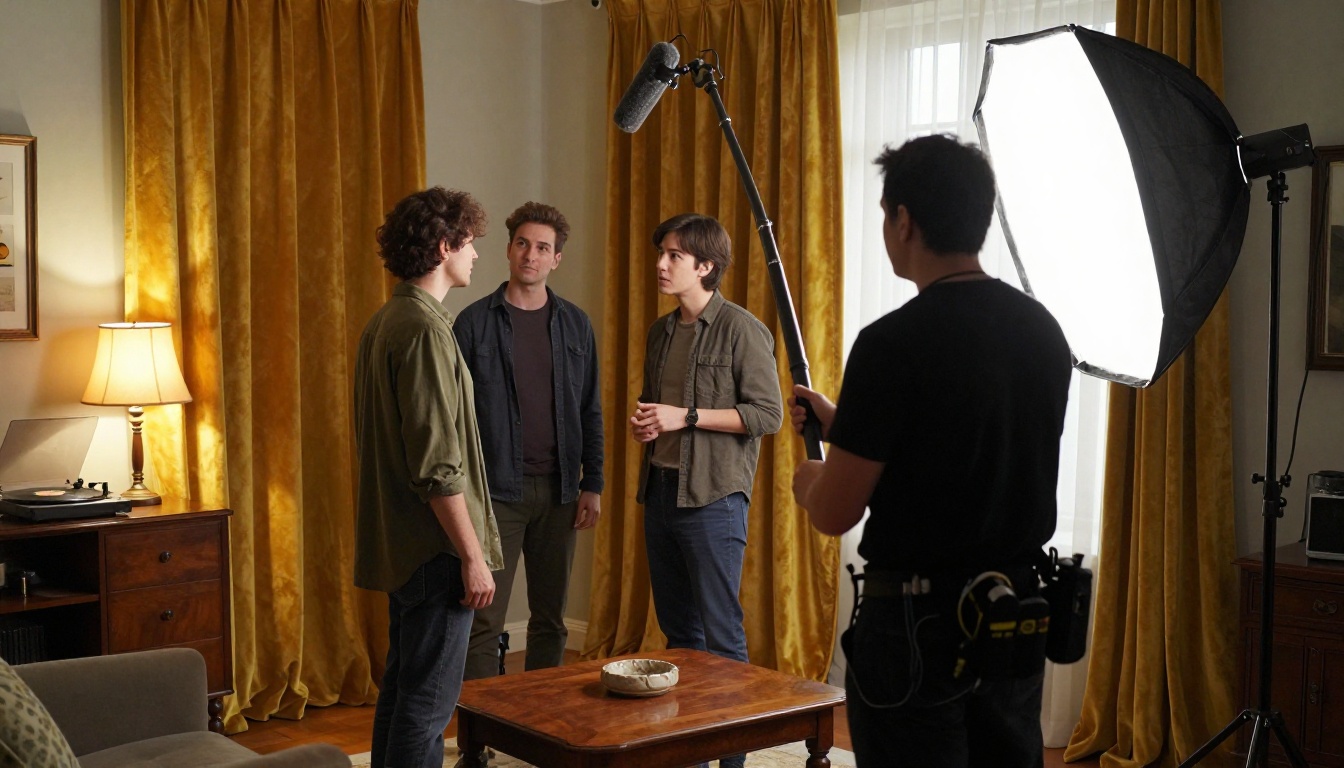
What This Means for Content Creators
Sora 2 Pro's audio quality changes the workflow for a specific category of creator: people who previously used AI video for rough content and then spent time and money adding audio in a dedicated tool afterward.
For talking-head social content, branded explainer videos, travel vignettes, short narrative films, and ambient loops, Sora 2 Pro can now produce content that is genuinely upload-ready from a single generation. That's a workflow compression that was impossible twelve months ago.
The corollary is that it raises the bar for what "good AI video" means. When viewers start expecting audio-synchronized, spatially coherent sound from AI video, a model that produces visually impressive but acoustically flat output will feel dated. The audio quality of Sora 2 Pro is less a bonus feature and more a signal of where the baseline is heading across the entire category.
For teams producing content at scale, this also changes the cost model. Adding professional audio to AI-generated video previously required either a sound designer, a foley library, or an editor's time. Sora 2 Pro reduces that to zero for a large percentage of use cases, and the saving compounds significantly at volume.


Start Creating Your Own Videos with PicassoIA
The best way to understand what Sora 2 Pro's audio actually sounds like is to generate something yourself. PicassoIA gives you direct access to Sora 2 Pro and Sora 2 alongside the full range of audio-capable models, including Veo 3, Seedance 2.5, Kling v3 Video, and Pixverse v6.
Try a nature scene with a detailed acoustic environment in your prompt. Try a dialogue scene in a specific room type. Try an action sequence with explicit material descriptions. The difference between Sora 2 Pro and models that generate audio as an afterthought becomes immediately clear on the first playback.
PicassoIA also offers over 87 text-to-video models across a wide range of specializations. Once you've found the audio-visual quality you're looking for with Sora 2 Pro, you can use the platform to scale production: video editing, enhancement, lipsync, and effects tools are all available alongside the generation models.
You can see the full model catalog at picassoia.com/en/all-models.


