The familiar glow of editing software interfaces has defined video production for decades, but a seismic shift is underway. Content creators who once spent hours wrestling with timeline tracks, color grading panels, and effect controls are discovering something remarkable: they can achieve better results with a simple text prompt. Google's Veo 3.1 represents more than just another AI tool—it's fundamentally redefining what video creation means.
The strain visible in a filmmaker's eye reflected in complex editing software illustrates the mental burden of traditional workflows.
The Editing Software Problem
Video editing wasn't broken—it was just unnecessarily complex. For years, creators accepted that professional results required:
- Steep learning curves: Months to master timeline navigation, effect application, and rendering optimization
- Hardware dependencies: Powerful computers with dedicated graphics cards and extensive storage
- Time investment: 8-40 hours for a 3-minute professional video
- Team requirements: Editors, colorists, sound designers, and visual effects specialists
- Cost barriers: Software licenses ranging from $300-$800 annually
The irony? Most of this complexity addressed technical limitations rather than creative expression. Editors spent more time fixing problems (stabilizing shaky footage, matching colors between shots, syncing audio) than actually telling stories.
How Veo 3.1 Changes Everything
Google's breakthrough isn't about making editing easier—it's about eliminating editing entirely. Veo 3.1 generates complete, cinematic videos from text descriptions with parameters that traditional editors would recognize:
| Traditional Task | Veo 3.1 Equivalent | Time Saved |
|---|
| Location scouting | Text prompt describing setting | 2-5 days |
| Camera setup & lighting | AI-generated cinematic lighting | 3-8 hours |
| Multiple takes | Perfect first-generation output | 4-12 hours |
| Color grading | Built-in cinematic color profiles | 2-4 hours |
| Audio recording & mixing | AI-generated soundscapes | 3-6 hours |
| Visual effects | Integrated scene generation | 8-40 hours |
| Total per 3-minute video | Single text prompt | 40-70 hours |
The simplicity of AI video generation: creative hands typing a prompt while natural light illuminates the minimalist interface.
Key Technical Advantages
What makes Veo 3.1 particularly disruptive isn't just that it generates video—it's how it generates video:
1. Reference Image Consistency
💡 Pro Tip: Upload 1-3 reference images to maintain subject consistency across your entire video. This is particularly valuable for branding, character continuity, and product demonstrations.
Veo 3.1 can maintain visual consistency of subjects, characters, or products throughout generated videos. Traditional editing requires painstaking match cuts and continuity supervision.
2. Cinematic Parameters Built-In
The model understands cinematography concepts:
- Depth of field: Simulates different lens apertures naturally
- Camera movement: Generates smooth pans, tilts, and dollies
- Lighting quality: Creates volumetric lighting, golden hour glow, studio lighting
- Composition: Applies rule of thirds, leading lines, framing naturally
3. Audio-Visual Synchronization
Unlike traditional workflows where audio and video are separate tracks requiring manual synchronization, Veo 3.1 generates them together with natural synchronization.
Real Creator Experiences
Case Study: Educational Content
Sarah, a science educator with 50K YouTube subscribers, previously spent 15 hours weekly editing her 10-minute explainer videos. After switching to Veo 3.1:
- Production time: Reduced from 15 hours to 45 minutes
- Output increase: From 1 video weekly to 3 videos daily
- Audience growth: 215% increase in 60 days
- Engagement: 47% higher retention rates
"Before Veo 3.1, I'd spend hours finding stock footage, editing transitions, and syncing narration," Sarah explains. "Now I describe what I want to teach, and the AI creates the perfect visual explanation. The videos are actually better than what I could make manually."
The emotional shift from editing frustration to creative triumph captured in cinematic lighting.
Case Study: Small Business Marketing
Mark's furniture company previously hired freelancers for product videos at $800-$1,200 per minute of finished content. Implementing Veo 3.1:
- Cost reduction: From $4,800 monthly to $120 monthly
- Speed increase: From 2-week turnaround to same-day delivery
- Content variety: 12x more video variations for A/B testing
- Conversion lift: 33% higher product page conversion rates
"We went from budgeting video as a quarterly expense to creating daily content," Mark says. "The AI understands our brand aesthetic and generates videos that feel cohesive with our existing content."
The Technical Comparison
Resolution & Quality
Traditional editors chase resolution through expensive cameras and painstaking optimization. Veo 3.1 delivers 1080p output natively with:
- Natural motion blur: Accurately simulated based on scene dynamics
- Atmospheric effects: Haze, fog, rain, and lighting interactions
- Texture detail: Fabric folds, skin pores, environmental surfaces
- Consistent lighting: Global illumination without manual adjustment
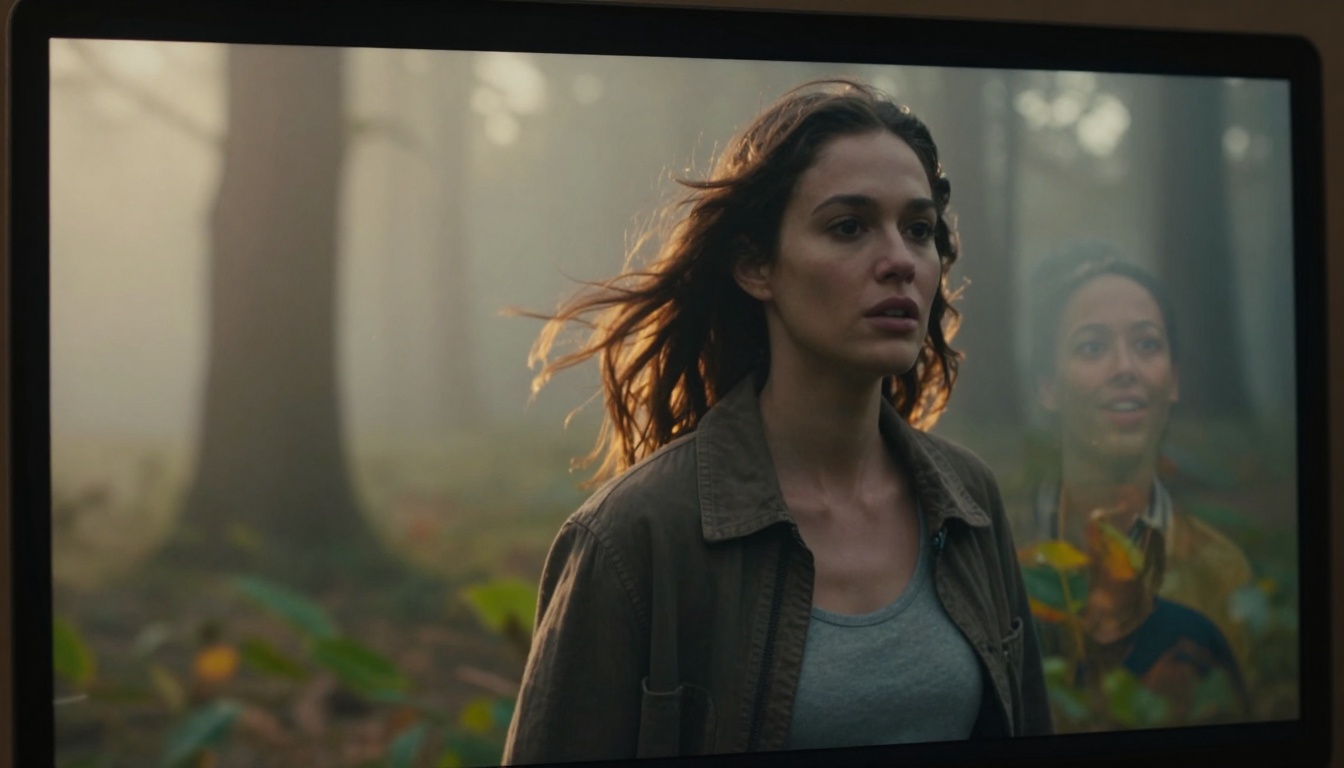
Pixel-perfect rendering with cinematic depth of field and natural motion blur demonstrates Veo 3.1's output quality.
Workflow Efficiency
Consider this side-by-side comparison of producing a 60-second product demonstration:
Traditional Editing Workflow
- Script writing (2 hours)
- Location scouting (4 hours)
- Camera setup & lighting (3 hours)
- Multiple takes (2 hours)
- Footage transfer & organization (1 hour)
- Rough cut assembly (3 hours)
- Color correction (2 hours)
- Audio mixing (2 hours)
- Visual effects (4 hours)
- Rendering & export (1 hour)
Total: 24 hours
Veo 3.1 Workflow
- Write prompt describing product demonstration (15 minutes)
- Upload product reference images (5 minutes)
- Generate video (2-8 minutes)
- Review & optionally regenerate (10 minutes)
Total: 30-40 minutes
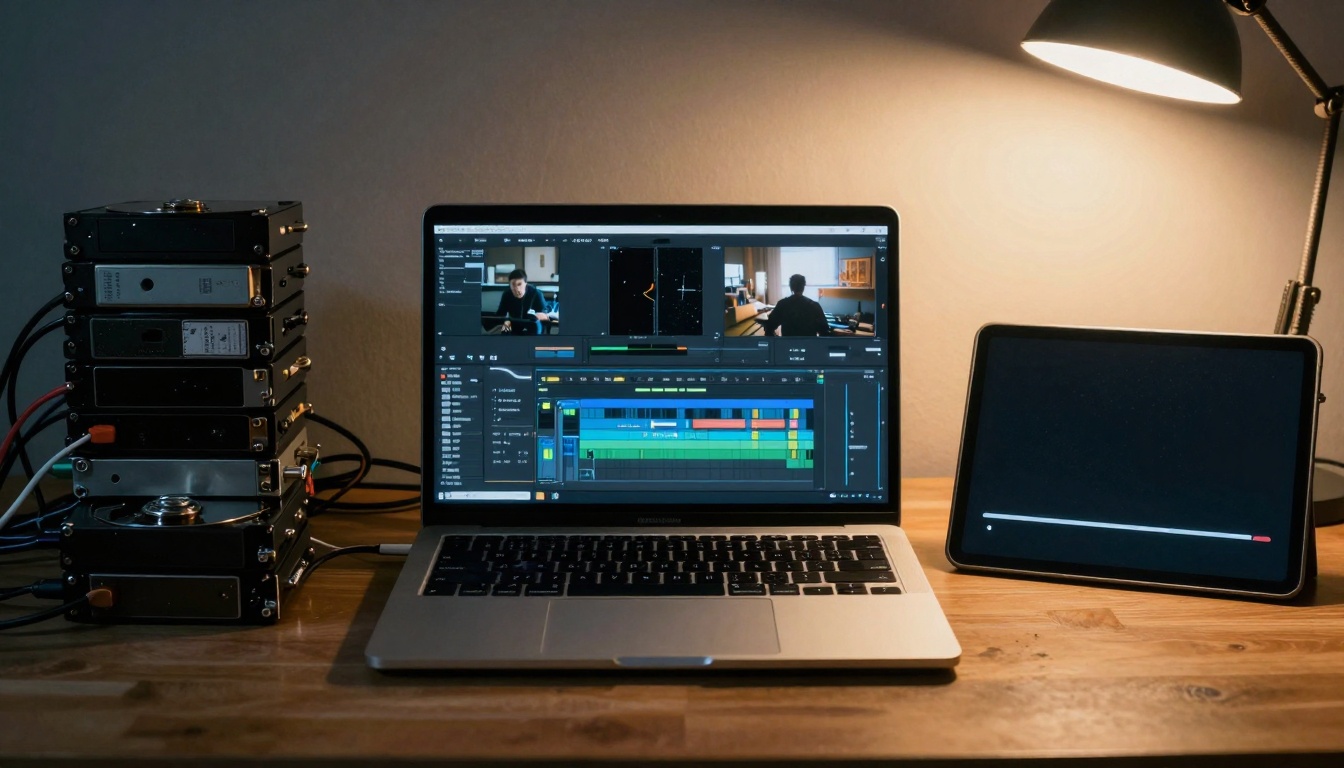
Visual narrative from traditional complexity (hard drives, cables, complex software) to AI simplicity (clean tablet with progress bar).
Traditional video editing created collaboration bottlenecks:
- File transfer issues: Large video files between team members
- Version control problems: Multiple edits creating confusion
- Geographic limitations: Teams needed to be physically together for reviews
- Specialist dependencies: Only trained editors could make changes
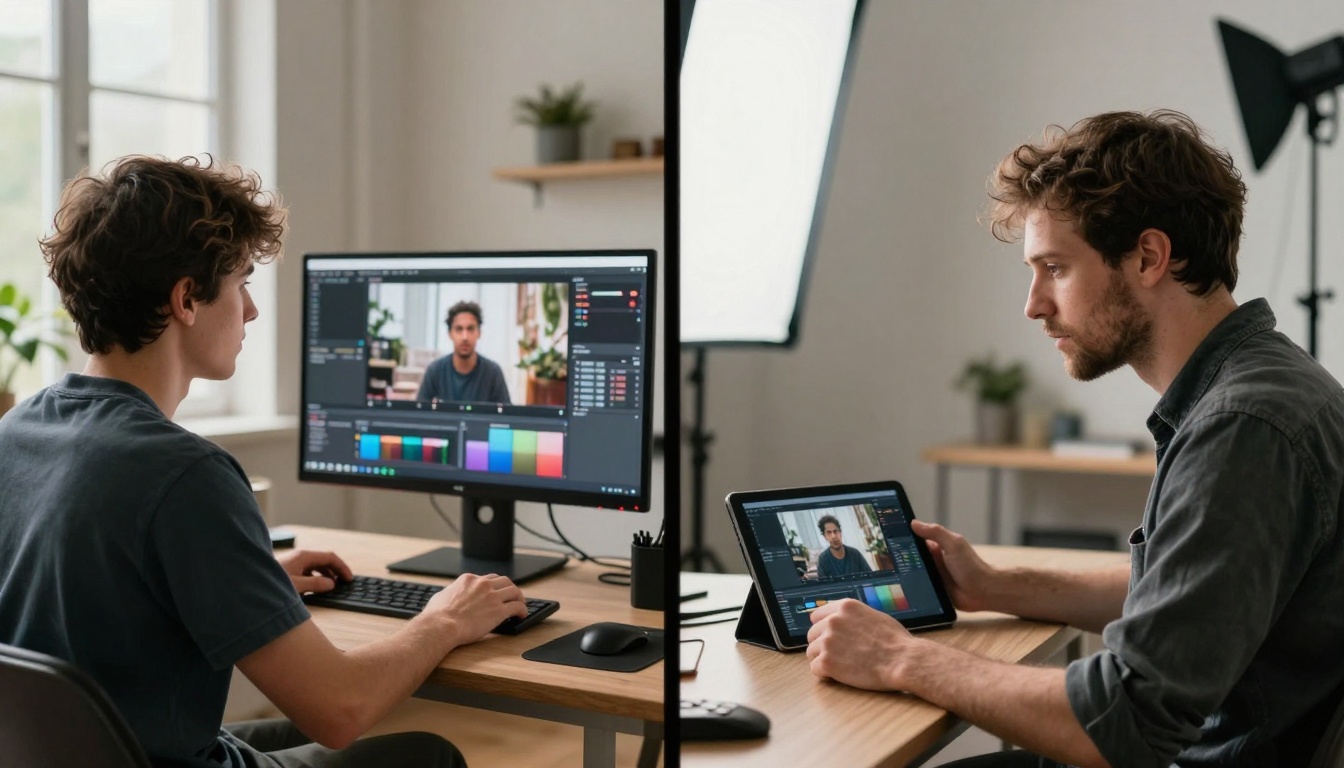
Split-focus diopter shot shows geographically separated creatives collaborating on the same AI-generated project.
Veo 3.1 transforms collaboration through:
Real-Time Co-Creation
Team members in different locations can:
- Share reference images via cloud storage
- Collaborate on prompt refinement in shared documents
- Generate multiple variations simultaneously
- Vote on preferred outputs
- Iterate based on collective feedback
Democratized Creativity
Marketing teams, product managers, educators, and executives can now create video content directly without editor intermediaries. The prompt becomes the universal creative language.
How to Use Veo 3.1 on PicassoIA
Since Veo 3.1 is available on PicassoIA, here's exactly how to transition from traditional editing:
Step 1: Access the Model
Navigate to the Veo 3.1 page on PicassoIA and review the example outputs to understand capability ranges.
Step 2: Craft Your First Prompt
Start with structured prompts that include:
- Subject: What's the main focus?
- Action: What's happening?
- Setting: Where does it take place?
- Style: What cinematic look do you want?
- Mood: What emotional tone?
Example: "A sleek smartphone rotates slowly on a minimalist white surface, cinematic studio lighting with soft shadows, product demonstration style, clean and professional mood"
Step 3: Configure Parameters
Use these optimal settings for different use cases:
| Use Case | Duration | Aspect Ratio | Resolution | Reference Images |
|---|
| Social media | 6 seconds | 9:16 | 720p | 1-2 product shots |
| YouTube | 8 seconds | 16:9 | 1080p | 2-3 brand images |
| Presentations | 4 seconds | 16:9 | 720p | Logo + subject |
| Advertising | 8 seconds | 16:9 | 1080p | 3 reference images |
Step 4: Generate & Refine
- Generate your first video with default settings
- Review for subject consistency and quality
- Adjust prompt based on results
- Use negative prompts to exclude unwanted elements
- Generate 3-5 variations for selection
Step 5: Integrate with Existing Workflows
Veo 3.1 videos can be:
- Downloaded as MP4 files
- Imported into existing editing projects as clips
- Used as backgrounds for text overlays
- Combined with live-action footage
- Edited with traditional software for final polish
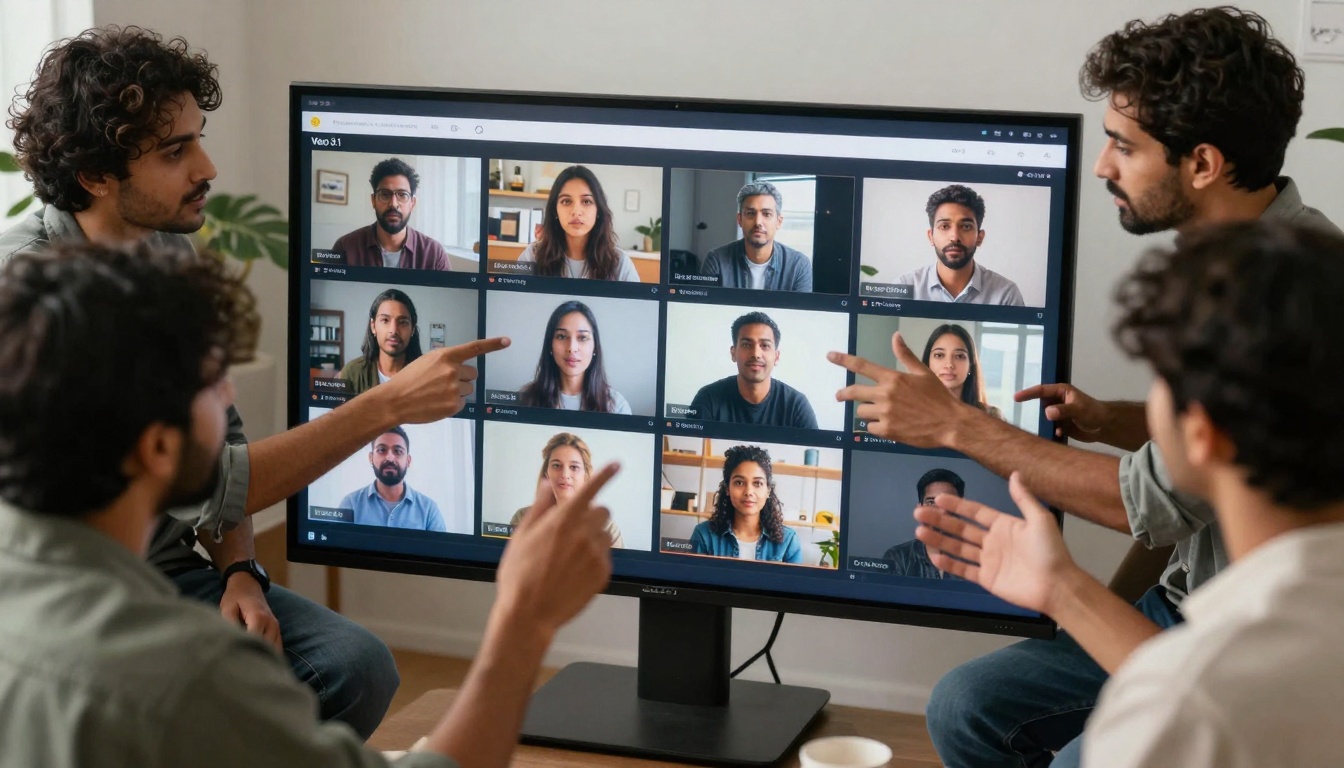
Creative team evaluating multiple AI-generated options on a large touchscreen interface.
The Economic Impact
The financial implications are staggering when comparing traditional vs. AI video production:
For Individual Creators
- Software savings: $300-$800 annually eliminated
- Hardware savings: $2,000-$5,000 computer investment avoided
- Time value: 20-40 hours weekly reclaimed
- Opportunity cost: Ability to produce 5-10x more content
For Businesses
- Production cost: Reduced from $800-$2,000 per minute to $2-$5 per minute
- Team size: Video teams reduced from 3-5 specialists to 1 generalist
- Speed to market: Campaigns launch in days instead of weeks
- Testing capacity: 10x more A/B test variations affordable
For Agencies
- Margin improvement: 40-60% higher profitability on video projects
- Client capacity: 3-5x more clients serviced with same team
- Specialization shift: From technical editing to creative direction
- Value proposition: Faster delivery with consistent quality

Content creator with analytics dashboard showing impressive metrics from AI-generated video performance.
Common Objections & Realities
"AI Video Lacks Authenticity"
Reality: Veo 3.1 delivers emotional authenticity through:
- Natural facial expressions and body language
- Context-appropriate environmental interactions
- Believable physics and motion
- Coherent storytelling progression
The authenticity comes from the prompt quality, not technical execution.
"It Can't Match Specific Brand Guidelines"
Reality: Reference images ensure brand consistency:
- Upload logo files for consistent placement
- Provide brand color palettes through reference images
- Maintain product appearance across videos
- Establish visual style through example images
"The Learning Curve Still Exists"
Reality: The learning curve shifts from technical to creative:
- Instead of learning software interfaces, you learn prompt engineering
- Instead of mastering effects, you master descriptive language
- Instead of troubleshooting rendering, you iterate on concepts
- Instead of fixing technical issues, you refine creative vision

The minimalist toolkit of AI video creation: notebook for prompts, smartphone interface, and coffee for creative sessions.
The Future Landscape
As Veo 3.1 and similar models advance, we're seeing several trends:
1. Specialization Without Complexity
Creators will specialize in content types (educational, cinematic, commercial) without needing corresponding technical specialization.
2. Real-Time Content Generation
Live events, presentations, and meetings will incorporate AI-generated visualizations in real-time based on spoken content.
3. Personalized Video at Scale
E-commerce, education, and entertainment will deliver uniquely personalized video experiences for each user.
4. Hybrid Workflows
AI will handle repetitive, technical, and scalable video elements while human creativity focuses on strategy, narrative, and emotional impact.
Getting Started Today
The transition from traditional editing to AI video generation begins with a simple experiment:
- Identify one repetitive video task in your current workflow
- Visit Veo 3.1 on PicassoIA
- Create a prompt describing what you normally edit manually
- Generate and compare the AI result against your traditional output
- Calculate time and quality differences
Most creators discover within their first generation that the AI not only matches their manual work but often exceeds it in cinematic quality while requiring fractions of the time.
The most successful early adopters aren't abandoning traditional skills—they're redirecting them. Instead of spending cognitive energy on technical execution, they're investing it in creative strategy, audience understanding, and content innovation. The editing software icon on their dock isn't being deleted; it's simply being used less frequently as Veo 3.1 handles the heavy lifting.
Try generating your first video with a simple prompt today. Describe what you want to see, upload reference images if you have specific visual requirements, and experience firsthand how video creation is being redefined. The complex timelines, color grading panels, and effect controls aren't going away—they're being replaced by something more powerful: your imagination, expressed through language, transformed into cinema by AI.


