Why Your AI Videos Look Boring (and What You're Doing Wrong)
If your AI-generated videos feel lifeless and forgettable, the issue isn't the tool. It's the input. This article breaks down every reason why AI videos look boring, from vague prompts and missing camera direction to flat lighting and the wrong model choice, with specific fixes you can apply immediately to start producing cinematic, engaging footage.
You typed a prompt. The model ran. The video came back. And it looks like nothing. Flat. Stiff. Like a PowerPoint slide somebody forgot to animate. If you've been hitting Generate and feeling disappointed, the problem almost certainly isn't the model, the platform, or your hardware. It's what you're asking for. This article breaks down every reason why your AI videos look boring and shows you, specifically, how to fix each one.
The Real Problem Isn't the Model
Here's the uncomfortable truth: most people blaming their AI video tool are writing five-word prompts and expecting feature-film output. Models like Kling v3, Veo 3, and Wan 2.7 T2V are extraordinarily capable. They can produce footage that looks like it cost thousands to shoot. But they need detail to work with.
The model is not "bad." It is completing exactly the request you gave it. The request was just empty.
What "boring" actually means
When people say their AI video looks boring, they usually mean one or more of these things:
No motion: subjects stand rigid like statues
Flat lighting: everything is equally lit with no shadows, no depth
No atmosphere: sterile backgrounds, no texture, no environment
Generic framing: dead-center subjects, no cinematic composition
Zero narrative tension: nothing happening, no reason to keep watching
Each of these maps directly to something missing in your prompt. Let's go through them one by one.
It starts with your prompt
The prompt is not a search query. It's a creative brief for a cinematographer, a set designer, a lighting director, and a camera operator, all at once. Treating it like a Google search is the single biggest mistake beginners make.
Your Prompts Are Too Vague
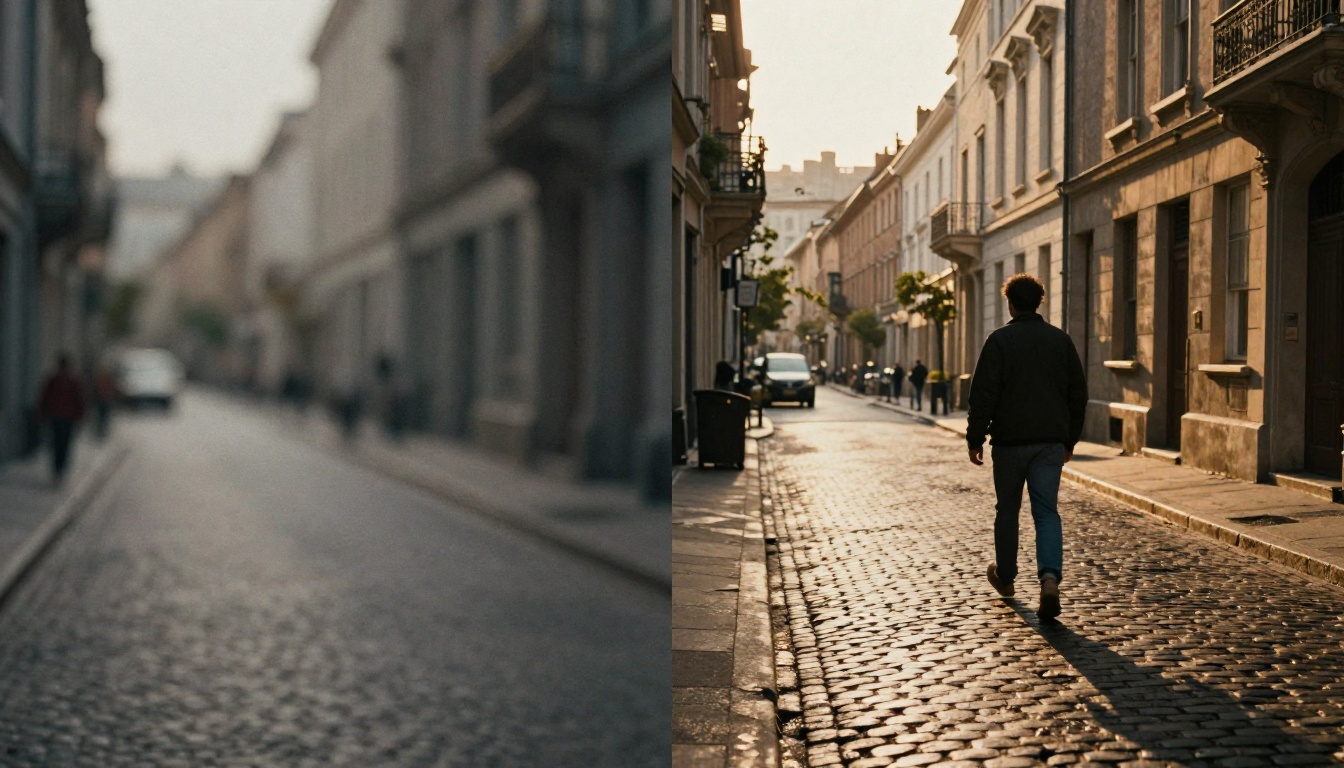
Vague prompts produce vague videos. This isn't a flaw in the system. It's cause and effect. The model fills in missing information with its most "average" training examples, and averages are, almost by definition, unremarkable.
The generic prompt trap
Compare these two prompts:
Weak Prompt
Strong Prompt
"a woman walking in a city"
"a woman in a red trench coat walking briskly through a rain-soaked Tokyo street at midnight, neon reflections dancing on wet pavement, light fog, shot from slightly below, 85mm lens, shallow depth of field"
"a man on a beach"
"a surfer in his 40s, sun-weathered face, sitting alone at dawn on a misty Pacific beach, watching the waves, shot from behind at ground level, wide angle, golden pre-sunrise light from right horizon"
"a cat on a table"
"a large Maine Coon cat with amber eyes perched on a rustic wooden farm table in a country kitchen, late afternoon sunlight cutting through a half-open window, dust particles in the air, close-up, 50mm lens"
The left column generates boring videos. The right column gives the model a complete visual scene to work from.
How to add specificity
Every strong video prompt needs five layers:
Subject: Who or what. Include age, appearance, clothing, expression.
Action: What they're doing. Not "walking" but "striding with urgency, glancing back over their shoulder."
Environment: Where. Not "city" but "narrow cobblestone alley in Rome, medieval stone walls, hanging laundry overhead."
Lighting: How the scene is lit. Direction, color temperature, quality (hard, soft, diffused, harsh).
Camera: Angle, lens, distance, movement.
Miss any of these five and you get a flat result.
Missing Motion and Camera Direction
This is probably the most common reason AI videos look static and dull. Most prompts describe a scene but never tell the model how the scene should move. AI video models are not just filling a frame. They're generating motion over time. If you don't direct that motion, the model defaults to minimal movement.
Static vs. dynamic prompting
A static prompt: "a forest with trees and sunlight."
A dynamic prompt: "camera slowly pushing forward through a dense old-growth forest at dawn, morning mist drifting between ancient moss-covered trunks, shafts of golden light filtering through the canopy, leaves rustling gently in a low breeze."
The second prompt describes motion at every level: camera movement (slow push forward), environmental motion (mist drifting, leaves rustling), and atmospheric change (light filtering and shifting). The model now has a motion language to work with.
Camera movement keywords that work
Use these camera movement descriptors in your prompts:
Dolly in: "camera slowly pushing in toward..."
Pull back reveal: "camera pulling back to reveal..."
Pan: "slow horizontal pan across..."
Tilt up: "camera tilting upward to reveal sky..."
Orbit: "camera orbiting slowly around the subject..."
Handheld: "slight handheld camera shake, documentary style..."
Crane rise: "camera rising from ground level to aerial height..."
Models like Kling v3 Motion Control and Kling v2.6 Motion Control go even further by allowing you to define precise camera trajectories through a visual interface. If you want frame-perfect camera movement, these models are purpose-built for it.
💡 Pro tip: Subject motion and camera motion are different things. Describe both. "A woman runs through the rain" (subject) plus "camera tracks alongside her at shoulder height, slight motion blur" (camera) equals a scene with genuine cinematic energy.
Flat Lighting Kills Everything
Lighting is the single most powerful element in cinematography. A scene shot in flat, directionless light looks amateur regardless of content. The same scene shot in directional, atmospheric light looks expensive. This is true for real cameras and completely true for AI video models.
Why lighting descriptions matter
Most people write prompts that describe subjects in isolation from light. They write "a woman in a red dress" when they should be writing "a woman in a red dress, lit from the left by warm afternoon sunlight casting a long shadow to the right, soft fill light from a reflector on the right side, slight hair light separating her from the dark background."
The second version gives the model a three-point lighting setup in plain language. The video output will look like it was professionally lit.
3 lighting setups that pop on video
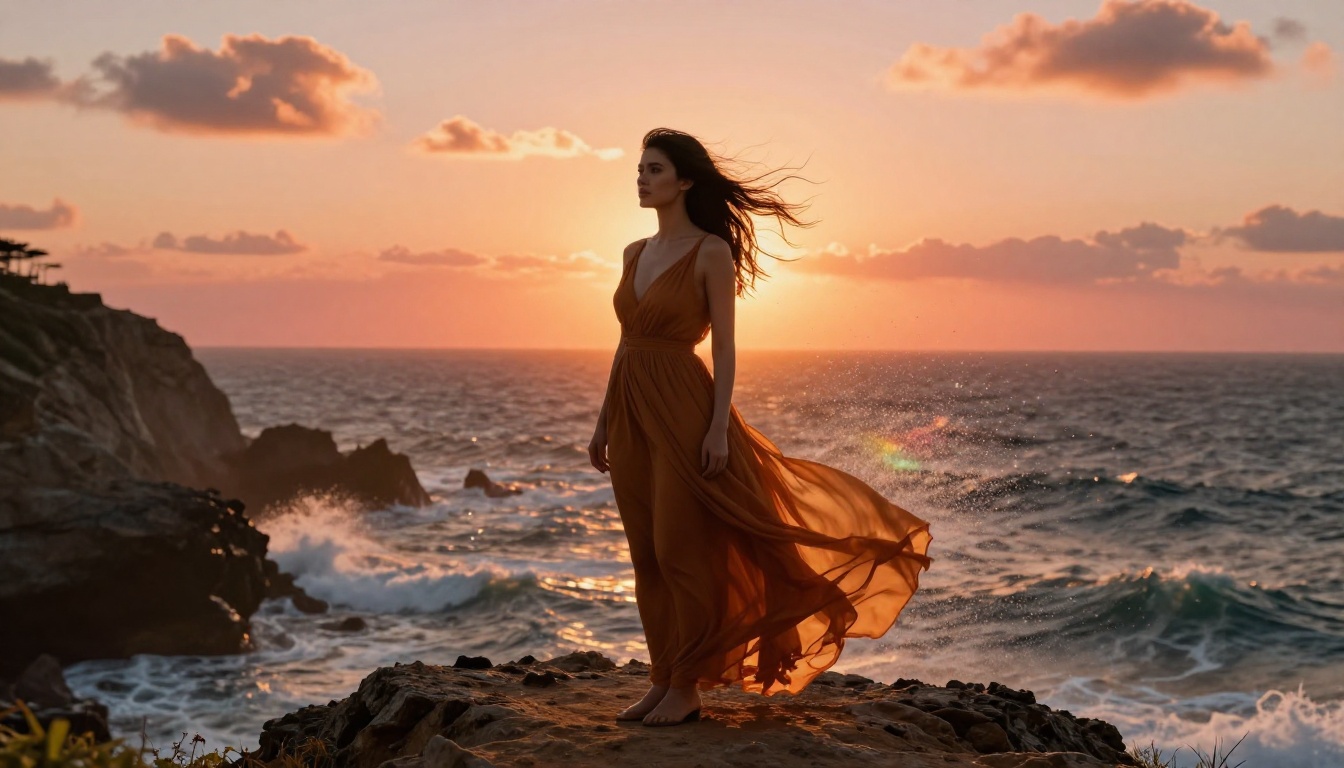
Golden hour side lighting: "late afternoon sun at 30 degrees off axis, warm amber light, long shadows, slight lens flare." This creates instant warmth and depth.
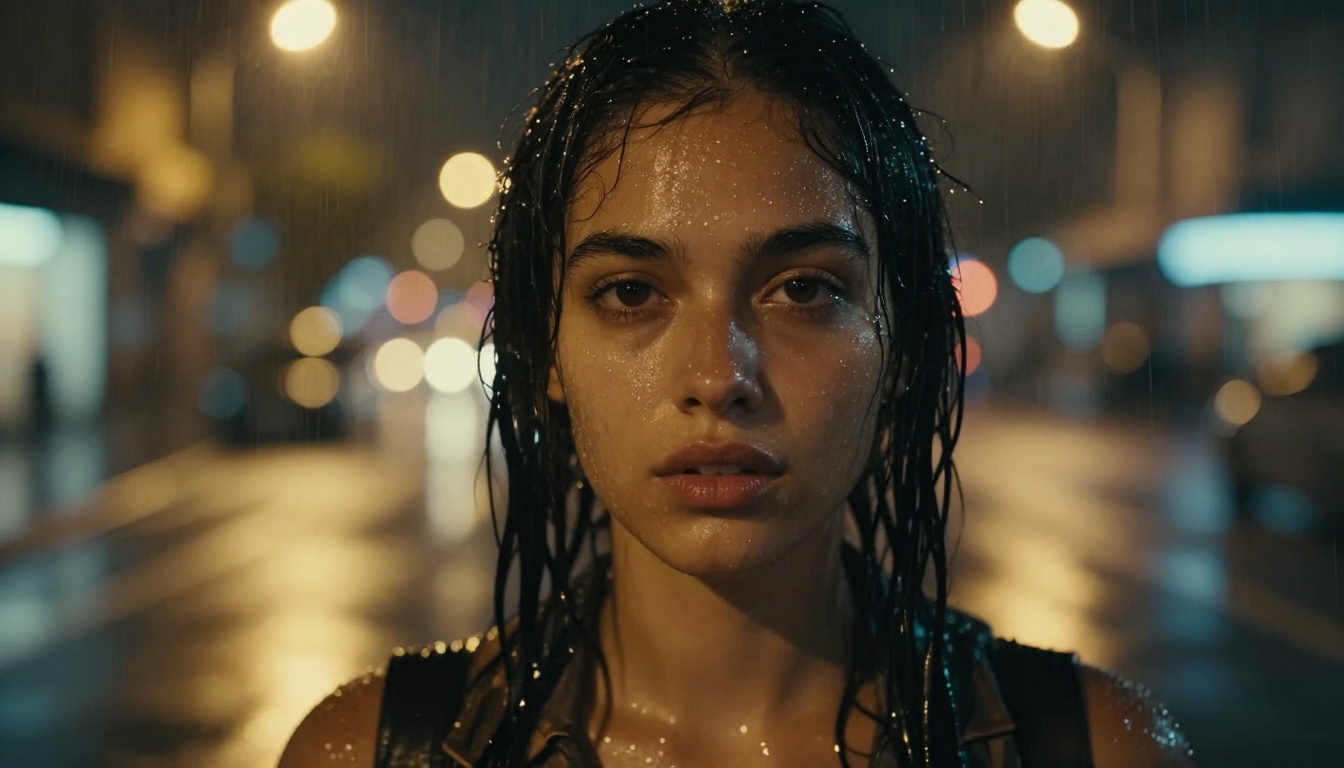
Rainy night neon: "overcast night, wet reflective surfaces, warm yellow and cool blue neon signs reflecting on puddles, soft ambient glow, low key." Creates mood and texture immediately.
Interior window light: "soft directional light from a large window to the left, gentle falloff to the right side, indoor ambient fill, bright highlights on edges facing the window." Clean, natural, cinematic.
💡 Add lighting color temperature: "warm tungsten 3200K" vs "cool daylight 6500K" vs "magic hour 4500K." Models respond to these specifics and the resulting footage reflects it in color grading and shadow behavior.
Wrong Model for the Wrong Job
Not every AI video model produces the same type of footage. Using a model designed for realistic documentary footage to generate a stylized action sequence, or vice versa, will always produce disappointing results. Model selection is part of the creative process.
Match the model to the content
Here's a quick breakdown of what different model strengths look like in practice:
If you're creating content that needs to feel like a real film, Kling v3 consistently delivers the most cinematically plausible motion physics and lighting response. Its physics engine handles fabric movement, hair dynamics, and water simulation in ways that lighter models can't match.
For high-volume content creation where iteration speed matters, Seedance 1.5 Pro is one of the fastest options that doesn't sacrifice visual quality at 1080p.
If your starting point is a still image that you want to animate with life and motion, Wan 2.7 I2V or Pixverse v4.5 will produce more coherent results than a pure text-to-video model working without visual reference.
No Story, No Emotion
This one goes deeper than technique. The most technically perfect AI video will still feel hollow if there is no human tension in the scene. Viewers connect to emotion. They connect to stories. They connect to moments that feel like something is about to happen, or just happened, or is being held just at the edge of breaking.
Why context creates tension
Compare these two prompts at the story level:
No story: "a man standing by a window at night."
Story present: "a man in his 50s standing by a rain-streaked apartment window at midnight, holding a phone he hasn't dialed yet, jaw tight, watching a taxi pull away on the street below."
Same location. Same character. Completely different emotional weight. The second prompt implies an entire narrative without stating it. The model responds to this by generating micro-movements: the slight tension in the jaw, the stillness of the hand holding the phone, the eyes tracking the departing taxi.
Adding emotional weight to prompts
Use these techniques to inject story into any scene:
Add a relationship: not "two people at a table" but "two estranged sisters at a small kitchen table, a birthday cake untouched between them"
Imply preceding action: "just returned from" or "about to leave for" creates temporal context
Show internal state through physical detail: "hands clasped tight in lap," "avoiding eye contact," "small involuntary smile at the corner of the mouth"
Use weather and environment as emotional metaphor: rain for tension, golden hour for nostalgia, overcast for unresolved grief
💡 If your video is meant to sell something, emotion is not optional. People buy from feeling, not from specification. A product video that makes someone feel something will always outperform one that simply shows the product.
How to Fix It: A Repeatable Process
Now that we've covered every layer of the problem, here is a repeatable process for building prompts that produce cinematic, engaging video every time.
Building a cinematic prompt
Use this structure and fill in every slot before generating:
[Subject: who/what + appearance + emotional state]
[Action: specific movement or behavior]
[Environment: location + time of day + weather + specific details]
[Lighting: source + direction + color temperature + quality]
[Camera: angle + lens + movement + distance]
[Atmosphere: texture, particles, ambient details]
Example output using this structure:
"A young chef in a white apron, hands dusted with flour, kneading bread dough with focused intensity. In a warm artisan bakery kitchen at 6am, cast iron pans hanging on brick walls in the background, slight steam rising from a nearby oven. Low morning light from a high window casting warm shadows across the wooden prep table. Camera slowly pushing in from waist level, 50mm lens, shallow depth of field focusing on hands."
That single prompt contains all five layers: subject, action, environment, lighting, and camera. A model like Wan 2.7 T2V or Kling v3 will produce something visually striking from this because it has a real scene to render.
Using motion control for precision
For advanced users who want frame-level control over where the camera moves, Kling v3 Motion Control allows you to draw the camera trajectory directly on the interface. This removes ambiguity from camera movement entirely.
The workflow is straightforward:
Write a strong static prompt establishing scene, subject, and lighting.
Open the motion control panel.
Define the camera path using the trajectory tool.
Set the movement speed and arc.
Generate.
This is how professional content creators get precise crane shots, orbital movements, and complex reveal sequences that would be impossible to specify in text alone.
💡 Pair motion control with a high-detail subject prompt. The camera choreography handles where we look. The prompt handles what we see. Both must be strong for the result to hold up.
The Difference Is Real
The difference between a boring AI video and a compelling one is not luck. It's not which tool you paid for. It's not even which model you selected. It's the quality of information you gave the system to work with.
Every flat, static, lifeless AI video you've produced is the output of a flat, static, lifeless input. That's actually good news, because it means the fix is entirely in your hands.
Here's a quick checklist before you hit Generate next time:
Does my prompt have a specific subject with appearance details?
Does it describe specific action, not just presence?
Does it name the environment with time of day and texture?
Does it define the lighting source, direction, and quality?
Does it specify camera angle, lens type, and movement?
Does it carry some emotional or narrative weight?
If you can check all six boxes, your video will not be boring.
Start Creating Right Now
The models are already there, waiting. Kling v3, Veo 3, Sora 2, LTX 2 Pro, Seedance 1.5 Pro, and Ray are all available without installing anything, without a credit card on file, without waiting for a waitlist. You can open the platform, write a strong prompt using the framework from this article, and have a cinematic video in your hands in under two minutes.
Take the worst prompt you've written recently. The five-word one. Apply every layer from this article to it. Then generate. The result will speak for itself.