The question sounds provocative, maybe even naive. Filmmaking, for most of history, required a crew, a camera budget that could buy a house, years of training, and access to industry connections that most people never get. So when someone claims AI is about to change all of that, the skepticism is understandable.
But the skeptics are arguing against something that is already happening.
Right now, text-to-video AI models are producing footage that would have taken a production team weeks to shoot. Solo creators are generating cinematic short films from a laptop. The production cost isn't dropping: it has essentially hit zero for the first phase of creation. The question isn't whether AI will change filmmaking. It already has. The real question is how far that change goes, and what walls are still standing.
The Old Barriers Were Real
Money Was the First Wall
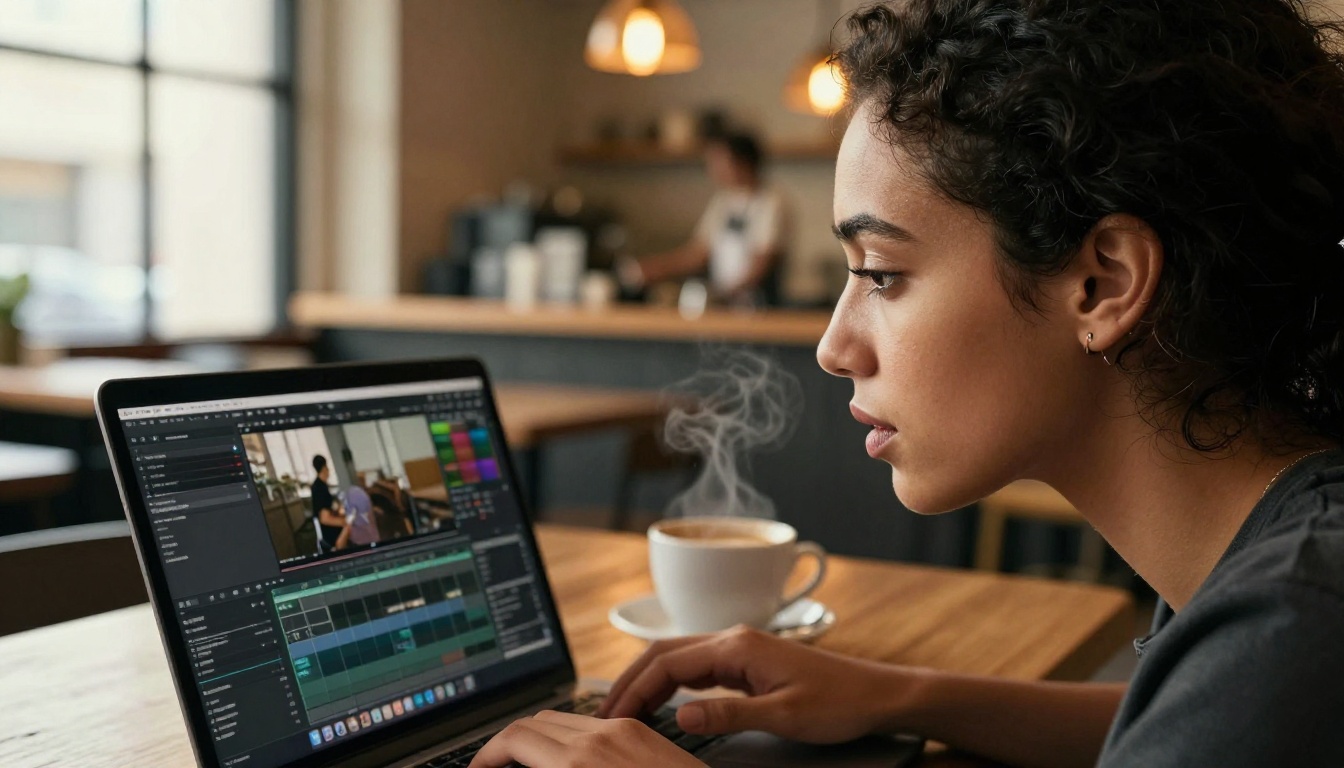
Before digital cameras, a 35mm film shoot burned through cash at a speed most people couldn't fathom. Even when DSLRs democratized camera access in the 2010s, the costs didn't disappear. They just shifted. You still needed lighting rigs, sound equipment, locations with permits, actors who expected to be paid, editors with industry-standard software subscriptions, and a colorist who knew what they were doing.
A micro-budget independent film in 2015 could cost anywhere from $10,000 to $100,000, and that was considered cheap by industry standards. Anything with visual effects, period settings, or complex stunts multiplied that figure fast.
AI video generation didn't just reduce that barrier. For short-form work, it removed it entirely.
The Crew Problem
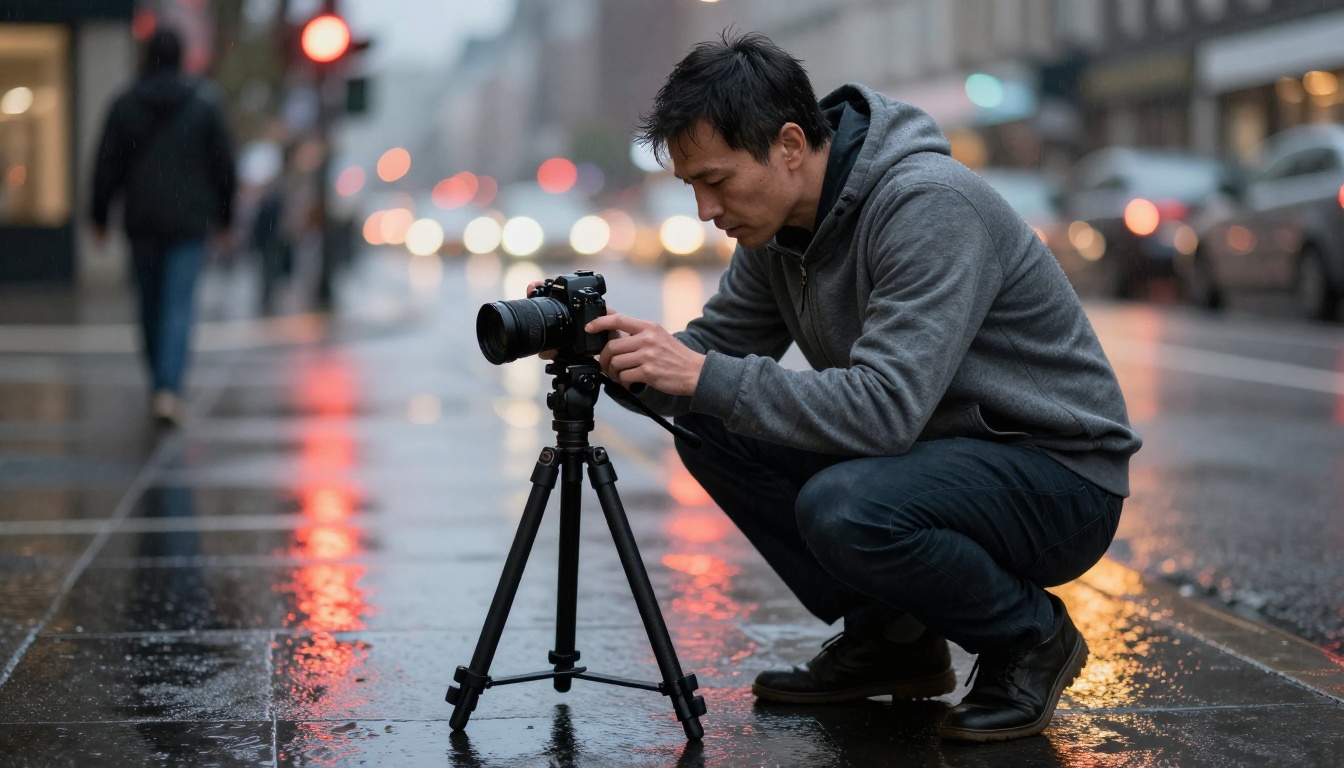
Even if you had the money, you needed people. A director of photography who could read light. A sound operator who could isolate clean dialogue in a noisy location. A gaffer who could rig a scene in minutes. An editor who could make sense of 80 hours of raw footage.
All of those roles required years of learning, often through internships and low-paid assistant jobs in a very closed industry. Most people who wanted to tell stories on screen simply could not get inside that door.
That's what makes the current moment so significant. You don't need a DP if the model generates the frame. You don't need a gaffer if you prompt "volumetric morning light from the left." You don't need a colorist if the output already looks like it was graded.
What Text-to-Video AI Can Actually Do Now
The Models Worth Knowing
The text-to-video space has moved faster in the past 18 months than the previous decade of filmmaking technology combined. Several models now sit at genuinely cinematic quality.
Kling v3 Video from Kwaivgi has become a benchmark for realistic motion and cinematic output. It handles complex scene compositions, character movement, and atmospheric lighting with a consistency that earlier models struggled to maintain for even three seconds of footage.
Veo 3 from Google added native audio generation, which was a significant leap. A model that generates synchronized ambient sound alongside the video removes one of the biggest post-production headaches for solo creators.
Sora 2 from OpenAI demonstrated something important: long-form coherence. Earlier models would fall apart after a few seconds. Sora 2 maintains scene integrity across longer clips, which is what narrative filmmaking actually requires.
Wan 2.7 T2V produces 1080p output with impressive detail retention. For creators who need the raw resolution of a broadcast-ready format, this is where the work happens.
Seedance 1.5 Pro from ByteDance combines high visual fidelity with built-in audio, making it one of the more complete single-tool solutions for short-form cinematic content.
LTX 2 Pro from Lightricks generates 4K output, which matters the moment your film needs to play on a large screen or through a streaming pipeline with quality requirements.
What These Models Do Well
💡 The strongest use cases for AI video right now are not replacing cinema. They are replacing the parts of production that cost the most for the least creative return.
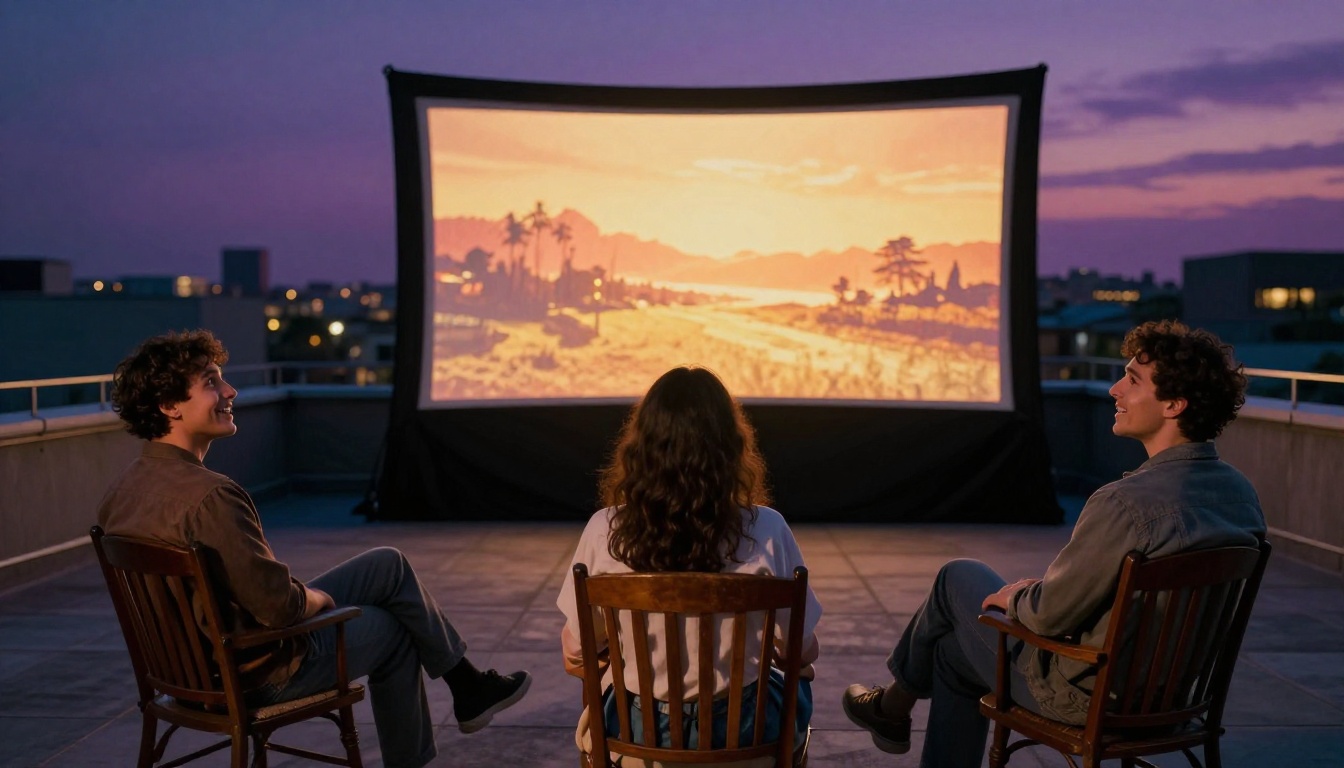
Establishing shots. Transition sequences. Abstract visual metaphors. Environmental storytelling. These are the scenes that used to require location scouts, travel budgets, and permits. Now they require a well-written prompt and about two minutes of generation time.
The models listed above are particularly strong in the following scenarios:
- Wide landscape shots with dramatic natural lighting
- Abstract or surreal sequences where perfect realism isn't required
- B-roll and cutaways that support a narrative without carrying it
- Short atmospheric clips under 10 seconds with strong visual impact
- Action sequences that would require stunts or VFX in traditional production
Where they're weak, and where human skill still dominates, is in sustained close-up character performance. Faces are hard. Micro-expressions are harder. Lip sync to dialogue is a separate and more complex problem that lipsync-specific models are solving, but it's still a different step in the pipeline.
The Honest Limitations
Consistency Is the Hard Part
Ask any creator who has tried to tell a story across multiple AI-generated clips and they'll tell you the same thing: character consistency is broken.
The woman in clip one has dark hair and blue eyes. By clip three, her hair is lighter and her eye color has shifted. The model didn't do anything wrong in isolation. But film is continuity. Narrative is built on the assumption that the same person appears in different frames. Right now, that's the hardest problem in text-to-video AI, and it doesn't have a clean solution yet.
Some workflows use reference-image conditioning, where you lock in a character's appearance using an initial image, then generate subsequent clips that reference that look. Models like Kling v2.6 and Wan 2.6 T2V have made progress here, but it remains a workflow constraint rather than a solved problem.
The Story Problem
Generating a beautiful clip is not filmmaking. It's a starting point.
Cinema is about structure: the relationship between shots, the rhythm of cuts, the way silence lands before a difficult moment. AI can generate the raw material but it cannot, yet, tell you which shots to combine, in which order, and why. That is still a human creative decision.
The filmmakers who are actually producing compelling work with these tools are not simply "prompting films." They are writing scripts, storyboarding sequences, prompting specific shots to match that structure, and editing those clips together with the same discipline a traditional editor would apply.
The tool changes. The thinking required doesn't.
Who Stands to Gain the Most
Solo Creators With Something to Say
The most exciting development isn't that AI can make films for anyone with no effort. It's that AI removes the specific friction points that used to stop skilled storytellers who lacked production resources.
A novelist who wants to adapt their story. A documentarian who can't afford archival footage licensing. A writer who visualizes scenes with cinematic precision but couldn't access a camera or crew. These are the people for whom text-to-video AI is genuinely significant.
The creative vision was always there. The capital and infrastructure weren't. That gap is closing.
Writers Who Think Visually
Screenwriters have historically been at the mercy of the production machine. They deliver a script and then watch other people make decisions about how it looks. AI video generation is, for the first time, giving writers direct access to the visual realization of their ideas.
A screenwriter can now generate rough visual development for a scene, see how the light and composition feel against the dialogue, and iterate on that in hours rather than months of pre-production waiting.
This doesn't replace a cinematographer's real skill. But it changes the creative conversation in a significant way.
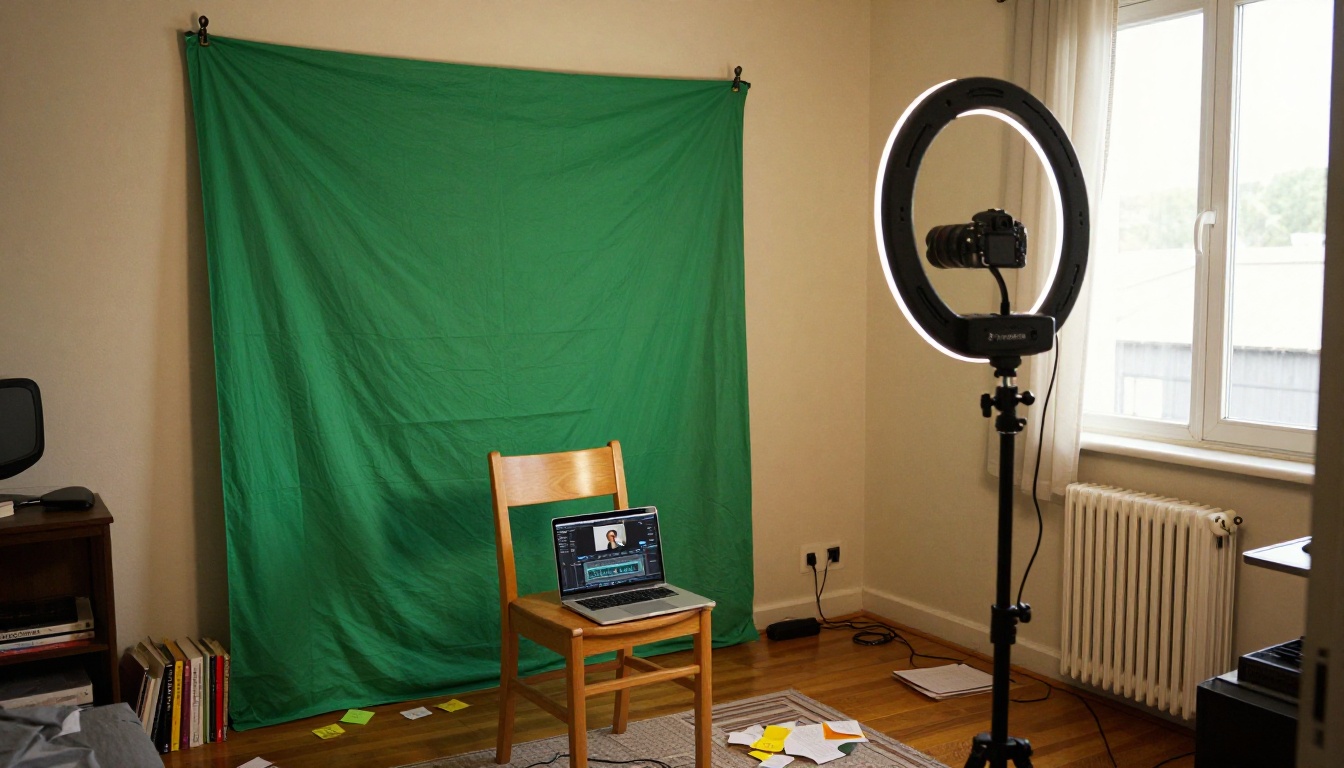
Making a Film with AI: What the Workflow Actually Looks Like
Start with the Script, Not the Prompt
The single most common mistake is treating text-to-video AI as the starting point. It isn't. The starting point is the story.
Write a scene. Break it into shots. Describe each shot the way a director of photography would: angle, subject position, lighting direction, lens feel, mood. That description becomes your prompt. The more cinematic your thinking, the better the output.
Choose the Right Model for Each Shot
Not all models perform equally across shot types. For fast-action sequences and high-fidelity motion, Kling v3 Video and Gen 4.5 from Runway are consistently strong. For wide atmospheric shots with natural lighting, Wan 2.7 T2V and LTX 2 Pro deliver exceptional detail retention.
For creators who want a single model that handles most scenarios well, P Video from PrunaAI is worth testing, as is Hailuo 2.3 for its cinematic motion quality.
Generate, Review, Regenerate
The first output is rarely the final output. Budget for iteration. Generate three to five variations of each shot and select the best. This is not failure: it's how the process works, and it's still faster than coordinating a physical shoot.
Edit Like a Film Editor, Not a Content Creator
Once you have your clips, assemble them in an editing timeline. Pay attention to rhythm. Think about what each cut communicates. Use silence. Let shots breathe. The difference between a film and a collection of clips is the intent behind every transition.
The Hollywood Question
There's a valid fear from within the industry: if AI can generate footage, what happens to the people who currently generate footage?
The honest answer is that some roles will shrink. Entry-level VFX positions, stock footage acquisition, certain categories of B-roll production: these will be displaced to some degree. That's a real consequence that the industry needs to reckon with directly.
But the other honest answer is that the demand for compelling visual storytelling is not fixed. It grows. New distribution platforms, new audience expectations, new formats requiring video content at scales that were never achievable before: all of this creates demand. The question is who captures that demand.
| What AI Changes | What It Doesn't Change |
|---|
| Production cost of individual shots | Quality of storytelling judgment |
| Access to cinematic visuals | Narrative structure and pacing |
| Time to generate B-roll and atmosphere | Emotional authenticity in character performance |
| Solo creator production capability | Film editing skill and rhythm |
| Visual iteration speed | Distribution, marketing, and audience building |
The filmmakers who will be most affected are not the ones with strong creative vision. They're the ones whose value was primarily in operating expensive equipment.
The Broader AI Ecosystem for Film
Beyond text-to-video, the wider AI toolkit matters for anyone who wants to make a complete film.
Image generation as a pre-visualization tool is already standard in production design. Models that generate photorealistic stills let directors communicate visual intentions with precision before a single video frame is generated.
Lipsync tools are closing the dialogue gap. Models in this category take existing video and synchronize mouth movement to new audio, which means AI-generated characters can speak scripted dialogue with increasing realism.
AI video enhancement models upscale lower-resolution AI output, stabilize footage, and restore quality, meaning the editing pipeline doesn't require professional-grade source material to produce broadcast-quality results.
Audio generation is the piece that completes the loop. Veo 3.1 produces video with native synchronized audio. Seedance 2.0 does the same. When video and audio are generated together, the post-production workflow for a solo creator becomes dramatically simpler.
Here's a quick comparison of the top cinematic AI video models available right now:
What Actually Changes
The real shift is not that AI makes everyone a filmmaker in the sense that every person who tries it will produce something worth watching. Most people who pick up a guitar don't become musicians. That's not the relevant comparison.
The relevant shift is this: the people who had the creative vision, the storytelling instinct, and the work ethic, but lacked the capital, crew, and access, now have a real path. The barrier between having something to say and having the technical means to say it on screen has dropped significantly.
A generation of storytellers was effectively locked out of visual media because they couldn't afford the production machine. AI video is changing who gets to make the attempt.
💡 The talent was always there. The infrastructure wasn't. That gap is closing fast.
Whether that produces a wave of compelling new voices or a flood of mediocre content, or both, depends on the people doing the work. What AI cannot generate is judgment. It cannot tell you if your story is worth telling, if your structure is working, or if your film is actually moving. That's still entirely on you.

Start Creating Your Own Cinematic Stories
The models are available, the quality is there, and the barrier to entry has never been lower. If you have a story in mind, whether it's a short film, a narrative sequence, or a visual essay, nothing is stopping you from starting today.
On PicassoIA, you'll find over 100 text-to-video models ranging from quick, accessible options like Ray Flash 2 720p for fast iteration to cinematic powerhouses like Kling v3 Video and Sora 2 Pro for serious production quality. You can experiment, compare outputs across models, and find the combination that fits your creative voice.
Write your first scene. Break it into shots. Prompt the first one. See what comes back.
That's where every film starts.


