A paper invitation gets a glance. A short video gets watched, replayed and forwarded to the group chat with three party emojis. That is the whole reason an AI birthday invitation video maker has become the fastest way to announce a party: you type a few lines, pick a mood, and a ten-second clip with balloons, music and your guest of honor's name comes out the other end. And you can do it online, for free, without opening a traditional editor.
This article walks through what actually works: the template styles people use most, how to choose music that fits the party, name ideas that make guests curious, and a step-by-step workflow you can follow on PicassoIA today.
Why Video Invitations Win
Most people scroll past text invitations. A moving clip with sound stops the thumb. Here is what changes when you swap a static card for a short video:
- Guests answer faster. A clip feels personal, so replies come back in hours instead of days.
- The details stick. Date, place and dress code appear on screen while music plays, so people remember them.
- It travels well. Videos fit WhatsApp, Instagram Stories, iMessage and email without any special format.
- It sets the tone. A cozy brunch and a rooftop dance party should not feel the same, and video lets you show the difference.
💡 Quick rule: keep the invitation between 8 and 15 seconds. Anything longer gets skipped, and anything shorter cannot hold the date, place and a name.
What a Good Invitation Clip Contains
A strong birthday invitation video has five beats, and each one needs only a second or two:
- Hook: a bright opening shot such as a cake, balloons or confetti.
- Name and age: who is celebrating, and which birthday.
- Date and time: large enough to read on a phone.
- Place: an address, a venue name or "my place, bring snacks".
- Reply line: how and when to confirm.
Who Uses These Videos
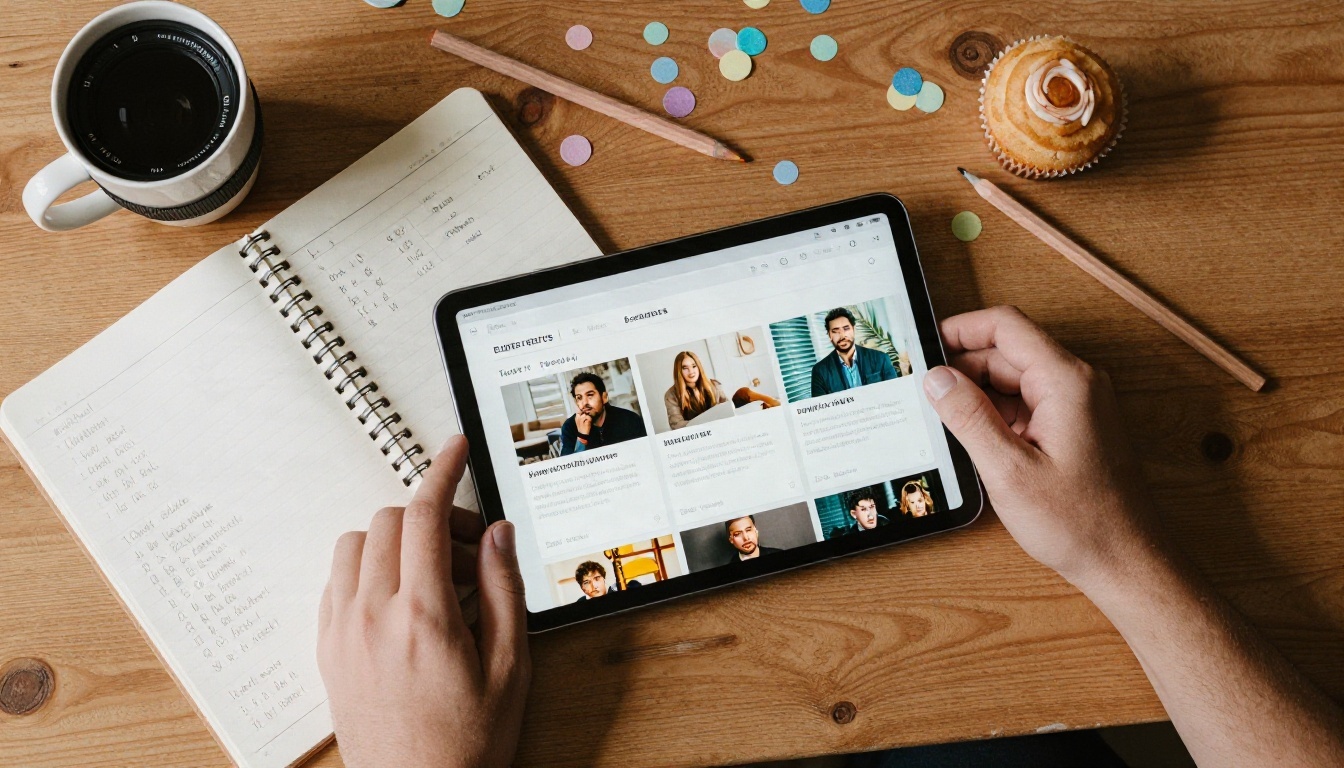
Parents of young children are the biggest group, followed by people planning milestone birthdays like 30, 40 and 50. Teachers, small business owners and community groups use them too, because a clip is a cheap way to invite 40 people at once.
How AI Makes the Video
Traditional invitation makers hand you a locked template and let you swap text. An AI video generator does something different. You describe a scene in plain words, and the model builds the footage, the camera movement and often the sound, all in one pass.
Text to Video vs Template Editors
| Feature | Classic template editor | AI video generator |
|---|
| Starting point | Fixed layout | Your own written scene |
| Visual variety | Same clips as everyone else | Every result is new |
| Audio | Stock tracks from a list | Native sound or a custom song |
| Personal details | Typed into text boxes | Described in the prompt or added in a quick edit |
| Cost | Often watermarked on the free plan | Free options exist on PicassoIA |
| Effort | Drag, drop, resize | Write one paragraph |
The big win is originality. Nobody else will receive the same balloon shot you did.
Which Models Fit This Job
For birthday clips, you want fast results and decent motion rather than a feature-film pipeline. These models on PicassoIA suit the job:
- Seedance 2.5 Lite is a free option that produces clips up to 10 seconds, which is exactly the length an invitation needs.
- Seedance 2.5 handles longer pieces if you want a full 30 second party teaser.
- Veo 3.1 Fast and Veo 3.1 Lite create footage with native audio, handy when you want cheering and clinking glasses baked in.
- Kling v3 Video gives smooth, cinematic camera moves for a more polished feel.
- Wan 2.5 I2V Fast animates a photo you already have, such as a portrait of the birthday person.
Template Ideas That Work
Think of a "template" here as a reusable prompt recipe. You keep the structure and change the details for each party. Below are seven styles that people use again and again.
Kids Party Styles
1. Balloon Parade. Colorful balloons drift upward past a sunny window while a cartoon-free, real-world set shows a cake on a table. Works for ages 1 to 6.
2. Backyard Adventure. A garden with bunting, a small tent and a picnic. Perfect for outdoor parties and animal themes.
3. Candle Moment. A close-up of a child about to blow out candles, with a warm glow. It is emotional, short and instantly clear.
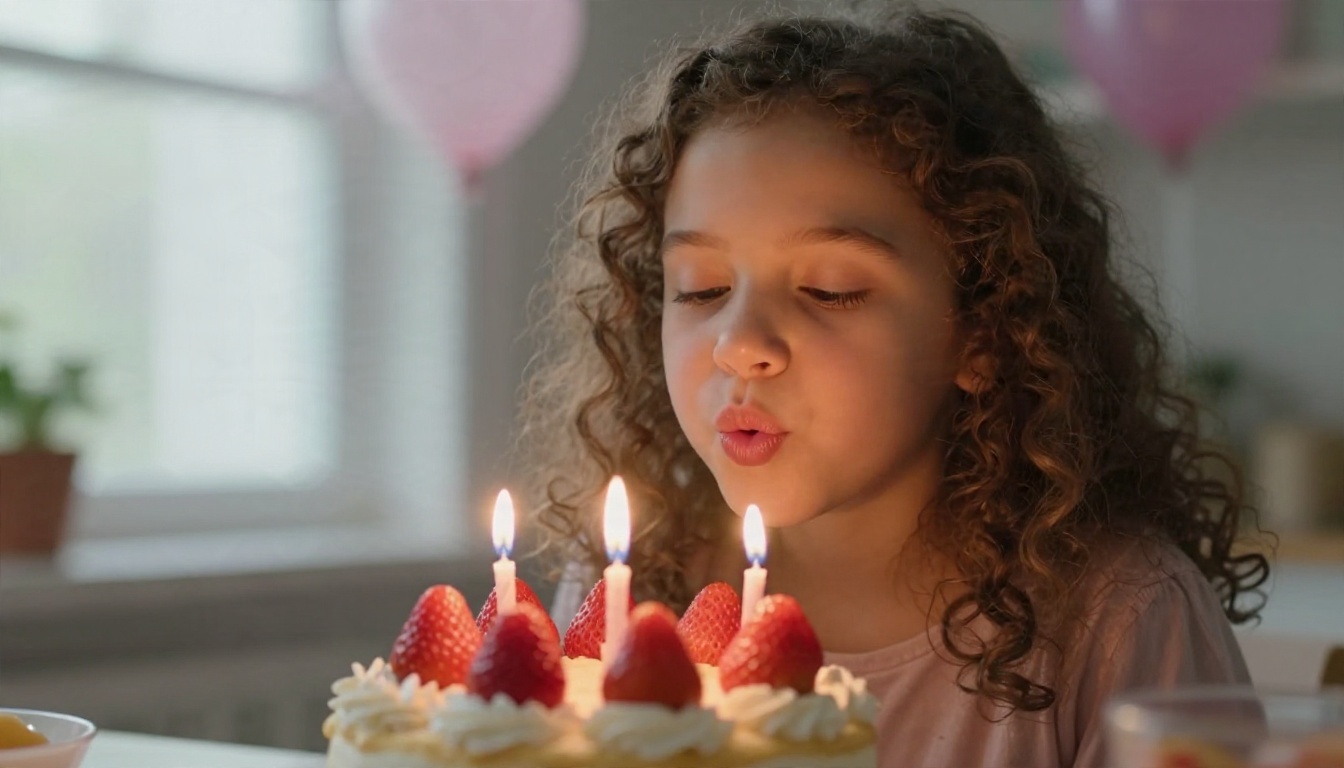
💡 Prompt tip for kids' clips: name the exact colors you want ("blush pink, sage green, butter yellow"). Models follow color lists very well, and the clip will match your decorations.
Adult and Milestone Styles
4. Rooftop Evening. String lights, a city skyline at dusk, friends raising glasses. Suits 25th to 40th birthdays.
5. Dinner Table Warmth. Candles, a long wooden table, plates being passed. A strong fit for 50th and 60th birthdays.
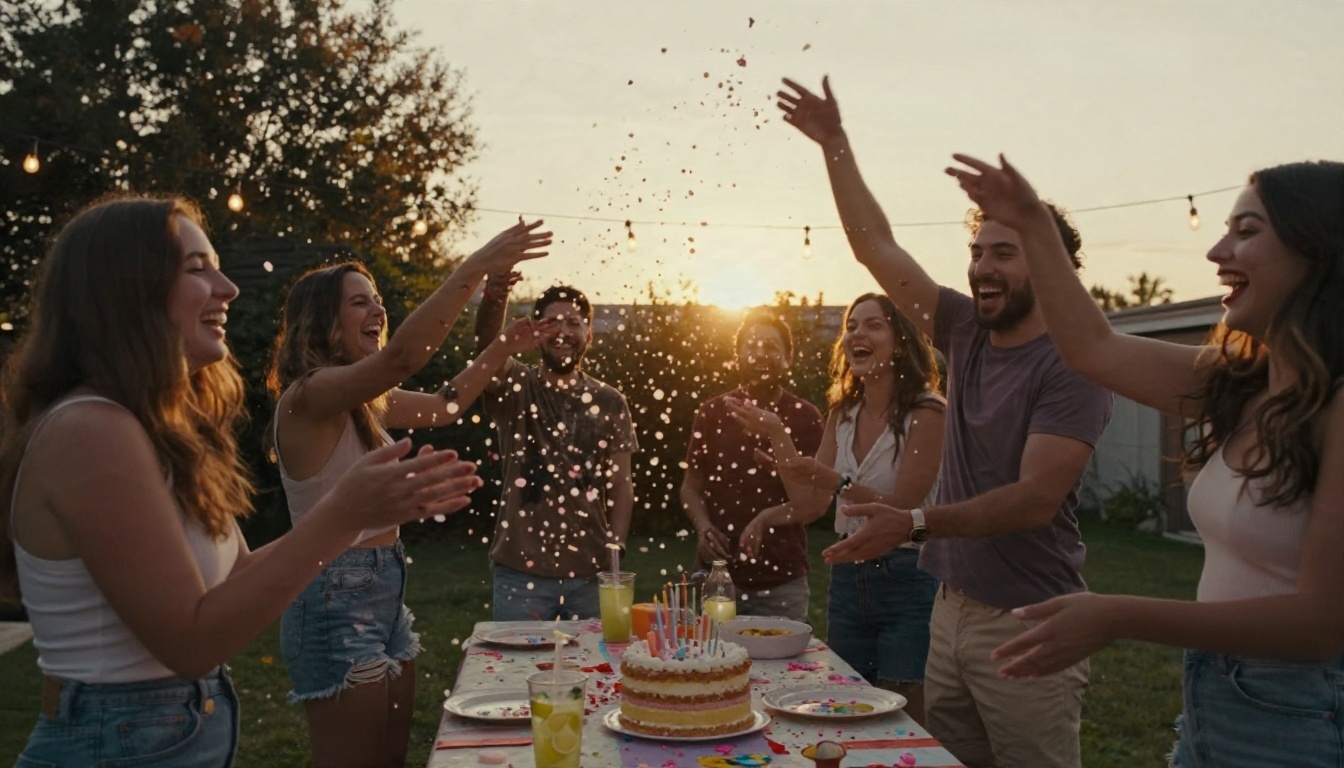
6. Golden Hour Garden Party. Friends laughing and throwing confetti toward the camera. Energetic, joyful and very shareable.
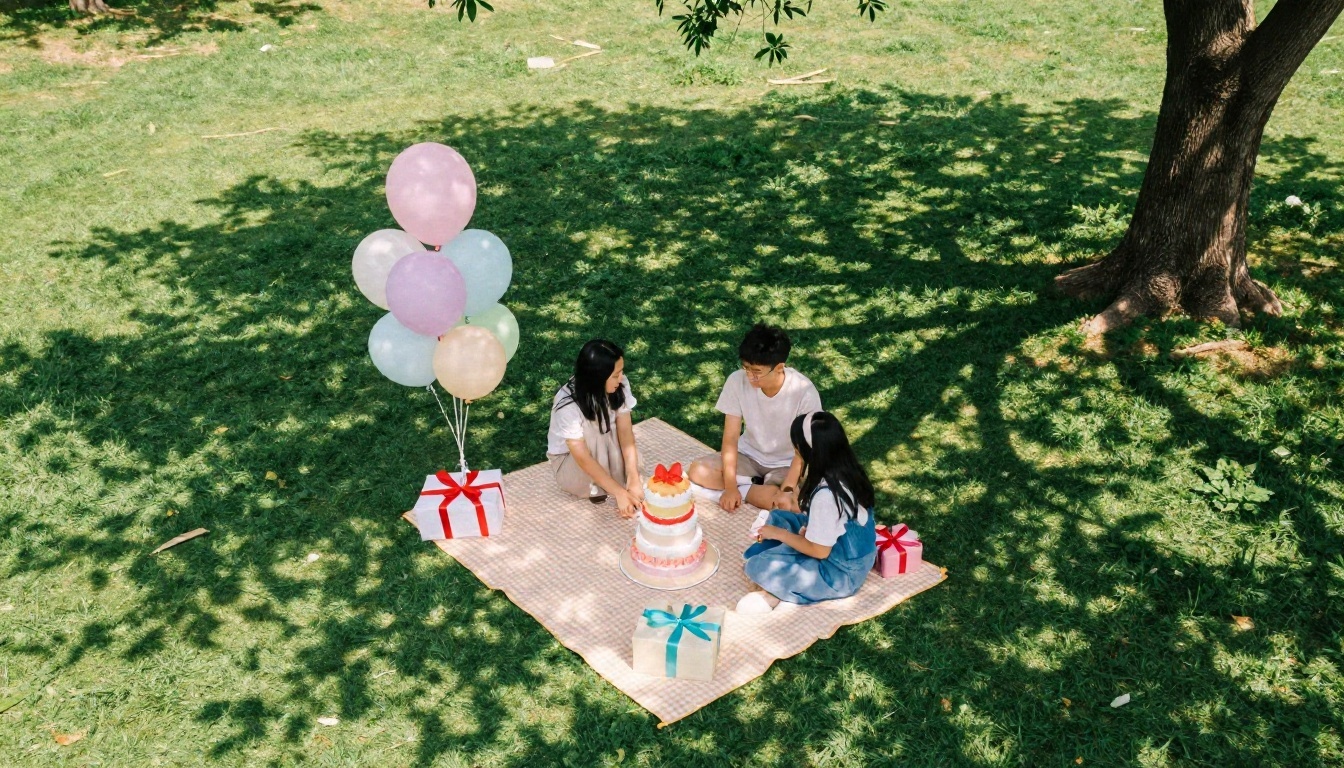
7. Picnic in the Park. A gingham blanket, a tiered cake and gift boxes seen from above. Relaxed, daytime, family friendly.
A Prompt Recipe You Can Copy
Use this structure and fill in the brackets:
A [camera angle] shot of [scene], [colors] balloons, [time of day] light, real-world photographic look, a [age] birthday cake in the foreground, slow camera movement, cheerful party sounds.
Example: A slow low-angle shot of a backyard party table, blush pink and butter yellow balloons, golden hour light, a cake with three candles in the foreground, soft camera push forward, friends laughing in the background.
Music That Fits the Party
Sound carries half of the mood. A silent clip feels like a draft, and the wrong song can make a toddler party sound like a nightclub.
Pick the Mood First
| Party type | Tempo | Instruments to ask for |
|---|
| Toddler and kids | Medium, bouncy | Ukulele, glockenspiel, hand claps |
| Teen party | Fast, upbeat | Synth pop, punchy drums |
| Adult dinner | Slow to medium | Acoustic guitar, soft piano, upright bass |
| Milestone surprise | Building | Strings that swell, then a drum drop |
| Pool or beach | Medium | Light percussion, steel drums |
Generate a Custom Track
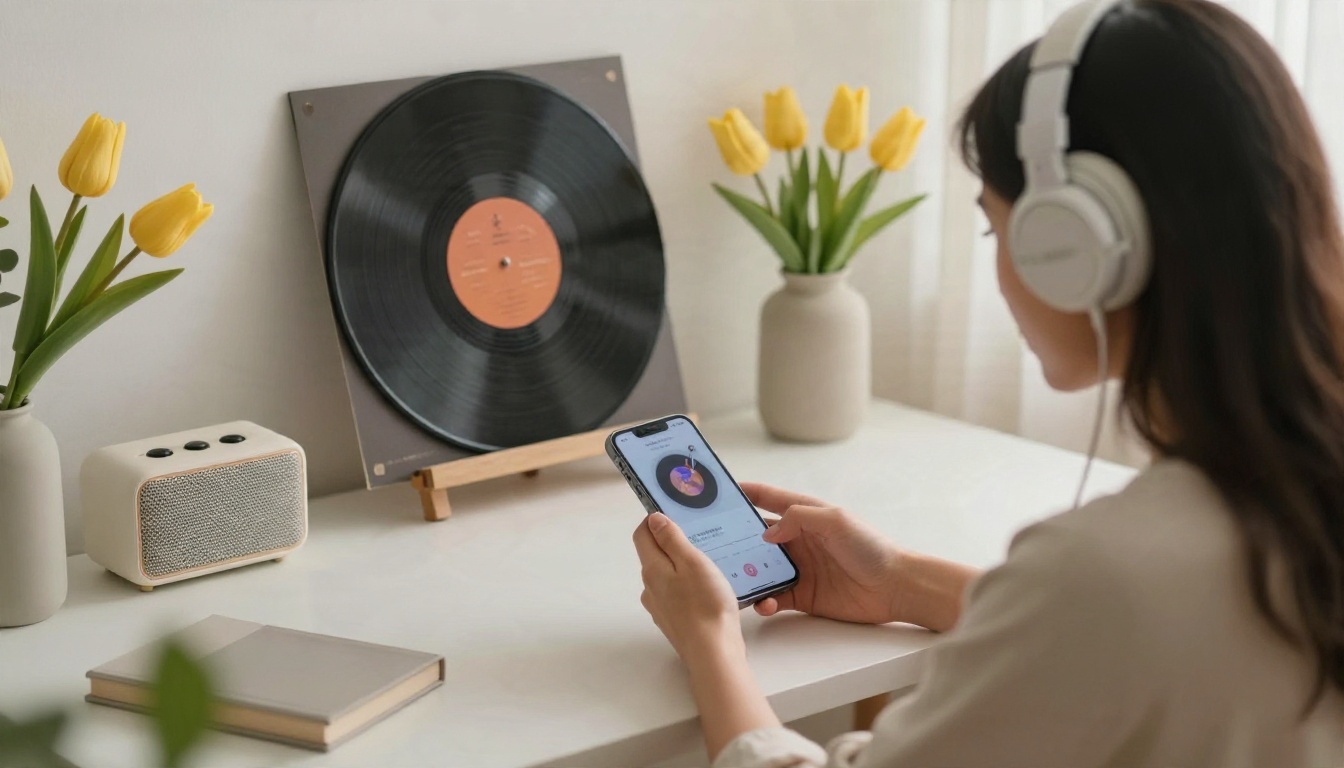
You do not have to hunt for royalty-free songs. PicassoIA has music models that write a track from a text description:
- Music 2.6 produces full songs and works for a short jingle that includes the birthday person's name in the lyrics.
- Lyria 3 Pro builds longer, polished tracks when you want something closer to a studio recording.
- Music Cover restyles an existing melody into a new genre, which is a fun way to turn a familiar tune into a jazz or acoustic version.
Add a Spoken Line
A friendly voice saying "You're invited!" before the date appears lifts the whole clip. Use Realtime TTS 2 to write the line in natural language and have it read aloud, or Realtime TTS 1.5 Mini when you want a quick result. If your guests speak different languages, Dubbing can translate the finished video into many languages so every relative understands the plan.
💡 Mix check: if the music is louder than the voice, lower the track by about a third. People should hear "Saturday at four" without straining.
Name Ideas for Your Party
A good name gives the invitation a headline. It also helps guests tell your event apart from the ten other invitations they got this month.
Name Ideas by Style
| Style | Example names |
|---|
| Playful | "Mia Turns Five and Goes Wild", "Tiny Human, Big Party" |
| Milestone | "Forty and Fabulous", "Marco's 50 Laps Around the Sun" |
| Cozy | "Cake, Candles and Good Company", "Sunday Slice and Sparkle" |
| Surprise | "Operation Sarah", "Shhh, It's a Secret Party" |
| Themed | "Garden Hour at Lena's", "Back to the Nineties" |
| Short and clean | "Leo @ 30", "Ana's Big Day" |
How to Write Your Own
- Start with the name and the age.
- Add one word that matches the mood: "wild", "golden", "cozy", "legendary".
- Keep it under six words so it fits on one screen line.
- Say it out loud. If it trips your tongue, change it.

Let a Language Model Brainstorm
Not sure where to start? Ask a large language model on PicassoIA for 20 names in a given tone, then pick three favorites. Try a request like: "Give me 20 birthday party names for a 35-year-old who loves hiking and tacos. Keep each under five words, playful tone." You will get a list in seconds, and mixing two of them often produces the best one.
How to Use Seedance 2.5 Lite on PicassoIA
This is the free workflow most people start with. The model creates up to 10 seconds of video, which fits an invitation exactly.
Step by Step
- Open the model page. Go to Seedance 2.5 Lite on PicassoIA.
- Write your scene prompt. Use the recipe from earlier. Mention the setting, colors, light and one clear action, like "confetti falls" or "a hand places a candle on the cake".
- Set the length. Choose 8 to 10 seconds if the model offers a duration option. Shorter clips are easier to loop and share.
- Choose the aspect ratio. Pick vertical (9:16) for Stories and WhatsApp status, or horizontal (16:9) for email and TV screens.
- Generate and review. Watch the clip twice: once for the picture, once for the motion. If a hand looks odd or the balloons drift strangely, tweak one phrase and run it again.
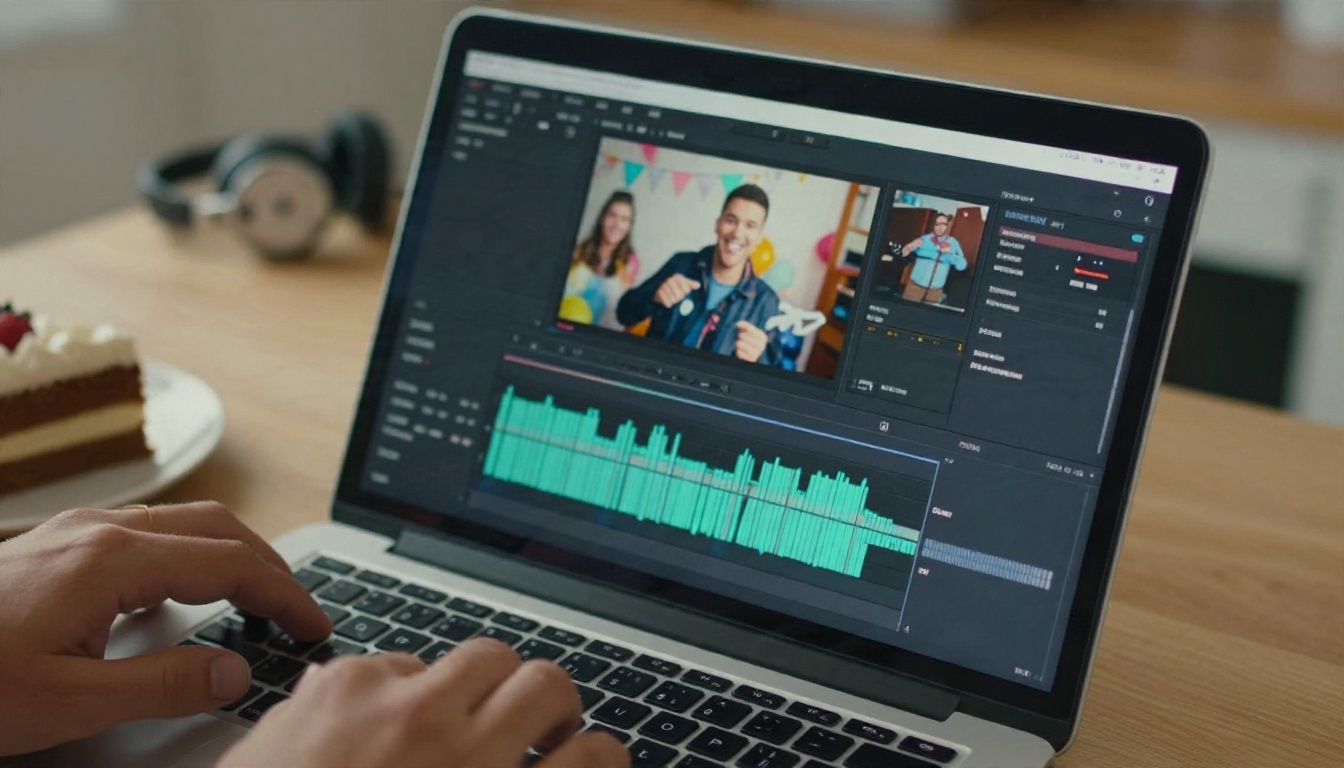
- Add your details. Place the name, date and place on screen using any editing app you like, or ask the model to render a simple text line in the scene (keep it to one or two words).
- Add music or voice. Generate a track with Music 2.6 and a spoken line with Realtime TTS 2, then lay them under the clip.
- Export and send. Save the file and share it by link, chat or email.
Parameter Tips
- One action per clip. "Confetti falls while the camera moves forward" beats a prompt with five events.
- Name the lens feel. Words like "shallow depth of field" and "soft window light" push results toward realistic footage.
- Avoid long text in the scene. Video models still struggle with sentences. Add the date in an editor instead.
- Reuse your seed or wording. If you like the look, keep the same prompt for a second clip with a different caption, so a series feels consistent.
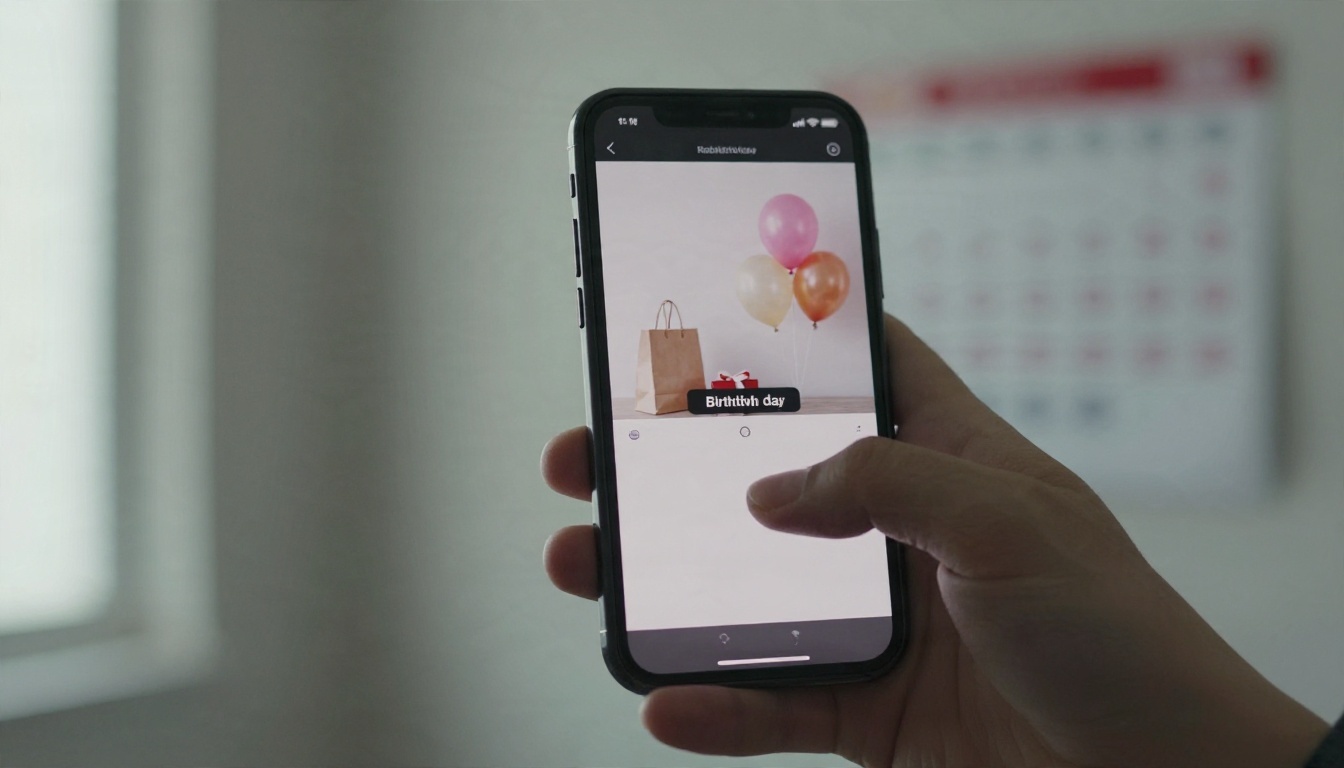
Animate a Photo Instead
If you prefer a real picture of the birthday person, use Wan 2.5 I2V Fast. Upload a portrait and describe a gentle movement: a smile, a wave, hair moving in the breeze. If the photo is a little soft, run it through a super resolution model first so the video starts from a sharp frame.
Polish and Send
A raw AI clip is a good start. A few small edits make it feel finished.
Quick Edit Checklist
- Trim dead frames. Cut the first half second if the motion starts slowly.
- Match the audio length. Fade the music out over the last two seconds.
- Check readability. Open the clip on a phone at arm's length. If you must squint at the date, make the text bigger.
- Add a reply line. "Reply by Friday" does more for turnout than any effect.
PicassoIA also offers video editing and video enhancement models that can upscale a clip, stabilize shaky motion or clean up grain before you hit send.
Where to Share
| Channel | Best format | Tip |
|---|
| WhatsApp or iMessage | Vertical 9:16, under 16 MB | Keep the clip at 10 seconds |
| Instagram Story | Vertical 9:16 | Add a link sticker for RSVPs |
| Email | Horizontal 16:9 | Put a still frame as the preview |
| Group chat pinned message | Either | Pin it so late joiners see it |
| Printed QR card | Link to the video | Great for older relatives |
Common Mistakes to Skip
Most disappointing invitation videos fail for the same few reasons.
Overloading the Prompt
Ten colors, four locations and three characters give the model nothing clear to follow. Pick one setting and one action.
Forgetting the Practical Details
A beautiful clip without a date is a teaser, not an invitation. Always confirm that the time, place and reply method are visible for at least two seconds each.
Ignoring Privacy
If you use photos of children or guests, share the video only with the people invited, not on public posts. Ask a parent before featuring another family's child.
Choosing Loud Music for a Quiet Party
If the actual event is a calm dinner, a thumping dance track sets the wrong expectation. Match the sound to the evening.
💡 Sanity test: send the clip to one friend before the full list. If they can tell you the date and place without asking, you are ready.
Make Your Own Invitation Today
You now have everything you need: a clear five-beat structure, seven scene styles, a music plan, name ideas and a step-by-step workflow. The fastest way to see it work is to try it with your next party, even if it is months away.
Open PicassoIA, start with Seedance 2.5 Lite for a free first draft, add a custom song from Music 2.6, and send the result to one friend as a test. Change a color, swap the setting, try a different name, and see how each tweak changes the mood. Your guests will remember the invitation long before they remember the cake, so make it one worth replaying. You can browse every model available at picassoia.com/en/all-models and mix them as you like.


