You have a photo of your sister, your dog, a coworker, or a character you sketched last week, and you want to see it dance. Not a stiff GIF. A real clip with swaying hips, a head bob and hair that moves with the beat. Ten years ago that took a motion capture suit and a render farm. Today an AI dance video generator free to start with can turn one still image into a moving clip in a few minutes.
This article shows how to make anyone dance from a photo using models on Picasso IA. You will see which tools are free and unlimited, which ones copy the moves from a real dance video, how to prepare the photo, how to write the prompt, and what usually goes wrong. Everything works with a single photo and a phone camera.
How Photo Dance Videos Work
Two Ways to Make Someone Dance
There are two families of tools, and picking the right one saves hours of retries.
Prompt-driven image to video. You upload a photo and describe the movement in words: "she steps side to side, shoulders bouncing, arms swinging loosely." The model invents the choreography on its own. It is fast, cheap and perfect for short, simple dances.
Motion transfer. You upload a photo and a reference video of someone dancing. The model reads the body movement from that footage and applies it to the person in your photo. The choreography is real because it comes from real footage. This is how you put a specific routine, like a trending TikTok dance, onto a different person.
💡 Rule of thumb: If you only need something that looks like dancing, use image to video. If you need that exact routine, use motion transfer.
What the AI Actually Does
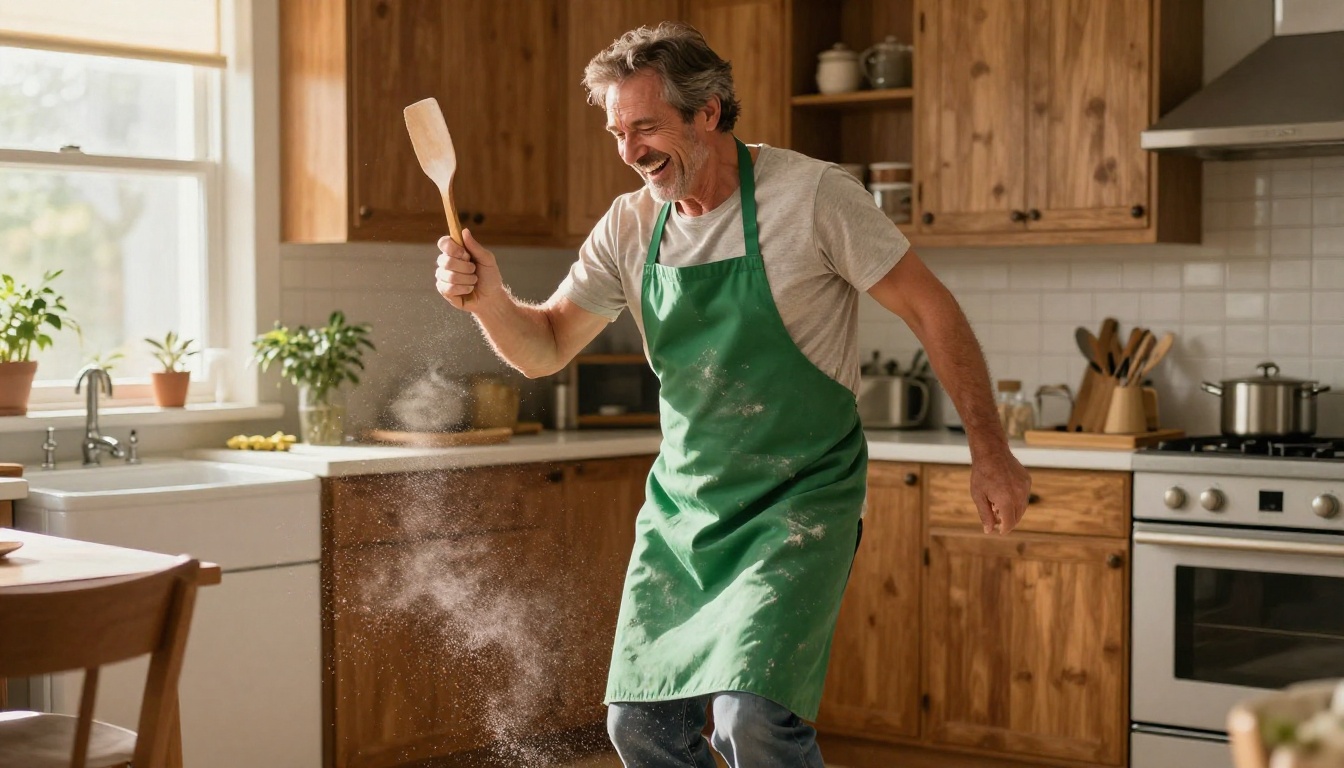
In plain terms, the model treats your photo as the opening frame of a video. It then predicts what each following frame should look like, while keeping the face, clothes and background consistent with the original image. With a text prompt, the movement is guessed from your words. With motion transfer, the movement is copied from the pose and expression changes in your reference clip.
That is why a good photo matters so much. The model can only keep what it can see. A clear face, visible arms and a readable body shape give it something solid to hold on to for every frame.
Free Models That Animate a Photo
Picasso IA Video: Quick and Unlimited
Picasso IA Video is the native free and unlimited video model on the platform. It accepts a text prompt, or a photo used as the opening frame. Every clip runs 5 seconds at 24 frames per second with synchronized audio, and you pick 480p for speed or 720p for sharper output.
When you upload a photo, the clip inherits its aspect ratio, so a vertical selfie gives you a vertical dance video ready for Reels or Shorts. You can also lock a seed to reproduce a result you liked. Because it costs nothing per run, it is the model to use for testing ten prompt variations before you commit to a heavier tool.
Seedance 2.5 Lite for Longer Takes
Seedance 2.5 Lite is the lightweight edition of Seedance 2.5. Wonder members can run it without limits, at 480p or 720p, in 5 or 10 second clips with synced audio.
It has one feature that suits dance videos perfectly: an optional last frame image. Give it your photo as the first frame and a second photo of the same person in a different pose as the last frame, and the clip animates the movement between the two. It works like a dance with a start and an end.
Side by Side
| Model | Input | Clip length | Resolution | Best for |
|---|
| Picasso IA Video | Text or photo | 5 seconds | 480p, 720p | Fast, free tests and social loops |
| Seedance 2.5 Lite | Text or photo, optional last frame | 5 or 10 seconds | 480p, 720p | Longer dances with a set ending pose |
| Kling v2.6 Motion Control | Photo + reference video | 3 to 30 seconds | Standard or Pro mode | Copying an exact routine |
| Wan 2.2 Animate Animation | Photo + reference video | Set by the reference clip | 480p, 720p | Mascots and illustrated characters |
| Dreamactor M2.0 | Photo + template video | Up to 30 seconds | Photo up to 1920x1080 | Faces, expressions and lip sync |
Two more image-to-video models are worth a test when you want a different look: Wan 2.7 I2V and P Video Animate.
Motion Transfer for Real Choreography
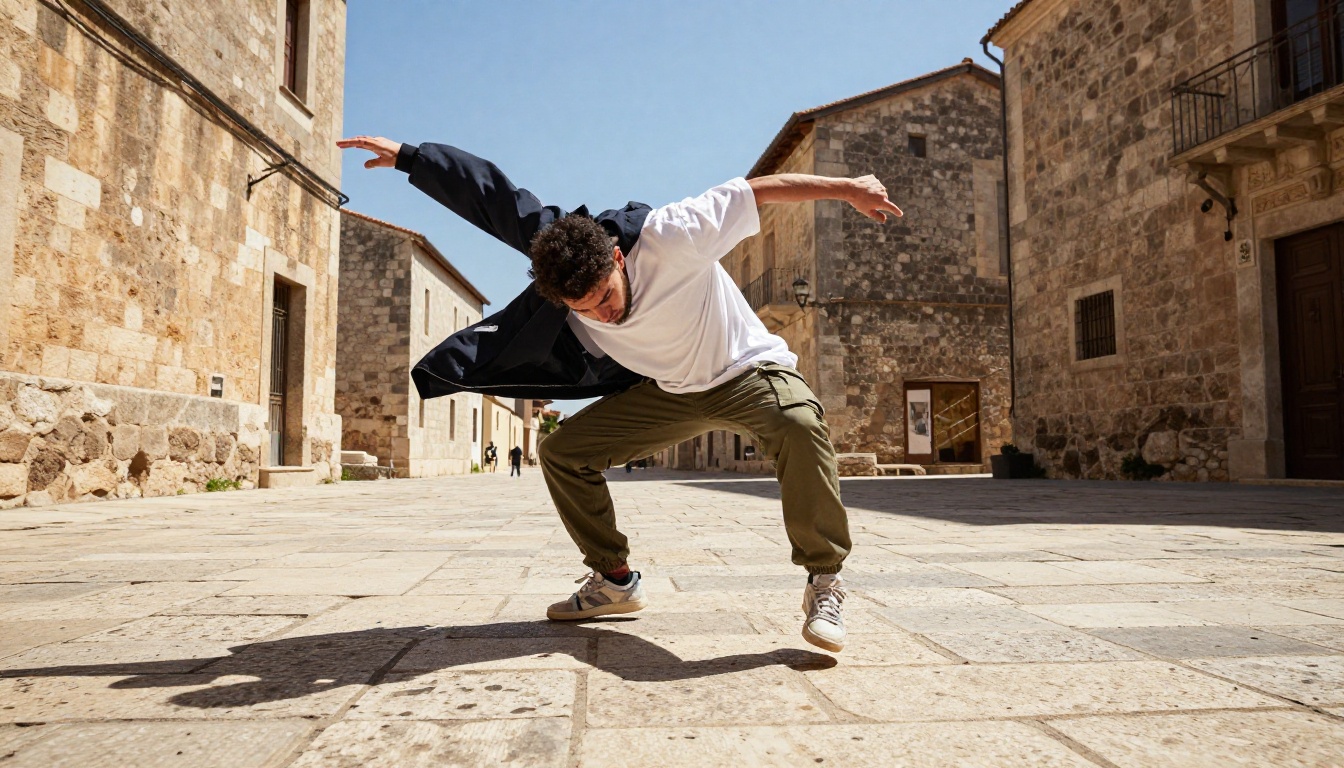
Prompts are great for a simple groove. They struggle with a specific routine: a spin on beat three, a sharp arm hit, a footwork pattern you saw online. For that, you hand the model the real movement and let it copy.
Kling v2.6 Motion Control
Kling v2.6 Motion Control takes a reference image and a reference video, and produces a new clip where your character moves exactly as the person in the footage does. It accepts JPG and PNG images up to 10 MB, and MP4 or MOV videos up to 100 MB.
Three settings matter most:
- Mode: Standard is cost-effective for drafts. Pro gives sharper output with finer detail for the final version.
- Character orientation: "Image" keeps the person facing the way they face in your photo (up to 10 seconds). "Video" follows the orientation of the dancer in the footage (up to 30 seconds). Pick "video" when the routine includes turns.
- Keep original sound: On by default. Leave it on if the reference clip has the music you want.
Plan for a wait. The example runs on the model page took roughly 6 to 11 minutes each, so start it, then go make a coffee.
The newer Kling v3 Motion Control follows the same photo-plus-footage idea. Try it once your first version works and you want to compare results.
Wan 2.2 Animate Animation
Wan 2.2 Animate Animation takes a character image and a reference video and makes the character perform the same motion. It outputs at 720 or 480, up to 24 frames per second, with a "go fast" option for quicker drafts and an optional merge of the original audio (marked experimental, so sync may drift).
It shines with non-photographic characters: a brand mascot, a portrait illustration, a cartoon avatar. The model page even lists "apply a dancer's movements to a brand mascot" as a use case.
Dreamactor M2.0
Dreamactor M2.0 transfers motion, facial expressions and lip sync from a template video onto your photo. Images should be JPEG or PNG under 4.7 MB, between 480x480 and 1920x1080. The template video can be MP4, MOV or WebM, up to 30 seconds.
Choose it when the face is the star: someone dancing while singing, a headshot that needs to mouth the chorus. A Cut First Second option, on by default, trims the 1-second transition at the start so the clip begins clean. Example runs on the model page took about 3.5 to 4.5 minutes.
Make Anyone Dance in Five Steps
This walkthrough uses Kling v2.6 Motion Control because it is the most direct way to copy a real routine. The same flow works for Wan 2.2 Animate Animation and Dreamactor M2.0.
Prepare the Photo
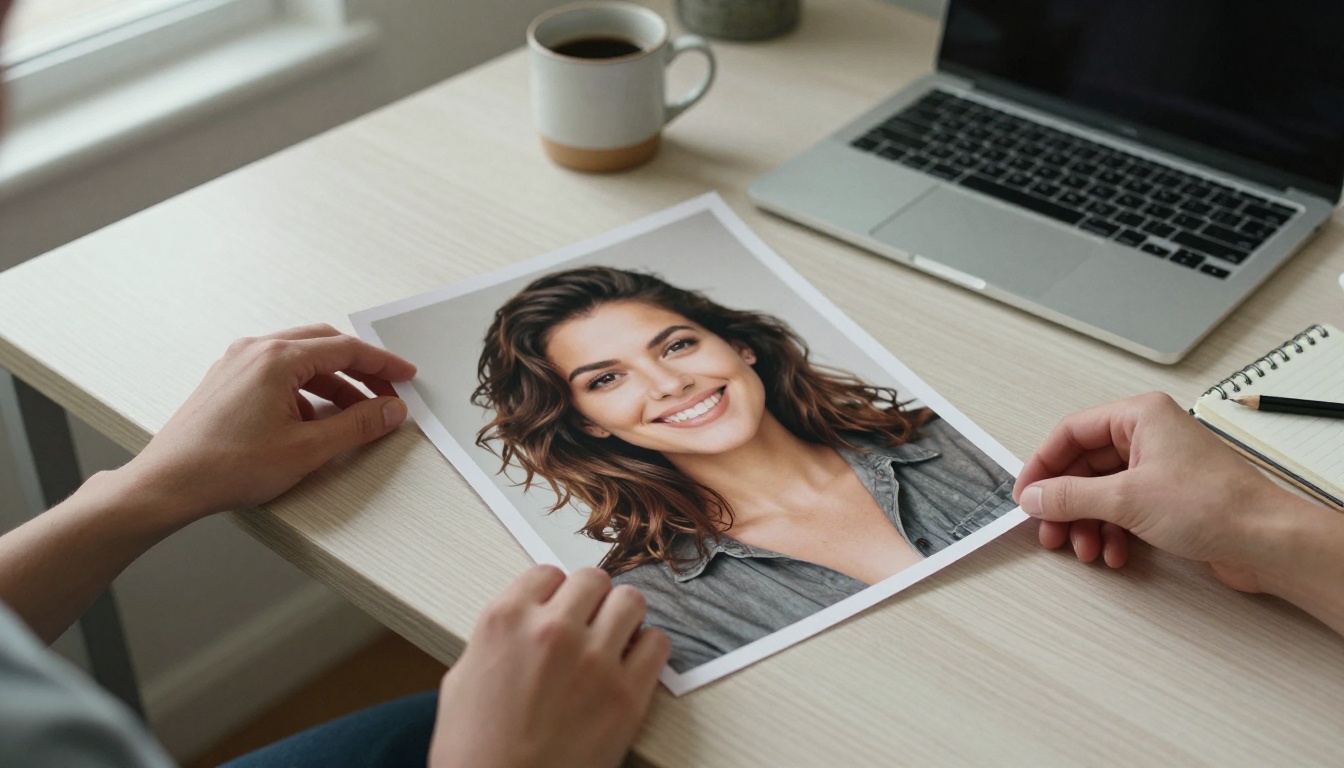
Pick one clear, well-lit photo of the person. A full-body or three-quarter shot works best for dancing, because the model needs arms, torso and legs to be visible. Crop out distractions, keep the file under 10 MB, and avoid heavy filters.
Choose the Reference Clip
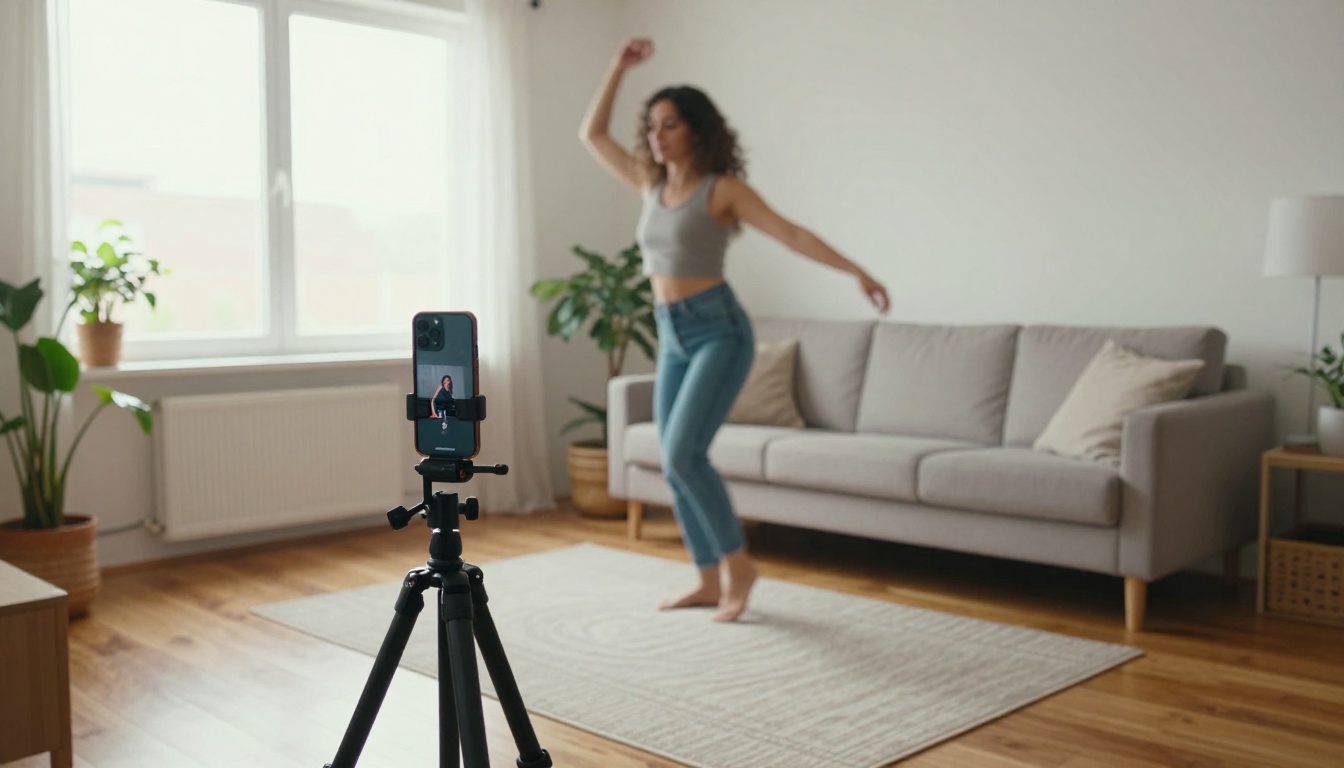
Your reference video decides the choreography. Use a short clip, ideally 5 to 10 seconds, with one dancer, a steady camera and the whole body in frame. You can use footage of yourself, which avoids any rights questions and gives you exactly the moves you want.
Recording takes two minutes: prop your phone on a tripod or a stack of books, step back until your full body fits, and dance for 8 seconds in good light.
💡 Consent matters. Animate yourself, or people who have said yes. A dance clip of a real person is still a clip of a real person.
Generate and Review
Open the model page, upload the photo as the image and the clip as the video, then set mode to Standard for the first run. Add a short prompt only if you want extra scene elements, such as "soft morning light, wooden floor." Start the generation and wait for the result.
Review the output with three questions: Does the face stay the same person? Do the arms and legs move without bending strangely? Does the rhythm match the reference? If two of three pass, rerun in Pro mode for the final version.
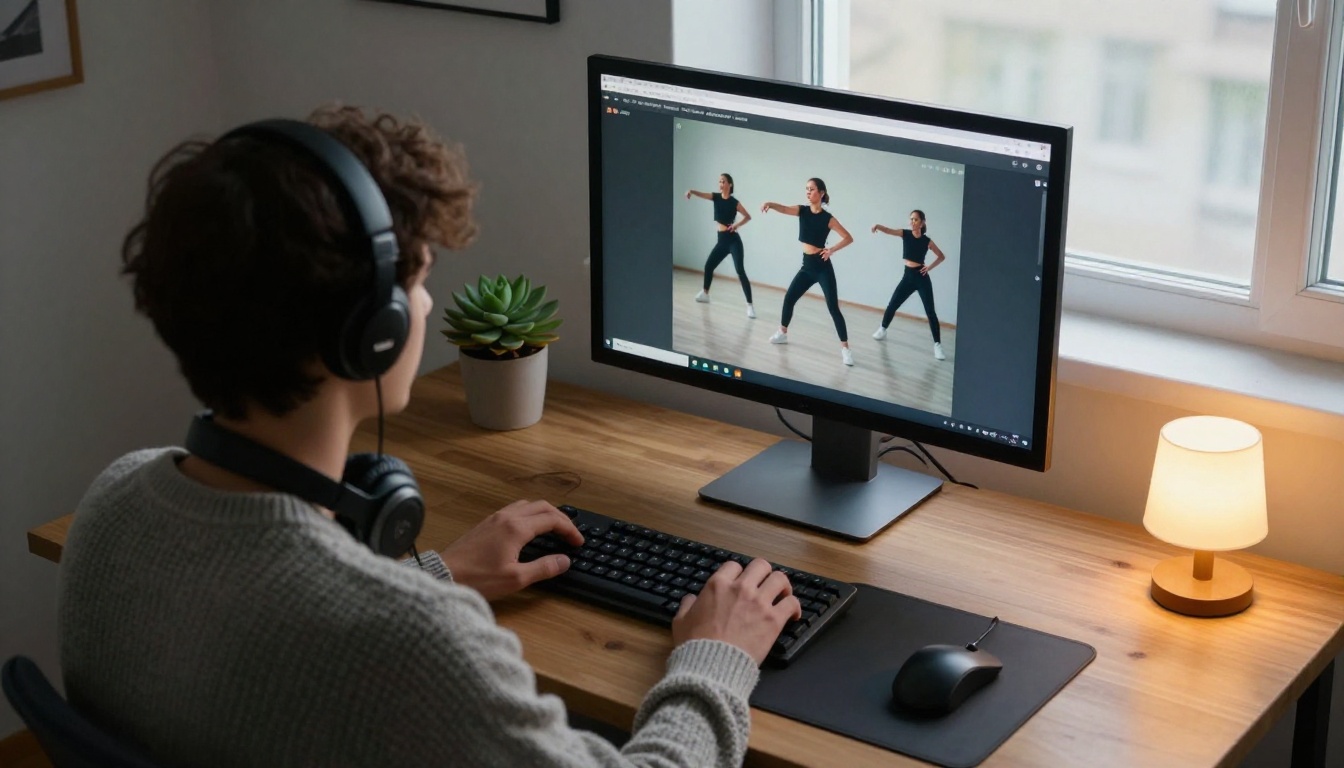
The free shortcut. No reference video? Open Picasso IA Video, upload your photo, set 720p, and write a prompt like the examples below. Run it as many times as you like and change the seed until the dance looks right.
What Makes or Breaks the Clip
Most failed dance videos come from the same handful of mistakes. Fix these before you blame the model.
- A cropped body. A face-only photo gives the model no legs or arms to animate. Use a waist-up shot at minimum, full body for real choreography.
- Hands hidden or tangled. Fingers merged into pockets or hair are guessed, and guesses wobble. Show hands clearly, held away from the body.
- Low resolution. A blurry 300 pixel photo produces a blurry dancer. Start with a sharp image, ideally above 1000 pixels on the short side.
- A mismatched reference. If the photo shows a person seated and the footage shows a standing dancer, the model has to invent a new body position. Match the starting pose when you can.
- Too much in one clip. A 5 second clip cannot hold three dance moves and a camera sweep. Ask for one action and let it breathe.
Light and clothing matter too. Even, soft lighting keeps the face stable across frames. Fitted clothes make the body shape readable, while a long coat or a big scarf can smear when limbs move quickly.
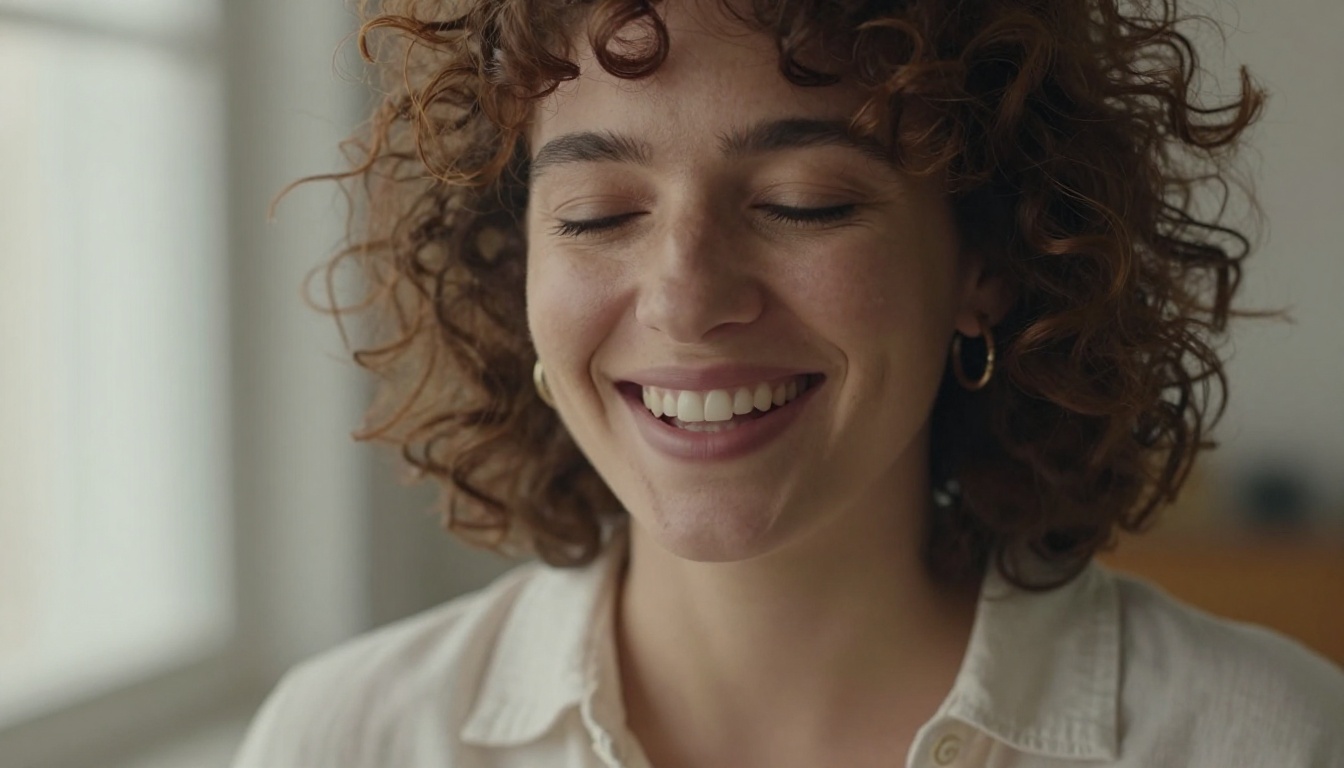
💡 Face check: Zoom into the eyes and teeth of your source photo. If you can count the details, the model can keep them. If everything is soft, expect a soft result.
Prompts That Produce Real Dance Moves
The Four-Part Formula
For image-to-video tools like Picasso IA Video and Seedance 2.5 Lite, the prompt is your choreographer. Cinematic, chronological descriptions work best. Build each one from four parts:
- Subject and starting pose: "The woman in the white shirt stands with her weight on one leg."
- Movement over time: "She starts swaying her hips, then spins once and raises both arms."
- Camera: "Static medium shot" or "slow push in."
- Light and mood: "Warm window light, relaxed and playful."
Describe motion as verbs and sequence, not as adjectives. "Steps left, steps right, claps twice" beats "amazing energetic dance."
Prompts You Can Copy
| Style | Prompt |
|---|
| Easy groove | The person sways side to side with a relaxed smile, shoulders rolling, arms loose, static medium shot, soft daylight |
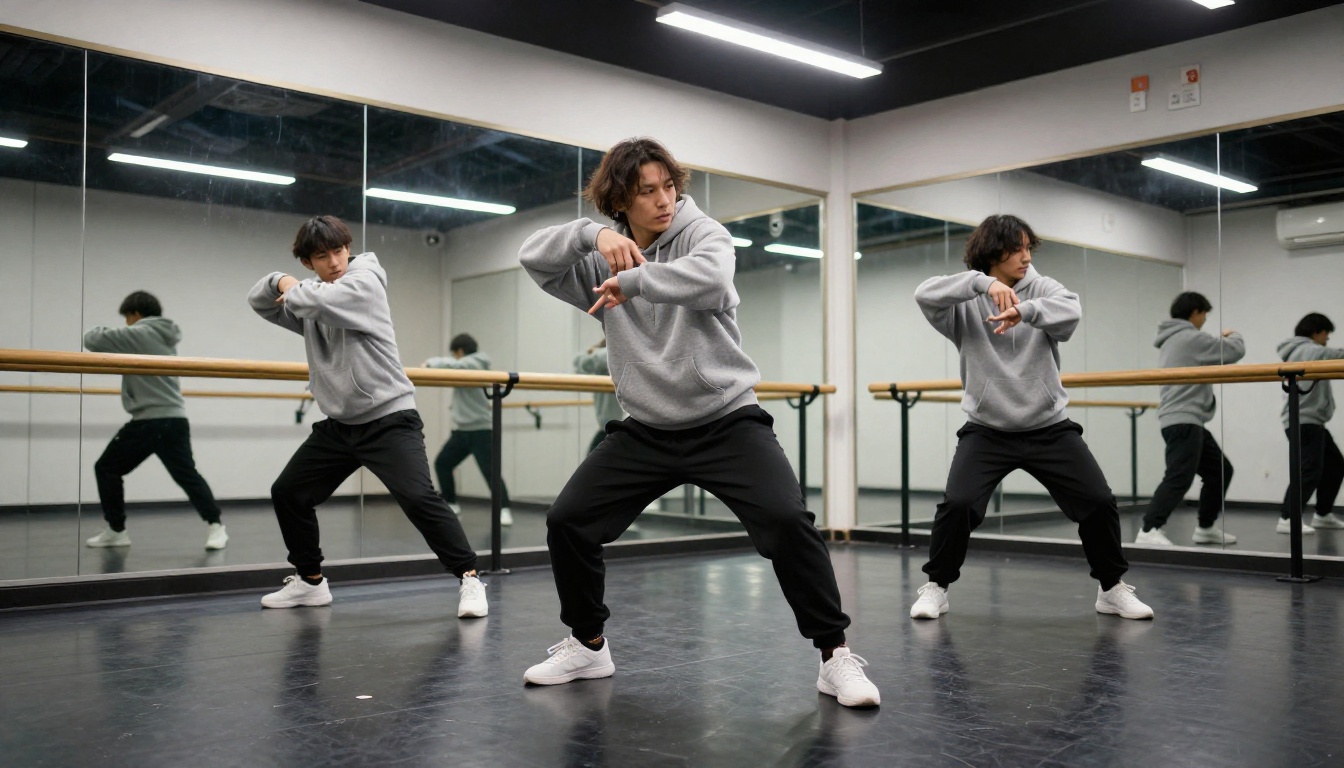
| Hip-hop | The person bounces on bent knees, hits two sharp arm poses, then a quarter turn, camera holds a low angle, bright room |
| Salsa | The person steps forward and back in a quick rhythm, hips circling, one hand raised, medium wide shot, warm evening light |
| Slow dance | The person turns in a slow circle with arms gently extended, hair swaying, camera slowly pushing in, golden hour |
| Silly fun | The person does a goofy shuffle, flaps elbows like wings, laughs, static shot, bright kitchen light |
Change one variable at a time. If the move is right but the face drifts, keep the prompt and change the seed or the photo.
Who Makes Photo Dance Videos
Family Memories
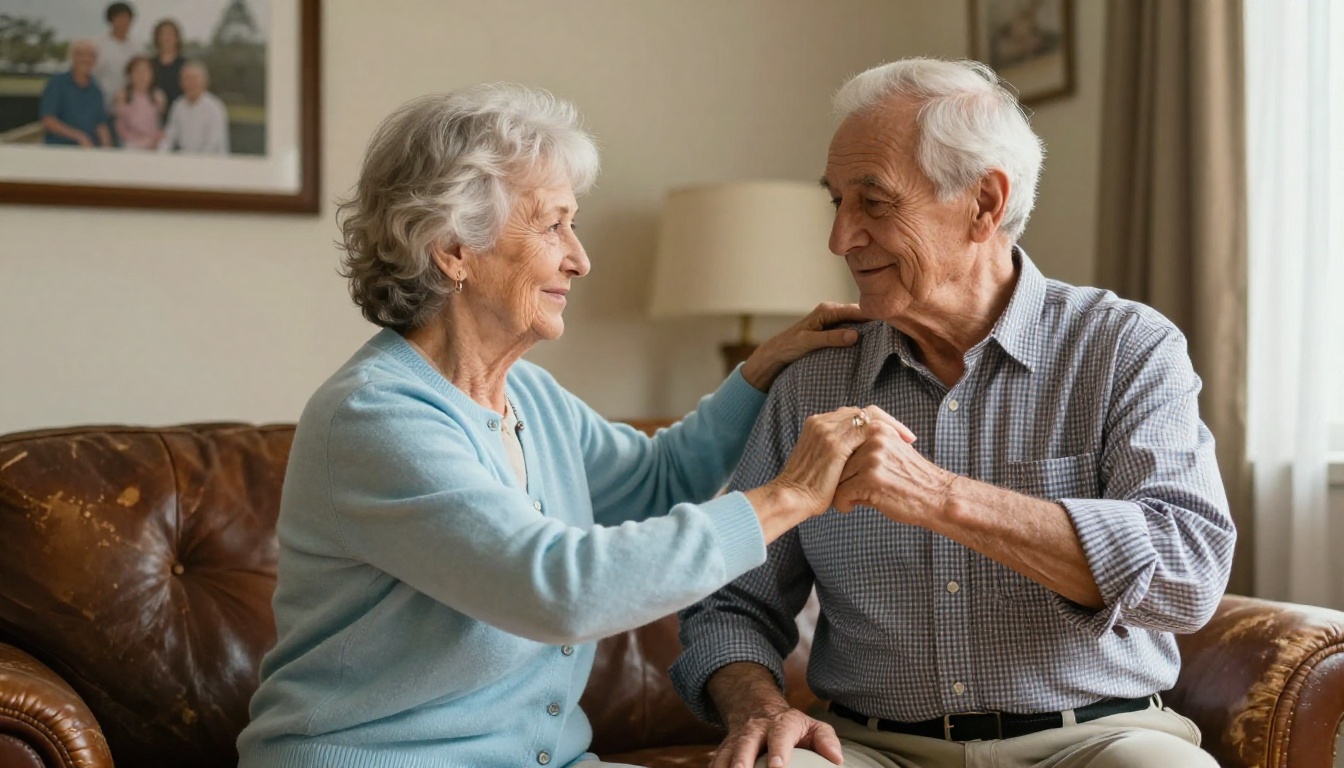
The most touching uses are personal. A grandparent who can no longer dance, a pet that "dances" for a birthday card, a childhood photo set to a favorite song. These clips carry feeling because the person in the photo matters to the viewer, and the effort is a few minutes, not a studio session.
Creators and Event Invites
Short-form creators use motion transfer to put a trending routine on a brand mascot, a cartoon avatar or a faceless profile character, then post it in vertical format. Event hosts animate a photo of the couple for a wedding invite or a birthday announcement.
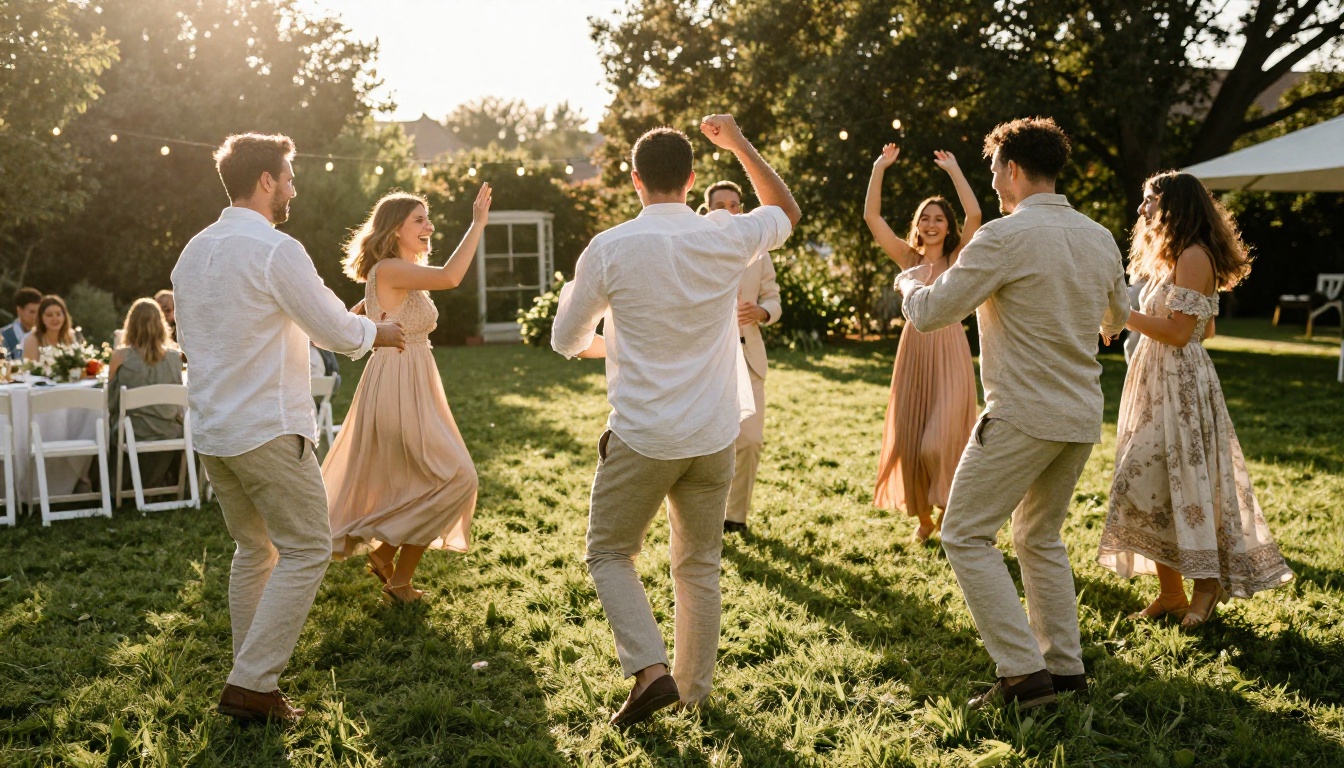
Small businesses do the same with product characters: a photographed founder, a mascot, a shop dog. One photo and one reference clip give you a week of posts.
Make Your First Dance Video Today
You do not need a studio, a dancer or an animation degree. You need one clear photo, one short clip and ten minutes.
Start free: open Picasso IA Video, upload your photo, write a four-part prompt and see what happens. When you want an exact routine, move to Kling v2.6 Motion Control, Wan 2.2 Animate Animation or Dreamactor M2.0 and feed it a reference video.
Pick a photo you love, try three prompts, and share the version that makes you laugh. Your first dance video is closer than you think, so open Picasso IA and make someone move.


