Somebody in your group chat just sent a clip of a gravelly movie trailer narrator announcing that the pizza has arrived, and it got more laughs than any photo this week. Nobody hired a voice actor. They typed one sentence into an AI meme voice generator, picked a dramatic voice, and hit download. That is the whole trick, and it is available to anyone with a browser.
This article walks through how the AI meme voice generator free workflow actually works, what kinds of funny voices land best, a pile of examples you can copy, and which online tools make sense depending on whether you want speed, realism or full character acting. Everything below is built around the tools you can try on PicassoIA.
What Is an AI Meme Voice Generator?
An AI meme voice generator is a text-to-speech system pointed at comedy. You write a line, choose a voice or a delivery style, and the model produces audio that sounds like a person (or a very convincing impression of one) saying it. The "meme" part is about the use case: short, punchy, shareable clips that live inside videos, soundboards, stream alerts and chat messages.
Older robotic voices were funny because they sounded broken. Current models are funny for the opposite reason. They sound so natural that a ridiculous sentence delivered with total sincerity becomes absurd on contact. A calm, warm voice announcing that your cat has filed for tax exemption is funnier than a robot reading the same line.

How the Technology Works
The pipeline is simpler than it looks:
- Text goes in. You type or paste a script.
- The model predicts speech. It decides rhythm, pitch, pauses and emphasis for each word.
- Voice style gets applied. This can be a preset voice, a description such as "tired pirate", or a short reference clip.
- Audio comes out. You download an MP3 or WAV file and drop it into your editor.
Some models add emotion sliders, pace controls and voice cloning from a few seconds of reference audio. Those extras are where meme quality really separates from basic robot talk.
Why Free Matters for Memes
Memes are disposable by design. You might generate forty clips to keep two. That is why a free tier or a low-cost generator beats a polished studio product: you want to iterate fast, throw away the duds, and keep the one line that makes your friends send crying emojis.
💡 Quick rule: If a tool makes you wait or pay before you can hear a single test line, it is the wrong tool for meme work.
Funny Voice Styles That Always Work
Not every voice suits every joke. After trying plenty of combinations, a handful of styles reliably get laughs.
| Voice style | Why it works | Best for |
|---|
| Movie trailer narrator | Epic tone against a tiny, dumb subject | Pet videos, food, daily annoyances |
| Nature documentary host | Hushed, curious calm | Roasting friends "in their natural habitat" |
| Overly cheerful assistant | Fake politeness | Fake ads, bad news delivered sweetly |
| Grumpy old sailor | Gravel plus complaints | Gaming reactions, fail clips |
| Dramatic soap opera voice | Heavy pauses and gasps | Relationship memes, fake gossip |
| Deadpan robot | Zero emotion on emotional text | Office jokes, corporate parody |
| Whispering ASMR voice | Soft delivery on chaotic content | Absurd contrast humor |
The common thread is contrast. The delivery and the content should disagree. Epic voice, tiny stakes. Calm voice, total chaos.

Pick a Voice That Matches the Punchline
A useful habit: write the joke first, then audition three voices against it. The punchline word often needs a specific tone. A flat voice works for "and then the toaster exploded." A hyped voice works for "we have a winner, and it is soup."
Funny Voice Examples You Can Copy
Here are ready-to-use lines. Paste them into any text-to-speech tool, then change the voice until it clicks.
Trailer and Narrator Lines
- "In a world where one man only wanted a sandwich, the fridge had other plans."
- "This summer, Gary will attempt to fold a fitted sheet. Nobody is safe."
- "Here we see the office worker, trapped in his natural habitat: a meeting that could have been an email."
Fake Ads and Announcements
- "Are you tired of having free time? Try our new app. It sends you three hundred notifications."
- "Attention passengers, the snack cart has been replaced by a single sad grape."
- "Your call is important to us. Please hold while we pretend to look for your order."
Reaction Voices for Videos
- "Bold of you to assume I was listening."
- "I have seen things. Mostly that parking job."
- "Plot twist: the dog was the CEO the whole time."
Inside Jokes for Friend Groups
Personal beats generic every time. Swap in a friend's name, a nickname or a shared disaster. A voice announcing "Dave has entered the chat, please lower your expectations" will outperform anything a template can offer.
💡 Writing tip: Short lines win. Under fifteen words is the sweet spot. Long jokes dilute the contrast, and a short clip loops better on social video.
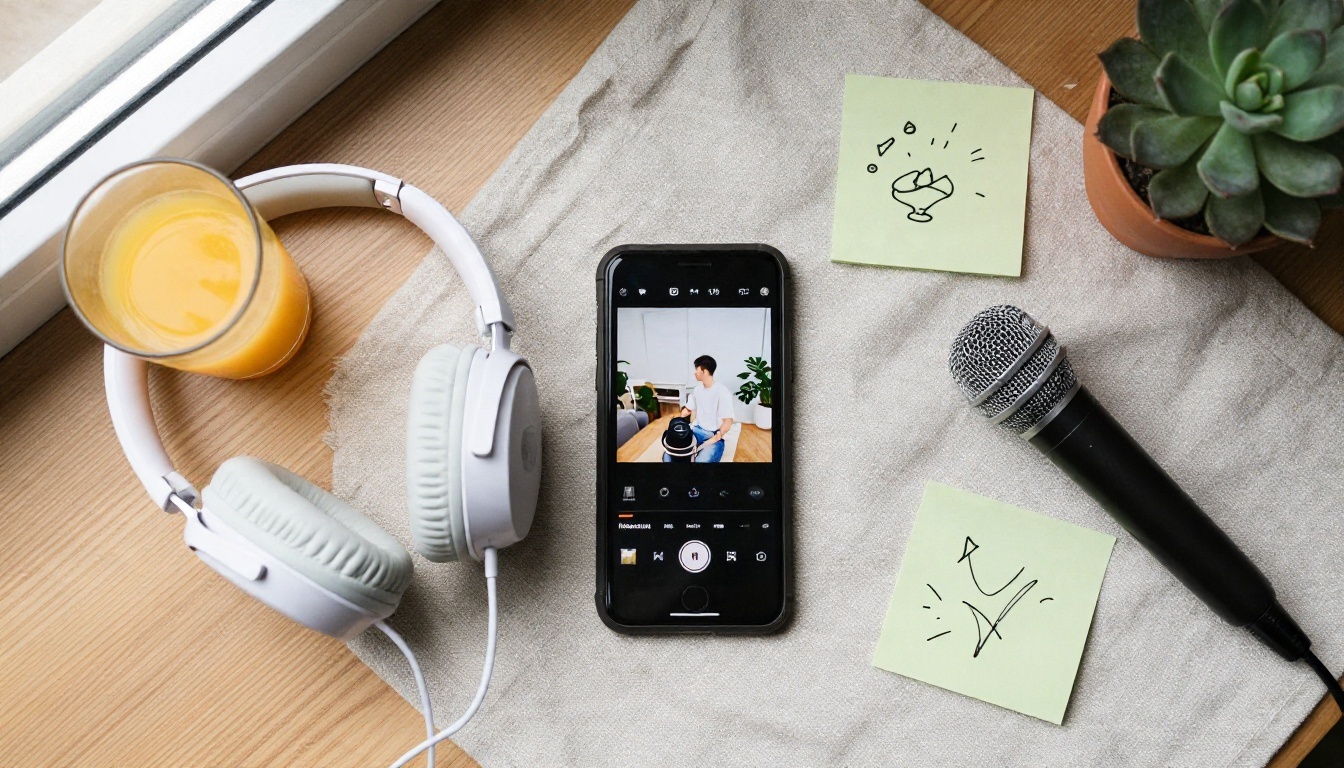
You have plenty of options on PicassoIA, and each one leans toward a different job. Here is a practical breakdown.
Which One to Pick First
If you want the funniest result with the least fuss, start with Chatterbox. The exaggeration control is practically built for comedy: push it up for theatrical delivery, pull it down for deadpan. For quick volume, Chatterbox Turbo lets you test a lot of lines without waiting around.
For polished narration where the voice itself needs to sound premium, ElevenLabs V3 and Speech 2.8 HD are the safer picks.
💡 Prices and free allowances change, so check the model page for the current limits before you plan a big batch.
How to Use Chatterbox on PicassoIA
Here is the exact workflow for making a meme voice with Chatterbox.
Step by Step
- Open the model page. Go to the Chatterbox page on PicassoIA.
- Write your line in the Prompt box. Keep it short and punchy. Add commas and ellipses where you want pauses.
- Set Exaggeration. The default is 0.5, which sounds neutral. Try 0.7 for dramatic delivery. Extreme values can sound unstable, so move in small steps.
- Tune the pace with CFG Weight. The default is 0.5. Lower values give a slower, more deliberate delivery. Higher values speed it up.
- Adjust Temperature. The default is 0.8. A higher value gives more variety between runs, which is handy when you want several takes of the same joke.
- Add a reference clip (optional). Upload a short audio sample in the Audio Prompt field if you want the voice to follow a particular character or timbre.
- Use a Seed. Leave it at 0 for random results. When you hear a take you love, note its seed so you can reproduce it.
- Generate and download. Listen, tweak, regenerate. Keep the best take.
Parameter Cheat Sheet
| Setting | Default | Funny use |
|---|
| Exaggeration | 0.5 | 0.65 to 0.8 for theatrical announcers |
| CFG Weight | 0.5 | 0.3 for slow, dramatic reveals |
| Temperature | 0.8 | 1.0 for chaotic variety across takes |
| Seed | 0 | Fix it once you find a winner |

Voice Cloning for Character Memes
Cloning a voice from a few seconds of audio lets you build recurring characters: a grumpy mascot for your channel, a dramatic version of your own voice, a family in-joke that stays consistent across clips. Both Chatterbox and Qwen3 TTS support this, and Voice Cloning is built entirely around it.
Clone Yourself First
The safest and funniest test subject is you. Record ten seconds of your normal speaking voice, clone it, then make "you" announce absurd things. Friends find it hilarious, and you have no consent questions to worry about.
Be Careful With Other People's Voices
Cloning celebrities, politicians or private individuals without permission can mislead listeners and cause real harm. Parody is fine when it is obviously parody, but clips that could pass as the real person making a statement are a bad idea. Stick to your own voice, voices you have permission to use, invented characters and generic preset voices. Many outputs carry an inaudible watermark, which makes misuse easier to trace anyway.
Multi-Character Skits and Dialogue
One voice is fun. Two voices arguing is where the memes start to go viral.

Use a Dialogue Model
Play Dialog handles back-and-forth conversation between speakers, which saves you from stitching separate clips together. Write your script with clear speaker turns, and you get a natural exchange.
A starter skit:
- Speaker A (calm): "I have bad news. The meeting is at nine."
- Speaker B (horrified): "In the morning?"
- Speaker A (calm): "There is only one nine, Brian."
Stitch Clips Yourself
If you prefer single-voice tools, generate each line separately and place them on a timeline in any editor. Leave a half-second gap between lines. That tiny pause sells the timing better than any clever wording.
Add Languages and Accents
Gemini 3.1 Flash TTS supports over 70 languages, so you can write a joke in English and swap in a different language for the punchline. ElevenLabs V2 Multilingual is another option for jokes that live across languages. If you want a finished video translated rather than a single clip, Dubbing handles that job.
Where Meme Voices Get Used
Short Video and Social Posts
Short vertical video is the natural home for these clips. A five second line over a reaction shot, a pet, or a screen recording is the standard recipe. Keep the audio punchy and drop the voice in right at the first second, because viewers decide whether to scroll within moments.
Streams, Discord and Gaming
Streamers use voice clips for donation alerts, raid announcements and soundboard gags. A grumpy narrator reading out "someone just followed, how brave" never gets old. Fast tools such as Speech 2.8 Turbo and Flash v2.5 suit this kind of fast turnaround.
Birthday Messages and Family Gags
A fake news anchor announcing that Grandpa turned seventy and still cannot work the TV remote is a gift that costs nothing. Family clips are the most personal and often the most replayed.

Team Chats and Presentations
Work humor is a real category. A deadpan assistant voice reading out a mock status update can liven up an internal video, as long as the joke is aimed at the situation and not at a colleague.

Mistakes That Kill the Joke
Even a great line can fall flat. Watch for these.
- Too much text. If the clip runs past twenty seconds, the setup swallows the punchline.
- Matching tone to content. A silly voice reading a silly line is just silly. Mismatch them.
- No pauses. Punctuation controls rhythm. Add a comma, an ellipsis or a line break before the reveal.
- Overdoing the sliders. Pushing exaggeration to the maximum can produce glitchy audio. Moderate values often sound funnier because they stay believable.
- Ignoring audio quality. A noisy reference clip makes a messy clone. Record in a quiet room, close to the microphone.
- Skipping the retake. The same prompt can give very different results. Generate three takes, keep the best.
💡 Pro habit: Listen with headphones once before posting. Small glitches that vanish on a phone speaker become obvious in a stream or on a TV.
A Simple Workflow You Can Reuse
Here is a repeatable process that takes about ten minutes from idea to finished clip.
- Write five joke lines. Quantity beats perfection at this step.
- Test with a fast model. Use Chatterbox Turbo to hear all five quickly.
- Pick the winner. Usually the shortest line.
- Regenerate with a richer model. Switch to Chatterbox or ElevenLabs V3 for the final version.
- Tune emotion and pace. Two or three takes are plenty.
- Drop it into your video. Sync the punchline with a visual beat.
- Post and watch the reaction. Reuse what worked.
Frequently Asked Questions
Is an AI meme voice generator really free?
Many tools offer free usage with limits on length or number of generations. Check the model page for the current allowance, since free tiers change over time.
Can I use the clips in monetized videos?
Usually yes for original text and preset voices, but read the terms of the specific tool. Avoid cloned voices of real people you do not have permission to use.
Which voice is funniest?
There is no single winner. Trailer narrators and deadpan assistants are the safest bets because they rely on contrast, which works on almost any joke.
Do I need audio editing skills?
No. Download the file, drop it on a timeline, trim the silence at the start and you are done.
Make Your First Funny Voice Today
You now have the styles, the example lines, the parameter settings and a list of tools. The only missing piece is your joke. Open Chatterbox on PicassoIA, paste one of the lines from this article, push the exaggeration slider a little higher than feels sensible, and press generate. Then try a second voice, and a third. The clip that makes you laugh out loud at your own desk is the one worth posting.
When you are ready to go beyond audio, PicassoIA also offers image, video and music models, so the same joke can become a voice clip, a matching picture and a short video in one place. Browse the full lineup at picassoia.com/en/all-models and start experimenting.


