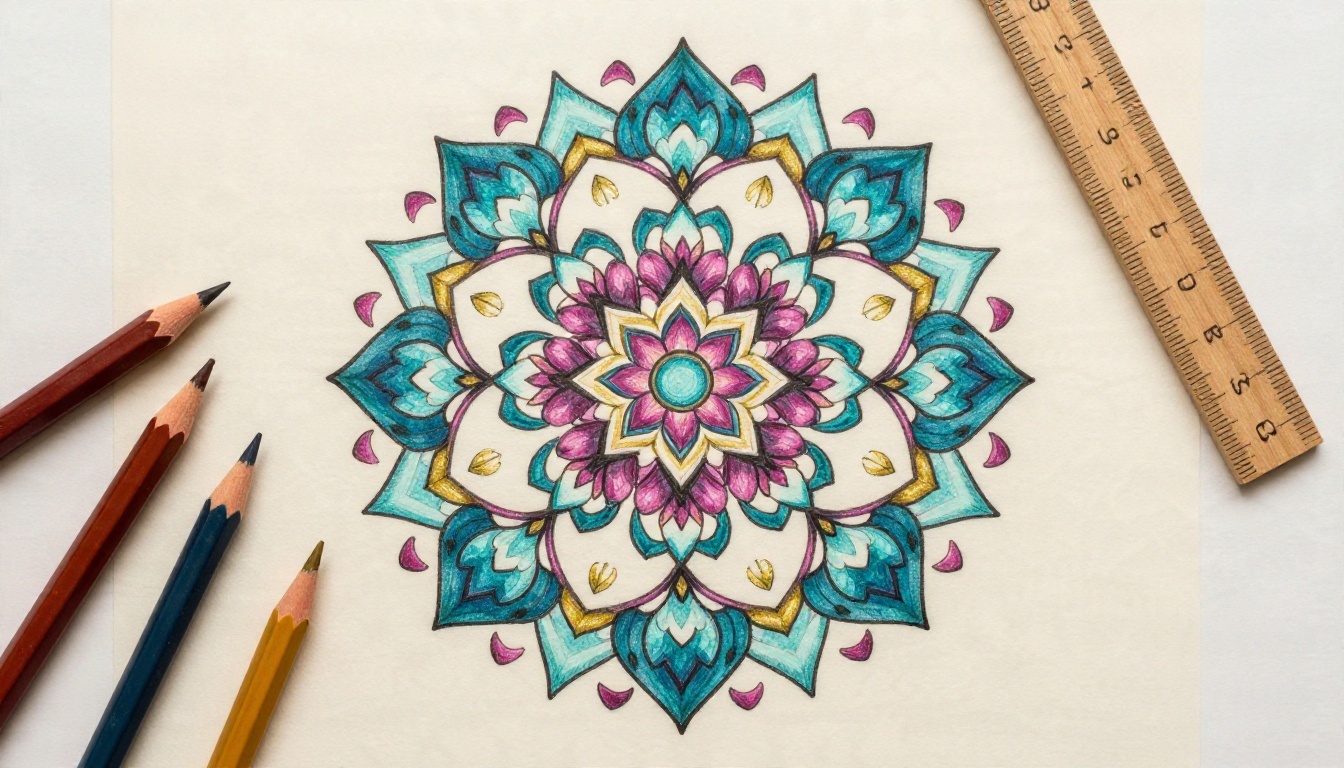
You open a coloring app, scroll through three hundred pages, and every mandala looks like the one before it. Meanwhile the page you actually want, a peony wreath with a tiny bee tucked into the lower left petals, does not exist anywhere. That gap is exactly where AI prompts for adult coloring pages earn their place. Write one clear sentence, wait a few seconds, and you get a black and white sheet made for your taste, your pencils and your free Sunday morning.
The catch is that most first attempts come out gray, smudgy or filled with shading that no pencil can follow. A coloring page is not a normal picture. It needs closed shapes, even line weight, white space inside every petal and nothing that looks like a photograph. This article gives you the prompt formula that produces that, plus ready to paste prompts for mandalas, flowers and dense detailed scenes, and the fixes for every common failure.
Why Coloring Pages Work Better with AI
Printed coloring books are built for the average buyer. They repeat the same lotus, the same sun and the same owl because those sell. When you generate your own pages, you control four things a bookstore never will: the theme, the level of detail, the line thickness and the page count.
What Makes a Page Colorable
A page is colorable when a pencil tip can reach every region. That means:
- Closed outlines. Every petal, leaf and scale is a sealed shape.
- Pure white inside shapes. No gray wash, no gradient, no hatching.
- Consistent line weight. Thin enough for detail, thick enough to survive a printer.
- Balanced density. Some breathing room between busy zones so the eye can rest.
Most image generators default to a rich, shaded look. Your prompt has to push against that default on purpose.
Who Uses These Pages
Hobbyists, teachers, therapists running relaxation sessions, Etsy sellers building printable bundles and people who simply want a screen free evening. A seller needs volume and consistency. A hobbyist needs surprise. The same formula serves both.
💡 Quick win: Decide your detail level before writing the prompt. "Simple" suits markers and beginners. "Intricate" suits fine pencils and gel pens. Mixing both in one prompt confuses the model.
After many test runs, one structure keeps giving clean results. Think of it as five slots, filled in order.
| Slot | What it does | Example words |
|---|
| 1. Medium | Forces line art | "black and white coloring page, clean line art" |
| 2. Subject | Names the main design | "symmetrical mandala with lotus petals" |
| 3. Detail level | Sets density | "intricate, fine details, many small shapes" |
| 4. Line rules | Controls outline | "thin even black outlines, no shading, no gray" |
| 5. Background | Keeps the page printable | "pure white background, no border, no text" |
Put the medium first. Models weigh early words more heavily, so opening with "black and white coloring page" does more work than burying it at the end.
Words That Help
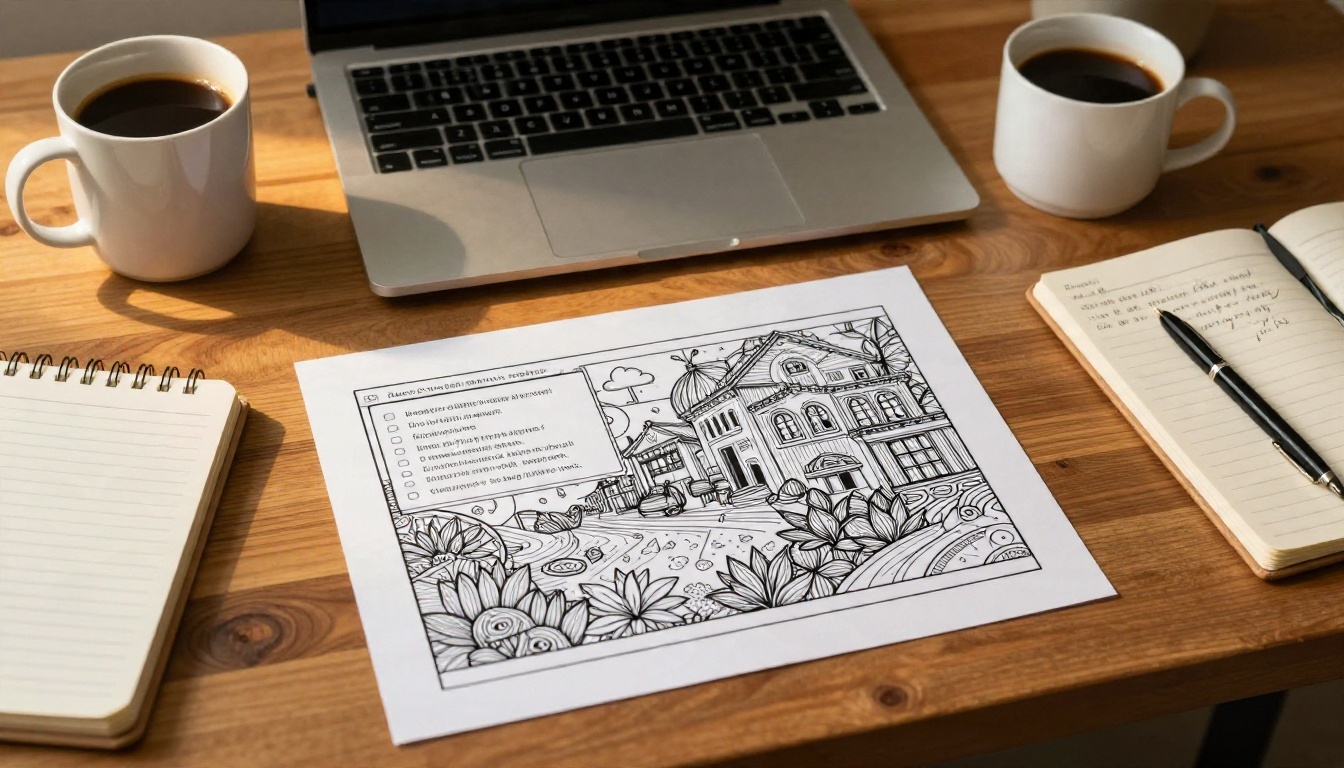
These phrases consistently push a model toward usable line art:
- coloring book page
- clean vector style line art
- thin black outlines
- white shapes ready to color
- high contrast, no shading
- symmetrical (for mandalas)
- evenly spaced details
Words That Break Line Art
Some words sound harmless but drag the result toward painting or photography:
- realistic, photorealistic, cinematic
- shadow, shading, gradient, glow
- watercolor, textured, vintage paper
- golden, vibrant, colorful (the model starts adding color)
If you want a flower to look lifelike in shape, say "botanically accurate petals" instead of "realistic". The shape instruction survives, the shading does not sneak in.
Negative Space Instructions
End every prompt with a short exclusion list: "no shading, no gray fill, no color, no text, no frame, no signature." Models that support negative prompts will read this as a hard rule. Models that do not will still treat it as a strong hint.
Mandala Prompts to Copy
Mandalas are the easiest entry point because symmetry hides small errors. They also scale well, from a five minute doodle page to a three hour project.
Classic Radial Mandala
Black and white coloring page, symmetrical circular mandala with layered lotus petals, concentric rings of small teardrop shapes and a detailed center flower, intricate fine details, thin even black outlines, no shading, no gray, pure white background, no border, no text
This is the baseline. Swap "lotus" for "dahlia", "sunflower" or "chrysanthemum" and you get a new family of pages with the same clean structure.
Animal Mandala
Black and white coloring page, mandala in the shape of a fox head surrounded by radial leaves and tiny dotted rings, symmetrical, fine line work, closed shapes, thin black outlines, no shading, no gray fill, white background, no text
Animal mandalas sell well and keep your own interest alive across a stack of twenty pages. Try an owl, a koi pair, an elephant or a moth with wings spread.
Geometric Lattice Mandala
Black and white coloring page, geometric mandala built from interlocking triangles, hexagons and star shapes, perfectly symmetrical, sharp precise lines, evenly spaced small details, no shading, no gray, white background, no text
Geometric pages are the most relaxing for people who like ruler straight patterns. They are also the hardest for a model to keep symmetrical, so generate three to four versions and keep the cleanest one.
Floral Prompts to Copy
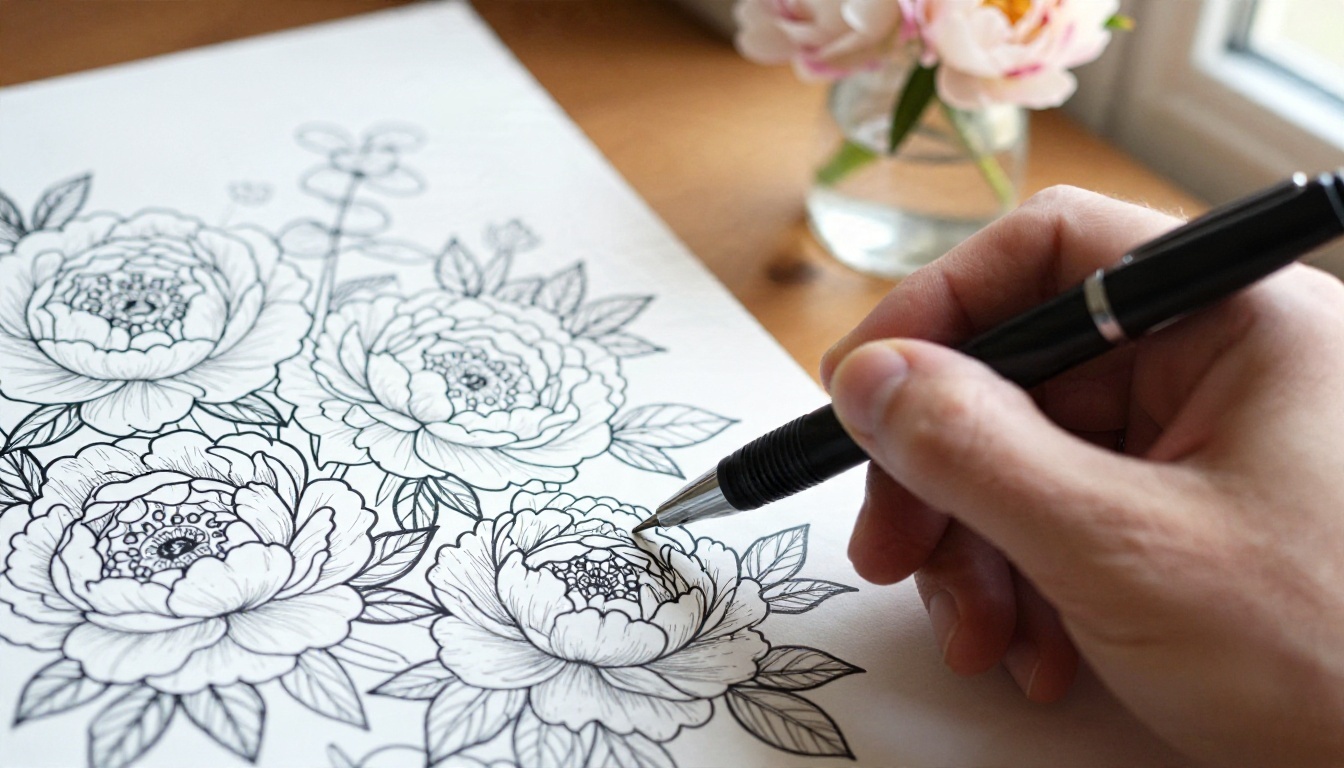
Flowers are forgiving, familiar and endlessly variable. The danger is overcrowding: a model asked for "many flowers" often produces a dense blob with no white space.
Peony and Rose Wreath
Black and white coloring page, circular wreath of peonies, roses and eucalyptus leaves with a small bee near the lower left, fine thin outlines, large open petals with visible petal lines, no shading, no gray fill, pure white background, no text
Notice the bee. A single small surprise gives the eye a destination and makes a page feel designed rather than generated.
Wildflower Meadow Scene
Black and white coloring page, wildflower meadow with poppies, daisies, lavender and tall grass, a butterfly above, layered foreground and background, clean line art, medium detail, thin black outlines, no shading, white background, no text
Ask for "layered foreground and background" and you get natural depth without any shadow. Without that phrase the flowers tend to float in a flat row.
Botanical Ferns and Butterflies
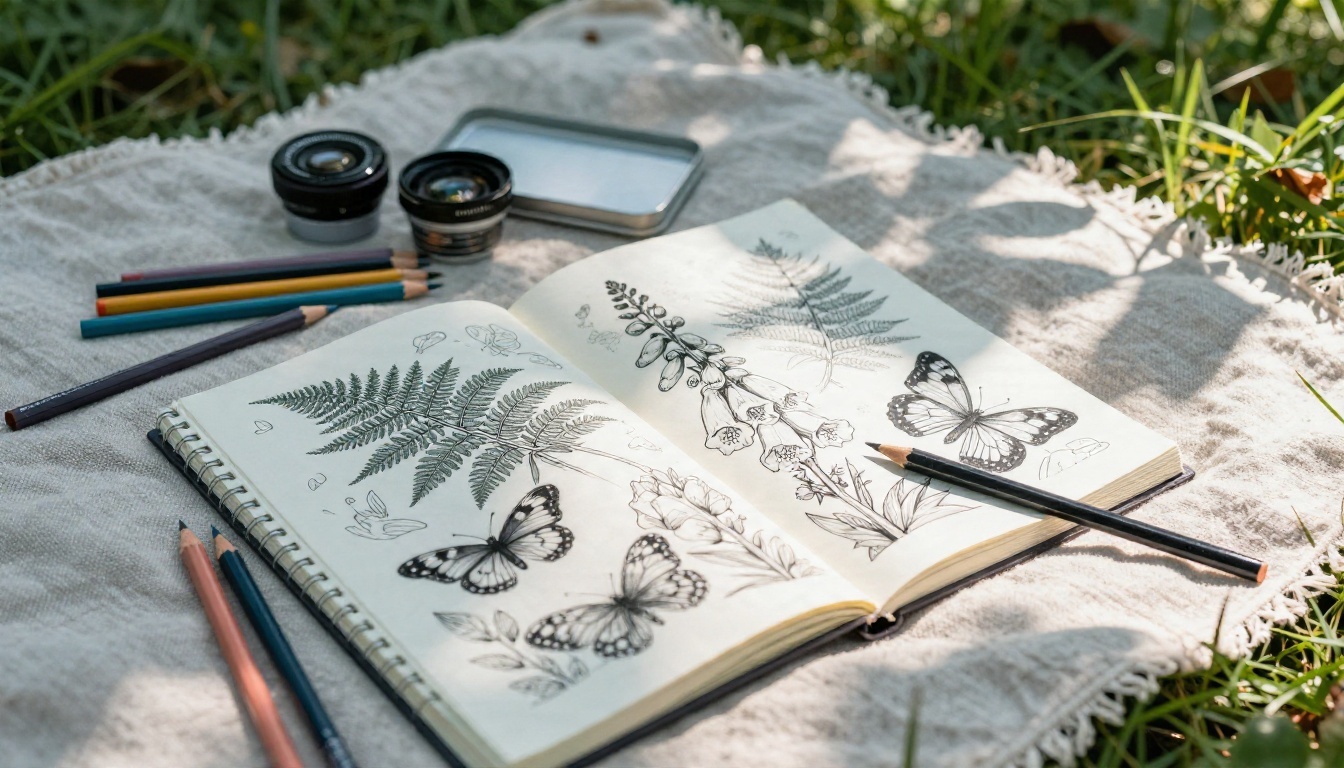
Black and white coloring page, botanical illustration of ferns, foxgloves and two butterflies, botanically accurate shapes, fine line work, even line weight, no shading, no hatching, white background, no text
This one is a favorite for outdoor coloring. Print it, grab a tin of pencils and take it to the garden.
Detailed and Zentangle Prompts
Dense pages are for people who find simple outlines boring. They reward patience, and they look striking when finished.
Zentangle Pattern Fill
Black and white coloring page, large elephant silhouette filled with zentangle patterns of spirals, dots, scales, leaves and tiny mandalas, each section a different pattern, fine pen line work, closed shapes, no shading, no gray, white background, no text
The phrase "each section a different pattern" is what stops the model from repeating the same swirl across the whole body. Fill shapes include animals, hands, hot air balloons, houses and cats.
Landscape with Tiny Detail
Black and white coloring page, mountain village at dusk with stone cottages, winding path, pine forest and hundreds of small windows and roof tiles, intricate fine details, thin black outlines, no shading, no gray, white background, no text
Scenes like this turn into a long project. They suit gel pens and 0.3 mm fineliners, and they are much better with a high resolution output so the tiny roof tiles stay sharp.
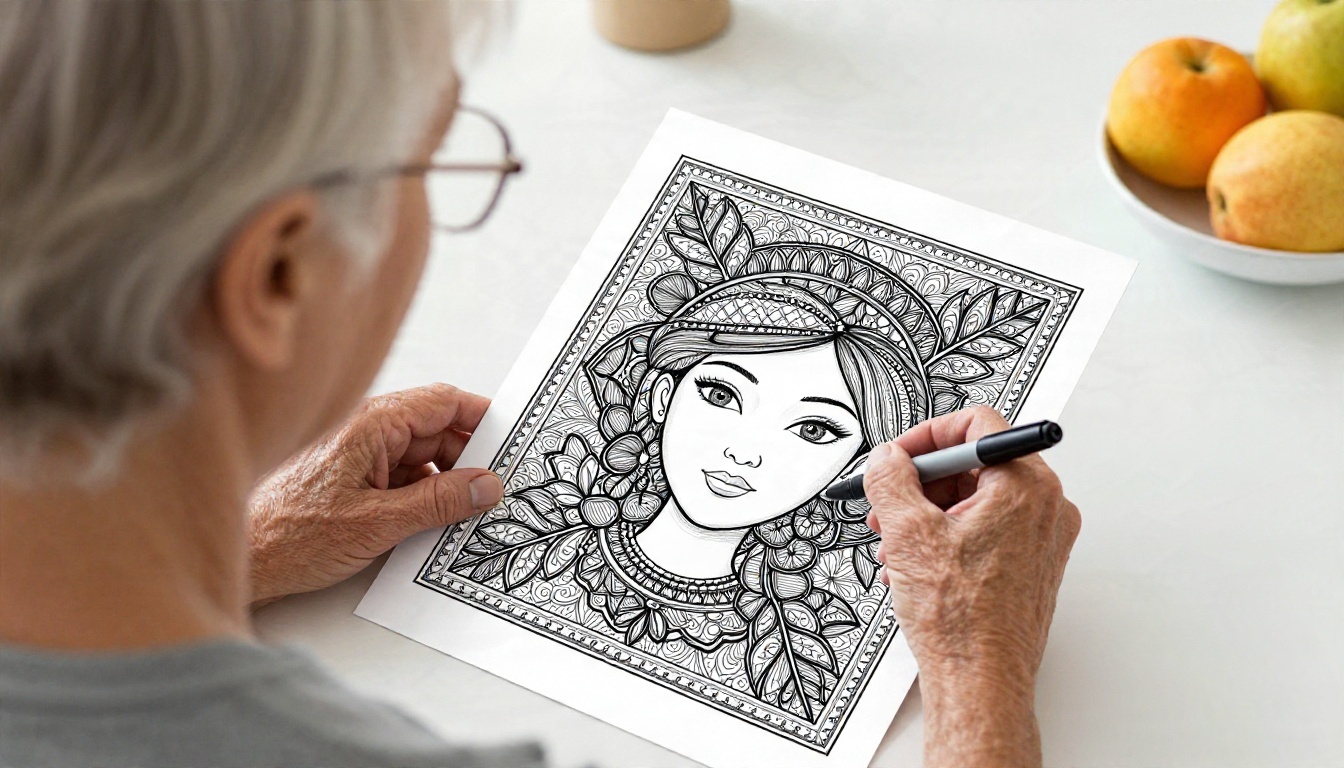
💡 Tip for dense pages: Add "large enough shapes for colored pencils" to the prompt. Without it, models drift toward microscopic patterns that look great on screen and impossible on paper.
How to Use Ideogram v4 Quality on PicassoIA
For clean outlines, a model that follows written instructions closely matters more than one that produces the prettiest photographs. Ideogram v4 Quality is a strong pick because it obeys instructions such as "no shading" and "no text" more reliably than many alternatives. Here is the workflow.
Step by Step
- Open the model page. Go to Ideogram v4 Quality on PicassoIA.
- Paste your prompt. Use any prompt from the sections above. Keep the exclusion list at the end.
- Choose a portrait ratio. Pick 3:4 or 2:3 so the page fits a standard sheet without wasted margin. Use 1:1 for a single centered mandala.
- Generate four variations. Do not judge the first output. Compare all four for closed shapes and white interiors.
- Pick the cleanest outline. Zoom in on petals and small details before choosing.
- Download at full size. Higher resolution means thinner lines stay crisp when printed.
Settings That Matter
| Setting | Recommended | Why |
|---|
| Aspect ratio | 3:4 for pages, 1:1 for mandalas | Matches paper size |
| Variations | 4 per prompt | Line quality varies between runs |
| Prompt length | 30 to 60 words | Short enough to follow, long enough to be specific |
| Exclusion list | Always included | Blocks gray fill and text |
Other Models Worth Testing
Different models give different line personalities. If you want to compare, these all live on the same platform:
- Recraft v4.1 Pro produces print ready 2K images with crisp, graphic shapes.
- Recraft v4.1 SVG outputs scalable vector art, so you can enlarge a mandala to poster size without softening a single line.
- Seedream 4.5 handles very dense detail and 4K output well, which suits intricate landscapes.
- Nano Banana Pro is good for editing an existing page, such as adding a bee or removing a border, with a short instruction.
- Imagen 4 gives clean, balanced compositions and is a solid choice for floral wreaths.
- Flux 2 Klein 4B Base is quick and handy for testing many prompt ideas in a row.
💡 Workflow idea: Test a new prompt on a fast model first. Once the idea works, run the same prompt on Ideogram v4 Quality or Recraft for the final printable version.
Fixing Problems and Printing Well
Even a good prompt misfires sometimes. Here are the failures you will meet most, and how to repair each.
Gray Fill and Shading
Symptom: Petals look smoky, or there is a soft shadow under each shape.
Fix: Add "flat white shapes, no shading, no gray, no gradient" and remove any mood words such as "dreamy", "soft" or "glowing". If it persists, add "vector line art" to the front.
Broken or Open Lines
Symptom: Outlines have gaps, so color would leak from one region into another.
Fix: Add "closed shapes, continuous outlines". Reduce the detail level by one step, since over ambitious prompts produce more broken lines. Generating at higher resolution also helps.
Uneven Symmetry
Symptom: The left half of a mandala does not match the right.
Fix: Say "perfectly symmetrical, radial symmetry, centered". Then generate several versions and choose the best. Another trick is to keep one clean half and mirror it in any basic photo editor.
Unwanted Text or Borders
Symptom: Random letters, signatures or a thick frame appear.
Fix: End with "no text, no letters, no signature, no border, no frame". Keep the background instruction explicit: "pure white background".
| Problem | Fastest fix |
|---|
| Gray fill | Add "flat white shapes, no gradient" |
| Gaps in outlines | Add "closed shapes", lower detail |
| Lopsided mandala | "Perfectly symmetrical", generate more versions |
| Random text | Add "no text, no letters" |
| Lines too thin to print | Ask for "medium thickness black outlines" |
Print Settings
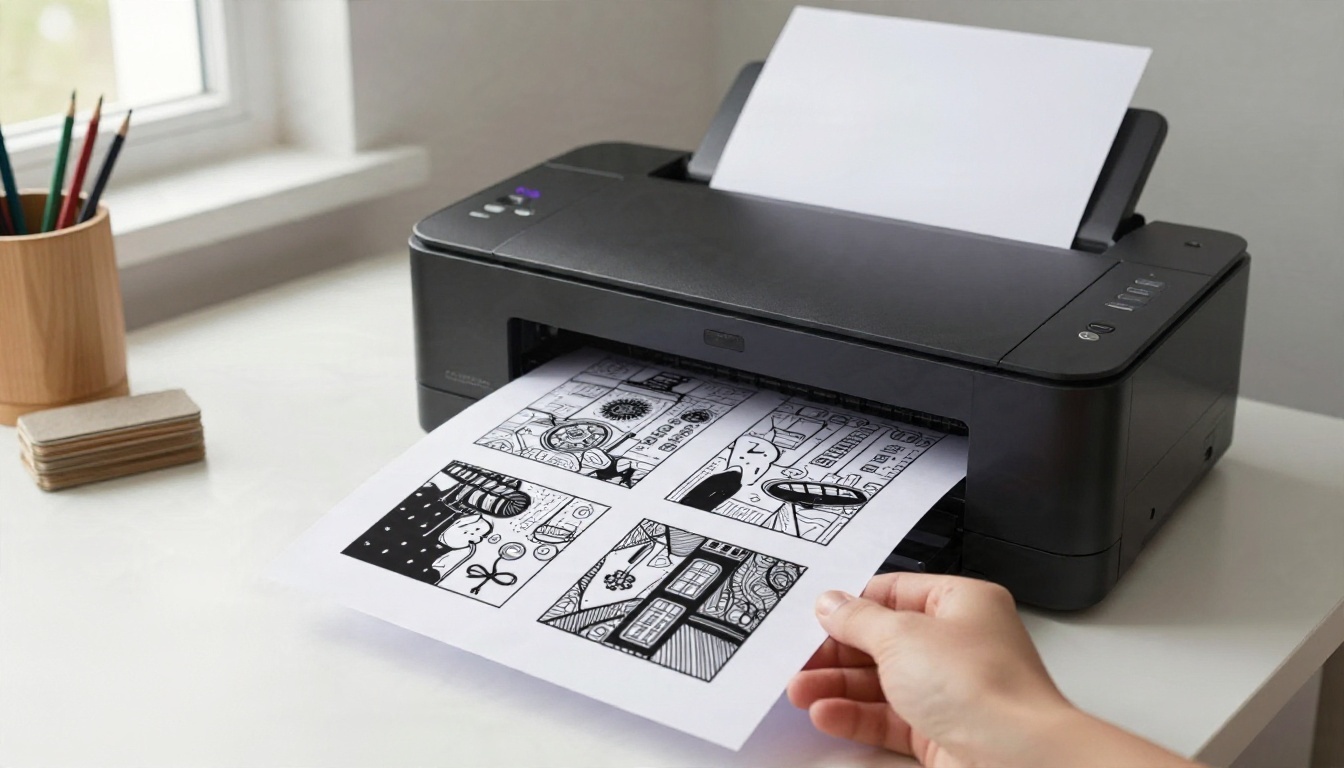
A good file can still print badly. Follow these basics:
- Paper weight: 120 gsm or heavier if you use markers. Standard 80 gsm paper is fine for pencils and gel pens.
- Quality setting: Choose "best" or "high" so thin lines do not dither.
- Scaling: Print at 100 percent. Letting the printer shrink the page to fit makes lines thinner.
- Black only: If your printer offers grayscale mode, use it. It saves color ink and gives a darker black.
- Test one page first. Do this before printing a stack of twenty.
Choosing Coloring Tools
Your tools change how a page should be prompted:
- Colored pencils work with fine and intricate prompts, and let you layer color for depth.
- Gel pens suit dense zentangle designs and small shapes.
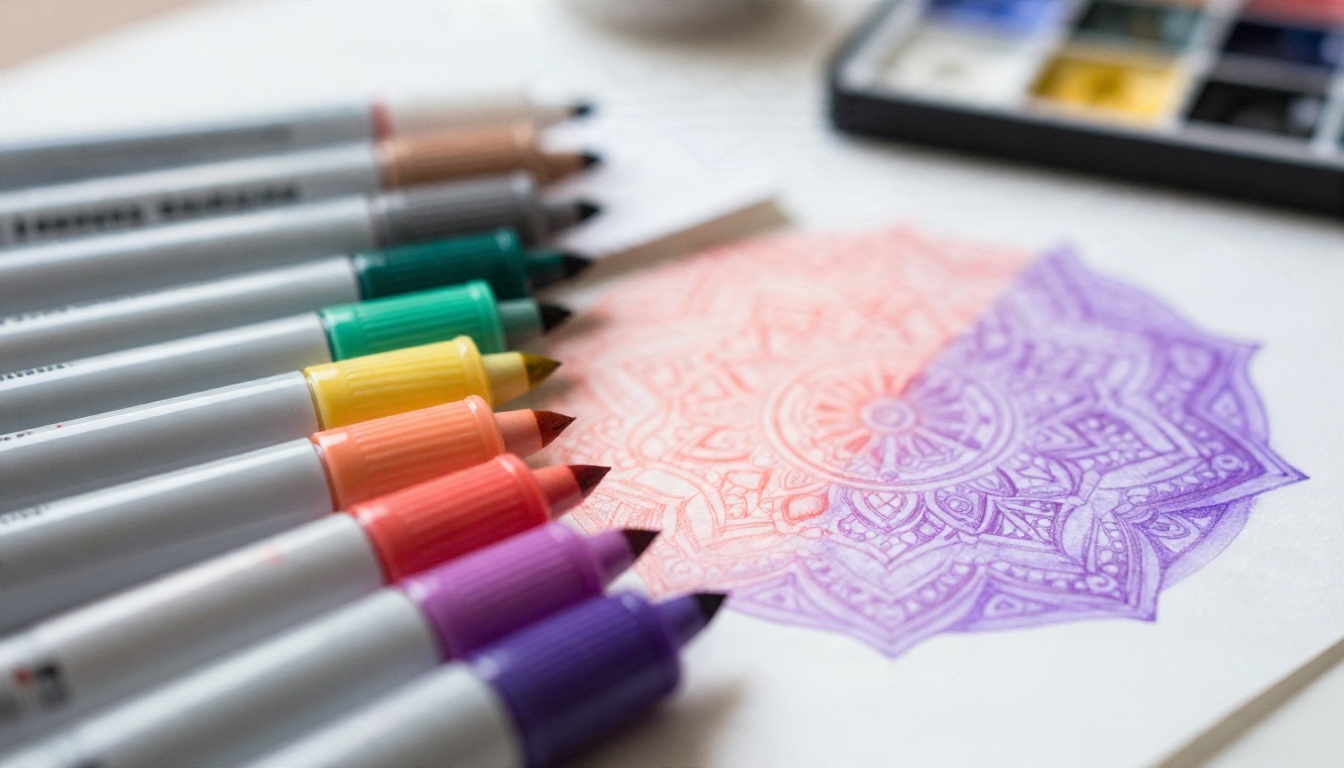
- Alcohol markers need thicker outlines and larger shapes, and they bleed through thin paper.
- Watercolor pencils handle floral pages beautifully when printed on heavier stock.
If you work with markers, add "bold medium thickness outlines, large shapes" to your prompt and print on thick paper.
Build a Page Bundle
One good page is nice. A set of ten is a project. A few ideas for turning your prompts into a collection:
- Theme packs: Ten flowers, ten animals, ten geometric designs.
- Seasonal sets: Autumn leaves, winter snowflakes, spring blossoms.
- Difficulty ladders: Start with simple wreaths, finish with a zentangle landscape.
- Gift booklets: Print eight pages, staple them and add a small tin of pencils.
To keep a set looking consistent, reuse the same last two lines of your prompt every time: the line rules and the exclusion list. Change only the subject. This keeps line weight and style steady from page to page, which matters a lot if you plan to sell or share the collection.
A Simple Template
Copy this and replace the brackets:
Black and white coloring page, [subject] with [secondary elements], [detail level] details, thin even black outlines, closed shapes, no shading, no gray fill, pure white background, no border, no text
Examples of the bracket pairs: "sleeping cat" with "ivy and small stars", "hot air balloon" with "clouds and tiny birds", "seahorse" with "coral and bubbles".
Make Your First Page Tonight
The fastest way to see how this works is to run one prompt. Pick the classic radial mandala from earlier, paste it into Ideogram v4 Quality, and print the best of four results. Color it with whatever pencils you already own. Then change one word, perhaps "lotus" to "chrysanthemum", and watch the page become something new.
When you are ready for more, try the same prompt on Recraft v4.1 Pro or Seedream 4.5 and compare the line style. Build a small folder of the prompts that work best for you. Within a week you will have a personal library of pages no store sells.
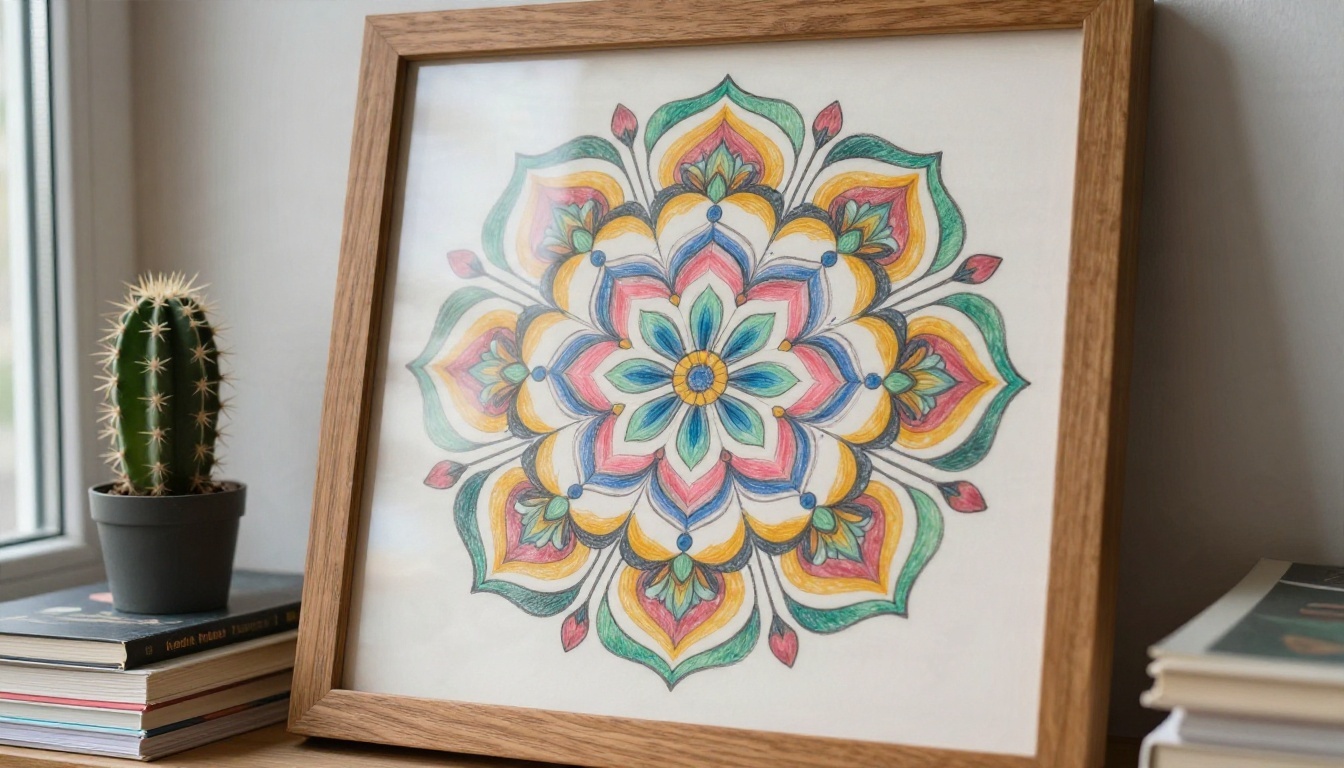
Finished pages deserve a wall. Frame your favorite, hang it where you color, and let the next prompt begin. Open PicassoIA, write your first coloring page prompt and see what appears. The only wrong move is not trying one.


