AI Song Cover Generator Free With Your Own Voice: What Actually Works
Want to hear your own voice and melody turned into a finished track without paying for a studio? This article maps a free-to-try workflow: restyle a song from a text prompt, clone your speaking voice for spoken layers, and animate one photo into a singing video. It also explains plainly what AI can and cannot do with your voice today.
You hum a melody into your phone at midnight, and by morning you want to hear it as a polished track, sung in a style you could never record yourself. That is the promise behind every AI song generator that calls itself free and personal. The reality is more interesting, and a little more nuanced, than the ads suggest. Some tools rebuild a song in a new genre. Some clone your speaking voice. Others animate your face so you appear to sing every line. No single button does all three perfectly, but you can chain them on PicassoIA and get surprisingly close without paying for a studio.
This article gives you an honest map of what works today, the exact settings for each model, and the mistakes that waste the most time. Every model mentioned links to its page, so you can open one and try it while you read.
What "Your Own Voice" Really Means
Search for a free AI song tool that uses your own voice and you will land on three very different kinds of product. Mixing them up is the number one reason people feel let down after the first attempt, so it pays to separate them before you press any button.
Notice what is missing from that table: a single button that swaps a famous singer's vocal for your exact singing timbre. Dedicated voice conversion apps exist for that job, and they ask for far more setup. The models in this article take a different route, one that runs entirely in a browser and still gets you a finished song, a voice layer, and a video.
Where Your Voice Fits In
Your voice enters the process in three places:
Your melody. Hum or sing a tune into your phone. The restyle model keeps the melodic line and rebuilds everything around it.
Your speaking voice. Clone a sample between 10 seconds and 5 minutes long, then use it for spoken intros, ad-libs, or a talk-through verse.
Your face. One photo plus the finished audio gives you a video where you seem to sing.
💡 Set expectations early: the restyle model changes the singer. If you need the final vocal to match your own singing timbre note for note, record that part yourself and let the AI handle the arrangement, the spoken layers, and the video.
What Free Really Gets You
The word free hides a lot of fine print. Several models below are described as free to try on their PicassoIA pages, which means you can run a first generation, hear the result, and decide before committing to anything. Free to try is not the same as unlimited forever, so check the plan details on the site before you plan a whole album.
Free to Try vs Free Forever
Free to try: run a model once or twice and judge the output on your own headphones.
Credits and plans: longer sessions and repeated runs may depend on your plan.
Free inputs: a zero-cost workflow also needs zero-cost source material. Use songs you wrote, public domain tunes, or tracks you hold a license for.
The Five Models You Will Use
MiniMax Music restyle model: rebuilds a song in a new style. The example runs on its page took between 52 and 85 seconds.
Music 2.6: writes a full original song from a style prompt and optional lyrics.
Voice Cloning: builds a reusable voice from a short sample.
Qwen3 TTS: preset voices, cloned voices, or voices you describe in plain words, across 10 languages.
Omni Human 1.5: turns one photo and a short audio clip into a lip-synced video.
Which one first? If you already have a melody, start with the restyle model. If you only have words, start with Music 2.6. It accepts lyrics with structure tags such as [Intro], [Verse], [Chorus], [Bridge], and [Outro], and it can write lyrics for you from a style prompt when the lyrics field is empty. It also has an instrumental switch, which is handy for a clean backing track under your cloned voice.
Prepare Your Source Track
Bad input produces bad output, and audio is harsher about it than almost any other medium. Ten minutes of preparation will save you ten regenerations.
Pick a Song You Can Use
The restyle model needs a source song. Safe choices are:
Your own original, even a rough phone demo.
A public domain melody, such as a traditional folk song or an old hymn.
A track you are licensed to adapt.
Skip anything you cannot clear if you plan to post the result publicly. More on that in the rights section below. While you test prompts, work with a short excerpt, then run the whole song once the style feels right.
Record a Clean Vocal Take
If your own singing is the melody reference, record it dry:
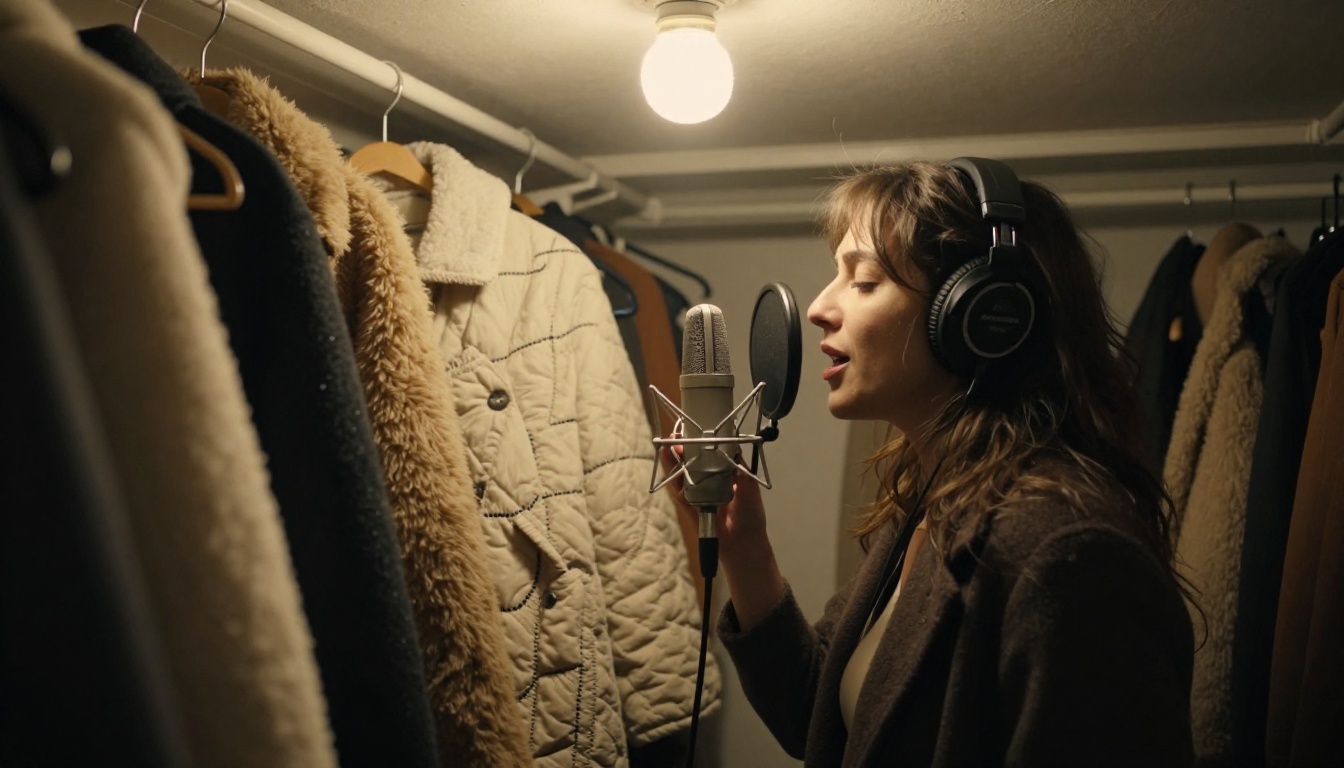
Sing into a closet full of hanging coats. Clothes soak up echo better than most bedrooms.
Hold the phone or microphone about a hand's width from your mouth.
Turn off fans, background music, and notifications.
Sing the melody clearly and steadily. It is the one thing the model keeps, so make it count.
Then export an MP3 or WAV. The restyle model reads your track from a link, and that link must be publicly accessible. Upload the file somewhere anyone with the link can open it, and test the link in a private browser window before you paste it in.
💡 Quick test: if the link asks you to sign in, the model cannot read it either.
Here is the exact flow for the MiniMax Music restyle model, the one that does the heavy lifting in this workflow. The page describes it simply: upload a track, describe the style you want, and get back a song with a different voice, different instruments, and a different genre, while the original melody stays intact.
Step by Step Settings
Open the model page on PicassoIA.
Paste your public MP3 or WAV link into the audio URL field.
Describe the target style in the prompt field. It accepts up to 2,000 characters.
Leave the lyrics empty to keep the original words, or paste your own, up to 3,000 characters.
Pick the output format: MP3 for sharing, WAV when you plan to edit the audio further.
Keep the defaults for the best fidelity, and lower the bitrate only when file size matters.
Run it, listen on headphones, then change one thing in the prompt and run it again.
Setting
Options
Default
Change it when
Output format
MP3, WAV, PCM
MP3
You plan to edit the audio in another app
Sample rate
16, 24, 32, or 44.1 kHz
44.1 kHz
You need a smaller draft file
Bitrate
32, 64, 128, or 256 kbps
256 kbps
You are sharing a quick preview
Prompt
Up to 2,000 characters
Required
Every run, to steer the style
Lyrics
Up to 3,000 characters
Empty
You want new words instead of the original ones
Prompts That Work
These five prompts come straight from the example runs on the model page. Each one names a genre, a lead instrument or sound, and a vocal type.
Goal
Prompt
Relaxed remake
Lo-fi hip hop version, vinyl crackle, chill beat, warm midrange, dreamy reverb
Dance remix
EDM remix, 128 BPM, heavy synth bass, atmospheric pads, driving four-on-the-floor beat, euphoric drop
Hard rock, distorted electric guitar riffs, powerful drums, raw male vocal, arena energy
Late night club
Jazz arrangement, saxophone lead, smooth female vocal, mellow piano chords, late night club
A reliable formula is genre + tempo or mood + lead instrument + vocal type + one scene word. Stick to one genre per run, because mixing four styles in a single prompt is how you end up with mud. To steer the singer, describe the voice in the same breath: warm female vocal, raw male vocal, smooth female vocal, or soft intimate vocal.
Add Your Own Lyrics
With the lyrics field empty, the singer performs the words extracted from your source song. To sing your own, paste them with section tags such as [verse], [chorus], and [bridge]:
[verse]
Morning light on the kitchen floor
I hum the tune I hummed before

[chorus]
This is my song, this is my sound
💡 Match the rhythm: keep each new line close to the syllable count of the original line. A longer line gets squeezed, and the words come out rushed.
Put Your Real Voice in the Mix
The restyle model sings with a new voice. Your real voice joins the track through speech models, and that is where cloning comes in.
Format and length: MP3, M4A, or WAV, from 10 seconds to 5 minutes, under 20 MB.
Noise reduction: switch it on if the recording has background hiss.
Volume normalization: switch it on if your levels jump around.
Speech tier: the default is Speech 2.6 HD, with turbo and older HD options available.
You get a reusable voice you can apply to as many speech runs as you like. Write an intro line, a spoken bridge, or a talk-through verse and generate it in your cloned voice.
💡 Cloned voices here come from text-to-speech models, so treat them as a spoken-word layer, not a replacement for a sung vocal.
Clone Your Voice in One Step
Qwen3 TTS offers a one-step alternative. Choose the voice clone mode, upload a short reference clip, and type the transcript of that clip in the reference text field, which the model page recommends. Add a style instruction such as speak slowly and calmly or excited tone to steer the delivery. The model page's own clone example finished in about 14 seconds. For another clone-capable option with emotion control, try Chatterbox.
Layer It Over the Restyled Track
Download the restyled song and your cloned voice lines, then combine them in any free audio editor:
Place the song on one track and your voice lines on another.
Lower the music a few decibels under spoken parts.
Add a touch of reverb to the voice so it sits in the same room as the band.
Fade between sections and export one final MP3.
A simple arrangement that works for a three minute song:
Moment
Music
Voice
First 8 seconds
Quiet instrumental, from Music 2.6 or the restyled track
Your cloned voice speaks a title line
Verses
Restyled track at full level
The restyled singer
Chorus
Restyled track at full level
The restyled singer plus one cloned ad-lib
Bridge
Music drops a few decibels
Your cloned voice speaks one line
Outro
Fade over about 4 seconds
Silence or a short spoken sign-off
Make a Singing Video From One Photo
A track with a face on it travels farther on social platforms than a bare audio file, and you only need one picture to make it.
Photo Plus Audio Becomes Video
Omni Human 1.5 takes one photo and an audio clip shorter than 35 seconds, then returns a lip-synced video. The model page's own example prompt, A woman sings and strums her guitar, shows the singing use case.
Use a front-facing portrait with even light and a plain background.
Trim your song to the chorus or hook. Audio longer than 35 seconds makes the generation fail.
Switch on fast mode while testing. The example runs on the page took roughly 3 to 6 minutes.
Add a short prompt if you want to steer gestures or camera movement.
Sync an Existing Video
If you already have a clip of yourself, Lipsync 2 Pro rewrites the lip movements to match new audio. It offers five sync modes (loop, bounce, cut off, silence, and remap) plus an expressiveness control from 0 to 1, and it takes MP4 video with WAV audio. Kling Lip Sync is another option for matching a mouth to audio in any video.
Before You Publish Anything
Rights questions matter more than any prompt. This is general information, not legal advice.
A restyle does not make the song yours. Posting a reworked version of a copyrighted song usually still needs permission from the rights holders of the original composition.
Public domain helps, with a catch. An old composition may be free to use, but a specific recording of it can still be protected.
Clone only voices you own or have written permission to use.
Label AI-assisted tracks wherever a platform asks for it.
Six mistakes waste more hours than any other:
A private source link. The model cannot open it, and the run fails.
A noisy cloning sample. Switch on noise reduction or re-record in the closet.
Five genres in one prompt. Pick one genre and one mood.
Changing five settings at once. You will not know which change helped.
Expecting your singing timbre from the restyle. Plan the voice layers instead.
Sending a full song to the video model. Trim it to under 35 seconds first.
Make Your First Track Today
Now it is your turn. Pick one melody you love, hum 30 seconds of it into your phone, and run it through the MiniMax Music restyle model with a single clear prompt. Try the lo-fi prompt first, then the jazz one, and notice how the same melody changes mood. If you want a brand new song instead, give your own lyrics to Music 2.6 and let it build the arrangement.
A realistic first session looks like this:
10 minutes: record the melody in your closet booth.
10 minutes: two or three restyle runs, changing one thing each time.
10 minutes: clone your voice and generate two spoken lines.
15 minutes: layer and export the final MP3.
10 minutes: turn the hook into a video with Omni Human 1.5.
The music and voice models are free to try, so the only cost of experimenting is a few minutes of curiosity. You can also create album artwork with the image models on PicassoIA, so the whole release (song, voice, video, and artwork) lives in one place. Browse everything at picassoia.com/en/all-models and make something that sounds like you.