The adult content industry was among the first to grasp what AI video generation truly means: total creative freedom, on demand, without expensive production crews or performers. Today, the best uncensored AI video generator for adult content does not just produce passable clips. It creates photorealistic, high-fidelity sequences indistinguishable from professionally shot footage. But not all platforms give creators this freedom. Filters, content policies, and safety layers stop most mainstream tools long before you reach mature content territory.
This article cuts straight to it. Below you will find which AI video models actually work for uncensored adult content creation, what separates the best from the mediocre, and how to produce cinematic-quality output from your very first session.
Why Creators Want Unrestricted AI Video
The demand for uncensored AI video tools is not hard to explain. Traditional video production for adult content is expensive, logistically complex, and increasingly regulated. AI changes that equation completely. A single well-crafted text prompt can produce a 10-second, hyper-realistic video clip in minutes, at a fraction of legacy production costs.
The problem is that most public-facing AI platforms apply aggressive content filters. Anything that hints at sensuality, nudity, or explicit imagery gets blocked at the prompt level. For adult content creators, this means major mainstream tools are effectively useless for serious work.
The Real Frustration
Creators are not asking for something unreasonable. Adult content is legal in most jurisdictions when it involves consenting adults or AI-generated characters with no real-world likeness. Yet platform-level censorship treats all mature content as equally problematic by default.
This is precisely why specialized platforms and specific model variants have become so valuable. They deliver the same AI video quality without the blanket restrictions that cripple creative workflows.
Who Actually Needs This
- Solo content creators building subscription-based adult content channels
- Adult production studios reducing cost per scene with AI-generated synthetic material
- Erotic fiction authors adding compelling visual context to their stories
- Artists and photographers working with sensual aesthetics in a legitimate creative capacity
- App developers building adult entertainment products on top of AI APIs
What to Look For in an AI Video Generator
Not every "unrestricted" AI video tool is worth your time. The market has plenty of low-quality generators that produce blurry, incoherent clips with poor anatomy and motion artifacts. Here is what actually separates the strong tools from the weak ones.
Resolution and Motion Quality
Quality floor matters. A minimum of 720p output is expected in 2027, but the best models now produce 1080p clips with smooth, natural motion. Look for models that handle human body movement realistically, specifically fluid limb motion, consistent facial expressions across frames, and natural hair physics. Many cheaper models fail dramatically on these details, especially during close-up character shots.
Model Flexibility and Prompt Control
The best uncensored generators support rich text prompts with granular control. You need to specify camera angles, lighting conditions, character poses, and atmosphere with precision. Models that only accept basic prompts will produce generic results, regardless of content policy.
💡 Pro tip: The more specific your prompt, the better. Include camera type (e.g. "35mm f/1.8"), lighting direction ("volumetric warm side-light from left"), and character details (skin tone, hair texture, clothing material). Vague prompts produce vague results.
Speed vs. Fidelity
Fast generation (under 30 seconds per clip) is valuable for iteration, but raw speed often sacrifices fidelity. Premium models take 60 to 120 seconds per clip and deliver significantly better anatomy, lighting, and motion coherence. For final output you intend to publish, prioritize quality. For rapid testing and prompt refinement, speed matters more.
The Top Models for Adult Content Video
These are the models that serious adult content creators rely on in 2027, all available directly on PicassoIA.
Kling v3: The Motion Standard
Kling v3 from Kwaivgi has become the industry benchmark for realistic human motion in AI video. Its strength is natural body movement. Characters in Kling clips do not move with the robotic, jerky patterns that plague lower-tier models. Fluid walking, natural posing, and smooth transitions between actions are all handled convincingly.
For adult content specifically, Kling v3 excels at sensual, intimate scenes where natural body movement is essential to the scene's impact. The model's motion control variant, Kling V3 Motion Control, allows you to transfer specific motion patterns from a reference clip onto your generated character, which opens up enormous creative possibilities.
Best for: Intimate scenes, character-focused content, motion-critical sequences
The WAN 2.6 series from Wan Video consistently produces the most cinematic-looking output of any open-access model. Where other models flatten texture and lighting, WAN 2.6 renders fabric detail, skin texture, and environmental context with striking realism.
The text-to-video version accepts extremely detailed prompts, and the image-to-video variant WAN 2.6 I2V lets you animate a static reference image directly, which is ideal when you have already generated a perfect still and want to bring it to life with natural motion.
Best for: High-quality creative content, scenes requiring rich environmental detail, image animation workflows
PixVerse v5.6 is the workhorse for creators who need volume. It generates clean 1080p clips at speeds competitive with any model at this quality tier. Its strength is flexibility: PixVerse v5.6 handles a wide range of scenes competently, from intimate portraits to more dynamic action sequences, without the dramatic quality variance seen in some other models.
The model also delivers strong character consistency across a sequence. If you are building a longer narrative, you can maintain a recognizable character appearance across multiple generated clips, which is critical for professional content production.
Best for: High-volume content production, character-consistent sequences, fast iteration cycles
Minimax's Hailuo 2.3 is the specialist choice for photorealistic human characters. The model's facial rendering is among the best available, producing expressive, emotionally convincing faces that hold up under close scrutiny. For adult content where close-up character shots matter, this is a crucial advantage.
The fast variant, Hailuo 2.3 Fast, reduces generation time significantly while retaining most of the quality, making it a strong option when you need rapid output without sacrificing face fidelity.
Best for: Character-focused content, facial close-ups, photorealistic human subjects
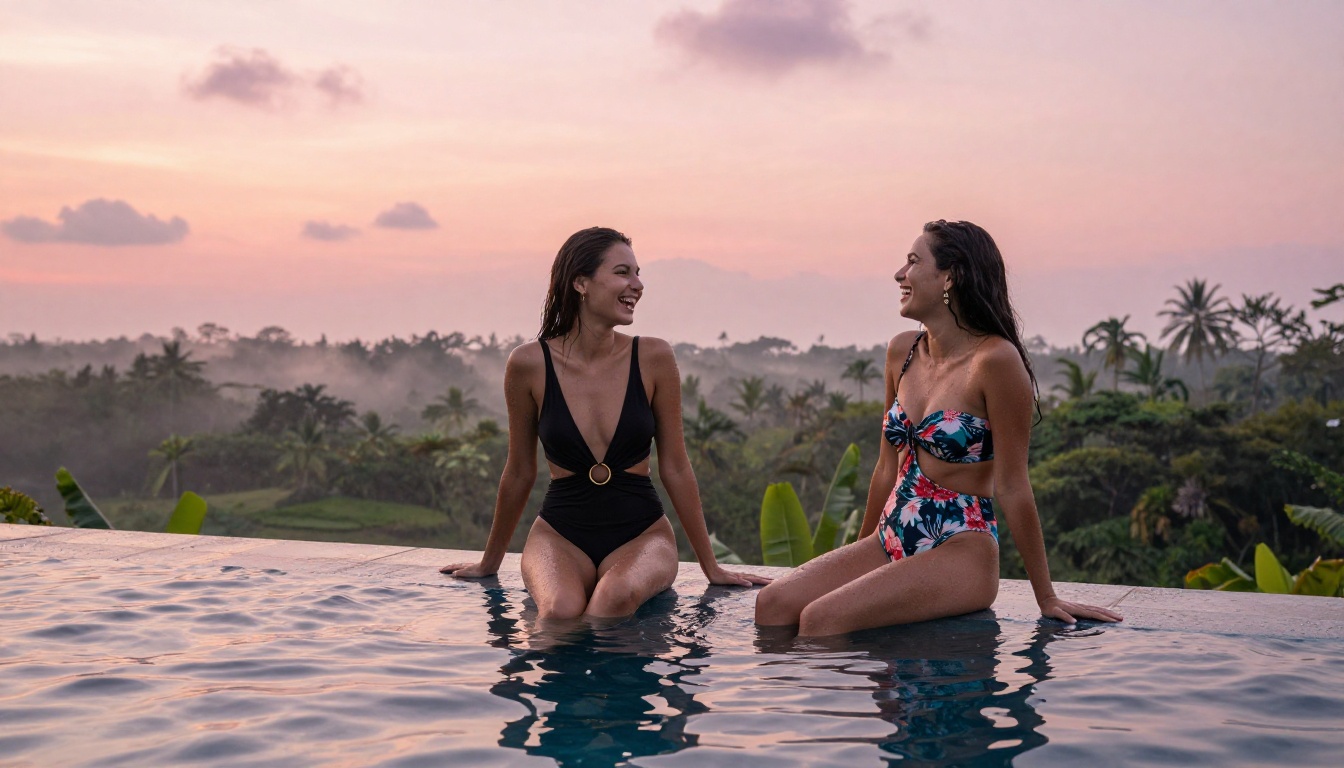
How to Use Kling v3 on PicassoIA
Kling v3 is available directly on PicassoIA. Here is how to get the best results for adult content creation.
Step 1: Access the Model
Navigate to the Kling v3 page on PicassoIA. The text-to-video interface is ready to use immediately from your browser, with no local installation required.
Step 2: Craft Your Prompt
Structure your prompt in layers:
- Subject description: Character appearance, pose, clothing or state of dress
- Environment: Location, time of day, lighting quality
- Camera specification: Angle, lens type, distance from subject
- Motion directive: What action is happening ("slowly turning", "gentle hair movement in breeze")
- Style qualifier: "photorealistic", "8K", "cinematic", "natural lighting"
A strong example: "A beautiful woman in a white silk robe slowly turning to face camera in a sun-lit bedroom, natural morning light from left window, 85mm portrait lens, photorealistic, 8K"
Step 3: Set Duration and Quality
For initial tests, use 5-second clips. This reduces cost and generation time while letting you validate your prompt before committing to longer sequences. Once you have a prompt that produces strong results, extend to 10 seconds for the final version.
Step 4: Iterate Fast
Generate 2 to 3 variations with slight prompt modifications. Change one variable at a time: lighting, character description, or camera angle. This systematic approach helps you understand exactly what the model responds to, and produces dramatically better final results than random iteration.
💡 Tip: For scene sequences, use Kling V3 Motion Control to transfer natural motion patterns from reference clips onto your generated characters. This is especially effective for intimate scenes where specific movement quality matters.
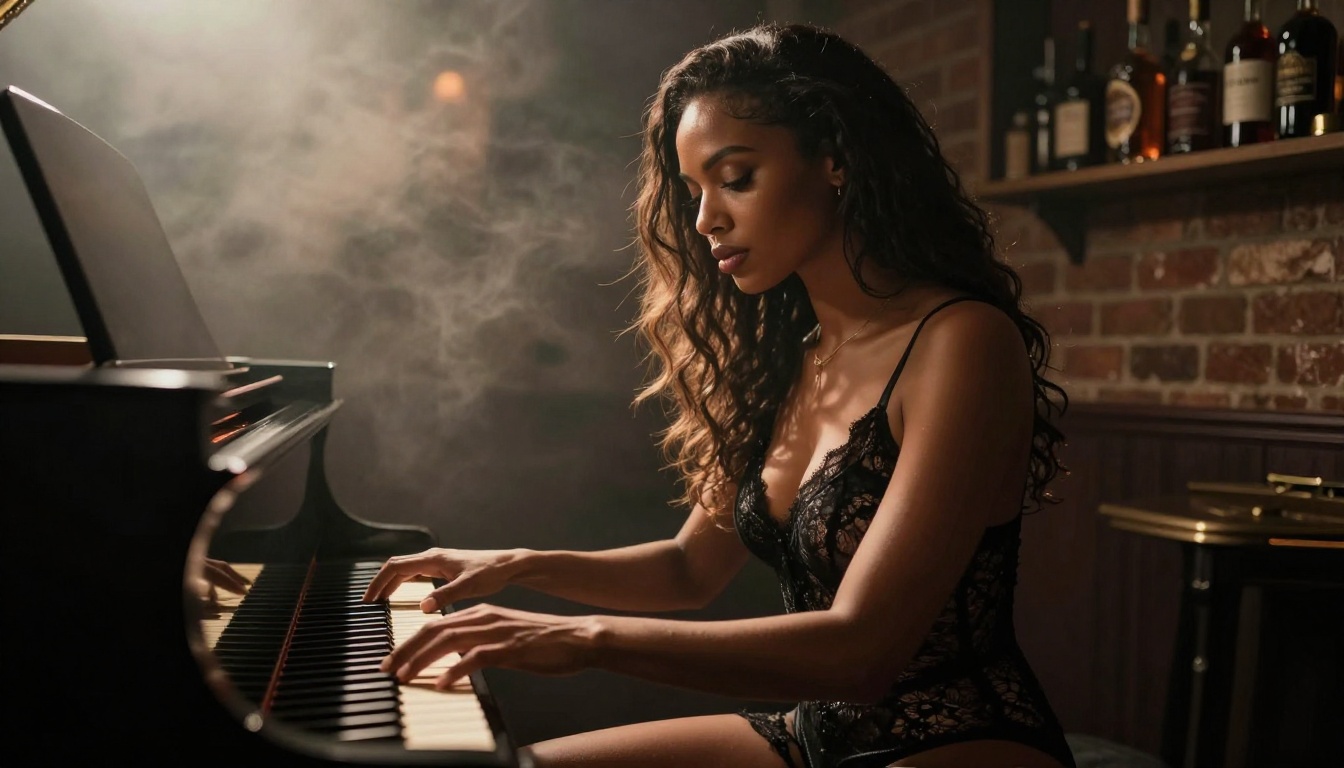
Model Comparison at a Glance
Getting Better Results from Your Prompts
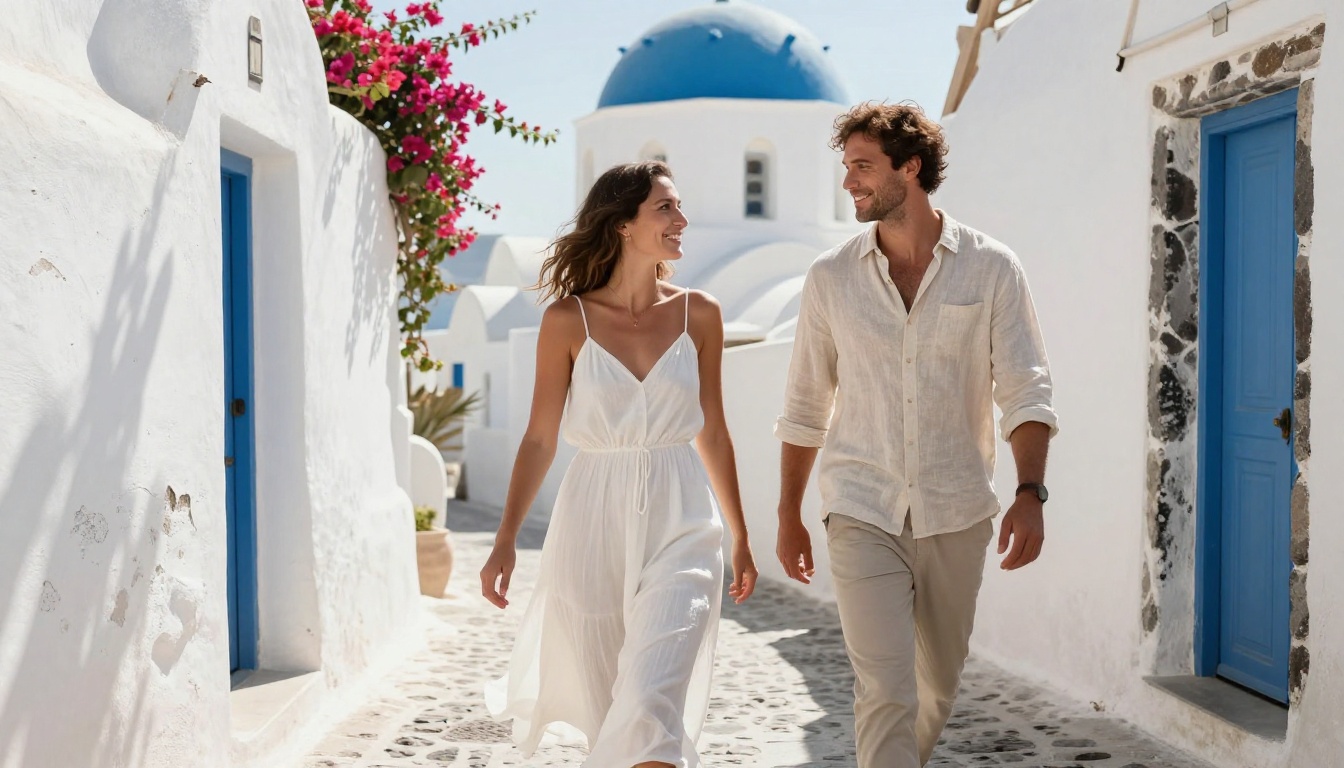
Prompt quality is the single biggest variable in AI video output. These specific practices consistently produce better adult content video from any model on the platform.
Write Camera Direction Like a Cinematographer
Most creators write subject descriptions but ignore camera direction entirely. This is a significant mistake. Adding "low-angle shot looking up", "close-up 85mm portrait lens", or "wide establishing shot from above" fundamentally changes the mood and visual quality of the output.
For sensual content specifically, camera proximity matters enormously. A tight portrait lens (85mm to 135mm equivalent) produces intimate, emotionally resonant results. A wide-angle lens creates environmental context and scale. Use both strategically across your content to create natural visual variety.
Use Reference Images
The image-to-video models on PicassoIA let you start from a static image and animate it. This is often a better workflow than pure text-to-video for adult content. Generate your perfect still image first using a text-to-image model, then animate it with WAN 2.6 I2V or Hailuo 2.3 Fast. You get precise control over the starting frame while the AI handles natural motion.
💡 Workflow tip: Generate 5 to 10 still images with a text-to-image model first. Pick the best one, then animate it. This two-step process produces far better character consistency than direct text-to-video for most adult content scenarios.
Describe Lighting With Specificity
"Good lighting" means nothing to an AI model. "Warm volumetric morning light entering from the left window, catching dust particles, creating soft shadows under the chin and collarbone" produces exactly what you want. The more specific your lighting description, the more control you have over mood and atmosphere.
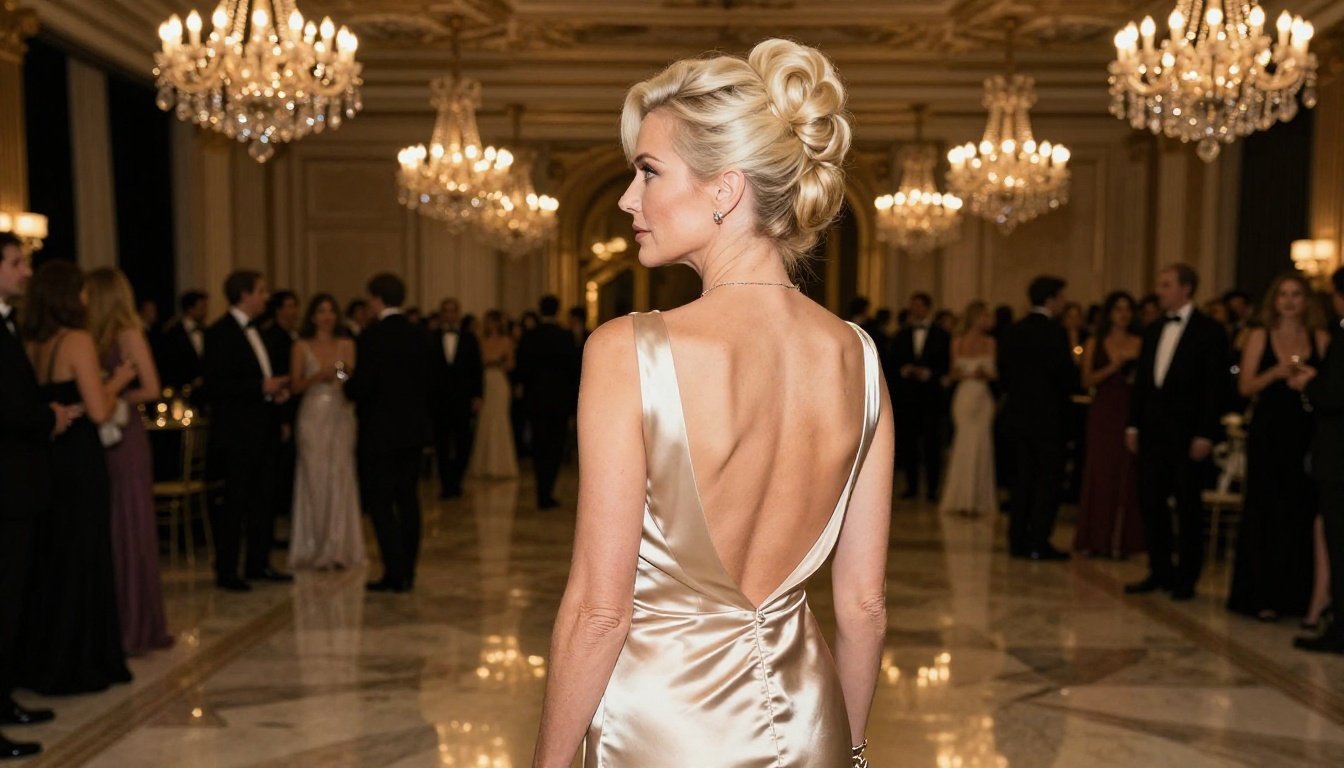
More Models Worth Trying
Beyond the top four, PicassoIA offers several other strong options for adult content production.
WAN 2.2 Animate Replace is exceptional if you want to swap characters in existing video clips. You provide a source video and a target character description, and the model replaces the original subject while preserving the motion and environment. This opens up enormous possibilities for personalizing existing content.
Seedance 1.5 Pro from ByteDance handles high-energy, dynamic scenes with more coherence than most competitors. If your content involves movement-heavy sequences, this is a strong alternative to Kling for those specific scenarios.
Gen-4.5 from Runway is the choice for creators who want maximum creative control at the cost of speed. Gen-4.5 accepts complex, narrative-driven prompts and produces some of the most cinematically polished output available. The trade-off is longer generation times, but for hero content pieces, that trade-off is absolutely worth it.
P-Video combines text, image, and audio input for versatile generation. For creators building audio-driven adult content, the ability to include audio direction in the prompt is a real practical advantage.
LTX-2.3 Pro from Lightricks handles audio-to-video generation well, making it an interesting option for creators who want to sync video output to a specific music track or voiceover recording.
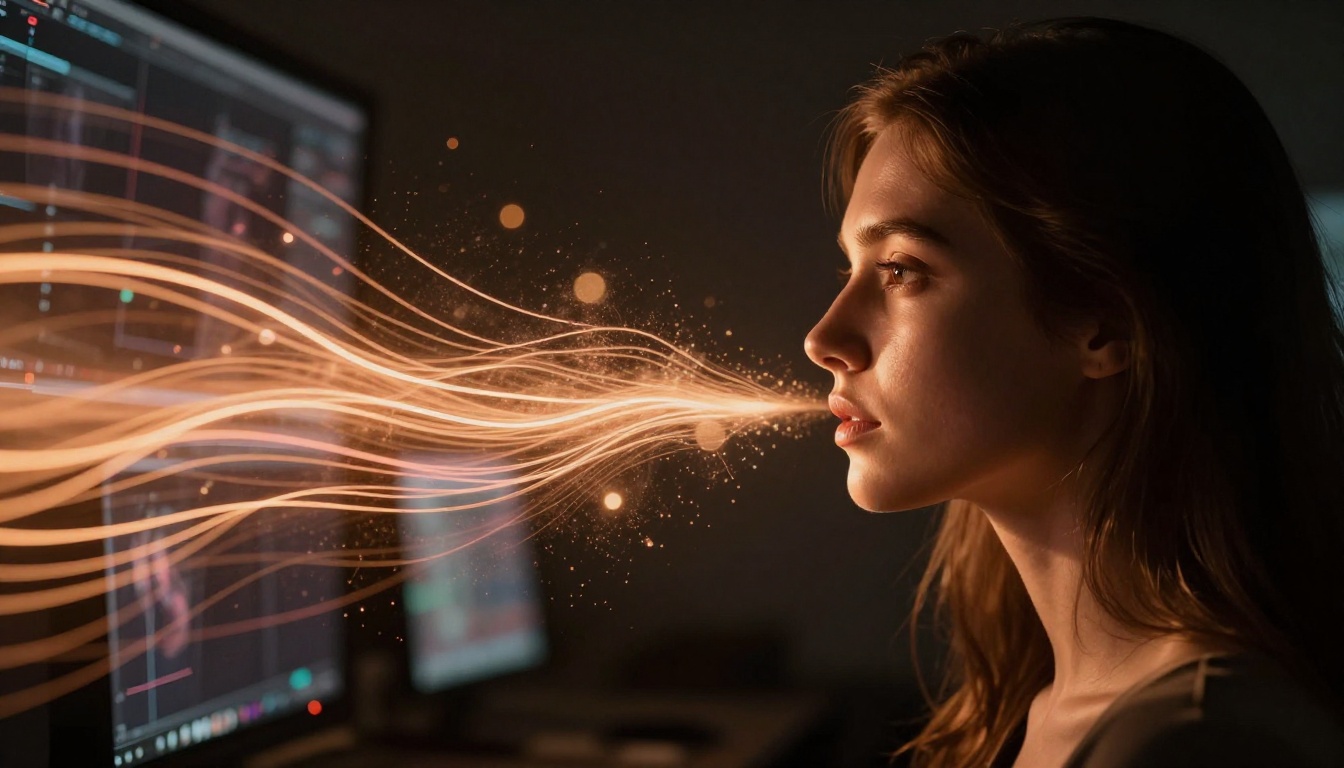
Pairing Video with Strong Still Images
The most effective adult content production workflow on PicassoIA combines text-to-image and text-to-video in sequence. Here is the standard approach among experienced creators:
- Generate reference stills using a high-quality text-to-image model to establish character appearance and scene setting
- Select the best frame as your input image for animation
- Animate with WAN 2.6 I2V or Kling v3 to bring the scene to life with natural motion
- Upscale and refine the output with super-resolution tools if needed for final distribution quality
This workflow gives you far more control over character consistency than pure text-to-video, because the AI is anchoring its output to a specific visual starting point rather than interpreting text descriptions from scratch.
💡 Quality note: For final distribution-quality output, run your finished clips through an AI video improvement tool. PicassoIA has video editing models that can upscale resolution and stabilize motion artifacts in generated clips, bringing them up to a polished, publishable standard.
Try It Yourself on PicassoIA
All the models described above are available directly on PicassoIA, accessible from any browser without local hardware requirements. Whether you are producing your first AI-generated adult content clip or scaling a professional operation, the platform gives you direct access to the best uncensored AI video generators in a single place.
Start with Kling v3 if motion quality is your priority. Reach for WAN 2.6 T2V when cinematic detail matters most. For rapid, high-volume production, PixVerse v5.6 is your fastest path to quality output.
The only way to find your preferred model is to run prompts and compare outputs directly. Open a model, write a detailed prompt, generate a clip, and see what comes back. The tools are there. The creative potential is real. Pick a model and start generating.


