The AI video space moved fast in 2024. In 2025, it exploded. You can now type a single line of text, hit generate, and watch a fully rendered, hyper-realistic video clip appear on your screen in under 30 seconds. For adult content creators, this changes everything.
The question isn't whether you can create AI videos for adults. You can. The real question is which models produce the sharpest, most cinematic results, and where you can run them without hitting paywalls, content filters, or watermark overlays every ten seconds.
This article breaks it all down.
What Text-to-Video AI Actually Does
From Prompt to Playable Clip
Text-to-video AI works by taking a written description, processing it through a trained diffusion or transformer-based model, and outputting a short video clip, typically 5 to 10 seconds, that matches the written description with remarkable fidelity.
The latest generation of models doesn't just produce blurry approximations. They produce photorealistic motion: hair that moves with wind, water that refracts light correctly, fabric that drapes and flows naturally. A prompt like "a woman in a silk dress walking through a candlelit apartment" produces exactly that, down to the way the candle flame wavers and the dress catches the light.
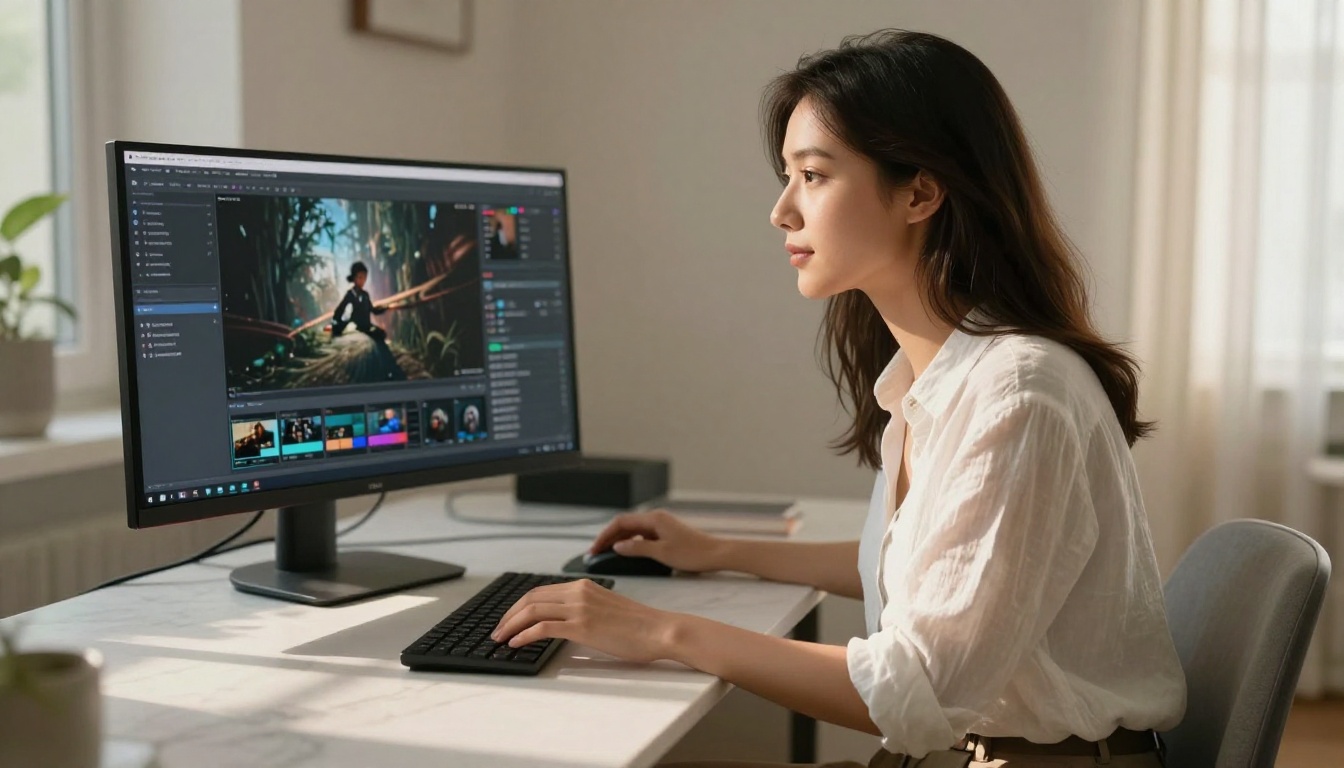
What makes this technology genuinely useful for adult content is the combination of natural body movement, realistic skin rendering, and lighting fidelity. Older models struggled with all three. The models available in 2027 have largely solved these problems.
Why Adult Content Has Specific Needs
Adult content creation places specific demands on AI models that general-purpose generators don't handle well. You need:
- Consistent character appearance across frames, with no face flickering
- Natural motion that doesn't look robotic or jerky
- Realistic textures on skin, fabric, water, and surfaces
- Flexible prompt interpretation that doesn't refuse suggestive input
- No censorship filters that block anything beyond sanitized content
Most mainstream AI video platforms fail at the last two points. They're designed for corporate explainer videos and product demos. They hard-code filters that reject anything remotely suggestive, even artistic or glamour-oriented content.
The platforms and models listed below don't have those restrictions.
The Best Models for Adult AI Videos
Kling V3 Video
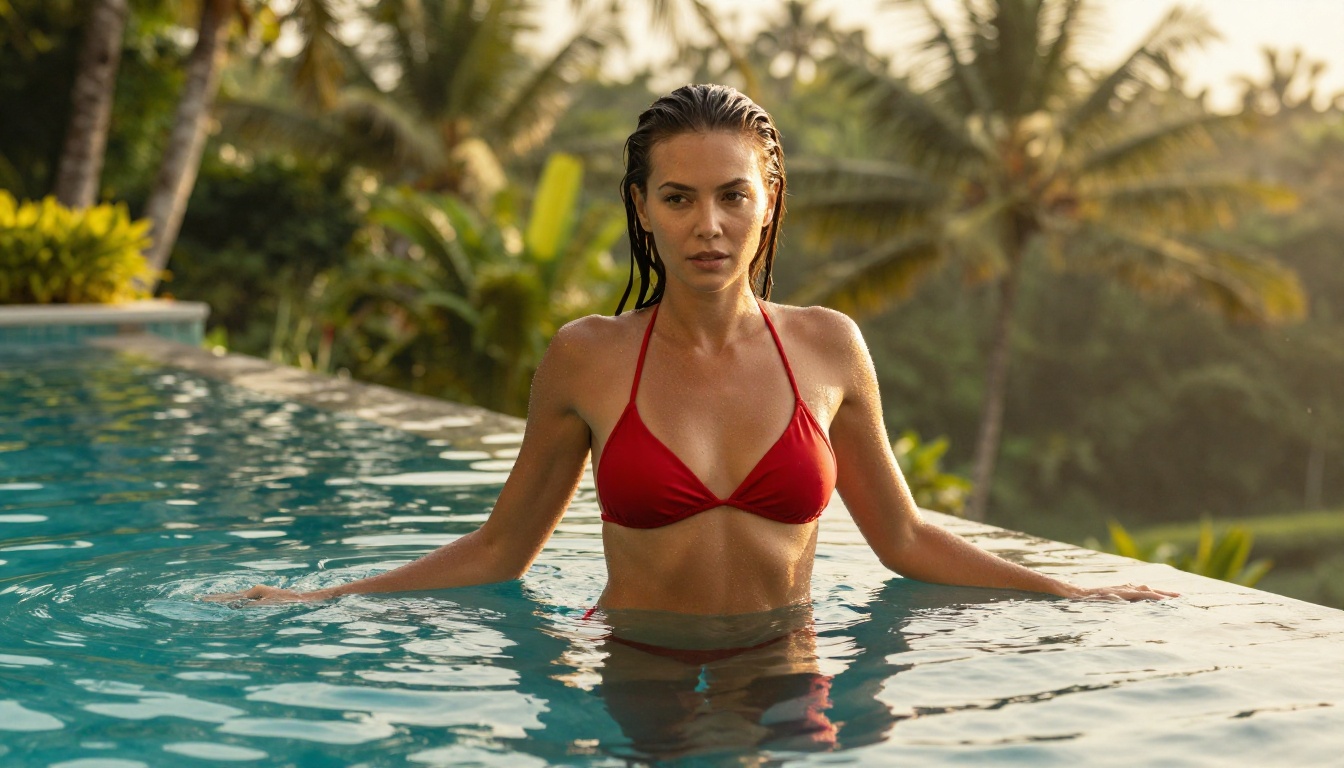
Kling V3 Video from Kwai is the current benchmark for photorealistic adult AI video. It produces 5-10 second clips with exceptional skin detail, natural movement physics, and a color rendition that matches high-end camera footage. The motion quality on body movement, specifically the way fabric drapes, hair moves, and bodies respond to implied weight, is unmatched by most competitors.
Key strengths of Kling V3:
- Exceptional facial consistency across frames
- Natural cloth simulation
- Deep support for suggestive prompts
- Cinematic depth of field rendering
Kling V3 Omni extends the base model with both text and image input, so you can start from a photo and animate it directly.
Seedance 2.0
Seedance 2.0 by ByteDance is the first model in this list to include native audio generation alongside video. Type a prompt, get a clip with synchronized ambient sound. For adult content creators building scenes with music or voice-over elements, this is a significant capability gap over the competition.
The visual quality matches Kling V3 on most metrics, with slightly warmer color science that works well for indoor and intimate settings. Skin tones render particularly well under low light conditions.
There's also a fast version, Seedance 2.0 Fast, which sacrifices a small amount of detail for significantly reduced generation time, useful for rapid iteration.
PixVerse V5.6
PixVerse V5.6 excels at fantasy and atmospheric adult content. Where Kling V3 is a realism powerhouse, PixVerse brings a slightly more stylized, cinematic quality, think warm film stock, soft vignettes, and rich background environments.
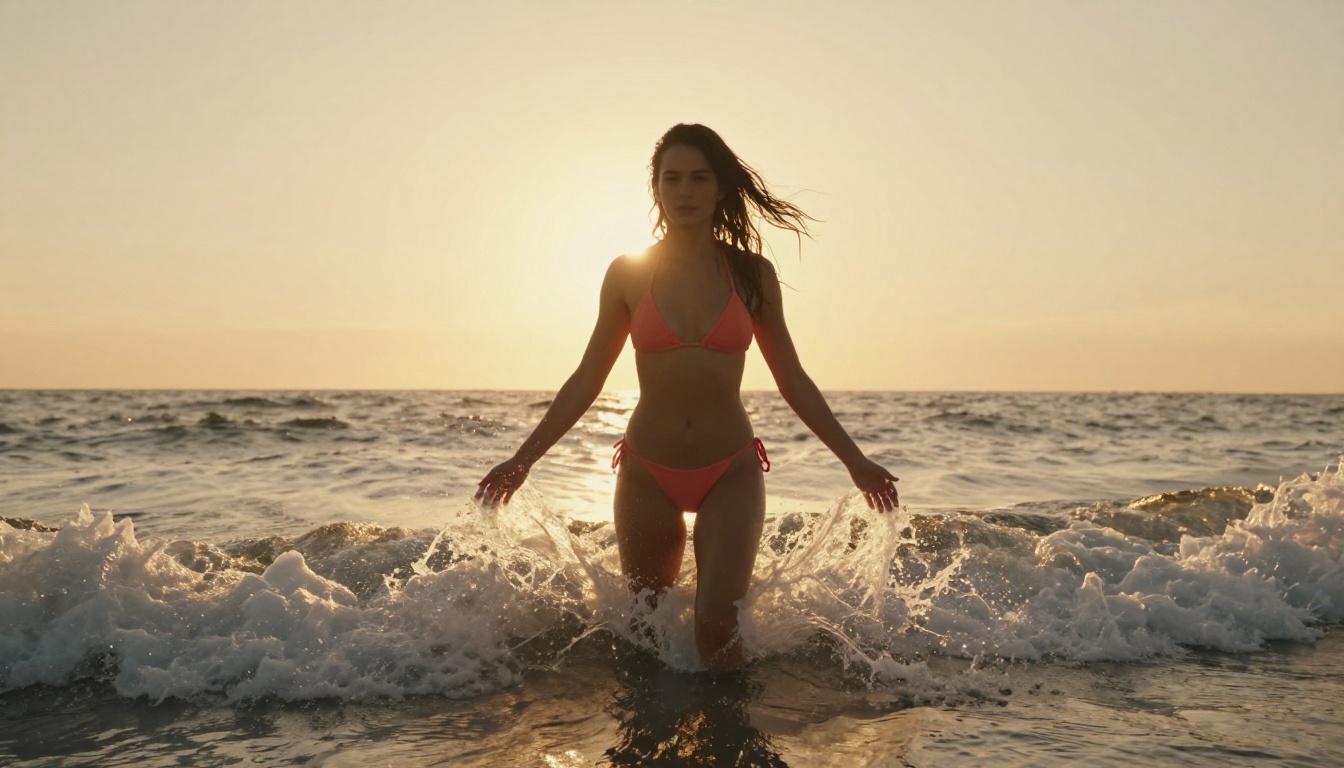
It handles outdoor scenes extremely well: beach settings, tropical environments, poolside scenarios. The water simulation is among the best of any text-to-video model currently available.
Veo 3 by Google
Veo 3 is Google's flagship video generation model. The motion physics are the most physically accurate of any model on this list. Hair, water, fabric, and smoke all behave with a correctness that other models approximate rather than match.
For adult content with complex environmental elements, like a woman at the edge of a waterfall or a scene with wind-blown fabric, Veo 3 produces results that competitors struggle to match. There's also Veo 3 Fast for quicker drafts.
Hailuo 2.3
Hailuo 2.3 by Minimax is the value option with premium output quality. It's faster than most models at this quality level and handles close-up intimate scenes with particular strength. Facial expressions are nuanced, eye movement is natural, and the model correctly interprets subtle prompting for body positioning.
The Hailuo 2.3 Fast variant is worth using when speed matters more than absolute detail.
LTX-2.3 Pro
LTX-2.3-Pro by Lightricks brings audio-to-video capabilities, meaning you can animate an image to the rhythm of an audio track. For creators building content with music-driven visuals or sound-reactive scenes, this capability is unique among the models listed here.
How to Use Kling V3 on PicassoIA
PicassoIA has Kling V3 Video available directly in its collection with no sign-up requirements for initial generation. Here's exactly how to use it.
Step 1: Open the Model Page
Go to the Kling V3 Video page on PicassoIA. You'll see the prompt input field at the top and a set of generation parameters below it.
Step 2: Write Your Prompt
The single biggest factor in output quality is prompt quality. Kling V3 responds best to prompts that include:
- Subject description: who or what is in the scene
- Setting and environment: where the scene takes place
- Lighting conditions: time of day, light source type
- Camera details: angle, distance, lens type
- Motion description: what movement is happening
Prompt that works poorly: "woman in bikini at beach"
Prompt that works well: "beautiful woman in white bikini standing at the shoreline of a tropical beach at golden hour, gentle waves washing over her feet, warm backlight creating rim lighting on wet skin, photographed from knee height at medium distance, slow gentle motion"
The second prompt gives the model context for lighting, physics, and camera position, all of which dramatically improve output quality.
Step 3: Set Duration and Aspect Ratio
Kling V3 Video supports both 5-second and 10-second clips. For adult content:
- 5 seconds is better for close-up, focused shots
- 10 seconds works for scenes with more movement or environmental storytelling
For aspect ratio, 16:9 is standard for most platforms. 9:16 works if you're creating content for vertical feeds.
Step 4: Generate, Review, Iterate
The first generation is rarely the final version. Generate 2-3 variations of the same prompt with small adjustments. Common iteration moves:
| If the output has | Try adding to your prompt |
|---|
| Stiff motion | "fluid natural movement, slow motion" |
| Inconsistent lighting | Specify light direction: "warm light from left" |
| Awkward body pose | Describe position in more detail |
| Flat skin texture | Add "photorealistic skin, 8K, film grain" |
| Generic background | Add specific environmental details |
No Watermarks, No Filters, No Sign-Up Walls
This is where most platforms quietly fail. They show you impressive demos, get you to sign up, and then hit you with:
- Watermarks on every output until you pay
- Content filters that reject anything beyond the most sanitized input
- Rate limits that block generation after a few clips
- Mandatory accounts just to see what the model can do
PicassoIA takes a different approach. The 89+ text-to-video models in the collection are accessible without those friction points. No mandatory watermarks slapped across intimate scenes. No filter system that rejects "woman in lingerie" while allowing the same content framed differently.
The models themselves are the full production versions, not demo-tier quality gates.
Worth noting: The platform runs the actual API calls to Kling, Seedance, PixVerse, Veo, and other models. You're getting the same model quality you'd get going directly to each provider, but without the account setup, API key management, and billing complexity of using each one separately.
What Kind of Videos You Can Actually Make
The range of content these models support is broader than most people expect.
Glamour and Fashion Scenes
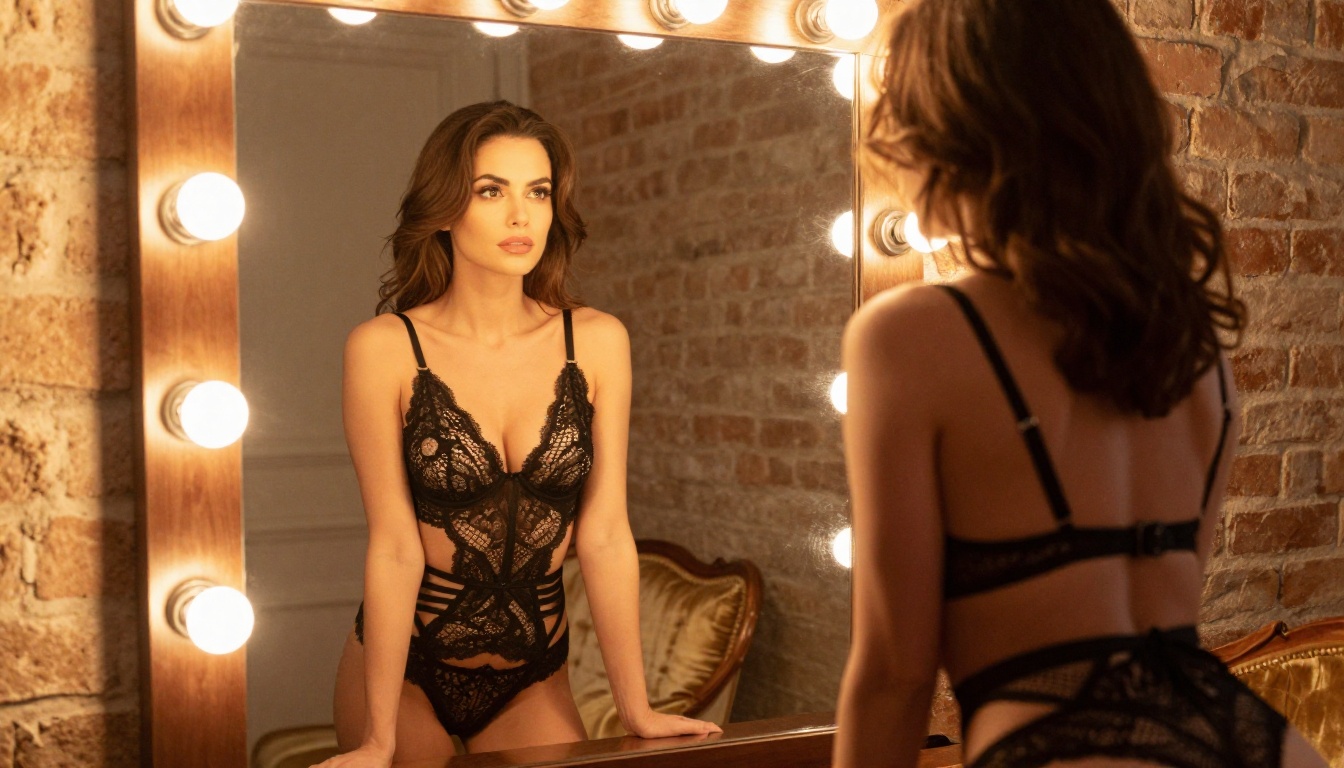
Runway-style fashion content, magazine-editorial aesthetics, lingerie and swimwear showcases. These are where photorealistic models like Kling V3 and Seedance 2.0 shine. The fabric simulation and lighting quality produce results that genuinely look like high-budget fashion video.
Practical applications:
- Lookbook video content
- Social media fashion clips
- Product display videos with a human model
Intimate Storytelling
Boudoir scenarios, bedroom scenes, intimate couple moments. The models handle close quarters and low-light settings with impressive accuracy. Hailuo 2.3 is particularly strong here due to its facial expression fidelity and warm color science.
Fantasy and Environmental Scenarios
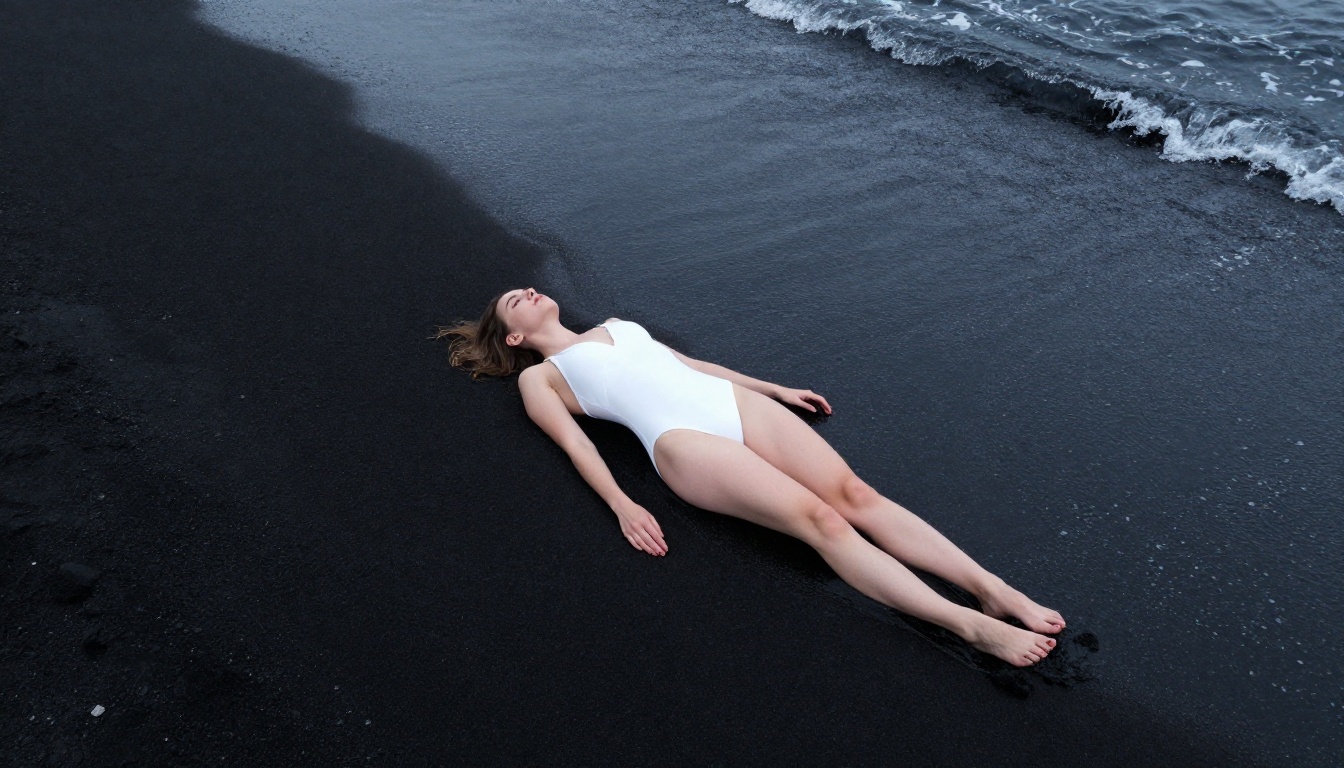
Beach scenes, pool scenarios, outdoor settings with dramatic lighting. PixVerse V5.6 and Veo 3 perform best in these contexts. Water physics and wind-driven motion look natural rather than artificial.
Character Animation from Photos
If you have a specific character or face you want to animate, models like DreamActor-M2.0 and Kling Avatar V2 let you upload a source image and drive the character with text prompts. The animated result maintains the identity of the original photo.
Models at a Glance
Prompting Tips That Actually Matter
Bad prompts waste credits and produce mediocre output. These are the things that actually move the needle:
1. Always specify lighting direction
"Warm light from left" or "backlit by setting sun" gives the model a physics anchor it uses to calculate shadows, skin highlights, and reflections across every frame.
2. Name the camera lens
"85mm f/1.4 depth of field" tells the model what focal compression and background blur to render. This single addition elevates output from flat to cinematic.
3. Describe motion in the scene, not just the subject
"Her hair moving in a light breeze" or "fabric shifting as she turns" gives the model motion vectors to work with. Static-looking subjects often result from prompts that describe position without movement.
4. Use texture language
"Smooth tanned skin" or "wet hair with water droplets" gives the model surface properties to render correctly. This is the difference between generic and photorealistic.
5. Specify the mood
"Intimate, soft, warm" vs "dramatic, high-contrast, cinematic" produces completely different color grading and lighting choices even with identical subject descriptions.
Consistency Across Multiple Clips
One of the practical challenges of AI video for adult content is character consistency. If you're building a series of clips that should feature the same character, you need methods to maintain visual identity across generations.
The most reliable approach: use the image-to-video pipeline rather than pure text-to-video.
- Generate a reference still image of your character using a text-to-image model
- Use that image as the starting frame for models like Kling V3 Omni or Wan 2.6 I2V
- Each generated clip starts from the same reference, maintaining the character's appearance
This approach doesn't guarantee perfect consistency, but it produces significantly more coherent results than generating from text alone across multiple clips.
Tip: Save the exact seed number from your best reference image generation. Different seeds produce different characters even with identical prompts. If you find a character you like, that seed number is what reproduces it consistently.
Resolution and Output Quality
All models on PicassoIA output at production-ready resolution. Most generate at 720p or 1080p depending on the model and settings.
For creators who need higher resolution final output, the platform also has super resolution models that upscale video frames 2x or 4x without visible degradation. Running a 720p AI video through a 2x upscaler before publishing produces results that hold up on large screens.
Create Your First Clip Right Now
The technology is available, the models are running, and the results speak for themselves. You don't need a camera, a model, a location, or a production budget.
Pick a model, type a detailed prompt, and hit generate.
Kling V3 Video is the place to start if you want the best realism. Seedance 2.0 if you want audio included. PixVerse V5.6 if you want cinematic outdoor scenes fast.
All 89+ text-to-video models are available through PicassoIA with no content filters, no watermarks on your output, and no mandatory account creation standing between you and your first clip. The only thing between you and a finished AI adult video is the prompt you haven't written yet.
Write it.


