FLUX.3 Max has become one of the most searched AI image models online, and for good reason: the output quality is genuinely different from anything that came before it in the FLUX family. But "free" is doing a lot of work in most headlines about this model, and what you actually get without paying is very specific. This article cuts through the noise and tells you exactly what you can produce, what limits you will hit, and how platforms like PicassoIA give you access to the full FLUX model family right now.
What Is FLUX.3 Max?
The Model Behind the Buzz
FLUX.3 Max is the latest flagship release from Black Forest Labs, the team behind the widely used FLUX.1 series. Where FLUX.1 impressed people with coherent compositions and sharp text rendering, FLUX.3 Max raises the ceiling on photorealism, color fidelity, and fine-detail reproduction. If you have seen AI images circulating online where skin pores look real and fabric has actual texture weight, there is a good chance FLUX.3 Max-tier inference was involved.
The architecture is a diffusion transformer, meaning it generates images by iteratively refining noise into structured output. What separates the "Max" tier from Pro or Dev variants is the number of refinement steps applied during generation. More steps mean more refinement and better output. That refinement is also why Max takes longer to generate and costs more compute to run at full quality.
How FLUX.3 Compares to Earlier Versions
| Model | Quality Tier | Speed | Best For |
|---|
| FLUX.1 Dev | Development | Fast | Concept testing |
| FLUX.1.1 Pro | Professional | Medium | Commercial output |
| FLUX.2 Max | Premium | Slow | High-end portfolio |
| FLUX.3 Max | Flagship | Slowest | Print-ready fine detail |
The jump from FLUX.1 to FLUX.3 is most visible in three areas: texture fidelity (surfaces look physically plausible rather than smoothed over), lighting coherence (shadows fall correctly relative to the implied light source), and human anatomy (hands, eyes, and facial proportions are far more consistent). These are not subtle improvements. They are the differences that matter for print, commercial, and portfolio work.

What "Free" Actually Means
Credit Limits and What They Cover
No platform runs FLUX.3 Max-level inference indefinitely at no cost. The compute cost per image is real: a full-quality Max generation can cost a platform five to ten times more than a schnell or dev run. What "free" typically means is a credit allowance, either granted on signup or on a rolling monthly reset.
On PicassoIA, new accounts receive a credit allocation that covers a meaningful number of high-quality generations. The exact count depends on the model you choose, with lighter models costing fewer credits per run. FLUX.2 Max and FLUX 1.1 Pro Ultra are both accessible within those credits, and you can also try FLUX Kontext Max for text-based image editing alongside generation.
💡 Use lighter models for iteration: FLUX Schnell is fast and inexpensive in compute. Use it to test prompt ideas and compositions, then switch to Max-tier only for your final polished output. You will produce more usable results per credit.
Watermarks and Output Resolution
Most free tiers attach either a visible watermark or a resolution cap. Watermarks are branding overlaid on the image, typically in a corner. Resolution caps limit output pixel count, so a "free" result might be 512x512 when the paid version delivers 2048x2048 or higher.
PicassoIA does not watermark output images. What you generate is what you get, at the resolution the model natively produces. For professional and commercial purposes, this is a meaningful distinction that saves significant post-processing work.
Rate Limits in Practice
Rate limiting is the least-discussed constraint on free AI image generation. Even with credits remaining, platforms cap how many images you can request per minute or hour. This protects shared GPU infrastructure from being consumed by a single user in a burst.
If you are running FLUX.3 Max-level quality, expect to wait between generations. The model itself is slower than lighter variants, and rate limits compound on top of that. Planning your prompts before clicking generate saves a lot of frustration: write out five to ten variations in a text file, then run them sequentially rather than staring at a blank prompt box after each result.

The Image Quality You Actually Get
Photorealism That Passes Inspection
FLUX.3 Max's photorealism is its headline achievement. In controlled prompt comparisons, images generated at Max quality routinely pass as photographs to casual observers at standard viewing sizes. The model handles bokeh correctly, produces plausible lens flare, and correctly weights foreground versus background sharpness based on the depth of field implied in your prompt.
Text rendering is another benchmark FLUX.3 Max passes where earlier models struggled. Short phrases of two to four words placed on simple surfaces like signs or screens are legible without the typical AI garbling. Longer strings still warrant caution, but for most image composition needs this is rarely a hard limitation.
Consistency Across a Series
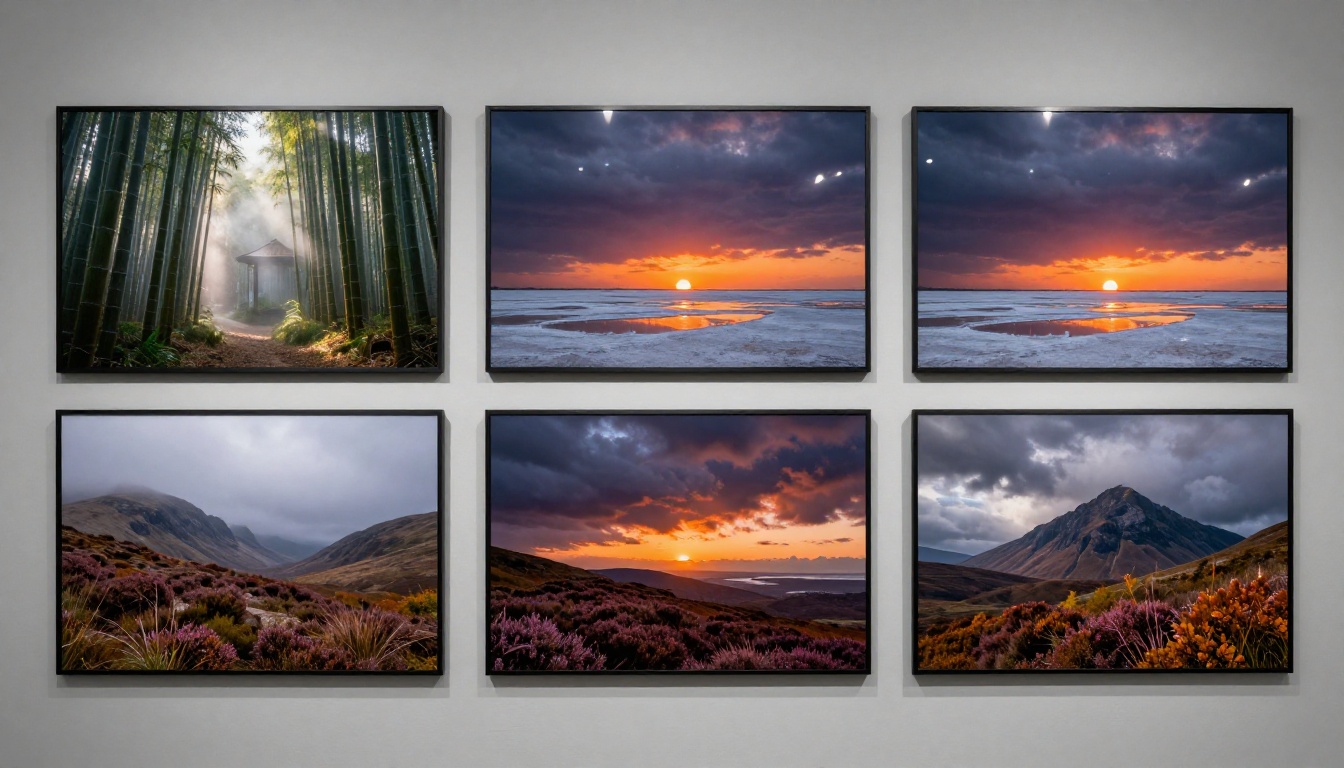
One underrated quality of the Max tier is style consistency across a prompt series. If you are generating a set of images for a brand or project, prompts written with a shared lighting and composition language produce a visually coherent set. Earlier models drifted significantly from image to image even with identical style descriptors. FLUX.3 Max holds its visual identity with much greater reliability.
This matters for anyone building portfolios, social media content calendars, or product marketing materials where visual cohesion signals professionalism.

What Max Renders Differently
The specific details that separate Max from lower tiers in the same FLUX family:
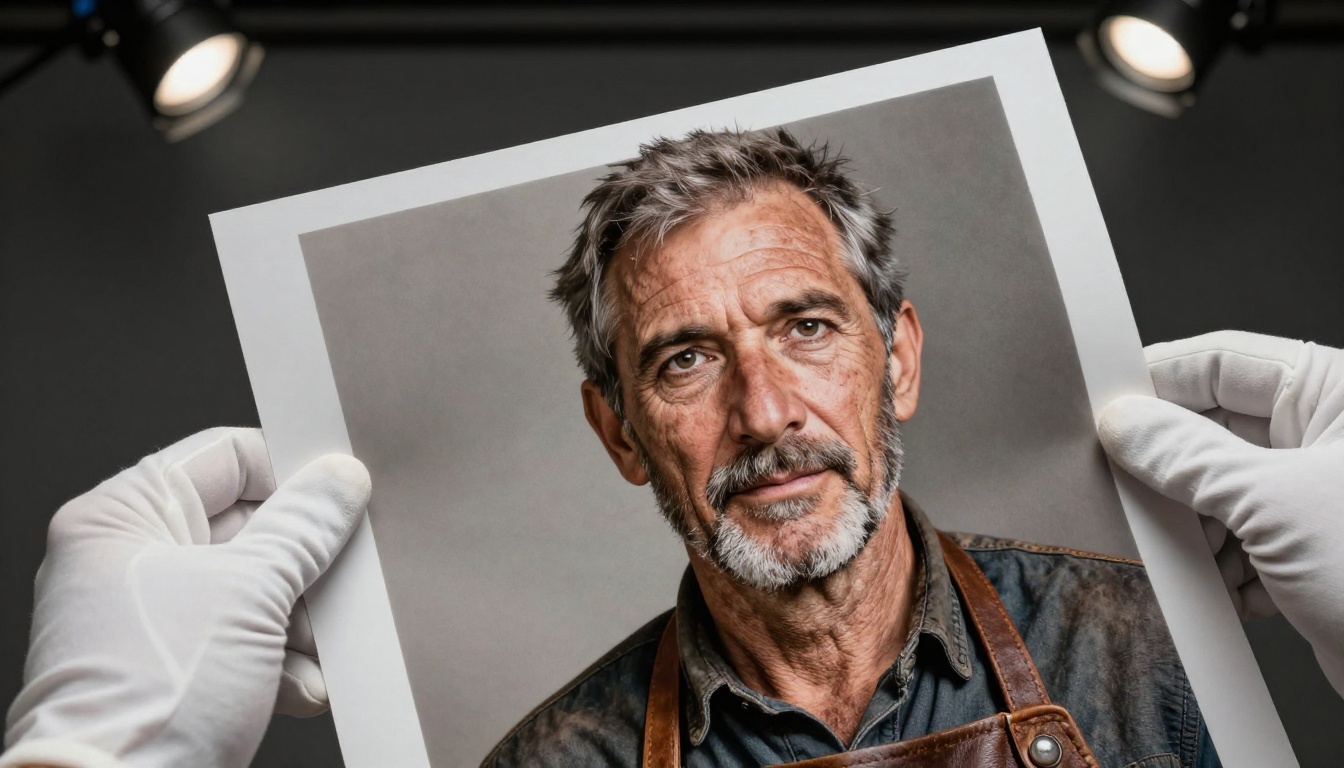
- Skin texture: Pores, fine hair, and wrinkle depth render with physical plausibility
- Fabric: Woven textures, wrinkle shadows, and material weight read correctly
- Eyes: Catchlights sit in the right position and iris patterns have real detail
- Architecture: Stone, concrete, and wood surfaces have structural depth rather than surface-level noise patterns
- Lighting coherence: Shadow angles are consistent across the entire frame relative to the implied light source position
These details collectively produce the "it just looks real" response that lower-tier models rarely achieve, even with identical prompts. They are also the details that hold up when the image is printed large or viewed on a high-resolution display.
FLUX.3 Max on PicassoIA
The FLUX Models Available Right Now
PicassoIA gives you access to the complete FLUX family, which is practically useful because different tasks call for different models:
- FLUX.1 Dev: rapid iteration and concept validation at low cost
- FLUX.1.1 Pro: high quality without Max-tier compute overhead
- FLUX.2 Max: flagship Max-tier quality for portfolio-ready output
- FLUX 1.1 Pro Ultra: ultra-realistic generation at maximum resolution
- FLUX Kontext Max: text-instruction editing on top of an existing generated image
- FLUX Kontext Pro: instruction-based editing at lower compute cost
- FLUX Redux Dev: controlled image variations generated from an existing source
- FLUX Dev LoRA: style-customized generation using fine-tuned LoRA weights

Creating Your First Image, Step by Step
Getting your first Max-tier generation out of PicassoIA takes under two minutes:
- Go to the FLUX.2 Max model page on PicassoIA
- Type your prompt in the input field. Be specific: describe the subject, lighting direction, camera angle, and relevant texture details
- Set your aspect ratio to 16:9 for widescreen or 1:1 for square social content
- Click generate and wait for the inference to complete
- Download the result directly with no watermark applied
The most common beginner mistake is a prompt that is too short. "A sunset" produces a generic result. "Coastal rock formations at low tide, late afternoon light from the west, sea foam catching the golden hour glow, 35mm wide lens, low angle looking eastward, photorealistic" produces something worth keeping. Specificity is the most effective free upgrade available to you.
Parameter Settings That Change Your Results
Aspect ratio informs composition: A 16:9 prompt written for widescreen will compose differently than a 1:1 crop. Write your prompt with the intended ratio in mind so the described scene fills that frame naturally.
Seed control for series work: If you find a result you like and want variations, note the seed number. Running the same prompt with the same seed produces the same image. A nearby seed value often produces a pleasing variation without losing the overall composition.
Describe what you do not want: Including negative cues in your prompt ("blurry, oversaturated, CGI, watermark, text artifacts") steers the model away from common failure modes without requiring a separate negative prompt field on every platform.
Remove Backgrounds from Your FLUX Outputs
Why This Workflow Matters
One of the most practical workflows for creating visual content is generating a subject with FLUX.3 Max, then isolating that subject for use in a different context: product mockups, marketing materials, social media graphics, or composite images. The quality of background removal depends entirely on the sharpness of the edge between subject and background in the source image.
FLUX.3 Max outputs are ideal source material for background removal because edge definition is crisp and subject-to-background contrast is well-controlled. Soft or ambiguous edges at the subject boundary are typically a sign of lower-quality model output, and they translate directly into messy removal results.

Getting Removal-Ready Output from FLUX
PicassoIA's image workflow lets you generate and process without repeated uploads. The sequence is straightforward:
- Generate your subject using a FLUX model with a simple background described in your prompt: "plain light gray studio background, soft fill lighting, no background shadows"
- Once generated, pass the output to PicassoIA's background removal tool
- The isolated subject is ready for any layout or composite use immediately
Prompting for removal-friendly output is simple: "plain white backdrop, product photography lighting, subject sharp, background featureless" gives the removal tool clean material to work with and preserves fine edge detail on hair, fabric, and other complex contours. A simple background in your generation prompt costs you nothing in subject quality. It just makes the downstream removal step faster and more accurate.
💡 Prompt strategy for cleaner isolation: Ask for the subject to be lit from the front with soft diffused light and "no background texture." This increases edge contrast and makes hairline masking significantly more accurate.
Comparing FLUX Variants for Free Use
FLUX.1 Dev is the right model for drafting. It is fast, relatively inexpensive in compute, and good enough to validate whether a composition idea will work. Use it to run through ten prompt variations quickly, pick the strongest concept, then step up to Max for the final output.
The quality jump between Dev and Max is nonlinear. Fine details that Dev approximates, Max renders with physical accuracy. For a solo project with time to iterate, this combination of Dev for testing and Max for finishing produces professional results without burning credits on drafts.
FLUX Kontext Max adds something standard text-to-image generation cannot do: edit an existing image with natural language instructions. Instead of regenerating everything from scratch, you can take a generated image and write "change the dress to blue" or "add a mountain in the background." The overall composition stays consistent while only the specified element changes. This makes it practical for anyone producing image variants: different colors for a product, seasonal changes to a scene, or adjusted compositions for different platform sizes.

Here is how different use cases map to the FLUX variants available on PicassoIA:
| Use Case | Recommended Model | Credit Cost |
|---|
| Concept sketching | FLUX.1 Dev or Schnell | Very low |
| Portfolio piece | FLUX.2 Max | Medium-high |
| Product mockup subject | FLUX.1.1 Pro | Medium |
| Print-quality editorial | FLUX.3 Max equivalent | High |
| Text-based image editing | FLUX Kontext Pro or Max | Medium |
| Style variations | FLUX Redux Dev | Low-medium |
Getting More from Every Free Generation
Writing Prompts That Actually Work
Prompt quality is the single biggest variable in output quality, and it is entirely within your control regardless of pricing tier. The most effective prompts follow this structure:
Subject plus action or pose: Who or what is in the frame, and what are they doing?
Environment: Where is this scene set, and what are the significant surrounding elements?
Lighting: Direction, color temperature, and quality of the light source.
Camera angle and lens: Distance from subject, implied focal length, shooting angle.
Texture and atmosphere: Specific surface materials, film stock reference, or mood descriptors.
A prompt built from all five elements produces far more consistent results than a vague description, regardless of which FLUX model you use. The model cannot invent details you omit; it fills gaps with statistical averages, which is why so many free-tier outputs look generic.
Plan Before You Generate
The most common credit waste is generating images one at a time without a plan, using each result to decide what to try next. This produces an inconsistent final set and burns credits on directions you would have ruled out immediately if you had reviewed them first.
A smarter workflow:
- Write your full prompt set before opening the generation tool
- Review the prompts as a group to check for visual consistency across the set
- Run them with a lightweight model such as FLUX Schnell to validate the concepts
- Commit Max-tier credits only to prompts that passed the draft stage
This produces a more coherent final output set and costs significantly less compute to arrive there.
Organize What You Create
PicassoIA stores generated images in your account history, so you are not at risk of losing a result you liked but did not immediately download. Still, building your own organized archive pays off: a folder system by project, date, or visual style makes it straightforward to find reference images when writing new prompts.
The images you produce at FLUX.3 Max-tier quality are worth treating as portfolio assets. The detail level is high enough that they belong in a well-maintained creative archive, not a downloads folder that gets cleared every few months.
Start Making Images Now
FLUX.3 Max-level image generation is available to you on PicassoIA right now, without a subscription. The free credits cover a meaningful first session if you use them with intention. Start with a few experiments on FLUX.1 Dev to find compositions that work, then step up to FLUX.2 Max or FLUX 1.1 Pro Ultra for the outputs worth keeping.
If your work involves isolated subjects, pair generation with PicassoIA's background removal to get clean subjects ready for any layout without re-shooting or manual masking in post. And if you want to refine a generated image without starting over, FLUX Kontext Max gives you text-based editing control over your existing outputs at the same quality tier.
The full model catalog is at picassoia.com/en/all-models. Pick the model that fits your current project, write a prompt built from real specifics, and see what this generation of diffusion models actually produces when used with intention.


