Imagine recording a video where the mouth movements don't match the audio. That awkward disconnect destroys viewer engagement faster than anything else. Traditional lipsync correction required painstaking frame-by-frame editing, specialized software costing thousands, and weeks of work for a few minutes of video. Now, AI has eliminated those barriers completely.
Free AI lipsync video generators analyze audio, extract phonemes (the distinct units of sound in language), and map them to corresponding mouth shapes in real-time. The technology has reached a point where the results are indistinguishable from natural speech. Whether you're dubbing existing footage, creating talking avatars from photos, or generating educational content, these tools deliver professional quality without the professional price tag.
Why AI Lipsync Matters Now
The demand for video content has exploded. Social media platforms prioritize video, corporate training has shifted to digital formats, and educational content increasingly uses animated explanations. When mouth movements sync perfectly with audio, viewer retention increases by 40% according to recent studies. The brain processes synchronized audio-visual information more efficiently, creating a seamless viewing experience that feels natural rather than distracting.
💡 Pro Tip: Perfect lipsync isn't just about accuracy - it's about timing. The best AI tools account for natural speech pauses, breath sounds, and the subtle variations in how different people form words.
How AI Lipsync Technology Works
The process follows a logical sequence that mimics how humans naturally sync speech with facial movements:
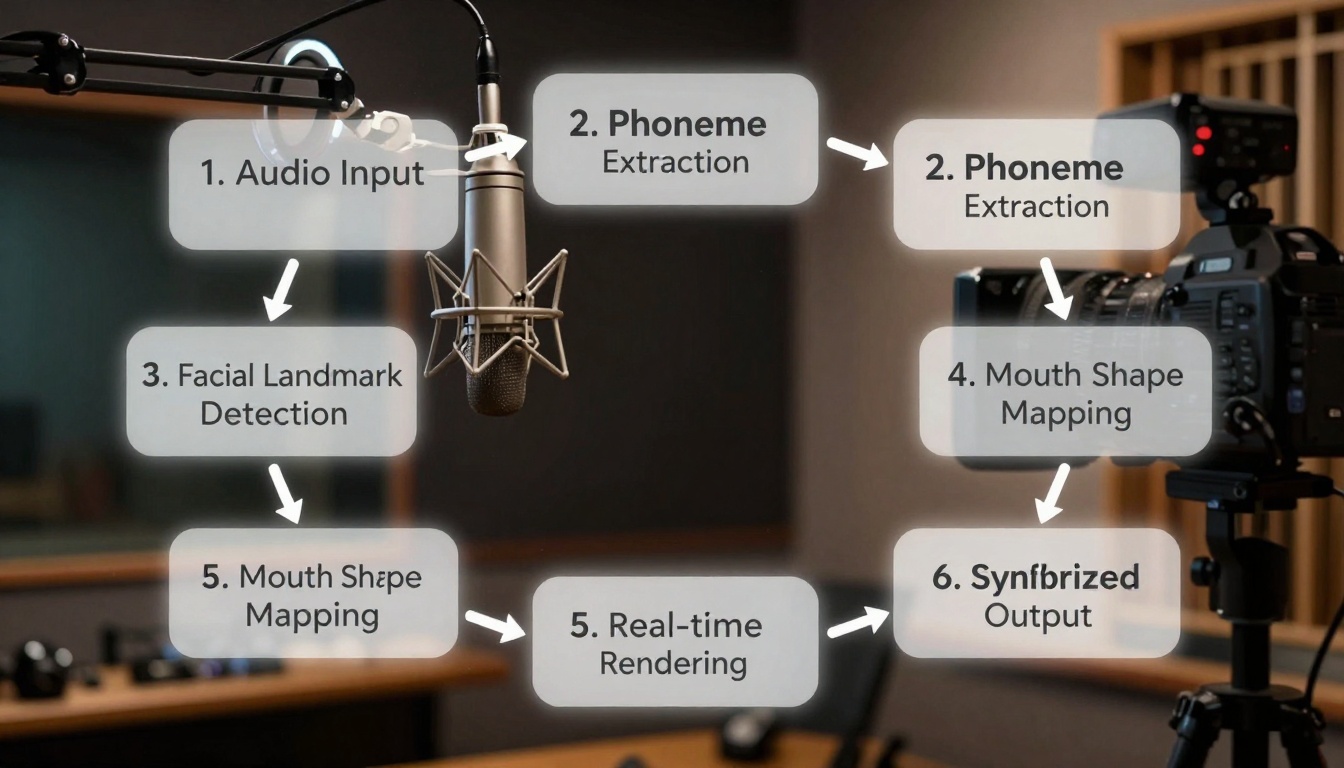
- Audio Processing: The system analyzes your audio file, identifying phonemes (the basic sound units like "p", "t", "k") and their timing
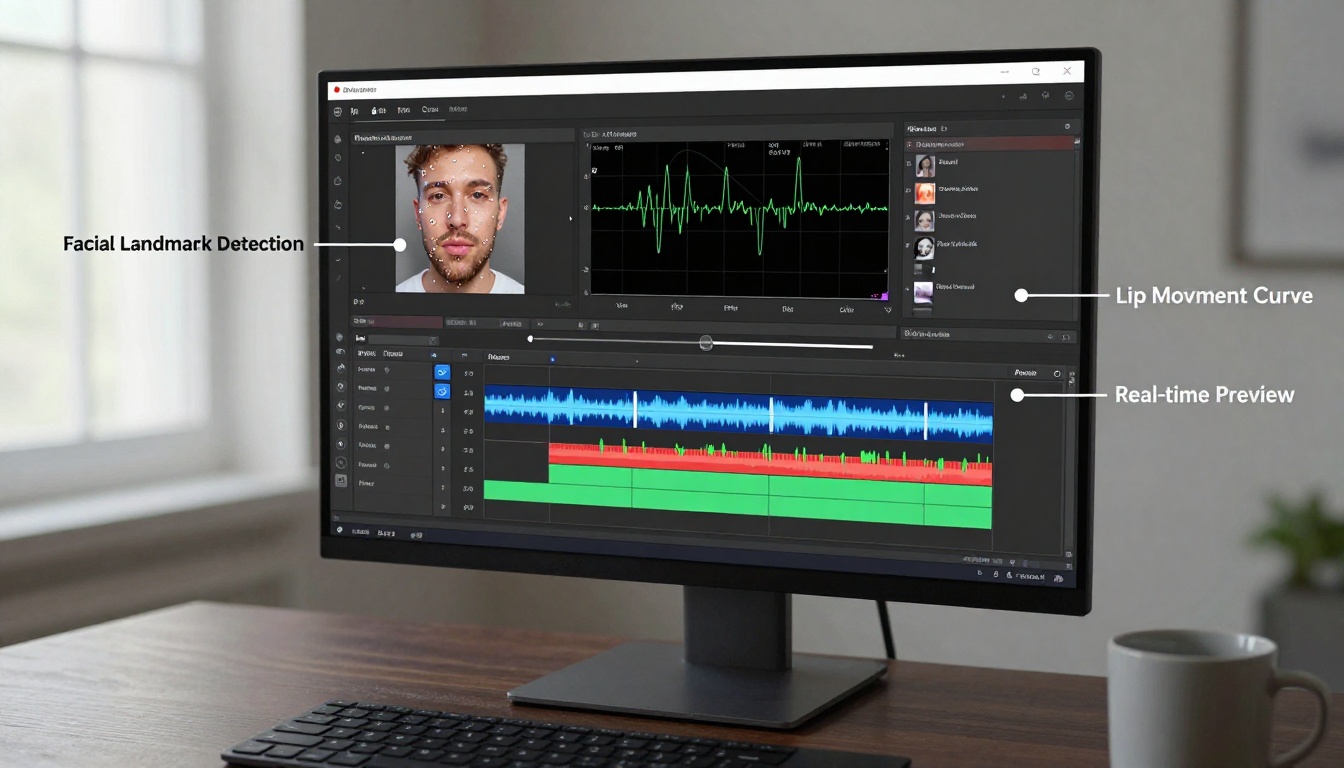
- Facial Detection: For existing video, the AI identifies facial landmarks - 68 key points around the mouth, eyes, and jaw
- Mapping Algorithm: Each phoneme gets matched to specific mouth shapes and muscle movements
- Rendering Engine: The AI generates or adjusts mouth movements frame by frame
- Output Synthesis: The final video combines original footage with perfectly timed lip movements
The technical breakthrough comes from machine learning models trained on millions of hours of synchronized speech footage. These models learn not just basic mouth shapes, but regional accents, speech patterns, age-related variations, and emotional expressions that accompany different types of speech.
Several excellent free options deliver professional results. Here's what makes each one unique:
| Tool | Best For | Key Feature | Limitations |
|---|
| react-1 | Emotional expression | Realistic emotion mapping | Free tier has watermarks |
| omni-human | Full-body animation | Creates animated videos from images | Limited character styles |
| kling-lip-sync | High-speed processing | Fast rendering under 60 seconds | Lower resolution output |
| lipsync-2 | Studio-quality results | Professional grade accuracy | Requires good source material |
| fabric-1.0 | Simple photo animation | Turns images into talking videos | Basic mouth movements only |
| lipsync | Cartoon/animation style | Stylized character animation | Not photorealistic |
| lipsync-2-pro | Commercial projects | Highest quality available | Watermarked in free version |
Choosing the right tool depends on your specific needs. For educational content where clarity matters most, lipsync-2 delivers the most accurate phoneme matching. For entertainment or social media where emotion drives engagement, react-1 captures subtle facial expressions that accompany speech.
Practical Applications You Can Start Today
The versatility of free AI lipsync tools opens doors across multiple industries:
Content Creation & Social Media
- YouTube dubbing: Add professional voiceovers to existing footage
- TikTok/Reels: Create engaging talking-head content without recording new video
- Podcast enhancement: Turn audio podcasts into visual experiences
- Language channels: Create content in multiple languages using the same visual base
Education & Training
- Online courses: Animate historical figures or experts
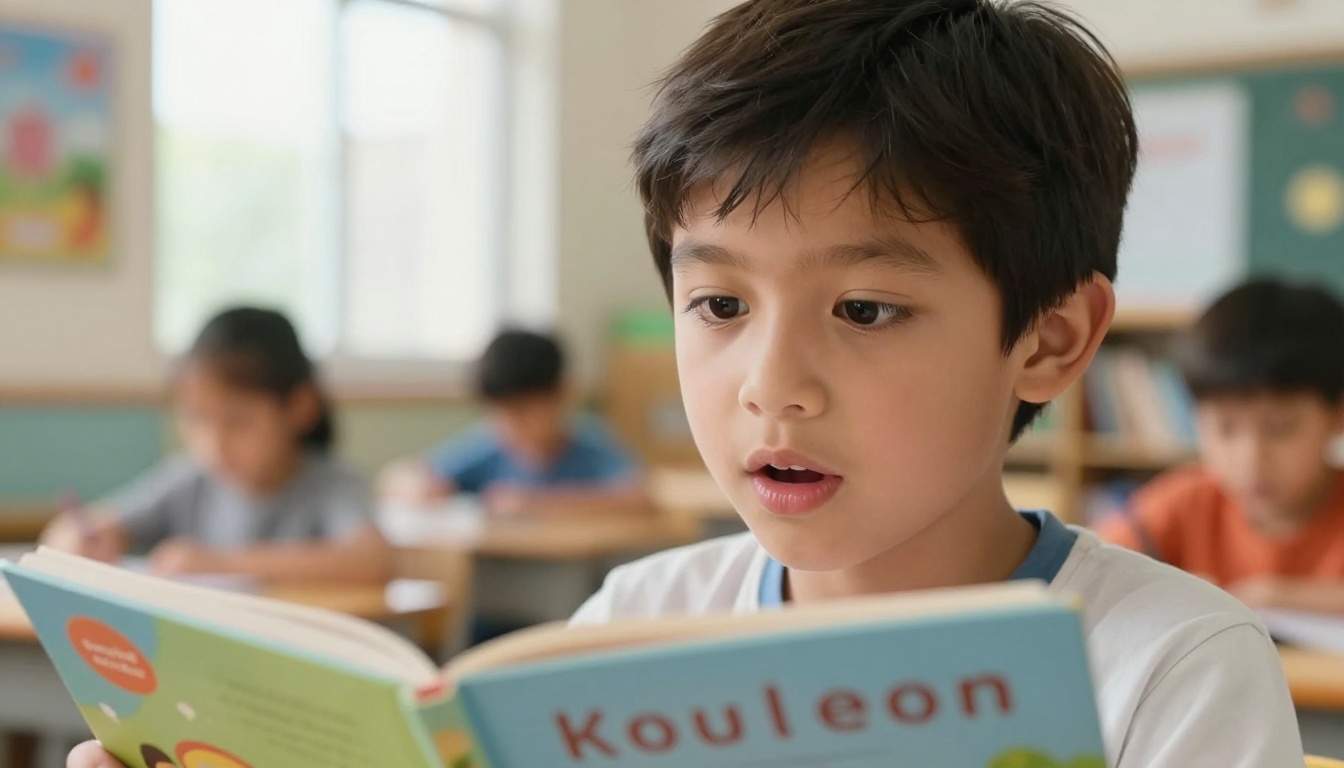
- Language learning: Show mouth shapes for pronunciation practice
- Corporate training: Create consistent messaging across global teams
- Special education: Visual speech tools for hearing impaired learners
Entertainment & Media
- Independent film: Fix dialogue sync issues in post-production
- Animation: Quick lip sync for character animation
- Gaming: Create dialogue for game characters
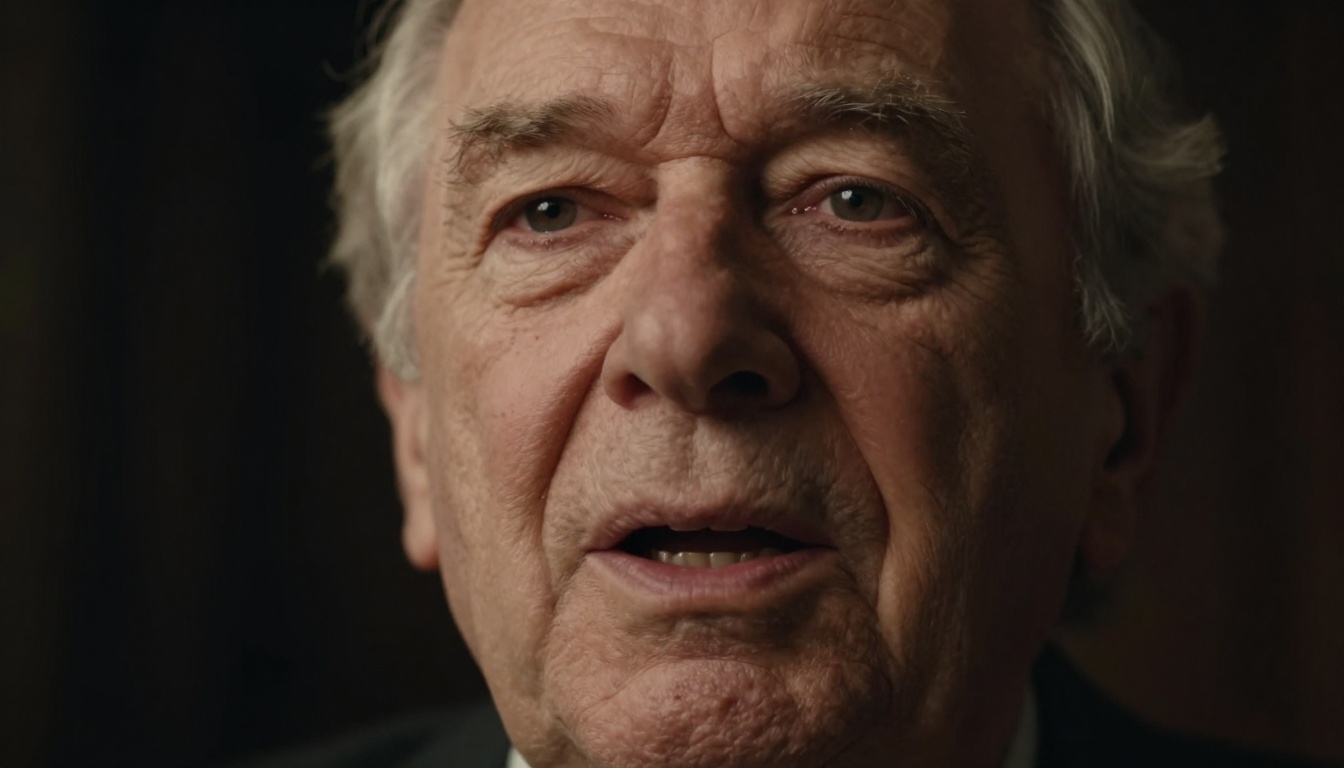
- Historical recreation: Bring archival footage to life with accurate dubbing
Step-by-Step: Creating Your First AI Lipsync Video
Getting started requires minimal technical knowledge. Follow this straightforward process:
-
Prepare Your Source Material
- For existing video: Ensure good lighting and clear facial visibility
- For photo animation: Use high-resolution front-facing portraits
- Audio quality: Record in quiet environment with clear speech
-
Choose Your Platform
- Web-based tools require no installation
- Desktop applications offer more control
- Mobile apps provide convenience for quick projects
-
Upload and Process
- Most tools process files under 100MB for free
- Processing time ranges from 30 seconds to 5 minutes
- Preview before finalizing to check accuracy
-
Adjust Settings
- Sync sensitivity: Adjust how closely mouth follows audio
- Emotion level: Control facial expression intensity
- Style preservation: Maintain original video aesthetic
- Export and Share
- Free versions typically include watermarks
- Resolution options from 480p to 1080p
- Direct sharing to social platforms available
Common Challenges and Solutions
Even with advanced AI, you might encounter issues. Here's how to solve them:
Problem: Mouth movements look robotic or unnatural
Solution: Adjust the "naturalness" slider in your chosen tool. Most AI lipsync software includes this control, which adds micro-variations to mouth movements that mimic human imperfection.
Problem: Audio and video drift out of sync over time
Solution: This usually indicates variable frame rate in source video. Convert your video to constant frame rate (CFR) before processing. Free tools like HandBrake handle this conversion easily.
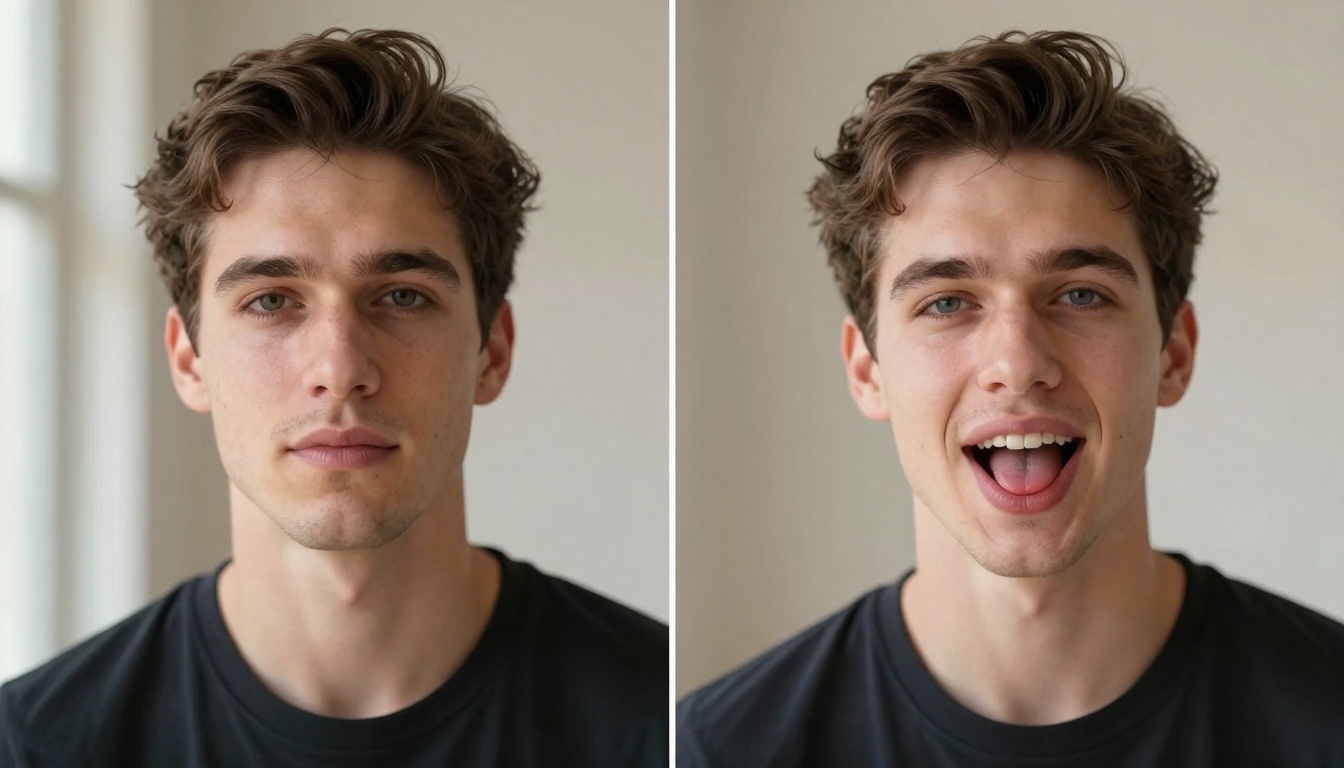
Problem: Facial detection fails with certain angles or lighting
Solution:
- Front-facing shots work best (within 30 degrees of straight-on)
- Ensure even lighting without harsh shadows
- Avoid accessories that obscure facial features (glasses, hats, masks)
Problem: Accented speech doesn't sync properly
Solution: Some tools handle accents better than others. react-1 and lipsync-2-pro have broader phoneme libraries that accommodate regional variations in speech patterns.
Technical Considerations for Best Results
Achieving professional quality requires attention to these technical details:
Audio Preparation Checklist:
- Sample rate: 44.1kHz or 48kHz
- Bit depth: 16-bit or higher
- File format: WAV or high-quality MP3
- Noise reduction: Remove background hums and clicks
- Normalization: Consistent volume levels throughout
Video Source Requirements:
- Resolution: Minimum 720p, ideal 1080p or higher
- Frame rate: 24, 25, or 30 fps (constant)
- Codec: H.264 or newer for compatibility
- Lighting: Even illumination without extreme contrast
- Stability: Minimal camera movement during speech
Processing Settings That Matter:
- Phoneme accuracy: Higher settings = more precise mouth shapes
- Expression retention: Balance between sync accuracy and natural facial movement
- Render quality: Higher settings take longer but produce smoother results
- Output format: MP4 with H.264 codec works universally
Cost Comparison: Free vs Paid Options
While this article focuses on free tools, understanding the paid landscape helps make informed decisions:
What Free Versions Offer:
- Basic lipsync functionality
- Watermarked outputs
- File size limitations (typically 100MB)
- Processing queue waits during peak times
- Limited resolution options (usually 720p max)
Paid Upgrades Typically Add:
- Watermark removal
- Higher resolution exports (4K available)
- Priority processing
- Batch processing capabilities
- Advanced customization controls
- Commercial usage rights
When to Consider Paid Options:
- Commercial projects where branding matters
- High-volume production needs
- Time-sensitive deliverables
- Need for highest possible quality
- Professional portfolio pieces
Future Developments in AI Lipsync Technology
The field continues advancing rapidly. Here's what to expect in coming months:
Real-time Processing: Current tools process in seconds to minutes, but real-time lipsync during live video calls or streaming will become standard.
Emotional Intelligence: Beyond basic mouth movements, AI will capture and replicate the full range of human emotional expression during speech.
Cross-language Sync: Tools that can take audio in one language and produce accurate mouth movements for another language's phonetics.
Accessibility Features: Integration with hearing aids and visual speech recognition for improved communication accessibility.
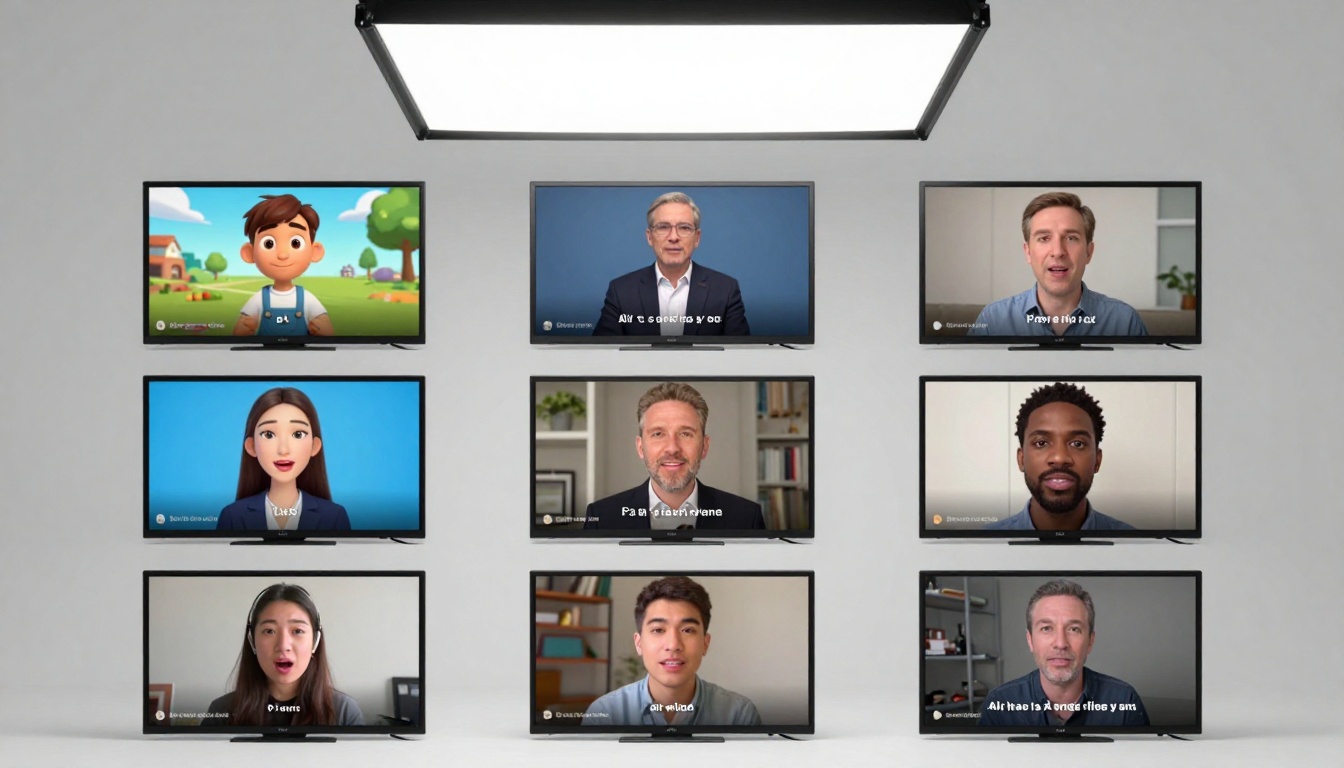
The barrier to entry has never been lower. Choose one tool from the list above, gather your source material, and process your first video today. Most platforms require only email registration, with no credit card needed for free tier access.
Quick Start Recommendations:
- First-time users: Try lipsync-2 for its balance of simplicity and quality
- Content creators: react-1 offers the emotional depth that engages audiences
- Educators: omni-human creates full animated presentations from static images
Your first project: Take a 30-second clip from your phone, record clear audio narration, and run it through your chosen tool. The learning curve is minimal, and the satisfaction of seeing perfect lipsync is immediate.
The technology has matured to the point where free tools deliver results that would have required thousand-dollar software and specialized skills just a few years ago. Whether fixing existing content or creating new talking videos from scratch, AI lipsync generators remove technical barriers and put professional-quality video synchronization within everyone's reach.
Now that you've seen what's possible with free AI lipsync tools, why not experiment with creating your own talking videos? The platforms mentioned throughout this article offer immediate access to technology that transforms static images into engaging animated content. Each tool has its strengths - some excel at emotional expression while others prioritize technical accuracy. Try different approaches with the same source material to discover which workflow matches your creative style and content needs.


