If you've spent hours hunting for an upscaler that won't destroy your hentai-style art, you're not alone. Most general-purpose AI upscalers were trained on photographs, not illustrations, and they treat your carefully crafted cel shading like noise to be smoothed away. The result: blurry edges, washed-out colors, and characters that look like they've been run through a watercolor filter.
The good news? A new wave of free AI upscalers built with illustration-aware models changes everything. Whether you want to scale a hentai character from 512px to 2048px without losing a single line, preserve the exact softness of gradient shading, or recover detail in a low-res panel you downloaded years ago, there's a tool on this list that can do it.
Below are the nine best free AI upscalers for hentai-style art, what makes each one different, and how to use them in your workflow.
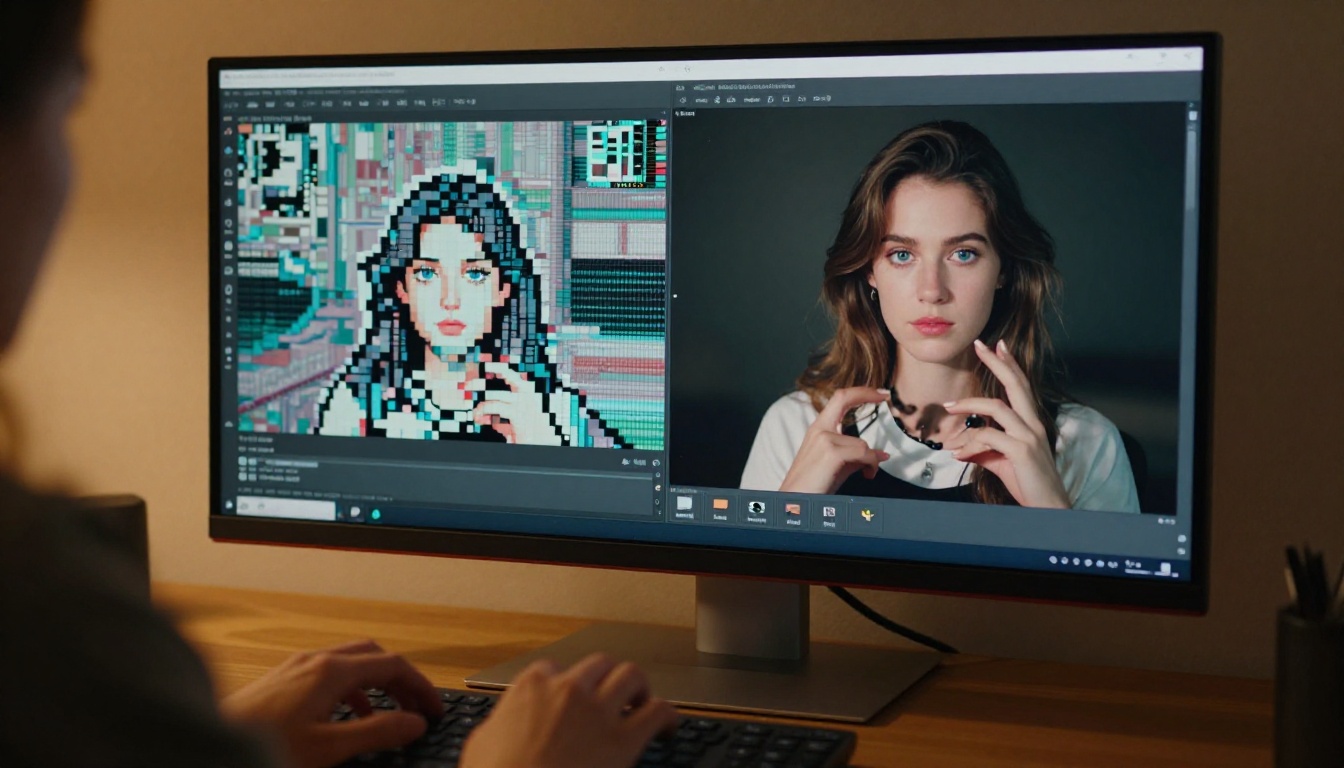
Why Hentai Art Needs a Different Upscaler
Photograph-trained upscalers optimize for natural textures: skin pores, fabric weave, foliage. When you feed them anime art, they interpret the flat color fills and hard outlines as compression artifacts and try to "fix" them. That's the wrong approach.
Hentai and anime-style illustrations share these characteristics that standard upscalers misread:
- Hard, precise outlines that photo models soften into halos
- Flat cel-shaded areas that get over-textured with false film grain
- Gradient blushes that become banded or blotchy
- Fine hair strand detail that gets merged into solid shapes
- Expressive eye highlights that blur into white smears
A good illustration-aware upscaler recognizes these patterns and preserves them instead of fighting them. Several of the tools below use models specifically trained on anime and manga datasets. Others use hallucination-based super-resolution that infers detail rather than inventing texture. Both approaches produce dramatically better results than generic photo upscalers.
💡 Quick rule: If the upscaler adds film grain or skin texture to a character's cheek, switch tools. That's a sign it was trained on photographs, not illustrations.
What Actually Breaks When You Upscale Anime Art
Knowing the failure modes helps you pick the right tool and evaluate results before committing to a 4x output.
The Line Art Problem
Outlines in hentai art are typically 1-3 pixels wide at source resolution. A naive bicubic upscale turns those lines into blurry 4-6 pixel gradients. AI upscalers with edge-sharpening models rebuild those lines at the target resolution, but some overshoot and create double-edge halos: a dark outline surrounded by a lighter artifact ring. Look for tools that preserve line weight without adding halo artifacts.
The Cel Shading Problem
Cel shading uses distinct flat color zones with hard or soft boundaries. Photo-based models treat these boundaries as compression artifacts and blend them. Illustration-trained models respect the zone separation. The clearest test: run a face through the upscaler and check whether the shadow under the chin remains a clean gradient or turns into a textured, muddy smear.
The Expression Problem
Eye detail in hentai art is extraordinarily dense for its size: a 30x30 pixel eye might contain six distinct color zones including specular highlights, iris detail, and shadow gradients. If the upscaler loses even one of these zones, the character loses emotional expression. This is the hardest thing to get right, and it's the benchmark that separates the best tools from the rest.
The 9 Best Free AI Upscalers for Hentai-Style Art
All nine of these tools are available free on PicassoIA. No installation, no Python environments, no GPU memory limits.
1. Real ESRGAN
Real ESRGAN is the foundational free AI upscaler for anime and hentai art. The original ESRGAN (Enhanced Super-Resolution Generative Adversarial Network) was designed for photographs, but Real ESRGAN introduced an anime variant trained specifically on cartoon and illustration datasets.
What it does well:
- Preserves cel shading zones with minimal blending
- Rebuilds thin outlines at 4x without halos (most of the time)
- Recovers fine hair strand detail from low-resolution sources
- Handles JPEG-compressed hentai panels without over-sharpening
Best for: Low-res hentai panels and scans where the source is heavily compressed. Real ESRGAN's denoising layer handles JPEG artifacts better than most competitors.
💡 Tip: Use the anime model variant when available. The general model will over-texture your cel shading.
2. Clarity Pro Upscaler
Clarity Pro Upscaler takes a different approach. Instead of a pure super-resolution model, it uses a diffusion-based processing pipeline that inpaints missing detail using context from the surrounding image. For hentai art with complex background scenery, this produces exceptional results because the model can infer and complete architectural details, fabric patterns, and environmental textures.
Where it shines:
- Complex backgrounds with patterns or architecture
- Fabric and clothing detail recovery
- Scenes with multiple overlapping characters
Watch out for: Faces. Diffusion models sometimes alter facial features slightly. Check eye and mouth areas carefully after processing.
3. Crystal Upscaler
Crystal Upscaler is built specifically for portraits and faces, making it an excellent choice for close-up hentai character art. It uses a face-detection preprocessing step that treats the facial region with a specialized micro-detail model before applying the upscale. This means your character's eyes, lips, and blush gradients get dedicated attention rather than being processed as generic pixels.
Strengths:
- Eye highlight preservation
- Blush gradient smoothness
- Lip gloss and shine detail
- Prevents the "doll face" effect common in other upscalers
4. P Image Upscale
P Image Upscale from PrunaAI is the fastest free option on this list, delivering 2x upscaling results in approximately one second. Speed matters when you're processing a large batch of panels or testing multiple upscalers on the same source image.
The trade-off is some loss of fine hair strand detail at 4x versus the slower alternatives. For most use cases, especially character busts and torso shots, the quality is excellent.
5. Recraft Crisp Upscale
Recraft Crisp Upscale prioritizes one thing above everything else: edge sharpness. The model was designed for vector-clean output, which makes it exceptional for hentai art with clean professional inking but sometimes too aggressive for doujinshi art where softer, slightly rough outlines are intentional.
If your source art has tight, professional linework, Recraft Crisp delivers the sharpest possible outlines at the output resolution.
6. Recraft Creative Upscale
Recraft Creative Upscale is Recraft's counterpart to the Crisp variant. Where Crisp preserves exactly what's there, Creative fills in plausible detail for areas undefined at source resolution. This is ideal for backgrounds and secondary elements where you want the upscaler to add visual richness rather than simply multiply existing pixels.
For hentai art: use Crisp on foreground characters, Creative on backgrounds, and composite the results if you need the best of both.
7. Increase Resolution (Bria)
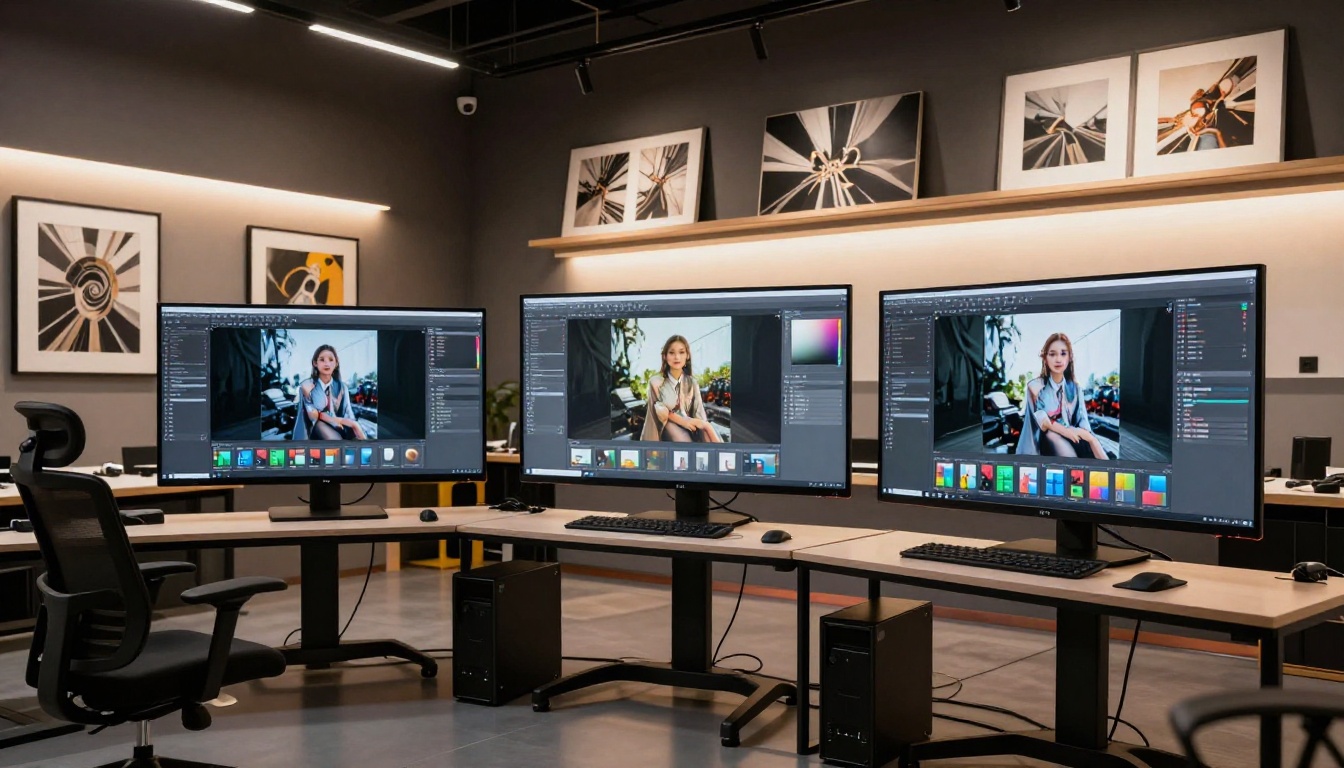
Increase Resolution by Bria AI supports 2x and 4x upscaling with a commercial-trained model optimized for visual media. It performs well on hentai art that includes mixed media elements: characters combined with photographic backgrounds, or art with realistic lighting renders.
The model handles color accuracy exceptionally well, making it the best choice when exact color fidelity matters for print or display.
8. Google Upscaler
Google Upscaler brings the research weight of Google's image AI teams to the free tier. The model excels at recovering detail from highly compressed sources, making it valuable for hentai art that has been through multiple save cycles or uploaded to platforms that aggressively compress images.
It's not the top choice for clean source art, but when your source is already degraded, Google's model often recovers detail that others can't.
9. Image Upscale (Topaz Labs)
Image Upscale by Topaz Labs is the premium option on this list, offering upscaling up to 6x: the highest multiplier available. Topaz Labs has been in the AI upscaling space longer than most and their model shows it. Results are exceptionally clean with minimal hallucination artifacts.
For hentai art you want to print large or display at 4K, Topaz's 6x is the only free option that gets you there in one pass.
Comparison Table: Which Upscaler Works Best?
Best NSFW AI Models on PicassoIA
Upscaling is only half the workflow. If you're generating hentai-style art from scratch before upscaling, the model you use for generation matters just as much. PicassoIA offers several models that accept adult content without content filters.
Seedream 4.5 for Generation Before Upscaling
Seedream 4.5 is the top recommendation for generating hentai-style art that you'll then upscale. It produces highly realistic NSFW content with image editing support and generates in under 3 seconds. The quality of its outputs gives upscalers the cleanest possible source to work with.
Note: Seedream 5 Lite does not support NSFW content. For adult content generation, always use Seedream 4.5.
The full recommended order for NSFW generation on PicassoIA:
- Seedream 4.5 ⭐ — Top pick. Realistic NSFW content, image editing support, results in under 3 seconds.
- PicassoIA Image Editor Pro — Unlimited generations on Elite/Infinite plans. Results in under 1 second. Includes 3 free trial generations with no credit card required.
- Qwen Image 2 — Open-source model. Edits or creates any image in seconds with very detailed realism.
- Grok Imagine Image — Converts any image to bikini format in a very realistic way.
- Recraft V4 — Very realistic text-to-image results.
- P-Image — NSFW text-to-image in under 1 second.
💡 Workflow tip: Generate with Seedream 4.5 at 1024x1024, then run through Crystal Upscaler for close-ups or Real ESRGAN for full scenes. This two-step approach gives you clean 4096x4096 output in under 30 seconds total.
How to Get the Best Results
Getting from "okay" to "excellent" results requires attention to a few variables that most breakdowns skip.
Prepare Your Source Image
Before feeding art to any upscaler, do three things:
- Remove JPEG compression artifacts with a denoiser first. Upscaling a compressed image amplifies artifacts. Run a light noise reduction pass before the upscale.
- Crop to the region of interest. Upscalers process the entire image. If you only care about a character, crop tightly and upscale just that region for better resource allocation and sharper results.
- Check source resolution. Models perform best within their designed input range. Feeding a 128px thumbnail to a 4x upscaler produces worse results than starting from 512px. If your source is very small, upscale to an intermediate size first, then upscale again.
Choose the Right Model for Your Art Style
Hard-edged professional art (clean digital inking, flat fill, no sketch texture): Recraft Crisp or Real ESRGAN anime variant.
Soft doujinshi or sketch style (rough outlines, watercolor-style shading, visible brush texture): Clarity Pro or Crystal Upscaler, which handle texture variation better.
Mixed realistic-anime style (characters with photorealistic backgrounds or lighting): Increase Resolution by Bria or Google Upscaler.
Maximum enlargement for print or 4K display: Topaz Labs Image Upscale is the only tool reaching 6x in one pass.
Post-Process Tips
After upscaling, these two quick steps improve output quality significantly:
- Mild sharpening pass (0.3-0.5 in most editors) to recover any slight softness introduced by the upscaler's anti-ringing filters.
- Selective saturation boost on skin tones and clothing colors, which sometimes look slightly washed out after super-resolution processing.
3 Common Mistakes When Upscaling Hentai Art
1. Using a photo-trained model. The telltale sign: your flat color fills develop film grain. Switch to an illustration-specific model immediately.
2. Skipping the denoiser step. Starting with a JPEG-compressed source without pre-processing amplifies blocking artifacts at 4x. A 30-second denoiser pass before upscaling saves significant cleanup time afterward.
3. Upscaling text and UI elements. If your art includes speech bubbles or UI overlays, upscale the raw art first, then re-apply clean text at the target resolution. AI upscalers consistently blur rasterized text.
Why Free Still Means Powerful
A few years ago, high-quality AI upscaling required expensive software licenses (Topaz AI alone was $99+/year) or a powerful local GPU running Waifu2x or similar tools. That barrier is gone.
Every tool on this list is available free through PicassoIA, running on cloud hardware, with no installation and no GPU memory limits. You can run Topaz Labs' 6x upscaler on a laptop from a browser tab.
The quality gap between free and paid has closed substantially. For hentai and anime art specifically, Real ESRGAN and Crystal Upscaler consistently outperform many commercial tools that weren't trained on illustration data.
💡 For maximum quality, the combination of Seedream 4.5 (generation) plus Topaz Labs Image Upscale (6x enlargement) produces print-ready hentai art from a single text prompt in two steps, entirely free.
Start Creating on PicassoIA
The upscalers and generation models covered here are all accessible from a single platform, with no installation, no Python environment, no VRAM management. Pick the tool, upload your art (or generate it fresh), and get results in seconds.
If you want to generate hentai-style art before upscaling, Seedream 4.5 is where to start. For a complete view of every available model including generation, editing, video, and upscaling tools, visit picassoia.com/en/all-models and experiment with the full catalog.
Your art deserves the resolution it was drawn at.


