Generate imagesLarge Language ModelsVisual Effects
Free Image Generation API Key: Unlimited and Free Tier Options
Free image generation APIs come in four shapes: free tiers, trial credits, open weights and unlimited platforms. See the rate and concurrency limits that break real projects, a working PicassoIA API request, and the pricing wording to verify before launch.
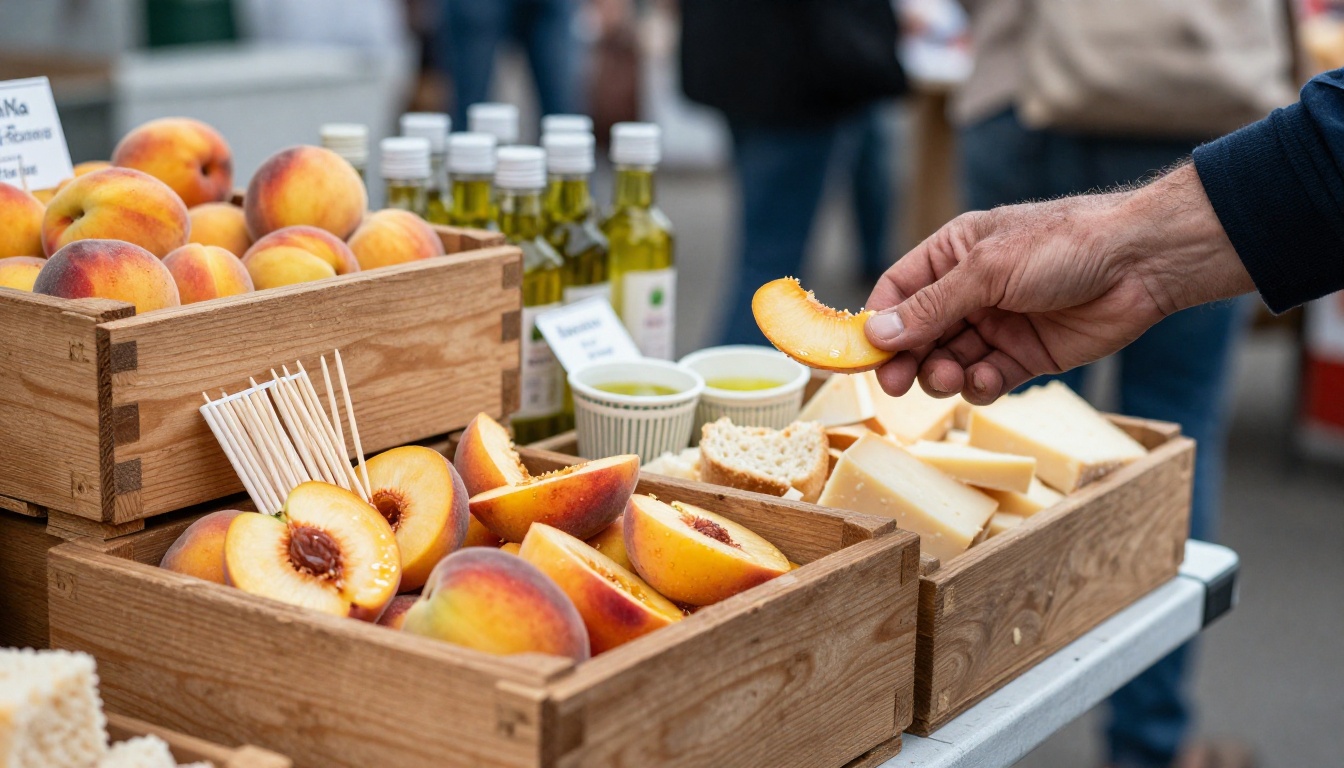
Most "free" image APIs are free the way a sample tray at a market is free: you get a taste, then a limit appears. Before you paste a token into your app, it helps to know which kind of free you are signing up for, because the answer decides whether you can ship a feature, run 500 images overnight, or only demo something to a friend. This article sorts the options into four types, shows the limits that actually break projects, and walks through a real request against the PicassoIA API, whose image model is described as unlimited and whose predictions are currently listed as free.
What Free Really Means
Search for a free image generation API and you will find four very different offers wearing the same label. Mixing them up is the fastest way to build a product on a foundation that disappears next month. The search results rarely say which kind they are selling, so you have to read the fine print yourself.
Four Kinds of Free
Every free offer fits one of these shapes, and each shape suits a different kind of builder.
Type
How it works
The catch
Best for
Free tier
A hosted model with a daily or monthly quota
Caps and throttling can change without notice
Prototypes and side projects
Trial credits
A one time balance added to a new account
It expires, then a card is required
A weekend proof of concept
Open weights
You download the model and run it on your own GPU
Hardware, setup time and a license per model
Privacy and steady volume
Unlimited by design
A platform runs the model and sets no per image cap
Concurrency limits and plan requirements
Batches and daily production
Providers give capacity away for a handful of reasons: to attract developers, to fill GPUs that would otherwise sit idle, or to collect feedback on a new model. The motive predicts how long the offer lasts. Offers that fill idle capacity tend to shrink when demand rises, while offers built to onboard developers last as long as the sign up funnel keeps working.
What Each One Costs You
A free tier costs you predictability. The quota exists because someone pays for the GPUs, and the provider can shrink it whenever the bill grows. Trial credits cost you a deadline, since the balance vanishes whether or not you finished building. Open weights cost you time: installing drivers, matching library versions, waiting for a 20 GB download and fixing out of memory errors at 11 p.m.
An unlimited service costs you the least in dollars, but you should read how it limits parallel work, because "unlimited" almost never means "infinitely fast". Counting images is easy. Counting simultaneous jobs is where the real ceiling hides.
💡 Tip: Write down your real volume before you choose. Ten images a day fits nearly any free tier. Two thousand images a week does not.
The Limits That Decide Everything
Pricing pages talk about money. Engineers should talk about limits, because limits are what break a launch on a Friday afternoon.
Rate Limits vs Concurrency
A rate limit counts requests per minute or per day. A concurrency limit counts how many jobs can run at the same instant. They fail in different ways. Hit a rate limit and you wait for the window to reset. Hit a concurrency limit and your sixth simultaneous request is rejected or queued while five others finish.
Picture a toll plaza with five open lanes. Cars still pass quickly, but the sixth car waits behind the barrier no matter how fast the first five move.
For batch work this matters more than any price. A script that fires 50 requests at once will stumble on a five lane service, while a script that keeps a worker pool of five finishes cleanly and never sees an error.
A quick illustration shows the scale. Say each image takes about 10 seconds to generate. Five workers then produce roughly 30 images a minute, so a batch of 500 images finishes in about 17 minutes. Double the number of workers on a service that allows only five and you gain nothing: the extra jobs wait in line or get turned away. Do this arithmetic with your own numbers before you promise a client a delivery date.
Terms Worth Reading Twice
Before you commit to any provider, check these six items on its pricing and terms pages:
Commercial use: may you sell or publish what you generate?
Quota reset: daily, monthly, or one time only?
Prompt length: a detailed prompt can exceed a small cap.
Request size: this matters when you upload reference photos.
Timeouts: how long a job may run before it is cancelled.
Plan requirements: does "free" still need a paid subscription for API access?
That last item is where many free offers turn murky, and it shows up in the PicassoIA wording a little further down.
The PicassoIA API in Plain Terms
PicassoIA exposes its models through a developer API that follows the Replicate pattern, so anyone who has called a prediction endpoint before will feel at home within minutes.
Base URL and Credentials
Requests go to https://api.picassoia.com/v1 with a Bearer token in the Authorization header. Tokens start with pia_sk_ and you manage them on the API page of your account at picassoia.com/en/api. An account can hold at most 2 tokens, so treat each one with care: one for production, one for testing, and never inside front end code or a public repository.
The API currently exposes four models: PicassoIA Image for text to image, PicassoIA Image Editor Pro for editing, and two video models. The same four are reachable through the MCP connector, which makes them usable from chat assistants as well as from your own code.
Create, Poll, Fetch
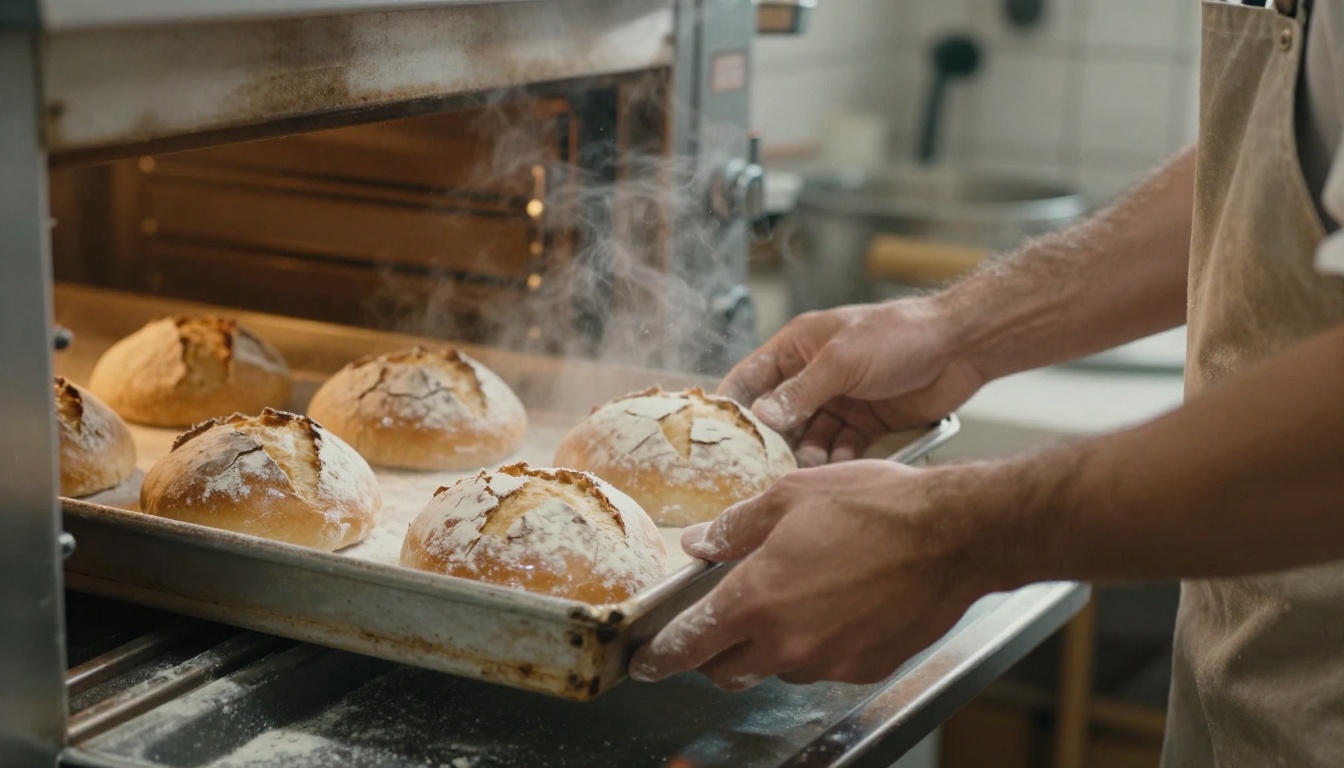
Jobs are asynchronous, much like a baker checking loaves instead of staring at the dough. You create a prediction, receive an ID, then check its status until the job finishes.
Step 1: create the prediction.
curl -s -X POST https://api.picassoia.com/v1/models/picassoia/picassoia-image/predictions \
  -H "Authorization: Bearer pia_sk_YOUR_TOKEN" \
  -H "Content-Type: application/json" \
  -d '{"input": {"prompt": "A ceramic mug on a wooden desk at sunrise, 50mm lens", "aspect_ratio": "16:9"}}'
Repeat step 2 every couple of seconds until the status reports success, then read the output URL. You can also list jobs with GET /v1/predictions and stop a running one with POST /v1/predictions/{id}/cancel.
Plan for failures from the first line of code. If a request is rejected because five jobs are already running, wait a few seconds and retry with a growing delay instead of hammering the endpoint. Save every prediction ID the moment you receive it, so a crashed script can resume polling instead of paying for the same work twice. And use the cancel endpoint for jobs that stall, because a stuck prediction still occupies one of your five slots.
💡 The body above wraps the inputs in an input object, which is the Replicate convention. Confirm the exact response fields in the code samples on the API page, which are written in Python, Node and cURL.
Limits at a Glance
Limit
Value
Concurrent predictions
5 per account, shared across tokens and MCP connections
Request body
10 MB
Prompt length
4,000 characters
Job timeout
3 hours
Tokens per account
2
⚠️ Read this before you ship: The API page says predictions are currently free and use no credits. The docs also mention an Infinite plan requirement, while the pricing page lists API access starting on the Pro plan. Those statements do not match, so check picassoia.com/en/pricing before you build a paid product on top of it.
How to Use PicassoIA Image
PicassoIA Image is the native text to image model, and its model page describes it as unlimited: no per image cap and no daily quota. Results arrive in seconds, which changes how you work.
Write a prompt with a subject, a setting, the light and a lens, for example "A baker's hands opening an oven door, warm side light, 85mm lens".
Pick an aspect ratio that matches where the image will live.
Press generate and wait a few seconds.
Change one thing, such as the seed or a single word, and run it again.
Step 5 is the whole advantage of an unlimited model. When retries cost nothing, you compare ten versions side by side instead of accepting the first one.
💡 Prompt formula: subject and action, then setting, then light direction, then camera and lens. "A cyclist pausing at a stone bridge, morning mist, soft light from the left, 35mm lens" gives the model four clear decisions instead of one vague wish.
Parameters Worth Tuning
Parameter
What it does
Practical tip
aspect_ratio
Seven presets, default 1:1
Choose it before you generate, not after
seed
Reproduces a result
Lock it once you find a composition you like
num_outputs
1 or 2 images per call
Use 2 to compare variations at once
output_format
JPG (default), PNG or WebP
WebP for web pages, PNG for later editing
output_quality
0 to 100, default 80, for JPG and WebP
Lower it for thumbnails
Seven Aspect Ratios
The model accepts 1:1, 16:9, 9:16, 4:3, 3:4, 3:2 and 2:3. A quick way to match them to a job:
16:9 for blog headers and video thumbnails
9:16 for stories and vertical video
1:1 for avatars and gallery squares
4:3 and 3:4 for slides and tablet screens
3:2 and 2:3 for classic photo prints
Generate in the final ratio from the start. Cropping a 1:1 image into 9:16 afterwards throws away most of the composition, and the subject often lands at the edge of the frame. A model that composes for the target shape places the subject, the horizon and the empty space on purpose.
Edit Photos Without Counting Edits
Generation is only half the job. PicassoIA Image Editor Pro changes an existing image from a plain description and, like its sibling, is described as unlimited, with no per edit cap.
Multi Image Edits
The editor accepts up to three reference images at once, and you address them as "image 1", "image 2" and "image 3" inside the prompt. A request such as "Place the perfume bottle from image 1 on the marble surface from image 2, warm golden light" gives you precise control over what moves and what stays.
The aspect_ratio default is match_input_image, which keeps the original dimensions, and you can ask for up to two variations per call. Typical jobs include:
Swapping a background without a studio shoot
Retouching a portrait with a short written instruction
Recoloring a product for each variant in a catalog
Applying one style across a whole batch of photos
💡 Tip: Always say what to keep. A line like "keep the original background and scene unchanged" prevents most surprises.
Other Free Models Worth Trying
Not every job needs the same engine. The PicassoIA text to image catalog includes FLUX.2 Klein 4B, Z Image Turbo, Qwen Image 2512 and Stable Diffusion 3.5 Medium. Model families like these are also the ones people reach for when they decide to self host, since many publish downloadable weights. Licenses differ from model to model, so read each one before you build on it.
Fast Drafts, Final Renders
A smart workflow splits the work in two. Draft on a small, quick model until the composition is right, then render the final on a larger one such as FLUX.2 Max or Seedream 4.5. Reuse the same prompt and seed so the final matches the draft you approved.
When the render is done, the platform's super resolution and effects categories can upscale a favorite or add a finishing look. The full catalog lives at picassoia.com/en/all-models.
Let a Language Model Write Prompts
Prompt quality limits your output more than model choice does. A language model from the Large Language Models category, such as GPT 5 Mini or Claude 4.5 Haiku, can turn a short idea into a full prompt with subject, light, lens and mood. Paste the result into the image model and compare it with your own first attempt. The difference is usually obvious.
The Real Cost of Free
Even a zero dollar API sends you a bill, just in other currencies. Queue waits and retries cost time. Monitoring and rewrites cost attention. A policy change or a shrinking quota costs risk. Self hosting adds electricity and a GPU you must buy first, which is not free at all.
Four Common Mistakes
Firing everything at once. A loop that sends 200 requests will hit any concurrency limit. Use a pool sized to the limit, five workers for the PicassoIA API.
Hardcoding the token. Keep it in an environment variable. With only two tokens per account, a leaked one is a real inconvenience.
Skipping a fallback. Store every prompt and seed so results are reproducible, and keep a second route ready in case a provider throttles you.
Ignoring the license. A model that runs for free is not automatically a model you may sell images from. Read the terms for each model, especially open weights, before you publish at scale.
You now have the map: four kinds of free, the limits that matter, and a working request. The only step left is to try one.
Open Picasso IA, choose PicassoIA Image, write one sentence about a scene you care about and pick 16:9. Run it five times with different seeds and keep your favorite. Then hand that result to PicassoIA Image Editor Pro and ask it to change the light or swap the background.
If you are building something of your own, create a token on the API page, send the cURL request from this article and watch your first prediction finish. A free option only proves itself when you run it, so go make something.