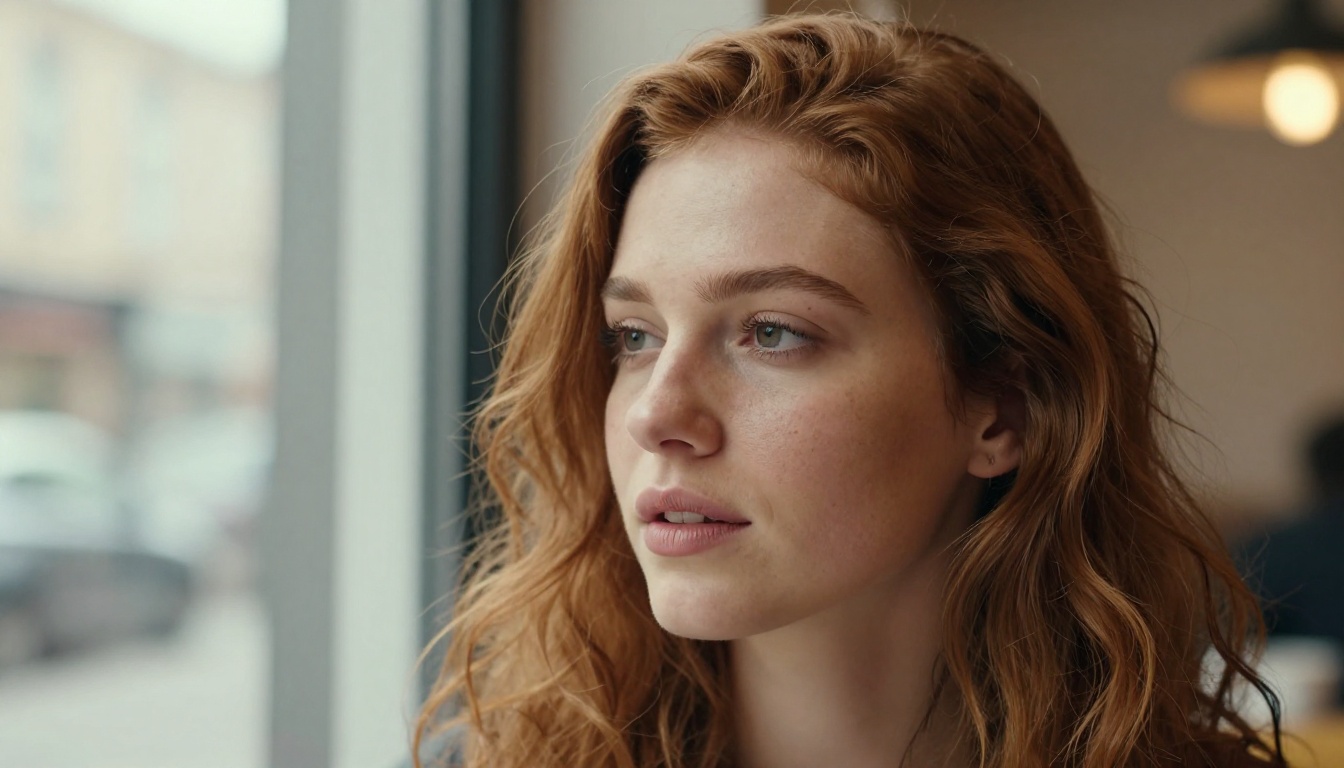
The portrait benchmark everyone keeps dodging is finally getting called out. GPT Image 1.5 arrived with serious hype around text accuracy and scene rendering, while Seedream 5.5 built its reputation on face detail that holds up at full resolution. Both models sit at the top of AI image generation right now, and the question of which one wins specifically at human portraits matters more than any generic benchmark score. We put them through identical portrait tests and the results are specific, measurable, and occasionally surprising.
Why Portrait Generation Is So Hard
Generating a convincing portrait is not the same as generating a landscape or a product shot. The human brain is wired to notice facial imperfections at a speed that no other object type triggers. A slightly wrong nose shape, off-proportion eyes, or plastic-looking skin will pull a viewer out of the image instantly. This is why portrait performance is one of the most revealing stress tests you can run on any image model.
The Face Problem Most Models Ignore
Most image models optimize for visual appeal across general categories. That means they often produce faces that look attractive at first glance but break down under scrutiny. The issues tend to appear in specific places: the transition between the iris and sclera, the way stubble grows along a jaw, and the rendering of lips in oblique lighting. These micro-details are the dividing line between a model that is useful for professional portrait work and one that is not.
Skin Texture as a Quality Signal
Skin texture is the fastest tell. Real skin has visible pores, subtle variation in tone, fine hairs on the surface, and areas of shine and matte that shift across the face depending on sebum levels and lighting angle. Models that flatten skin into a smooth gradient fail immediately. Models that add artificial grain without structural accuracy also fail, just differently. The best portrait models render skin as a collection of micro-surfaces, not as a single uniform material.
What GPT Image 1.5 Does with Faces
GPT Image 1.5 is OpenAI's current image generation offering, notable for its instruction-following precision and its ability to handle complex prompts that involve specific scene arrangements and text rendering. In the context of portraits, this instruction-following strength is both an asset and a limitation.
Prompt Adherence in Portraits
Where GPT Image 1.5 genuinely shines is in following detailed portrait-specific instructions. If you prompt for a specific lighting setup, a particular ethnic background, a defined age range, or a controlled emotional expression, the model interprets and executes those instructions reliably. It is accurate in the sense that it builds the face according to specification rather than defaulting to an averaged, generic attractive face.
This matters for commercial portrait work where brief-following is part of the job. When you need a 45-year-old woman with short silver hair under a beauty dish in a charcoal blazer, GPT Image 1.5 hits that description with fewer iterations than models that prioritize aesthetic appeal over accuracy.
Where GPT Image 1.5 Falls Short on Faces
The weakness shows up at the micro-detail level. Skin on GPT Image 1.5 portraits tends toward a polished, processed look. It is not the plastic sheen of earlier AI models, but there is a visible layer of smoothing that reduces pore visibility and flattens the micro-surface variation that makes real skin convincing. Hair rendering, especially on fine hair near the temples and hairline, can feel slightly merged rather than individually strand-distinct.
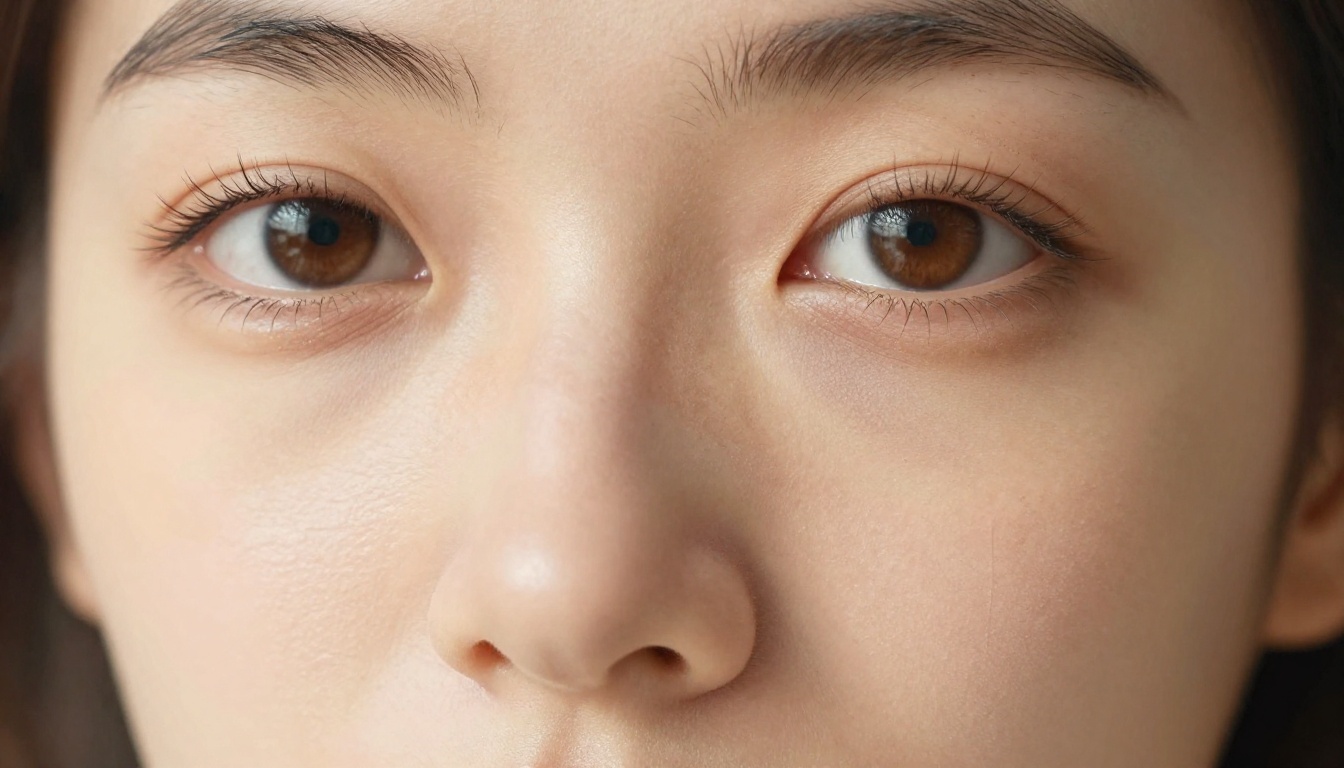
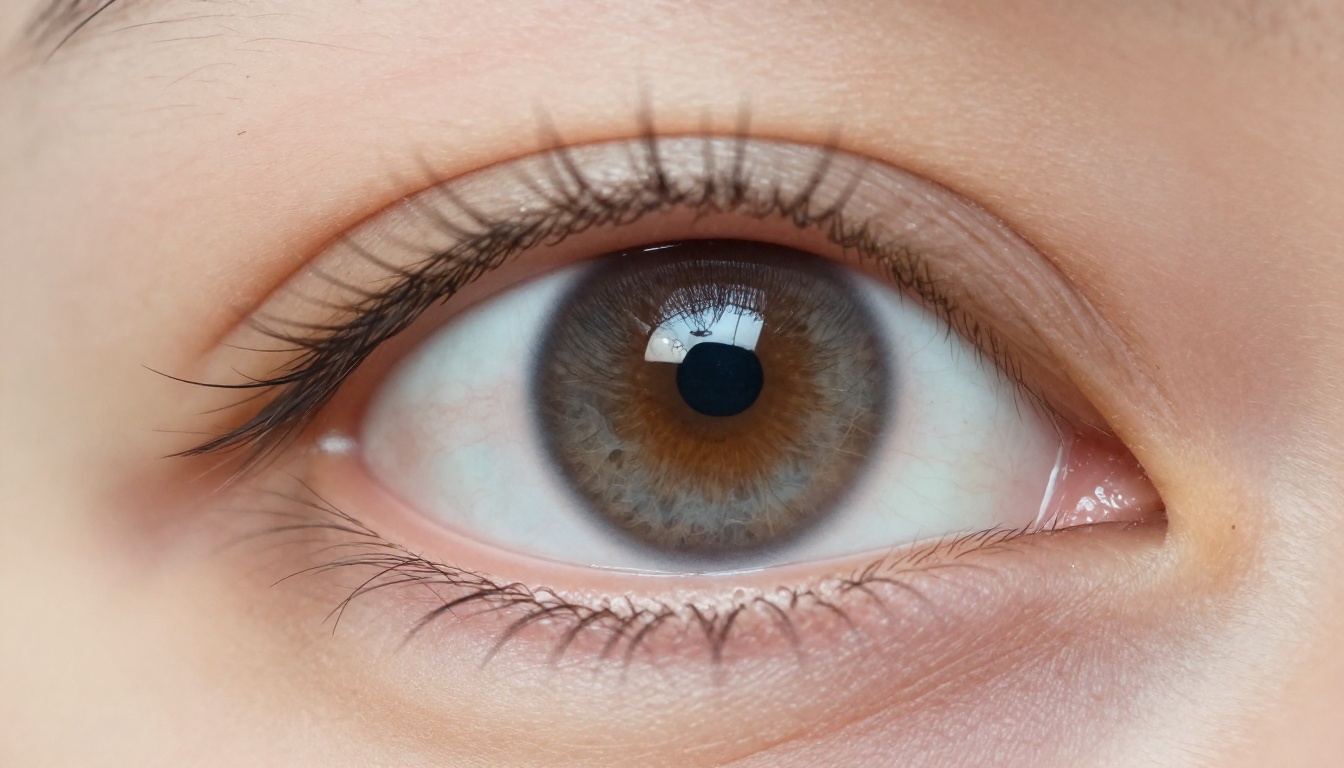
Eye catchlights, one of the most critical portrait markers, come through clearly in most outputs. The iris fiber detail, however, is variable. Some outputs show excellent iris structure; others produce a flat, uniform color fill that reads as artificial under close inspection.
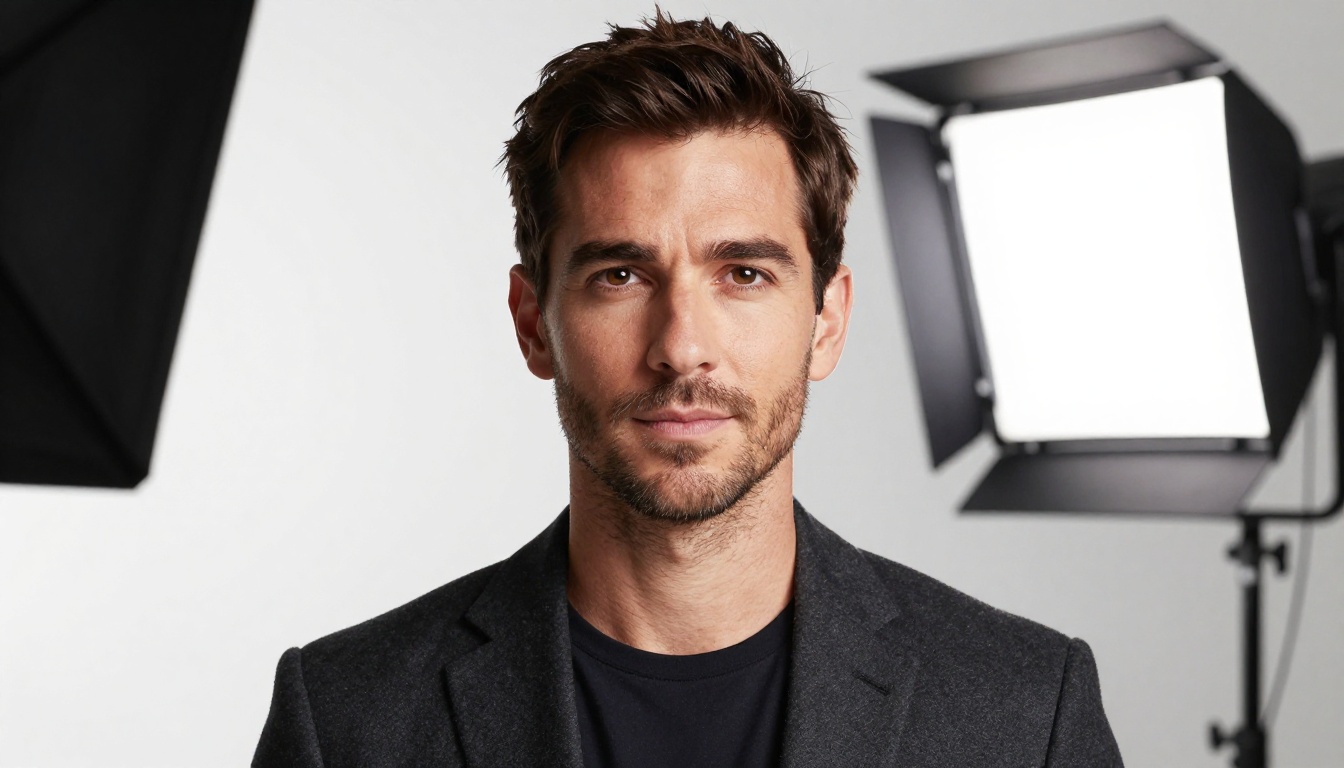
💡 Tip: GPT Image 1.5 responds well to lighting-specific prompts. Specifying the light source type (beauty dish, softbox, ring light) and its angle (45 degrees camera right, overhead at 30 degrees) produces noticeably more accurate shadow fall-off and skin tone response than generic "studio lighting" prompts.
What Seedream 5.5 Does with Faces
Seedream 5.5, developed by ByteDance, took a different path in its training approach. The model prioritizes micro-detail realism in skin and hair, and this shows immediately in portrait outputs. On Seedream 5 Pro, available directly on PicassoIA, this level of detail is accessible without any complex setup.
Skin and Hair at the Micro Level
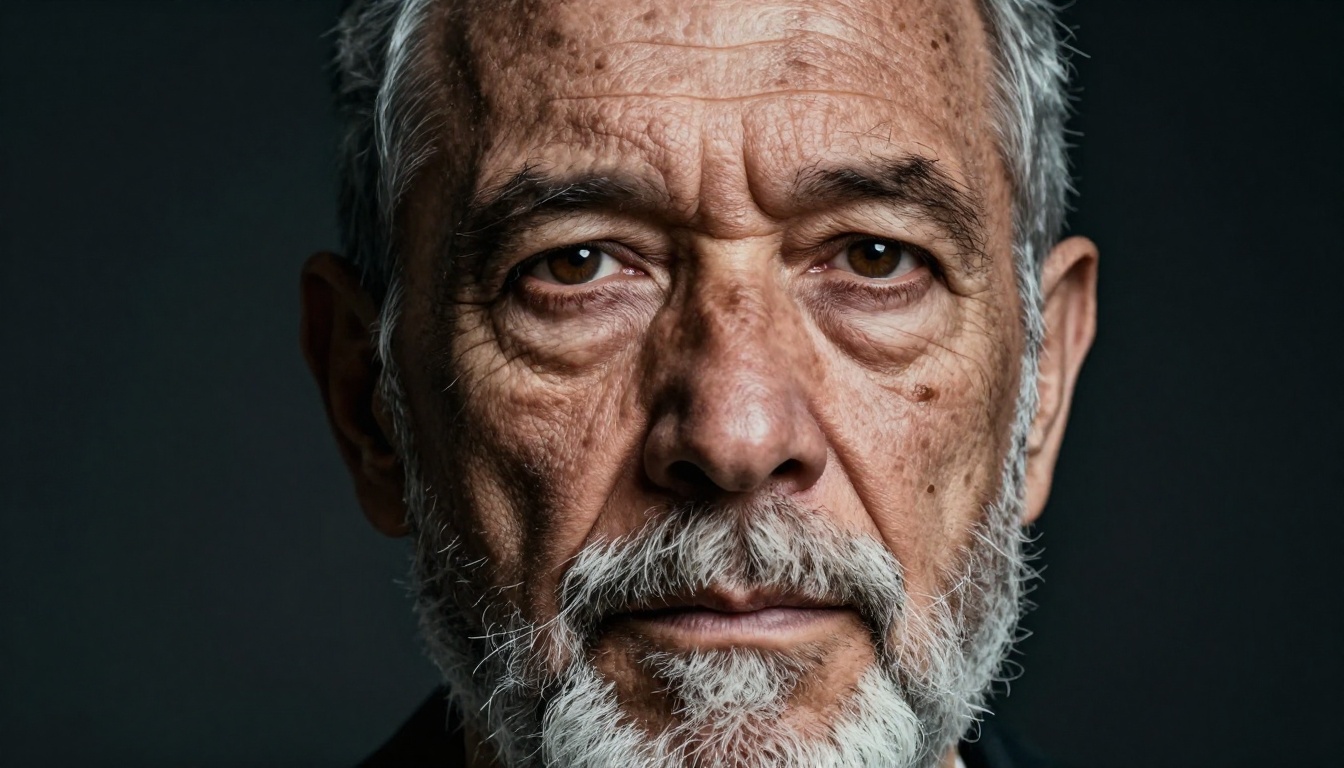
The single biggest differentiator for Seedream 5.5 in portrait testing is skin rendering. Pores are visible and structurally accurate rather than uniformly distributed. Hair strands at the hairline separate correctly. Stubble on a male subject shows individual hairs with appropriate follicle shadows. The model appears to have been trained on a dataset with a higher proportion of high-resolution, unprocessed photography, and this shows in the output texture quality.
Lip texture is another area where Seedream 5.5 outperforms. The fine vertical lines on human lips, the moisture variation between center and corner, and the precise edge definition against surrounding skin are rendered with a specificity that reads as genuinely photographic at 100% zoom.
Composition and Framing Defaults
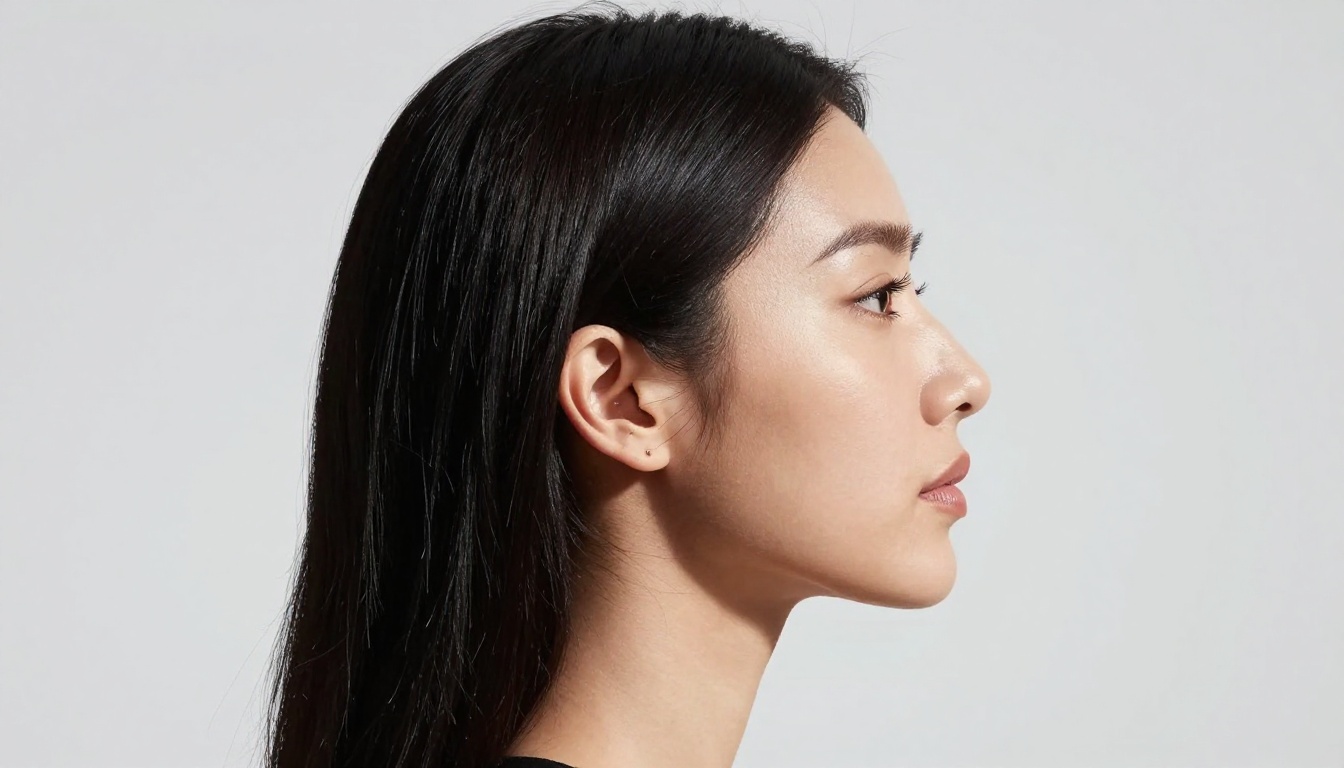
Where Seedream 5.5 introduces some complexity is in prompt adherence for unusual compositions. The model has strong defaults toward pleasing portrait framing, which means it sometimes resists unconventional angles or configurations. A low-angle extreme close-up or a highly oblique profile shot may require additional prompt reinforcement to move it away from its preferred three-quarter face, even-lighting default.
💡 Tip: When using Seedream 5 Pro for unconventional portrait angles, add explicit camera angle language ("extreme low angle, looking upward at subject, Dutch tilt at 15 degrees") and pair it with a lighting description to anchor the composition away from the model's defaults.
Head-to-Head Results by Category
Here is how both models performed across the specific portrait quality dimensions we tested:
| Quality Dimension | GPT Image 1.5 | Seedream 5.5 |
|---|
| Skin texture realism | Good | Excellent |
| Eye detail and catchlights | Very Good | Excellent |
| Hair strand precision | Good | Excellent |
| Prompt adherence (face specs) | Excellent | Good |
| Lip and mouth detail | Good | Very Good |
| Lighting accuracy | Very Good | Very Good |
| Non-standard angles | Very Good | Good |
| Output consistency | Very Good | Good |
Skin Texture and Pore Rendering
Seedream 5.5 wins this category cleanly. The pore-level accuracy in Seedream 5.5 outputs is genuinely impressive when tested against the same prompt across both models. GPT Image 1.5 produces skin that reads as convincing at web display sizes but begins to flatten at 100% zoom. For print or high-resolution digital use, Seedream 5.5's skin detail is the practical choice.
Eye Detail and Catchlights
Both models perform well here, with GPT Image 1.5 being more consistent across different lighting configurations. Seedream 5.5 produces more detailed iris fiber structure in its best outputs, but shows more variance than GPT Image 1.5 in how reliably it achieves this across multiple generations. If eye detail is critical and you are running multiple iterations, expect stronger individual results from Seedream 5.5, but with less predictability per generation.
Hair Strand Precision
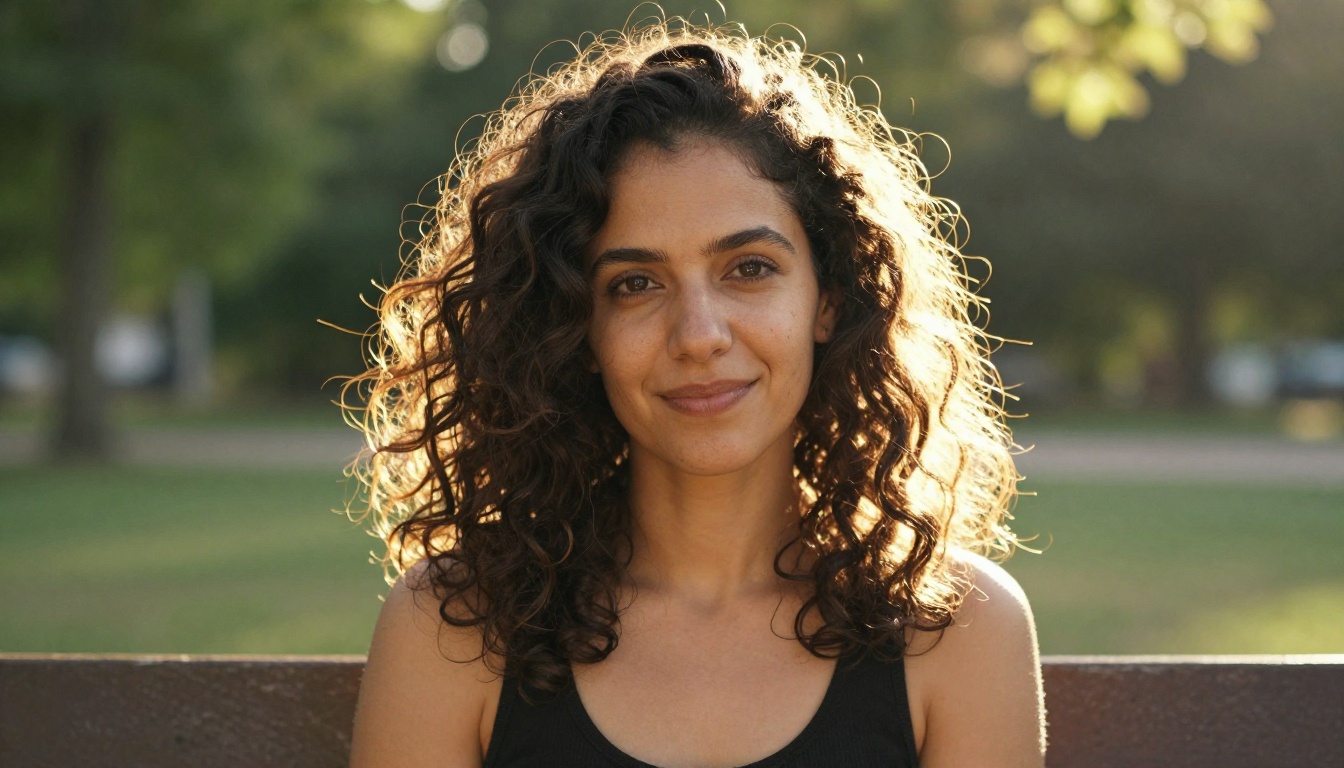
This is Seedream 5.5's sharpest edge. Individual hair strand separation, the behavior of hair against a backlit source, and the way fine hairs near the temples and sideburns integrate with the skin all come through with significantly more structural accuracy in Seedream 5.5 outputs. GPT Image 1.5 handles hair well at a broad level but tends to merge strands in dense areas, particularly where curly or wavy hair overlaps itself.
Lighting Accuracy
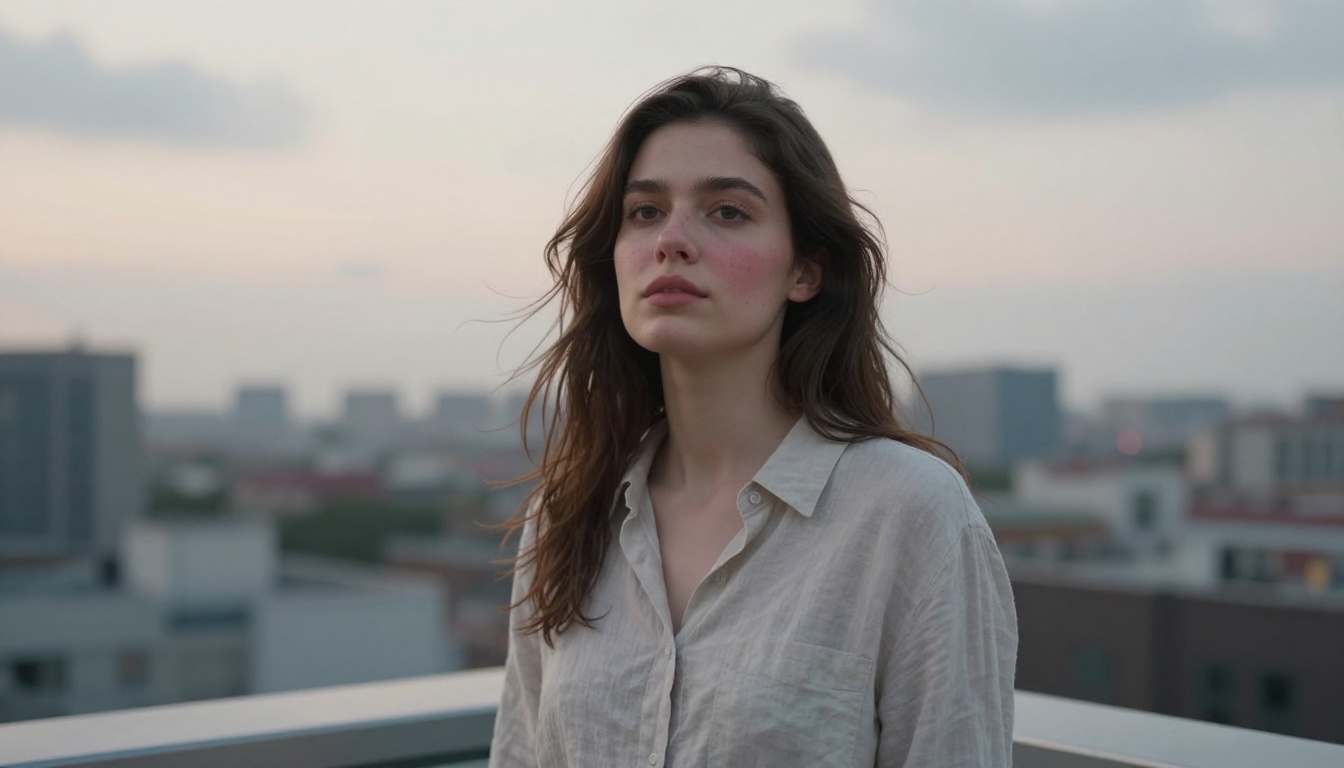
Both models interpret lighting prompts with similar overall accuracy. The difference is in subsurface scattering response. Human skin scatters light differently from opaque surfaces, and this effect, visible as a slight warm glow through the ear in a backlit shot or a reddish fill through the hand held near a lamp, shows up more convincingly in Seedream 5.5 outputs. GPT Image 1.5 tends toward a surface-reflection model of lighting that reads as accurate but less biologically correct.
Speed, Cost, and Practical Access
The technical quality comparison matters, but so does how you actually access these models in a real workflow.
GPT Image 1.5 Access and Cost
GPT Image 1.5 is accessed through OpenAI's API or through ChatGPT with the image generation feature. Pricing is per-image and sits at a higher price point relative to comparable open models. The interface is straightforward but offers limited control over generation parameters. You describe the image and the model decides how to interpret it without fine-grained controls over steps, guidance scale, or sampler behavior.
Seedream 5.5 on PicassoIA
Seedream 5 Pro is available directly on PicassoIA with no API setup required. You can generate portraits immediately through the browser interface, with access to model-specific parameters that let you push the skin detail and hair rendering further than the defaults. PicassoIA also provides access to complementary tools like Flux Kontext Fast for rapid iteration and Krea 2 Large for cases where you want photorealistic output with a broader stylistic range.
The practical advantage of using Seedream 5.5 through PicassoIA is that you are not locked into a single model. If a portrait needs more detail work after the initial generation, super-resolution tools can upscale and sharpen the output. If you need to adjust specific elements, inpainting tools in the same platform handle it without requiring you to leave the workflow.
💡 Tip: PicassoIA's super-resolution tools work particularly well on Seedream 5.5 portrait outputs. The model's existing skin detail provides a strong base that upscaling amplifies rather than smearing, unlike outputs from models with flatter skin rendering where upscaling tends to exaggerate the smoothing.
How to Get the Best Portraits on PicassoIA
If you are working on portraits and want to get the most from Seedream 5 Pro on PicassoIA, here is a repeatable process that produces consistent high-quality results.
Build Your Prompt in Layers
The strongest portrait prompts are built in four layers stacked on top of each other:
- Lighting first: Describe the light source type, direction, and intensity before anything else. "Large softbox at 45 degrees camera right, warm tungsten at 3200K, soft shadows with a 4:1 ratio" gives the model a physical environment to work from.
- Skin-specific language: Replace "woman with clear skin" with "woman with visible skin pores on nose and cheeks, slight natural flush on the cheekbones, fine vellus hairs on the forehead, natural shine on the T-zone." These descriptors function as technical targets.
- Lens and distance: "85mm f/1.8 portrait lens" produces different facial proportions and background separation than "35mm f/4." Specifying lens parameters makes the output feel photographic rather than generically AI-generated.
- Film stock for tone: Kodak Portra 400, Fujifilm 400H, and Cinestill 800T each have distinct color signatures that translate well into prompt space and shift skin tones toward natural rather than digitally processed.
Portrait Prompt Templates That Work
Here are three prompt structures that produce strong results on Seedream 5 Pro:
Corporate Headshot:
"Professional headshot of [description] wearing [clothing], clean white background, large softbox at 45 degrees camera right, Rembrandt lighting with visible triangle shadow on left cheek, skin pores and natural texture visible, 85mm f/1.8, photorealistic RAW 8K, Kodak Portra 400"
Outdoor Environmental:
"Portrait of [description] in [location], [time of day] natural backlight creating rim light on hair and shoulders, bokeh background of [setting], individual hair strands catching the light, natural skin warmth and texture, 35mm f/2.8, photorealistic RAW 8K, Kodak Portra 400"
Character or Editorial:
"Close-up portrait of [description], [emotional expression], [light source] from [direction], visible skin micro-details including pores and [specific skin feature], 105mm macro lens f/2.8, photorealistic RAW 8K, film grain, Kodak Portra 400"
When to Use Each Model
Use GPT Image 1.5 when:
- Brief-following precision matters more than micro-detail quality
- You need a specific face configuration that does not match standard portrait aesthetics
- The portrait is embedded in a complex scene where the face is one element among many
- You need unconventional compositions that standard portrait models tend to resist
Use Seedream 5.5 when:
- The output is the deliverable and needs to hold up at high resolution
- Skin quality is part of the professional requirement
- You are generating editorial or atmospheric portraits where AI origin should be invisible
- Hair and eye detail are primary quality criteria for the project
Which Model Actually Wins
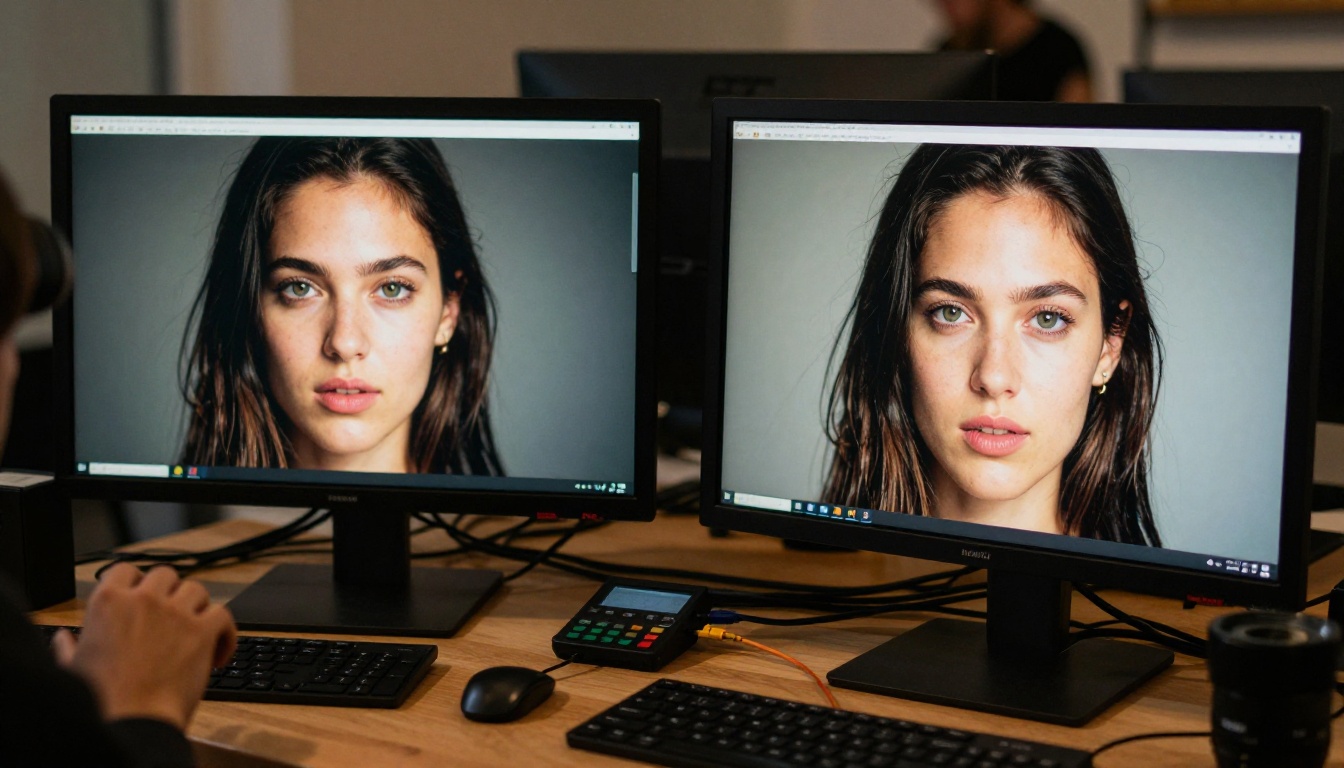
Seedream 5.5 wins the portrait benchmark on pure image quality. The skin texture, hair detail, and biological accuracy of lighting response put it ahead of GPT Image 1.5 in every use case where the output is the deliverable at full resolution.
GPT Image 1.5 wins on instruction precision and compositional flexibility. For workflows where the brief matters more than the micro-detail, or for generating specific face configurations that Seedream's aesthetic defaults resist, GPT Image 1.5 is the more reliable tool.
For most professional portrait work, the practical answer is Seedream 5.5 through PicassoIA. The platform gives you access to Seedream 5 Pro, plus complementary tools like Ideogram v4 Quality for alternative aesthetic approaches and super-resolution tools that turn a strong initial generation into a finished-quality output.
The quality gap between these two models is not enormous on most portrait types. Where Seedream 5.5 creates real distance is at the detail level that matters for professional output, at 100% zoom, in print, and in any context where the image is examined rather than scrolled past. That is where the investment in detail-first training pays off.
Start Generating Portraits Right Now
You do not need an API key, a credit card trial, or a local GPU setup to test these results yourself. Seedream 5 Pro and the full portrait toolkit are available on PicassoIA right now.
Start with one of the prompt templates above, run a generation, and then push the skin detail and lighting description further with each iteration. The prompts that produce exceptional results are built through iteration, not written perfectly on the first attempt. PicassoIA gives you the model quality and the tooling to build that craft without friction.
Try Flux Kontext Fast when you need rapid-iteration portrait concepts, use Seedream 5 Pro when the output needs to be portfolio-quality, and use PicassoIA's super-resolution tools to push any strong generation to its highest possible detail level. The full model catalog is at picassoia.com/en/all-models.