If you've spent time with GPT Image 1.5, you already know it can do two very different things: build images from a text prompt and modify images you already have. Both feel like the same feature on the surface. They're not, and choosing the wrong one for your task will cost you quality, time, and results you won't recover with a retry. Picking correctly between editing and generating is the single most important decision you make before pressing the button.
Two Modes, One Model
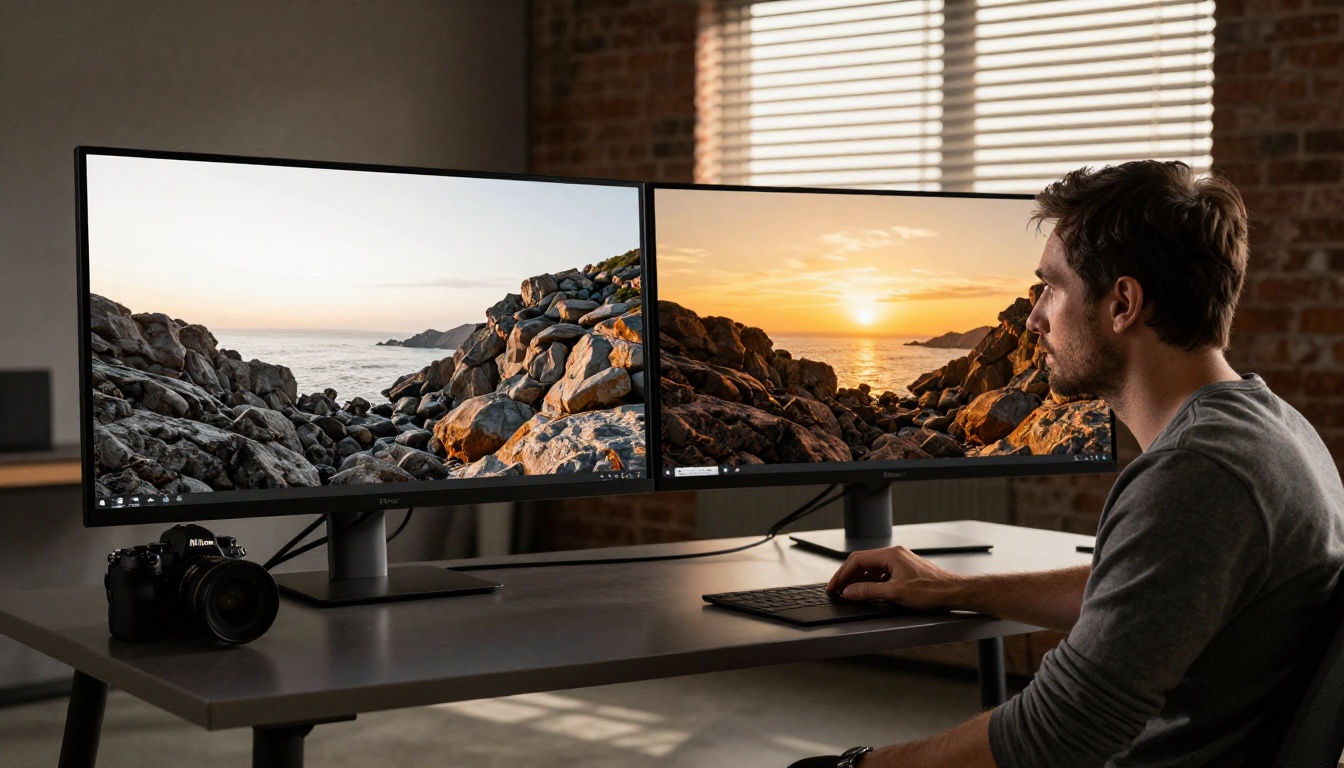
GPT Image 1.5 runs inside GPT-4o's multimodal architecture. It's not two separate tools with different backends. It's one model that reads your input type and context, then applies a different generation strategy depending on what you give it. The distinction matters less at the interface level and far more at the output level.
What generating actually does
When you type a prompt with no image attached, GPT Image 1.5 creates a scene from scratch using a diffusion process seeded entirely by your words. It builds composition, lighting, texture, and subject all at once from nothing. Nothing from any previous image carries over. The result reflects your prompt's vocabulary, not any visual reference you own.
This matters because generating is fundamentally an imagination problem. The model interprets your words, fills every visual gap with its training data, and produces something internally consistent but not anchored to anything specific you need to preserve. It invents freely.
What editing actually does
Editing works differently at the architecture level. When you provide a source image alongside a prompt, GPT Image 1.5 uses that image as a conditioning signal. The diffusion process starts from or near your original pixels instead of pure noise. Your prompt tells the model what to change; the source image tells it what to keep.
This is mechanically close to what professionals call inpainting or image-to-image translation. The model isn't reinventing the scene. It's modifying a targeted subset while preserving structure, subject identity, and spatial relationships established by your source.
Why the distinction changes everything
The practical difference is enormous. If your source image contains a specific person's face, a branded product with precise proportions, or an architectural composition that must stay intact, only editing mode works reliably. Generation will produce something plausible but wrong: a generic face, an invented product, a random building that shares a style but nothing else.
Conversely, if you need something that doesn't physically exist anywhere yet, editing mode struggles. It anchors to your input pixels and can't fully escape them. You'll get a modified version of what you gave it, not a genuinely new creation.
When Generating Is the Right Call
Starting from nothing
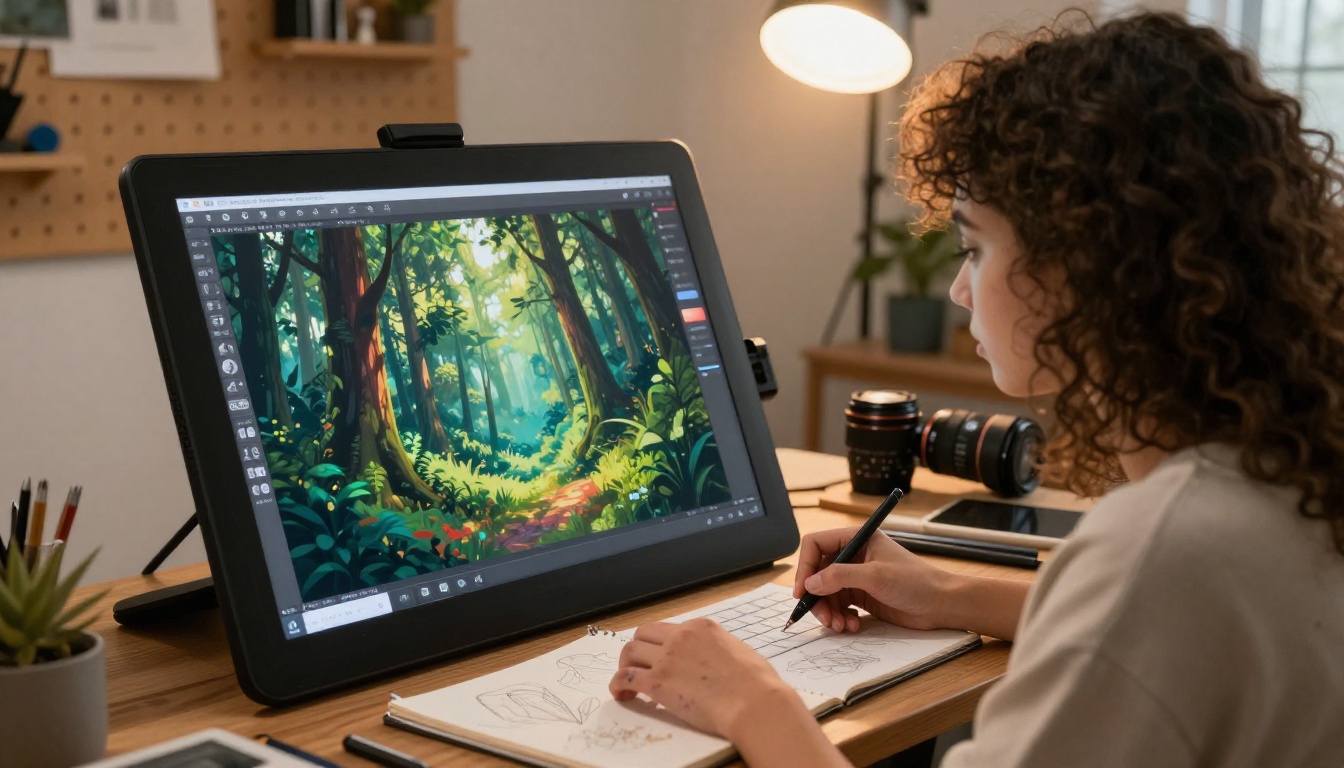
Generating excels when your brief exists only as words. Concept art for a pitch deck, mood board visuals for a new campaign, social media backgrounds for a product that doesn't ship for six months: all of these start with zero usable source images. Generating is fast, cheap per iteration, and lets you volume-test creative directions before committing production budget to any of them.
The feedback loop is tight: a weak prompt yields a weak image, but you can iterate 10 times in 5 minutes and converge on the right direction. Editing mode would require you to start with a source image that's already close to your goal. You don't have that yet. So you generate first.
Concept art and brand imagery
When a brand needs something that genuinely doesn't exist yet in the physical world, generating is the correct tool. A fashion label that wants a campaign set on a remote glacier, a startup that needs product lifestyle shots before the product ships, a publisher that needs a book cover scene with dramatic lighting and no usable stock reference: these all require building from vocabulary, not modifying existing photographs.
💡 Tip: The more specific your generation prompt, the fewer iterations you need. "A woman in a red wool coat standing in a snowy Copenhagen street, overcast morning light, 35mm documentary photography, film grain" will almost always outperform "woman in coat in snow." Specificity is the prompt engineer's primary tool.
Speed vs. creative control
Generating wins on raw speed for volume content. No source image preparation, no resizing, no cleanup, no masking decisions. Write a prompt, get results. For social media teams producing dozens of visual assets per week, generation-first workflows can cut production time significantly when photo-accurate fidelity to existing assets isn't required.
The tradeoff is control. Generation gives the model more creative latitude. If you need something very specific, especially something that must match real-world objects or identities exactly, that latitude becomes a liability. The model fills gaps with trained assumptions, not your specifications.
When Editing Wins Every Time
Fixing what already exists
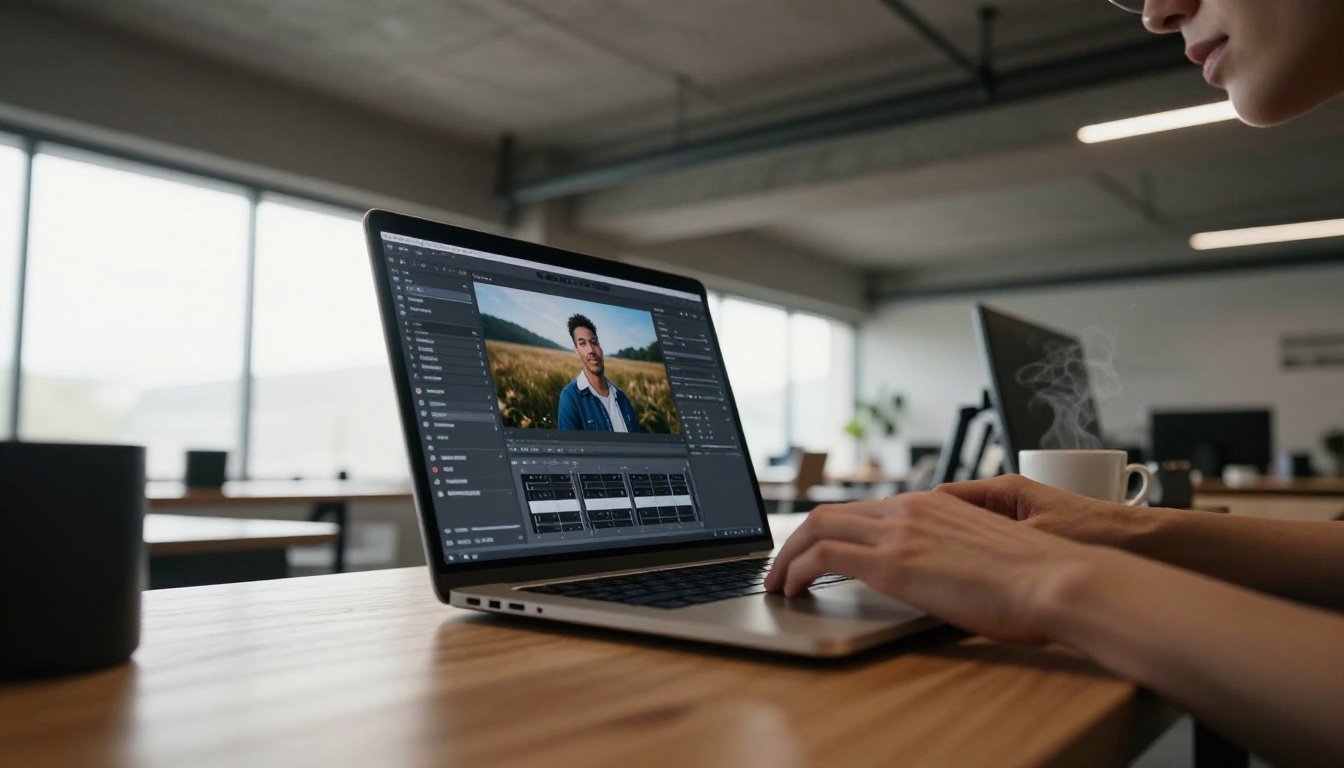
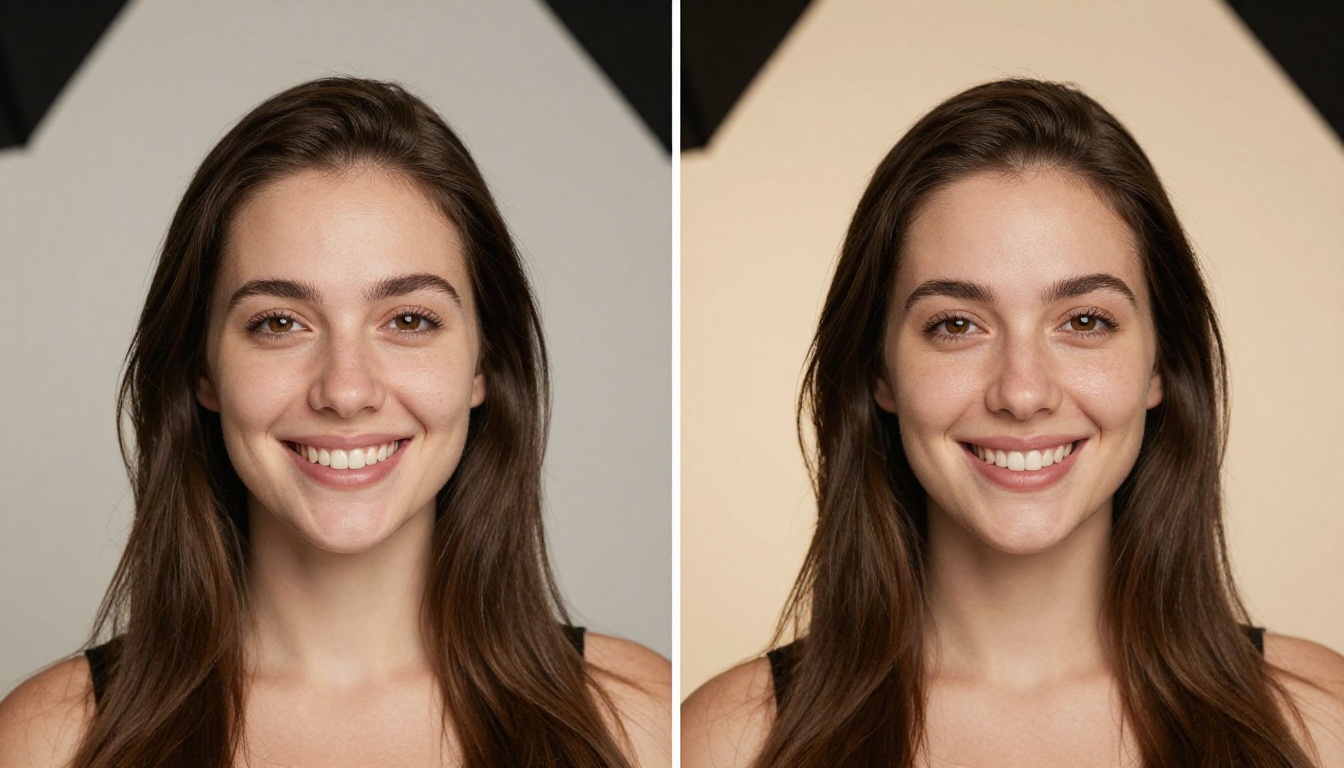
Editing is unbeatable here. You have a good photograph with one specific problem: a distracting background, a flat grey sky, a minor subject correction. Editing mode lets you describe the fix in natural language while the model preserves everything you already like about the image.
Generation cannot do this. It can't take your existing photo and fix just the sky, because it has no concept of "only the sky" versus "everything else." It will produce a new image that might share a mood with yours, but it won't be your image. The subject, pose, wardrobe, and spatial relationships disappear.
Inpainting for precise replacements
Inpainting is the most targeted form of AI image editing. You define a region by description or mask, and the model fills only that region while locking the rest in place. GPT Image 1.5 handles natural language inpainting reasonably well, letting you say "replace the background with a warm-toned cafe interior" without requiring manual masking software.
This workflow is commercially critical for:
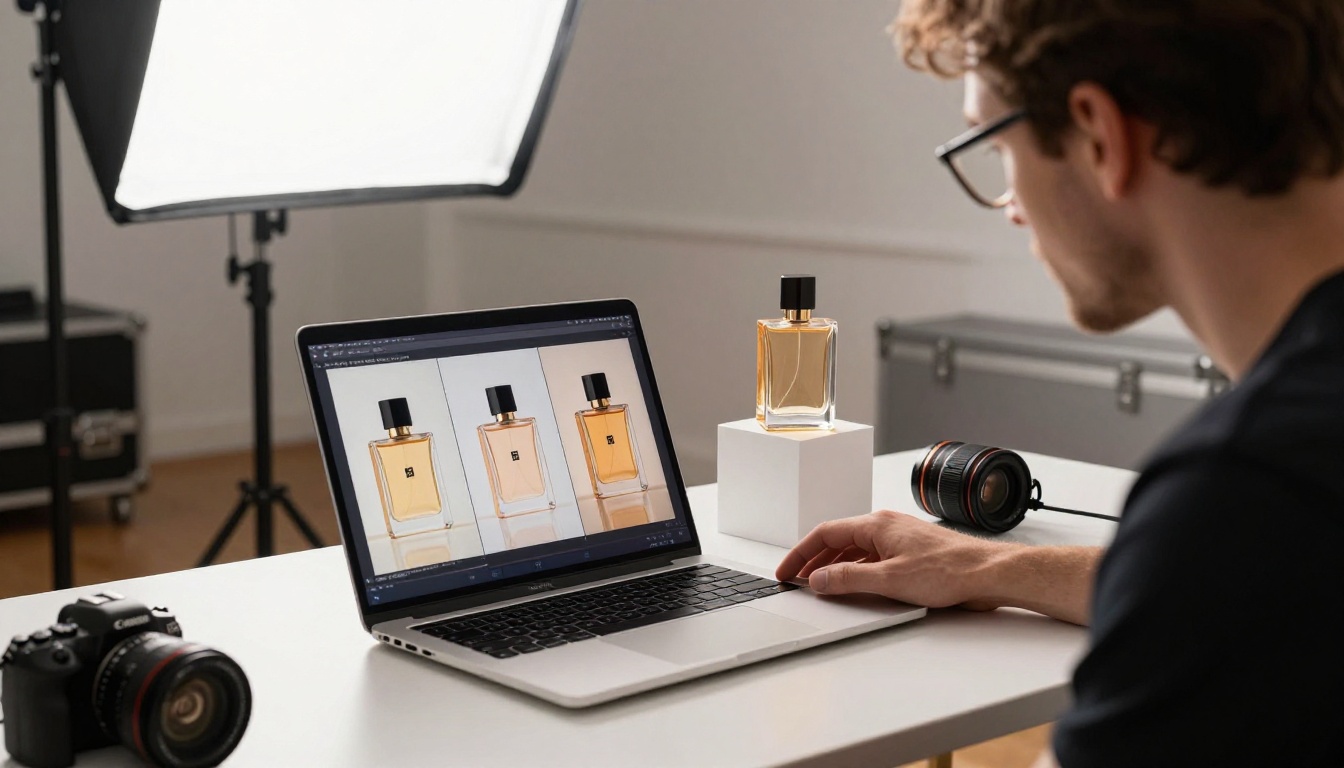
- E-commerce product photography: Same product shot, multiple background contexts, consistent proportions
- Portrait work: Skin correction, removing distracting elements, background cleanup while keeping subject identity
- Real estate photography: Sky replacement, interior adjustments, removing furniture or clutter
- Brand asset updates: Swapping one element across a consistent visual template without rebuilding from scratch
Background swaps without losing subjects
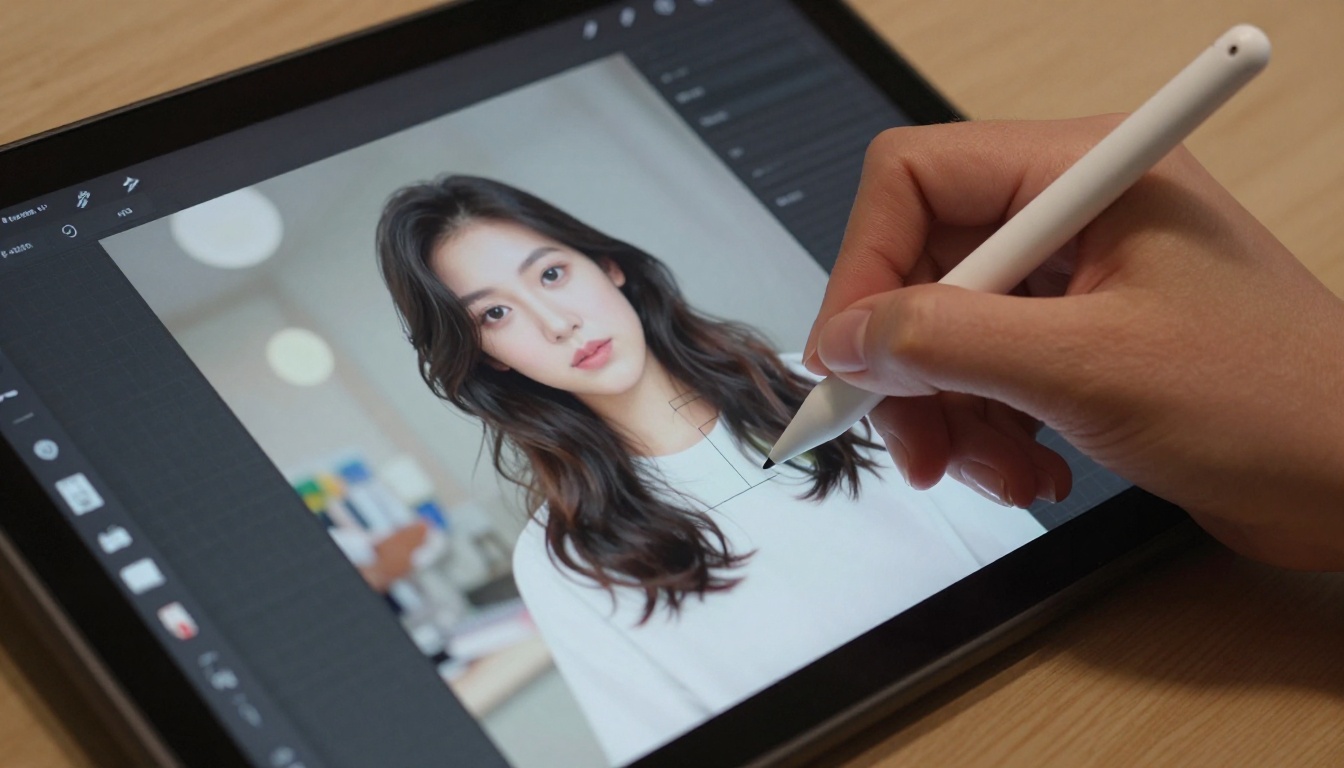
One of the most requested workflows in commercial photography is: same subject, different environment. Editing mode handles this with far greater accuracy than generation because the model holds onto subject identity, pose, and lighting relationships through the conditioning signal from your source image.
Generation would produce a new subject in a new environment. Editing produces your subject in a new environment. That difference, between a plausible stand-in and the actual person or product, is the commercial difference between usable and unusable output.
An honest side-by-side of where each mode performs across common creative scenarios:
| Scenario | Generating | Editing |
|---|
| Creating visuals from scratch | Excellent | Poor |
| Fixing specific elements in a photo | Poor | Excellent |
| Preserving a subject's exact identity | Not reliable | Very reliable |
| Fast volume content production | Very fast | Moderate |
| Background replacement | Creates new scene | Modifies existing scene |
| Inpainting or selective changes | Cannot isolate regions | Core strength |
| Novel compositions that don't yet exist | Excellent | Limited by source |
| Product photography in multiple contexts | Creates a new product | Adapts your real product |
Prompt adherence differences
In generating mode, your prompt is the only source of truth. The entire composition is derived from your words. A well-written, specific prompt gives you high adherence to intent.
In editing mode, your prompt competes with a second source of truth: the source image. The more your prompt asks for conflicts with the source image's existing structure, the more tension the model experiences and quality suffers. This is why subtle, targeted edits work better than radical overhauls through editing mode. If you're trying to completely rethink a scene, you're better off generating fresh.
💡 Tip: If your editing prompt describes a completely different scene than what's in your source image, the results will be worse than a clean generation run. Editing works best when you're changing roughly 10-40% of the image. For anything beyond that, generate.
Where quality is actually determined
Neither mode is universally better. Quality in each mode depends on:
- Prompt specificity: More concrete visual description almost always improves output in both modes
- Source image quality: Low-resolution or heavily compressed source images directly hurt editing results
- Scale of change: Small, targeted changes edit cleanly; large structural changes generate better
- Subject identity: Real-world specific objects, people, and branded assets are far safer in editing mode
Real Use Cases That Show the Line Clearly
Product photography at scale
A cosmetics brand needs 12 lifestyle shots for a new serum launch. They have one good studio photo of the product with accurate label, proportions, and finish.
Generating approach: Write prompts describing the serum in each context. Fast but risky. The generated "product" will drift from the real one. Labels, proportions, and material finishes will change image to image. Commercially unusable for anything that needs regulatory label accuracy.
Editing approach: Use the studio shot as source and describe each new background context. The product stays accurate to the physical product. The workflow takes more time per image but produces output that actually ships.
Verdict: Editing wins clearly.
Portrait retouching sessions
A photographer has 200 shots from a client session. Most need the same targeted fix: distracting elements in the background, a slightly overcast sky, minor subject corrections.
Generating approach: Completely inapplicable. You cannot recreate the specific client in the specific pose with the specific wardrobe through generation, let alone at 200-image volume.
Editing approach: Consistent, targeted passes applied to real source images. Subject identity stays intact, the fix applies exactly where directed.
Verdict: Editing is the only viable path.
Social media content at volume
A marketing team needs 30 unique visual backgrounds for a sponsored post series. No specific subject needs to be preserved. Speed matters more than precision, and variety matters more than identity fidelity.
Generating approach: Write 30 varied prompts and batch-generate. No source images needed, no masking decisions. High speed, maximum variety, low per-image effort.
Editing approach: Would require 30 source images to begin with, plus masking decisions, plus more iteration per image. Slower with no quality advantage for this specific need.
Verdict: Generating wins cleanly.
PicassoIA's Models: What's Worth Knowing
GPT Image 1.5 is capable, but it's not the only AI image tool worth using. On PicassoIA, you get access to purpose-built models that specialize in either generation or editing, many of which outperform GPT Image 1.5 in specific workflows.
Editing-first models on PicassoIA
For teams that work primarily in editing workflows, these models deliver consistent, controllable results:
- Flux Fill Pro: Purpose-built for inpainting and outpainting. One of the cleanest tools for precise background removal and canvas extension in production workflows.
- Flux Kontext Fast: Optimized for context-aware image editing with fast iteration. Built for high-volume editing where speed and consistency both matter.
- Qwen Image Edit: Text-prompt-based image editing with strong adherence to natural language instructions. Useful for teams without dedicated masking workflows who still need targeted changes.
- Edit Fast by Reve: Fast prompt-driven photo editing. Strong for quick background swaps, object modifications, and iterative retouching passes.
- Flux Depth Pro: Depth-aware editing that preserves spatial structure while modifying surface-level details. Particularly strong for architectural and product photos where the 3D geometry of the scene must stay accurate.
Generation-focused powerhouses
For pure text-to-image generation, these models push quality ceilings on PicassoIA:
- Seedream 5 Pro: Generates sharp 2K images with exceptional prompt adherence. Particularly strong on photorealistic human subjects and compositionally complex scenes.
- Ideogram v4 Quality: Excellent photorealistic output with strong compositional reasoning. Reliable for controlled, repeatable generation results where consistency matters across batches.
- Reve 2.1: A flexible dual-mode model that handles both generating and editing. Good entry point if you switch between modes frequently in a single project.
- Stable Diffusion 3: Reliable open model with wide prompt support and consistent output across diverse visual styles and subject matter.
- Flux Redux Dev: Generates image variations from a reference image. Sits between pure generation and editing in behavior, useful when you want variety that's still anchored to a starting visual.
Mixing both approaches in sequence
The most effective production workflows don't force a binary choice at all. They use generation and editing in sequence across the same asset:
- Generate a base image that gets composition, lighting, and mood right
- Edit that generated image to fix specific elements: swap in real product shots via inpainting, correct faces, modify backgrounds for different contexts
- Repeat targeted editing passes for each output variation needed
This pipeline produces generated images with the precision of edited ones. It's slightly slower per final image but gives you creative control at both stages, which means fewer wholesale restarts when something is close but not right.
💡 Tip: Generate at a higher resolution than your final target, then edit at the target resolution. Downscaling before editing gives the model more visual information to work with and produces cleaner results.
The Decision in Two Questions
You don't need a complex decision tree to pick the right mode. Two questions cover every scenario:
Do you have a source image you need to preserve?
- Yes: editing mode, every time.
- No: go to question two.
Does your output need to match a real-world existing object, brand asset, or person exactly?
- Yes: get or shoot a source image first, then edit.
- No: generate from scratch.
Everything else, including prompt style, resolution choice, and iteration count, is downstream of this decision. Get this right first.
Start Creating on PicassoIA
Both approaches get better the more you use them on real projects. The fastest way to build that intuition isn't reading about the difference; it's running actual work through both modes and seeing where results diverge.
PicassoIA gives you access to over 90 text-to-image models in one place, including the editing-optimized and generation-focused options listed above. You don't need to commit to a single tool forever. Start by matching the mode to the task using the two questions above, run your first batch of results, and let the output tell you what to refine.

Every team that gets good at AI imagery got there the same way: real projects, real output, real iteration. Start with Flux Kontext Fast if editing is your primary workflow, or Seedream 5 Pro if you're generating from scratch. Both are available now at picassoia.com/en/all-models. Your first result is a single prompt away.


