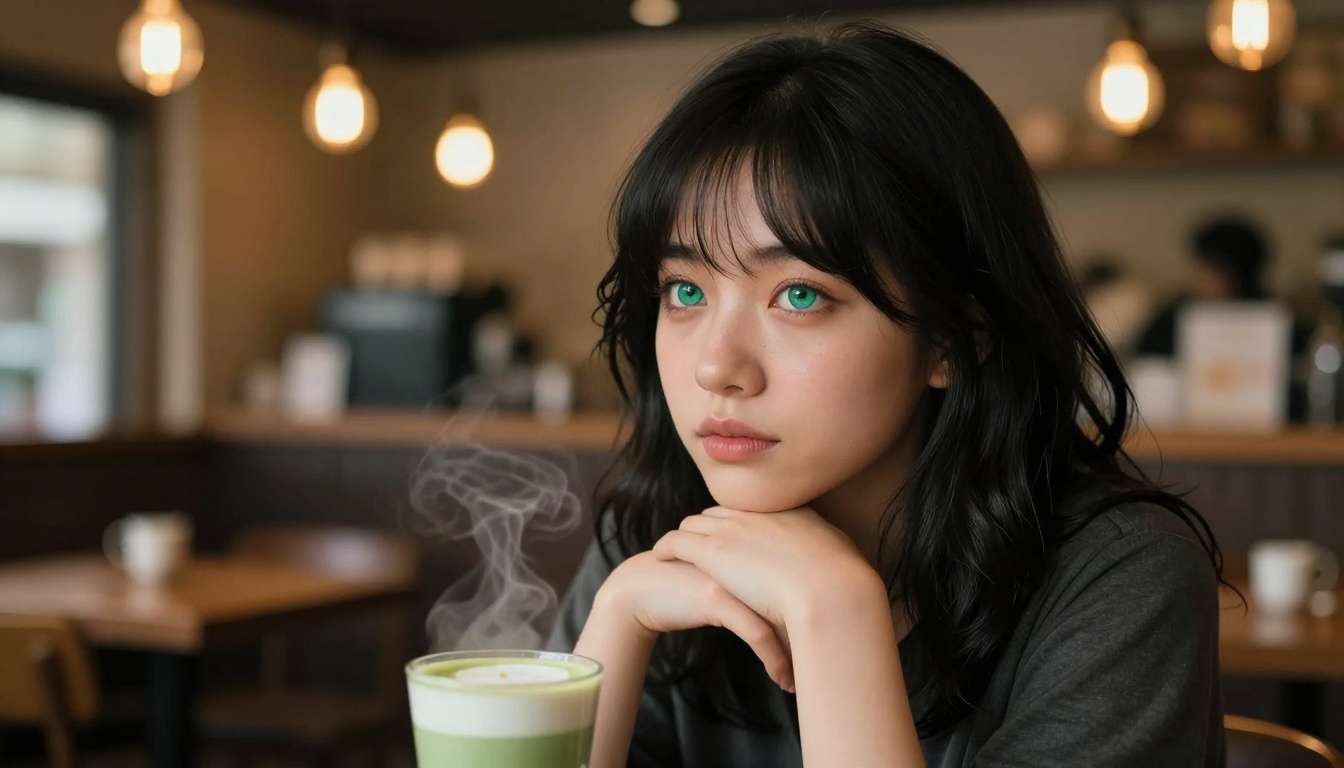
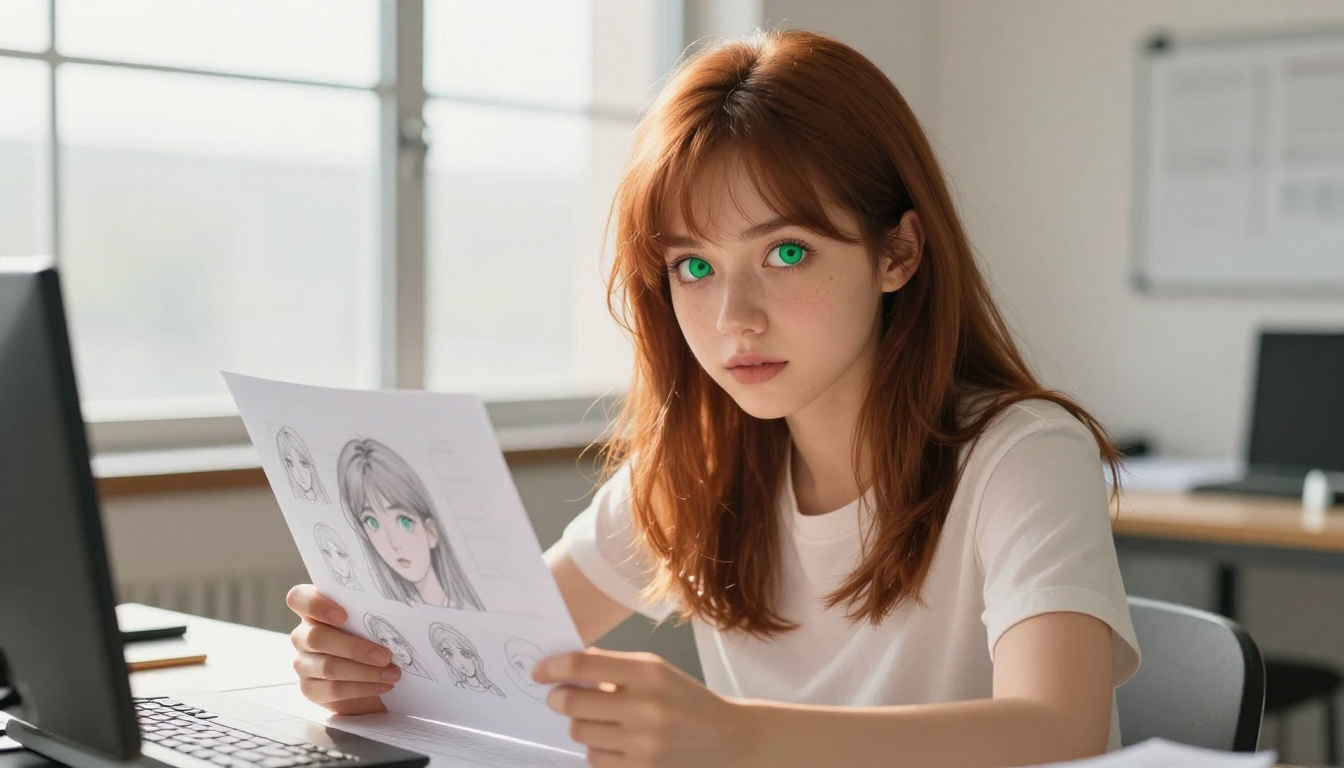
How to Keep Anime Faces Consistent With AI: Stop Losing Your Character's Look
Anime face consistency is the hardest challenge in AI art creation. Each new generation can shift your character's eyes, nose shape, or overall look. This article details the specific models, workflows, and prompt strategies that keep your anime characters identical across every image you generate.
Keeping the same anime face across multiple AI-generated images is genuinely hard. You find the perfect look for your character, save the prompt, and two generations later the nose has shifted, the eyes are a different shape, and the jawline no longer matches. This happens with every AI image generator, and it happens constantly with anime styles because the aesthetic relies on precise, subtle proportions that any small variation in the generation process can disrupt.
The good news is that there are specific methods, models, and workflows that solve this. Not perfectly every time, but reliably enough that you can build consistent character libraries with dozens of images across different scenes, outfits, and the same recognizable face throughout.
Why Anime Faces Are So Hard to Keep Consistent
The Randomness Problem
Every AI image generation has randomness built into it at the sampling level. Even with the same prompt and the same model, a different random seed produces a different face. Anime art styles amplify this problem because small changes in proportions create dramatically different results. A face that is 5% wider looks like a different character entirely in anime style, whereas in a photorealistic portrait you would barely notice.
Most diffusion models sample from a probability distribution across millions of possible face configurations. Without anchoring, you are drawing from that whole distribution every time. The results are unpredictable by design.
Why Generic Prompts Fail
Describing your character in text is not enough for consistent faces. "Blue-eyed anime girl with silver hair" generates a different blue-eyed silver-haired girl every run. You can add more descriptive terms, "wide almond-shaped cyan-blue eyes, high narrow nose bridge, thin defined lips, soft rounded chin," and it still drifts because the model is interpreting those words probabilistically, not reproducing a specific geometric template.
This is why the solutions below go beyond prompt writing. Text is a weak constraint for faces. Images and model-level controls are strong constraints.
The Anime Style Amplification Effect
Realistic portrait photography has natural variation that humans accept. Small nose differences read as natural human variation. In anime, that same variation reads as a different character, because anime faces are defined by a precise set of stylized features. The conventions are strict: eye size relative to face, nose minimization, lip shape, chin tapering. When any of these deviate slightly, the character identity breaks.
This means that consistency solutions that work fine for realistic portraits often fail for anime. You need approaches designed specifically for the tighter tolerances that anime styles require.
The 3 Methods That Actually Work
Seed Locking and Prompt Anchoring
The simplest method: use the same seed every generation. When you find a generation you like, record its seed number. Every subsequent generation with that seed plus that prompt will produce nearly identical facial geometry, though other elements like background, pose, and lighting will vary based on the rest of your prompt.
This works for minor variations: same scene different angle, same character in different lighting. It breaks down when you change the pose significantly or add enough new prompt tokens that the model's attention shifts.
Prompt anchoring is the companion approach. Keep the facial description tokens at the beginning of your prompt and mark them with high attention weight if your platform supports it. Many interfaces let you use (description:1.3) syntax to emphasize specific terms.
💡 Tip: Save a "face anchor" template with your character's core features in order: eye color and shape first, then nose, then lips, then face shape. Start every new generation with this exact anchor before adding scene description. Never alter a single word of the anchor block.
IP-Adapter Style Reference
IP-Adapter is a control approach that lets you feed an existing image as a face reference alongside your text prompt. The model uses the image to constrain facial geometry while still following your text for the rest of the composition. This is significantly more reliable than pure text prompting for face consistency.
The workflow: generate one good version of your character's face, save it as your reference image, then use it as the IP-Adapter input for all subsequent generations. Your character's nose geometry, eye spacing, and face shape get locked to the reference while your text controls the scene, outfit, and pose.
The core advantage of image-based referencing is that it works in the geometry space rather than the semantic space. Your text describes what things mean. The reference image shows exactly what the face looks like. The model can anchor to visual geometry far more precisely than to word descriptions.
LoRA Models for Character Consistency
LoRA (Low-Rank Adaptation) models are small model files trained on specific characters or styles. A character LoRA trained on 20 to 30 images of your specific character can reproduce that character's face with high accuracy across varied scenes, poses, and outfits.
This is the most powerful method but requires the most setup. You need source images to train from, which means you either generate them yourself first using the seed-locking approach above to get consistent ones, or you use existing reference material.
The payoff is worth it for any character you will generate frequently. Once your LoRA is trained, you get strong face consistency with minimal extra effort per generation.
Consistency Approach Comparison:
Method
Consistency Level
Setup Time
Best For
Seed Locking
Low to Medium
None
Quick single-session work
Prompt Anchoring
Medium
10 minutes
Any platform, fast iteration
IP-Adapter / Flux Kontext
High
5 minutes
Regular character work
Character LoRA
Very High
1 to 2 hours
Long-term character projects
Best Models for Anime Face Consistency on PicassoIA
Not all text-to-image models handle anime face consistency equally. Some are designed specifically for this problem.
Flux Kontext for Face Locking
Flux Kontext Face to Many is one of the most effective tools available for this exact problem. It takes a reference face image and uses it to anchor the facial identity across multiple different generations. You provide your character's face once and the model maintains it across any scene or style you specify.
The companion model, Flux Kontext Portrait Series, specializes in portrait-format character consistency with strong emphasis on preserving facial landmarks. Both use the Flux architecture, which handles anime styles with more precision than older Stable Diffusion-based models.
For the fastest results, Flux Kontext Fast delivers consistent outputs at higher generation speed, useful when you need to iterate through many scene variations quickly without waiting.
Proteus v0.3 for Anime Styles
Proteus v0.3 is built specifically for anime character art generation. Where general-purpose models treat anime style as one output type among many, Proteus is fine-tuned for it, which means it interprets the stylistic conventions of anime faces more precisely than generic models.
This translates directly to better consistency. The model has a tighter distribution of possible face shapes for anime characters, which means less drift between generations even without explicit consistency controls. Pair it with seed locking for a workflow that produces reliable results without any image referencing setup.
The companion release, Proteus v0.2, is worth trying if you need a slightly softer rendering style. Both versions maintain the anime-optimized face consistency that makes Proteus a strong choice for character work.
Dreamshaper XL for Consistent Characters
Dreamshaper XL Turbo handles anime and semi-realistic character styles well, with reliable face proportion consistency across different prompts. It is particularly strong for characters that need to work across different visual moods: bright daytime scenes, moody night scenes, soft indoor lighting, maintaining the same face throughout each.
Seedream for High-Fidelity Anime
Seedream 4.5 from Bytedance delivers sharp, detailed anime-style outputs with good prompt adherence. It is a strong option when you need high image quality alongside consistency, especially for characters in detailed environments where both the face and the background need to read clearly.
For the highest resolution output in this style, Seedream 5 Pro generates at up to 2K and handles complex scene compositions that other models struggle with, while preserving character identity well.
Krea 2 for Anime and Painterly Styles
Krea 2 Medium handles anime and painterly styles natively and produces consistent facial outputs, especially when you start from a photographic reference. This opens up a useful workflow: take or find a photograph with the facial structure you want, use a photo-to-anime conversion, then use that output as your consistency anchor.
The Photo to Anime model from Qwen Image Edit Plus converts real photographs into anime style while preserving the underlying facial geometry. This gives you a face that has photographic consistency baked in, because it originated from a photograph rather than pure AI generation.
The process: start with a photograph of a face with the proportions you want, convert it to anime style, use the result as your IP-Adapter reference. The resulting anime face will carry the original photograph's bone structure, which tends to be more stable across generations than a purely AI-generated starting face.
How to Use Flux Kontext on PicassoIA
PicassoIA has Flux Kontext Face to Many available directly in the platform, so you do not need to set up any local tools to use image-based face anchoring.
Step 1: Create Your Reference Face
Generate one strong, clean portrait of your character using any model. Choose a front-facing or three-quarter-facing angle with clear facial features visible. Avoid heavy motion blur, extreme lighting that obscures features, or any accessories (sunglasses, masks) that hide the face.
This image becomes your reference anchor. Every subsequent generation will use it.
💡 Tip: Generate 4 to 5 variations at this stage and pick the best one as your reference. This initial investment pays off in consistency across all subsequent generations. Generate them all with the same seed to get similar starting points, then pick the most accurate version of your character.
Step 2: Upload in Flux Kontext Face to Many
On PicassoIA, open Flux Kontext Face to Many and upload your reference face image in the designated input field. The model reads the facial geometry from this image, not just the visual style, which is what makes it effective.
Write your scene description in the prompt field. Focus entirely on the scene, environment, pose, and lighting. You do not need to re-describe the face. The reference image handles that.
A young woman standing in a rain-soaked Tokyo street at night,
neon signs reflecting in puddles, soft rain falling,
dark coat, three-quarter profile angle,
cinematic wide shot --ar 16:9
Step 3: Iterate with Locked Identity
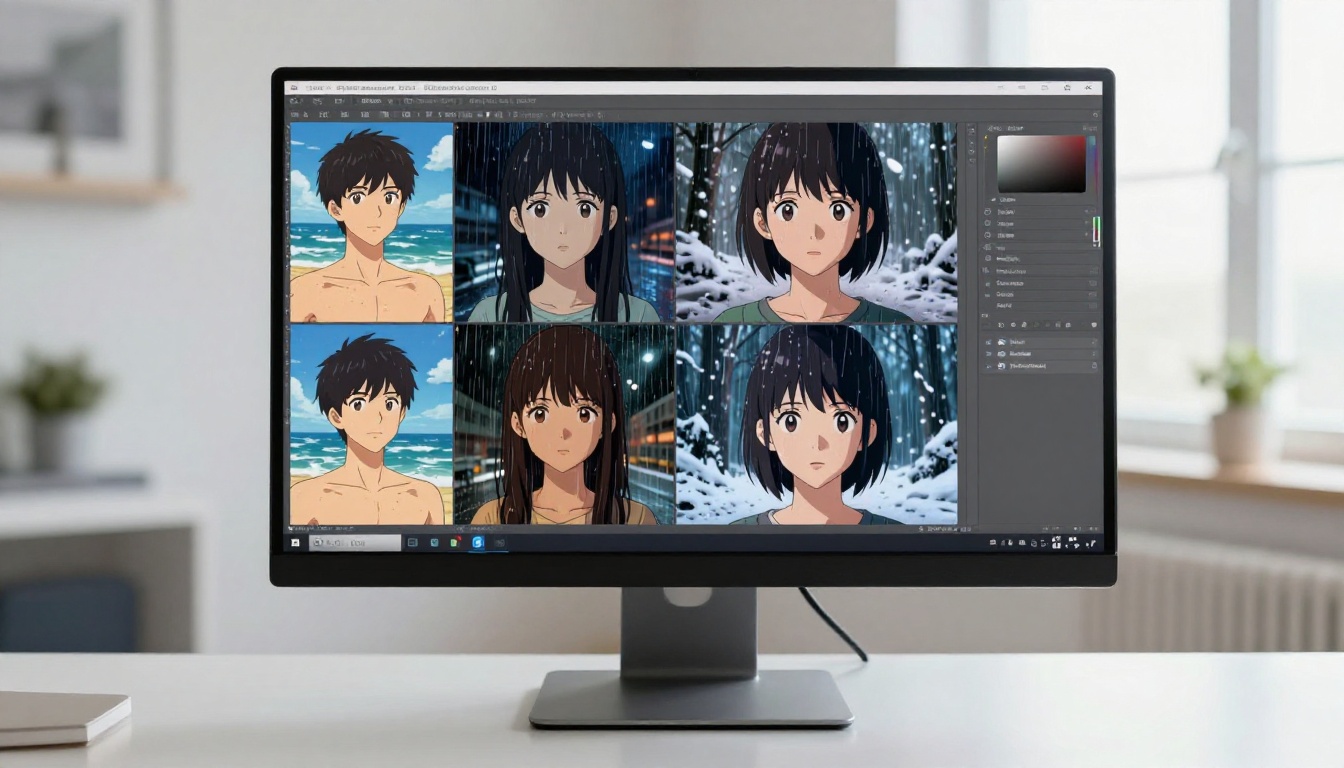
With the reference image in place, you can generate the same character in any setting without re-describing her features. Change the scene. Change the outfit. Change the lighting. Change the camera angle. The face stays anchored to your reference.
If you get any generation where the face has drifted, regenerate that specific image with a slightly higher face-weight parameter if the interface offers one, or simplify your scene prompt to reduce the number of competing instructions pulling the model's attention away from the face.
Upscale Without Breaking the Face
Generated anime faces at standard resolution sometimes lose subtle detail that makes a character recognizable. Upscaling can either fix this or introduce new distortions depending on which upscaler you use and how you apply it.
The right upscaling approach preserves the facial geometry while adding detail, rather than hallucinating new features that change the face shape.
For anime faces specifically, Crystal Upscaler is the safest choice. It has been optimized for portrait upscaling and handles the smooth gradients of anime skin and hair without adding unwanted texture or changing proportions.
If you want maximum sharpness and the highest level of detail recovery, Clarity Pro Upscaler adds micro-texture that makes generated faces look significantly more finished without distorting the underlying face shape.
Real ESRGAN is the free option and works well for 4x upscaling on clean anime art. Keep the denoise strength low when upscaling anime faces. High denoise will smooth over the subtle iris detail and lip texture that makes a character recognizable at close range.
4 Mistakes That Break Face Consistency
Changing the Base Model Between Generations
Different models have different internal tendencies for what anime faces should look like. Proteus v0.3 and Dreamshaper XL Turbo have different aesthetic profiles at the model level. Switching between them mid-series is almost guaranteed to produce a different face, even with the same prompt and seed.
Pick one model per character and stick with it for all generations in that series.
Adding Too Many New Tokens
Every word you add to a prompt competes for the model's attention. A clean, tight prompt keeps the model focused on your character's features. A long, sprawling prompt full of scene details can dilute the face anchoring effect.
Keep scene descriptions focused. Instead of describing every element in the background, name only the two or three most important ones. Leave the rest to the model's natural tendencies for that style.
Ignoring Face Weight in IP-Adapter
When using image-based reference (like Flux Kontext Face to Many), the face weight parameter controls how strongly the reference image influences the output versus the text prompt. Setting it too low makes the text dominate and the face drifts. Setting it too high can make the character look identical in all images, losing natural variation.
The sweet spot is usually between 0.6 and 0.8. Start at 0.7 and adjust from there based on results.
Not Building a Reference Sheet First
Many artists jump straight into generating varied scenes without first creating a solid set of reference images from multiple angles. This creates problems when you need a specific angle that does not match your existing references.
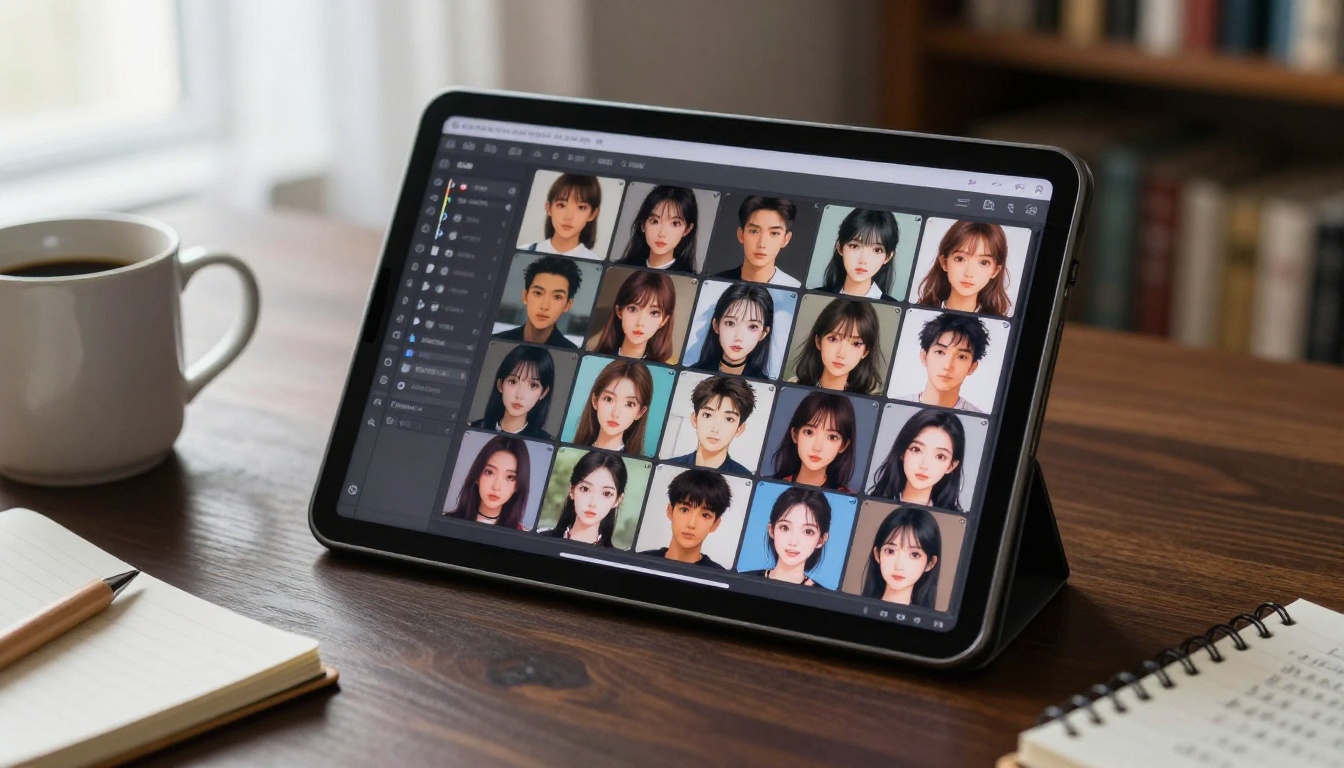
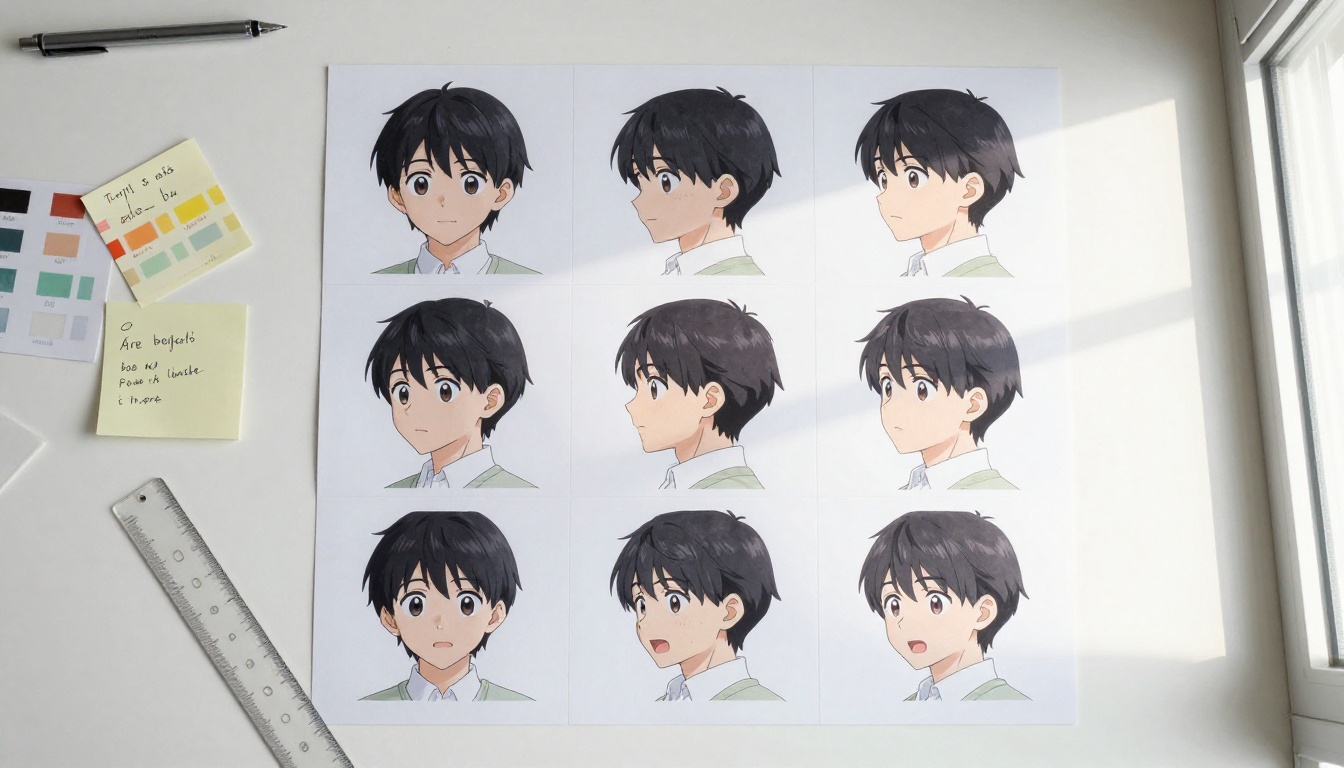
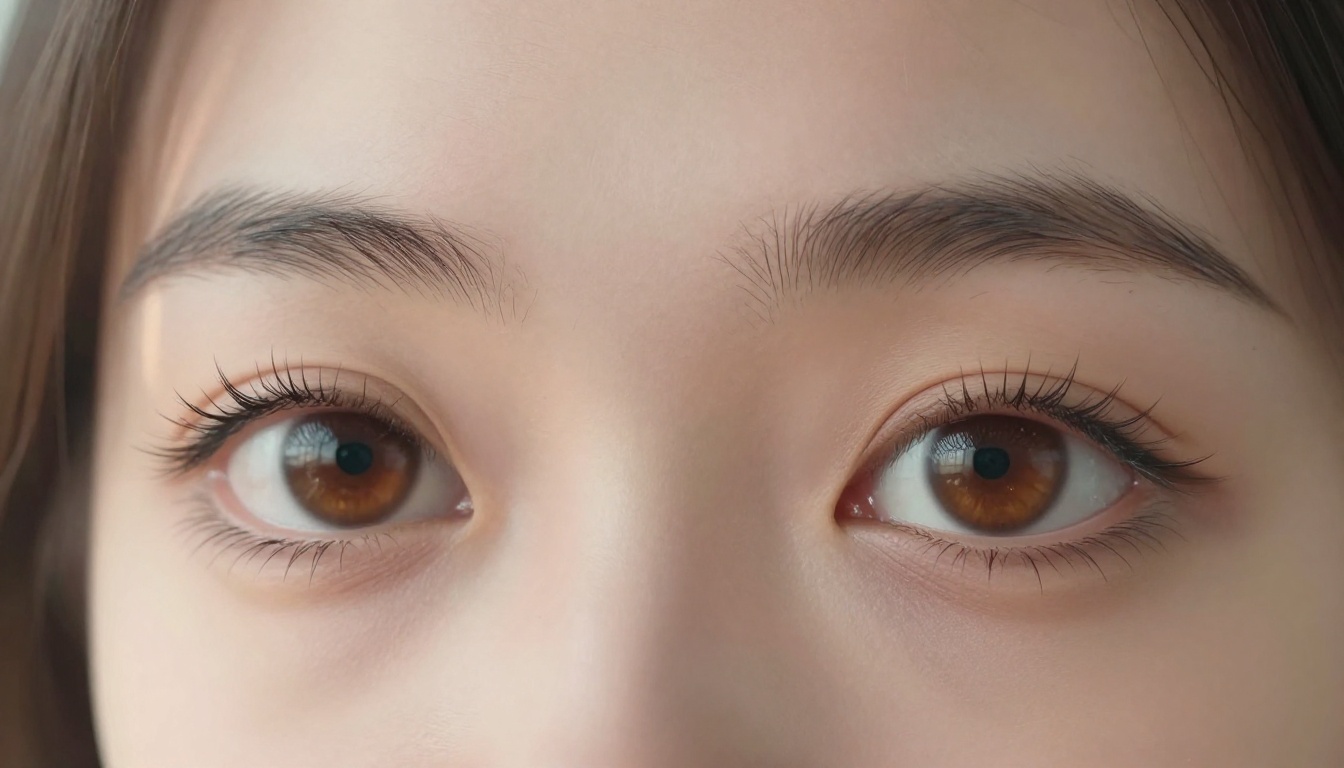
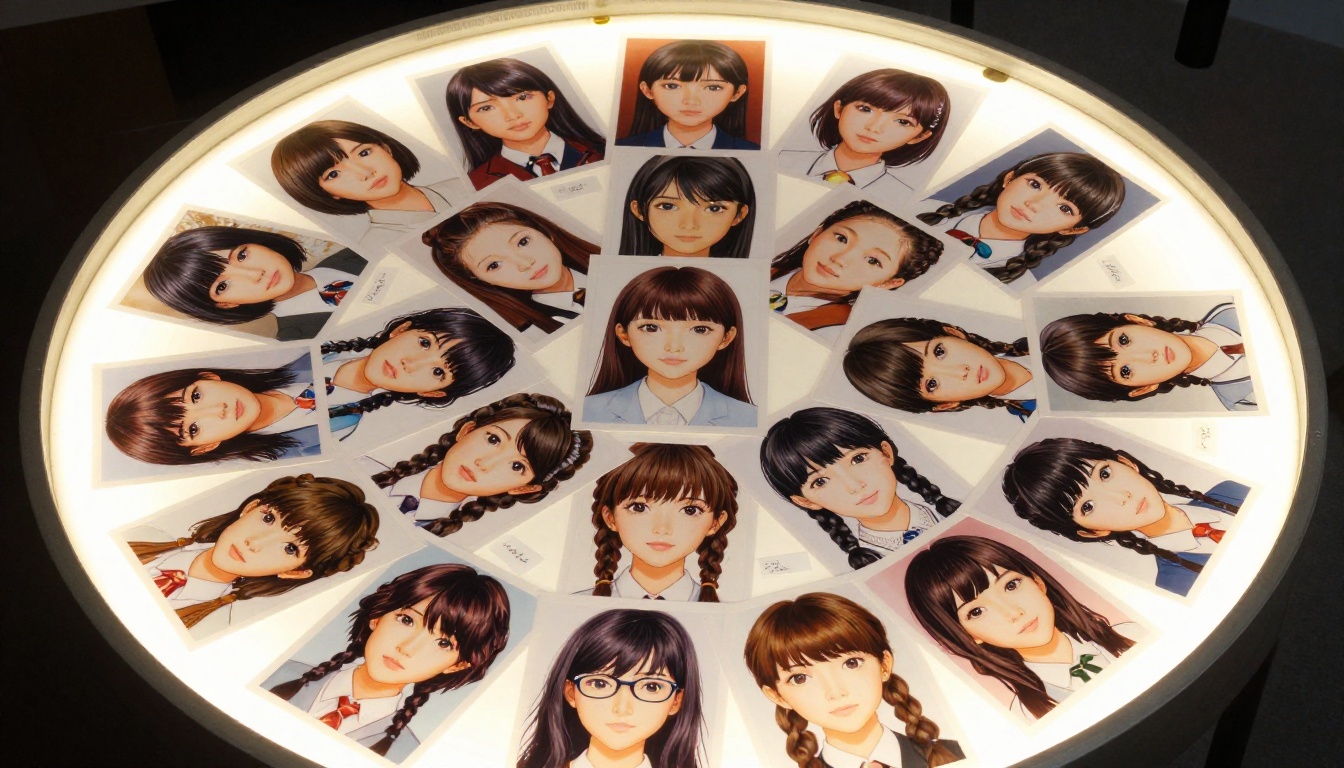
Before generating any scenes or story images, create a character reference sheet: front face, three-quarter left, three-quarter right, and a close-up of the eyes. Store these four images. They become your anchoring resources for every subsequent generation.
5 Practical Tips for Better Results
Beyond the methods and model choices, there are five things that consistently improve anime face consistency regardless of which approach you are using.
1. Name your character in the prompt. Give your character a name and include it in every prompt. This sounds trivial, but it helps the model associate all your generations with a single identity concept. "Yuki, a young woman with..." performs better for consistency than a nameless description that shifts semantically between runs.
2. Use negative prompts aggressively. Always include negative prompts that push away common face distortions: different face, face change, deformed face, asymmetrical eyes, uneven features. These do not fix consistency but they reduce the rate of obvious failures significantly.
3. Generate in batches and filter. Instead of generating one image at a time and accepting it, generate 4 images at once and pick the most consistent one. The best of 4 is almost always better than any single generation.
4. Keep lighting consistent across your series. The same character looks like a different person under radically different lighting. If you want viewers to recognize the same character across images, keep the lighting direction and quality similar throughout your series. This is a production design choice, not a technical one, but it matters as much as any of the technical approaches.
5. Run upscaling after you are happy with the face. Do not upscale intermediate versions. Only upscale the final image you have chosen, after confirming the face is correct at original resolution. Upscaling introduces small changes that can push a borderline-consistent face outside your acceptable range.
💡 Pro workflow: Generate at original resolution with strict consistency controls, select the best result, then run Crystal Upscaler on only the selected image. This two-step process gives you both consistency control and final image quality.
Build Your Consistent Character Library Now
Face consistency is a solvable problem. The right tools, the right workflow, and one solid reference image are all you need to start building a recognizable, repeatable character.
PicassoIA brings everything together in one platform: Flux Kontext Face to Many for image-anchored face locking, Proteus v0.3 and Dreamshaper XL Turbo for consistent anime-style outputs, Crystal Upscaler for sharpening without distorting your character's face, and 90+ other text-to-image models for any aesthetic direction you want to take.
The fastest path to get started: generate one clean reference portrait of your character using Seedream 4.5 or Proteus v0.3, then bring it into Flux Kontext Face to Many for your first scene-varied generation. The difference from text-only prompting is visible from the very first result.
Your characters can stay consistent across every image you create. All 91+ text-to-image models are available at picassoia.com/en/all-models.