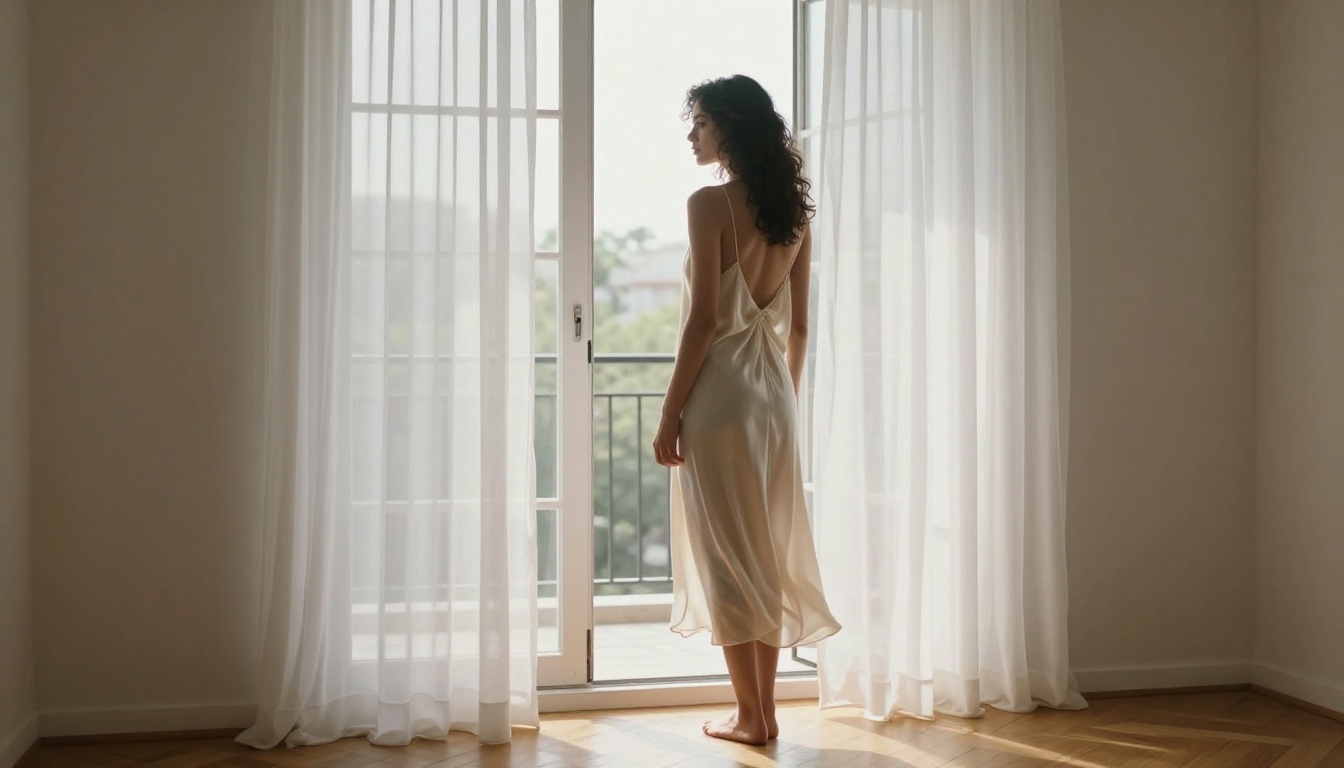
You generated your best NSFW AI art yet, but it's sitting at 768 pixels wide, looking soft on anything bigger than a phone screen. The fix is a two-step workflow: generate in a capable uncensored model, then run that image through a purpose-built AI upscaler that adds real detail rather than smearing it. This article addresses both steps in full, with specific model picks, exact settings, and the mistakes that waste your time.
Why Resolution Kills NSFW AI Art
Most generators stop at 1024px
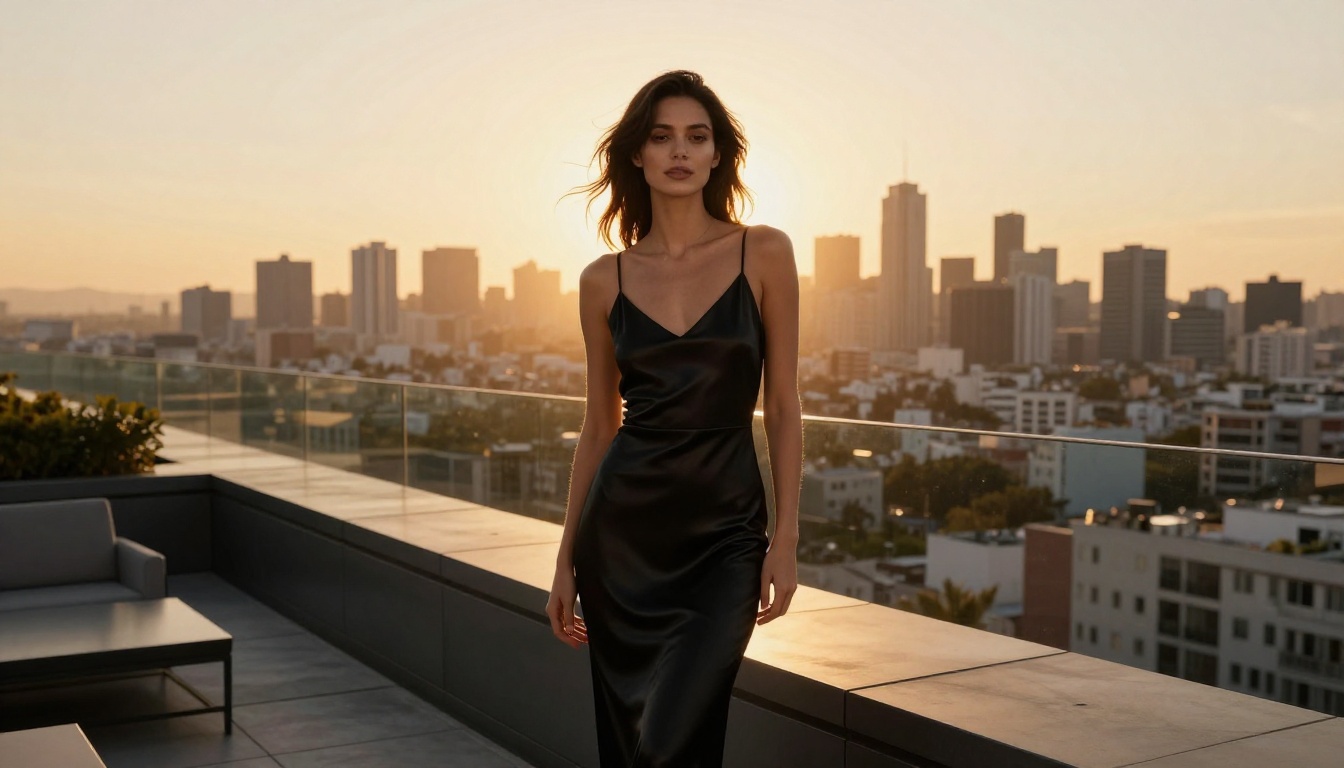
The default output of most AI image models tops out somewhere between 512x512 and 1024x1024 pixels. That looks fine in a browser thumbnail, but print it, zoom in, or display it on a 4K monitor and the cracks show immediately. Skin loses its texture and becomes a flat soap-bar surface. Hair clumps into indistinct blobs. Fabric loses its weave. Eyes go glassy and undefined.
For NSFW content especially, this matters. The appeal of high-quality adult AI art is realism: the subtle variance in skin tone, the way light catches individual strands of hair, the natural wrinkle of fabric against a body. At 768px wide, none of that survives.
What 4K actually gives you
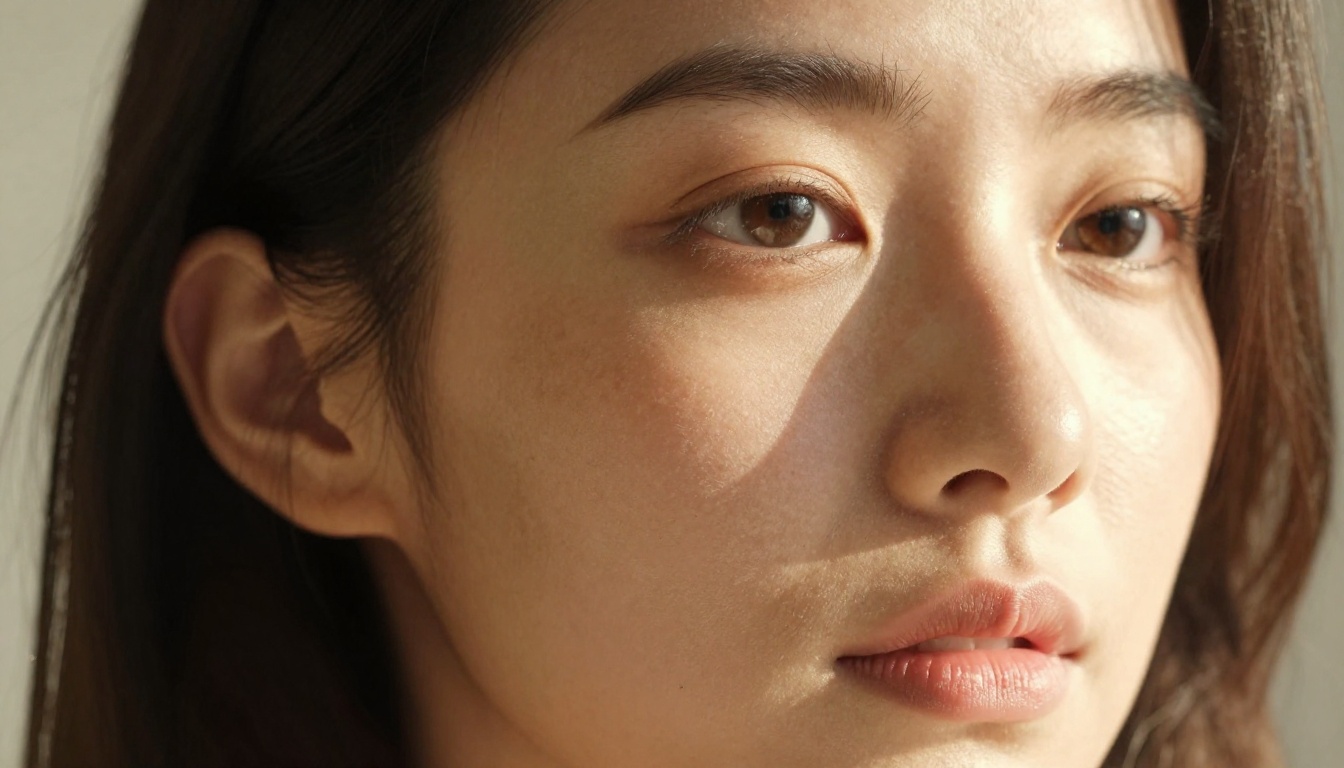
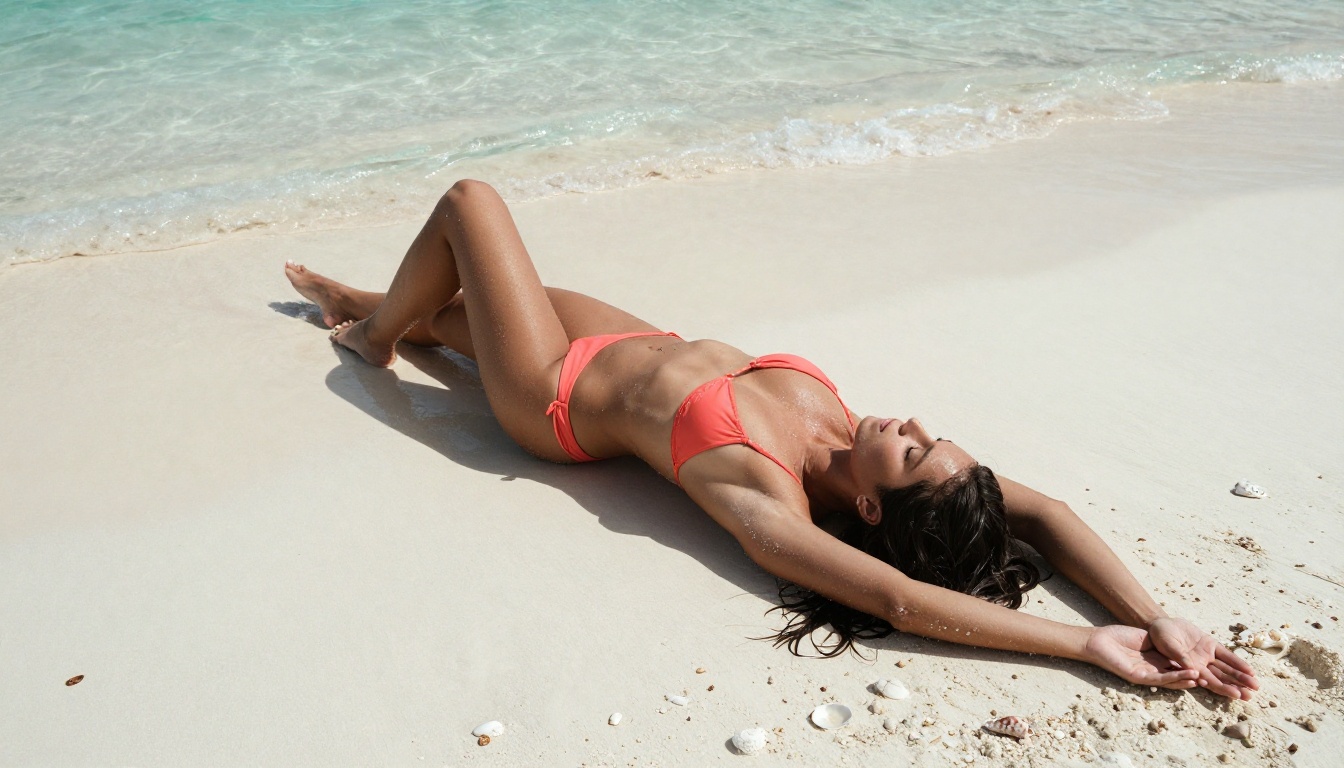
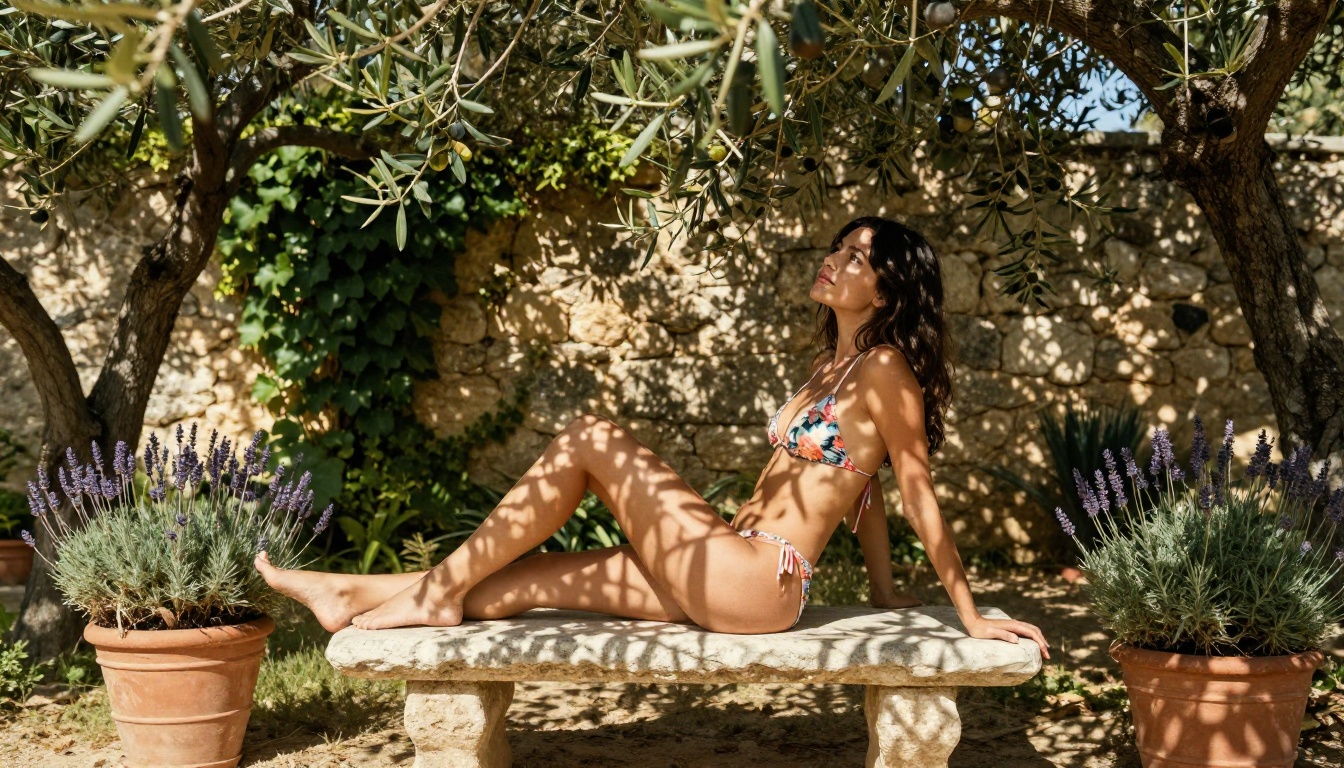
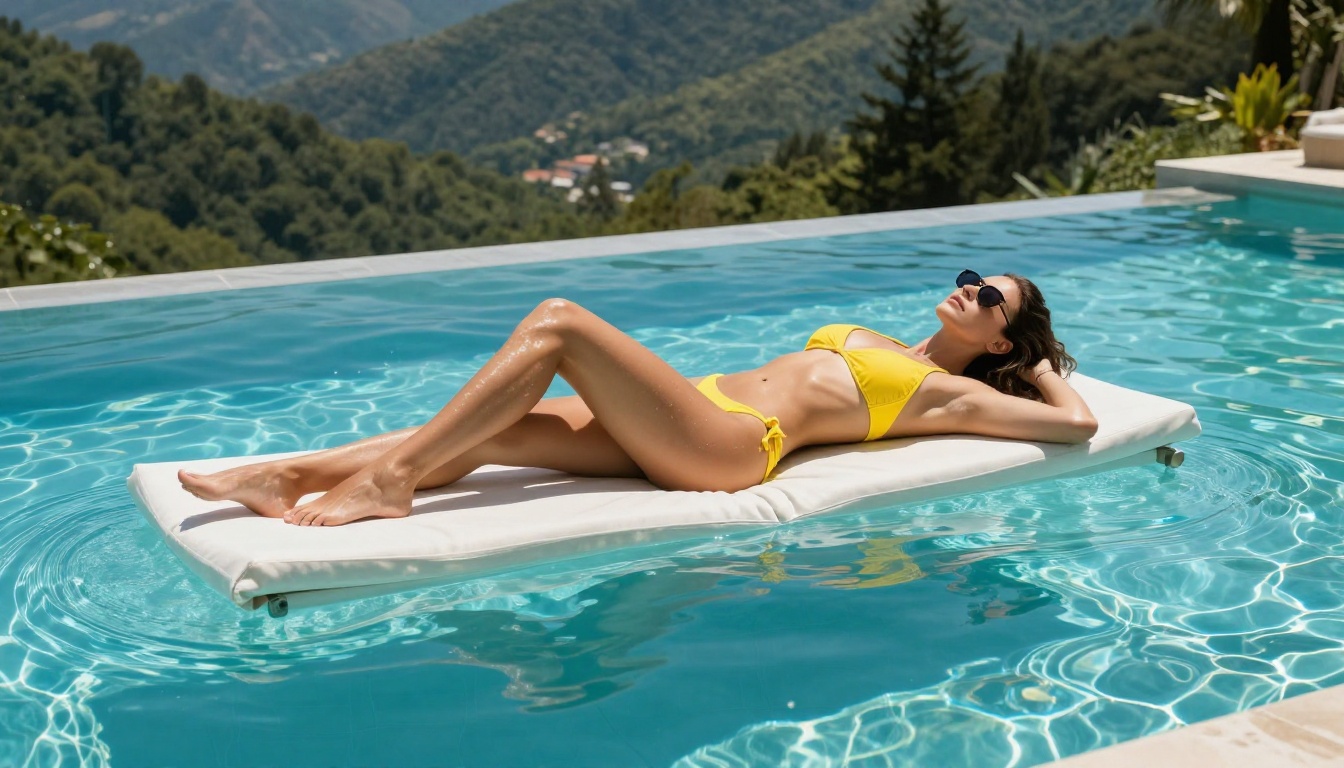
Full 4K is 3840x2160 pixels. That is roughly 15 times more pixels than a 1024x768 output. At that resolution, AI art stops looking like AI-generated content and starts reading as professional photography. Individual pores on skin, single eyelashes, the grain in fabric, condensation drops on glass, the texture of a stone wall behind a figure: all of it becomes sharp and believable.
For NSFW work specifically, 4K resolution is the difference between content that reads as AI-generated and content that reads as photography. It is also the minimum required for any serious print use or high-resolution digital distribution.
How AI Upscaling Actually Works
Not just zooming in
Traditional image scaling (bicubic, Lanczos) works by averaging neighboring pixels and interpolating between them. That is why standard upscaling looks blurry: it has no idea what information was never present to begin with.
AI upscalers work differently. They are trained on millions of image pairs: low-resolution input alongside a high-resolution original. The model infers what fine details statistically should exist in a given area and fills them in with believable texture. A patch of blurry skin gets reconstructed with pore-like micro-texture. A clump of hair gets separated into individual strands. Fabric gets a weave pattern added.
💡 This is why prompt quality matters even for upscaling. The better your source image, the more accurately an AI upscaler can reconstruct what was "probably there." A well-composed source at 768px will upscale better than a poorly-composed source at the same resolution.
2x vs 4x vs 6x: what to choose
| Scale Factor | Output from 1024px | Best For |
|---|
| 2x | ~2048px | Quick preview, social media |
| 4x | ~4096px | Print, 4K display, detailed review |
| 6x | ~6144px | Large format print, maximum detail |
For most NSFW AI art workflows, 4x is the sweet spot. It hits 4K territory from a 1024px source while keeping processing time reasonable. Going to 6x on a complex image can introduce artifacts if the source has significant noise or compression.
The Best Models to Upscale NSFW Images
PicassoIA offers nine dedicated super-resolution models. These are the ones worth using for adult AI art, ranked by use case:
For portraits and skin detail
Crystal Upscaler is purpose-built for facial detail and skin texture reconstruction. For NSFW portrait work, it outperforms general-purpose upscalers because it specifically targets the micro-detail patterns found in human skin, eyes, and hair. Run a 512px face crop through it at 4x and you get individual pores and naturally-rendered eyelashes.
Clarity Pro Upscaler takes a wider approach, reconstructing the entire image with photorealistic texture detail. It works especially well on full-body shots where skin, fabric, and environmental elements all need simultaneous improvement.
For maximum scale
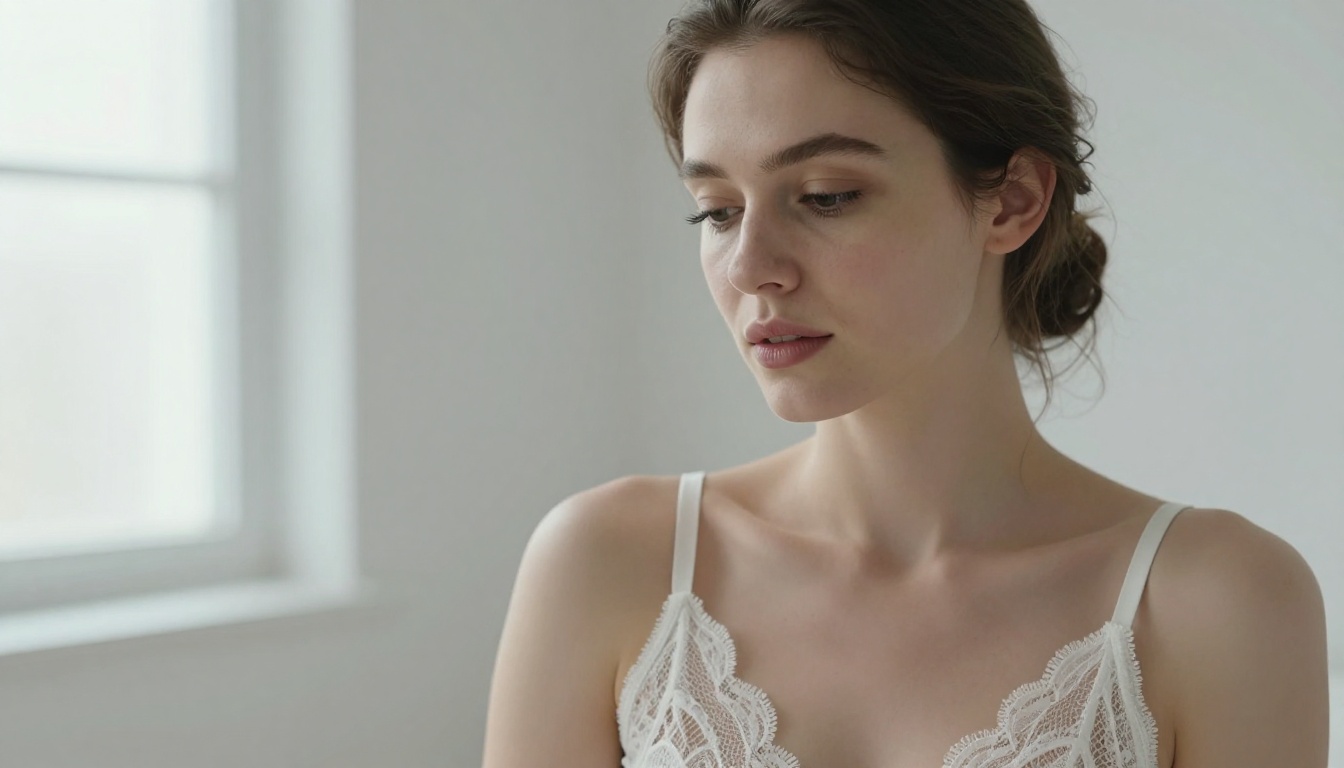
Image Upscale by Topaz Labs is the strongest option when you need to push beyond 4K, scaling up to 6x without the severe artifact rings that affect other models at high magnification. If you are printing at large format or producing content for a platform requiring extremely high resolution, start here.
For texture and creative detail
Recraft Creative Upscale differs from its crisp counterpart by adding texture and depth interpretation rather than just sharpening what exists. It can take a flat AI-generated background, like a blurry hotel room or a featureless wall, and render it with believable environmental detail that makes the whole image feel more grounded.
Best NSFW AI Models to Generate With First
Before you upscale anything, you need a strong source image. The models that handle uncensored adult content on PicassoIA are not all equal. Here is the order that matters:
Seedream 4.5: the clear first choice
Seedream 4.5 is the top pick for NSFW AI image generation. It accepts adult content without filtering, supports direct image editing on existing images, and returns results in under three seconds. The realism level is exceptional: skin tones are photographic, anatomy is proportionally accurate, and the overall output has the kind of detail that makes for a strong source file going into upscaling.
💡 One important note: the newer Seedream 5 Lite does not support NSFW content. Always use Seedream 4.5 for adult content workflows.
PicassoIA Image Editor Pro: unlimited generations
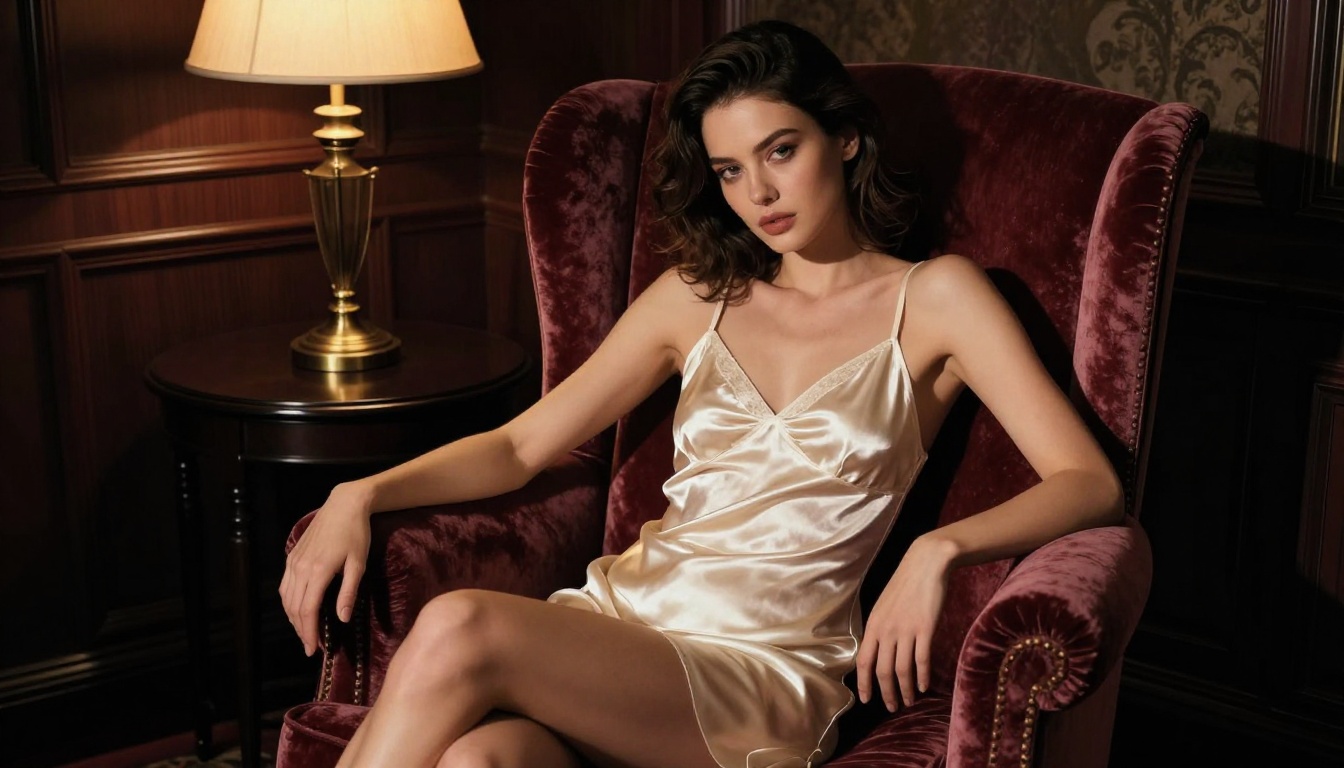
PicassoIA Image Editor Pro is an img2img model with one major structural advantage: unlimited generations on Elite and Infinite subscription plans. If you are iterating heavily, testing variations, or running a high-volume creative workflow, this is critical. Generating 1,000 image variations on a per-credit model would cost around $100. On Image Editor Pro, that same volume costs nothing beyond your subscription. It accepts NSFW content, delivers results in under one second, and includes a three-generation free trial with no credit card required.
Other top NSFW picks
| Model | Type | Why Use It |
|---|
| Qwen Image 2 | Text-to-image + edit | Open source, detailed realism, no content filter |
| Grok Imagine Image | Image-to-image | Realistically converts images to bikini format |
| Recraft V4 | Text-to-image | Very realistic results from text input |
| P-Image | Text-to-image | NSFW support, under one second per image |
How to Upscale on PicassoIA (Step-by-Step)
Using Crystal Upscaler for portraits
- Generate your source image in Seedream 4.5. Aim for the highest native resolution the model allows, typically 1024x1024 or higher.
- Open Crystal Upscaler from the super-resolution collection on PicassoIA.
- Upload your image using the image input field.
- Set scale to 4x for 4K output from a 1024px source.
- Run the upscale. The model adds skin pore detail, hair strand separation, and eye clarity automatically.
- Download the result and compare at 1:1 zoom to your source. Skin should show visible texture, not flat gradients.
Using Clarity Pro Upscaler for full-body shots
The Clarity Pro Upscaler handles environments better than Crystal Upscaler, making it the right pick when you want both the figure and the background to read as photorealistic at 4K.
- Generate your source at the highest available resolution.
- Open Clarity Pro Upscaler from the PicassoIA super-resolution collection.
- Upload your image and set scale to 4x.
- If the model offers a creativity or detail strength slider, keep it between 0.3 and 0.5. Higher values add detail aggressively and can create skin artifacts that look unnatural.
- Run and review the result at areas of skin transition (jawline, shoulder edge, inner arm) where upscaling artifacts most commonly appear.
Settings that matter
💡 Creativity slider warning: On models that offer this parameter, values above 0.6 begin to hallucinate detail rather than reconstruct it. You will see texture appear where there should be smooth skin, or hair strands going in the wrong direction. Keep it conservative.
| Setting | Recommended Value | Why |
|---|
| Scale factor | 4x | Hits 4K from 1024px without over-stretching |
| Creativity/Detail | 0.3 to 0.5 | Adds real detail without artifacts |
| Sharpness | Default or -1 | Aggressive sharpening creates halos on skin edges |
| Noise reduction | 0 to 0.2 | Preserves film grain that gives photorealistic texture |
5 Mistakes That Blur NSFW AI Images
1. Starting from a compressed source
JPEG compression introduces artifacts that AI upscalers amplify. Always start from a PNG or the highest-quality JPEG the generator exports. Re-saving a JPEG as JPEG before upscaling is the fastest way to ruin the final result.
2. Upscaling a bad prompt result
If the anatomy looks wrong or the detail is soft at native resolution, upscaling makes it worse, not better. The model has less accurate information to extrapolate from. Fix the prompt and regenerate before running any super-resolution model.
3. Using Real ESRGAN on photorealistic content
Real ESRGAN was optimized primarily for anime and illustrated content. Running it on photorealistic NSFW AI art introduces characteristic smoothing and a slight painterly finish that works against the realistic result you are targeting. Use Crystal Upscaler or Clarity Pro instead.
4. Setting creativity too high
A creativity value of 0.8 or higher on models like Clarity Pro starts adding textures that were never in the original. On skin, this produces fabricated pore patterns that do not follow natural surface structure. Stay below 0.5.
5. Skipping the 1:1 zoom check
Always inspect the final upscaled image at 100% zoom before using it. Artifacts on edges, blurring in hair, and skin tone banding are only visible at full resolution. Viewing at reduced zoom makes even a poor upscale look acceptable.
After You Upscale
Touch-ups with inpainting
At 4K, problems that were invisible at 1024px become obvious: a slightly misshapen finger, a hair strand overlapping oddly, a background element with wrong perspective. PicassoIA's inpainting tools let you mask a specific region and regenerate just that area at full resolution without affecting the rest of the image. For NSFW work, this is commonly used to correct facial features the upscaler slightly altered, or to fix fabric folds that look unnaturally stiff.
Starting at a higher base resolution
Some situations make upscaling less necessary. Seedream 4.5 and comparable models can output at higher native resolutions with more detailed prompts. If your prompt specifies extreme detail using micro-texture language, specific lighting descriptions, and photographic references, the native output will be sharper and require less aggressive upscaling to hit 4K quality. In those cases, a 2x upscale from a strong 1920x1080 source often outperforms a 4x upscale from a weaker 768x432 source.
What format to save in
- PNG: Lossless, best for archival quality and print. Larger file size.
- JPEG at 95% quality: Reduces file size by 60-70% with minimal visible quality loss. Appropriate for most distribution.
- WebP: Smaller than JPEG at equivalent visual quality. Best for web display and fast loading.
For 4K images going into print use, always save PNG. For web distribution, JPEG at 95% or WebP is the right call.
Create 4K NSFW Art Right Now
The workflow is two steps: generate in an uncensored model that actually supports adult content, then run it through a purpose-built AI upscaler tuned for photorealistic detail reconstruction. Both tools are on PicassoIA, and no external software is needed.
Start with Seedream 4.5 for generation. It is the fastest, most capable uncensored text-to-image model available, and its output gives upscalers the most accurate starting data. From there, run through Crystal Upscaler for portraits or Clarity Pro Upscaler for full scenes.
If you are running high volume, PicassoIA Image Editor Pro removes the per-image cost entirely on Elite and Infinite plans. Generate 1,000 variations and pay the same subscription fee regardless.
For full creative freedom with more than 90 text-to-image models, every uncensored model listed above, and the full suite of upscaling tools, visit picassoia.com/en/all-models.