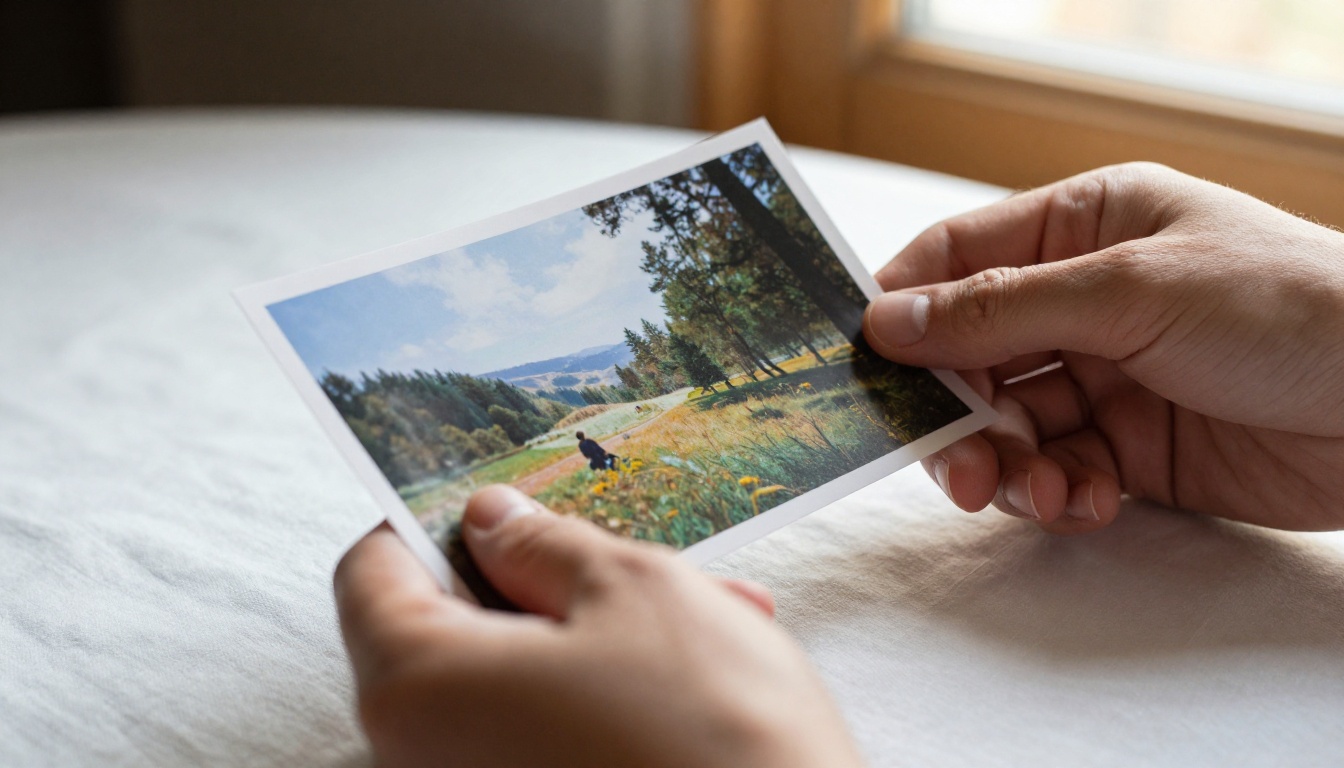
The Wan series from Wan-video has been one of the most-watched AI video model lines in 2027. Each release brought something genuinely useful, and Wan 2.7 is no different. But this version introduced something that didn't get enough attention at launch: Image-Pro mode. It's not a minor toggle. It changes how the model builds visual information at a foundational level, and the output difference is visible from the first frame.
This isn't about buzzwords. It's about what actually shifted in the pipeline, what you see when you compare outputs side-by-side, and how to work with the three Wan 2.7 variants on PicassoIA: Wan 2.7 T2V, Wan 2.7 I2V, and Wan 2.7 R2V.
What Image-Pro Mode Actually Is
Before talking about the changes, it helps to know what Image-Pro mode is solving. Previous Wan versions treated the reference image primarily as a motion seed: a starting point that the diffusion process would interpolate forward in time. The image quality of that initial frame was acceptable but not the priority.
Image-Pro mode shifts that priority. The model now treats the first frame as an image-first artifact, applying a dedicated image-quality pass before the video diffusion pipeline begins. That means the starting frame is rendered to a different standard than in Wan 2.6 or Wan 2.5.
The old approach vs. the new
In Wan 2.5 I2V and Wan 2.6 I2V, the reference image you uploaded was used as a conditioning signal. The model sampled around it. Detail levels were consistent with what you uploaded, not significantly improved.
With Image-Pro mode in Wan 2.7 I2V, the incoming image goes through an improvement pre-process: detail sharpening, color normalization, and edge-aware upsampling. The output video doesn't just start at your image quality level. It often surpasses it.

Why image quality matters in video AI
Most creators think about video models in terms of motion coherence, prompt adherence, or resolution. Image quality at the frame level often gets overlooked. But if the first frame looks soft or lacks detail, every subsequent frame inherits that baseline. You can't motion-blur your way out of a weak reference image.
Image-Pro mode addresses this at the source. It's the reason Wan 2.7 outputs feel more cinematic even when the prompt hasn't changed.
The Technical Changes in Wan 2.7
The Image-Pro mode isn't a single feature. It's a collection of changes to how Wan 2.7 processes visual information at three stages: before diffusion, during diffusion, and in the output post-process.
Resolution and detail improvements
Wan 2.7 supports native 1080p output through Wan 2.7 T2V. That's not new for video models, but what changed is how detail is handled at that resolution. Previous versions would sometimes soften textures at 1080p due to the compression artifacts introduced during the latent space encoding step.
Image-Pro mode uses a higher-fidelity VAE (Variational Autoencoder) pass that preserves texture information more accurately. Fabric weave, skin pores, wood grain, metal reflections: these elements survive the encode-decode cycle better than they did in Wan 2.6.

💡 Practical note: When using Wan 2.7 I2V, uploading a higher-quality source image still matters. Image-Pro mode improves your input, but it amplifies what's there. A sharp 4K source will produce noticeably better output than a compressed 720p one.
The reference frame system
Wan 2.7 R2V introduced a reference-to-video capability that's distinct from I2V. R2V treats the input not as a starting frame but as a subject reference, allowing the model to animate the subject into a new scene or motion context.
Image-Pro mode affects R2V differently than I2V. In R2V, the quality pass focuses on subject isolation and feature extraction rather than full-frame processing. The model identifies the subject's primary visual features (hair detail, clothing texture, facial geometry) and preserves those specifically while building the video context around them.
This makes Wan 2.7 R2V significantly more useful for character animation workflows where subject consistency matters more than background fidelity.

Real Differences You'll Notice
The technical description helps, but what do you actually see in the output?
Color grading and tone mapping
Wan 2.6 outputs had a tendency toward slight color desaturation in high-frequency detail areas. Skin highlights, bright fabrics, reflective surfaces: these would sometimes wash out. It wasn't dramatic, but it was consistent enough to require color grading in post.
Wan 2.7 with Image-Pro mode shows noticeably better tone curve handling. The highlights retain more color information, shadows show deeper gradation without crushing to pure black, and the overall image has a more cinematic, film-like response curve. It's closer to what you'd get shooting RAW with a digital cinema camera than what previous Wan versions produced.
Face and texture fidelity
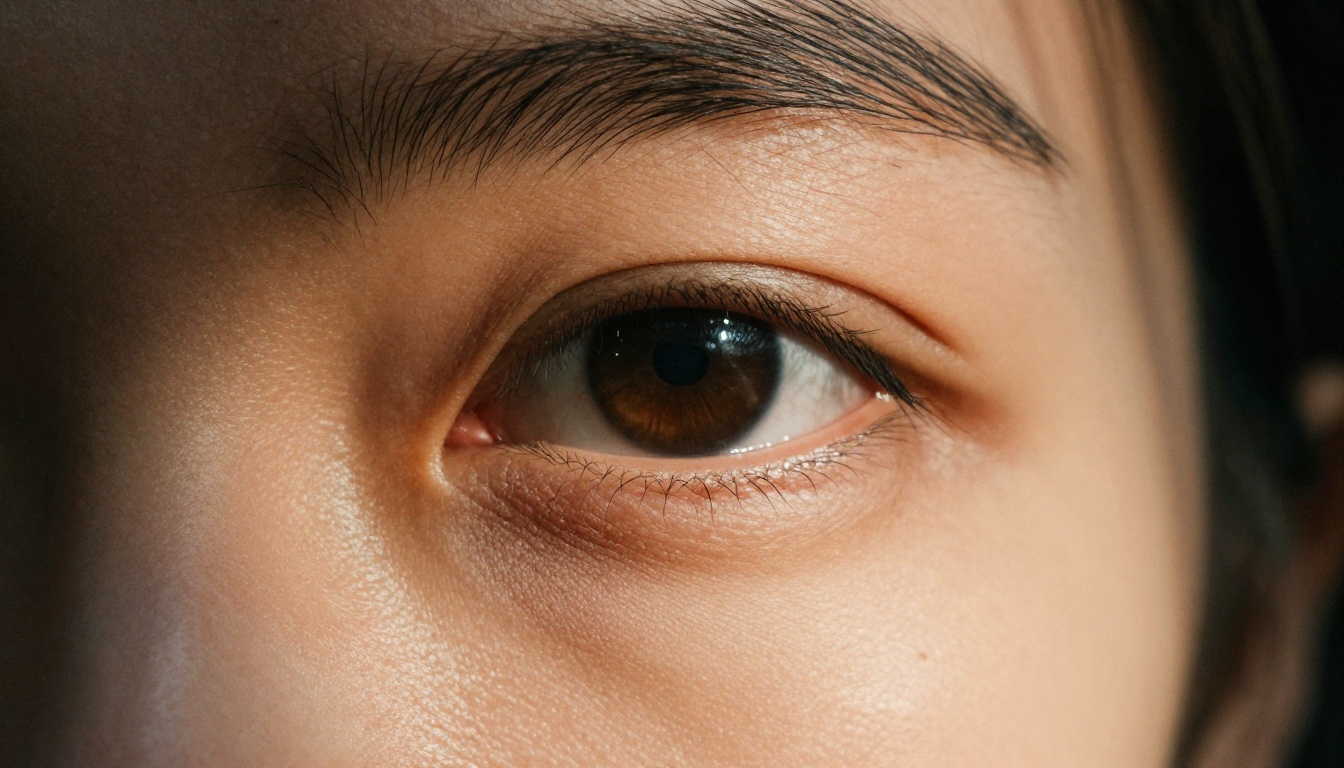
This is where Image-Pro mode makes the biggest visible impact. In prior Wan versions, facial detail in video sequences would often soften over the course of 5-10 seconds. Motion interpolation would average out fine details like pores, fine hair, and eye detail.
Wan 2.7 applies an attention mechanism specifically tuned to human facial features during the video diffusion pass. The effect is that faces hold their detail better across longer sequences. Eyes remain sharp. Individual hair strands maintain separation rather than merging into a mass.
Texture fidelity outside of faces also improved. Brick surfaces show individual mortar lines frame-to-frame. Woven fabric shows thread structure that doesn't blur out during motion. Wood grain maintains direction and depth even when the camera is moving.
💡 For character-focused videos: Wan 2.7 R2V is the strongest choice when the human subject is the primary focus. The subject-isolation preprocessing in R2V combined with Image-Pro's texture preservation gives noticeably better face and body consistency than I2V for character animation.
How to Use Wan 2.7 on PicassoIA
PicassoIA provides access to all three Wan 2.7 variants. Here's how to use each one effectively.
Step-by-step for I2V
The image-to-video workflow in Wan 2.7 I2V works best when the reference image already communicates the lighting and composition you want:
- Open Wan 2.7 I2V on PicassoIA
- Upload a high-quality reference image (1080p or higher recommended)
- Write a motion prompt describing the movement: what moves, how, and at what speed
- Set the resolution to 1080p to activate the full Image-Pro pipeline
- Submit and wait for the generation (typically 60-90 seconds)
The motion prompt matters as much as the image. Describe motion specifically: "gentle rightward camera drift, leaves swaying slowly in foreground, person remains still" works better than "make this image move."
Step-by-step for T2V
Wan 2.7 T2V generates video entirely from text. Image-Pro mode here applies to the generated first frame before the model continues the sequence:
- Open Wan 2.7 T2V on PicassoIA
- Write a detailed scene description including subject, environment, lighting, and camera behavior
- Set resolution to 1080p
- Include explicit camera motion instructions in your prompt
- Generate and evaluate the first frame quality before committing to longer sequences
For T2V, the Image-Pro benefit is most visible in close-up shots. Wide establishing shots show less improvement because the per-pixel detail matters less at that distance. Medium and close-up shots are where you'll notice the cleaner rendering.
Tips for better output
| Tip | Applies to | Why |
|---|
| Use 1080p resolution | T2V, I2V | Activates full Image-Pro pipeline |
| Upload 1080p+ source images | I2V | Higher input quality means better output base |
| Describe lighting in your prompt | T2V | Model uses lighting cues to calibrate tone mapping |
| Specify camera motion explicitly | All variants | Reduces interpolation artifacts |
| Use R2V for character animation | R2V | Subject isolation pre-processing gives better face consistency |
💡 Lighting in prompts is underrated: Wan 2.7's tone mapping responds to lighting descriptions. Writing "warm morning light from the left, deep shadows on the right" gives the model calibration information that affects how the entire color pipeline behaves.
Wan 2.7 vs Wan 2.6: Side by Side
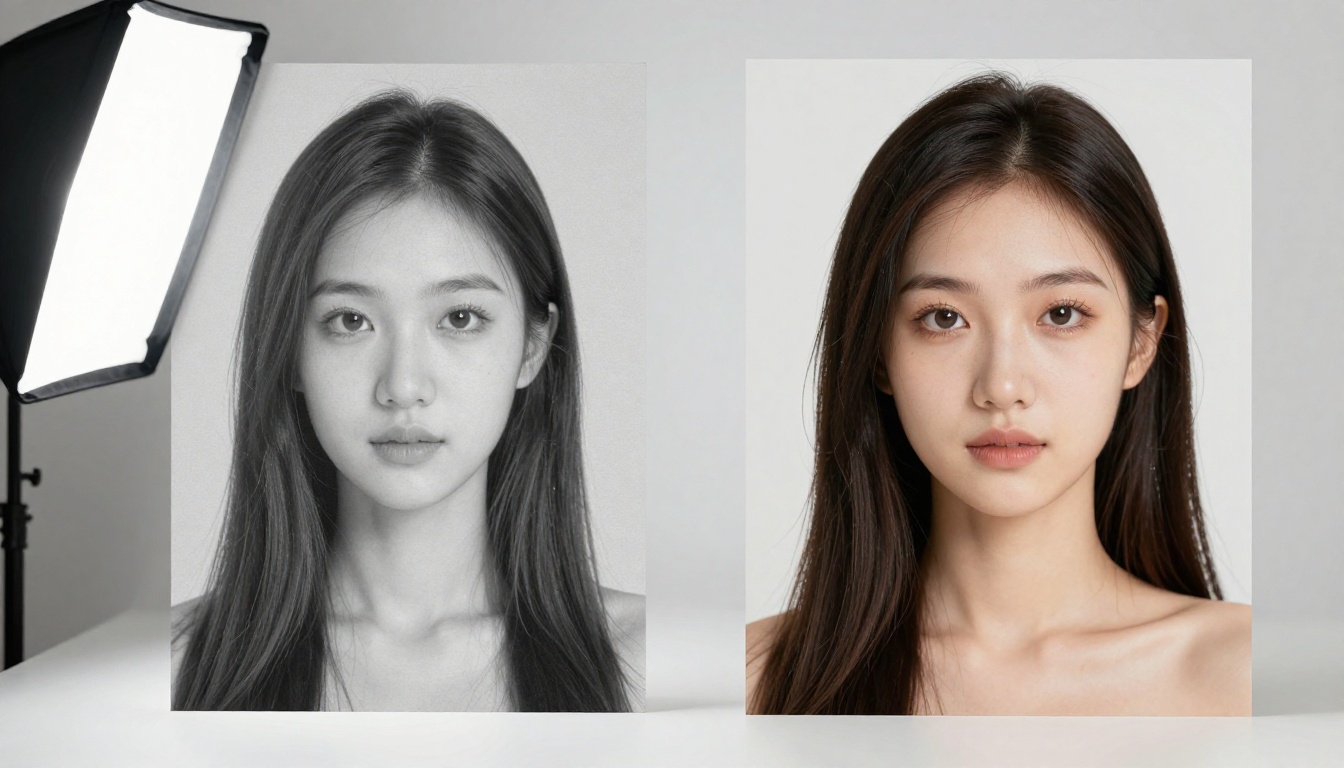
The difference between Wan 2.6 and Wan 2.7 isn't revolutionary on every metric. Some things improved significantly, others stayed similar.
Speed comparison
Wan 2.6 and 2.7 have comparable generation times at 480p. At 1080p, Wan 2.7 is slightly slower due to the Image-Pro preprocessing pass. The additional processing adds roughly 10-15 seconds per generation, a minor cost given the quality improvement.
If speed is the priority over quality, Wan 2.5 T2V Fast remains one of the fastest options in the Wan family on PicassoIA.
Quality benchmarks
| Metric | Wan 2.6 | Wan 2.7 |
|---|
| Native resolution | 720p / 1080p | 1080p |
| Face detail retention | Moderate | High |
| Texture fidelity | Moderate | High |
| Color accuracy | Good | Very Good |
| Motion coherence | Good | Good |
| Subject consistency (R2V) | N/A | Very Good |
The motion coherence score staying the same isn't a knock on Wan 2.7. It's a recognition that Wan 2.6 was already strong on motion. The gains in 2.7 are concentrated in the image quality domain, which is exactly what Image-Pro mode was designed to address.
Which Wan 2.7 Variant Should You Use
There are three variants and choosing the wrong one for your use case will cost you quality. Here's when each one makes sense.
T2V, I2V, or R2V
Wan 2.7 T2V is for when you have a clear scene in mind but no reference image. The model generates the entire visual from your text description. Best for: establishing shots, abstract visuals, environment scenes where you don't need a specific look.
Wan 2.7 I2V is for animating a specific image you already have. The model uses your image as frame zero and generates motion forward from it. Best for: product videos, architectural walkthroughs, animating photography.
Wan 2.7 R2V is for animating a specific subject from a reference photo into a new context. Best for: character animation, placing a person into a different scene, animating a subject with controlled motion while changing the environment.
💡 The right choice matters more than the prompt: Using I2V when you need R2V behavior (or vice versa) will give you worse results no matter how good your prompt is. The preprocessing is different and so is what the model prioritizes.
Other Models Worth Comparing
Wan 2.7 isn't competing in a vacuum. Here's how it sits relative to some of the other high-quality video models available on PicassoIA.
Wan 2.7 alternatives on PicassoIA
Kling v2.6 from Kwai VGI is a strong competitor for cinematic video generation. It handles motion dynamics extremely well and produces high-quality 1080p output. Where Wan 2.7 edges ahead is in the Image-Pro preprocessing when working with I2V. Kling v2.6 doesn't have an equivalent first-frame quality pass.
LTX 2.3 Pro from Lightricks is built for 4K output, which immediately puts it in a different league for resolution. If you need 4K video, LTX 2.3 Pro is the choice. If 1080p is sufficient, Wan 2.7 gives you more control over the first-frame quality through Image-Pro.
Ray 3.2 from Luma offers exceptional HDR output and is particularly strong for nature and landscape content. Wan 2.7 tends to produce more consistent results for human subjects, while Ray 3.2 often wins on environmental and atmospheric video generation.
Seedance 2.5 from ByteDance is capable of 30-second video generation, significantly longer than Wan 2.7's standard window. For long-form content, Seedance 2.5 has a structural advantage. For shorter, higher-quality clips where the first frame matters, Wan 2.7 has the edge.
Veo 3.1 from Google is among the most capable text-to-video models available. Its native audio generation and 1080p quality are strong. For pure text-to-video, Veo 3.1 is a genuine competitor to Wan 2.7. Where Wan 2.7 differentiates is in the I2V and R2V capabilities with Image-Pro mode: Veo 3.1 doesn't have an equivalent image-to-video pipeline with first-frame quality processing.
See the Difference Yourself
The best way to see what Image-Pro mode actually does is to run the same prompt through Wan 2.6 I2V and Wan 2.7 I2V with identical inputs. Use a face portrait as the reference image. The difference in skin detail retention, eye sharpness, and color accuracy across the video sequence will be immediately visible.
PicassoIA gives you access to all three Wan 2.7 variants without needing to set up local infrastructure. For workflows that depend on first-frame quality, the I2V and R2V variants with Image-Pro mode represent a meaningful step above what was possible with Wan 2.6.
For the full range of video generation options, the all-models page at picassoia.com/en/all-models shows every model across all categories, including the expanding Wan family and competing options from Kling, Ray, LTX, Veo, and Seedance.
The image quality pipeline in AI video generation has been catching up to the motion quality pipeline for a while. With Wan 2.7 and Image-Pro mode, it's no longer the weak link. Run your next project through it and see how much the baseline has shifted.