Kling 3.0 Omni is billed by the second, and the number on your invoice depends on three choices you make before a clip even starts: resolution, native audio, and whether you feed in a reference video. At 720p without sound the rate is $0.084 per second. At 4K it jumps to $0.42 per second, exactly five times more. A single 15 second 4K clip therefore costs $6.30 before you have made one retake.
That spread is why a pricing page alone never answers the questions people actually have. How much does a finished project cost? How do you get access? How many clips can you run at the same time? This article answers all three with the figures published by Kling and its resellers, and it flags the places where sources disagree.
💡 Price check: Kling's own pricing page is rendered by script and did not load as plain text during research, so the official numbers below come from consistent third-party reports of it, plus reseller listings read in October 2026. Packages and margins change often. Confirm the number on the checkout screen before you commit budget.
What the Kling 3.0 Omni API Offers
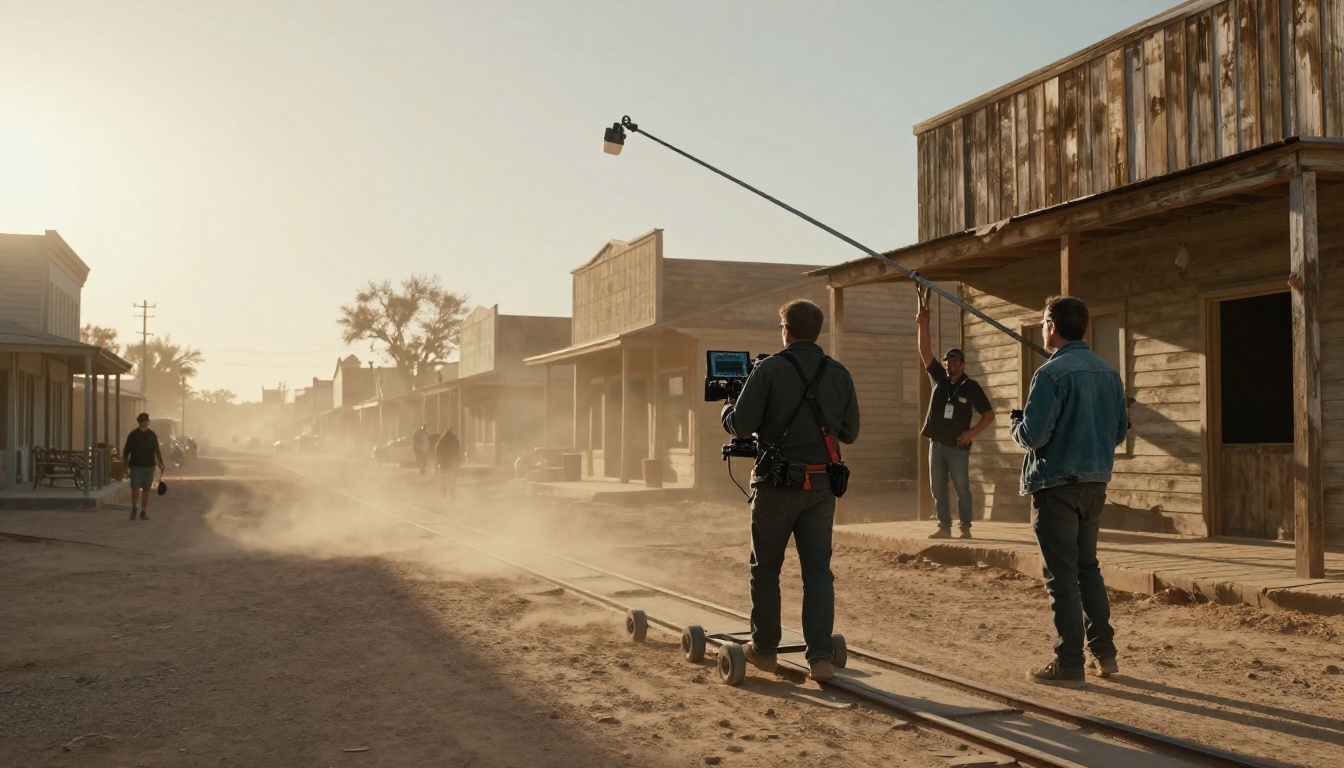
Kling 3.0 arrives in two tracks. The standard track is the upgrade of Kling 2.6 and is driven by the prompt. Omni, sometimes labeled O3, is the upgrade of Kling O1. It adds reference-based control, so characters and objects stay recognizable from shot to shot.
Omni Versus Standard Kling 3.0
The practical differences show up in what you can attach to a request:
- Multi-image references that anchor faces, products and outfits
- Video references that give the model stable, coherent motion to follow
- Element references for subject consistency across several generations
- Voice input so a character keeps the same voice between clips
- Custom start and end frames for image-to-video transitions
Both tracks can generate native audio in the same pass, so dialogue, ambience and effects arrive with the picture.
Output Limits to Plan Around
| Setting | What the API gives you |
|---|
| Duration | 3 to 15 seconds per request |
| Resolution | 720p and 1080p on most routes, 4K on a few |
| Aspect ratios | 16:9, 9:16 and 1:1 |
| Audio | Optional native audio, priced separately |
| Inputs | Text, images, video and element references |
💡 Tip: a 15 second ceiling means a 60 second ad is at least four requests. Budget for the stitching, not just the generation.
Omni's references are the reason it exists. A product shot, a logo, a character sheet or a short clip of a specific camera move can all steer the result, which means fewer retakes than a prompt-only workflow. That matters for cost, because the cheapest clip is the one you do not have to render twice.
The Real Cost of Each Second
Kling prices its official API in units. At the entry Standard package one unit costs $0.14, and each second of video burns a fixed number of units that depends on the settings you pick.
Official Per-Second Rates
| Configuration | Units per second | Cost per second at $0.14 |
|---|
| 720p, no audio | 0.6 | $0.084 |
| 720p, native audio | 0.8 | $0.112 |
| 1080p, no audio | 0.8 | $0.112 |
| 1080p, native audio | 1.0 | $0.140 |
| 720p with video input | 0.9 | $0.126 |
| 1080p with video input | 1.2 | $0.168 |
| 4K | 3.0 | $0.420 |
Two things stand out. Audio adds roughly 25 percent at 720p and 1080p. And 4K costs three times a 1080p clip with sound, so it only makes sense for final deliverables, never for drafts.
What One Clip Costs
| Clip | 5 seconds | 10 seconds | 15 seconds |
|---|
| 720p, no audio | $0.42 | $0.84 | $1.26 |
| 1080p, no audio | $0.56 | $1.12 | $1.68 |
| 1080p, native audio | $0.70 | $1.40 | $2.10 |
| 4K | $2.10 | $4.20 | $6.30 |
The reseller fal.ai shows the same maths on its Kling O3 Pro page: $0.14 per second with audio, which is $0.70 for a five second clip.
Budget Math for a Real Project

Take a 60 second product ad built from twelve five second shots at 1080p with audio. One clean pass costs 60 seconds × $0.14, which is $8.40. Real work is never one pass. If you keep one clip in three, each shot costs three attempts, or $2.10, and the ad lands near $25.
Failed API generations are reported as not billed, but a clip that renders fine and looks wrong is billed in full. Plan your retake rate before you plan your budget.
Scale changes the picture fast. A product that renders 1,000 five second clips a day at 1080p with audio spends $700 a day, about $21,000 a month, before any retakes.
Prepaid Packages and Validity
The official API does not bill monthly. You buy a prepaid resource package, and the units drain as you generate.
Trial and Standard Tiers
| Package | Price | Units | Price per unit | Validity | Parallel tasks |
|---|
| Trial S | $9.80 | 100 | $0.098 | 30 days | 5 |
| Trial L | $98 | 1,000 | $0.098 | 30 days | 5 |
| Standard | $700 | 5,000 | $0.14 | 180 days | 20 |
| Standard | $2,100 | 15,000 | $0.14 | 180 days | 20 |
| Standard, top tier | $7,560 | 60,000 | about $0.126 | 180 days | 20 |
Sources disagree on the size of the tier between $2,100 and $7,560, though they agree it drops to $0.126 per unit. Trial packs look cheaper per unit, but at 0.6 units per second the smallest one gives you about 166 seconds of silent 720p, or 100 seconds of 1080p with audio. Then it expires in 30 days.

Consumer Credits Do Not Transfer
The Kling app subscription and the API are separate systems. Consumer credits grant no API access and never move between the two. If you pay for a creator plan in the app, you still need a prepaid package to call the API.
💡 Tip: a 180 day validity window rewards steady use and punishes a one-off project. If your need is a single campaign, a reseller with pay-as-you-go billing usually costs less than a $700 commitment.
How to Get API Access
The Official Route
Access runs through Kling's developer platform at kling.ai/dev. You buy a package, receive credentials, and send requests against the pricing table above. Launch reports tied the first access to the top consumer tier, so check the developer page for the requirement that applies when you sign up.
Before you pay, decide what you will log. Record the resolution, duration, audio flag and reference type of every request next to its cost. After a week of real traffic that table tells you which settings deserve the budget and which are habits you can drop.

Reseller Prices at a Glance
Several platforms wrap the same model behind their own accounts, so you skip the Kling account and the package minimum.
| Provider | Reported rate | Notes |
|---|
| fal.ai (Kling O3 Pro) | $0.112 per second silent, $0.14 with audio | Matches the official 1080p rates |
| PiAPI | $0.10 (720p silent), $0.15 (720p audio), $0.15 (1080p silent), $0.20 (1080p audio) | Up to 15 seconds, free credits at sign-up |
| EvoLink (Kling O3) | From $0.075 per second | Listed in April 2026, varies by route |
| Magic Hour | Plan credits | Omni references work in its web tool, not yet as a separate API field |
Resellers win on the entry price and on flexibility. The official route wins on predictability: the same units, the same published concurrency, and one fewer party between you and the model. Whichever route you pick, test the exact feature you need before you build around it. Video references and voice input are the two most likely to be missing or renamed.
Rate Limits and Concurrency
Concurrency Is the Ceiling
On the official API the limit that matters is how many tasks run at once. Trial packages are reported at 5 parallel tasks, and every Standard package at 20. Requests beyond that wait or get rejected, no matter how much balance is left.
Remember that a slot stays occupied for the whole render, not just the instant you submit. One slow 15 second 4K job holds a slot for as long as it runs, so a batch of long clips fills 20 slots far faster than a batch of short ones. Mix durations deliberately, and submit the longest jobs first so they do not trail behind everything else.
What a 429 Response Means
Kling enforces its limits per account credential, and going over returns a 429 Too Many Requests error. Treat it as a signal to slow down, not as a failure to resubmit instantly:
- Cap in-flight jobs with a semaphore set just under your concurrency limit
- Retry 429 responses with exponential backoff and random jitter
- Keep a queue so a burst of user requests never becomes a burst of API calls
- Log the generation ID of every job so a retry never pays for the same clip twice
Per-minute figures such as 10 requests on a free tier or 60 on a pro tier circulate on generic developer pages. They are not confirmed by Kling's documentation, so do not build on them.
Throughput Math in Practice
Generation is slow. The example renders on the Kling v3 Video page took between about 5 minutes (298 seconds) and 18 minutes (1,073 seconds) for 10 and 15 second clips. Clips per hour is parallel tasks times 60, divided by minutes per clip:
| Minutes per clip | 5 parallel tasks | 20 parallel tasks |
|---|
| 5 | 60 clips an hour | 240 clips an hour |
| 8 | 37 clips an hour | 150 clips an hour |
| 18 | 16 clips an hour | 66 clips an hour |
At trial concurrency, a 12 shot ad needs between one and a half and three quarters of an hour of wall time. At 20 parallel tasks it fits inside a coffee break.

How to Use Kling v3 on PicassoIA
Kling 3.0 Omni itself is not listed on PicassoIA, but Kling v3 Video is. It runs in the browser with no API credentials and no prepaid package. It does not take video or element references, so it is the right tool for testing prompts, shot lists and audio before you pay per second elsewhere.
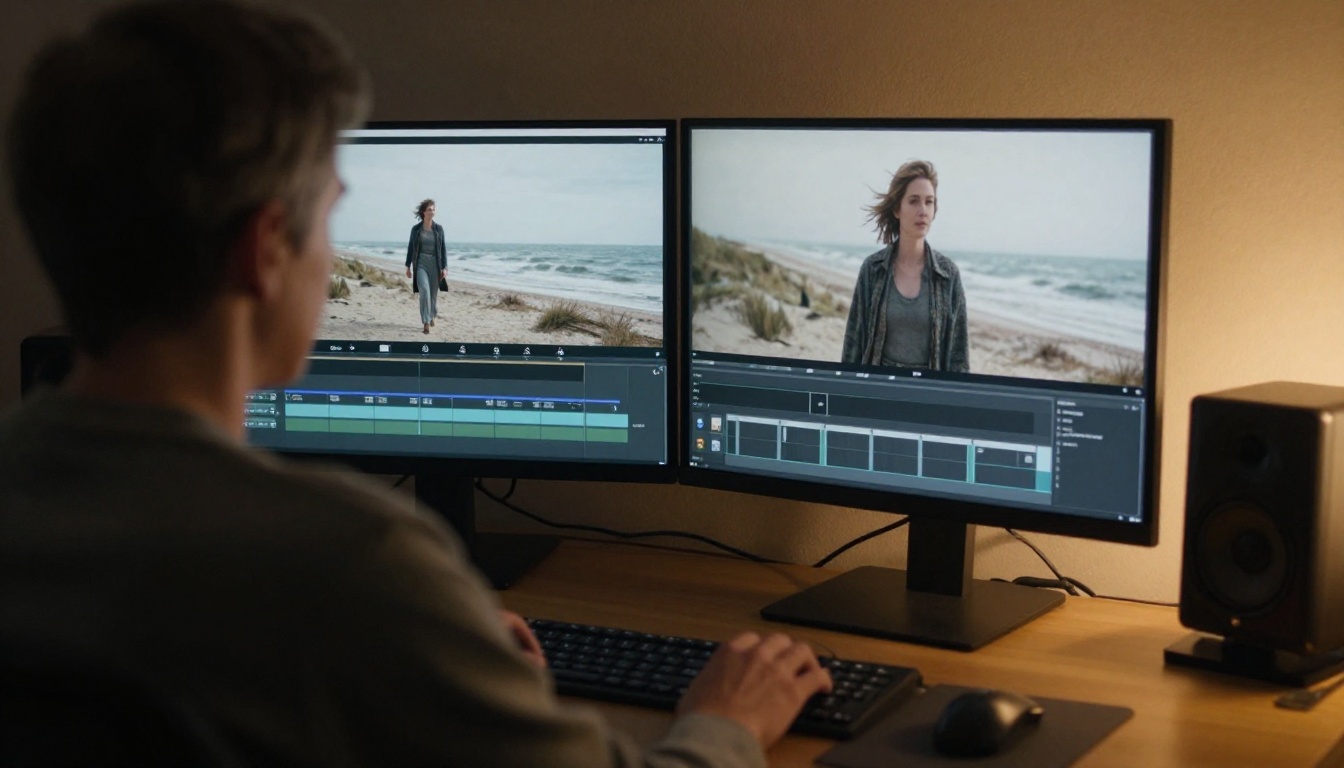
- Open the Kling v3 Video page.
- Choose a mode, write a prompt, and set duration, aspect ratio and audio.
- Optionally add a start image, and an end image if you want to pin the last frame.
- Generate, review the clip, and change one setting at a time.
Pick the Mode
The mode field has two values. standard renders 720p and pro renders 1080p, which is the default. Draft in standard, then switch to pro for the version you keep.
Write the Prompt and Frames
The prompt accepts up to 2,500 characters, and the negative prompt accepts another 2,500. A start image (JPG or PNG, up to 10 MB, at least 300 pixels, aspect ratio between 1:2.5 and 2.5:1) becomes the first frame. An end image needs a start image to go with it. Aspect ratio (16:9, 9:16 or 1:1) is ignored once a start image is supplied.
Set Duration, Audio and Shots
Duration defaults to 5 seconds and goes up to 15. Generate audio is off by default, so switch it on when you want ambience or dialogue. For multi-shot scenes, the multi-prompt field takes up to 6 shots, each at least 1 second, and the shot durations must add up to the total:
[{"prompt": "Wide shot of a harbor at dawn", "duration": 5}, {"prompt": "Close-up of a fisherman coiling rope", "duration": 5}]
💡 Tip: write the camera move and the sound in the same prompt. "Slow dolly in, gulls overhead, rope creaking" gives the audio something to anchor to.
Alternatives Worth Testing Before You Pay
If the per-second bill is the sticking point, compare how other models handle the same prompt:
None of these replaces Omni's reference system. They do tell you quickly whether your idea depends on that system at all. Plenty of shots, such as a product turning on a table or a landscape at dusk, look just as good without any reference, and those can run on whichever model is cheapest.
Try It on Picasso IA
Pricing tables tell you what a second costs. Only a rendered clip tells you whether it is worth it. Open Kling v3 Video on Picasso IA, paste the prompt you were about to send to the API, and render it in standard mode. Then try Seedance 2.0 with the same words and compare. By the time you buy a package or open a reseller account, you will know which settings you actually need, and the clips you pay for will be the ones that count.


