Kling 3.5 changed what a video generation request can return. When you prompt the model, it doesn't hand you a silent clip that you then feed into a separate audio tool. It returns a video where the soundtrack was built at the same time as the frames — speech, ambient sound, and music generated in a single inference pass. That's the core of what makes version 3.5 significant, and this article breaks down exactly how it works, why it outperforms pipeline-based approaches, and how you can use it right now on PicassoIA.

What Kling 3.5 Actually Does Differently
One Pass, Full Output
Most video generation pipelines treat audio as an afterthought. You generate a video, export it, load it into an audio model, add sound, and hope the timing matches. Kling 3.5's architecture handles both modalities inside the same forward pass. The model attends to audio tokens and video tokens simultaneously during generation, so the sound that emerges isn't retrofitted — it's built in response to the visual content as it forms.
This is the same architectural direction Google took with Veo 3, which generates native audio alongside video. Kling 3.5 brings this capability to the Kling model family, which already had a strong reputation for physics-aware motion and cinematic framing.
Audio Types Kling 3.5 Handles
The model supports three distinct audio categories in a single output:
- Speech: Characters in the video speak. Lip movement, breath pacing, and voice timbre correlate to what appears on screen.
- Ambient sound: Environmental audio — rain, wind, crowd noise, traffic — generated from scene context without needing explicit prompting.
- Foreground sound effects: Object-specific audio tied to actions in the frame. A door closes, a car accelerates, hands clap.
None of these require separate prompt sections. The model infers appropriate audio from the scene description. You can reinforce specific sound elements in the prompt, but the baseline output already includes contextually appropriate audio.

How the Audio-Video Sync Works
Temporal Alignment at the Token Level
The core technical question with any combined audio-video model is: how does it stay in sync? The answer lies in how the model represents time.
Kling 3.5 uses a unified temporal representation where audio frames and video frames share a common time axis. Both modalities are tokenized into sequences that respect a shared timeline. When the model generates frame N of the video, it has already generated the corresponding audio segment, and both are informed by the same context vector.
This is fundamentally different from a pipeline where you generate 5 seconds of video, measure the timestamps of specific actions, then instruct an audio model to place sounds at those timestamps. Manual timestamp pipelines introduce compounding errors. A small shift in video rendering changes the timing of every subsequent audio cue. Kling 3.5's joint generation avoids this entirely.
💡 Practical note: The sync feels especially accurate on speech. When a character speaks in the generated clip, the mouth movement and audio waveform align within a few milliseconds — not because of post-processing, but because the model generated both the visual phoneme shapes and the corresponding audio tokens in the same step.
Why Traditional Pipelines Fall Short
To appreciate what Kling 3.5 does, it helps to see where older workflows break down. A typical silent video to audio pipeline looks like this:
- Generate video with a text-to-video model
- Extract video as image sequence
- Feed image sequence to an audio generation model
- Re-attach audio to the video file
- Manually adjust offsets when sync is off
Every step introduces latency, formatting conversion, and potential drift. The final clip might sound approximately right, but precise sync on fast cuts, rapid dialogue, or sudden sound effects is extremely difficult to achieve without manual frame-by-frame editing.
Kling v3 Video and Kling v3 Omni Video on PicassoIA let creators skip that entire chain and get a finished, audio-enabled clip from a single prompt.

Kling 3.5 vs. Other Audio-Video Models
The field of synchronized audio-video generation is getting crowded fast. Here's how Kling 3.5 compares to its closest competitors.
Kling 3.5 vs. Veo 3
Veo 3 was among the first models to widely demonstrate native audio-video generation at high quality. It handles dialogue and ambient audio well, particularly for cinematic and documentary-style content. Kling 3.5 closes most of the gap on audio quality while adding stronger motion coherence — objects in Kling 3.5 clips tend to move more physically plausibly over the full clip duration. Veo 3 has an edge on speech clarity in complex scenes; Kling 3.5 has an edge on motion physics and consistent character appearance across frames.
Kling 3.5 vs. Sora 2
Sora 2 produces visually stunning output, but its audio integration is less accurate on quick cuts and fast object interactions. The model's strength is in longer-duration world simulation. Kling 3.5 is better suited for creators who prioritize audio-visual sync accuracy over raw visual fidelity in longer clips.
Kling 3.5 vs. Seedance 2.0
Seedance 2.0 from ByteDance is a strong competitor in the built-in audio space. It excels at music-driven video where rhythm and beat alignment matter. Kling 3.5 outperforms Seedance 2.0 on non-music audio, specifically speech and sound effects. For music videos or beat-synced content, Seedance 2.0 remains highly competitive.
| Model | Speech Sync | Ambient Audio | Sound Effects | Motion Physics |
|---|
| Kling 3.5 | Excellent | Good | Excellent | Excellent |
| Veo 3 | Excellent | Excellent | Good | Good |
| Sora 2 | Good | Good | Fair | Excellent |
| Seedance 2.0 | Fair | Good | Good | Good |

How to Use Kling v3 on PicassoIA
PicassoIA gives you direct access to the Kling model family without API keys, billing accounts, or local setup. The platform provides Kling v3 Video, Kling v3 Omni Video, Kling v3 Motion Control, Kling v2.6, and Kling v2.5 Turbo Pro alongside dozens of other audio-capable models.
Setting Up Your First Prompt
The prompt structure for Kling 3.5 is different from silent video models. Because the model generates audio from context, your prompt should describe the scene in a way that implies the sounds you want:
- With speech: Include spoken intent. "A chef explains how to slice onions, speaking directly to camera in a bright kitchen" — the model infers conversational dialogue with matching lip movement.
- With ambient sound: Describe the environment richly. "A crowded Tokyo street corner during rush hour" implies traffic, footsteps, and distant voices.
- With sound effects: Describe specific actions. "A professional boxer throws three rapid punches at a heavy bag" implies impact sounds, bag movement, and exhaled breath.
You don't need separate audio prompt fields in most cases. The scene description carries the audio intent.
Tuning Audio Parameters
Some implementations of Kling 3.5 expose audio weight controls that let you balance the prominence of generated audio. On PicassoIA, the default audio setting gives you the model's natural output. If you're generating content for a music video where you'll replace the audio track entirely, you can leave defaults as-is and mute the track in post without affecting the visual output.
💡 Tip: For speech-heavy content, keeping clip duration to 5-8 seconds produces the most accurate lip sync. Longer clips can see minor drift in the later seconds, particularly if the subject speaks rapidly.
Getting the Best Output
Three things consistently improve Kling 3.5 audio quality:
- Name the acoustic environment: "A reverberant church nave" versus "a small carpeted bedroom" changes how the generated audio sounds, not just the visual look.
- Specify speaker proximity: "Microphone close-up" implies clear, direct speech; "subject speaking from across the room" generates room ambience and distance cues.
- Describe the emotional tone: "Excited," "calm," or "whispered" modulate the generated voice texture even without specifying exact words to be spoken.

Real-World Use Cases
Short Films and Narrative Clips
Kling 3.5 is particularly strong for narrative content where characters need to speak or react audibly. A 5-second clip of a character discovering something shocking now comes with the gasp, the ambient room tone, and any incidental sounds in the environment. For indie filmmakers who want animatic-style previsualization with placeholder audio, the model's output is usable in rough cuts without any post-production work.
Social Media Content
Short-form video platforms reward clips that communicate quickly. A clip with synchronized audio conveys information faster than a silent one with caption overlays. Kling 3.5 produces vertical-ready content with audio that works on autoplay — which is how most social media video is consumed. You can pair it with Kling Avatar v2 for talking head content where a virtual presenter delivers a message with accurate lip sync.
Product Showcases
A product demonstration video with sound — the click of a button, the pour of a liquid, the rev of an engine — communicates the product's physical properties more effectively than visuals alone. Kling 3.5 generates these functional sound effects from the action description without needing separate Foley recording or audio asset libraries.
Other models worth considering for audio-rich content on PicassoIA include Flux 3, which also offers synced audio output, Wan 2.2 S2V for audio-driven generation, and Lightricks Audio to Video for the reverse workflow where you provide an audio track and the model generates matching visuals.
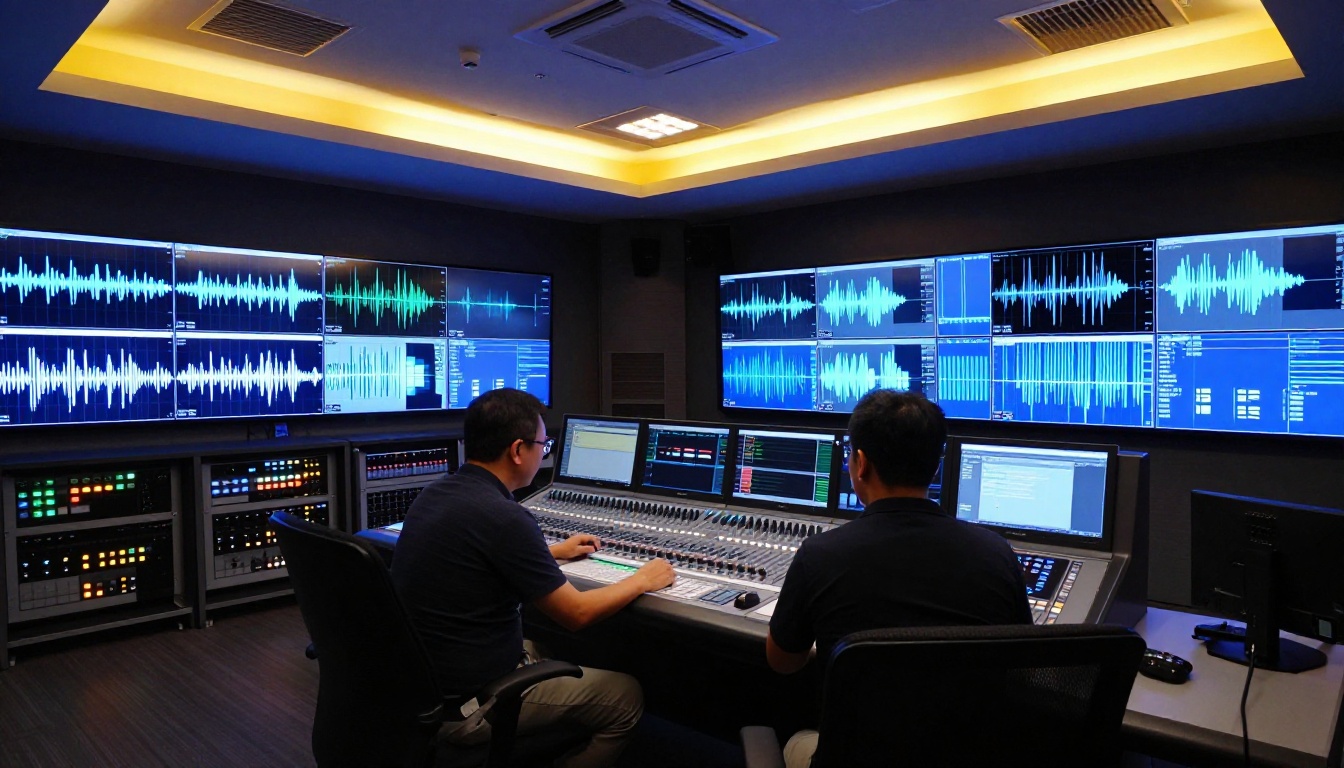
3 Common Mistakes with Audio-Video Generation
Over-describing the Soundtrack
When creators first encounter audio-capable models, they often try to describe the audio in explicit technical detail. "Play a piano melody in C major at 120 BPM with reverb" usually produces worse results than "a pianist practices alone in a quiet rehearsal room in the evening." The model infers music from scene context better than from abstract audio specifications.
Ignoring Scene Pacing
Kling 3.5 generates audio that matches the implied pace of the scene. If your prompt describes a slow, contemplative moment but also specifies rapid-fire dialogue, the model struggles to reconcile the conflicting pacing signals. Match the energy of the visual description to the energy of any speech or action you want the audio to reflect.
Resolution Mismatch
Audio generation quality is partially tied to video resolution. Generating at lower resolution while expecting broadcast-quality audio produces inconsistent results. On PicassoIA, Kling v2.1 Master and Kling v3 Video both offer 1080p output, which gives the model the visual fidelity needed to produce matching audio quality. Dropping to very low resolution and upscaling later can make the audio feel disconnected from the visual.
What's Next for AI Audio-Video
Where Kling Is Heading
The progression from Kling v1.5 through v2.x to v3.x and 3.5 shows a consistent pattern: each generation improved motion coherence first, then added audio capabilities that built on the stronger visual foundation. The audio in Kling 3.5 is notably better than in Kling v2.x precisely because the visual motion is more realistic — the model better captures what physical actions sound like because it represents them more accurately in the visual domain.
The next frontier is controllable audio generation: creators specifying audio elements independently (keep the ambient sound, replace the dialogue, add a music layer) without breaking the sync relationship between remaining audio and video. Models like Pixverse v6 are already experimenting with this, and Hailuo 02 offers 1080p output with consistent audio that hints at where the field is heading.
Audio-video generation is also moving toward longer clip lengths with maintained sync. Current models excel at 5-10 seconds. Sustaining precise sync across 30-60 seconds of generated content with continuous speech, moving cameras, and multiple scene cuts remains an open problem. Teams working on models like LTX 2.3 Pro and Veo 3.1 are actively pushing those limits.
Try It Right Now on PicassoIA
If you've been generating silent video clips and layering audio by hand, Kling 3.5's joint generation approach cuts that workflow down to a single step. The best way to see what the model does is to run a scene prompt that would normally require both video and audio editing: a person speaking, an event with distinct sounds, or an environment with rich ambient texture.
PicassoIA hosts Kling v3 Video, Kling v3 Omni Video, and Kling v3 Motion Control alongside the full range of audio-enabled models including Veo 3, Seedance 2.0, and Flux 3. You can compare outputs across models on the same prompt without managing separate API accounts.
Start with a scene that has an obvious sound — footsteps on gravel, a bell ringing, a crowd reacting — and see what the model returns. The gap between that output and what you'd spend hours assembling manually tells you everything about why joint audio-video generation matters. Pick a Kling model, write a scene, and let the output speak for itself — literally.