The whole lipsync AI space has been moving fast, and Kling v3 sits near the top of most lists right now. Its 18+ avatar mode in particular gets a lot of questions: does it actually work differently from the standard mode, what kind of realism can you expect, and what are the real-world limitations? This article breaks it all down without the hype.
What Kling v3 Avatar Lipsync Actually Is
Kling v3 is a video generation model developed by KwaiVGI, Kuaishou's AI research arm. While the model is best known for cinematic text-to-video output, its lipsync and avatar animation capabilities have become a major use case, especially for creators working with talking head videos.
The Kling Lip Sync tool applies the model's mouth-tracking and phoneme-synthesis technology to existing video or avatar images, driving realistic lip movement from an audio input. The 18+ designation refers to content policies: unlike the standard mode, the 18+ tier accepts adult avatar inputs and removes certain aesthetic restrictions around skin exposure, intimate settings, and suggestive expression.
How the Technology Works
At its core, Kling v3's lipsync system works through a combination of:
- Phoneme detection: The audio input is parsed into phoneme segments, the individual sound units of speech.
- Facial landmark tracking: Key points on the face, particularly around the lips, chin, and jaw, are mapped and animated per phoneme.
- Temporal coherence: A diffusion-based module ensures that frames transition smoothly rather than producing the jerky mouth movement common in older systems.
- Identity preservation: The avatar's face, skin tone, and surrounding features remain consistent across all frames, even during fast or complex phoneme sequences.
Kling v3 improved substantially on these four pillars compared to earlier versions. The temporal coherence module in particular was rebuilt, addressing the biggest visual complaint about v1.5 and v2.x lipsync output.
Why 18+ Mode Changes the Output
The difference between standard and 18+ mode is not purely content-related. Several technical factors shift:
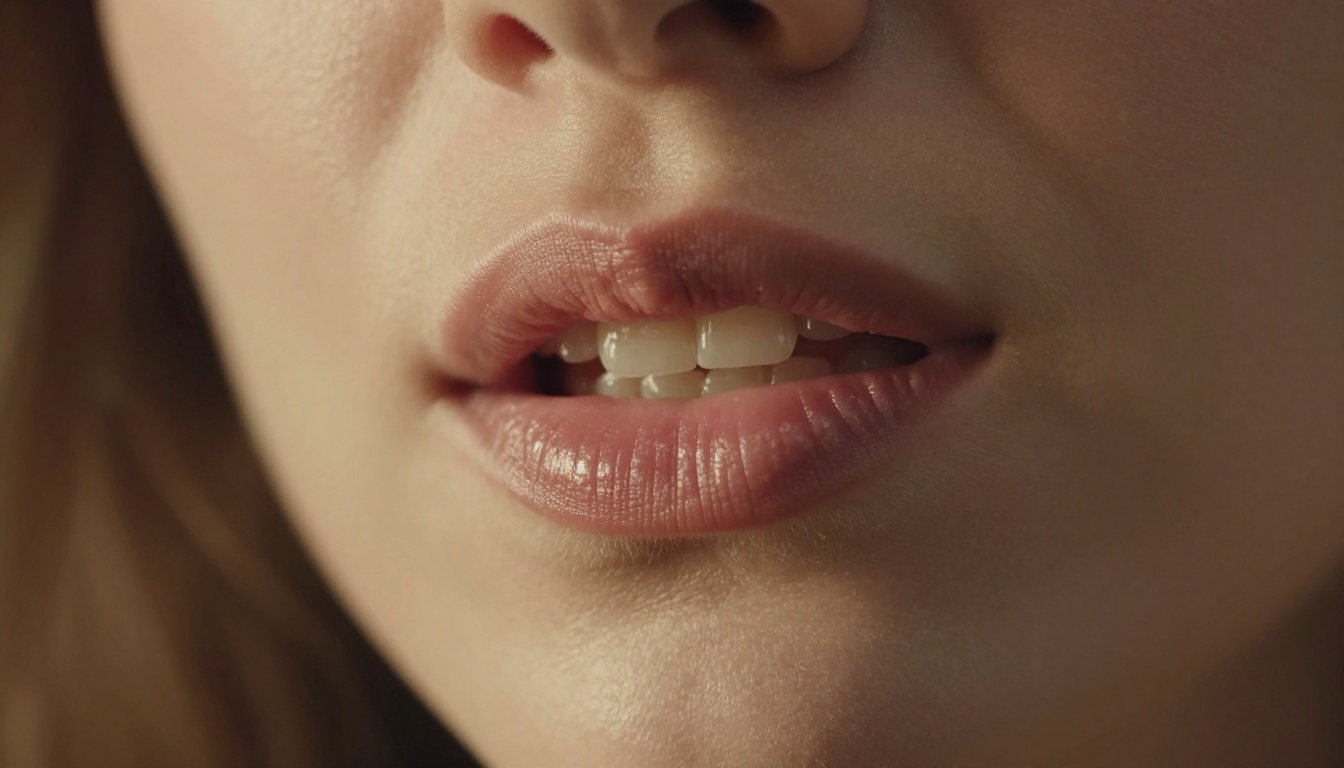
- Skin rendering detail: Standard mode applies conservative smoothing to avoid accidental explicit output in edge cases. The 18+ tier removes that post-processing filter, resulting in more realistic skin texture, micro-expression creases, and collarbone detail.
- Expression range: The phoneme-to-expression mapping is wider in 18+ mode. Standard restricts certain mouth-open positions and tongue visibility. The 18+ tier removes those guards.
- Input image acceptance: Some avatar photos are rejected by the classifier in standard mode because of clothing, pose, or partial nudity. The 18+ mode classifier is tuned to accept a much wider range of avatar inputs.
What You Actually Get
Let's go feature by feature through what Kling v3's 18+ avatar lipsync delivers in practice.
Mouth Sync Precision
Very good for English and Mandarin. Acceptable for major European languages. Poor for highly tonal languages with rapid phoneme switching.
In practice, Kling v3 handles English speech at a level that is convincingly human at normal viewing speeds. At slow playback (0.5x), you can spot the occasional frame where the lip shape doesn't quite match the phoneme, but at regular speed the illusion holds well.
Mandarin support is strong, which makes sense given KwaiVGI's origin. Spanish and French perform reasonably. Arabic and highly tonal Southeast Asian languages show more inconsistency.
For vocal content like singing, accuracy drops noticeably. The model wasn't trained on singing-optimized datasets and it shows: vowel stretches during held notes produce lip positions that drift from realistic, and rapid syllable sequences in uptempo songs create visible stutter artifacts.
💡 Tip: For singing lipsync, test with slower-tempo audio first. If output is still unreliable, Sync Lipsync 2 Pro or React 1 by Sync Labs handle musical content better.
Avatar Photo Requirements
This is where many users run into problems. Kling v3 lipsync requires:
| Requirement | Spec |
|---|
| Face orientation | Near-frontal (max ~30° rotation) |
| Face resolution | 512px wide minimum, 1024px+ recommended |
| Face occlusion | Minimal: no sunglasses, masks, heavy hair overlap |
| Lighting | Even or side-lit. Avoid extreme chiaroscuro |
| Expression | Neutral or slight smile. Avoid teeth-showing grins |
| Image format | JPG or PNG, under 10MB |
For 18+ content specifically, the avatar photo can show:
- Lingerie, swimwear, or partial nudity (non-explicit)
- Suggestive poses and expressions
- Intimate settings like bedrooms, pools, or studio environments
What it still won't accept even in 18+ mode: explicit nudity or sexual acts, multiple faces in the primary avatar image, heavily blurred or artistic-filter imagery, and faces with strong cosmetic filters that confuse the landmark system.
Audio Input Flexibility
Kling v3 accepts:
- MP3, WAV, M4A, AAC files up to 60 seconds
- Single speaker only (multi-speaker audio produces degraded output)
- Recommended sample rate: 44.1kHz or 48kHz
- Maximum file size: 20MB
💡 Tip: Remove background music before uploading. Music bleeds confuse the phoneme detector and produce random mouth shapes. Use a vocal isolation tool first.
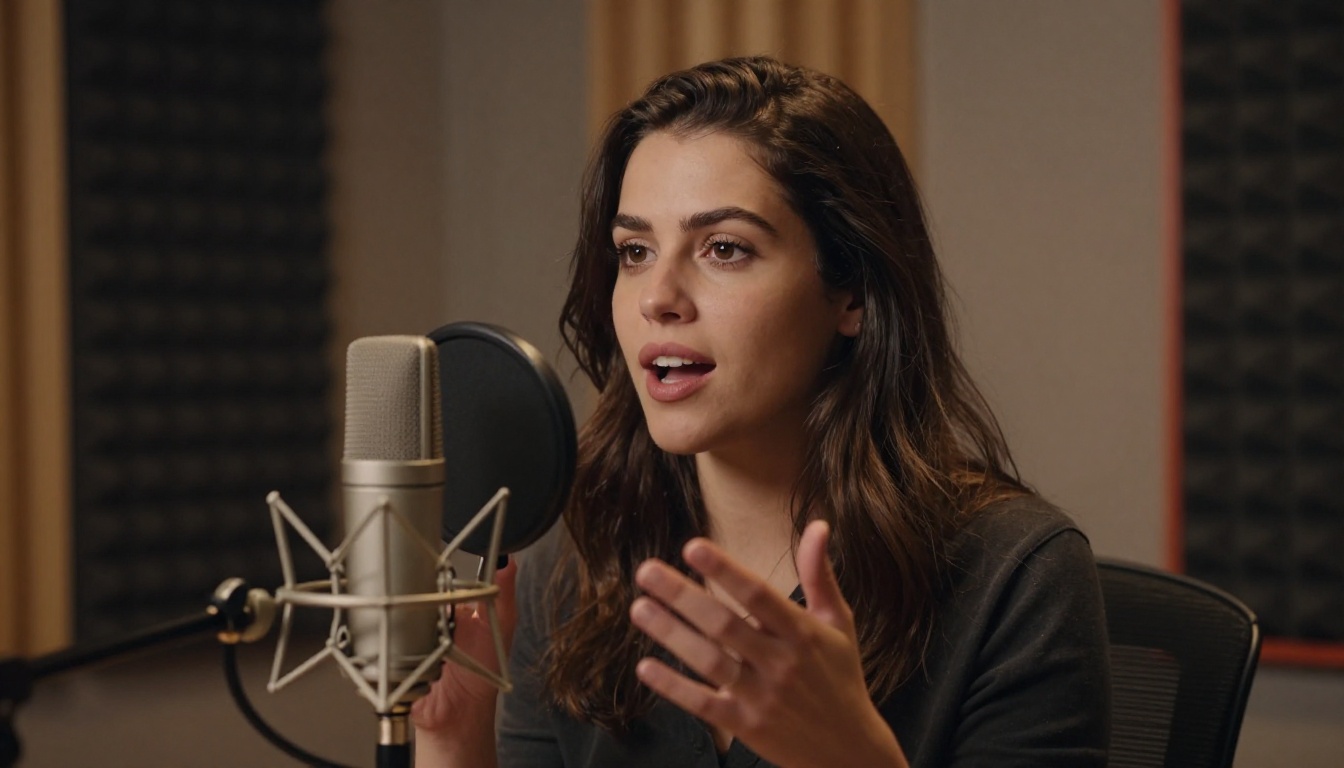
The model handles voice-over narration, scripted dialogue, and natural conversation audio well. AI-generated speech produces the cleanest results because it has consistent timing and zero background noise.
Kling v3 vs. Older Versions
What v3 Fixed
The jump from v2.1/v2.6 to v3 is meaningful for lipsync specifically:
Temporal coherence is the headline improvement. V2.x users frequently saw flickering around the jaw and lower cheek between frames, even when the mouth shape itself was correct. V3 solved this by introducing a flow-consistency loss during training that enforces smoother transitions.
Identity drift was reduced significantly. In long sequences (30-60 seconds), v2.x avatars would gradually drift in facial proportions, skin tone, or hair placement. V3 stays stable across the full supported clip length.
Expression micro-detail improved throughout. The area around the eyes, brow, and nasal bridge now responds subtly to phoneme transitions in a way that reads as natural human expression rather than a static face with moving lips. This makes 18+ content feel considerably more realistic.
Still-Missing Features
Despite the improvements, Kling v3 lipsync doesn't do:
- Head movement: The avatar's head stays in place. You won't get natural nodding, tilting, or swaying during speech.
- Blinking control: Blinks happen at fixed intervals regardless of audio energy, which can look robotic during intense speech segments.
- Body animation: Only the face is animated. The rest of the avatar image remains static.
- Real-time processing: Generations are asynchronous. Expect 30-120 seconds depending on clip length and server load.
| Feature | Kling v3 | Omni Human 1.5 |
|---|
| Head movement | No | Yes |
| Body gesture | No | Yes (limited) |
| 18+ content | Yes | No |
| Temporal coherence | Excellent | Very good |
| Audio language range | Wide | Wide |
For full-body animation with voice sync, Omni Human 1.5 by ByteDance is the stronger option, though it operates under stricter content policies.
How to Use Kling Lipsync on PicassoIA
Kling Lip Sync is available on PicassoIA without local setup or API keys. Here's the exact workflow:
Step-by-Step Process
1. Prepare your avatar image
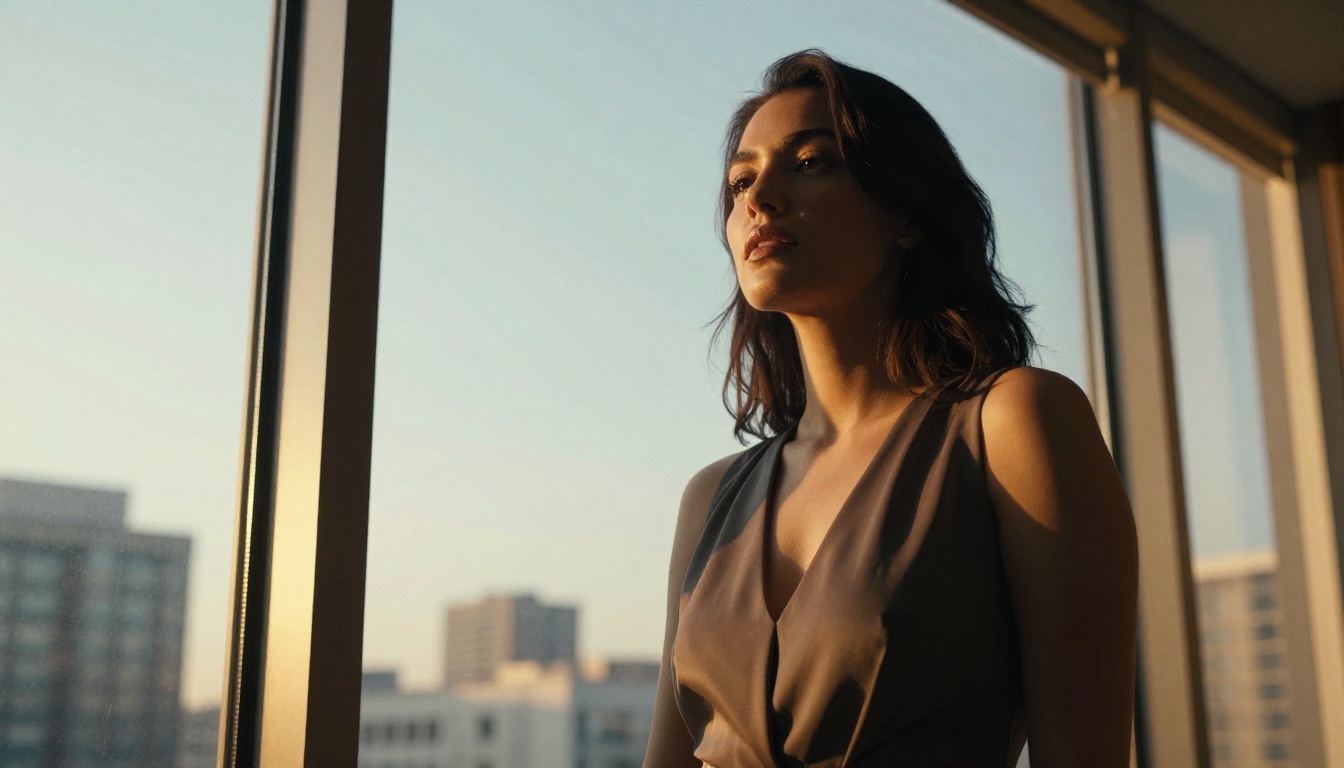
Start with a frontal or near-frontal photo, minimum 1024px wide. For 18+ content, make sure the image is non-explicit but can be suggestive. Good lighting and a neutral or slight expression will give the cleanest lipsync result.
2. Prepare your audio
Clean, single-speaker audio works best. If you're generating voice with an AI model, export the audio at 44.1kHz as a WAV file. Remove any background music or ambient noise first.
3. Open the tool
Navigate to the Kling Lip Sync model on PicassoIA. You'll see input slots for the avatar image and audio file.
4. Upload and configure
Upload your avatar photo and audio. Select the 18+ mode toggle if available and if your content qualifies. Leave other settings at default unless you have a specific reason to change them.
5. Generate and review
Submit the generation. Depending on server load, expect results within 30 to 120 seconds. Preview the output, check lip sync at normal and at reduced playback speed.
6. Retry if needed
If the first generation has artifacts around the jaw or shows drift, try cropping the source image to emphasize the face more centrally, or adjust the audio to remove any silent gaps longer than 2 seconds.
Tips for Better Results
- Neutral base expression wins: A face with teeth showing in the source image gives the model less room to work with. A relaxed, slight smile produces the most natural transitions.
- High contrast audio helps: Speech that varies in volume (not monotone) gives the phoneme detector cleaner signal.
- Keep clips under 30 seconds: Longer clips amplify any identity drift that remains in v3. Break long scripts into 20-30 second segments and stitch the output.
- Use AI-generated voice for best sync: AI voice tools produce clean, timed audio that syncs with near-perfect accuracy.
HeyGen Precision vs. Speed
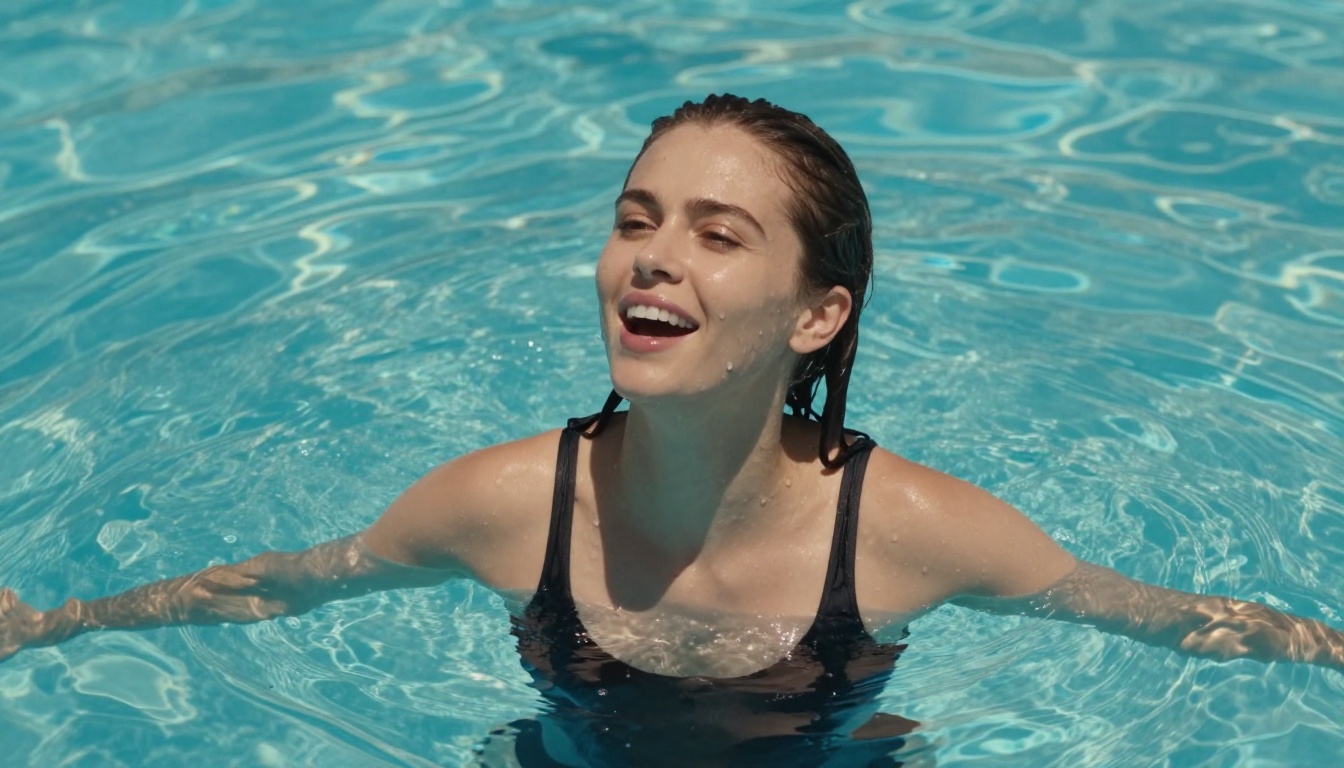
HeyGen offers two lipsync models on PicassoIA: Lipsync Precision and Lipsync Speed. As the names suggest, Precision prioritizes quality and Speed prioritizes throughput.
HeyGen's models are excellent for corporate and business content, with a high floor on quality. However, they operate under stricter content policies and are not suitable for 18+ avatar content.
Sync Labs Models
Lipsync 2 and Lipsync 2 Pro from Sync Labs are the strongest competitors for pure phoneme accuracy, particularly for complex audio with multiple speakers or music. The Pro tier handles singing significantly better than Kling v3.
The tradeoff: Sync Labs products don't support 18+ content and have more rigid avatar requirements, primarily designed for clearly-lit, studio-quality face images.
React 1 by Sync Labs adds reactive micro-expressions beyond just lip movement, making it ideal for emotional monologue content. Again, no 18+ support.
ByteDance Omni Human
Omni Human 1.5 is the most capable tool for full-body animation synchronized with speech. If your use case involves a character in motion, gesturing while speaking, or reacting physically to audio energy, Omni Human is the right pick.
For adult content creators who need 18+ flexibility but want body animation, the current workflow is: generate the avatar image, apply Kling Lip Sync for face animation, and accept the static body limitation. Omni Human-quality body animation with 18+ support doesn't exist in one model yet.
What to Pair It With
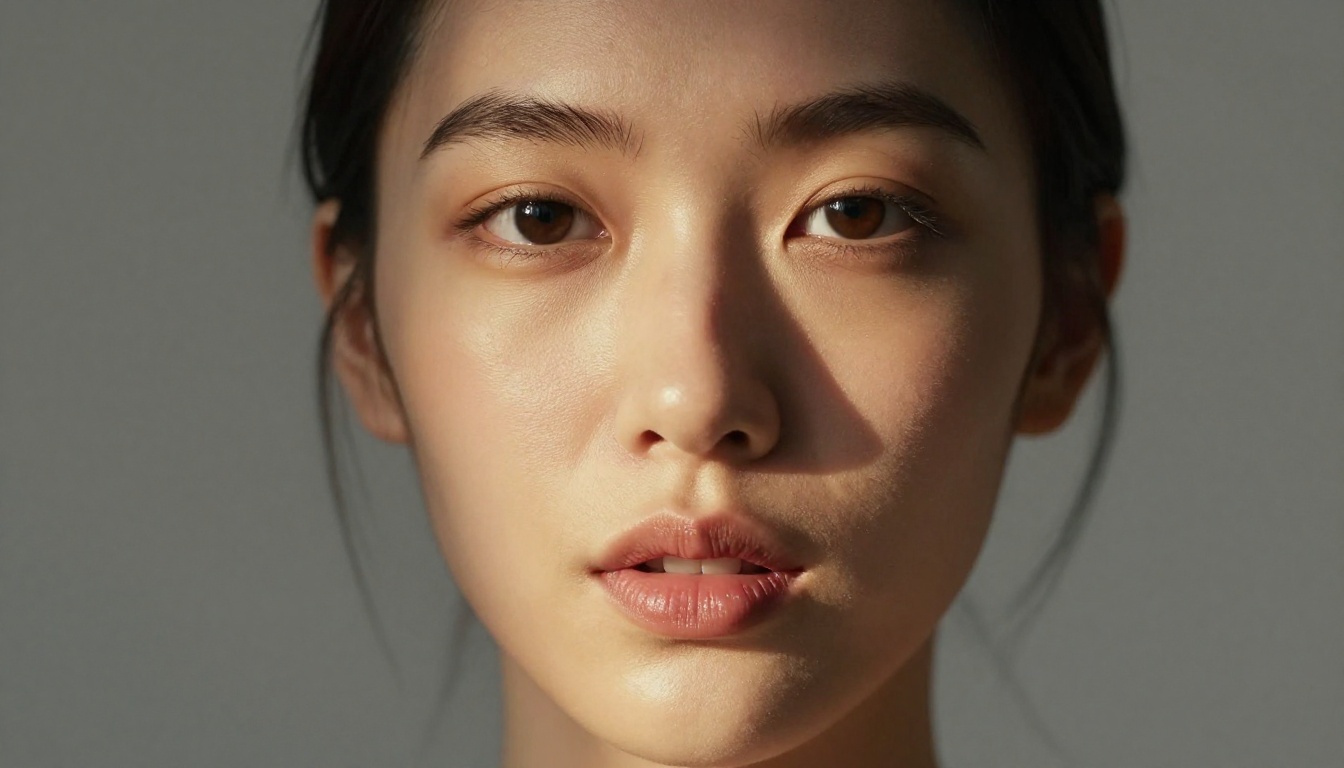
Getting great lipsync output depends on starting with a strong avatar image. This is where most creators invest too little time.
Generating the Right Avatar Image
PicassoIA offers a wide range of text-to-image tools that accept adult content generation. For avatar images destined for lipsync, the priority is generating a portrait with:
- Frontal or slight three-quarter face angle
- Clean, resolved skin texture (not overly smooth or airbrushed)
- Neutral to light expression (no wide tooth-showing smile)
- Even or side-directional lighting
- No heavy makeup filters or digital beautification effects
The P Video Avatar tool is also worth exploring for creating talking head source videos directly, which can then be extended or used as reference.
The Kling Avatar v2 model pairs naturally with the lipsync workflow, generating animated avatar outputs that can serve as base clips for further voice synchronization.
For a full list of text-to-image and avatar-generation models available on the platform, visit picassoia.com/en/all-models.
Adding Voice with Text-to-Speech
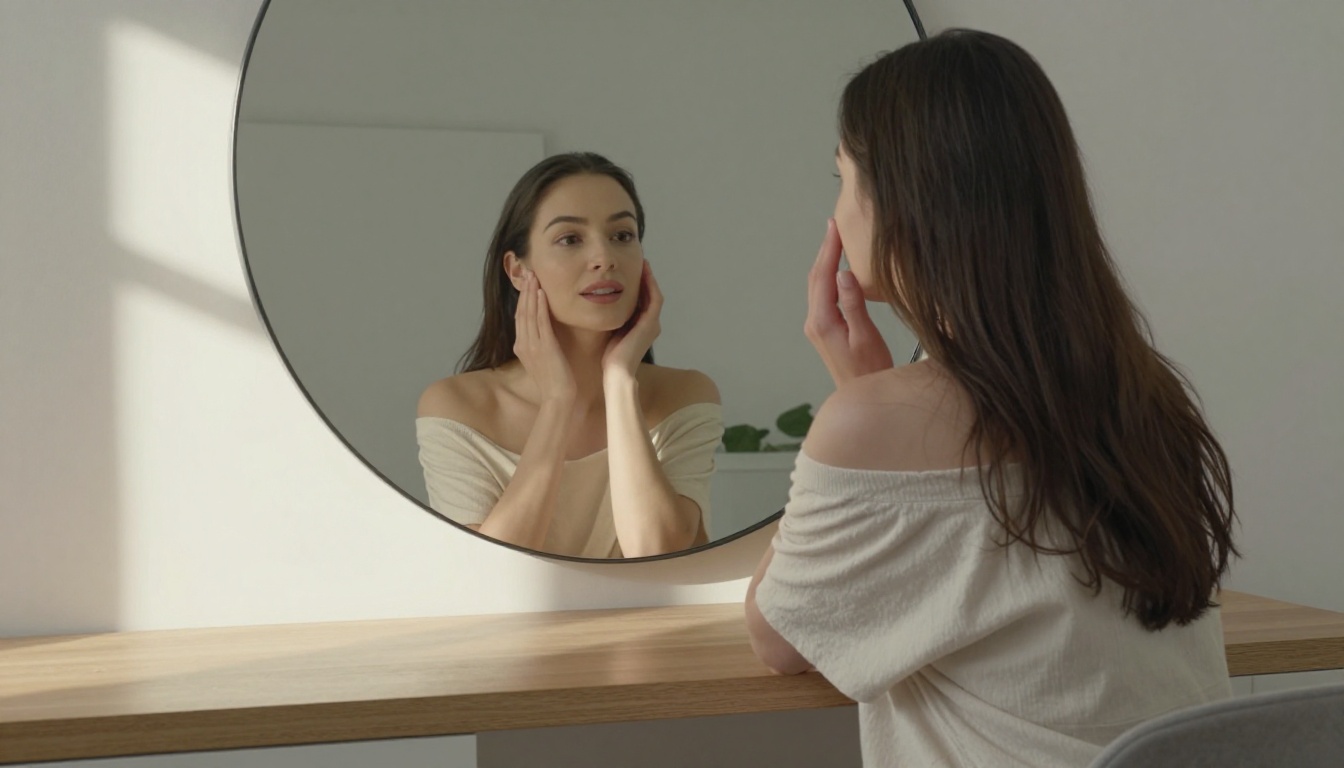
The cleanest audio input for Kling v3 lipsync is AI-generated voice. AI TTS outputs have consistent timing, zero background noise, and controlled pacing, all of which the phoneme detector reads clearly.
PicassoIA's text-to-speech options let you select voice profiles, adjust pacing, and export at lipsync-ready quality. The resulting audio slots directly into the Kling Lip Sync workflow without any preprocessing.
For multilingual avatar content, the combination of TTS audio with native speaker voice profiles plus Kling v3 lipsync produces output that can pass for authentic across a wide range of audiences.
Fabric 1.0 and PixVerse: Smaller Alternatives
Two additional lipsync options worth knowing:
Fabric 1.0 by Veed makes still photos talk, similar in concept to Kling's avatar mode. The output quality sits somewhat lower, but generation speed is faster and it handles portrait images with less strict requirements.
PixVerse Lipsync offers fast, high-quality sync for standard content. Its strength is integration with PixVerse's video ecosystem, making it straightforward if you're already using PixVerse for other video work.
Neither supports 18+ content, but both are worth bookmarking if you ever need quick SFW avatar lipsync at scale.
Rounding out the picture, Kling v3 Video and Kling v3 Omni Video extend the same generation engine into longer-form cinematic video, useful when you want to produce a full scene rather than a single talking head.
Try It Right Now on PicassoIA
Kling v3 18+ avatar lipsync is one of the more capable tools available for adult creator workflows. The phoneme accuracy in English and Mandarin is genuinely impressive, the identity stability across long clips is the best from any Kling release so far, and the 18+ tier removes enough restrictions to make it practical for content types that other platforms simply reject.
The easiest place to run it is PicassoIA, which wraps the Kling Lip Sync model in a clean interface alongside text-to-image tools for avatar generation, text-to-speech for audio prep, and a full suite of video generation models for extending your content beyond single talking-head clips.
If you want to see the platform's full lipsync catalog, browse picassoia.com/en/all-models. Between HeyGen, Sync Labs, ByteDance's Omni Human, and the Veed and PixVerse options, PicassoIA gives you the widest range of lipsync approaches in one place, no switching between platforms, no fragmented subscriptions.
Start with a strong avatar image, pair it with clean audio, run it through Kling Lip Sync, and see what you actually get.


