Controlling how an AI character moves has been the hardest problem in generative video. You can prompt a model to produce a beautiful scene, but making a specific character walk a specific way, reach toward something naturally, or perform complex choreography without looking robotic? That historically required expensive software, professional animators, or significant post-production. Kling v3 Motion Control changes that entirely.
Released by Kuaishou Technology (KwaiVGI), Kling v3 Motion Control introduces a precision motion path system that lets creators define exactly how characters move, frame by frame, without content filters blocking the output. This is not a minor update to the Kling line. It is a fundamentally different way to work with AI-generated characters, and the uncensored output capability is what sets it apart from every competing tool.
Why Motion Control Matters
From Text Prompts to Movement Blueprints
Before motion control, video generation worked one way: write a prompt, receive a video, accept whatever motion the model decided was appropriate. Sometimes the result was good. More often, characters moved in ways that felt generic, off-axis, or physically implausible. Arms passed through bodies. Walks lacked rhythm. Dance moves collapsed into shuffles.
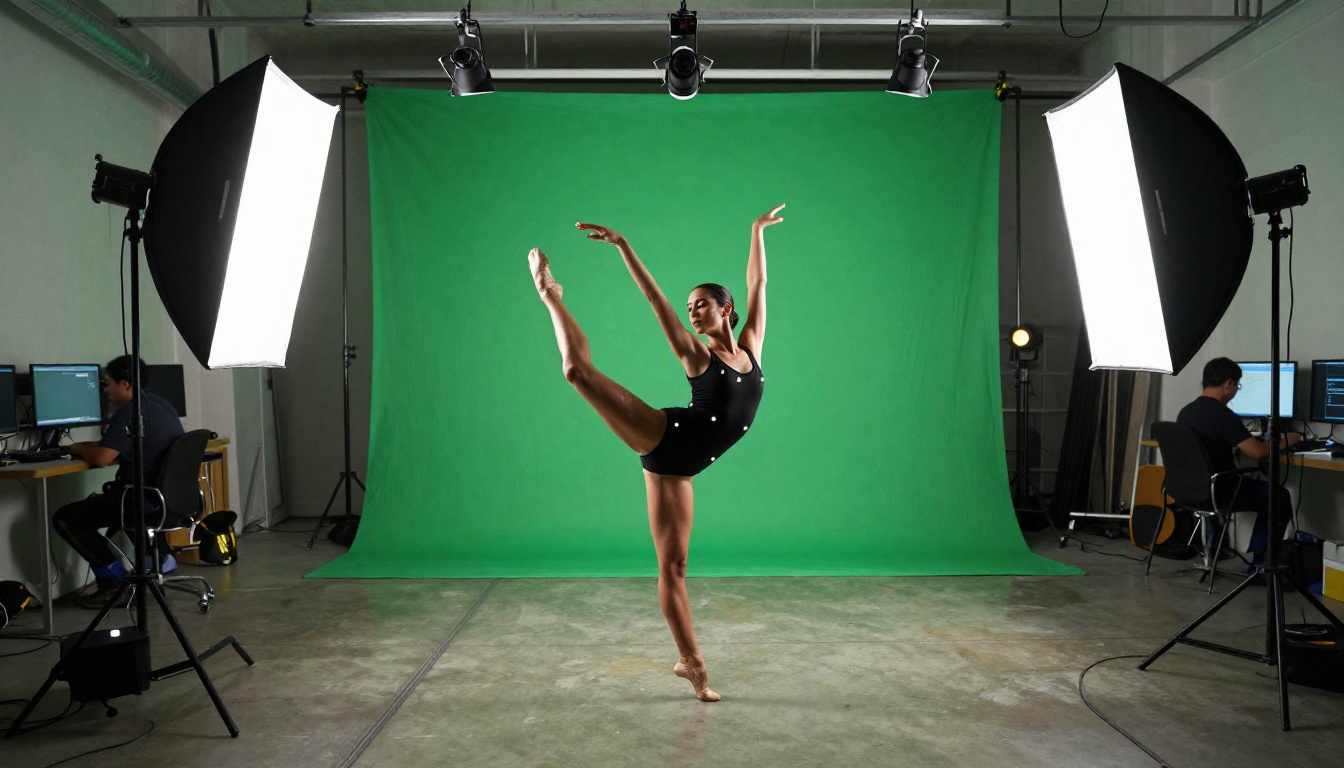
Motion control solves this by separating the "what" from the "how." You still prompt for the subject and environment, but you also provide explicit movement data: trajectory paths, body pose anchors, and motion intensity curves that the model follows during generation. The result is a character that moves exactly the way you intended, not the way the model guessed.
The Uncensored Advantage
Most motion AI tools impose content restrictions that make character animation for adult or suggestive content impossible. Platforms scrub prompts, refuse to generate certain body positions, or apply automatic censorship filters that blur or block results. For artists, filmmakers, and creators working in fashion, adult entertainment, or artistic nudity, this is a dead end.
Kling v3 Motion Control does not apply these restrictions. The model generates character animations based on your motion data and visual prompts without content filters interfering. This is the core reason why unrestricted character animation workflows have shifted toward the Kling v3 line specifically.
💡 What "uncensored" actually means here: The model generates the animation you prompt for. Responsibility for how the output is used belongs entirely to the creator. PicassoIA gives you the tool. How you apply it determines the result.
How Kling v3 Motion Control Works
The Motion Path System
At the technical center of Kling v3 Motion Control is a motion path interface. Instead of relying solely on text to describe movement, you draw or import a trajectory that the character follows. This trajectory data gets processed alongside your visual prompt, and the model synthesizes video that keeps the character aligned with the path you defined.
The system operates in two layers:
- Global motion paths: Define where the character moves within the frame (left-to-right, forward, diagonal approaches).
- Local pose anchors: Specify body-part-specific movements (arm raises, head turns, hip rotation) at specific timestamps.
The combination creates video that feels choreographed rather than generated. A character can walk toward the camera, raise both arms at the two-second mark, and turn left at the end, and the model will hit those beats.
Pose Anchoring and Trajectory Control
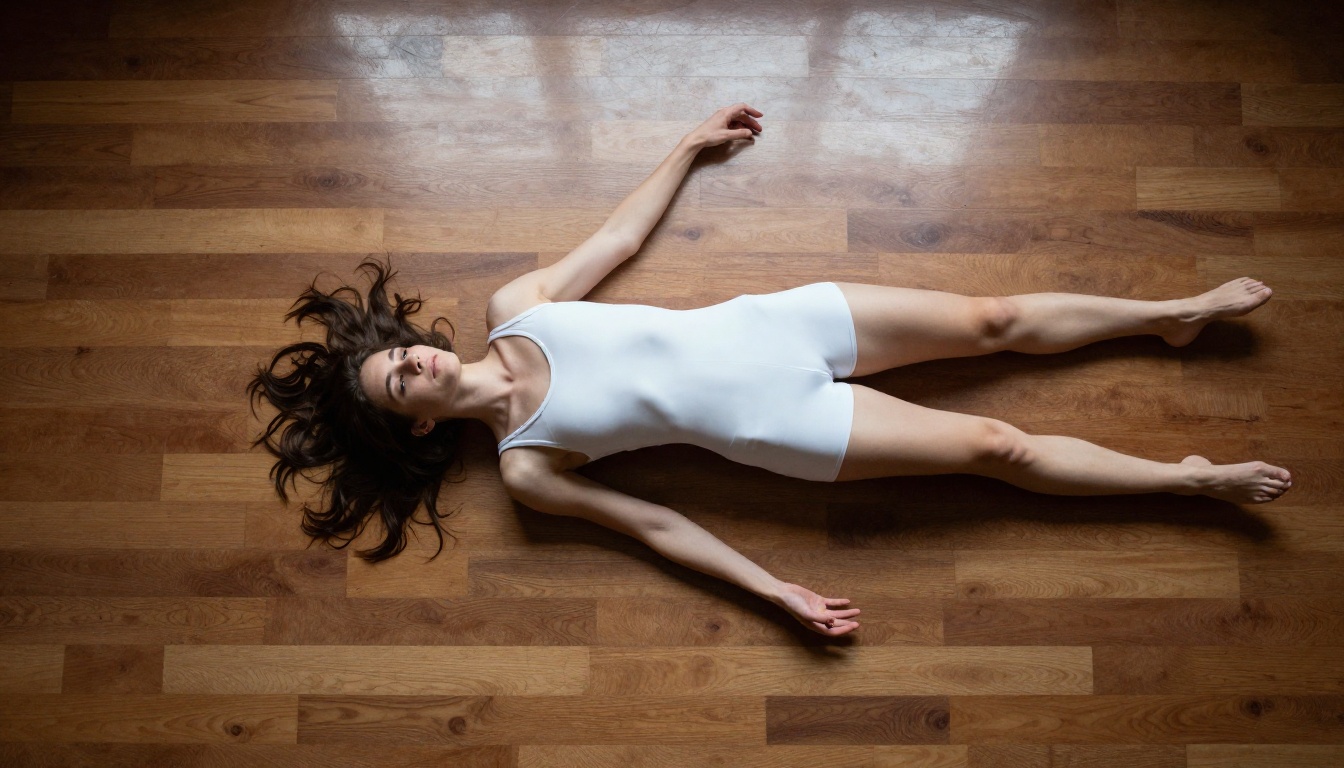
Pose anchoring works by feeding reference body positions into the generation pipeline at specific timestamps. The model uses these anchors as hard constraints, interpolating natural motion between them. This enables complex sequences like:
- A character begins in a standing neutral pose
- Transitions into a dynamic reaching gesture at second one
- Lands in a low crouching position by second three
- Rises back to standing with arms extended by second five
Without anchoring, that sequence would require five separate generations stitched together. With Kling v3 Motion Control, it is a single generation pass.
Frame-by-Frame Precision
Kling v3 operates at 24fps with a standard 5-second clip duration. At that resolution, you have up to 120 frames of motion data to work with. The model does not require input at every frame. Providing anchors at four or five specific positions is typically enough for the model to synthesize natural, fluid motion across the full clip.
This matters for uncensored character animation specifically because suggestive or athletic movements require precise body alignment. A poorly generated pose can look anatomically wrong. The motion control system gives creators enough precision to avoid these artifacts and produce output that looks intentional rather than accidental.
The Kling v3 Family on PicassoIA
PicassoIA hosts the full Kling v3 lineup, and knowing which model fits which task is important before you start generating.
For uncensored character animation, Kling v3 Motion Control is the right choice. The upgraded motion synthesis and unrestricted output in v3 are not present in the v2.x line.
How Kling v3 Compares to v2.x
The upgrade from v2.x to v3 is significant in three areas:
Body coherence: V3 maintains anatomical consistency across more complex movements. In v2.6, arm positions would occasionally drift during mid-clip transitions. V3 holds body proportions more reliably.
Uncensored fidelity: V2.x applied partial content softening even when not explicitly requested. V3 renders what you prompt without automatic moderation steps.
Motion path resolution: V3 accepts more anchor points per clip (up from 3 in v2.x to approximately 8 in v3), allowing more granular control of complex choreography.
How to Use Kling v3 Motion Control on PicassoIA
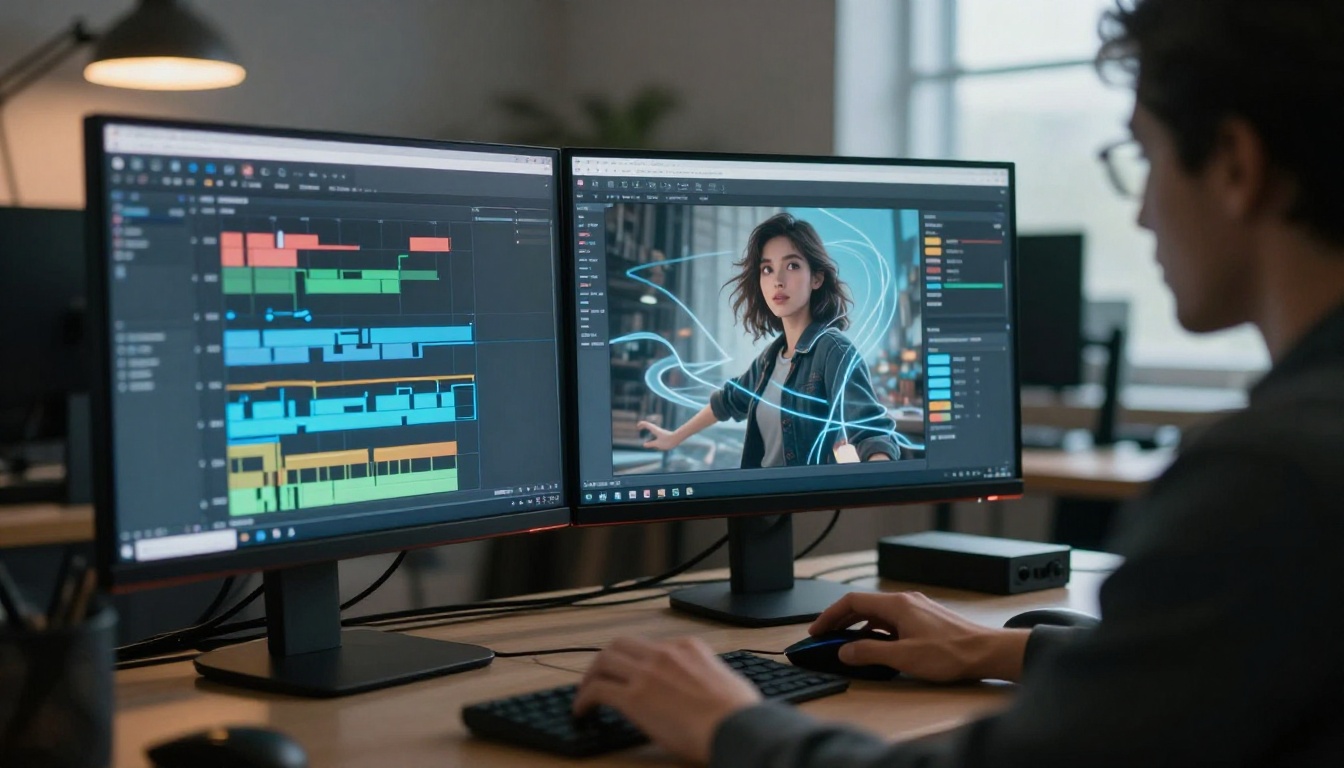
Step 1: Access the model
Navigate to Kling v3 Motion Control on PicassoIA. No installation required. The model runs entirely in-browser on PicassoIA's infrastructure.
Step 2: Create your character reference image
Kling v3 Motion Control is an image-to-video model. Start with a high-quality static image of your character. For unrestricted character visuals, generate your reference using Seedream 4.5, PicassoIA's top NSFW-compatible image model. It generates ultra-realistic characters in under 3 seconds and supports adult content without restrictions.
💡 Why start with Seedream 4.5: Your reference image quality directly affects the video output. Seedream 4.5 produces the most realistic human characters of any text-to-image model on PicassoIA, making it the ideal starting point for the image-to-video animation pipeline. Note that Seedream 5 Lite does not support NSFW content.
Step 3: Draw your motion path
In the motion control interface, draw the trajectory you want the character to follow. Use a curve for a walking arc, a straight horizontal line for a lateral move, or a Z-shape for a complex choreography sequence.
Step 4: Set pose anchors
At specific timestamps (typically second 0, second 2, and second 4-5), set body pose anchors that specify what the body is doing at each point:
- Arm position (raised, extended, crossed)
- Hip angle (neutral, tilted, rotated)
- Leg stance (standing, lunging, jumping)
- Head orientation (forward, turned, tilted)
Step 5: Write your visual prompt
Describe the character's appearance and environment. Be specific. Do not describe the motion in the prompt. The motion path and pose anchors handle that. Use the prompt for visual qualities only:
"A woman in a black satin bodysuit performing in a dramatic studio setting, directional spotlight from left, photorealistic, 8K"
Step 6: Generate and iterate
On the first pass, focus on whether the motion path is followed correctly rather than visual quality. If a pose transition looks abrupt, add an intermediate anchor between the problematic frames. Adjust motion intensity if movement is too subtle or too aggressive for your use case.
Best Models for Uncensored Character Generation
Since this workflow begins with an image and ends with video, both stages need tools that accept adult content without filtering. PicassoIA offers a full stack for this.
For the Image Stage
-
Seedream 4.5 ⭐ — The top recommendation. Accepts NSFW content, supports image editing, and generates ultra-realistic results in under 3 seconds. (Its successor, Seedream 5 Lite, does not support NSFW.)
-
PicassoIA Image Editor Pro — Img2img editing with unlimited generations on Elite and Infinite plans. Results in under 1 second, NSFW-compatible, with a free 3-generation trial requiring no credit card.
-
Qwen Image 2 — Open-source model for creating or editing any image in seconds with very detailed realism and no content blocking.
-
Grok Imagine Image — Converts any image to a bikini format in a highly realistic way. Excellent for swimwear and fashion character variations.
-
Recraft V4 — Very realistic text-to-image results with no content restrictions applied at generation.
-
P-Image — NSFW text-to-image generation in under 1 second.
For the Video Stage
Once you have your character image, these video models on PicassoIA accept uncensored content alongside Kling v3 Motion Control:
- PicassoIA Video — Unlimited video generation from text prompts, up to 720p and 5 seconds per clip.
- P-Video — Text, image, or audio to video up to 1080p, with the safety filter disabled by default.
- Grok Imagine Video — Clips up to 15 seconds from text or image, no watermarks applied.
- LTX 2.3 Pro — Highest fidelity option, up to 4K at 50fps with retake and extend editing modes.
5 Real Use Cases
Kling v3 Motion Control is already being used across these specific production scenarios:
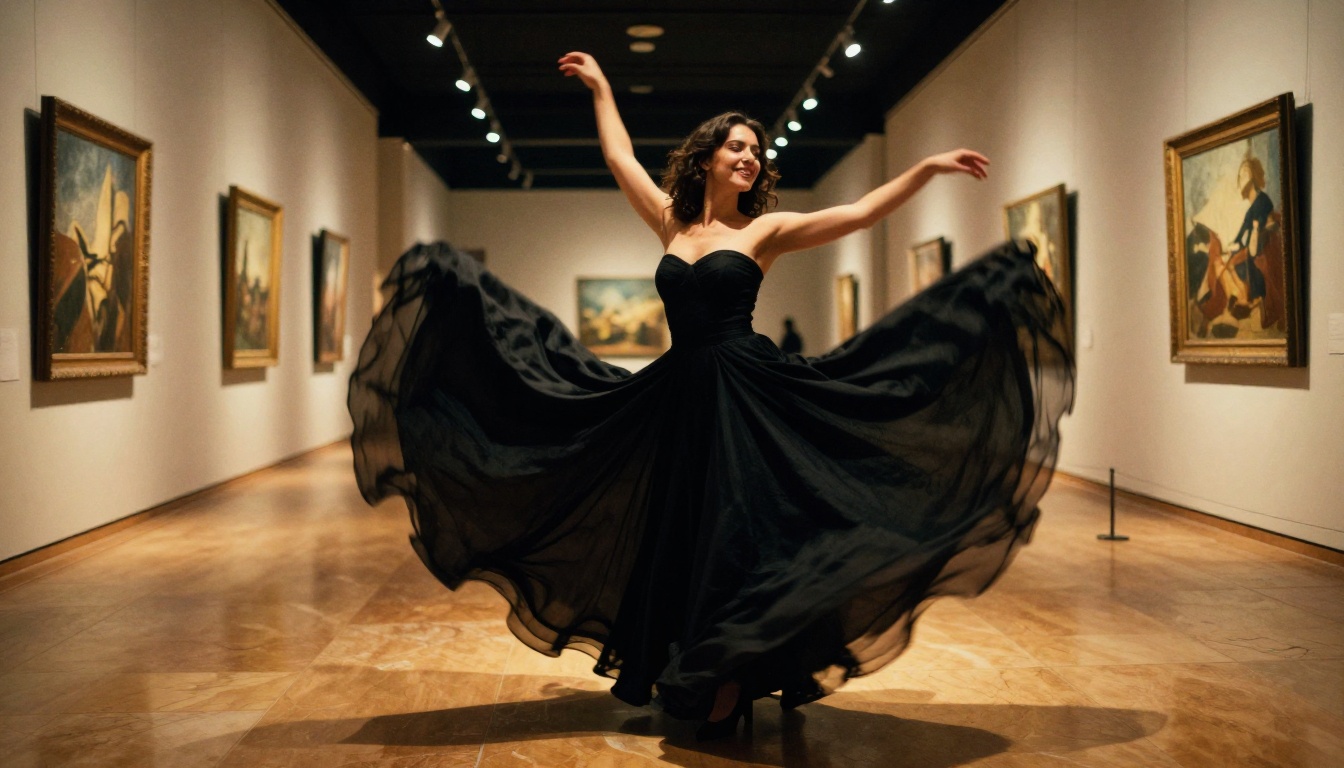
1. Fashion film production
Designers and brands use motion control to create promotional videos showing how garments move on a body. A static product photo becomes a five-second video of the garment in motion, without booking a model or renting a studio.
2. Adult content creation
Independent creators use uncensored generation to produce character animations for platforms where explicit-adjacent content is permitted. The motion control layer lets creators specify specific poses and movements that text-only prompting cannot reliably reproduce.
3. Video game character previsualization
Game studios use Kling v3 Motion Control to generate motion references before committing to full animation pipelines. A character design goes from concept art to a moving, posed video in minutes instead of weeks.
4. Music video production
Directors generate B-roll and character animation sequences for music videos where live shooting would be too expensive or logistically complex. The precise motion control creates synchronized movement that matches music tempo.
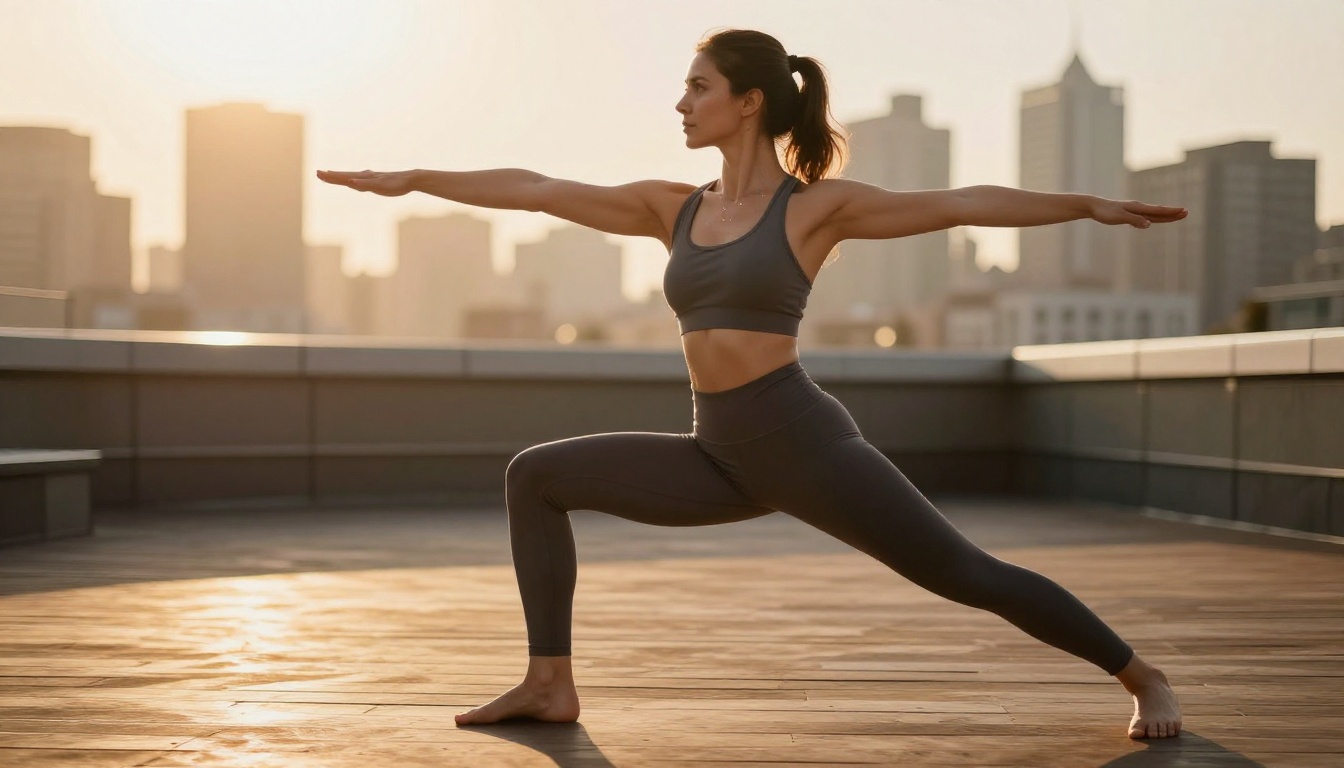
5. Fitness and athletic content
Trainers and sports brands generate demonstration videos showing exercises with photorealistic character quality. The pose anchor system is particularly useful for showing proper form at specific positions in a movement sequence.
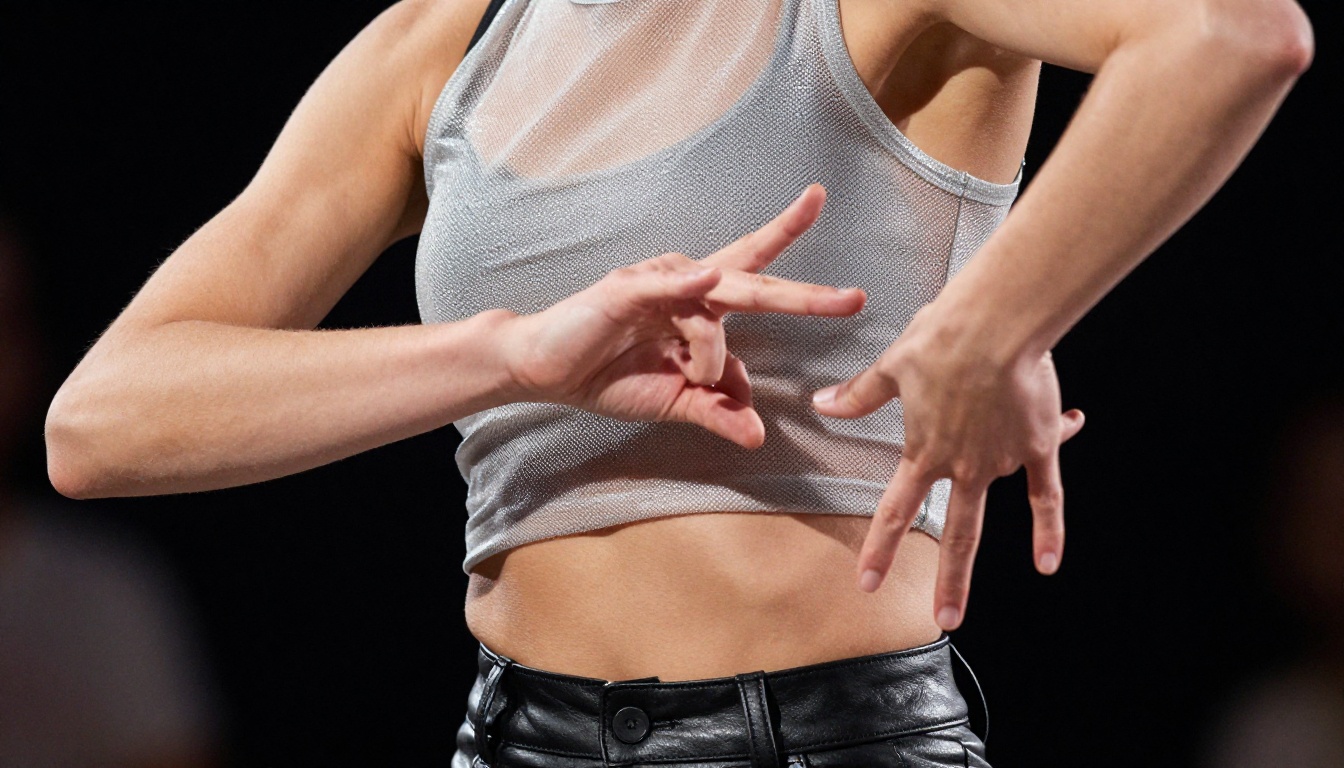
Kling v3 Motion Control is the only model in this comparison offering full motion path control and uncensored output at 1080p. That combination is what makes it the default choice for character animation without restrictions.
Prompting for Better Character Motion
What Works in the Visual Prompt
For motion-controlled generations, the prompt's job is purely visual. Describe:
- Character appearance: hair color, clothing type, body type, skin tone
- Environment: studio, beach, indoor setting, urban location
- Lighting: dramatic side light, soft diffused, golden hour, spotlight
- Camera style: close-up portrait, wide establishing shot, low angle
Avoid describing movement in the prompt. Phrases like "she walks forward" or "she raises her arms" conflict with the motion path data and create inconsistencies in the output. Let the motion control system handle movement entirely.
Prompt Structure That Produces Consistent Results
"[Character description], [clothing description], [environment], [lighting style], photorealistic, 8K, film photography aesthetic, natural skin texture, --ar 16:9"
Example:
"A tall woman with dark auburn hair, fitted black silk dress, marble interior corridor, warm split lighting from the right side, photorealistic, 8K, film photography aesthetic"
3 Common Mistakes
1. Describing motion in the prompt: Writing "she dances across the room" while drawing a motion path sends contradictory signals. Remove all motion language from the prompt.
2. Too few pose anchors: Two anchors at the start and end produce stiff, linear movement with no natural rhythm. Add at least one mid-clip anchor to create natural deceleration and acceleration.
3. Low-resolution reference images: The character reference image quality directly affects output fidelity. Always generate references with Seedream 4.5 or P-Image for maximum output quality.
Character animation is one stage in a production pipeline. PicassoIA offers several tools that pair well with Kling v3 Motion Control:
Kling Avatar v2: Animate any face into video. Use this to create talking or expressive head animations for characters you have already designed with motion control body animation.
Kling v2.5 Turbo Pro: Faster cinematic video generation for high-throughput workflows. Less precise than motion control but much faster for bulk production runs.
Kling v1.6 Pro: The earlier pro generation, still reliable for 1080p output when you want a comparison baseline or a faster queue time.
Kling v2.6: The previous-generation text-to-video model, still producing cinematic 1080p output for general character scenes that do not require motion path control.
What Creators Are Building Now
The most interesting use of Kling v3 Motion Control is not a single video. It is a workflow. Creators generate a character in Seedream 4.5, animate that character through several motion-controlled clips, and assemble a short film in post. The uncensored output means the character can be in any pose, any state of dress, performing any motion the creator specifies, across every clip in the series.
For fashion creators, this means a character can wear multiple outfits across a lookbook video. For adult content creators, it means consistent character identity across a series of scenes. For game developers, it means a character moves through multiple animation states in a single preview session without re-establishing the visual from scratch.
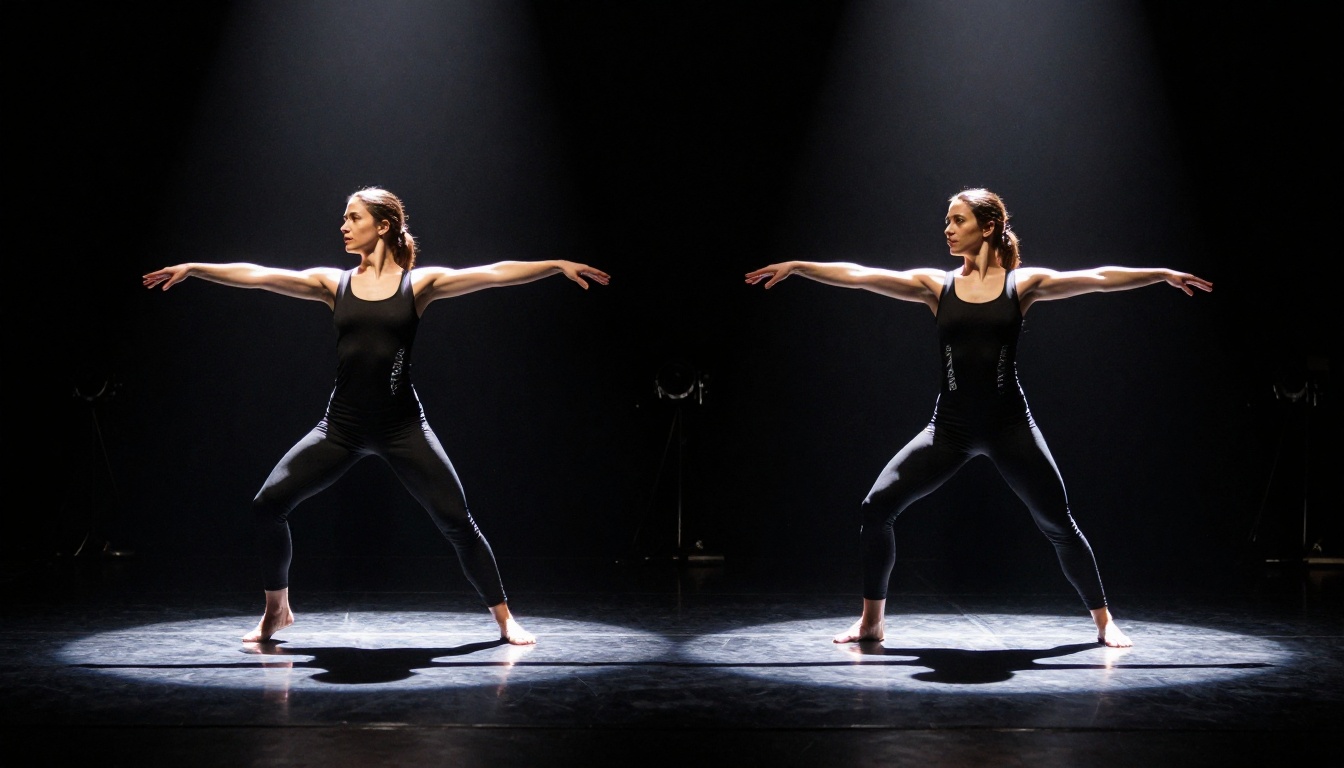
The motion control layer is what makes consistency possible. Without it, each generation produces a different character with slightly different proportions. With precise pose anchoring and a strong reference image from Seedream 4.5, Kling v3 Motion Control produces the same character, moving differently, in each clip.
Animate Your First Character on PicassoIA
Kling v3 Motion Control is available now on PicassoIA with no installation required. Start by generating your character reference using Seedream 4.5, draw a motion path for the first clip, set two or three pose anchors, and run the generation. The first result will show you what precision motion control actually changes about AI video output compared to text-only prompting.
For the image stage, PicassoIA Image Editor Pro gives Elite and Infinite subscribers unlimited editing generations with no credit-card required for the free trial. For video beyond Kling v3, P-Video and PicassoIA Video both accept uncensored content with no additional configuration.
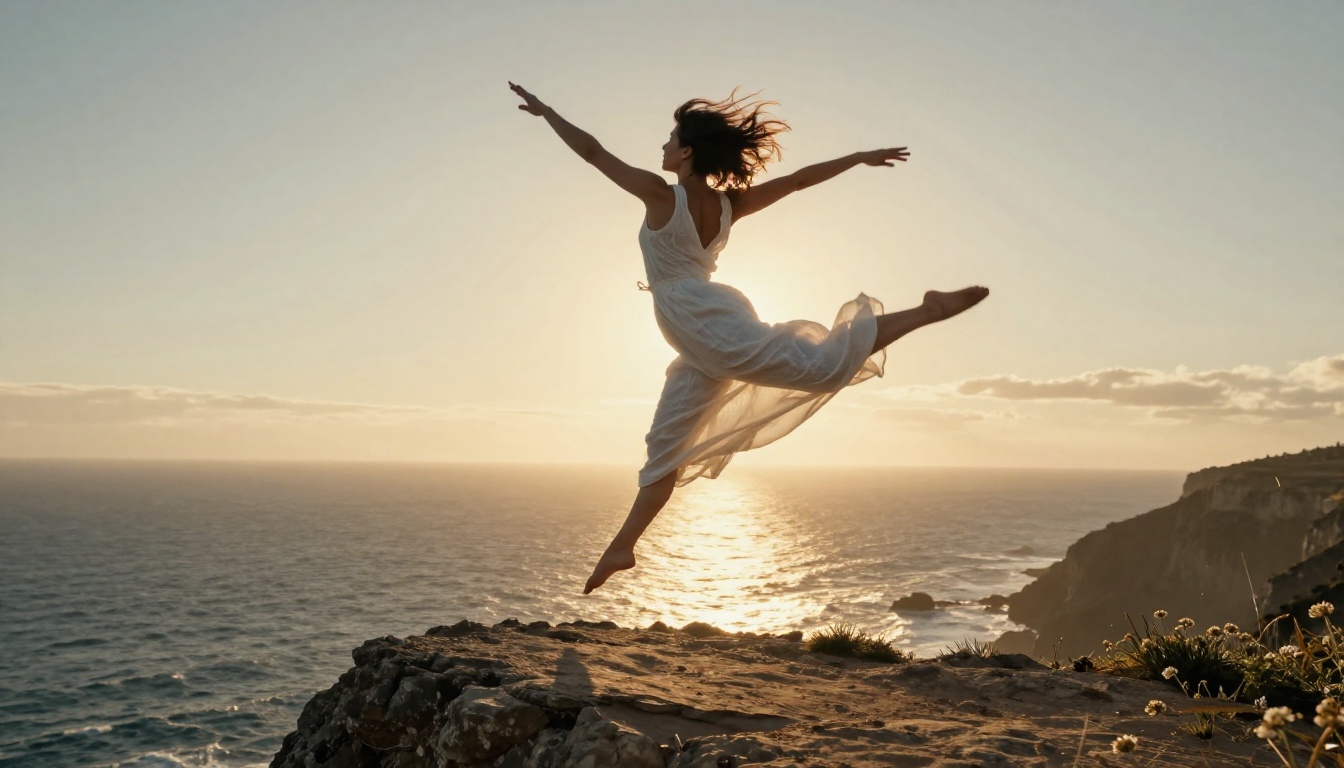
The full catalog of uncensored AI models, text-to-image tools, video generators, and character animation options is available at picassoia.com/en/all-models.


