Picking a lip sync API sounds simple until you open three pricing pages. HeyGen bills by the second of output, Kling accepts clips of 2 to 10 seconds, and Hedra prices by resolution. Meanwhile the word free appears everywhere and means something different each time. This comparison puts the real limits, the real costs and the real trade-offs side by side, so you can match the tool to the job instead of the logo.
Every number below comes from a vendor page or a hosted listing, checked in October 2026. Where sources disagreed, we say so instead of picking a winner.
💡 Short answer: Hedra is the pick for talking characters from a still photo, Kling is the cheap option for short clips with a fixed script, and HeyGen is built for dubbing real footage into other languages. If you only need to test voices and clips without writing code, the browser route is free.
What a Lip Sync API Does
A lip sync API takes a face and a voice and returns a video where the mouth matches the sound. That sentence hides two very different products, and mixing them up is the most common reason a comparison goes wrong.
Video in, video out
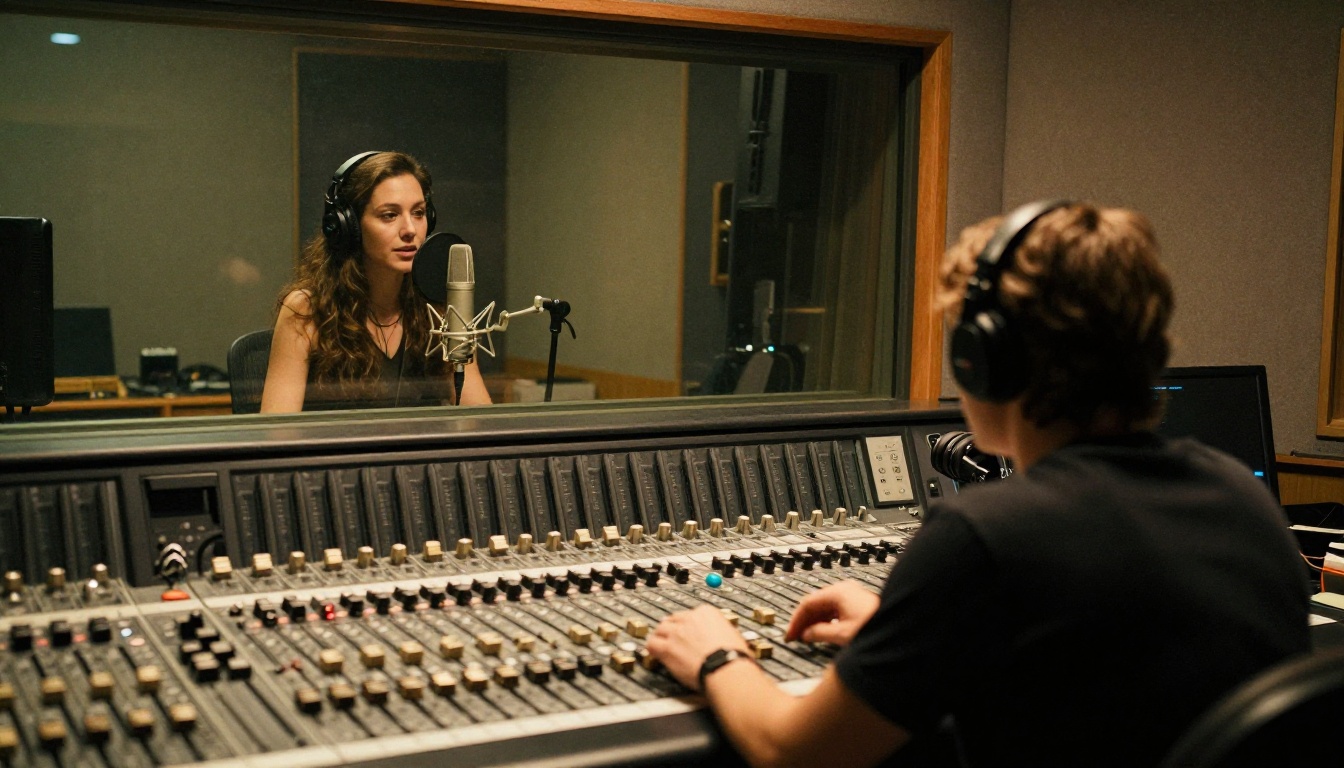
You hand over footage of a real speaker plus a new audio track, and the model rewrites the mouth region frame by frame. This is dubbing. Kling Lip Sync, the HeyGen Lipsync Precision engine and Lipsync 2 Pro all work this way. The original performance, lighting and background stay put. Only the lips change.
Photo in, video out
You hand over a single portrait and an audio file, and the model invents the whole performance: lips, head movement, blinks, expression. Hedra's Character-3, Omni Human 1.5 and Fabric 1.0 belong here. There is no source footage to preserve, which is both the appeal and the risk.
A third, quieter category skips the recording step: text in, speech and video out. Kling's text mode and Seedance 2.5 Lite both generate the voice themselves. That saves a trip to a text to speech tool, but you get less control over delivery, pacing and accent.
💡 Plan for waiting. Every serious lip sync API is asynchronous. You submit a job, poll or wait for a webhook, then download the file. One hosted Kling listing quotes roughly 12 minutes of processing per request, so a button that blocks the page until the video is ready will frustrate people.
The Free Route, Honestly
"Free" means three different things in this market, and only one of them is a real API.
- Free to try in a browser. PicassoIA lists 12 lip sync models, including Kling Lip Sync, HeyGen's Lipsync Speed, Lipsync Precision and Video Translate, Sync's Lipsync 2 and Lipsync 2 Pro, ByteDance's Omni Human, and VEED's Fabric 1.0. Many of their pages describe them as free to try online with no coding.
- Free API calls. PicassoIA's API page says predictions are currently free and use no credits, but it requires an Infinite plan. Without one, requests return a
403 plan_required error.
- Vendor trials. Other providers run their own free allowances. They change often, so read the live pricing page before you build on one.

What the PicassoIA API exposes
The API lives at https://api.picassoia.com/v1 and uses a Bearer token. It follows the familiar prediction pattern: POST /v1/models/{owner}/{name}/predictions creates a job, and GET /v1/predictions/{id} returns its status. An account can run 5 predictions at the same time, shared with any MCP connections.
Four models are available through it: picassoia/picassoia-image, picassoia/picassoia-image-editor-pro, picassoia/picassoia-video and picassoia/seedance-2.5-lite. None of them is a dedicated lip sync model. The closest is Seedance 2.5 Lite, which renders text or image to video with native synchronized audio. That is useful for generating a speaking scene from scratch. It will not re-sync the mouth of footage you already shot.
Where free stops
The 12 dedicated lip sync models run in the browser, not through that API. So the free route fits testing voices, dubbing a handful of clips and settling on a model. It does not fit an app that must lip sync on demand for its own users. For that, you need HeyGen's, Hedra's or a hosted Kling endpoint.
💡 Prototype first. Lock the voice, the clip length and the model in the browser before you write a line of integration code. Switching engines later means re-testing everything.
HeyGen: Built for Dubbing
HeyGen treats lip sync as a dubbing problem. You supply a video and replacement audio, and it re-animates the speaker's mouth to match. PicassoIA carries three HeyGen engines: Lipsync Speed, Lipsync Precision and Video Translate, which handles dubbing into more than 150 languages.

Speed or Precision
HeyGen's own description is simple. Speed is faster and gives standard lip sync quality, which suits faces that barely move and quick drafts. Precision is slower and holds up better on side angles, partly hidden mouths and final delivery files.
Both engines on PicassoIA share the same three options:
- Remove the music track from the source video before processing, so the new voice sits cleanly.
- Dynamic duration, on by default, lets the output stretch or shrink to the length of the new audio.
- Speech clarity, off by default, sharpens the voice in the final file.
What it costs
HeyGen's API is pay as you go. You prepay a balance, from $5, and each job draws it down by the second of video produced. Precision costs roughly double Speed.
We are leaving exact rates out on purpose. Published figures differ between HeyGen's help pages and third-party summaries, and we could not confirm a single table from the primary pages. Read the live pricing table before you budget.
When HeyGen is the wrong fit. If your source is a single photo, or you want an invented character instead of a real speaker, the dubbing engines are not what you need. They expect a person already on camera, and they keep that person's performance intact. For invented speakers, look at the photo-first tools further down.
Kling: Short Clips, Cheap Runs
Kling's lip sync is built for short clips, and that shapes everything about it. If your video is a 90-second explainer, you will be cutting it into pieces. If it is a 6-second product ad with a fixed line, it is almost ideal.
The hard limits
| Input | Limit |
|---|
| Video format | MP4 or MOV |
| Video length | 2 to 10 seconds |
| Video size | Under 100 MB |
| Resolution | 720p to 1080p (720 to 1920 px on a side) |
| Audio format | MP3, WAV, M4A or AAC, under 5 MB |
The fal.ai listing for the same model also accepts OGG and allows audio of up to 60 seconds. Always check the host you actually call, because limits differ slightly between platforms.
What it costs
Through fal.ai, Kling lip sync is billed at $0.014 per 5-second block of input video, rounded up. A 3-second clip bills as 5 seconds ($0.014). A 7-second clip bills as 10 seconds ($0.028). A 60-second video cut into six 10-second clips lands near 17 cents in total.
That is a very low number, and it comes with homework: you split the video, run each clip, and stitch the results while keeping lighting and framing consistent across cuts. Prices on other hosts, and on Kling's own platform, differ.
Kling also has a text mode: type a script, pick a built-in voice, and it speaks the line and syncs the mouth in one pass. The built-in voices are English and Chinese only, so for Spanish, French or Japanese you bring your own audio.
Hedra's Character-3 starts from a still image and an audio file, then builds a talking performance around them, including head motion and expression. Its own pricing page lists 2.5 cents per second at 540p, 5 cents at 720p and 6.25 cents at 1080p, with clips of up to 10 minutes. API access runs through the Hedra Developer Platform. Because the model is driven by audio, any voice source works: a studio recording, a cloned voice or a text to speech track.
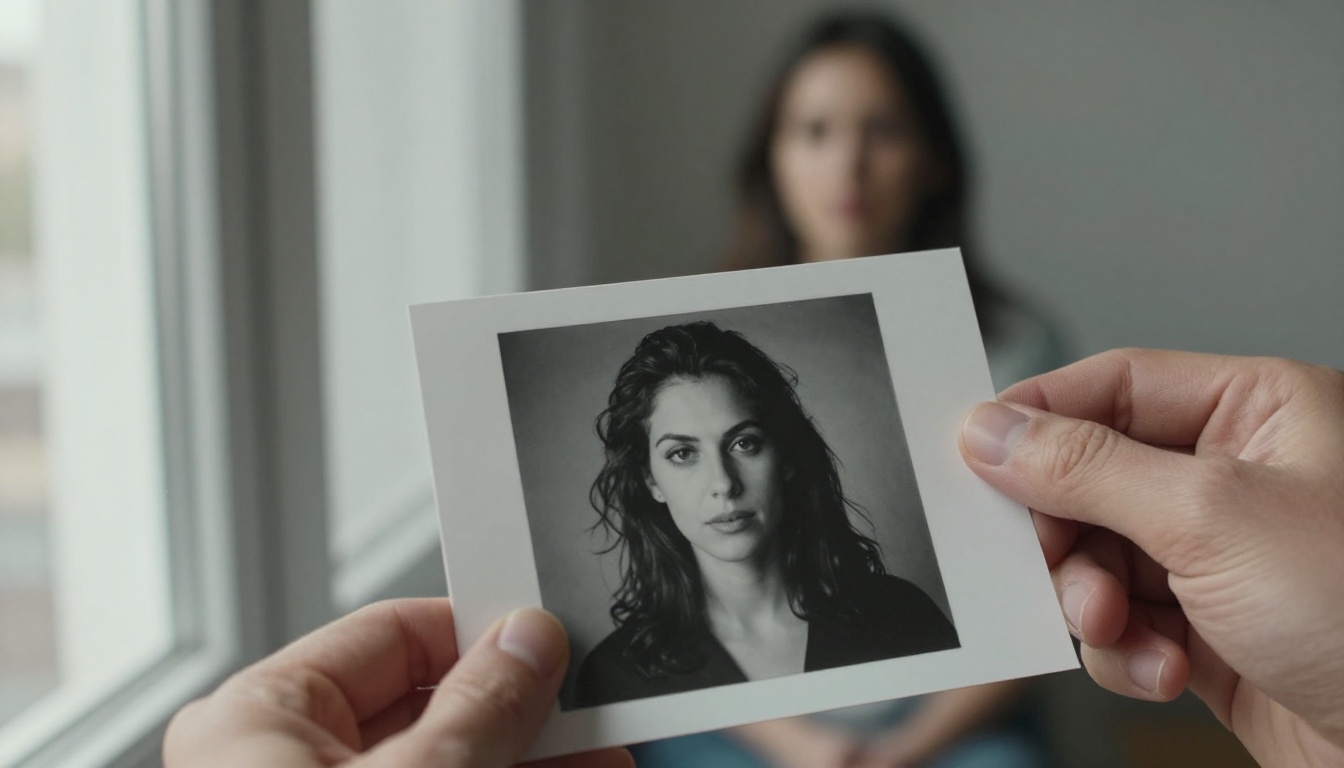
One minute of finished video therefore costs about $1.50 at 540p, $3.00 at 720p and $3.75 at 1080p. That is far above a Kling clip run, but you are paying for a full performance from one photo, with no source footage and no stitching.
Hedra is not on PicassoIA, so there is no browser version to try here. The closest photo-to-video options that are:
- Omni Human 1.5 accepts a portrait and audio up to 35 seconds, takes an optional text prompt for scene and camera direction, and has a fast mode.
- Fabric 1.0 turns a photo and audio into a talking video at 480p or 720p.
- P Video Avatar creates talking avatar videos.
- Omni Human is the base ByteDance model for animating a photo into a talking video.
Side by Side Comparison
Prices below are as of October 2026 and move often, so treat them as a snapshot.
| Tool | Input | Clip limit | Cost basis | How you call it | Best for |
|---|
| HeyGen (Speed, Precision) | Video plus new audio | Plan dependent | Prepaid balance, billed per second | HeyGen API | Dubbing real footage |
| Kling Lip Sync | Video plus audio or text | 2 to 10 s per clip | $0.014 per 5 s block on fal.ai | Hosted APIs such as fal.ai | Short ads and social clips |
| Hedra Character-3 | Photo plus audio | Up to 10 minutes | 2.5 to 6.25 cents per second | Hedra Developer Platform | Characters from a still |
| PicassoIA lip sync models | Video or photo plus audio | Varies by model | Free to try in the browser | Browser (API has 4 models, none for lip sync) | Testing and one-off dubs |

One minute, three bills
Take one minute of finished video. Hedra at 720p costs about $3.00. Kling through fal.ai costs about 17 cents, plus the work of cutting and stitching six clips. HeyGen depends on the engine you choose and the current table. In the PicassoIA browser, trying it costs nothing.
Price is not quality. A cheap run that needs three retries because the mouth was half hidden is not cheap, and a pricey run that works first time often is.
Which one fits your job
- Dubbing a product video into five languages: HeyGen, with Precision for the final cut.
- Short vertical ads with a fixed script: Kling.
- A spokesperson built from one headshot: Hedra, or Omni Human 1.5 and Fabric 1.0 in the browser.
- Emotion and head movement: React 1 offers six emotions (happy, sad, angry, disgusted, surprised, neutral) and three edit regions: lips, face or head.
- Audio that does not match the video length: Lipsync 2 Pro has five sync modes (loop, bounce, cut off, silence, remap) and active speaker detection for shots with several faces.
What to test before you commit
Run the same 8-second clip through every candidate and score five things:
- Hard consonants. Do the lips actually close on p, b and m?
- Teeth and tongue. Weaker models smear the inside of the mouth.
- Identity. Does the face still look like the same person at the last frame?
- Drift. Does the sync hold at second 8 as well as it does at second 1?
- Turnaround. How long from submit to download, and does it change at busy hours?
Then multiply the winner's price by your real monthly minutes. That number, not the headline rate, is what you will pay.
How to Use Kling Lip Sync
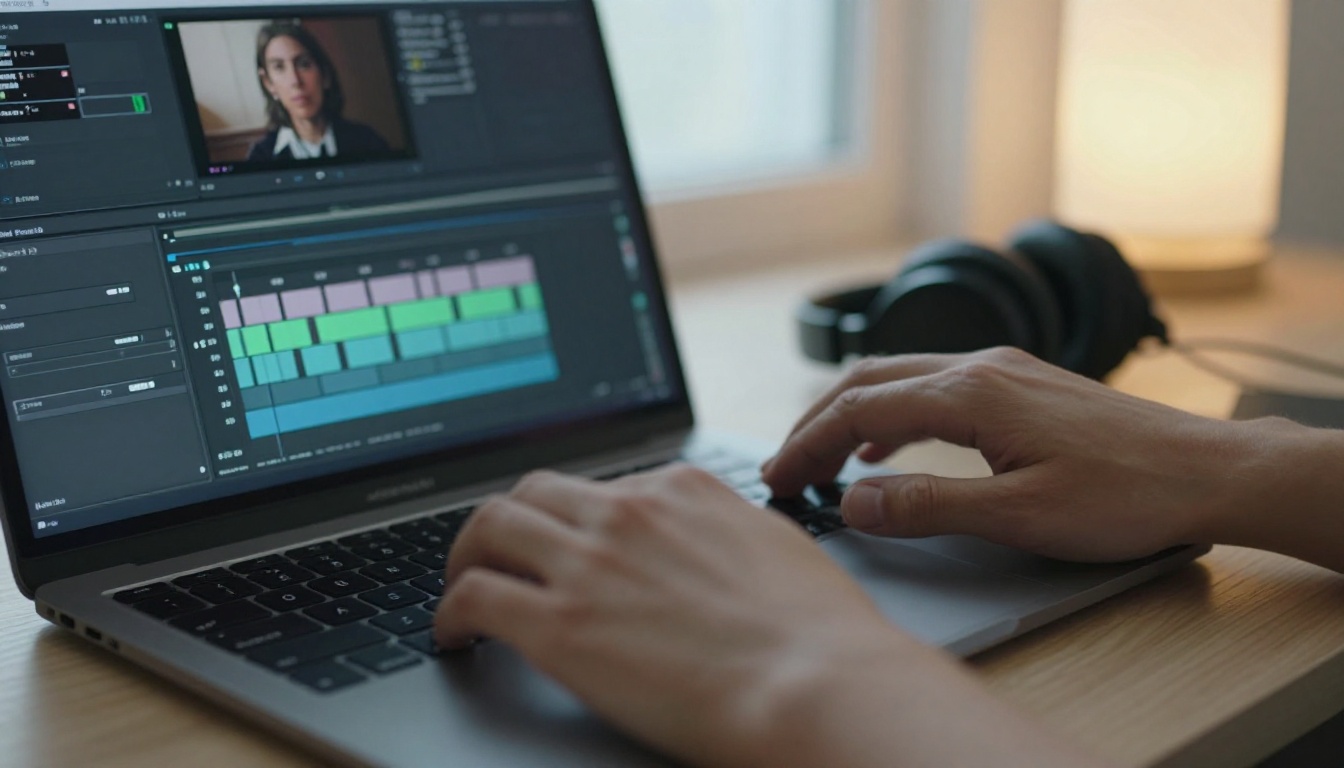
The fastest way to find out whether Kling's engine suits your footage is to run one clip through the Kling Lip Sync page on PicassoIA.
Step by step
- Open the model page and sign in to your PicassoIA account.
- Add your video by URL: MP4 or MOV, 2 to 10 seconds, 720p to 1080p, under 100 MB. If the clip came from Kling itself, you can paste its
video_id instead.
- Choose your audio. Upload an MP3, WAV, M4A or AAC file under 5 MB, or skip the file and type a script in the text field.
- Pick a voice if you typed a script. Set
voice_id (the default is en_AOT) and voice_speed (the default is 1).
- Run the model and wait for the result.
- Check the hard sounds. Scrub through the p, b and m sounds, where lips close, and download the clean file when they land.
Settings worth knowing
| Setting | What it does | Default |
|---|
video_url | Source clip, 2 to 10 seconds | None |
audio_file | Voice track to sync to | None |
text | Script spoken by a built-in voice, used instead of audio | None |
voice_id | Picks one of dozens of English and Chinese voices | en_AOT |
voice_speed | Speech rate for typed scripts | 1 |
For any other language, record or generate the audio first, then upload it. MiniMax Speech 2.8 HD and ElevenLabs v3 both produce a voice track you can feed straight in, and MiniMax Voice Cloning keeps the same voice across a series.
Three mistakes to avoid
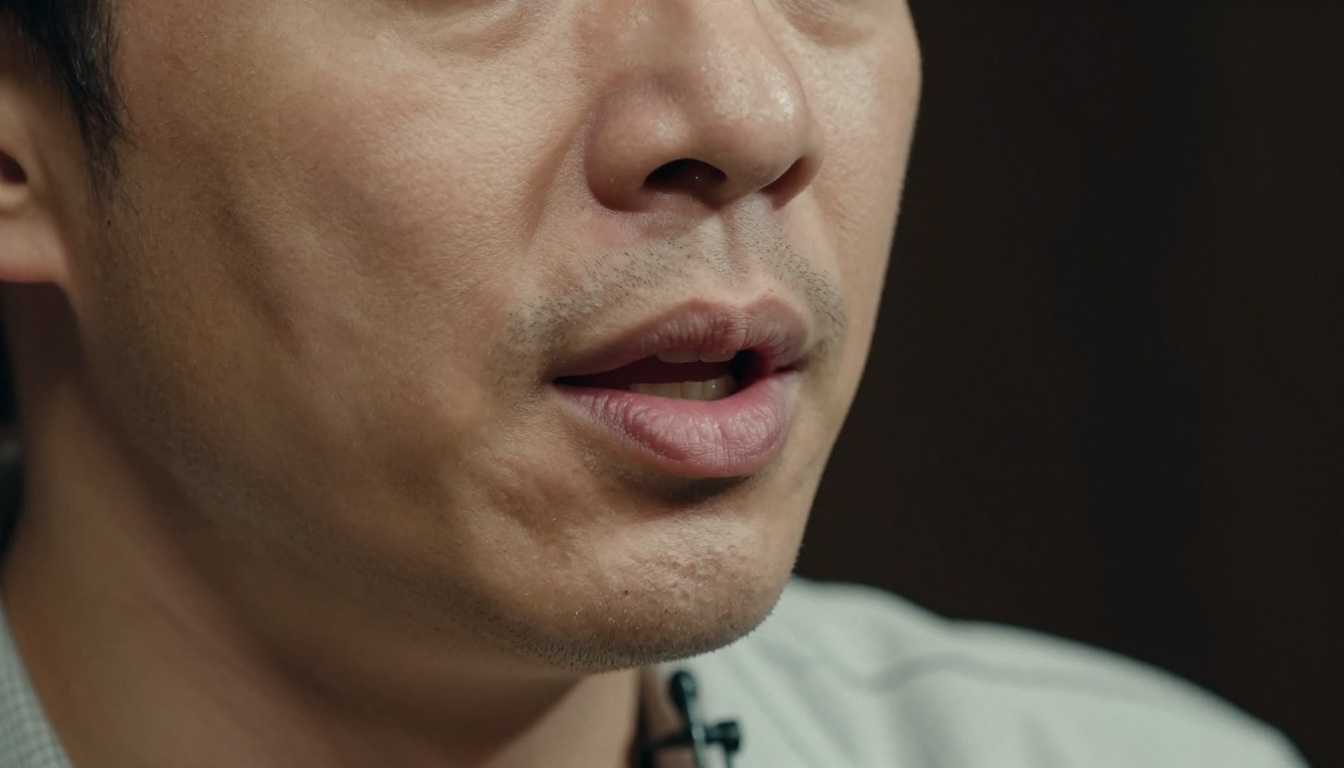
- A clip that runs long. The model expects 10 seconds or less. Trim first, then split a longer video into pieces that each end on a natural pause.
- A hidden mouth. Hands, microphones and hard side angles in front of the lips are the usual causes of a weak sync. Choose footage where the mouth is clear.
- Dirty audio. Background music or room noise in the voice file gives the model a messy signal. Use a clean voice track, and add music afterward.
Make Your First Synced Clip
Reading three pricing pages will not tell you which engine suits your face, your voice and your script. A five-second test will. Record ten seconds of clean voice, grab a short clip, and run it through Kling Lip Sync. Then run the same files through Lipsync 2 Pro and React 1 and watch the mouths side by side.
Picasso IA puts all 12 lip sync models in one place, so you can compare them on your own footage before you commit to an API contract. Pick a model, upload a clip and see what matches. Browse the full lineup at picassoia.com/en/all-models and start experimenting today.


