Removing a background used to take professionals 30 minutes per image. Complex hair, transparent bottles, layered fabrics, each one a new battle with the Photoshop pen tool. AI flipped this completely. Today you can make a transparent PNG in seconds with AI, and the quality rivals hours of manual masking.
This is not an approximation. It's pixel-level precision at machine speed.
What a Transparent PNG Actually Is
The Alpha Channel Explained
Every image file stores color data in channels. Standard photos use three: Red, Green, and Blue (RGB). A transparent PNG adds a fourth channel called alpha, which controls the opacity of each pixel from 0 (fully transparent) to 255 (fully opaque).
When you see that grey and white checkerboard pattern in photo editing software, you're looking at the alpha channel in action. That checkerboard represents nothingness: pixels with zero opacity that reveal whatever sits behind them in a design, website, or presentation.
No other common format handles alpha transparency the way PNG does:
- JPG: Merges all pixels with a solid background. No transparency support whatsoever.
- GIF: Supports 1-bit transparency (fully on or off, no partial opacity).
- PNG: Full 8-bit alpha channel. Every pixel can be any level of transparent.
- WebP: Also supports alpha, increasingly used on the web as a PNG alternative.
PNG vs JPG for Transparent Backgrounds
JPG compresses by blending and approximating pixel values. Even if you somehow stripped a background from a JPG, saving it as JPG again would destroy those transparent edges by merging them with a white or grey fill.
PNG is the only mainstream format for transparent assets. Every logo, every product cutout, every graphic overlay on a video or website relies on PNG's alpha channel. When a designer says "send me the file with the transparent background," they mean a PNG.
💡 If someone sends you a PNG that still has a white background, it was either saved incorrectly or the original had a white background baked in. True transparency shows as a checkerboard in any proper image editor.
Why Background Removal Still Wastes Hours
The Photoshop Pen Tool Problem
The Photoshop pen tool is precise. It's also brutally slow. Tracing a product with even moderate complexity, a sneaker, a handbag, a person standing against a busy background, requires dozens of anchor points, careful curve adjustments, and zooming in to pixel level repeatedly.
An experienced retoucher can spend 15 to 45 minutes on a single complex image. For e-commerce catalogs with hundreds of products, that math becomes unsustainable fast.
Hair, Fur, and Fine Detail Nightmares

The pen tool breaks down entirely when the subject has hair. Individual strands catching light, flyaways, curly or frizzy textures: these cannot be traced manually with any speed. Photoshop's "Select and Mask" workspace helps, but it still requires significant manual refinement, particularly in areas where hair overlaps a complex or similarly-colored background.
The same problem applies to:
- Fur on animals and clothing
- Fine fabric edges like lace, chiffon, or knit textures
- Transparent or translucent subjects like glass bottles, water splashes, or sheer fabric
- Motion blur on edges of fast-moving subjects
These are exactly the scenarios where AI doesn't just match manual selection. It beats it.
How AI Removes Backgrounds Now
Pixel-Level Detection in Milliseconds
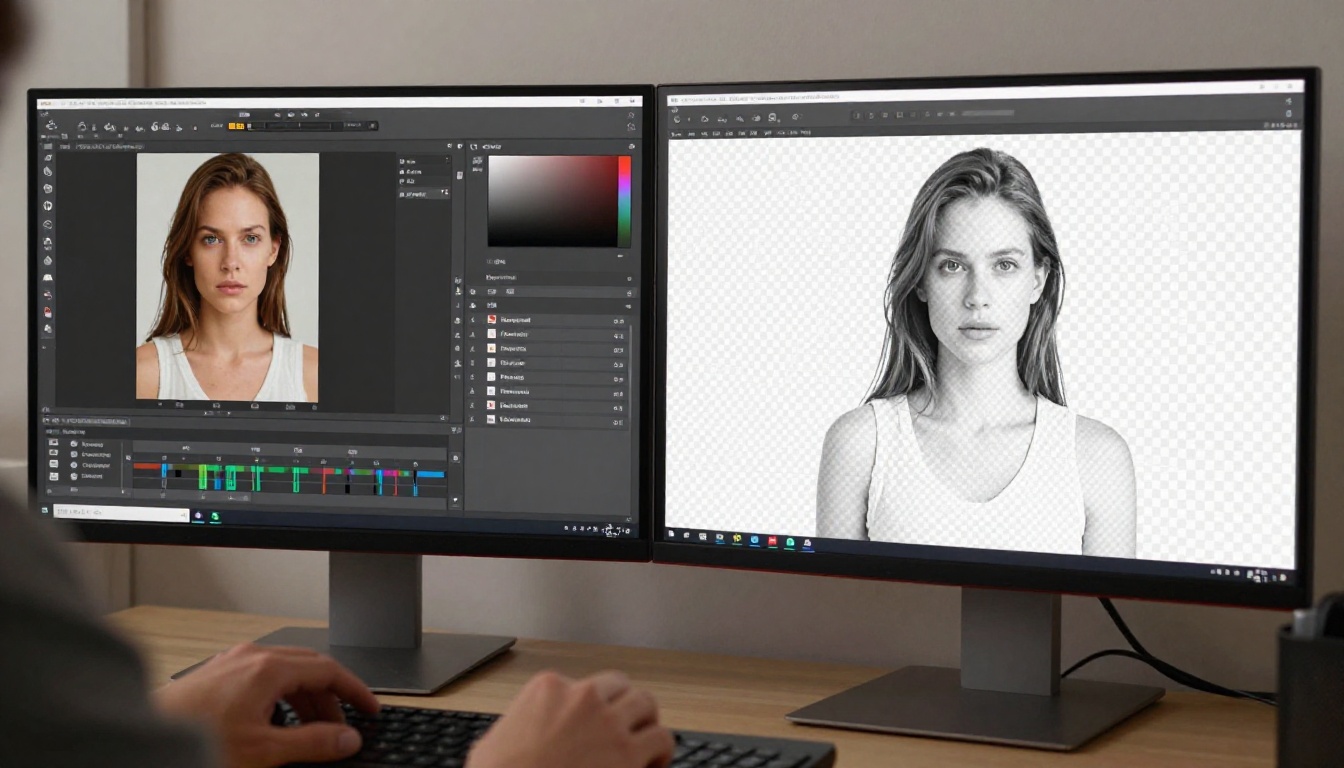
Modern AI background removal uses deep learning models trained on millions of images. The neural network identifies the semantic subject in the image, whether that's a person, a product, an animal, or an object, then separates it from everything else at the pixel level.
This isn't simple color-range selection. The model understands that:
- A person's arm blending into a similarly-colored wall is still foreground
- A glass bottle's transparent surface is still part of the subject
- Background elements peeking through gaps in hair are still background
The result is a subject mask that would take a skilled editor significant time to produce manually, delivered in under two seconds.
Edge Refinement Without Manual Work
The models behind the best AI background removers apply specific attention to edges. Feathering, anti-aliasing, and sub-pixel precision are all handled automatically.
What this means in practice: hair strands retain their natural edge falloff. Fabric textures don't get a hard digital cutout. Glass surfaces preserve their internal transparency. The AI-generated alpha mask is production-ready without additional refinement in most cases.
💡 For the cleanest AI cutouts, shoot your subjects against a background with moderate contrast to the subject. Pure white or pure grey backdrops help the model, but AI today handles complex scenes too.
How to Use the AI Background Remover on PicassoIA
PicassoIA has a dedicated tool for this: Remove Background by BRIA. BRIA's model is among the most accurate available, trained specifically for clean edge detection on complex subjects including hair, product edges, and fine details.
Step 1: Upload Your Image

Go to the Remove Background tool on PicassoIA. Click the upload area or drag and drop your image directly. The tool accepts JPG, PNG, and WebP files. For best results, use an image with at least 1000px on the shorter side.
There are no complex settings to configure. The AI handles the analysis automatically.
Step 2: Let the AI Process
Processing typically takes between 1 and 5 seconds depending on image complexity. The model analyzes the full image, identifies the subject, builds the alpha mask with sub-pixel edge precision, and applies it.
You'll see the transparent checkerboard pattern appear behind your subject in the preview.
| Image Type | Typical Processing Time | Edge Accuracy |
|---|
| Simple product on white | Under 2 seconds | Excellent |
| Portrait with straight hair | 2 to 3 seconds | Excellent |
| Portrait with curly or flyaway hair | 3 to 5 seconds | Very Good |
| Complex product with transparent parts | 3 to 5 seconds | Good to Excellent |
| Pet with dense fur | 3 to 5 seconds | Very Good |
Step 3: Download Your Transparent PNG
Once the preview looks clean, click download. The file saves as a PNG with full alpha channel transparency, ready to place directly into any design software, website builder, presentation, or social media post.
No additional editing steps required.
💡 If you notice any residual background pixels on fine hair edges after downloading, open the PNG in any photo editor and use a light edge-erode or fringe-removal tool. This is rarely needed with BRIA, but it's a useful finishing step for demanding production work.
Who Actually Uses Transparent PNGs Daily
E-Commerce Product Photos
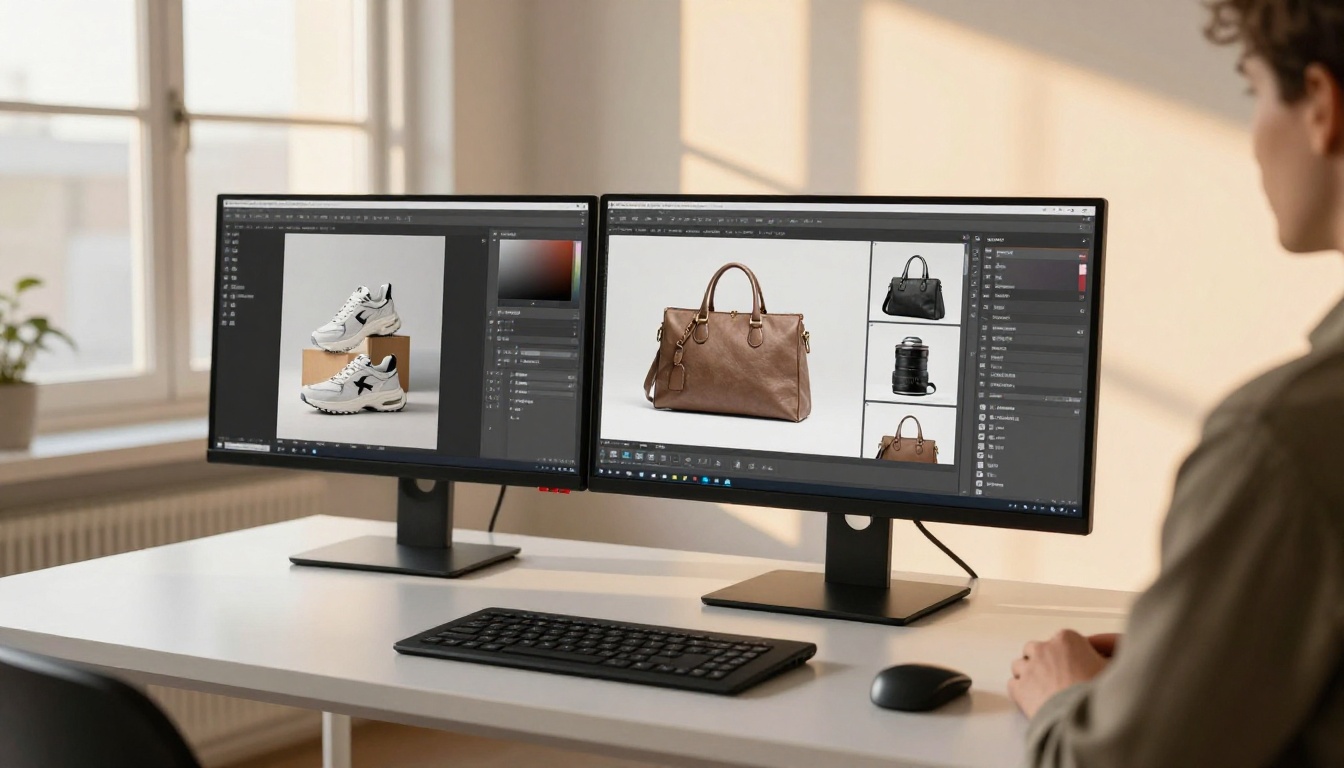
Online stores live and die by product photography. Customers need to see the product clearly, often on a white or off-white marketplace background (Amazon, eBay, and Etsy all have background requirements). Getting every product photo to a clean transparent PNG, then placing it on a compliant background, is now a workflow that takes seconds per image rather than hours.
Sellers processing catalogs of 50 or 500 products see dramatic time savings. What once required a dedicated photo retoucher is now a one-click operation.
Social Media Content Creators
Transparent PNG cutouts are the building blocks of social media graphics. Profile frames, overlay graphics, product showcases on lifestyle backgrounds: they all require clean cutouts. Content creators who produce daily posts cannot afford hours of manual Photoshop work.
AI background removal fits directly into content creation workflows: shoot, remove background, drop onto new background, post. The whole cycle in minutes.
Graphic Designers and Brand Teams
Brand asset libraries run on transparent PNGs. Every logo variation, every product shot, every portrait used in marketing materials needs a clean alpha channel. Designers working with agencies or in-house brand teams batch-process dozens of assets daily.
The Remove Background model on PicassoIA handles these workflows efficiently. Upload, process, download, repeat. No subscriptions to standalone background removal apps required.
5 Times AI Cutouts Beat Manual Selection
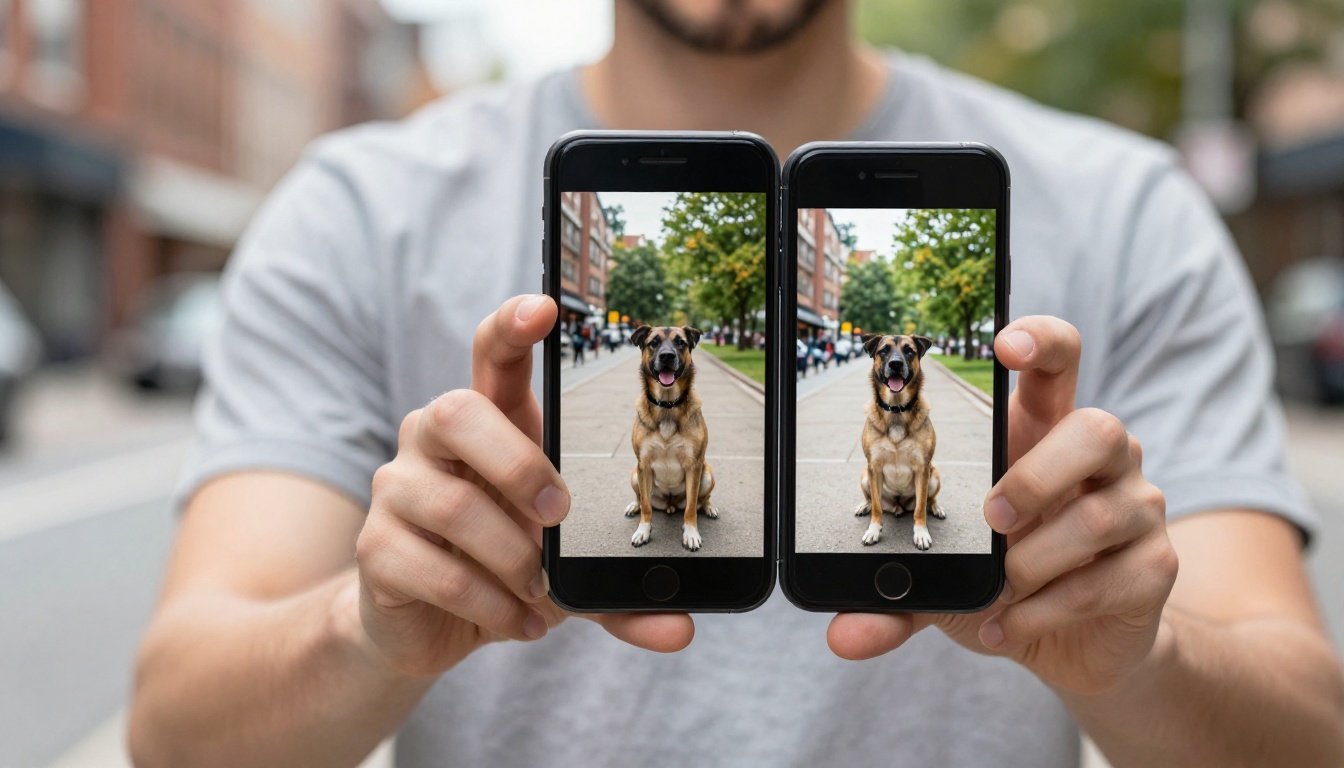
Manual editing has its place, but here are five specific scenarios where AI consistently delivers better and faster results:
- Portrait photography with complex hair: AI reads individual strand edges that no pen tool path can follow accurately at speed.
- Transparent or glass products: The model preserves internal transparency and edge refraction. Manual selection typically results in hard opaque edges.
- Animals with dense fur: Hundreds of fine fur edge pixels processed simultaneously in seconds.
- Batch processing large catalogs: AI scales linearly. A human editor does not.
- Tight deadlines: When you need a clean cutout in under 60 seconds, not in 30 minutes.
Real Results You Can Expect

The BRIA model on PicassoIA consistently delivers production-ready results on:
- Portraits: Clean separation from any background, including complex indoor and outdoor environments
- Products: Sharp edges on hard-surfaced items, preserved transparency on glass and reflective surfaces
- Fashion: Clean garment edges including knit and lace textures
- Logos and graphics: Instant clean isolation for flat and illustrated artwork
What doesn't work as cleanly: images where the subject and background share very similar colors and tones (a person in beige clothing against a beige wall), heavily blurred images with no clear edge definition, and extremely low-resolution files where there isn't enough pixel data for precise edge detection.
For these edge cases, using BRIA's output as a starting point and refining in Photoshop is still dramatically faster than starting from scratch.
💡 The best transparent PNG cutouts start with good photography. Shoot with some tonal contrast between subject and background. Even a slight difference in brightness helps the AI model produce cleaner, sharper edges.
Create Your First Transparent PNG
The technology exists. The tool is ready. The only remaining step is uploading your first image.
Head to the Remove Background tool on PicassoIA and test it on your own photo. Use a product shot, a portrait, a pet, anything you've been meaning to cut out. See the result in seconds.
Once you've run your first image through, the speed difference becomes immediately obvious. What you used to schedule an hour for now fits between two other tasks. That's the actual value of AI background removal: not just speed, but the mental shift of treating background removal as a trivial task rather than a production bottleneck.
From there, PicassoIA offers a full suite of AI imaging tools. Super resolution to upscale your cutout to 4x size, inpainting to fix details inside the cutout, and text-to-image generation to create entirely new background environments for your transparent PNG subjects. Every tool works in the same interface, with no software to install and no technical skills required.
Your transparent PNG is one upload away.


