Midjourney V8 is faster, sharper and far more literal than V7. That is good news if you write precise prompts, and a small shock if you rely on mood words. The same sentence that gave you a moody, finished portrait in V7 can come back flat or oddly plain in V8, because the model now does what you wrote instead of guessing what you meant. This article lays out what changed from V7 to V8, V8.1 and V8.2, which parameters still work, and how to rewrite your prompts so the new model behaves.
One note on sourcing. Midjourney ships updates quickly, and third-party posts contradict each other on details such as quality tiers and Omni Reference. Anything that rests on a single report is marked as reported, so check the in-app parameter list before you build a workflow around one flag.
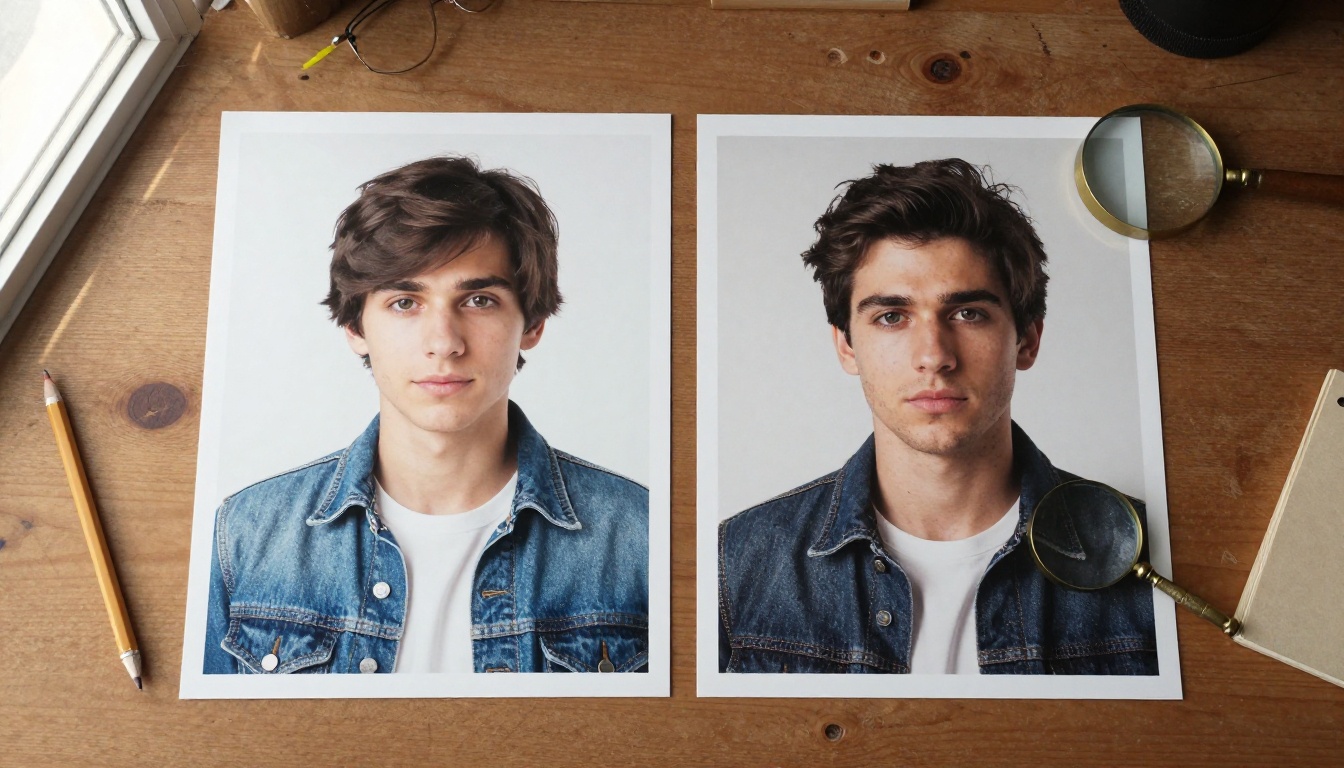
V7 vs V8 at a Glance
The short version: V8 trades the "helpful interpreter" personality of V7 for speed, native resolution and obedience. Here is how the two generations compare on the points that change your daily routine.
Side-by-Side Table
| Area | Midjourney V7 | Midjourney V8 family |
|---|
| Speed | Roughly 30 to 60 seconds per job | About 4 to 5 times faster, often under 10 seconds |
| Resolution | 1024 px base plus a separate upscale step | Standard output, or native 2048 px with --hd |
| Prompt style | Interprets, then adds its own look | Executes what you write and rewards precise detail |
| Text inside images | Often garbled | Much cleaner when the text sits in double quotes |
| Aesthetic source | Heavy built-in default style | Your personalization profile, --stylize and --raw |
| Quality tiers | --q values | Not supported from V8.1 onward (reported) |
| Subject reference | Omni Reference (--oref) | Edit Model on V8.1 and V8.2 |
| Image prompts | Supported | Broken in the V8 alpha, restored in V8.1 |
A fair way to see the gap for yourself is a two-run test. Take one of your best V7 prompts and run it twice, once with --v 7 and once on the current default. Then rewrite the prompt for V8 using the habits further down and run that too. Most people find the first V8 run is merely different, while the rewritten run is where the gain shows up.
The V8 Release Timeline
V8 did not arrive in one piece. Knowing which build added what explains why older tutorials disagree with each other.
- March 17, 2026: The V8 alpha opens for community testing. Midjourney describes it as faster, more coherent and better at text in quotes, with V7 personalization profiles, moodboards and style references still working.
- April 14: V8.1 alpha arrives with a more V7-like look, image prompts back with image weights, a Prompt Shortener, longer Describe output and a "Run as HD" button. Midjourney said HD became about 3x faster and 3x cheaper.
- April 30: A V8.1 update improves sharpness, especially with style references and moodboards.
- June: V8.1 replaces V7 as the default model.
- July 24: V8.2 becomes the default, aimed at aesthetics, image quality and personalization. Images look more creative, bold and edgy than the calmer V8.1 default.
- August 27: The Edit Model lands for V8.1 and V8.2, followed by a quality update two days later.
💡 If you do not set a version, you get the current default, which is V8.2. Add --v 7 whenever you need the old behavior for a specific job.
Staying on V7 still makes sense in a few cases: you depend on Omni Reference, you have built a workflow around --q values, or you want the older, more forgiving look that fills in missing detail for you.
Speed and Native HD
Speed is the first thing people notice, and it changes how you work more than any single feature.
Why Renders Feel Five Times Faster
Midjourney says V8 is roughly 4 to 5 times faster than V7, and testers confirm it. A job that used to take half a minute or more now often finishes in under ten seconds. In practice that means you stop nursing one prompt and start running five small variations of it.
V7 users leaned on Draft Mode to iterate cheaply. With V8, the habit is simpler: work at standard resolution, find the two or three images worth keeping, then press Run as HD on those only. Draft Mode support has been inconsistent across V8 builds, so test it before you plan around it.
The Real Cost of HD
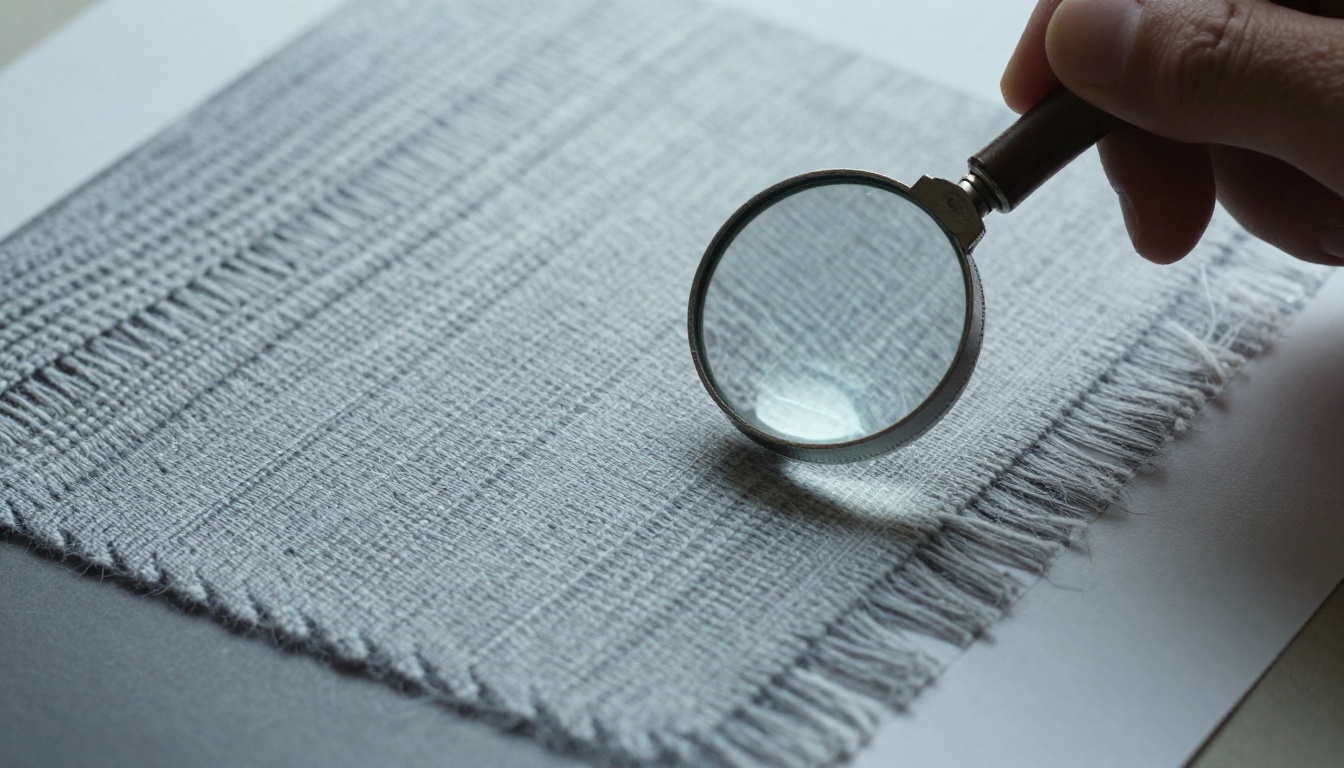
The --hd flag renders natively at 2048 px on the long edge. In V7 you generated around 1024 px and pushed the result through a separate upscaler. Native rendering means fabric weave, skin pores and small lettering are drawn at that size instead of being invented afterward.
HD is not free. Community-published figures put a standard job near 0.8 GPU minutes and an HD job near 1.3, so check your own usage page. Two limits matter for planning:
- Aspect ratio: HD tops out around 4:1, while normal jobs allow up to 14:1.
- Editing: Reports say that pan, zoom out and vary region on an HD image drop the result back to standard resolution.
The workflow that avoids waste looks like this:
- Work at standard resolution with short, specific prompts.
- Pick two or three winners.
- Make every edit, pan and variation at standard resolution.
- Press Run as HD once, on the final composition.
Text in Quotes Works Now
V7 treated lettering as texture. Signs came back with invented glyphs, labels read like a dream, and posters needed a rescue in a design app. V8 renders readable street signs, product labels and headlines when you put the exact words in quotes, and testers describe it as a night and day difference.
That matters for real jobs: storefront mockups, packaging concepts, event posters and book jackets all used to need a second pass in a layout tool just to fix the words.
Two Rules for Clean Text
- Use double quotes only. Single quotes reportedly do not trigger the text path.
- Keep the string short. Two to four words render consistently. Full sentences degrade, and body copy still fails.
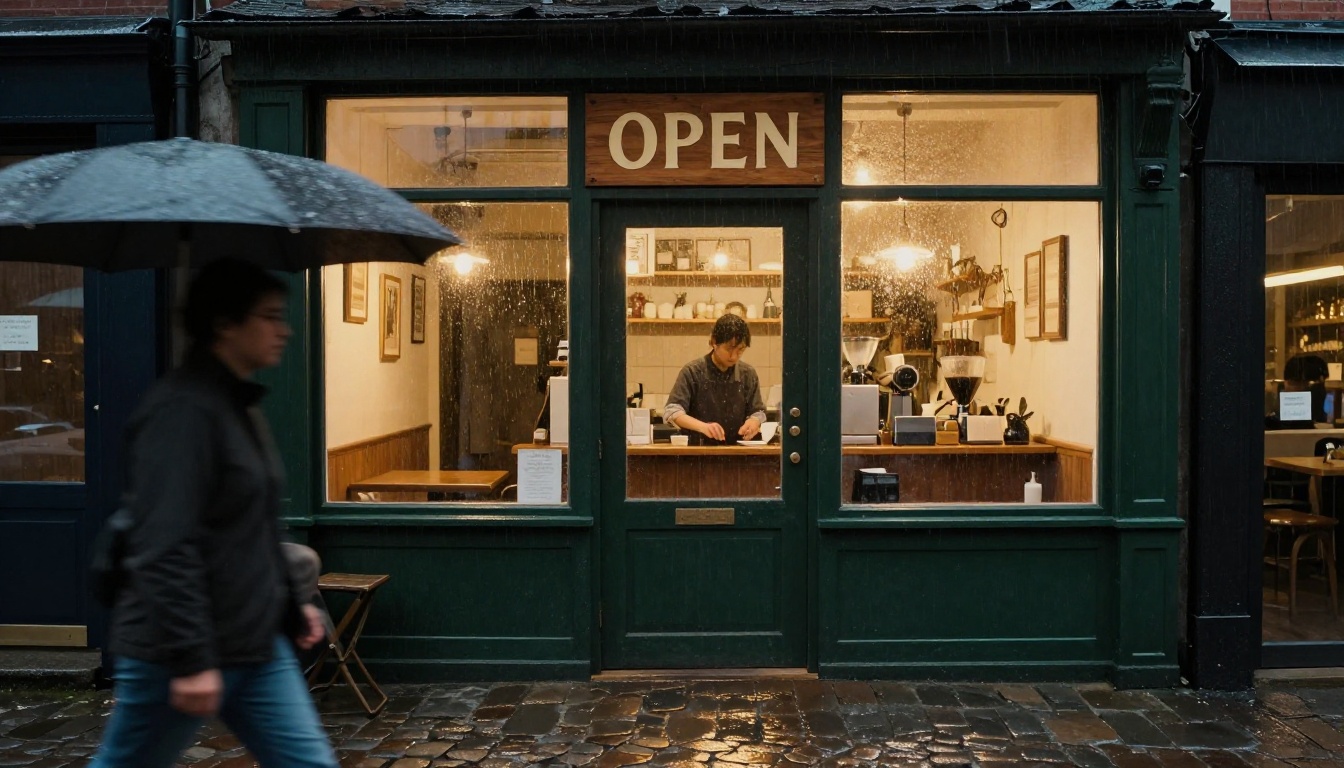
Give the model a placement hint too. A hand-painted sign reading "OPEN" above a coffee shop door works better than OPEN floating alone in a long prompt.
💡 For long copy, generate the picture without text and add the typography in a layout tool. Even a good text renderer will not set three paragraphs for you.
Prompts Are Literal Now
This is the change that breaks old habits. V7 would take "beautiful cinematic portrait" and supply its own lighting, palette and mood. V8 expects you to specify those things, and it follows direction more faithfully, including small details that V7 used to drop.
From Mood Words to Camera Notes
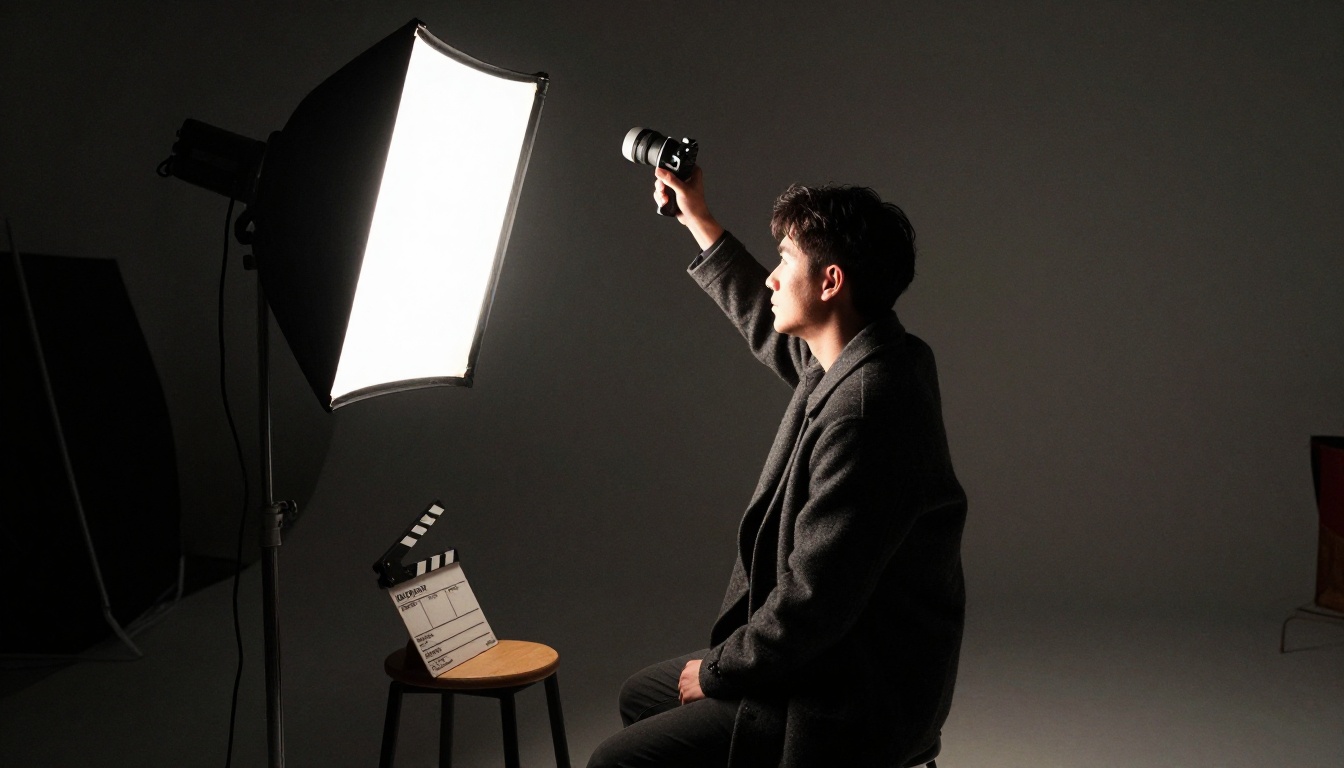
Write like a cinematographer, not like someone pinning a mood board. Replace feelings with instructions the model can execute.
| Mood word | Specific replacement |
|---|
| dramatic lighting | single overhead main light, no fill, hard shadows |
| cinematic | 35mm lens, shallow depth of field, soft film grain |
| moody | dim lighting, deep shadows, muted palette |
| beautiful | one concrete detail: freckles, windswept hair, a linen shirt |
| detailed | name the details: stitching, wood grain, visible pores |
Plain English also replaces many negative parameters. Instead of chaining --no windows --no sky, write "an interior scene with no visible windows". The --no flag still works, but sentences are easier to debug.
What to Do with --raw
--raw reduces the model's own aesthetic interpretation, and in V8 it takes over the job that --style raw had in V7. Pair it with a low --stylize value when you want the most literal result. The --stylize range is 0 to 1000 with a default of 100.
Some testers go the other way and combine a trained personalization profile with a high stylize value, letting the profile carry the look. Run the same prompt both ways once and keep the version that fits your taste.
Personalization and the Edit Model
If V8 follows your words, something else has to supply the style. That something is your profile.
What Carries Over from V7
Your V7 personalization profiles, moodboards and style references keep working on V8.1 and V8.2. The Global V7 profile works unchanged, and a Global V8 profile had not shipped at the time of writing. New profiles target whichever version is your default when you click New Profile.
Midjourney says V8.2 reads your taste better, especially on profiles with many ratings. Style references still use --sref, and --sw sets the strength from 0 to 1000 with a default of 100. Because the look now lives in the profile and the reference, your prompt can stay focused on the scene.
Where Omni Reference Went
The Edit Model replaces Omni Reference and Character Reference on V8.1 and V8.2. It accepts written instructions to change an existing image, can generate from up to four reference images, handles inpainting and outpainting in the Editor, and works with personalization, moodboards and style references.
💡 Reports say --oref is accepted on a V8 model but the job quietly runs on V7. If you notice the old look appearing, that is probably why. Use the Edit Model, or add --v 7 on purpose when you need Omni Reference.
Prompt Tips for V8
Everything above points to the same habit: describe the scene precisely, and let parameters and profile handle taste.
A Formula That Holds Up
Build each prompt in this order, with parameters last:
- Subject and action: who or what, doing what.
- Place: the environment and context.
- Details to preserve: the small things you refuse to lose.
- Light: direction, quality and source.
- Camera: lens, distance and angle.
- Parameters:
--ar, --raw, --s and --v.
Here is the formula in a finished prompt:
Elderly fisherman with a weathered face and silver beard mending a net on a wooden dock at dawn, thin mist over still water, rope fibers and salt stains visible, low sun from camera left with no fill light, documentary photograph, 35mm lens at f/2.8 --ar 3:2 --raw --s 50 --v 8.2
V8 also handles longer prompts better than V7, where prompts tended to work best around 15 to 20 words. Do not pad with tags, but do not be afraid of three or four full sentences when the scene is busy.
Before and After Prompts
| V7 habit | V8 rewrite |
|---|
cinematic portrait of a chef, dramatic lighting, moody, ultra detailed | Portrait of a chef in a white jacket leaning on a steel counter after service, one practical lamp from camera right, shadow across the left side of his face, flour on his forearms, 50mm lens, shallow depth of field --raw |
rainy street, coffee shop sign that says open, cinematic | Rainy evening on a narrow street, a hand-painted wooden sign reading "OPEN" above a coffee shop door, wet cobblestones reflecting warm window light, 35mm lens --ar 16:9 |
product photo of a ceramic mug, beautiful, high quality | A matte white ceramic mug on a pale oak table, soft window light from the left, visible glaze texture and a faint steam ribbon, overhead angle, 50mm lens --raw |
Notice what the rewrites share. Each names a light source, each names a lens, and each swaps an adjective for something you could point at in the frame.
Mistakes That Waste GPU Time
- Tag stuffing: V8 rewards a coherent description, not a pile of tags.
- Adding
--q values: quality tiers reportedly stopped working from V8.1.
- Running HD on every experiment: it costs more, so save it for finals.
- Editing after HD: edit first, upscale last, or you lose the resolution.
- Expecting
--oref to behave: switch to the Edit Model or --v 7.
- Quoting whole sentences: short strings render, paragraphs do not.
Free Ways to Test the Same Ideas
Midjourney needs a paid subscription, runs on a closed platform, and had no official public API at the time of writing. The prompt habits above, though, travel to any strong image model: be literal, name the light, name the lens, keep text short.
Models Worth Trying
Picasso IA does not host Midjourney, but it lists dozens of photorealistic text-to-image models where you can test V8-style prompts side by side.
How to Run Your Prompts on PicassoIA
- Open Seedream 5 Pro, or any model from the table.
- Paste your V8-style prompt, but drop Midjourney flags such as
--raw, --s and --v. They only exist inside Midjourney.
- Translate the useful flags into words: write "wide 16:9 frame" and "natural, unstyled look" instead.
- Keep any text in double quotes and under four words.
- Generate two or three variations and keep the one that matches your intent.
- Send the winner to PicassoIA Image Editor Pro for follow-up edits.
Animate the Winners
A strong still is also a strong first frame. Image-to-video models such as Kling v3 Video, Seedance 2.0 and Wan 2.7 I2V can turn it into a short clip. The camera language that works in V8 prompts, such as slow push-in, low angle and side light from the left, works in video prompts too. Picasso IA also lists super resolution and effects categories for polishing the result.
Your Next Prompt Starts Here
Pick one prompt you wrote for V7 and rewrite it with the formula: subject, place, details, light, camera, parameters. Run it at standard resolution, compare it to the old version, and notice what V8 now does exactly as told.
Then take the same rewrite to Picasso IA and run it on two or three models at once. Seeing how each model reads one literal prompt teaches you more than any release note, and it costs you a few minutes. Open the text-to-image collection, paste your best sentence, and start creating your own images today.


