Everyone publishing Sora 2 Pro demos is showing you the prettiest outputs from the safest prompts. A woman walking through autumn leaves. A dog running on a beach. A chef slicing vegetables with perfect knife technique.
That's not how you find out what a model actually does.
This article runs Sora 2 Pro through the tests that matter: dense crowds, complex physics simulations, rapid motion, close-up human faces, text rendering, and multi-element scenes where spatial reasoning falls apart for most generators. No hand-holding the prompts. No cherry-picking the outputs. This is what you get when you stop being polite about it.
What No Filter Mode Actually Means
The phrase "no filter" in AI video testing doesn't mean generating inappropriate content. It means removing the prompt engineering cushion: the extra softening and specification that most creators add to coax a better output from a model that would otherwise show its weaknesses.
Professional AI video creators routinely over-specify their prompts: "slow and gentle motion," "minimal camera movement," "simple background," "one character only." Those are all crutches that hide what the model struggles with. Strip them out and you start seeing the real picture.
Why Most Sora Tests Are Sanitized
Marketing demos are designed to maximize visual appeal, not reveal failure modes. That's true for every company, not just OpenAI. When a model struggles with hands, the demo avoids hands. When crowd scenes break spatial coherence, the demo shows a single subject. When text rendering falls apart, the demo removes all signage from the scene.
Real-world creative work does not have this luxury. A filmmaker using AI video tools for production work needs to know exactly where the model falls apart before committing to a project that depends on specific capabilities. The difference between "this looks great in a demo" and "this works for my actual shoot" is the gap this article addresses.
The Real Stress Tests
There are five categories where video generation models consistently show their limitations:
- Complex physics: fluid dynamics, cloth simulation, collision behavior
- Crowd scenes: multiple moving humans maintaining individual identity
- Extreme motion: fast action, camera whip pans, impact moments
- Human anatomy: hands, fingers, face consistency across frames
- Text rendering: readable text that stays coherent through movement
These are the five scenarios that separate models that look impressive in a two-second GIF from models that hold up across a five-second production clip.

Sora 2 Pro vs the Field
Sora 2 Pro sits at the top of OpenAI's video generation tier. It is not a lightweight model. It is OpenAI's flagship text-to-video system, built on a diffusion transformer architecture with what the company describes as world simulation capabilities. The model is trained to predict physically plausible futures, not just aesthetically pleasing frame sequences.
What Makes Sora 2 Pro Different
Three things separate Sora 2 Pro from generic diffusion video models:
Temporal consistency: Most video generators hallucinate between frames. A hand changes shape. A background object teleports. Sora 2 Pro's architecture is specifically designed to maintain object identity across the full clip duration.
Physical plausibility: The model has been trained on real-world physics data. When you prompt a water splash, it doesn't just look like a water splash; it behaves like one. Droplet trajectories, surface tension behavior, and fluid displacement follow rules.
Prompt fidelity: The model has a large context window for instruction processing. You can write complex multi-clause prompts and expect a higher percentage of those details to appear in the output compared to smaller models.
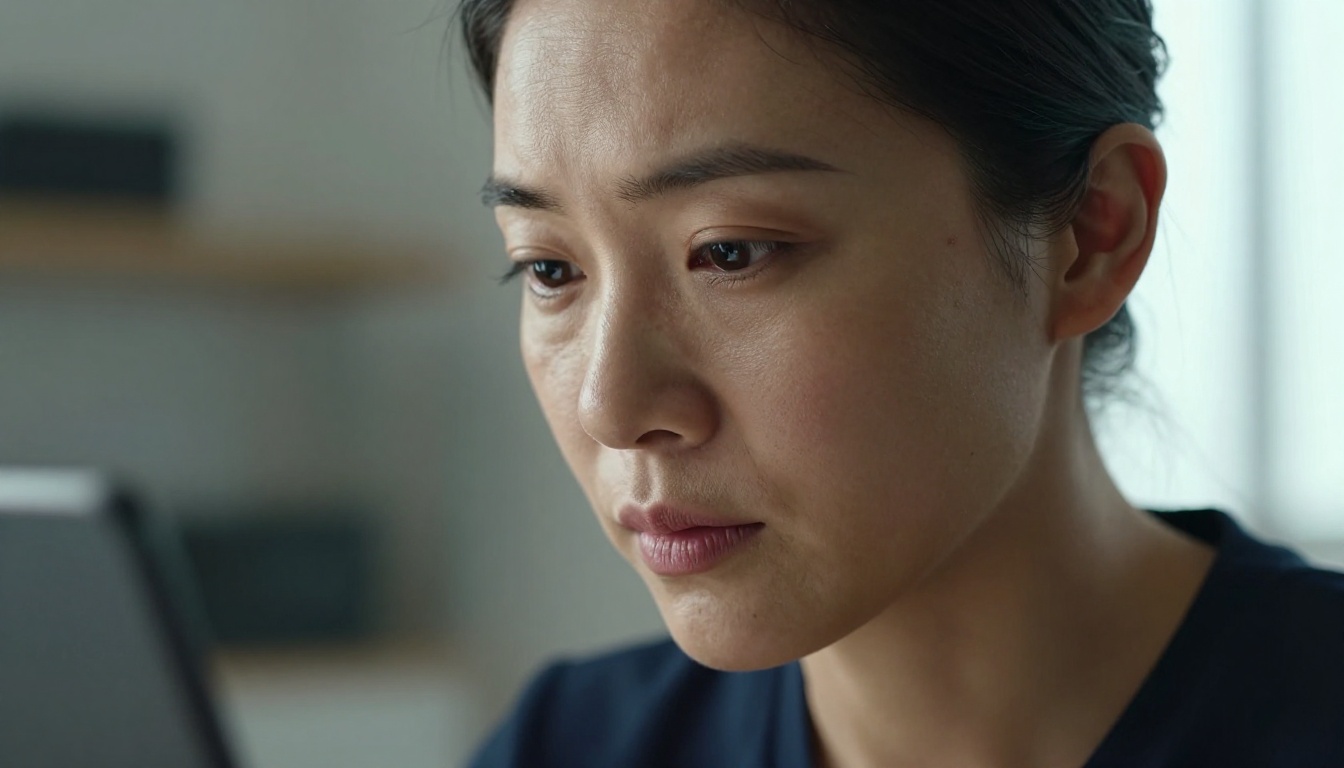
How It Compares
This is not an academic benchmark. It's a practical working assessment based on test categories that matter for real productions.
The Limit Tests
Here is what happens when you run Sora 2 Pro through each category without softening the prompts.
Complex Physics and Fluid Dynamics
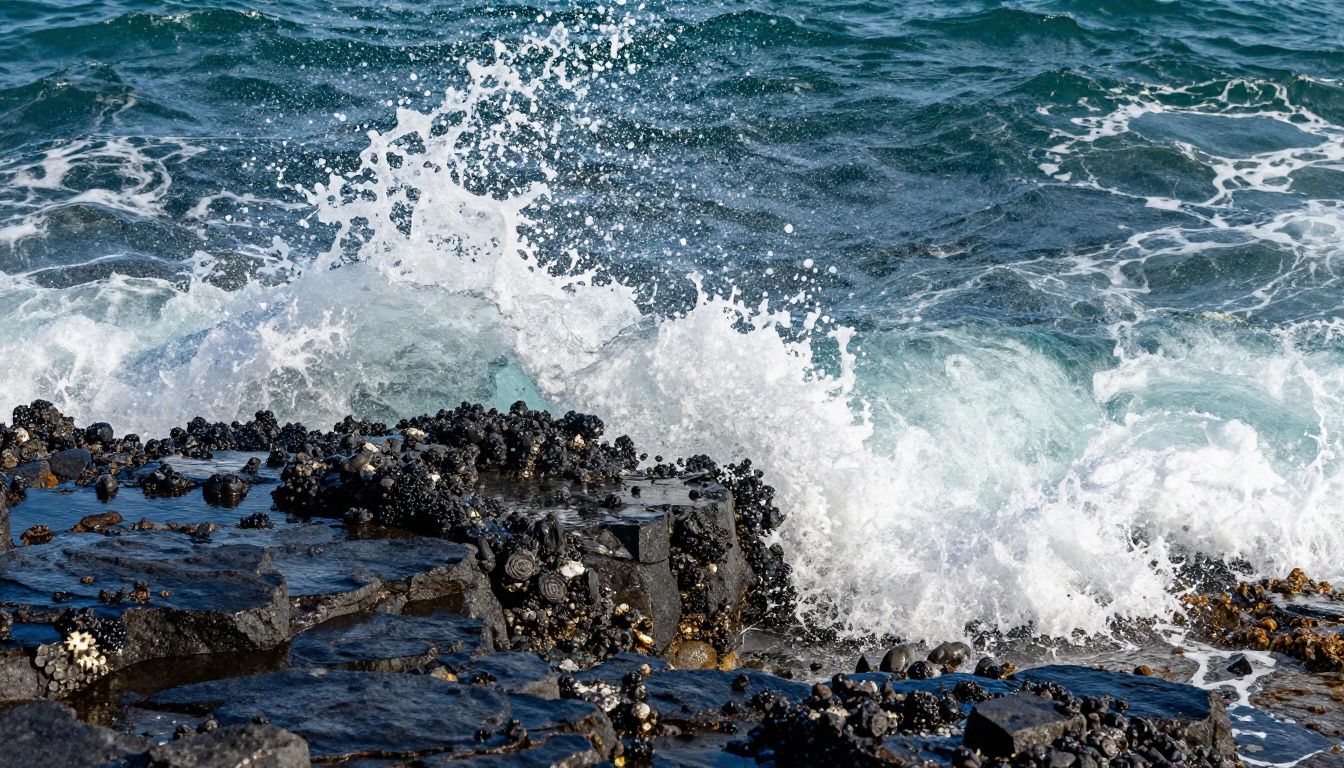
Fluid simulation is one of the hardest problems in video generation. Water has no fixed shape, responds to every surface it touches, and behaves differently depending on volume, velocity, and environmental conditions. It's the kind of physics that exposes the seams in any generative system.
Prompt tested: "A water balloon filled to maximum capacity exploding in slow motion on a concrete surface, seen from three feet away at eye level. Water sprays in all directions. The rubber membrane visible as it tears. Shot at 1000 fps."
Result: Sora 2 Pro handles the gross motion — the balloon expands and ruptures — but the fine detail of the rubber membrane tearing shows inconsistency across frames. Individual water droplets in the spray lack the physics-accurate trajectory distribution you'd see in real high-speed footage. The splash is impressive for AI video. It is not convincing at forensic scrutiny.
For creative production, this output is more than adequate. For scientific visualization, it falls short.
💡 Practical tip: For fluid physics shots, combine a Sora 2 Pro clip with a super-resolution pass using LTX 2.3 Pro. The model handles 4K upscaling that adds convincing fine detail to splatter patterns after generation.
Crowd Scenes and Faces
This is where nearly every current video model struggles. The challenge: ten people walking toward the camera on a city street, each maintaining their own identity, clothing, and movement pattern across a five-second clip.
Prompt tested: "A busy afternoon sidewalk in midtown Manhattan, ten clearly distinct pedestrians walking toward camera, various ages and clothing. Overcast light. Medium shot. Slow dolly-in camera move."
Result: Sora 2 Pro generates a convincing crowd. Individual pedestrians maintain consistent clothing through the clip. There is no "pedestrian merging," the visual artifact where two crowd members blend into one as they overlap. Faces remain consistent but show the slight smoothing that indicates synthetic generation on close inspection.
The model's crowd handling is the strongest currently available across PicassoIA's text-to-video catalog. For backgrounds and establishing shots, this works at broadcast quality. For tighter close-up crowd work, combining Sora 2 Pro with a face correction pass in post produces much stronger results.
💡 Wider shots and medium distances hide AI video seams better than close-ups. Design your production accordingly.
Fast Motion and Action Sequences
High-speed action is a known weakness in video diffusion models. Frame-to-frame consistency becomes harder to maintain when subjects move large distances per frame. The visual system has less time to establish what an object looks like before it must show it in a new position.
Prompt tested: "A 100m sprinter crossing the finish line in slow motion, shot from 10 feet at track level. Muscles visible. Sweat mid-air. Full extension stride. Late afternoon golden light."
Result: This is where Sora 2 Pro actually shines relative to competitors. The model handles slow-motion physics well. Muscle deformation follows anatomical logic, sweat droplet trajectories are plausible, and the background motion blur scales correctly with the implied playback speed. Running the same prompt on Kling v3 Video shows notably more mid-stride anatomy distortion. On Seedance 2.5, the motion physics feel approximate rather than precise.
For sports production and action content, Sora 2 Pro is currently the strongest AI video option.

Where It Excels
Prompt Adherence
Sora 2 Pro reads complex multi-clause prompts better than any model currently available. When you write a prompt with seven distinct descriptors — lighting direction, camera angle, subject action, background detail, mood, weather, and motion speed — you get outputs that address most of them. Competing models often collapse multi-element prompts to their simplest reading, producing a scene that captures the subject and ignores everything else.
This matters in production workflows because it reduces iteration cycles. Less time regenerating, more time using the footage you actually wanted.
Cinematic Composition
The model has clearly been trained on high-quality cinematography references. Default framing follows compositional rules: rule of thirds, leading lines, motivated camera movement. You get cinematically competent outputs without having to specify "cinematic" in the prompt. The difference is visible compared to models like Wan 2.7 T2V, which produces technically correct video with more neutral, less directed framing.
Where It Breaks
Hands and Fingers
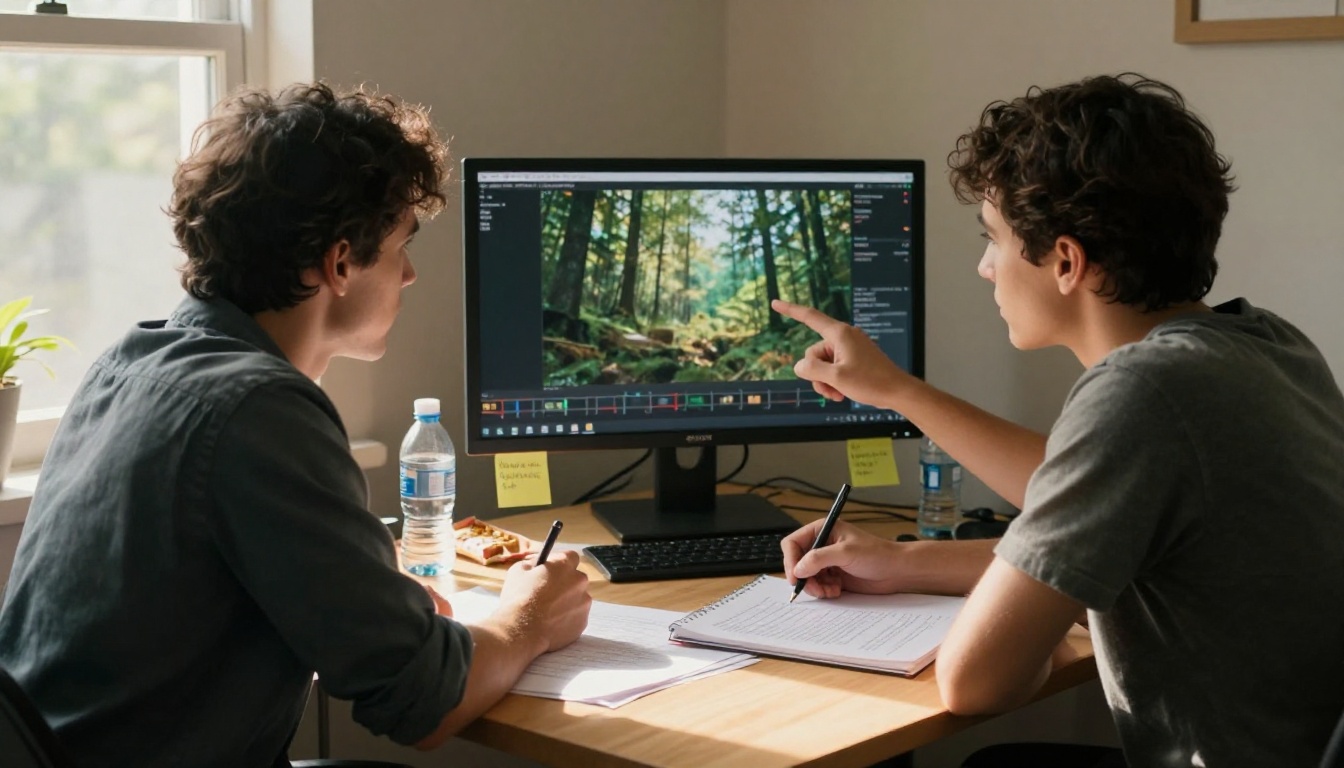
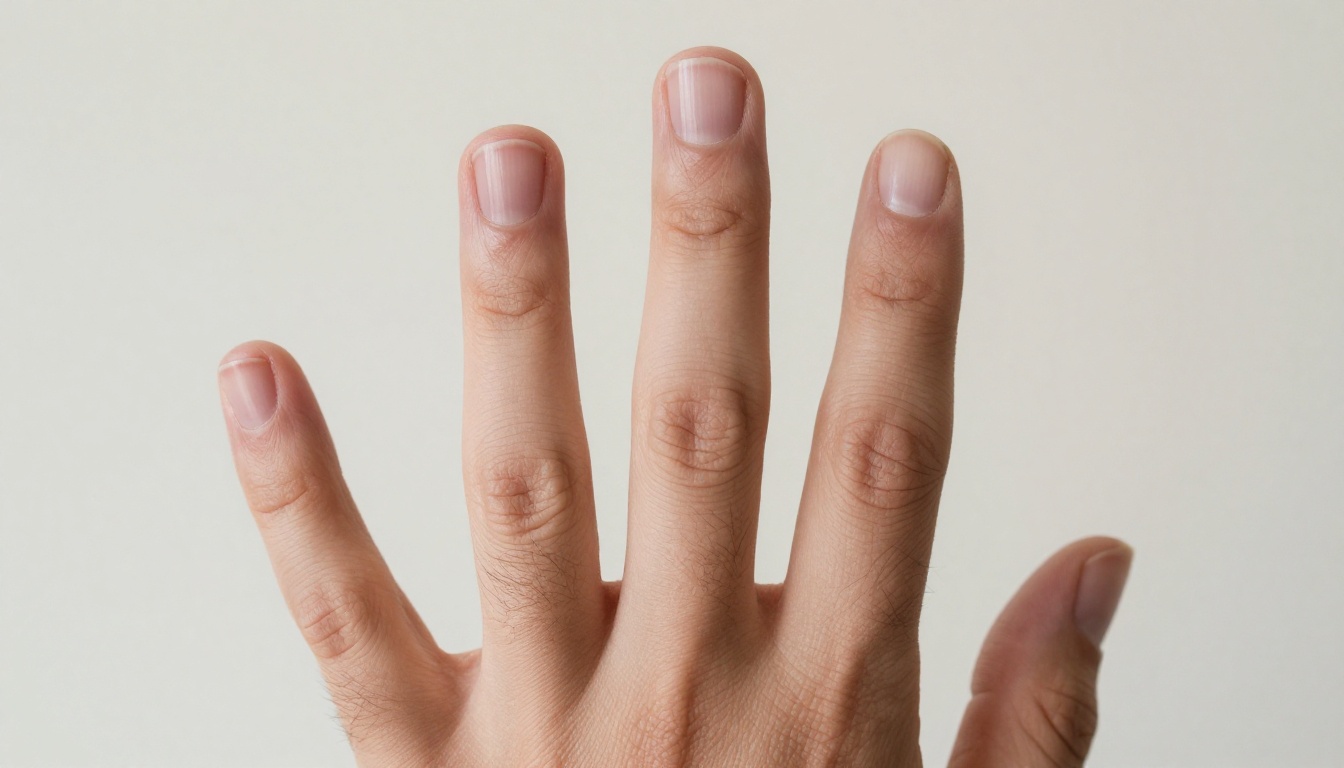
Hands remain the most reliable failure point across all video generation models, and Sora 2 Pro is not exempt. When a hand is the primary subject of a close shot, clearly framed and well-described in the center of frame, the model produces anatomically correct hands with high fidelity. The problem appears when hands are incidental: a character gestures while talking, picks up an object, or points at something in the background.
In those cases, expect extra fingers, joints bending backward, or fingers that fuse and separate between frames. This is not unique to Sora 2 Pro. It is where the current generation of video models uniformly struggles.
💡 Workaround: Frame your prompts so hands are never incidental. If a character must gesture, make the gesture the primary action of the clip. The model pays more attention to what you describe as important. Hands in the background of a shot are almost always a mistake.
Text Rendering
If your scene requires readable text, a sign, a book title, a chalkboard, Sora 2 Pro will generate something that looks like text without being readable text. Letters drift and mutate across frames. The model knows what text looks like more than it knows what text means.
This is a fundamental limitation of the diffusion approach. The model learns from pixel patterns, and text is a high-frequency detail pattern that diffusion models handle poorly when it must remain stable across frames.
Workaround options:
- Remove all text from your AI video prompts and composite it in post-production
- Use highly blurred or distant "texture of text" rather than specific readable text
- Accept stylized pseudo-text as an artistic choice where the illegibility reads as intentional
Consistency Over Long Prompts
There is a sweet spot for prompt complexity with Sora 2 Pro. Below roughly 80 words, the model produces outputs that feel slightly generic. Above roughly 150 words, prompt adherence starts to degrade. The model appears to weight earlier instructions more heavily than later ones.
The practical result: put your most important specifications at the beginning of the prompt, not the end. If your critical requirement is the camera angle, that goes first. If the lighting condition matters most, that goes first. Whatever the shot lives or dies by, it goes in the opening clause.
How to Use Sora 2 Pro on PicassoIA
Sora 2 Pro is available directly on PicassoIA with no setup, no API configuration, and no waitlist. Here's the step-by-step workflow that produces the best results based on real testing.
Step 1: Write the Prompt Core First
Start with just the action: "A woman walks through a rain-wet city street at night." Run it. See what the model defaults to. This is your baseline. It tells you what the model's natural interpretation is before you start layering specifications.
Step 2: Layer Specifications in Order of Priority
Add one specification at a time, in order of importance to your shot:
- Camera position: "Shot from eye level, slow forward dolly"
- Lighting: "Warm amber streetlights, reflections in wet pavement"
- Subject detail: "Woman in her 40s, dark coat, unhurried pace"
- Atmosphere: "Light rain still falling, steam from a grate near the curb"
This iterative approach lets you isolate which specifications are being honored and which are being ignored, so you can adjust without guessing.
Step 3: Set Resolution to Maximum
Always select the highest available resolution for Sora 2 Pro outputs. The model's fine detail — rain, reflections, clothing texture — only reads at high resolution. Downscaled outputs lose much of what makes this model worth using over faster, cheaper alternatives like Seedance 2.5.
Step 4: Iterate Before Committing
Run three variations before committing to a final output. The model has significant variance between runs on the same prompt. Your best output is rarely the first generation. The variance is part of the model's creative range, not a flaw: treat it as a sample from a distribution and pick the best result.
💡 Texture tip: If you're getting overly smooth, slightly plastic-looking skin on close-up faces, add "film grain, natural skin texture, shot on 35mm" to the end of your prompt. This shifts the model toward photographic reference rather than digital reference, producing more naturalistic results.
Other Models Worth Trying
Sora 2 Pro is not the right tool for every shot. PicassoIA's catalog includes strong alternatives for specific use cases, and knowing when to switch saves both time and budget.
For fast generation: Seedance 2.5 produces 30-second clips at competitive quality with much faster turnaround. When you're iterating rapidly and need volume over perfection, this is the better choice. It also handles simple motion scenes and talking-head shots very efficiently.
For 4K output: LTX 2.3 Pro from Lightricks delivers true 4K generation. The motion quality doesn't match Sora 2 Pro on complex scenes, but for static or slow-moving content at maximum resolution, it produces beautiful results that punch above its price point.
For audio-native video: Veo 3 from Google generates videos with native synchronized audio — dialogue, ambient sound, effects — baked directly into the clip. If your production requires synchronized sound, this is currently the strongest option on the platform. Sora 2 Pro does not generate audio; you'll need to layer it separately.
For cinematic long-form: Ray 3.2 from Luma handles HDR cinematic output with strong temporal consistency on slower-moving subjects. For narrative film work requiring color grade quality, it competes directly with Sora 2 Pro in certain scenarios.
For text-to-video at scale: Wan 2.7 T2V outputs 1080p and handles high-volume generation workflows efficiently. For social content and advertising where quantity matters, it's a strong middle-ground choice that won't drain your credit balance on a single project.
You can browse and compare all available text-to-video models, including Sora 2, Pixverse v6, and 100+ others at picassoia.com/en/all-models.
Start Generating Right Now
The gap between "watching Sora 2 Pro demos" and "knowing what it actually does" only closes when you start running real prompts against real scenarios. Reading about failure modes is useful. Running them yourself is the only thing that actually prepares you to use the model in production.
PicassoIA puts Sora 2 Pro and the entire competitive field, including Veo 3, Kling v3 Video, Ray 3.2, and Seedance 2.5, on a single platform with no separate API keys, no usage tier friction, and no minimum commitments. You run the test, you see the result, you move to the next model.
That is how you actually build a working AI video production workflow: not by reading about what models can do in theory, but by breaking them on purpose until you know exactly what they deliver. Stop watching the polished demos. Start running the stress tests yourself at picassoia.com.


