NSFW AI on PicassoIA in plain terms
People use the phrase NSFW AI to describe image or video generation that involves adult themes. Sometimes that means explicit sexual content, other times it simply means mature tone, suggestive styling, or romantic scenes that are not suitable for every audience.
This article stays on the responsible side of that line: how to plan adult-themed, non-explicit visuals on PicassoIA while reducing risk (consent, privacy, age restrictions, and content boundaries).

Quick note: If a request involves minors, non-consensual scenarios, or real people without permission, do not generate it. Treat those as hard stops.
What “NSFW AI” usually includes
NSFW can mean different things depending on the community, workplace, and local rules. In practice, people often mean one of these buckets:
- Mature themes: romance, nightlife, sensual mood, flirtation
- Suggestive styling: tight framing, dramatic lighting, adult fashion
- Explicit content: nudity or sexual acts (higher-risk and often disallowed in many contexts)
When you create on PicassoIA, the safest approach is to aim for tasteful, non-explicit storytelling unless you are fully sure your intended output is allowed and appropriately restricted.
Why people look for NSFW AI tools
Most legitimate use cases are about aesthetics and storytelling, not explicitness:
- Mood boards for romance scenes in fiction
- Fashion and portrait lighting experiments
- Brand-safe “after dark” concepts for nightlife visuals
- Mature-rated game or film storyboarding (still non-explicit)
The boundaries to decide before you generate
If you want fewer unpleasant surprises, decide your boundaries first, then prompt.
Age gating and audience
- Keep content adult-only in intent and context.
- Avoid youthful styling (school uniforms, childlike traits, “teen” language).
- If you are publishing, label content clearly and restrict distribution appropriately.
Consent and real-person likeness
A good rule is simple: only depict people who can consent, and do not imitate real people without permission.
Practical habits:
- Use fictional characters and original descriptions.
- Avoid names of public or private individuals.
- Do not request “looks exactly like my coworker” type prompts.
A quick “hard no” checklist
If any item below is involved, stop and rewrite your idea:
- Any sexual content involving minors
- Non-consensual acts or coercion
- Real-person sexual content without permission
- Illegal sexual content, exploitation, or trafficking themes
Prompting mature themes without going explicit
When you want “adult mood” but not explicit content, prompt for cinematography, wardrobe, and emotion, not anatomy.
Start with mood and camera language
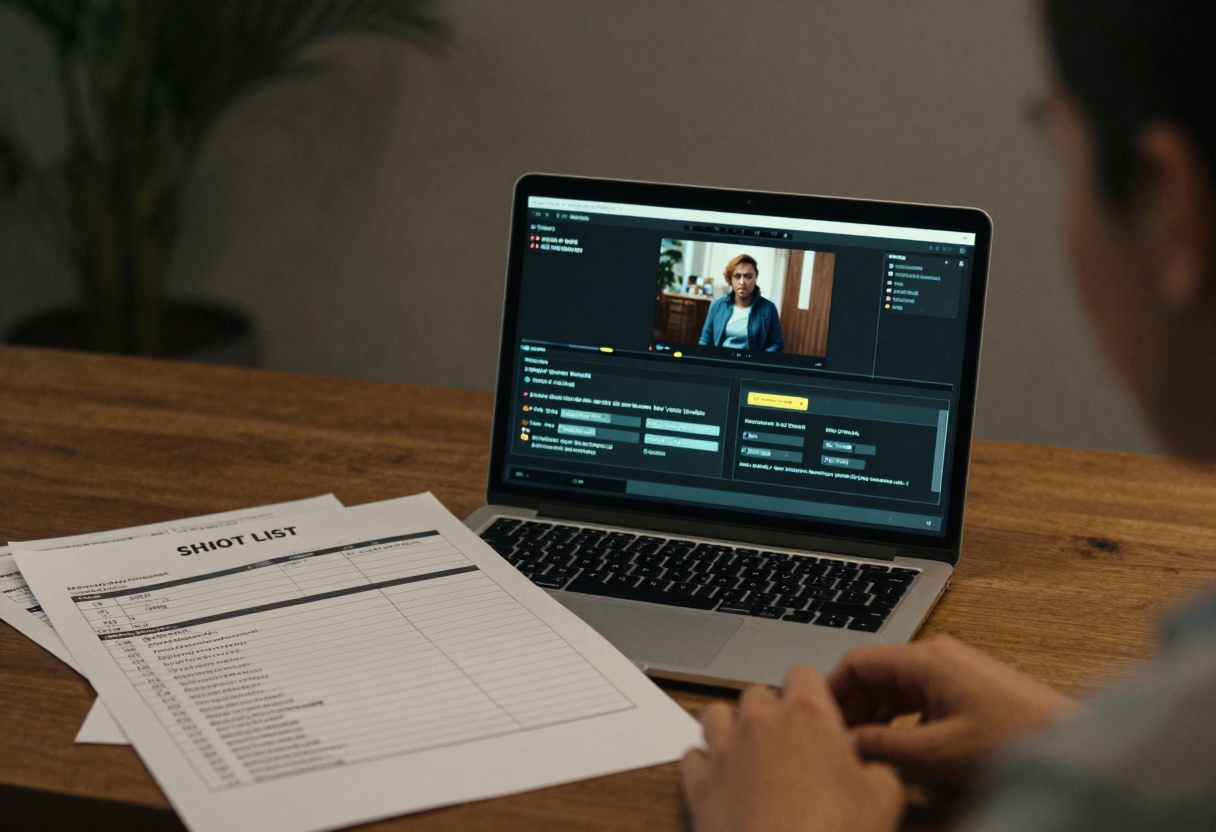
Try building prompts from a film-still mindset:
- Location: hotel lobby, jazz bar, rainy street, neon-lit city
- Lighting: soft rim light, candlelight, practical lamps, low key
- Lens: 35mm film look, shallow depth of field
- Emotion: tender, playful, confident, mysterious
Specify wardrobe and framing on purpose
A small amount of specificity prevents the model from “filling in the blanks” the wrong way.
Examples of safe constraints:
- “Fully clothed, elegant evening wear”
- “Waist-up portrait, hands visible, neutral pose”
- “No nudity, no explicit body details”
Use exclusions as guardrails
A simple “exclude” list helps keep generations in-bounds.
Example exclusions (adapt to your needs):
- no minors
- no non-consensual content
- no real-person likeness
- no nudity
- no explicit sexual acts
Tip: Keep exclusions short and direct. Long lists sometimes cause weird side effects.
Prompt ingredient table
Use this table to turn a vague adult-themed idea into a safer, clearer prompt.
| Prompt part | What to include | Safer example wording |
|---|
| Subject | age, vibe, role | “adult couple, confident posture” |
| Wardrobe | clothing, styling | “evening dress and suit, fully clothed” |
| Framing | crop and pose | “waist-up portrait, neutral pose” |
| Mood | emotion, scene tone | “romantic, candlelit, cinematic” |
| Boundaries | what to avoid | “no nudity, no explicit content, no minors” |
A practical safety workflow on PicassoIA
A repeatable flow keeps you from improvising boundaries mid-project.
- Write the concept in one sentence (what you want the viewer to feel).
- Add wardrobe + framing constraints.
- Add an exclude list.
- Generate 2 to 4 variations.
- Keep the best one, then iterate with small edits.
When to switch to “review mode” thinking
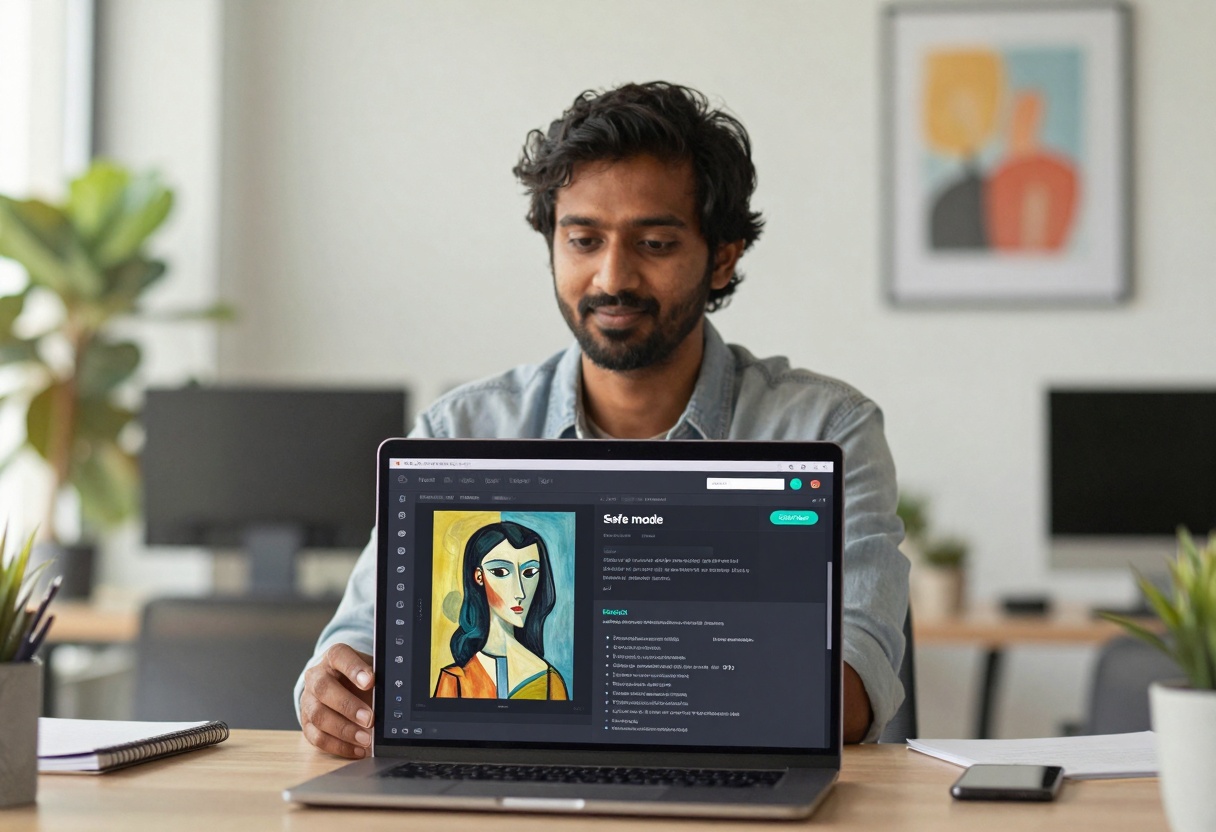
If you plan to publish (or if the output is borderline), do a quick review:
- Could someone reasonably think this depicts a minor?
- Does it look like a real person?
- Does the crop or pose drift into explicit territory?
- Would you be comfortable showing it to a platform moderator?
Planning adult-themed video prompts responsibly
Text-to-video adds motion, which can accidentally intensify a scene. For mature themes, the safest choice is to keep camera motion slow and framing conservative.
Simple video prompt pattern
- Scene: “dim jazz bar, soft neon reflections”
- Action: “two adults talk quietly, subtle smile”
- Camera: “slow dolly-in, waist-up framing”
- Boundaries: “no nudity, no explicit content”
Video parameters that matter
| Setting | Why it matters | Safer default |
|---|
| Duration | longer clips may drift | start with short duration |
| Aspect ratio | affects framing | choose one and design framing around it |
| Negative prompt | keeps content in-bounds | include nudity and explicit exclusions |
| Reference images | improves consistency | use only licensed or self-made references |
Fix issues before you share
Even with good prompts, you can get a frame that feels too revealing or too ambiguous. Treat fixes as part of the workflow.
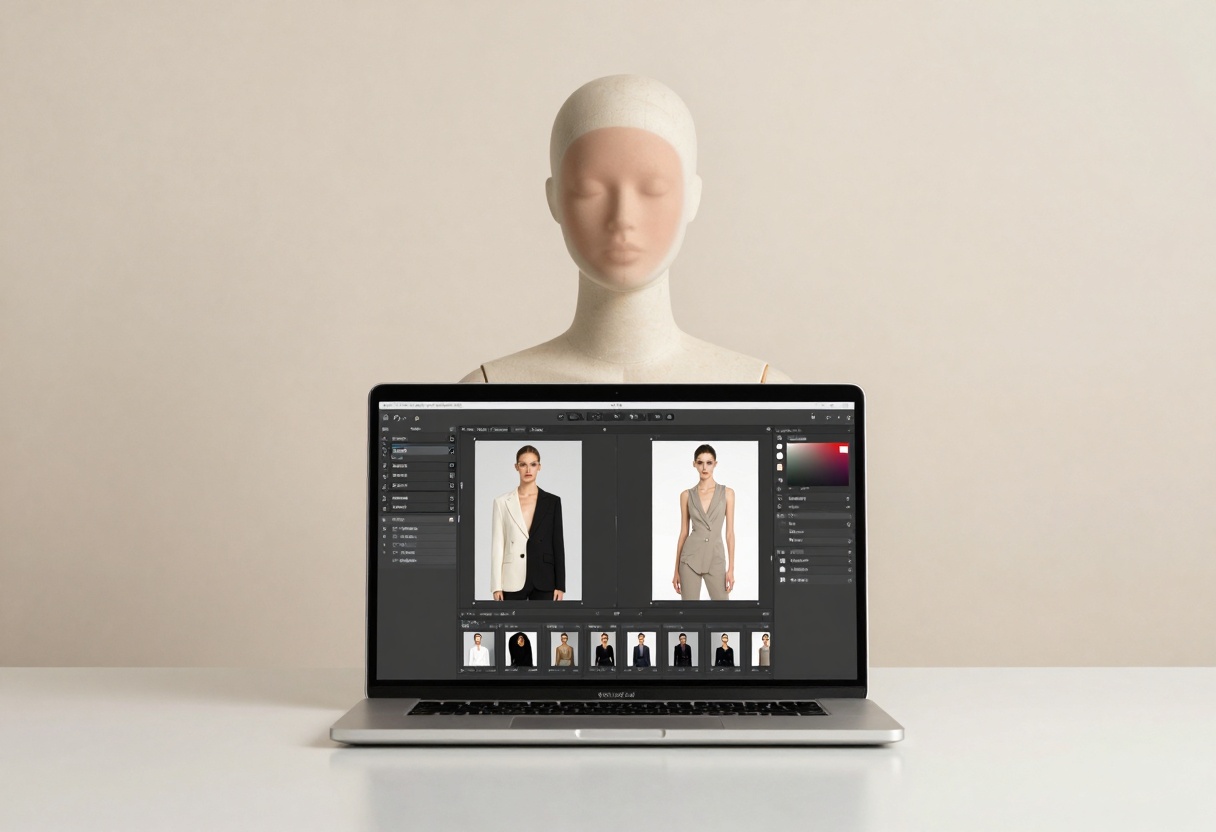
Redact, crop, or reframe
- Crop to waist-up or shoulders-up.
- Blur backgrounds if they introduce accidental context.
- Re-run with stronger wardrobe and framing constraints.
Keep your own “paper trail”
If you collaborate, it helps to document intent:
- The prompt and exclusions you used
- Whether references are licensed
- What audience the output is meant for
FAQ
Can I generate NSFW content on PicassoIA?
PicassoIA supports a range of creative needs, but you should always stay within the platform rules and local laws. When in doubt, steer toward mature, non-explicit concepts and add clear boundaries.
What is the safest way to avoid explicit results?
Be specific about:
- Clothing (fully clothed)
- Framing (waist-up or head-and-shoulders)
- Exclusions (no nudity, no explicit content, no minors)
Should I use real photos as references?
Only use reference images you have the rights to use, and avoid real-person likeness for sexualized content without clear permission.
Creating safer images with GPT Image 1.5 on PicassoIA
Model page: GPT Image 1.5
Step 1: Open the model page
Go to the model page and you will see the prompt box and settings.
Step 2: Fill the required parameter
- Prompt: describe the image you want.
A safe prompt example:
- “Cinematic portrait of two adults in elegant evening wear, romantic candlelit mood, waist-up framing, 35mm film look, no nudity, no explicit content, no real-person likeness”
Step 3: Adjust optional settings
Helpful options on this model:
- moderation: keep it on a safe setting when needed
- background: auto, transparent, or opaque
- aspect_ratio: pick the crop you want upfront
- output_format: webp, jpeg, png
- output_compression: balance file size and quality
Step 4: Generate and iterate
- Generate a few variations.
- Tighten wardrobe or framing if results drift.
- Save the best version.
Creating safer videos with veo-3.1-fast on PicassoIA
Model page: veo-3.1-fast
Step 1: Open the model page
Go to the model page and start with a short prompt that clearly states mood, camera, and boundaries.
Step 2: Fill the required parameter
- Prompt: what happens in the clip.
Example prompt:
- “Softly lit jazz bar scene, two adults talking quietly at a table, slow dolly-in camera, waist-up framing, cinematic lighting, mature romantic mood, no nudity, no explicit content”
Step 3: Tune optional settings
- duration: start short while testing
- resolution: pick 720p or 1080p based on your use
- aspect_ratio: match your intended platform
- negative_prompt: reinforce exclusions
- generate_audio: enable if you want ambience
- reference_images: use only licensed or self-made references
Step 4: Generate, review, refine
Review every clip like an editor:
- Is the scene still clearly adult-only?
- Did the camera drift into a risky crop?
- Does anything look like a real person?
If yes, re-run with stronger framing and a clearer negative prompt.
Key takeaways
- NSFW AI is not one thing, it ranges from mature mood to explicit content.
- The safest results come from wardrobe + framing + exclusions.
- Treat consent, privacy, and age as non-negotiable.
- On PicassoIA, start with short iterations, review carefully, then refine.
Ready to create responsibly? Start here: PicassoIA


